Easy guide to document searchability tagging
Nutrient Document Searchability Tagging is a standalone client side application (it is not a SharePoint app) that can be installed on any Windows client or server machine that can access your SharePoint instance via a network connection. It does not need to be installed on the SharePoint server.
System requirements
| Requirement type | Requirement |
|---|---|
| Supported operating systems | - Windows 10 (64bit) - Windows 11 - Windows Server 2012 (64bit) - Windows Server 2016 - Windows Server 2019 - Windows Server 2022 |
| Supported document stores | - SharePoint 2010 - SharePoint 2013 - SharePoint 2016 - SharePoint 2019 - SharePoint Online (Office 365) |
| Disk Space | 350 MB |
| Memory | Minimum 4GB (recommended 8GB) |
| .NET Framework | 4.7.2(opens in a new tab) |
| Visual C++ Redistributable | Visual C++ 2017 Redistributable (x64(opens in a new tab)) |
Entering a license key
Document Searchability Tagging will not run without a valid license key. If you do not have a valid license key, you will be prompted to enter one.
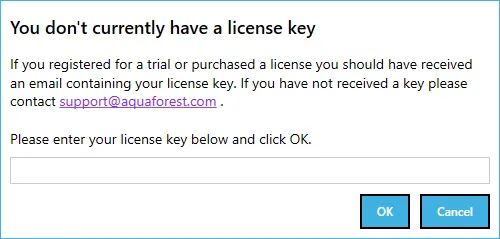
Contact us to request a key if you do not have one.
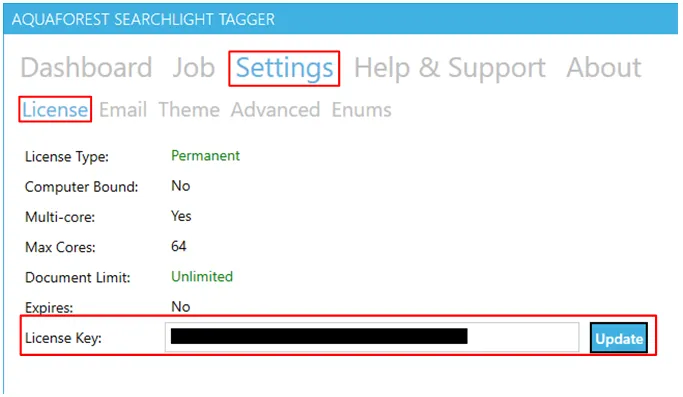
If you have a valid license key and wish to update it with a new one, go to Settings > License tab and enter the license in the License Key text box and click on Update.