Parse PDFs, scans, images, and Office files into spatial JSON or Markdown with coordinates, confidence, and page context. Extract structured data for agents, RAG, search, automation, and human review.
Trusted by enterprises, governments, and AI-native teams building document workflows at scale.
Capabilities
Detect every document element
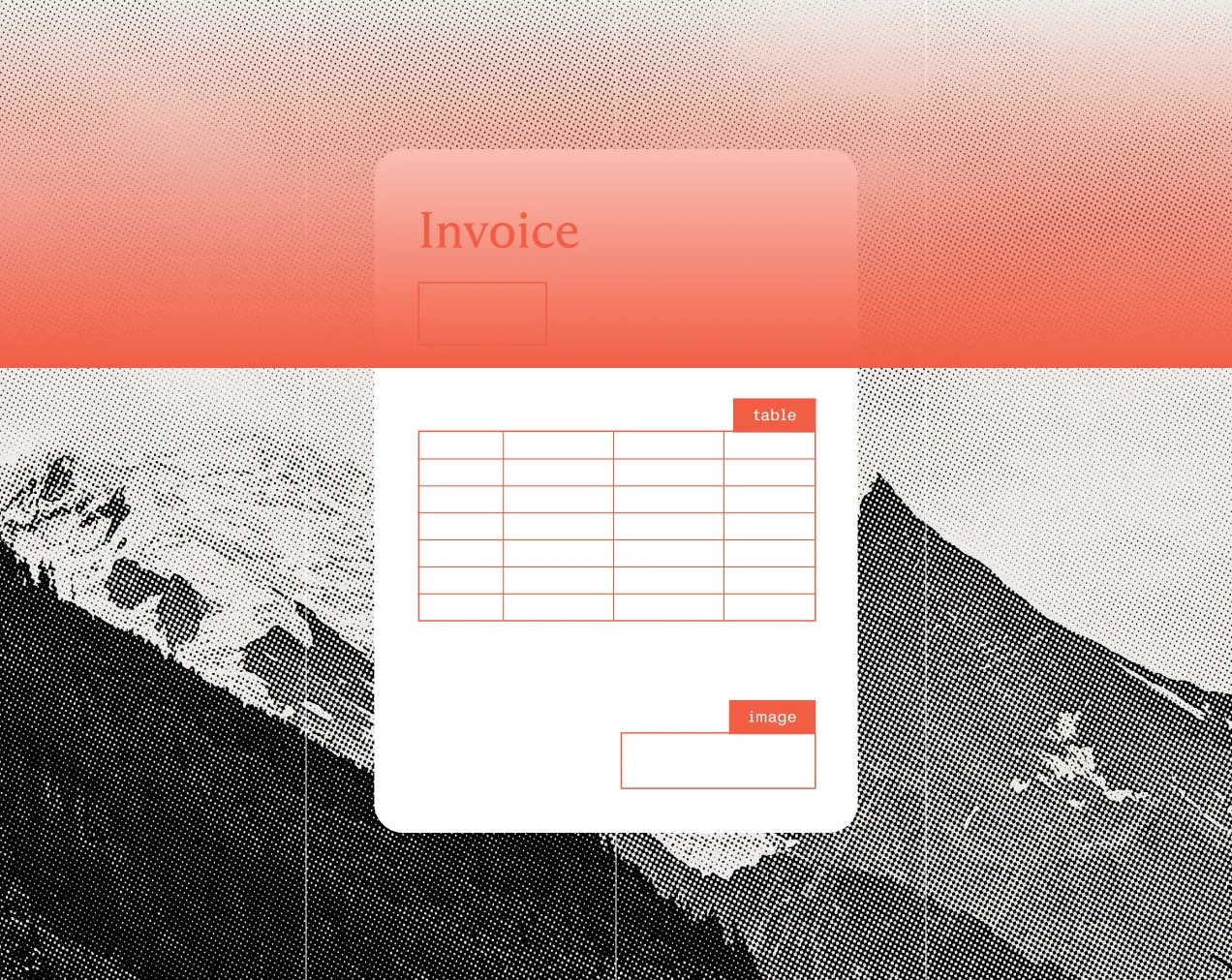
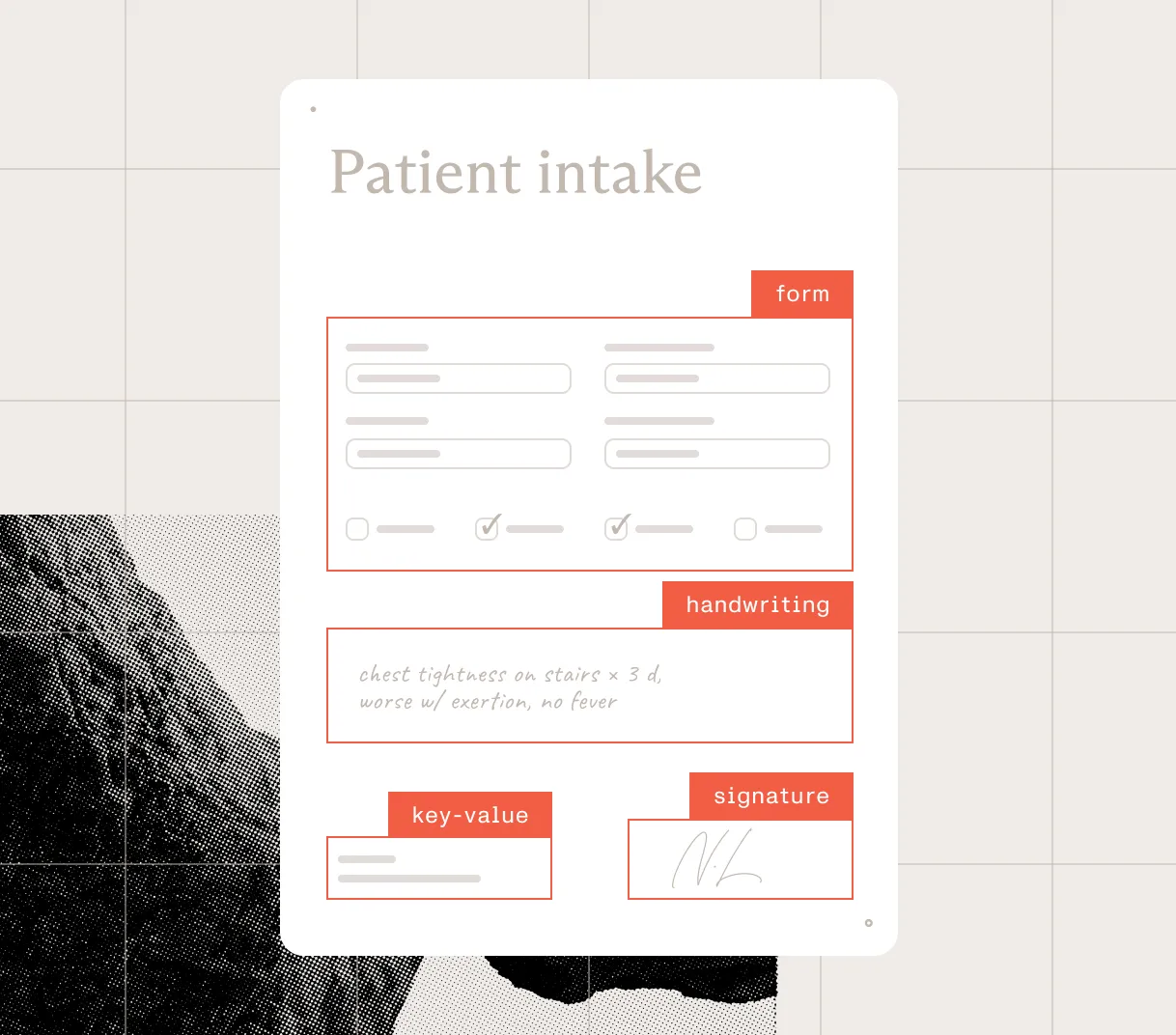
Identify tables, forms, formulas, images, charts, handwriting, key-value regions, headings, lists, and reading order across complex files.
Preserve page context
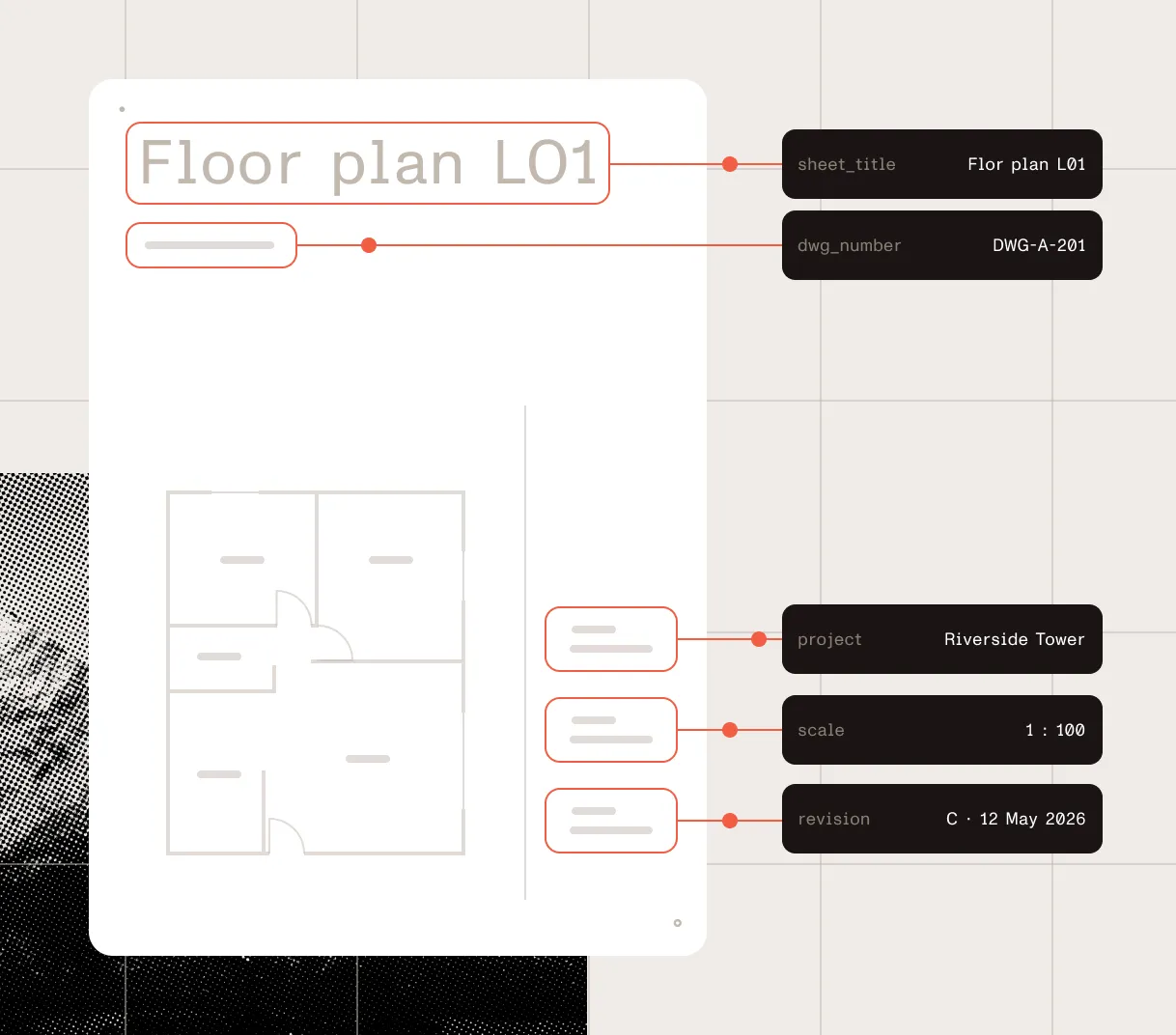
Keep elements connected to page position, confidence, and reading order so teams can validate, highlight, and use results downstream.
Choose speed, cost, or depth
Select the processing mode that fits the document — from low-cost Markdown to AI-augmented parsing for complex visual layouts.
Handle real-world files
Process PDFs, images, Office files, scans, and multilingual documents through one API.
Map data to your schema
Use /parse output as source evidence for schema workflows. AI Document Processing supports templates and validation today; hosted schema extraction is coming soon.
Extract complex tables
Extract tables, forms, images, and handwriting with rows, columns, spans, captions, and footnotes preserved.
Trace every value
Keep values connected to page position, confidence scores, reading order, and source evidence for review.
Send downstream
Return output ready to map into databases, ERPs, CRMs, review queues, and document workflows.
Spatial JSON for structured operations
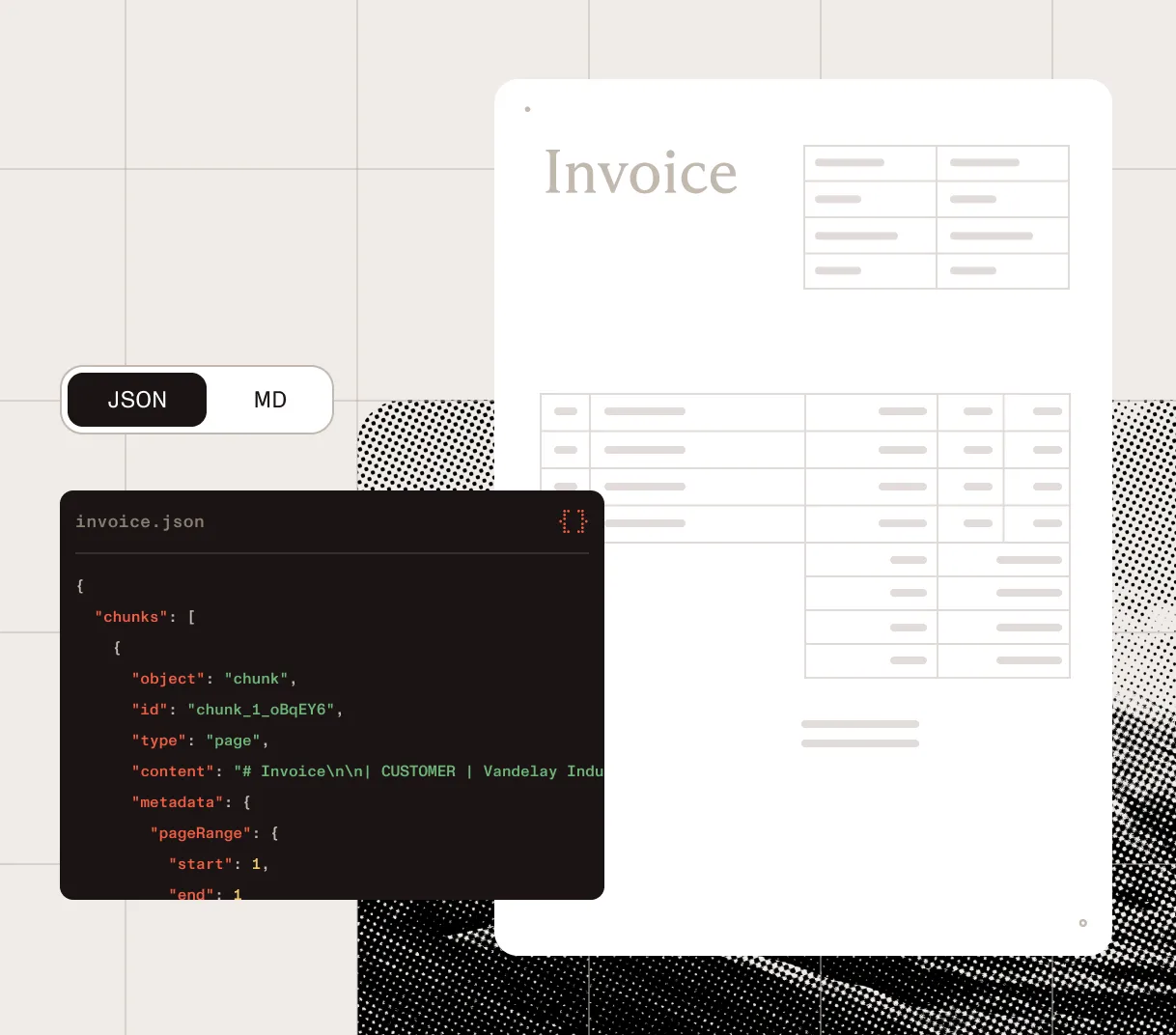
Use spatial JSON for layout-aware elements, tables, key-value regions, coordinates, confidence scores, and page context.
Markdown for AI and search
Use Markdown for fast, cost-efficient content for RAG, search indexing, knowledge bases, and content migration.
Predictable output for the next step
Return results in predictable formats so downstream systems can validate, route, review, automate, or feed AI and search workflows.
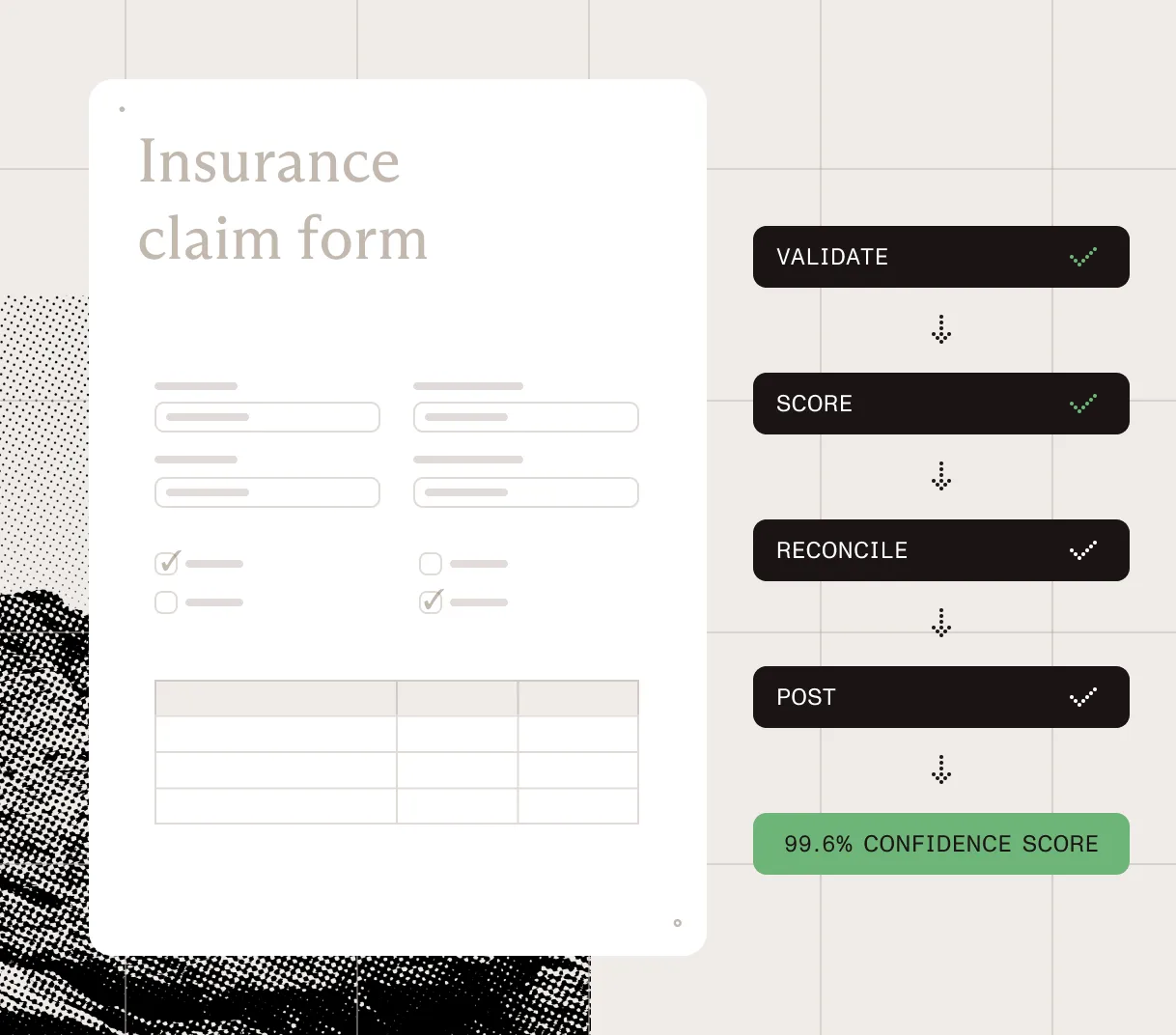
Validate before automating
Use confidence scores, coordinates, and word-level details to review the output before sending it downstream.
Route exceptions
Move clean results forward and hold low-confidence, incomplete, or mismatched files for review.
Reconcile and map
Compare extracted values against business rules, records, or downstream systems before posting.
Support review and recovery
Keep results tied to the source so teams can trace, fix, and recover issues.
Automate downstream workflows
Send typed JSON to business systems and review queues. Or, send Markdown to AI, search, knowledge bases, and content pipelines.
Detect every document element
Identify tables, forms, formulas, images, charts, handwriting, key-value regions, headings, lists, and reading order across complex files.
Preserve page context
Keep elements connected to page position, confidence, and reading order so teams can validate, highlight, and use results downstream.
Choose speed, cost, or depth
Select the processing mode that fits the document — from low-cost Markdown to AI-augmented parsing for complex visual layouts.
Handle real-world files
Process PDFs, images, Office files, scans, and multilingual documents through one API.
Map data to your schema
Use /parse output as source evidence for schema workflows. AI Document Processing supports templates and validation today; hosted schema extraction is coming soon.
Extract complex tables
Extract tables, forms, images, and handwriting with rows, columns, spans, captions, and footnotes preserved.
Trace every value
Keep values connected to page position, confidence scores, reading order, and source evidence for review.
Send downstream
Return output ready to map into databases, ERPs, CRMs, review queues, and document workflows.
Spatial JSON for structured operations
Use spatial JSON for layout-aware elements, tables, key-value regions, coordinates, confidence scores, and page context.
Markdown for AI and search
Use Markdown for fast, cost-efficient content for RAG, search indexing, knowledge bases, and content migration.
Predictable output for the next step
Return results in predictable formats so downstream systems can validate, route, review, automate, or feed AI and search workflows.
Validate before automating
Use confidence scores, coordinates, and word-level details to review the output before sending it downstream.
Route exceptions
Move clean results forward and hold low-confidence, incomplete, or mismatched files for review.
Reconcile and map
Compare extracted values against business rules, records, or downstream systems before posting.
Support review and recovery
Keep results tied to the source so teams can trace, fix, and recover issues.
Automate downstream workflows
Send typed JSON to business systems and review queues. Or, send Markdown to AI, search, knowledge bases, and content pipelines.
Turn complex files into document structure
Detect every document element
Identify tables, forms, formulas, images, charts, handwriting, key-value regions, headings, lists, and reading order across complex files.
Preserve page context
Keep elements connected to page position, confidence, and reading order so teams can validate, highlight, and use results downstream.
Choose speed, cost, or depth
Select the processing mode that fits the document — from low-cost Markdown to AI-augmented parsing for complex visual layouts.
Handle real-world files
Process PDFs, images, Office files, scans, and multilingual documents through one API.
Extract data for systems, agents, and review
Map data to your schema
Use /parse output as source evidence for schema workflows. AI Document Processing supports templates and validation today; hosted schema extraction is coming soon.
Extract complex tables
Extract tables, forms, images, and handwriting with rows, columns, spans, captions, and footnotes preserved.
Trace every value
Keep values connected to page position, confidence scores, reading order, and source evidence for review.
Send downstream
Return output ready to map into databases, ERPs, CRMs, review queues, and document workflows.
Return predictable output your systems can use
Spatial JSON for structured operations
Use spatial JSON for layout-aware elements, tables, key-value regions, coordinates, confidence scores, and page context.
Markdown for AI and search
Use Markdown for fast, cost-efficient content for RAG, search indexing, knowledge bases, and content migration.
Predictable output for the next step
Return results in predictable formats so downstream systems can validate, route, review, automate, or feed AI and search workflows.
Build governed document workflows, from extraction to downstream use
Validate before automating
Use confidence scores, coordinates, and word-level details to review the output before sending it downstream.
Route exceptions
Move clean results forward and hold low-confidence, incomplete, or mismatched files for review.
Reconcile and map
Compare extracted values against business rules, records, or downstream systems before posting.
Support review and recovery
Keep results tied to the source so teams can trace, fix, and recover issues.
Automate downstream workflows
Send typed JSON to business systems and review queues. Or, send Markdown to AI, search, knowledge bases, and content pipelines.
Start free
No credit card required.
Your free plan includes:
Processing modes
Choose speed, cost, or depth per workflow. Set mode per request.
Text
AvailableLow-cost Markdown for born-digital PDFs and Office files
Structure
AvailableSpatial JSON with OCR, tables, key-value regions, bounds, confidence, and page context
Understand
AvailableAI-augmented parsing for complex layouts, handwriting, formulas, and OCR correction
Agentic
Coming soonAgent-guided extraction for documents that need deeper reasoning, review, and recovery
Output formats
Elements, bounds, confidence, metadata, and usage. Chooseoutput: "json" or Markdown per request.
Spatial JSON
For extraction · validation · review
{ "status": "processed", "usage": { "pages": 4, "credits": 6 }, "pages": [ { "index": 0, "elements": [ { "type": "key_value_pair", "label": "Invoice number", "value": "INV-20241108", "confidence": 0.98, "page": 1, "bounds": [82, 128, 284, 152] }, { "type": "table", "rows": 3, "columns": 4, "confidence": 0.96, "bounds": [70, 320, 516, 482] } ] } ]}Markdown
For RAG · search · knowledge bases
# Invoice INV-20241108
**From** Acme Studios LLC**Issued** Nov 8, 2024
## Line items
| Item | Qty | Total || --- | ---: | ---: || Visual identity | 1 | $8,500 || Brand guidelines | 1 | $2,200 |
**Total · $13,500.00**
Built for production
Handle messy real-world files
Process PDFs, photos, scans, Office files, and archives without building a separate parser for each format.
Return source-grounded outputs
Return coordinates, confidence, page context, and review paths so AI outputs stay tied to source evidence.
Flag uncertainty before automation
Use confidence scores and page context to catch extraction issues before agents or automations rely on them.
Choose speed, cost, or depth
Pick the cheapest mode that meets your accuracy bar. Then increase depth only when documents require it.
Prepare schema-ready data
Use /parse output with AI Document Processing templates today. Hosted schema extraction is coming soon.
Connect the full workflow
Parse first. Then convert, redact, generate, sign, view, edit, or approve across Nutrient DWS and SDKs.
SOC 2 Type 2
Audited annually. Reports available under NDA.
Regional processing options
Choose supported processing regions for enterprise deployments.
Trust and compliance
Secure document handling
Files are discarded once their data is extracted.
HTTPS/TLS encryption
API communication is encrypted by default, and unencrypted requests are rejected.
Data Extraction API processes PDFs, images, Word, Excel, PowerPoint, and other common document formats. Upload files directly, send raw binary content, or point the API at a hosted document URL. It handles scanned PDFs, fillable forms, and mixed digital/image-based documents without requiring a separate OCR pipeline.
Yes. The hosted /parse API returns spatial JSON with typed document elements, tables, key-value regions, coordinates, confidence scores, page context, and optional word-level bounds. For target-schema extraction, templates, classification, and validation today, use AI Document Processing. Hosted schema-driven extraction for Data Extraction API is coming soon.
A general LLM can reason over document text, but it doesn’t give you a document processing layer by itself. Data Extraction API returns layout-grounded elements with reading order, coordinates, confidence scores, and page references, so teams can validate, route, highlight, and automate with traceability.
Spatial JSON and Markdown are separate output formats on the same API. Choose spatial JSON when your workflow needs structured elements with layout context, or Markdown when you need clean structured content for RAG, search, or document Q&A. Send two requests if your pipeline needs both.
Every extracted element comes back with confidence scores, page references, coordinates, and word-level details, so you can compare outputs across sample documents, flag low-confidence fields for human review, highlight results on the original document, and route exceptions to a review queue. Because results stay connected to the source document, teams can trace outputs back to the original page and correct downstream records when needed.
Yes. Use Data Extraction API as the parsing layer. Then connect the output to AI Document Processing for templates and validation; DWS Processor for conversion, redaction, generation, and signing; and Nutrient SDKs when humans need to review, edit, annotate, or approve documents in your application.
No. Uploaded files are processed and discarded — extracted content is returned in the API response and not retained. All API communication uses HTTPS with TLS encryption, and unencrypted HTTP requests are rejected.
Yes. The API is backed by Nutrient’s broader security practices, including SOC 2 Type 2 compliance, with no persistent document storage and TLS-encrypted transport — built for use in business-critical and regulated workflows.
New accounts get 5,000 free Data Extraction API credits per month with no credit card required. Beyond the free tier, you control cost by choosing the processing mode that fits each workflow: text for low-cost Markdown extraction, structure for spatial JSON, understand for AI-augmented parsing, and agentic for advanced extraction workflows when it becomes available.
Understand mode uses an AI-augmented extraction pipeline for complex documents that need richer layout understanding, OCR correction, handwriting support, formulas, and structure-aware output.
5,000 free Data Extraction API credits per month — no credit card required. Parse PDFs, images, scans, and Office files into spatial JSON or Markdown for AI workflows, automation, and human review.




