DOCUMENT AI MCP SERVER
Hand your LLM a prompt and get a finished, compliant PDF back. MCP Server plugs Claude, GPT, or any agent framework straight into Nutrient’s battle-tested DWS APIs, so document workflows run on words, not glue code. Install it as a Claude Desktop extension, or run it over stdio in other MCP clients and containerized environments.
INSTALL
See the Web SDK docs, DWS, Document Engine, and Workflow connections — with client-specific setup for Claude, Codex, Cursor, and generic MCP clients.
GitHub Copilot snippets and llms.txt metadata surface the right Nutrient calls directly in your IDE.
Deterministic JSON schema keeps LangGraph, OpenAI Agents, and Claude Desktop predictable.
Every job runs in an isolated workspace; secrets and file systems stay safe.
Long-running PDF operations stream back in real time, so your agents never hit token limits. We prioritize meaningful results over busyness.
Launch AI features months faster while slashing integration risk.
Zero code — no scripts or custom code required.
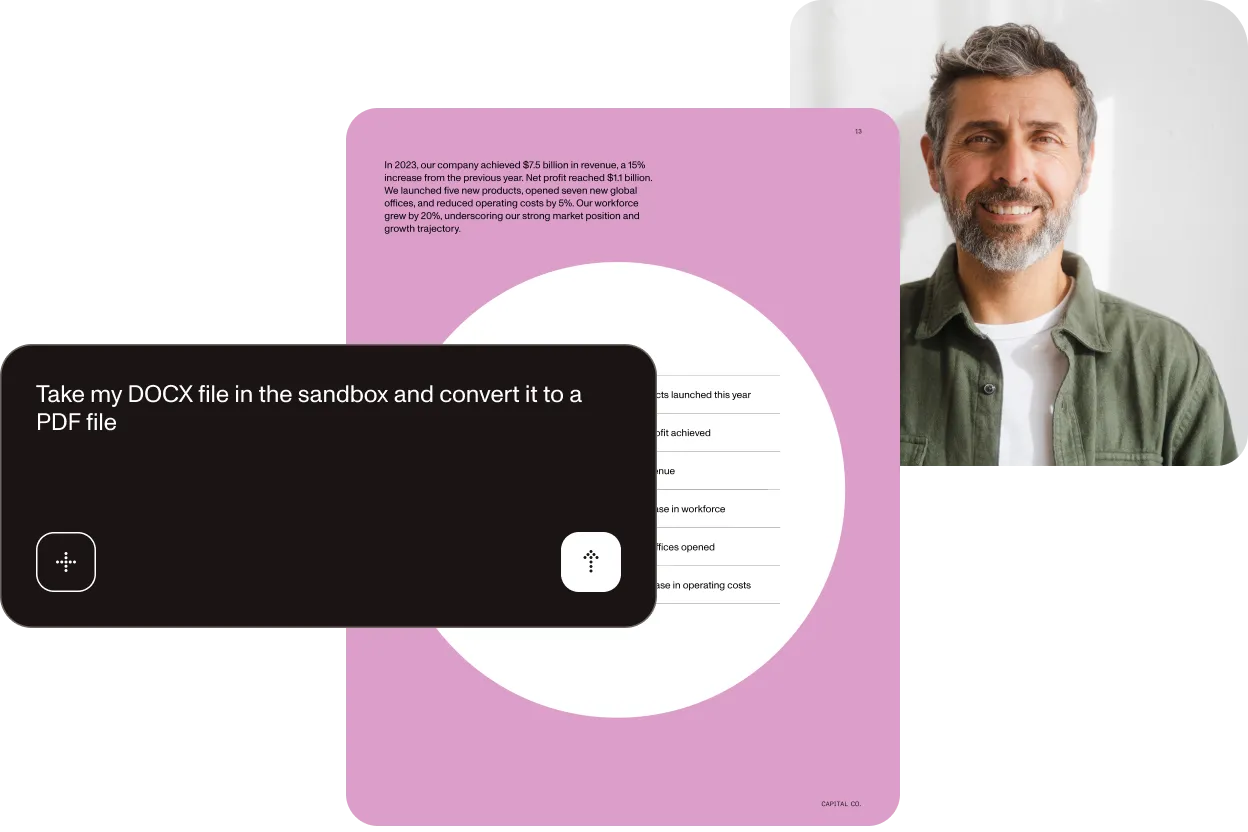
Convert my DOCX to PDF.

DOCX → PDF conversion via DWS; file returned to sandbox
Convert all PDFs to DOCX.
Batch-converts all PDFs in the directory
Extract the table from invoice.pdf and print it.
Table extraction model returns structured JSON
Perform key-value extraction on my credit card application.
Auto-detects a file and returns names, dates, and SSNs
Sign invoice.pdf and watermark it with PAID.
Adds a visible watermark, embeds a PAdES signature
IMPLEMENTATION
Get the latest .mcpb package from GitHub Releases.
Choose a sandbox directory and keep your working files local.
“Convert all PDFs to DOCX and save them.” Claude opens a browser for OAuth the first time an API-backed request runs.
IMPLEMENTATION
SANDBOX_PATH=./sandbox npx -y @nutrient-sdk/dws-mcp-serverBrowser OAuth works here too. Add NUTRIENT_DWS_API_KEY only for CI or headless environments. See the security model.
Nutrient MCP Server works with Nutrient DWS Processor API — fast, predictable document processing at scale. Grab a free API key or explore the full API reference to start building.
Nutrient MCP Server is an open source microservice that translates natural language prompts from any large language model (LLM) into deterministic JSON calls to Nutrient Document Web Services (DWS) APIs. It then streams back finished PDFs, structured JSON, or images — no glue code required.
You expose the server’s JSON schema as a function/tool and let the LLM choose the right operation. Examples for OpenAI “function calling,” Anthropic “tool” messages, and LangGraph nodes live in the repository.
Yes, in Claude Desktop. Download the extension package from GitHub Releases, install it, choose a sandbox directory, and prompt: “Convert all PDFs to DOCX and save them.” The agent does the rest.
Every job runs against a local sandbox directory. Files stay local until you invoke a Nutrient operation; then the selected document and processing instructions are sent to Nutrient for processing, and the result is written back to your local output path.
Conversion, merge, split, OCR, AI redaction (PII/PHI/PCI), table and key-value extraction, PDF/A-UA, PAdES signatures, watermarks, and more all work out of the box, matching Nutrient’s full DWS feature set.
Yes. Refer to the MIT license on GitHub. Fork it, extend it, or file an issue.
Claude Desktop users can install the packaged extension directly. Other MCP clients can run the server with Node 20 or newer over stdio. For scripted or containerized deployments, use the open source repository and npx-based setup.
Soon, the Document Engine container will ship with MCP baked in, giving every on-premises customer natural language control by default. Drag-and-drop agent templates for contract review, onboarding, and compliance will follow, slashing your time-to-value even further.




