Search
Coursework and assessment
Keep student work inside the learning flow
Turn document-based assignments into work students can complete in your platform. Connect their responses and source material to the assessment tools and agents you build.
The workflow
Preserve the work behind the answer
An agent can prepare feedback from the assignment context and recorded response. When an answer needs another look, the original work gives the reviewer something concrete to inspect and correct.
- 1
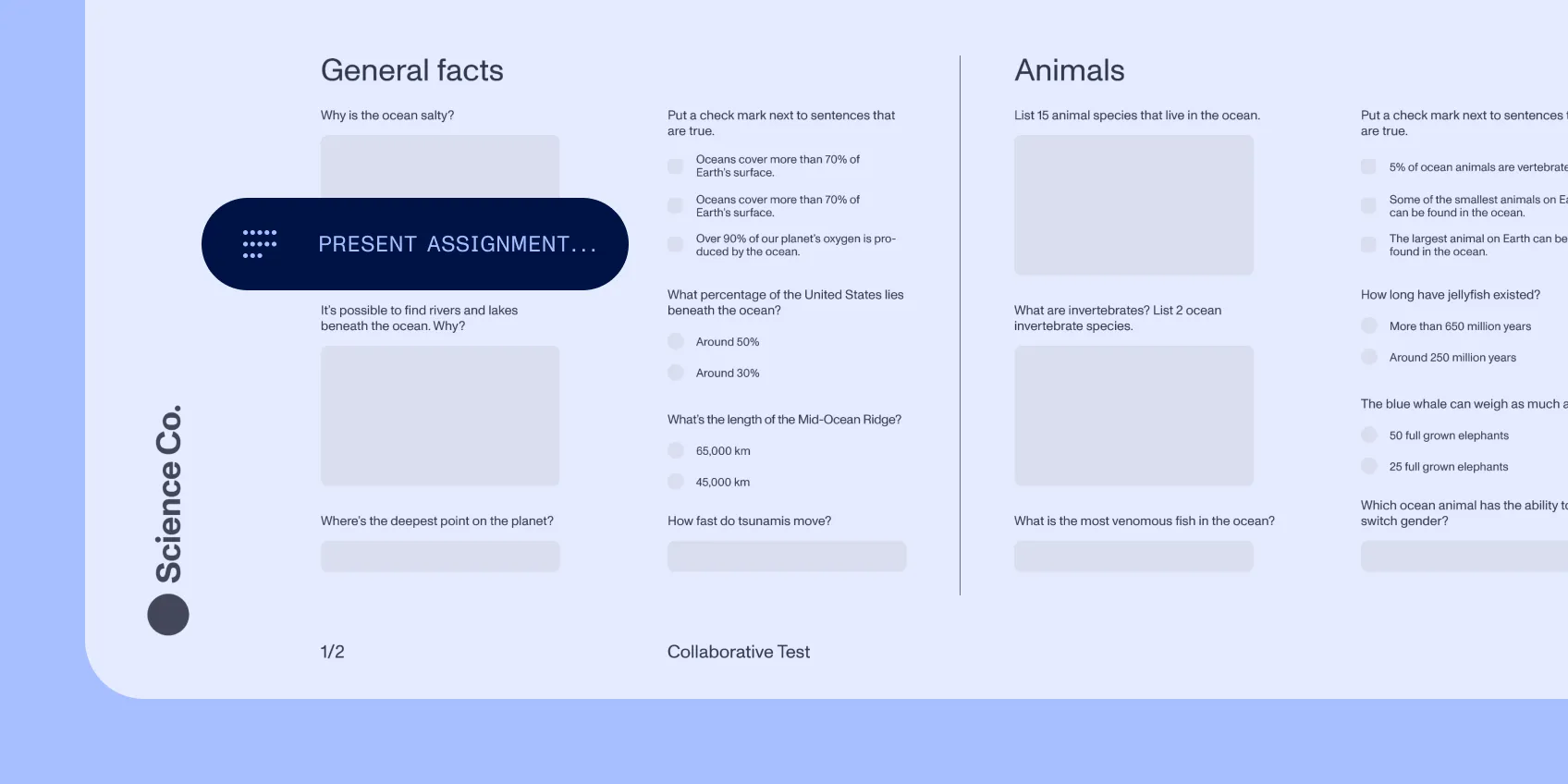
Set the context
Present the assignment and supporting documents together.
- 2
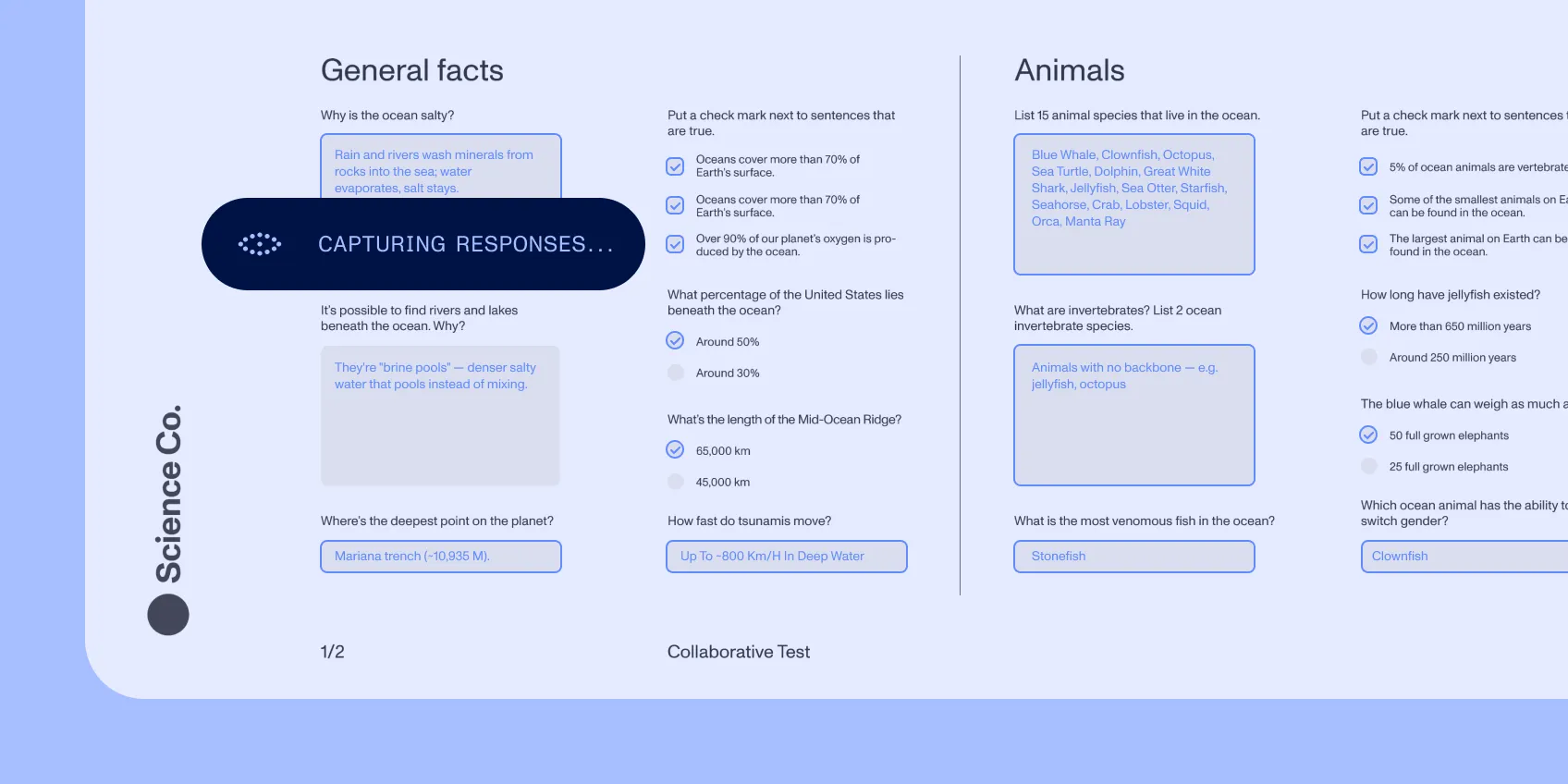
Capture the response
Keep written input, drawings, and annotations with the relevant page.
- 3
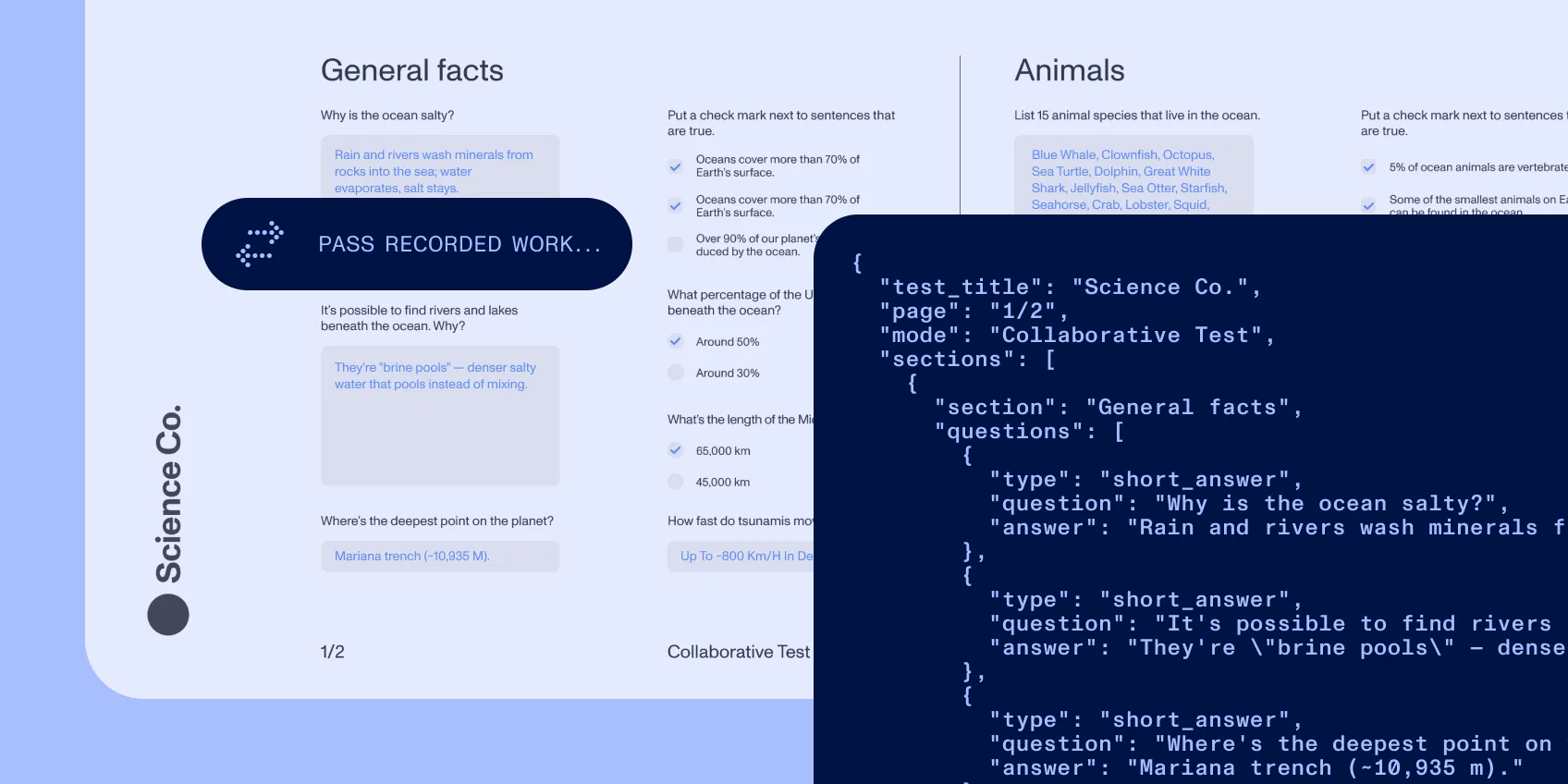
Connect the assessment
Pass recorded work to your assessment service and return feedback to the learning experience.
Specification
Controls
Keep assessment connected to evidence
Form fields give responses structure. Annotations preserve page-level work. Source references link extracted document information to its location. Define required inputs and return incomplete submissions before the next step. Capture corrections with the submission so your team can evaluate changes to assessment instructions.
Implementation
Build into the platform you own
Embed viewing, forms, and annotation with the Web SDK. Connect document data to your learning records and grading service. Test representative assignments, assistive-technology needs, and classroom devices; choose viewer accessibility or PDF accessibility work according to the documents involved.