Search
Document capabilities
Nutrient is the document layer for agents. Each link leads to the product or guide with supported formats, deployment options, and implementation details.
Display as:
Data extraction
Extract document fields into structured JSON using your schema.
Source grounding
Connect extracted values to source locations with per-field citations and match labels.Comparison
Identify text and visual differences between document versions.
Redaction
Permanently remove selected text, images, and regions from PDFs.Editing
Edit PDF text, images, and page structure.Conversion
Convert Office files and images to PDF, or PDFs to editable formats.OCR
Make scanned document text searchable, selectable, and copyable.Generation
Generate PDFs from HTML and document templates.Document authoring
Create and edit DOCX documents in the browser with Document Authoring.
Compression
Reduce PDF file size with image compression and font subsetting.PDF/A archiving
Convert documents to PDF/A for long-term preservation.
Viewer accessibility
Support document reading with keyboard navigation and screen reader compatibility.
PDF accessibility
Auto-tag PDF structure and validate PDF/UA conformance with the Accessibility API.Viewing
Display PDFs, Office files, and images inside your application.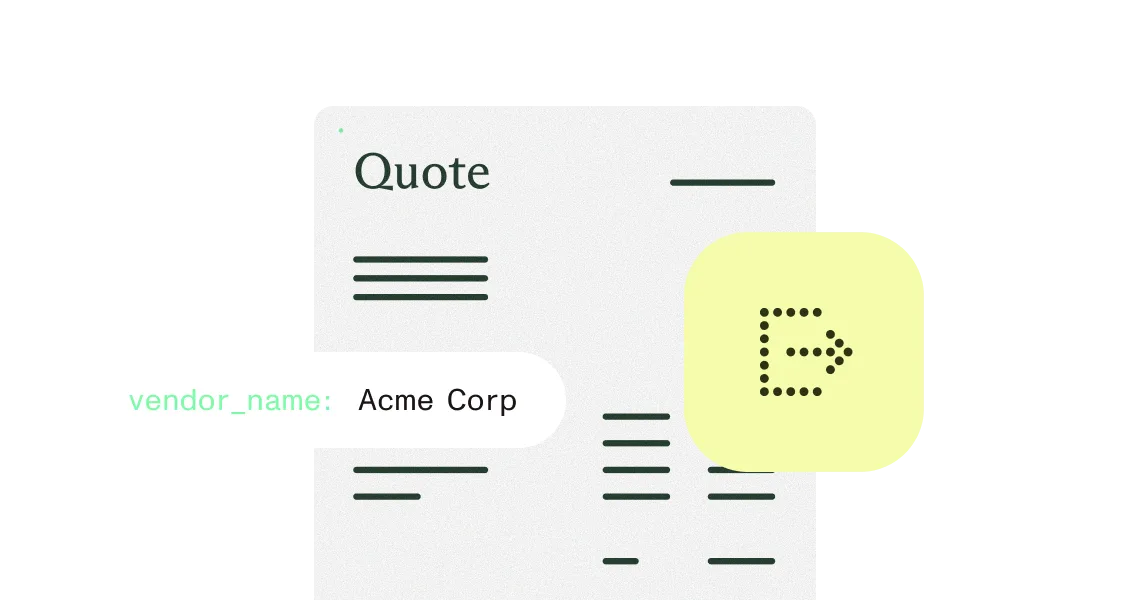
Annotations
Add highlights, notes, and drawings to PDF pages.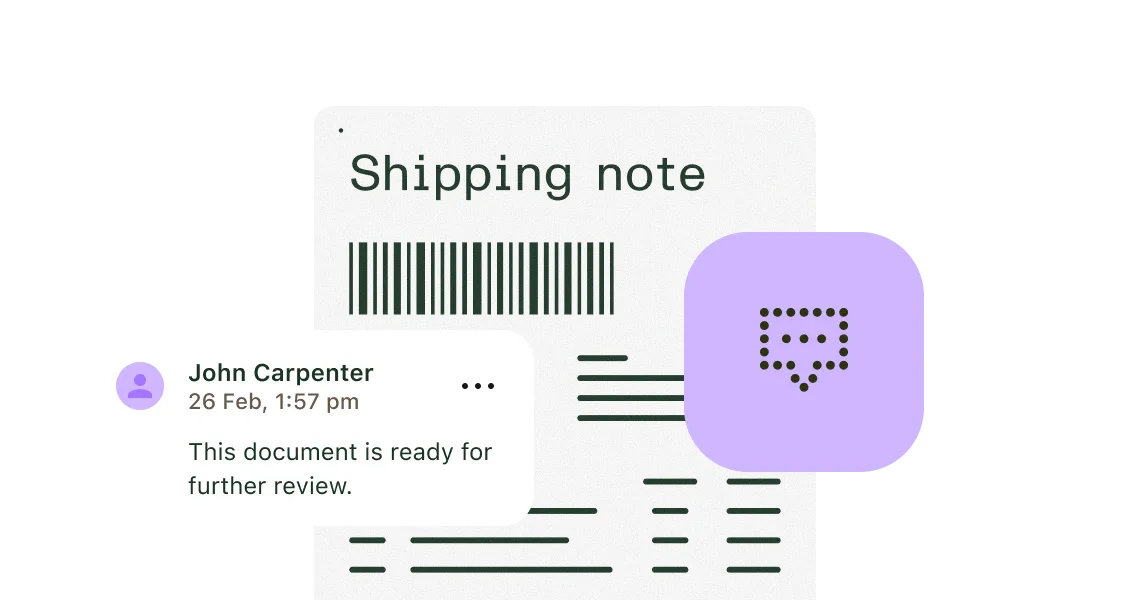
Forms
Create and fill interactive PDF form fields.Collaboration
Synchronize document annotations and comments across reviewers.Signing
Apply electronic signatures or certificate-based digital signatures to PDFs.Document tool validation
Check tool names, arguments, and element IDs before applying Document Authoring edits.Approval routing
Route Workflow Automation tasks using status, form data, and approval choices.
Data extraction
Extract document fields into structured JSON using your schema.
Source grounding
Connect extracted values to source locations with per-field citations and match labels.
Comparison
Identify text and visual differences between document versions.
Redaction
Permanently remove selected text, images, and regions from PDFs.
Editing
Edit PDF text, images, and page structure.
Conversion
Convert Office files and images to PDF, or PDFs to editable formats.
OCR
Make scanned document text searchable, selectable, and copyable.
Generation
Generate PDFs from HTML and document templates.
Document authoring
Create and edit DOCX documents in the browser with Document Authoring.
Compression
Reduce PDF file size with image compression and font subsetting.
PDF/A archiving
Convert documents to PDF/A for long-term preservation.
Viewer accessibility
Support document reading with keyboard navigation and screen reader compatibility.
PDF accessibility
Auto-tag PDF structure and validate PDF/UA conformance with the Accessibility API.
Viewing
Display PDFs, Office files, and images inside your application.
Annotations
Add highlights, notes, and drawings to PDF pages.
Forms
Create and fill interactive PDF form fields.
Collaboration
Synchronize document annotations and comments across reviewers.
Signing
Apply electronic signatures or certificate-based digital signatures to PDFs.
Document tool validation
Check tool names, arguments, and element IDs before applying Document Authoring edits.
Approval routing
Route Workflow Automation tasks using status, form data, and approval choices.
Your search returned no results.
Your search returned no results. Try a different search term.