PDF accessibility for developers: Meeting WCAG 2.2, Section 508, and PDF/UA with an SDK
What makes a PDF accessible, which standard applies (WCAG 2.2, Section 508, or PDF/UA), and how to ship compliant PDF apps on web, iOS, and Android with an SDK.

Nutrient ships with WCAG 2.2 AA support, built-in semantics, screen reader compatibility, and PDF/UA auto-tagging — so your documents and your viewer are accessible from the start.
More than 1 billion people rely on accessible digital experiences. Inaccessible software and inaccessible documents turn away users, disqualify vendors from major deals, and invite legal action.
71 percent of users with disabilities leave inaccessible sites immediately — driving churn and lost conversions. (Click-Away Pound)
ADA litigation is rising fast, with six‑figure settlements for basic WCAG violations. (WebAIM)
Enterprise and government RFPs require a VPAT. No proof? No deal.
The EU Accessibility Act started enforcing WCAG 2.1 AA in 2025.
Nutrient gives your team accessible-by-default UI components, WCAG 2.2 AA coverage, PDF/UA document output, and the documentation procurement teams ask for — without slowing you down.
Independently validated with Level Access and available under NDA.
Keyboard operability, semantic markup, contrast, alt text, reduced motion, and more — fully supported out of the box.
Generate ISO 14289-compliant PDFs with proper tags, reading order, and structure — so your documents are accessible to screen readers and assistive technology.
Get the validated VPAT delivered fast. Email your sales representative to get the PDF delivered with a quick, click-wrapped NDA.
Nutrient’s architecture lets you move fast and build your way, without accessibility tradeoffs — from the viewer UI to the document itself.
| Common pitfalls | Nutrient difference |
|---|---|
| Manually nested ARIA hacks |
Semantic roles and states out of the box
|
| Fragile focus management logic |
Focus order handled automatically
|
| Rigid UI frameworks | Drop into your UI or use ours |
| Weeks of trial-and-error setup |
Zero configuration — accessible by default
|
|
Manual PDF tagging and remediation
|
PDF/UA auto-tagging produces compliant documents at scale
|
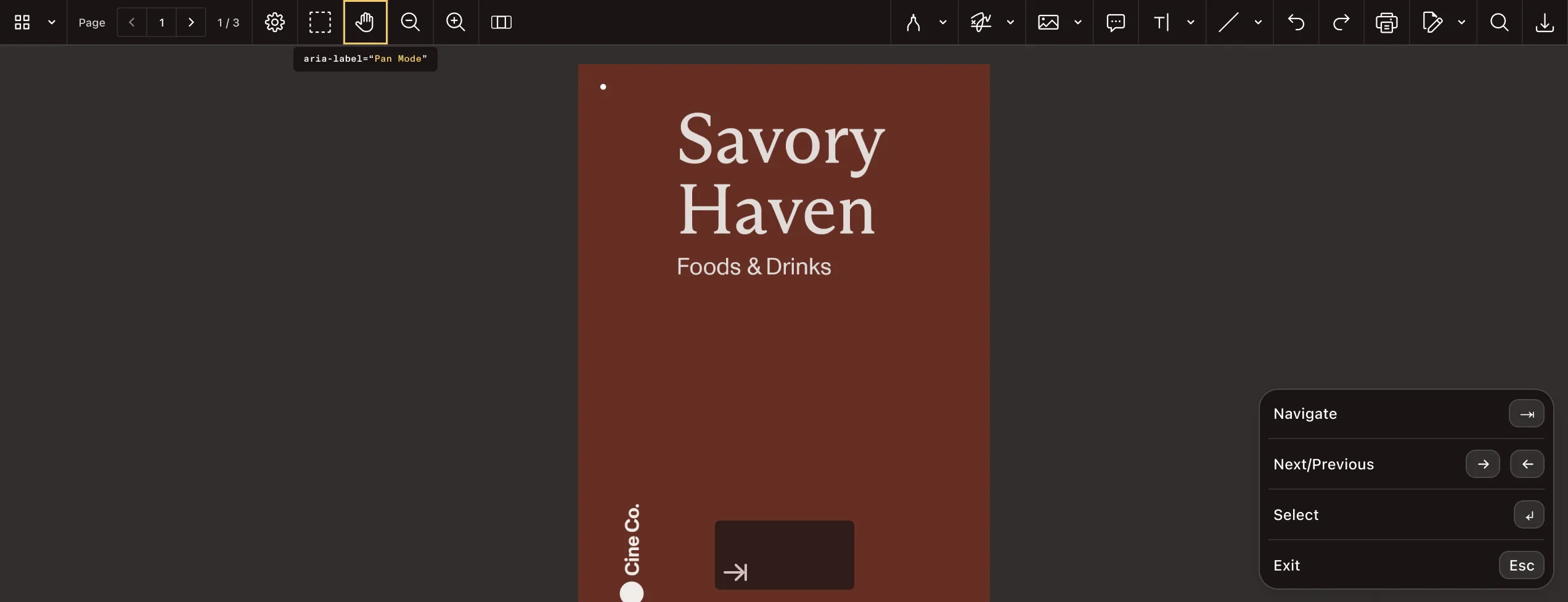
Feature deep dive
Nutrient handles the hard parts — from screen reader support, to localizable labels and accessible form elements.
Read, write, and validate image descriptions through one API — accelerating WCAG compliance.
Translate every label or tooltip using simple JSON — no rebuilds or redeploys required.
Get semantic hierarchy, live regions, and built-in labels with no extra configuration.
Enable assistive technology users to fill, sign, and submit forms with full event tracking.
Produce WCAG-compliant image descriptions automatically with vision language models — available in the Java and Python SDKs.

PDF/UA
Nutrient handles the complexities of document accessibility, including PDF/UA auto-tagging and the generation of properly structured, accessible PDFs.
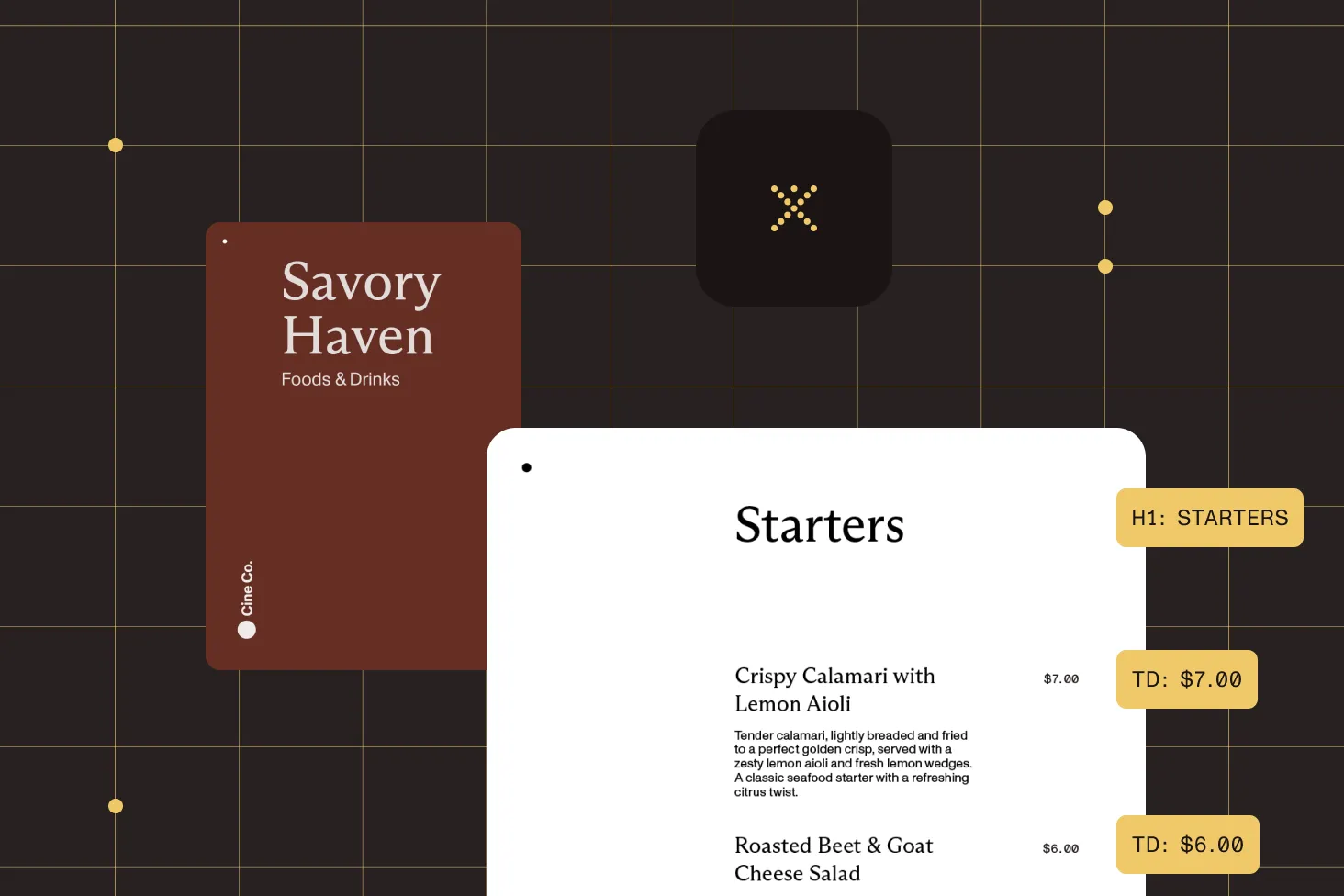
Automatically generate tagged, ISO 14289-compliant PDFs with correct heading structure, reading order, and alternate text — no manual remediation required.
Convert Word documents and templates directly to PDF/UA format, preserving structure and accessibility tags throughout the pipeline.
Validate PDF/UA-1 conformance automatically and get back a machine-readable report, so proving compliance is an API call, not a manual audit.
Section 508 of the Rehabilitation Act requires U.S. federal agencies — and the vendors that sell to them — to make software and electronic documents accessible. Its technical standard incorporates the WCAG 2.0 Level A and AA success criteria by reference, so the same capabilities behind Nutrient’s WCAG 2.2 AA viewer conformance and PDF/UA auto-tagging support Section 508 conformance for both the viewing UI and the PDFs it produces.
Accessible software
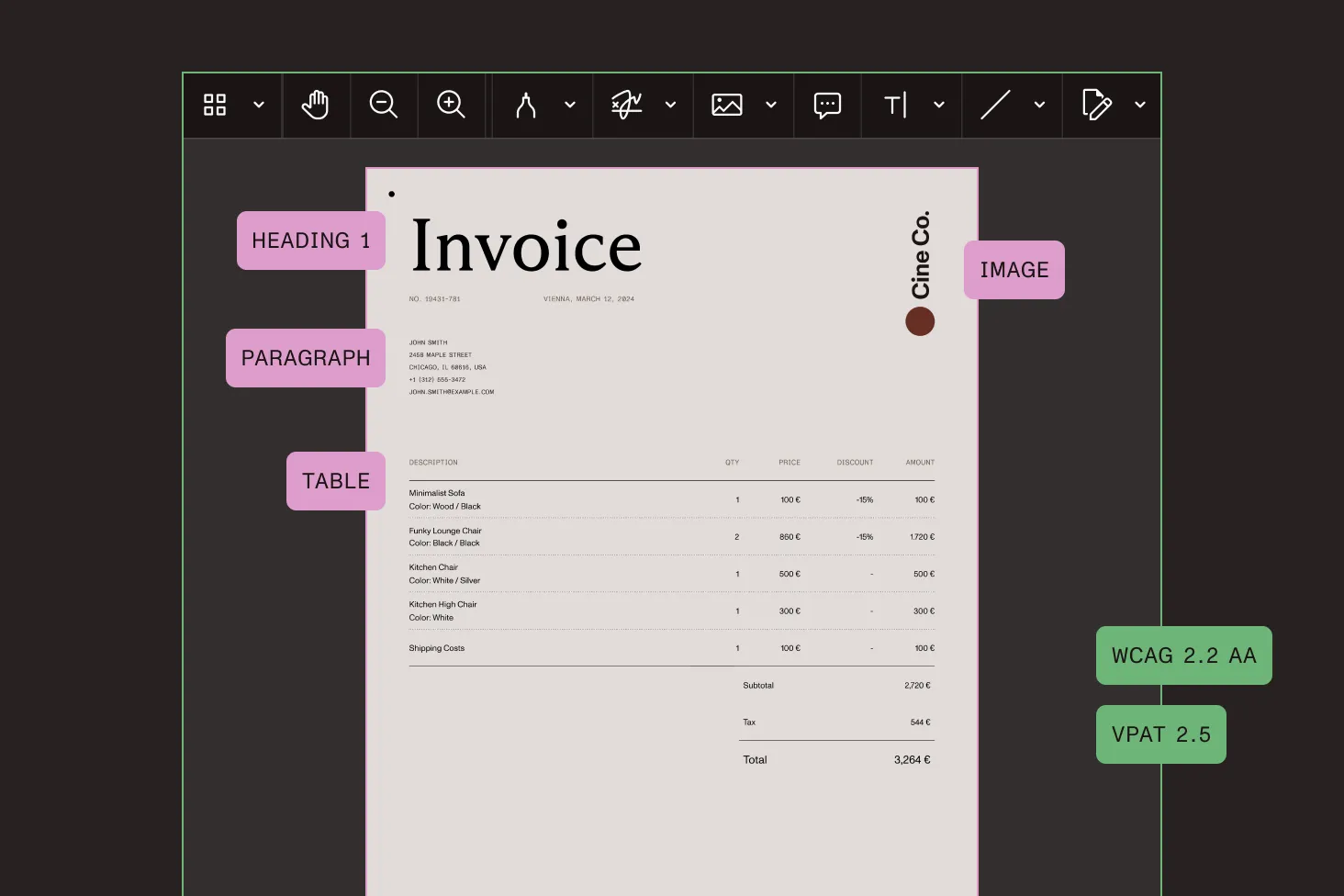
The viewer ships with WCAG 2.2 AA coverage — inclusive of the WCAG 2.0 AA criteria Section 508 references — and a VPAT 2.5 that procurement teams can use directly in Section 508 evaluations.
Accessible documents
Section 508 also applies to the documents themselves. PDF/UA auto-tagging produces ISO 14289-compliant tagged PDFs with correct structure, reading order, and alternate text, and DOCX-to-PDF/UA conversion keeps generated documents accessible end to end.
import PSPDFKit from "pspdfkit";
// Obtain a PSPDFKit document instance.const instance = await PSPDFKit.load({ container: "#pspdfkit", document: "<document-file-path>", licenseKey: "<license-key>"});
console.log("PSPDFKit for Web is ready!");console.log(instance);TALK TO AN EXPERT
The current VPAT 2.5 describes conformance for the UI layer of Nutrient Web SDK. For document-level accessibility, Nutrient also offers PDF/UA auto-tagging to produce ISO 14289-compliant PDFs with proper structure, tags, and reading order.
No vendor can promise 100 percent compliance. But our VPAT shows transparent alignment with WCAG 2.2 AA — fully and partially met criteria included.
It’s available on our Trust Center(opens in a new tab) with a clickwrap NDA. Sales can help you get fast access.
Those are covered in our upcoming VPAT update, along with addenda for global regulations.
Nutrient Web Viewer SDK supports React, along with most other popular JavaScript frameworks. However, you don’t need to constrain yourself to React to ensure accessibility. Nutrient Web Viewer SDK is accessible regardless of the framework you choose to integrate it with.
PDF/UA (ISO 14289) is the international standard for accessible PDF documents. It defines how a PDF must expose structure, reading order, alternate text, and metadata so assistive technologies like screen readers can interpret the content. Nutrient supports PDF/UA through auto-tagging — automatically generating compliant tagged PDFs — and through DOCX-to-PDF/UA conversion, so you can produce accessible documents at scale without manual remediation.
PROVEN AT SCALE
Replaced paper and email with Nutrient Workflow to automate multilevel approvals across six Latin American offices, processing 236 asset requests.
Renders multipage PDFs and signature tags with Nutrient, keeping 200 million users in 188 countries moving at the speed of eSignature.
Empowers 34,000 pilots to view, annotate, and sign 90‑page flight releases on iPad using Nutrient iOS SDK, saving minutes — and money — on every flight.

