PDF/UA COMPLIANCE
Build a PDF/UA-ready workflow that meets accessibility requirements at scale
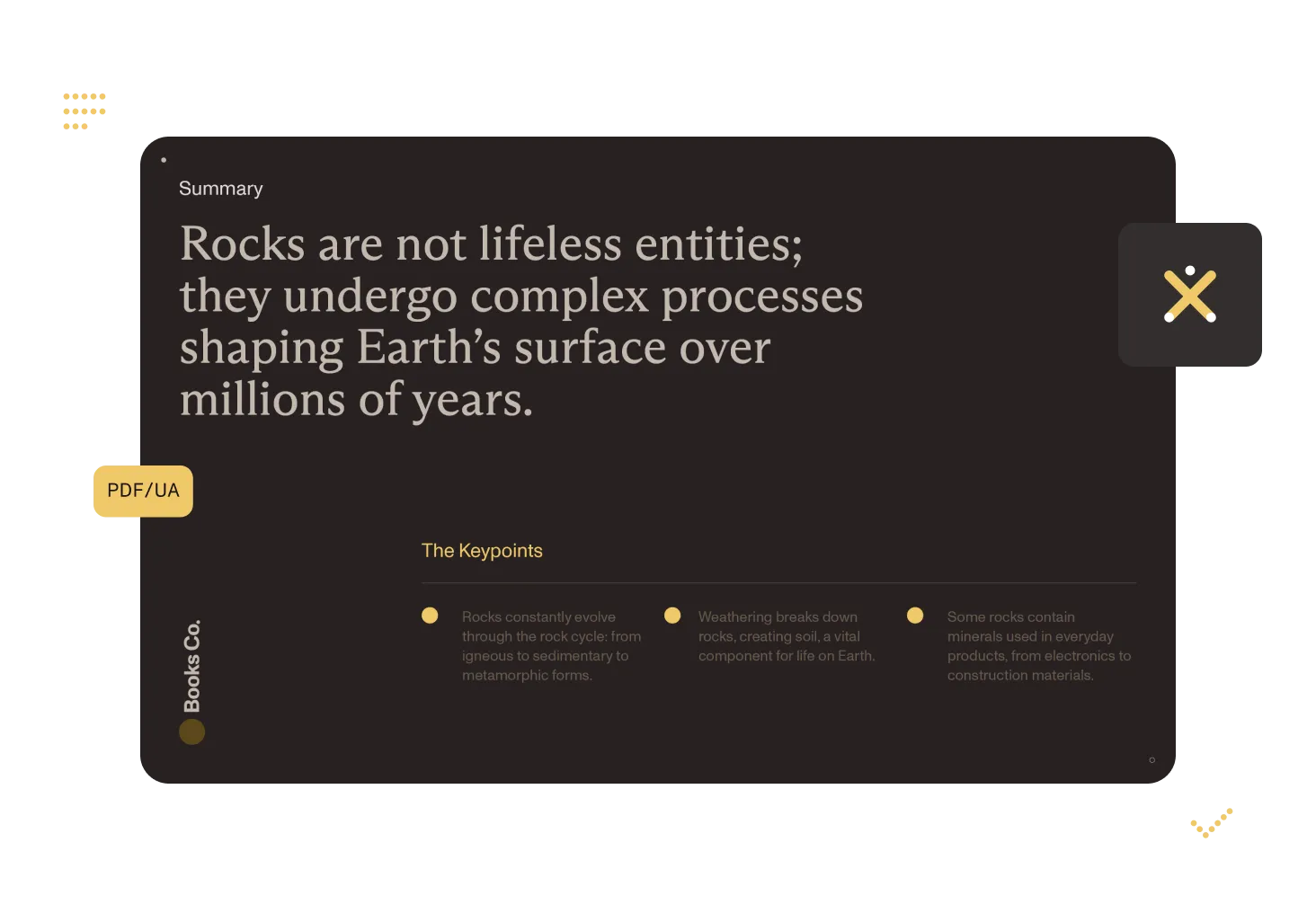
EU and US accessibility requirements are now in effect. Nutrient helps you move from manual remediation to repeatable PDF/UA-ready workflows with DWS APIs and agent-friendly MCP integration.
PUBLIC-SECTOR BUYERS
Use this as your first-pass procurement and readiness brief
If your organization buys or ships regulated document workflows, use this page to align legal, compliance, and engineering around one implementation plan before RFP and audit pressure peaks.
US state and local government programs
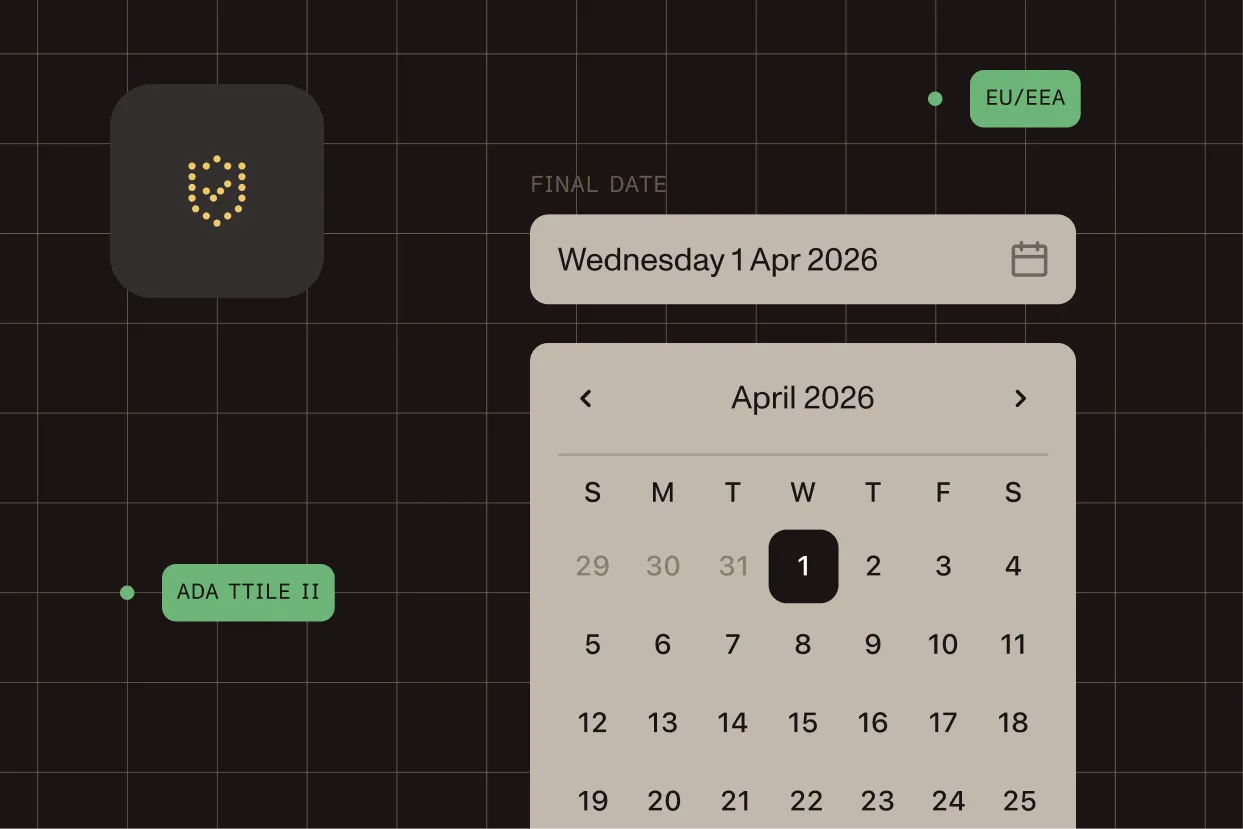
ADA Title II digital accessibility requirements can apply to public entities and their digital services. Exact scope, deadlines, and exceptions depend on entity profile and counsel review.
EU/EEA offerings and procurement
EU/EEA accessibility obligations can include EAA-driven requirements and local implementation rules. Applicability varies by product type, buyer profile, and national transposition.
WHY NOW
Accessibility risk is now a systems problem
The teams that are ready in 2026 treat accessibility as part of document infrastructure. They do not wait for manual remediation at the end of the publishing cycle.
Regulatory pressure
EU and US accessibility requirements are now in effect. Teams that haven’t automated remediation face growing operational risk and audit exposure.
Manual review does not scale
Accessibility fixes done only in QA become expensive and slow when document volume rises.
Auditability matters
Procurement and compliance teams increasingly ask for evidence: process, controls, and exception handling history.
AUDIENCE-SPECIFIC LEGAL SCOPE
Frame risk correctly for each stakeholder
This guidance is for implementation planning, not legal advice. Regulatory applicability depends on entity type, jurisdiction, procurement obligations, and counsel interpretation.
US public entities (ADA Title II context)
Focus on defensible process: accessible output targets, documented QA, and exception handling. Public-sector teams should validate deadlines and scope with counsel.
EU/EEA teams (EAA + local implementation context)
Map product and market scope first, then operationalize accessibility controls in production workflows. National implementations can affect details.
Vendors selling into regulated buyers
Even when statute language is indirect, procurement terms often require accessibility evidence. Build reporting and review records into delivery by default.
Enterprise compliance and legal teams
Treat PDF/UA readiness as a controllable system: policy-to-implementation mapping, ownership by workflow stage, and auditable exception logs.
WORKFLOW
A practical PDF/UA-ready delivery pattern
1
Ingest
Collect DOCX, Office exports, scans, and existing PDFs from your production queue.
2
Normalize
Use conversion + OCR to normalize mixed inputs before accessibility tagging.
3
Tag + validate
Apply PDF/UA-oriented processing. Then validate conformance automatically and route failures to an exception queue.
4
Prove
Store outputs alongside the automated validation report, so legal and compliance teams can verify the process without a manual audit.
API QUICKSTART
Run the core PDF/UA processing step with DWS
Use DWS Processor API for deterministic conversion, OCR, and PDF/UA-oriented output steps in backend workflows.
curl -X POST https://api.nutrient.io/build \ -H "Authorization: Bearer YOUR_API_KEY" \ -F 'document=@source.docx' \ -F 'instructions={ "parts": [ { "file": "document" } ], "actions": [ { "type": "ocr", "language": "english", "skipOcrForSearchableDocuments": true } ], "output": { "type": "pdfua" } };type=application/json' \ --fail \ -o output-pdfua.pdfAGENT-READY PATH
Give your agent Nutrient MCP and let it execute the workflow
Nutrient MCP gives Claude, Claude Code, Codex, and other MCP clients document operations through one URL. Sign in with your Nutrient account. Nothing to install.
# Claude Codeclaude mcp add --transport http --scope user nutrient https://mcp.nutrient.io/mcp# Then run /mcp, choose nutrient, and select Authenticate
# Codexcodex mcp add nutrient --url https://mcp.nutrient.io/mcp && codex mcp login nutrient
Use the Nutrient MCP tools to process all files in ./inbox:1) OCR scanned pages2) Convert output to PDF/UA-ready documents3) List the processed files and flag any that need manual reviewROLL OUT
What to ship in your first 30 days
Keep scope tight: one document class, one quality gate, one reporting loop.
Baseline
Measure current pass/fail rates and top accessibility failure modes on a representative sample.
Automate
Deploy DWS processing in your pipeline and enforce exception routing for failed outputs.
Report
Track pass rate, review load, and remediation latency so stakeholders can see readiness trend lines.
Frequently asked questions
Does Nutrient guarantee legal compliance?
No platform can guarantee legal compliance on its own. Nutrient helps teams implement and scale document accessibility workflows; final compliance depends on source quality, validation process, and legal interpretation in your jurisdiction.
How should we think about EU/EEA and US requirements together?
Treat them as related but not identical programs. For US public-sector contexts, ADA Title II obligations can drive timelines and controls. For EU/EEA teams, EAA and local implementation rules can shape scope and acceptance criteria. Most organizations benefit from one technical workflow plus region-specific legal mapping.
Can we start with one workflow and expand later?
Yes. Most teams begin with one high-volume document stream, then add more classes after pass/fail and exception handling are stable.
Do we need custom code if we use Nutrient MCP?
Not necessarily. Many teams start with natural-language prompts via Nutrient MCP. Engineering teams can then add stricter policy and orchestration around the same DWS operations as needed.
Where should I start if I need both policy context and implementation details?
Start with the PDF/UA compliance guide and checklist. Then move into DWS API and MCP setup for implementation. For the cross-product view, see the PDF accessibility hub and PDF/UA conversion workflows.
NEXT STEP
Run a PDF/UA compliance sprint and build a workflow your team can operate with confidence
We’ll help you map your current flow, implement an API-based processing path, and define measurable quality gates your team can operate with confidence.