Six best PDF generator APIs in 2026: Nutrient vs. competitors compared
Compare six PDF generator APIs by input format, free tier, template editing, and billing model. Choose a service for invoices, reports, and forms.

Generate PDF documents by merging images; HTML; or Word, PowerPoint, Excel, or PDF templates with custom data. Run it client-side for user-triggered generation or automate it programmatically — no manual input required.
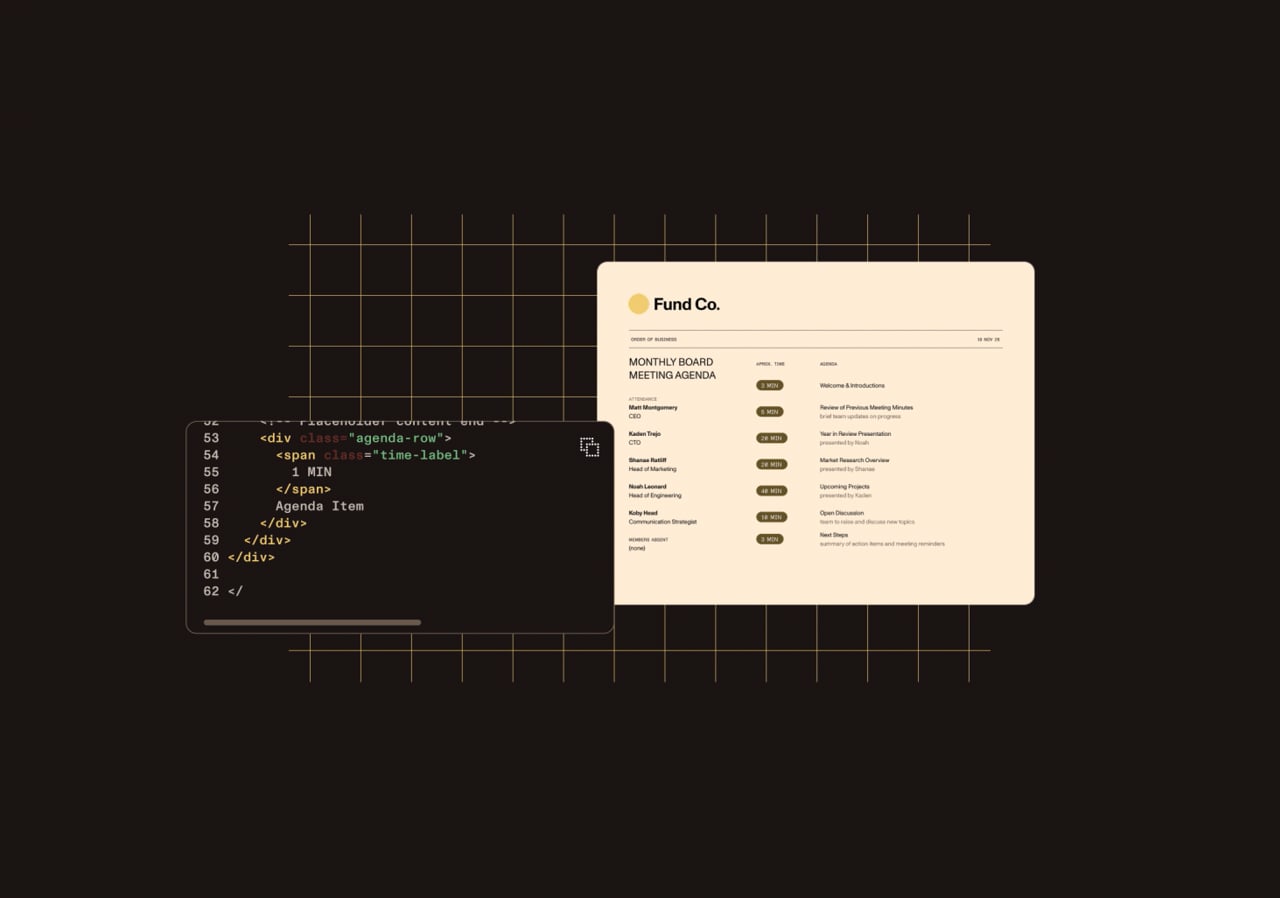
Generate production-ready PDFs from your app’s existing HTML/CSS layouts.
Merge structured data into Word, PowerPoint, or Excel templates and export to Office files or PDF.
Trigger generation from forms, HTTP requests, or JSON data — no manual formatting.
Run generation entirely in-browser, server-side, or via cloud APIs — whatever fits your app.
DOCUMENT GENERATION
Create PDFs or Office files from structured data and templates using HTML, Word, PowerPoint, or Excel. Built for integration into your app’s frontend or backend workflows.
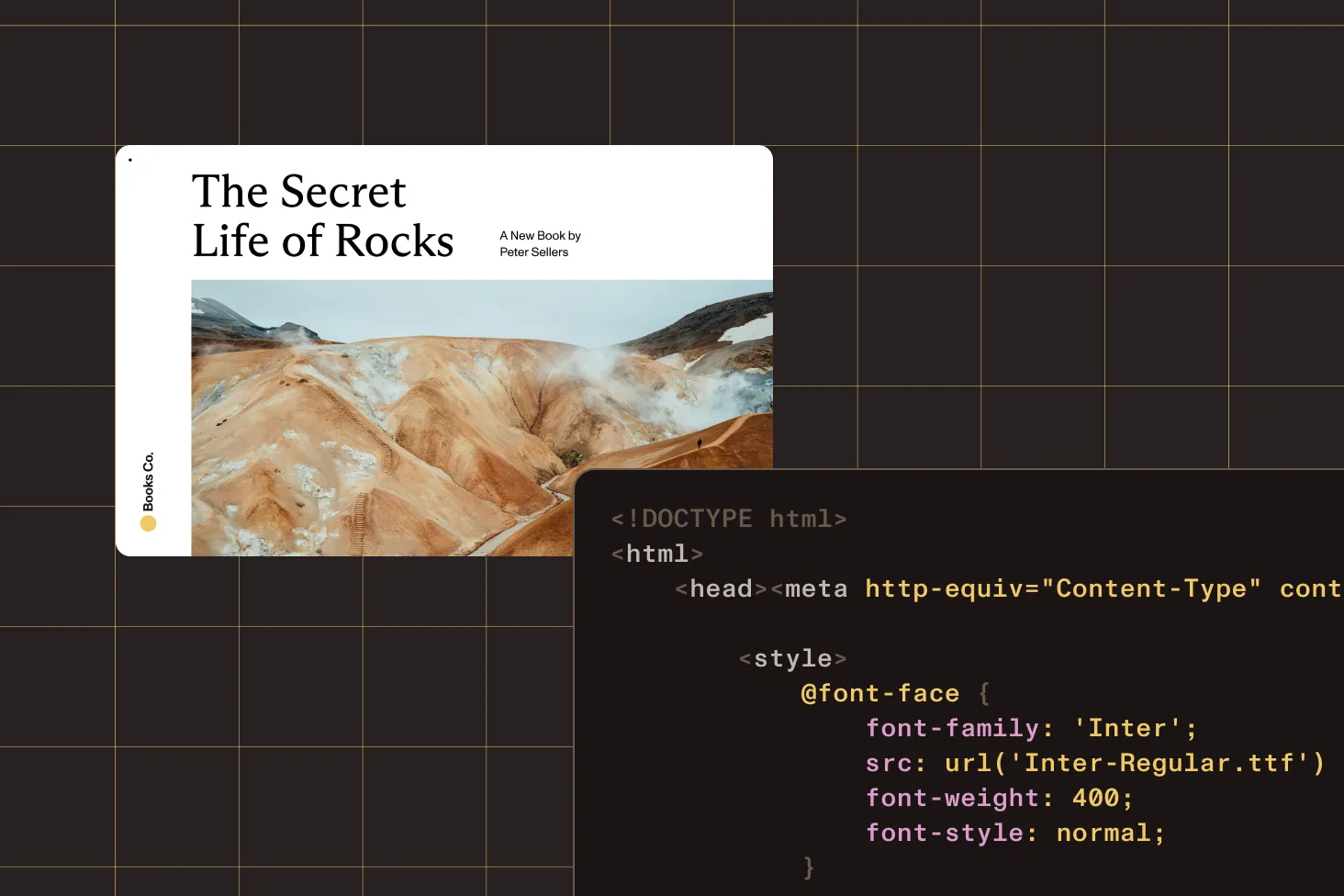
Render high-quality, paginated PDFs from HTML and CSS.
Merge structured data into Word, PowerPoint, or Excel templates using placeholders and loops.
Add repeating sections and conditional content directly in your templates.
Programmatically create and manage documents without manual formatting.
FLEXIBLE DEPLOYMENT
Deploy in-browser for privacy and speed, or on the server for scale and control — no special infrastructure required.
Generate PDFs directly in the browser from Word, PowerPoint, Excel, or existing PDF templates — no server calls, so everything stays on-device for privacy-first and offline flows.
Use our server-side Document Engine to generate pixel-perfect PDFs from HTML, DOCX, images, or JSON — then scale batch exports, scheduled reports, or personalized communication with consistent branding.
CLOUD-NATIVE GENERATION
Use Document Web Services (DWS) to generate PDFs at scale without managing any infrastructure.
Turn HTML templates into high-fidelity PDFs in one call — send HTML and assets, and get a PDF instantly.
Files travel over HTTPS and are deleted after processing, and the cloud engine auto-scales for bursty, high-volume workloads.
Call the HTTP endpoint from any frontend, backend, or no-code platform like Zapier — send multipart form data and get a PDF back.
A document generation SDK is a developer library that produces finished documents — typically PDF or Word — by merging structured data into a template, rather than assembling files by hand. Nutrient’s PDF generation component takes HTML/CSS or DOCX templates plus JSON data and returns paginated, print-ready output. The same API runs in the browser, on your own server, or as a hosted service — for a single document or a scheduled batch.
Nutrient’s rendering engine supports modern HTML and CSS standards — including flexbox, grid, media queries, and custom fonts. It accurately renders multicolumn layouts, nested elements, and responsive designs, producing paginated PDFs that match your intended output.
Word templates support dynamic placeholders, repeaters, conditional logic, and layout styling. You can define custom headers, footers, tables, and section styles and then populate them with JSON or form inputs for automated document generation. PowerPoint and Excel templates also support placeholders, loops, conditions, and images, with tables on slides and typed number, date, percentage, and Boolean cells in worksheets.
Both. You can generate PDFs entirely in the browser for fast setup and privacy-first workflows. For high-volume or complex needs, Nutrient also supports server-side and cloud-based generation with full parity across deployment models.
Use Document Web Services (DWS) so you don’t run generation infrastructure yourself. The DWS Processor API turns HTML templates and assets into a PDF in a single call, auto-scales for bursty workloads, and deletes files after processing. Because it’s a plain HTTP endpoint, you can call it from any backend, frontend, or no-code platform — which suits batch exports, scheduled reports, and high-volume personalized documents.
Finance, healthcare, logistics, government, insurance — any sector that handles contracts, statements, or operational documents at scale. Nutrient is built for teams managing batch processing, daily exports, and automated communications.
The SDK is lightweight and framework-agnostic. It ships as platform-native binaries (like AAR or Swift PM) or JavaScript packages, so you can integrate without special servers, middleware, or rearchitecting your stack.
Yes. Documents are processed securely in your environment — whether in-browser, server-side, or in the cloud. Nutrient gives you full control over data handling and complies with industry best practices for encryption and access control.
The strongest document generation SDKs support multiple input formats (HTML, DOCX, and templates), data-driven and batch generation, client- and server-side rendering, and accurate, paginated output. Nutrient covers all of these from a single API.
Yes. Nutrient provides document generation across web (JavaScript) and server-side stacks — including .NET, Java, Node.js, and Python — so you can generate documents in the language your app already uses.
Yes. Generation can run programmatically with no manual input, so you can wire it into backend services, scheduled jobs, or CI pipelines for high-volume, automated document output.
PROVEN AT SCALE
Replaced paper and email with Nutrient Workflow to automate multilevel approvals across six Latin American offices, processing 236 asset requests.
Renders multipage PDFs and signature tags with Nutrient, keeping 200 million users in 188 countries moving at the speed of eSignature.
Empowers 34,000 pilots to view, annotate, and sign 90‑page flight releases on iPad using Nutrient iOS SDK, saving minutes — and money — on every flight.
FOR DEVELOPERS
A document generation tool automates the creation of PDF, Word, and HTML documents from templates or dynamic data sources. Nutrient’s document generation SDK empowers developers to create and manage templates effortlessly, generate documents from HTML/CSS or Word, PowerPoint, and Excel templates, and automate form generation via HTTP requests or JSON imports.
When choosing a document generation tool, it’s essential to assess flexibility, template support, and ease of integration. Consider the following factors:
To automate document creation efficiently, consider solutions that balance ease of use with powerful customization options. Nutrient’s SDK stands out by offering dynamic template management and seamless document automation. It supports Word, PowerPoint, Excel, HTML, and CSS-based templates, with robust API integration.
Nutrient (formerly PSPDFKit) enhances productivity by automating document creation while maintaining high levels of customization and scalability.
Nutrient’s SDK leads the market with its dynamic template support, robust APIs, and superior document processing capabilities, making it ideal for developers building scalable document automation systems.
