Add interactive fields to any document with an intuitive drag-and-drop UI or a powerful programmatic API.
Build forms visually with our built-in toolbar — no external tools or Acrobat required.
Fine-tune layout and positioning using on-page controls, tooltips, and keyboard shortcuts.
Update widget properties or remove fields instantly with popover controls or API calls.
Use the Web UI or programmatic APIs to generate fields, link annotations, and manage layout.
HOW IT WORKS
Form Creator makes it easy to drop in fields using visual placement, alignment guides, and live previews. Build forms dynamically with JavaScript, or customize them directly in the UI.
Insert text boxes, radio buttons, checkboxes, signature fields, and more using the toolbar or API.
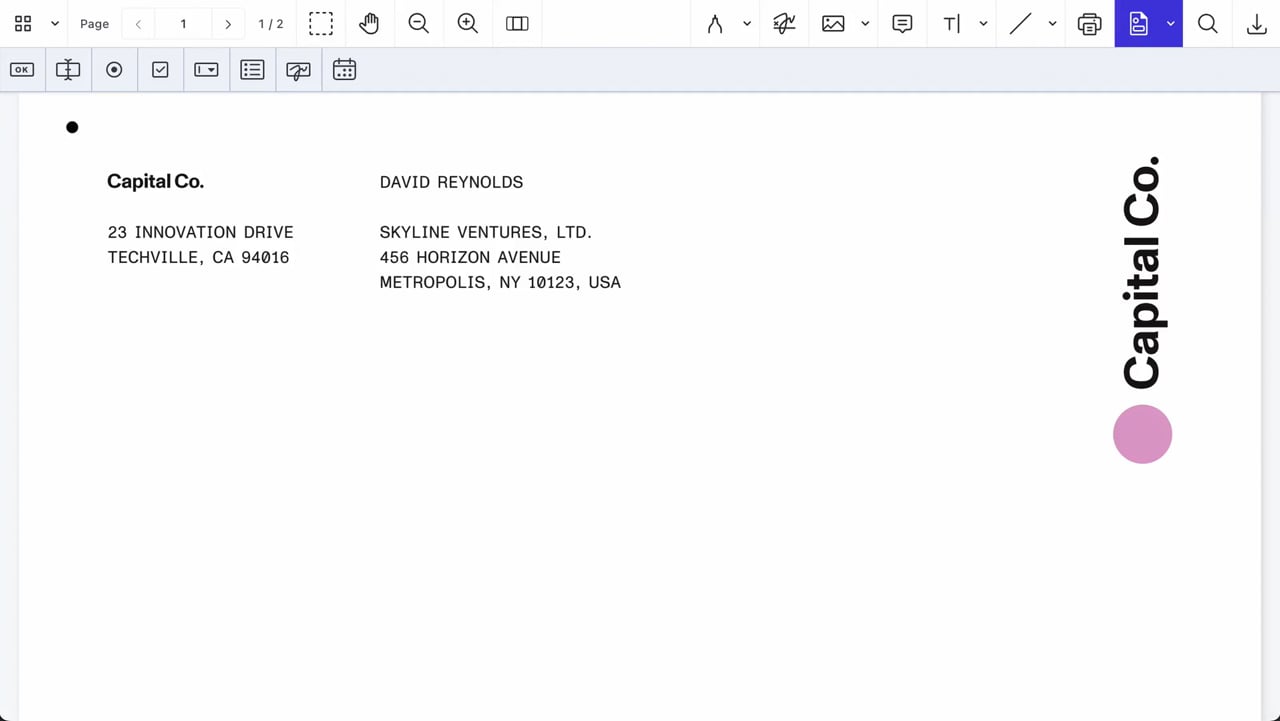
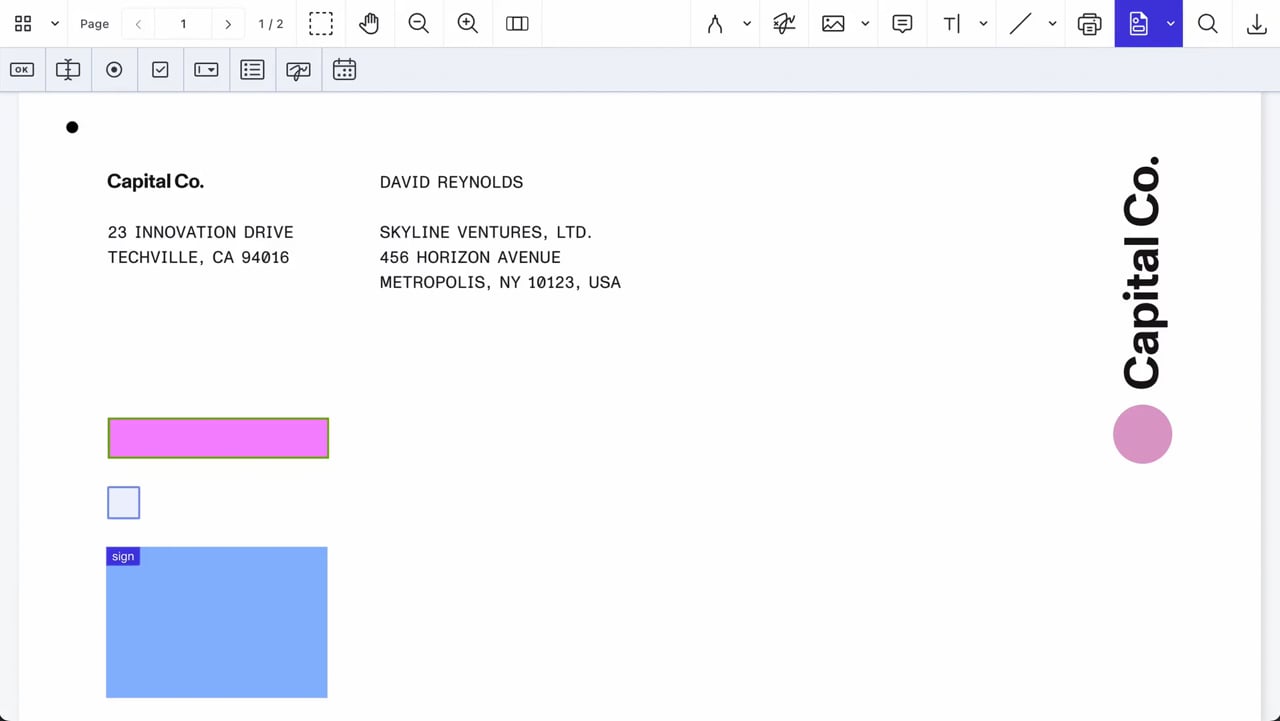
Customize fonts, borders, background colors, alignment, and rotation — all in real time.
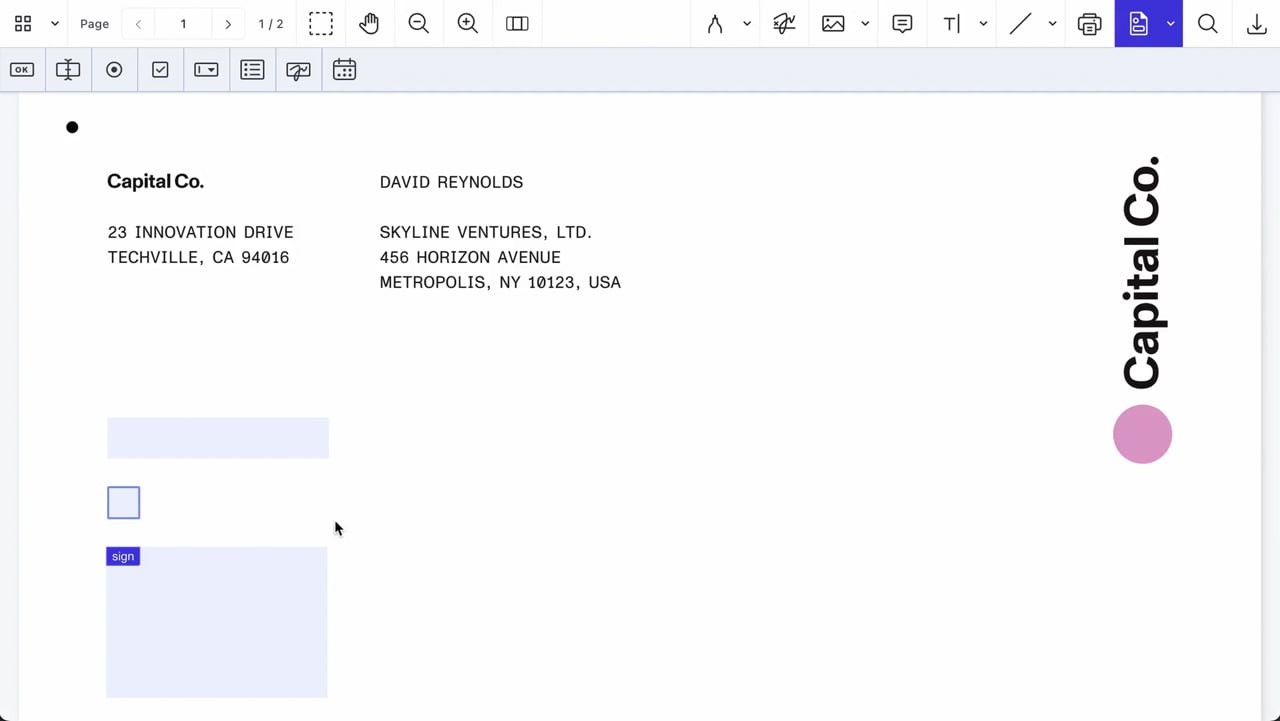
Include form labels, section headers, lines, and images for a polished, professional layout.
KEY FEATURES
Support complex layouts, enforce validation rules, and combine an intuitive UI with full developer control.
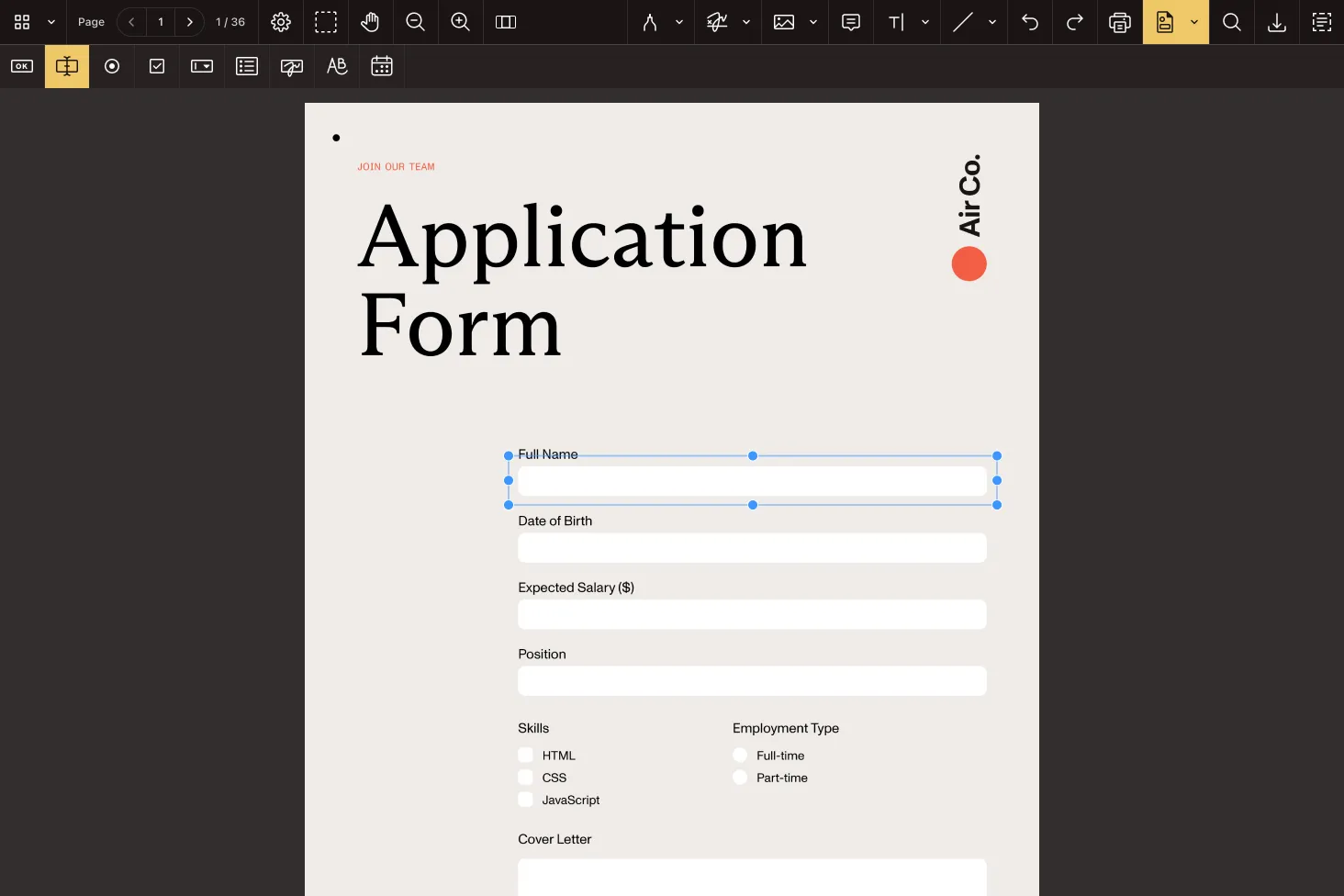
Add, resize, rotate, or delete form elements directly from the toolbar — complete with contextual editing.
Text, checkbox, radio, list, combo, date, signature, and button fields are all available out of the box.
Update field properties via popover or inspector and see changes applied as you edit.
Set required, read-only, and export flags per field. Prevent edits or conditionally enforce completion.
Generate widgets and form fields via API using unique IDs, layout logic, and linked annotations.
Retrieve, update, and reposition fields using the instance.update() API — or manually via the UI.
Delete fields and associated widget annotations in one action using keyboard shortcuts or code.
Use NutrientViewer.generateInstantId() to ensure stable field/widget associations.
Whether you’re building for web, mobile, or the backend, Nutrient gives you full flexibility — all with a consistent developer experience.
Use the web, mobile, and cross-platform SDKs to embed document capabilities directly into your app — fully client-side, no backend required
Use Document Engine for server-backed processing, data control, and deep infrastructure integration
Use Document Web Services (DWS) for instant scale, with cloud-hosted APIs for viewing, annotating, converting, and more
WEB PLAYGROUND
REAL-WORLD IMPACT
Nutrient powers mission-critical document workflows for global enterprises — from compliance-heavy industries to modern SaaS teams.
Streamlined construction project collaboration with in-app markup and PDF tools — helping teams coordinate more effectively from jobsite to back office.
Renders multipage PDFs and signature tags with Nutrient, keeping 200 million users in 188 countries moving at the speed of eSignature.
Empowers 34,000 pilots to view, annotate, and sign 90‑page flight releases on iPad using Nutrient iOS SDK, saving minutes — and money — on every flight.
FREE TRIAL
A PDF form creator SDK lets developers build interactive, fillable forms directly in a web or mobile app. Nutrient’s SDK provides both a visual UI and powerful APIs, so you can create, edit, and style fields without relying on third-party tools like Acrobat.
You can create all major PDF form field types: text fields, checkboxes, radio buttons, combo boxes, list boxes, signature fields, date/time pickers, and action buttons — all customizable and fully supported across platforms.
Yes. Nutrient’s SDK lets you create form fields and widget annotations entirely via JavaScript. Use unique IDs, link annotations, and manage layout or logic programmatically — or switch to visual mode at any time.
Absolutely. The Form Creator UI enables users to drag, drop, rotate, and style fields directly inside the document. Add, edit, or remove fields using intuitive controls with live preview and alignment guides.
Yes. You can take any static PDF and enhance it with interactive form fields. Drop in elements like text inputs or checkboxes, and update the layout using the built-in UI or programmatic tools.
You can fine-tune visual properties like font size, border width, fill color, and opacity — plus control behaviors like required, read-only, and exportable. All settings can be applied via the UI or APIs.
Nutrient Form Creator is available on Web, iOS, Android, Mac Catalyst, Electron, MAUI, React Native, Flutter, and visionOS — one SDK, many deployment targets.
Yes. If you would rather call a hosted service than embed an SDK, Nutrient DWS offers a PDF form creation API that adds fields to documents and a PDF form filling API that fills existing fields from Instant JSON or XFDF.
Form Creator
The form creator SDK enables you to turn static PDFs into fully interactive, fillable forms — right inside your app. Whether you’re building internal tools or launching a customer-facing product, you can give users the ability to add, style, and edit form fields using drag-and-drop controls or dynamic JavaScript APIs.
Nutrient’s PDF form builder SDK is trusted by global engineering, legal, healthcare, and government teams to digitize document workflows. It’s the fastest way to bring professional-grade form creation to your product.




