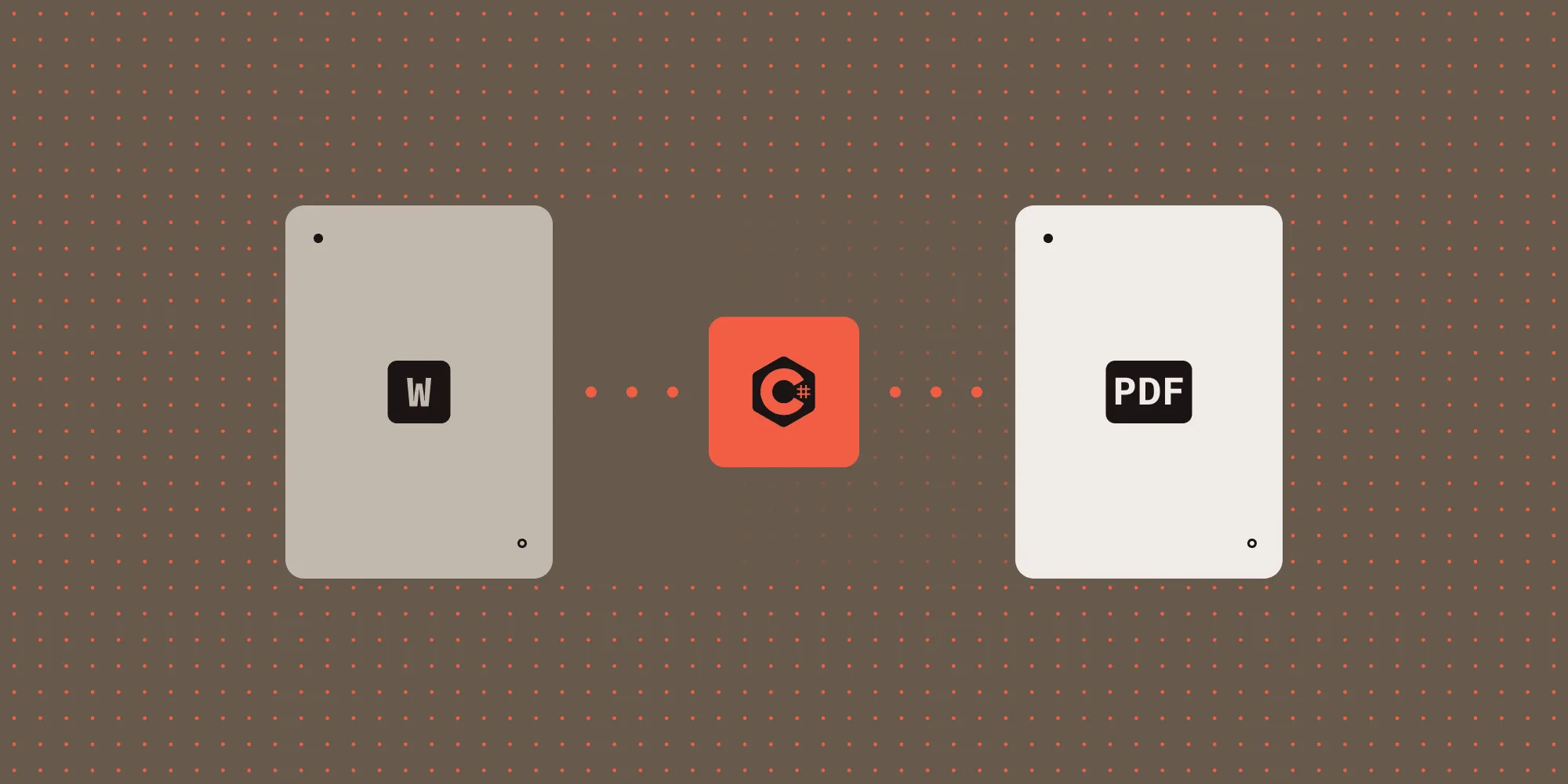
Compare DOCX-to-PDF conversion approaches in Node.js. Technical analysis of libreoffice-convert vs. Nutrient SDK with production considerations and complete code examples.
Read moreCompare DOCX-to-PDF conversion approaches in Node.js. Technical analysis of libreoffice-convert vs. Nutrient SDK with production considerations and complete code examples.
Read moreCompare DOCX-to-PDF conversion approaches in Node.js. Technical analysis of libreoffice-convert vs. Nutrient SDK with production considerations and complete code examples.
Read moreCompare DOCX-to-PDF conversion approaches in Node.js. Technical analysis of libreoffice-convert vs. Nutrient SDK with production considerations and complete code examples.
Read moreCompare DOCX-to-PDF conversion approaches in Node.js. Technical analysis of libreoffice-convert vs. Nutrient SDK with production considerations and complete code examples.
Read moreCompare DOCX-to-PDF conversion approaches in Node.js. Technical analysis of libreoffice-convert vs. Nutrient SDK with production considerations and complete code examples.
Read moreFive ways to convert HTML to PDF — browser print, online converters, JavaScript libraries, Python libraries, and production SDKs. Includes code examples.
Read moreUse the ng2-pdf-viewer library to display PDFs in Angular — setup, rendering, and viewer controls, with a Nutrient Web SDK comparison for annotations and forms.
Read moreUse the ng2-pdf-viewer library to display PDFs in Angular — setup, rendering, and viewer controls, with a Nutrient Web SDK comparison for annotations and forms.
Read moreUse the ng2-pdf-viewer library to display PDFs in Angular — setup, rendering, and viewer controls, with a Nutrient Web SDK comparison for annotations and forms.
Read moreUse the ng2-pdf-viewer library to display PDFs in Angular — setup, rendering, and viewer controls, with a Nutrient Web SDK comparison for annotations and forms.
Read moreConvert HTML to PDF with html2pdf.js using a complete browser example. Set page breaks, margins, and image quality, and fix blank exports and missing images.
Read moreBuild a PDF.js viewer with working setup, page navigation, zoom, and error handling. Learn how canvas rendering differs from annotations and text selection.
Read moreLearn how to configure react-pdf for CJK character maps, standard PDF fonts, JPEG 2000 WASM decoding, and authenticated PDF endpoints using the options prop.
Read moreLearn the key differences between barcode OCR and traditional barcode scanners. Discover how Nutrient .NET SDK enables smarter, automated barcode processing.
Read moreLearn the key differences between barcode OCR and traditional barcode scanners. Discover how Nutrient .NET SDK enables smarter, automated barcode processing.
Read moreAutomate document redaction with Nutrient SDK’s APIs and libraries. Remove marked sensitive data at scale and build review into your privacy workflows.
Read moreAutomate document redaction with Nutrient SDK’s APIs and libraries. Remove marked sensitive data at scale and build review into your privacy workflows.
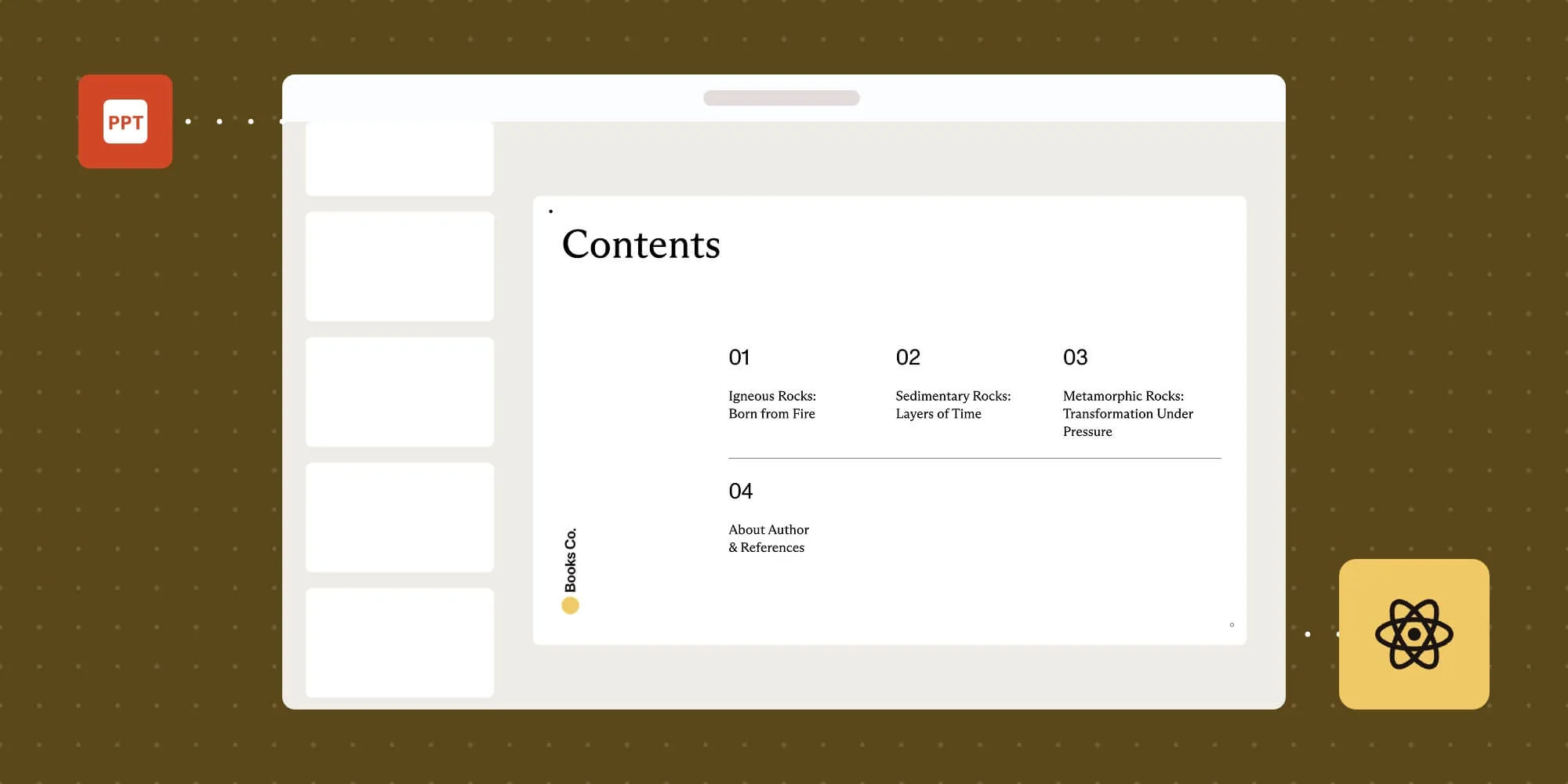
Read moreBuild a React PPT and PPTX viewer with Vite and Nutrient Web SDK. Follow the setup, runtime asset, cleanup, and font troubleshooting steps.
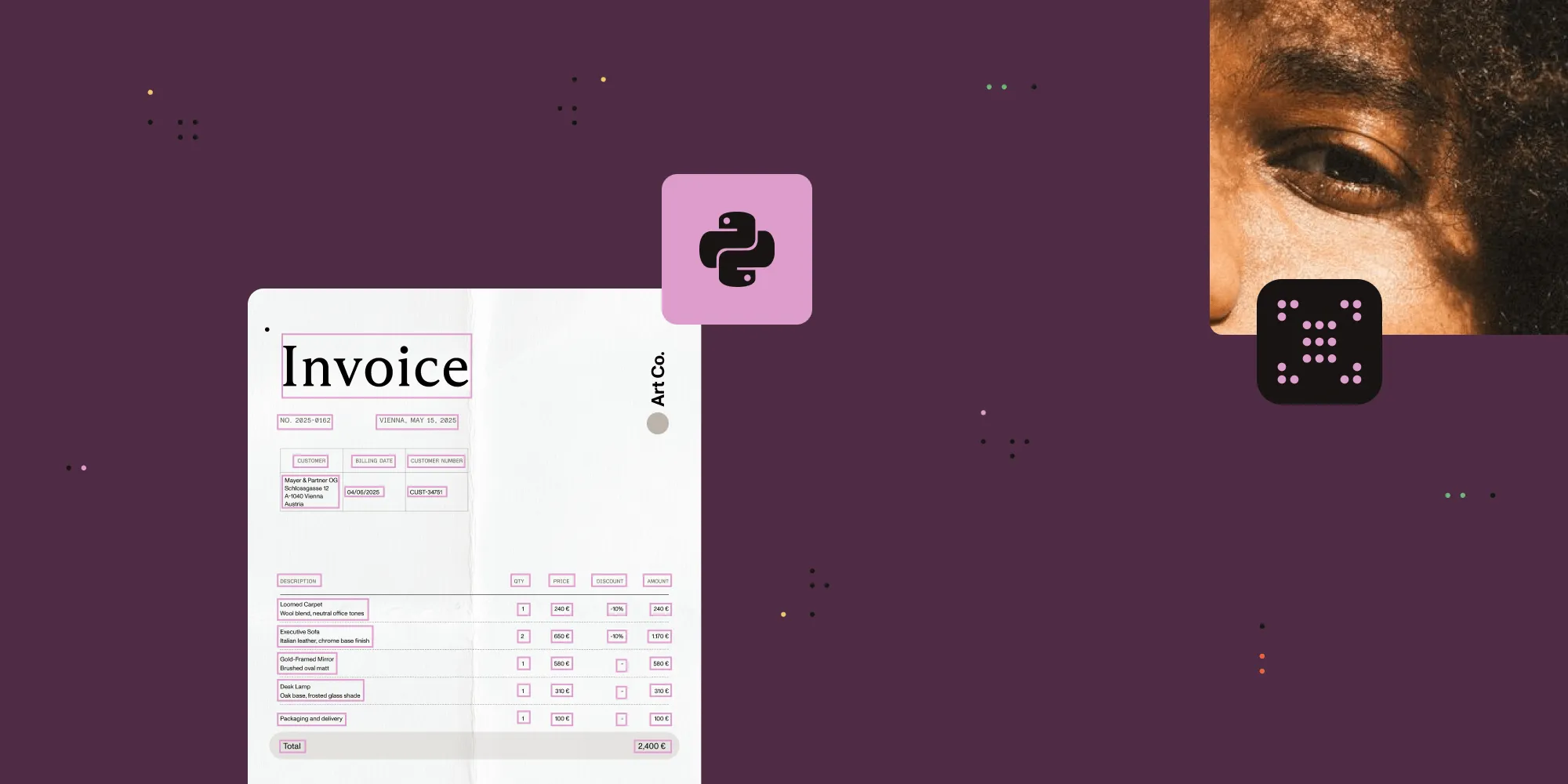
Read moreUse pytesseract and Tesseract OCR to extract text from images in Python — full setup, image_to_string() examples, PSM modes, preprocessing, and accuracy fixes.
Read moreUse pytesseract and Tesseract OCR to extract text from images in Python — full setup, image_to_string() examples, PSM modes, preprocessing, and accuracy fixes.
Read moreUse pytesseract and Tesseract OCR to extract text from images in Python — full setup, image_to_string() examples, PSM modes, preprocessing, and accuracy fixes.
Read moreCheck whether a PDF is valid with structural diagnostics, PDF/A validation, and SDK checks. Learn why encryption and viewer errors don’t always mean corruption.
Read moreCheck whether a PDF is valid with structural diagnostics, PDF/A validation, and SDK checks. Learn why encryption and viewer errors don’t always mean corruption.
Read moreCheck whether a PDF is valid with structural diagnostics, PDF/A validation, and SDK checks. Learn why encryption and viewer errors don’t always mean corruption.
Read moreCheck whether a PDF is valid with structural diagnostics, PDF/A validation, and SDK checks. Learn why encryption and viewer errors don’t always mean corruption.
Read moreLearn how to set up a JavaScript-based document viewer and editor using Nutrient Document Authoring SDK.
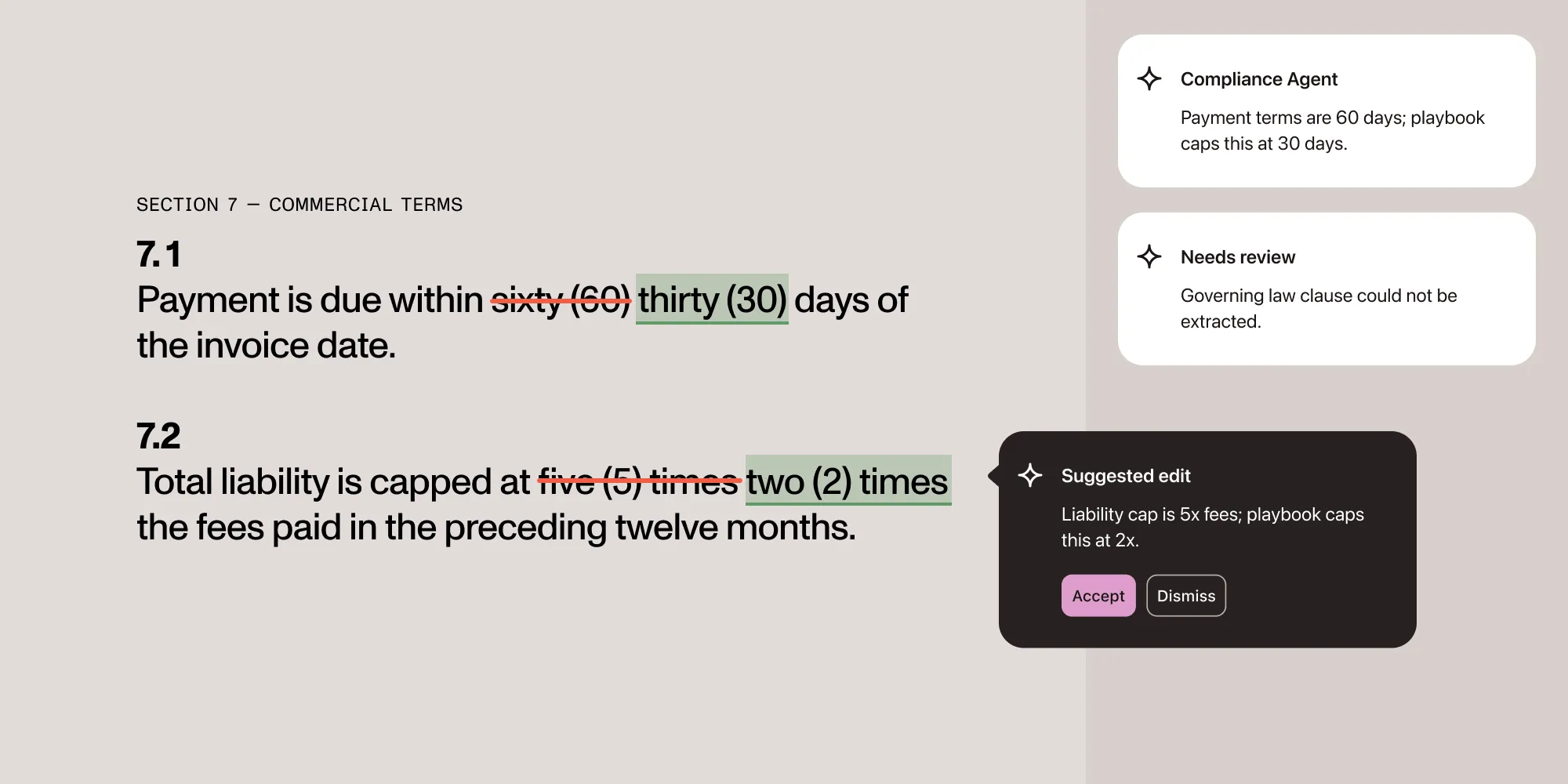
Read moreBuild an AI agent for automated contract review that checks contracts against a compliance playbook and drafts redlines as DOCX tracked changes.
Read moreBuild an AI agent for automated contract review that checks contracts against a compliance playbook and drafts redlines as DOCX tracked changes.
Read moreBuild an AI agent for automated contract review that checks contracts against a compliance playbook and drafts redlines as DOCX tracked changes.
Read moreA linearized PDF can display page one before the full file downloads. What “create linearized PDF” means, how to check a file, and how to create one.
Read moreConvert HTML to PPTX programmatically with the Nutrient DWS Processor API — automate editable PowerPoint generation from HTML at scale, with working code.
Read moreWhat makes a PDF accessible, which standard applies (WCAG 2.2, Section 508, or PDF/UA), and how to ship compliant PDF apps on web, iOS, and Android with an SDK.
Read moreBuild a document router with the Nutrient Data Extraction Classify endpoint, with examples for insurance, legal intake, and HR onboarding.
Read moreConvert HTML to PDF in JavaScript — client-side, Node.js, or API. Compare html2pdf.js, jsPDF, pdfmake, Puppeteer, Playwright, and Nutrient with code examples.
Read moreBuild a Node.js PDF editor with pdf-lib: Read and write files, add text, embed images, and merge pages. Includes a pdf-lib vs. Nutrient API comparison.
Read moreBuild a collaborative React PDF editor with Nutrient Web SDK, Document Engine, Instant sync, secure JWT authentication, and user permissions.
Read moreBuild a Vue 3 Word viewer for DOC and DOCX files with Vite, the Composition API, and Nutrient Web SDK’s in-browser Office conversion.
Read moreConvert HTML to PDF in Python — full WeasyPrint setup, page breaks, headers, Django and Jinja2 templates, plus Nutrient API when WeasyPrint doesn't scale.
Read moreMerge PDF documents programmatically using JavaScript and Nutrient DWS Processor API. Step-by-step tutorial with code examples and free API credits.
Read moreCreate PDF forms with text fields, checkboxes, radio buttons, and signatures in JavaScript. Fill forms from JSON, XFDF, or a database using Nutrient Web SDK.
Read moreLearn two reliable ways to convert HTML to PDF in C#: with the open source wkhtmltopdf tool and the enterprise-ready Nutrient API. Includes installation steps, C# code examples, and integration tips.
Read moreLearn how to extract tables from PDFs and images in C# using the GdPicture.NET SDK. View the detailed step-by-step guide with code examples here.
Read moreBuild a signature pad in React using Nutrient Web SDK. This step-by-step guide covers how to draw, insert, and programmatically add signatures to PDF documents.
Read moreLearn how to use pdf-lib for PDF page manipulation in Node.js. This tutorial covers extracting pages, merging multiple PDFs, removing specific pages, and trimming documents for processing.
Read moreHow digital signing and contained signatures on Android work.
Read moreHow digital signing and contained signatures on Android work.
Read moreHow digital signing and contained signatures on Android work.
Read moreHow digital signing and contained signatures on Android work.
Read moreA step-by-step tutorial explaining how to build an Excel (XLS and XLSX) viewer using React with the Nutrient SDK.
Read moreA developer’s guide to adding PDF viewing, annotations, forms, and signing — and picking the right Nutrient SDK: iOS, Android, RN, Flutter, or MAUI.
Read moreA developer’s guide to adding PDF viewing, annotations, forms, and signing — and picking the right Nutrient SDK: iOS, Android, RN, Flutter, or MAUI.
Read moreLearn how to add ink and text annotations to PDFs in React Native using the Nutrient SDK — set an annotation author and embed annotations directly into the file.
Read moreA step-by-step guide to building a TypeScript image viewer for the web with Nutrient — view, annotate, and edit JPG, PNG, and TIFF files in the browser.
Read moreLearn how to build a cross-platform .NET MAUI PDF viewer with the native Nutrient MAUI SDK, running on Android, iOS, macOS, and Windows from one codebase.
Read moreLearn how to verify PDF redaction is permanent, not just visual. Covers verification methods, audit trails, and a checklist for GDPR, HIPAA, and legal discovery.
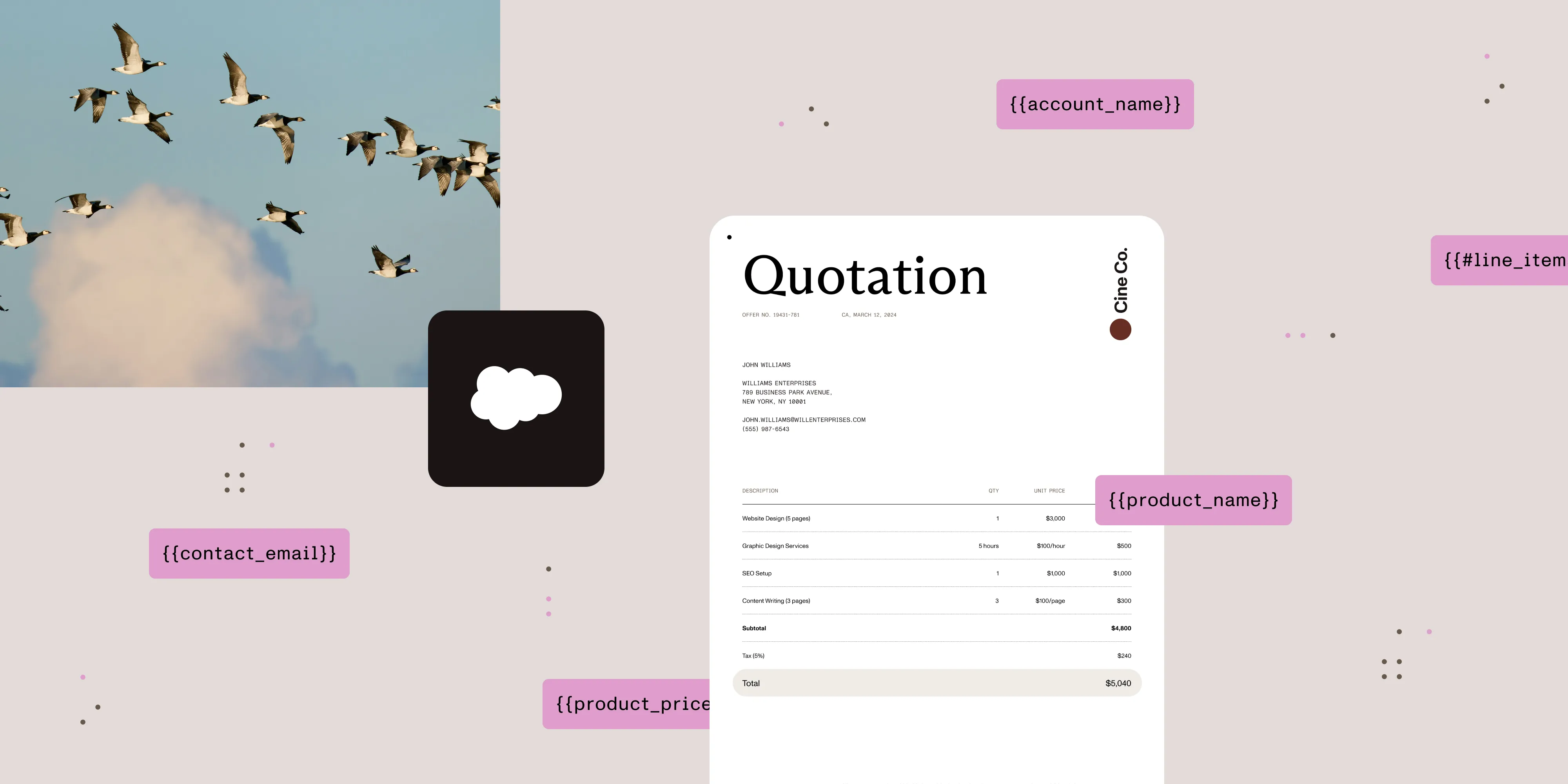
Read moreLearn how to build a reusable Salesforce quote template using Nutrient documents. Pull in Opportunity data, add merge fields and line items, and use Salesforce PDF generation to export quotes directly from Salesforce.
Read moreAnswers to the most common setup and licensing questions we get about DocuVieware to help you integrate faster and more smoothly.
Read moreConvert PDF to Word in C# using Nutrient .NET SDK. Complete code examples for C# and VB.NET, plus handling for tables, fonts, and scanned documents.
Read moreLearn how to fill PDF forms in SharePoint Online using Nutrient Web SDK. This tutorial covers XFDF and Instant JSON methods for programmatic form filling.
Read moreDuplicate PDF pages programmatically using Java and Nutrient DWS Processor API. Step-by-step tutorial with code examples and free API credits.
Read moreLearn how to convert HTML to PNG images using wkhtmltoimage and Laravel with this step-by-step tutorial. Includes complete code examples and best practices.
Read moreBuild an HTML5 Excel viewer with Nutrient Web SDK. Open and display XLS/XLSX spreadsheets directly in the browser with client-side processing — no server or MS Office required.
Read moreA step-by-step tutorial explaining how to build a jQuery (PPT / PPTX) PowerPoint viewer using Nutrient Web SDK.
Read moreBuild a PHP image viewer with Nutrient Web SDK. View JPEG, PNG, and TIFF files in the browser with annotations, editing, and signing capabilities.
Read moreLearn how to build a Cordova PDF viewer for iOS and Android. Compare the File Opener Plugin for basic viewing with Nutrient for advanced features.
Read moreSave storage space and streamline workflows with the new Zip Folders step in DAS v6.0.2509.24. Compress files, track size reductions, and automate your document processing with ease.
Read moreSet up Nutrient Document Converter Services with Python to programmatically convert, compress, merge, and watermark documents using the Zeep library.
Read moreLearn how to implement comprehensive user interface (UI) testing for React Native applications using Maestro
Read moreLearn how to generate images in Elixir with Phoenix by building a simple API that creates random PNGs using Erlang’s EGD library. This step-by-step tutorial covers setup with asdf, adding dependencies, writing the image service, and serving images through a controller and API endpoint. Perfect for developers exploring Elixir image generation, API development, or PDF workflows.
Read moreA comprehensive guide to integrating Nutrient’s `DocumentView` with Jetpack Compose for modern Android UIs.
Read moreLearn practical steps to map your workflow efficiently, from setting goals to implementation in Nutrient Workflow. A guide for beginners and experts alike.
Read moreBuild an HTML5 PowerPoint viewer with Nutrient Web SDK. Open and display PPT/PPTX presentations directly in the browser with client-side processing — no server or MS Office required.
Read moreLearn how to build a Svelte PDF viewer with Nutrient. Explore step-by-step integration, performance optimization, and key features like annotations, form filling, and digital signatures.
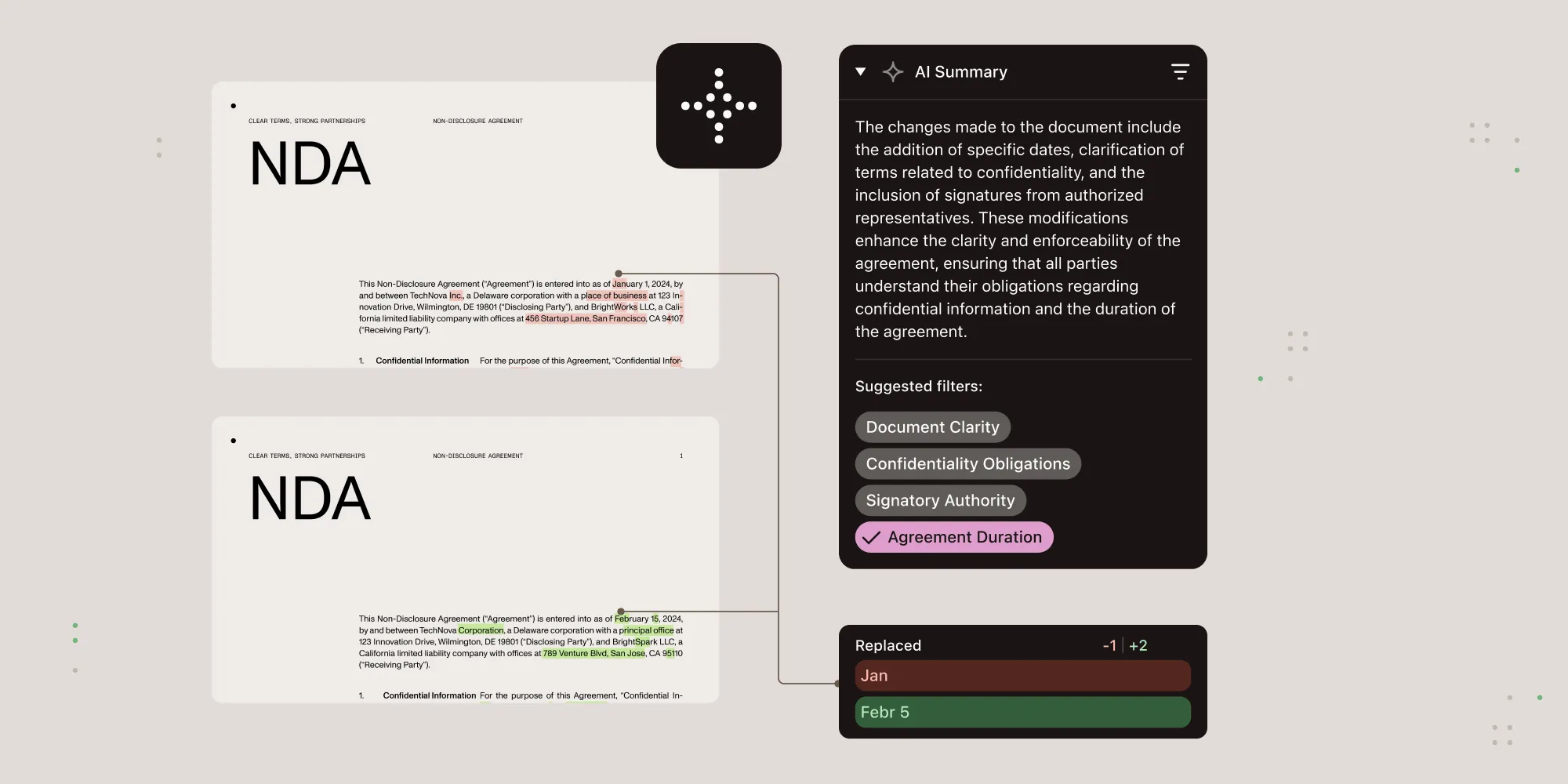
Read moreLearn how Nutrient combines deterministic diff algorithms with AI analysis to deliver document comparisons that are both precise and easy to interpret.
Read moreLearn how to convert DWG and DXF CAD files to PDF using Nutrient .NET SDK, REST APIs, and Power Automate. Preserve layers, fonts, and 3D views with high-fidelity output — includes code samples and integration tips.
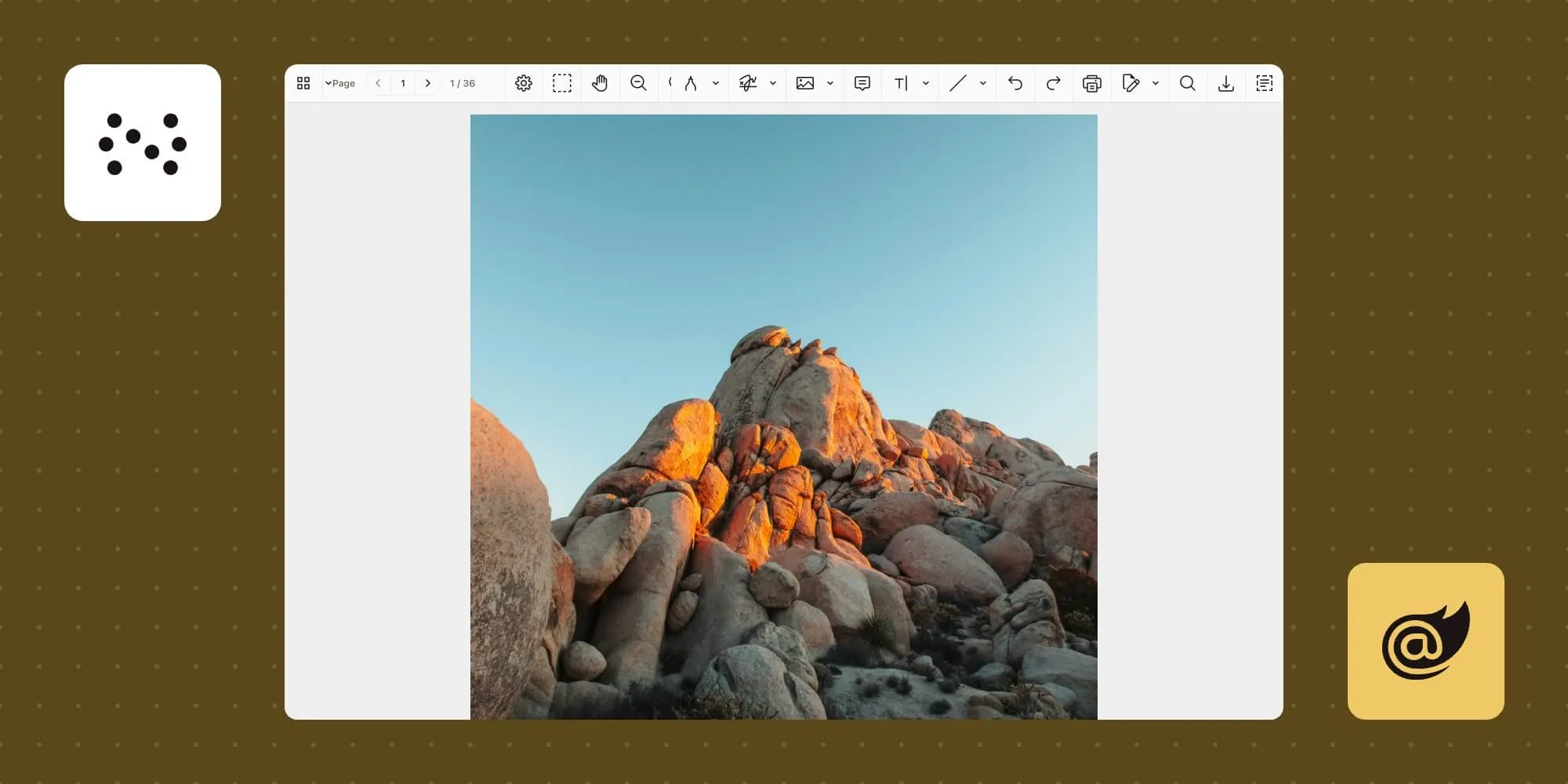
Read moreLearn how to build an image viewer using Blazor WebAssembly and Nutrient Web SDK. This tutorial walks you through integrating JavaScript interop to render and display image files in-browser.
Read moreLearn how to build an image viewer using Blazor WebAssembly and Nutrient Web SDK. This tutorial walks you through integrating JavaScript interop to render and display image files in-browser.
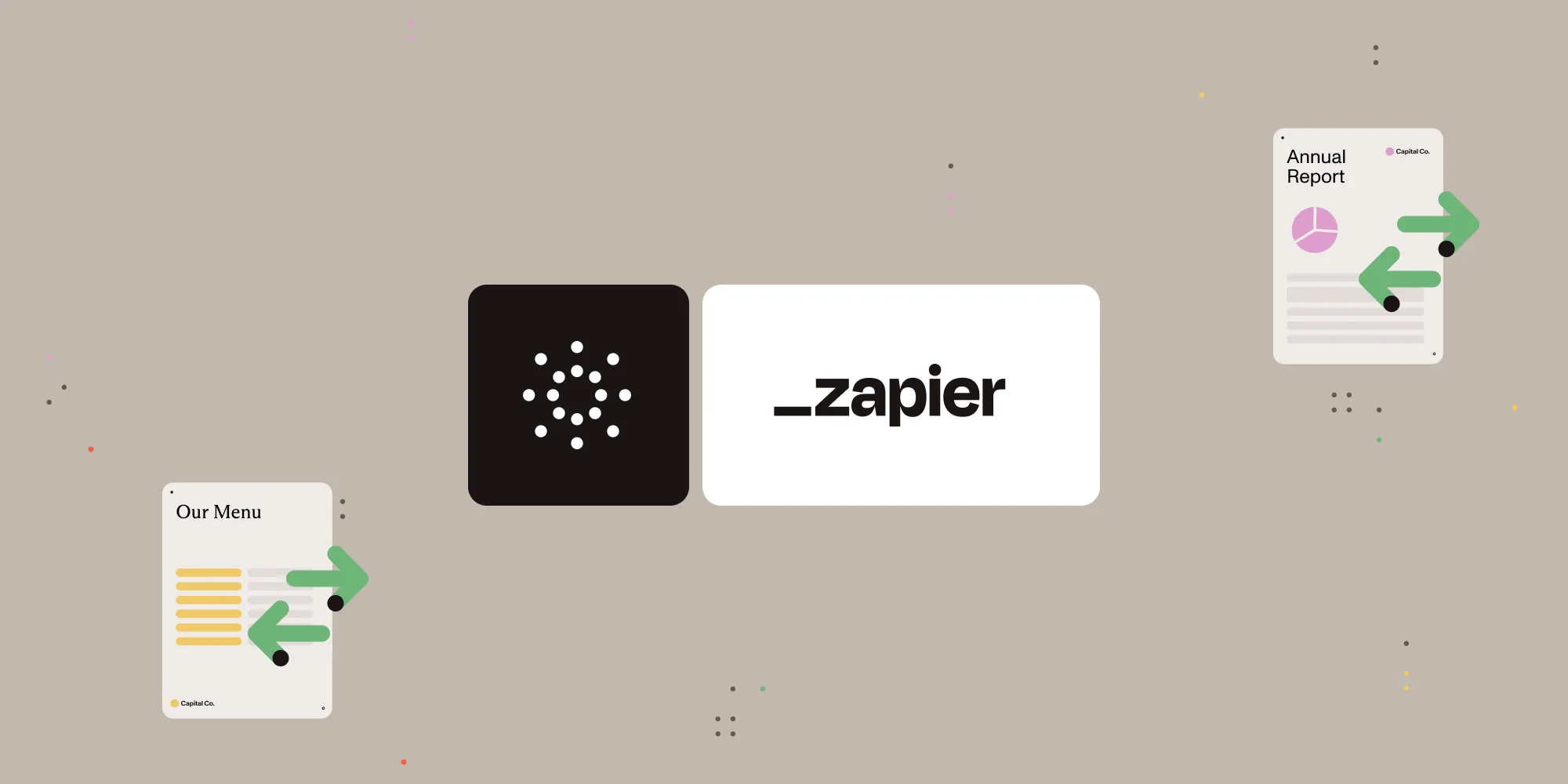
Read moreLearn how to automatically convert Word documents (DOC, DOCX) into JPG, PNG, or TIFF images using Zapier and the Nutrient Document Web Services API.
Read moreLearn how to automatically convert Word documents (DOC, DOCX) into JPG, PNG, or TIFF images using Zapier and the Nutrient Document Web Services API.
Read moreLearn the basics of working with JavaScript form elements in a PDF.
Read moreLearn how to create a modern desktop PDF viewer using Electron and the PDF.js library
Read moreExplore strategies to save and sync annotations using external files for better efficiency.
Read moreA step-by-step tutorial explaining how to share large data from UWP to WebView2.
Read moreThis blog explains how to build a PDF viewer using Express.js, PDF.js, and the EJS templating engine.
Read moreRunning PSPDFKit Processor on Google App Engine
Read moreHow to convert a Word document to PDF on Android.
Read moreHow to build a Microsoft OneDrive PDF viewer by integrating the SharePoint Online file handler. View, annotate, edit, form fill, sign, and more directly in Microsoft OneDrive.
Read moreWith iOS 14, Apple made it incredibly easy to integrate the document browser into SwiftUI-powered apps.
Read moreLearn how to merge PDFs on Windows the simple way — with code examples, explanations, and extra features.
Read moreThis blog post talks in detail about the blur effect materials on iOS and the challenges we faced in picking the appropriate effect for our SDK.
Read moreSee how Elixir and PSPDFKit Server are a perfect match for processing a large number of PDF files.
Read moreA tutorial on how to add advanced PDF features to your Elm app using PSPDFKit for Web
Read moreThis article offers some tips for creating a PDF form so that the document is maintainable and performs well in PDF viewers.
Read moreWe're taking a look at how to embed files using file annotations.
Read more