Search
Start, steer, and finish agent work
Bring context, resolve exceptions, and capture corrections inside your document workflow.
- Lufthansa
- Disney
- Autodesk
- UBS
- Dropbox
- IBM
Put context and corrections to work with example workflows you can build in your app
Give an agent a document and an instruction to act on.
Person
Document
Agent
Output
Bring a selected change into the editor when it needs attention.
Person
Document
Output
Capture corrections to evaluate better instructions for future runs.
Person
Document
Output
Document tools, in your app
Embed document viewing, editing, and collaboration in your application.
Talk to an engineer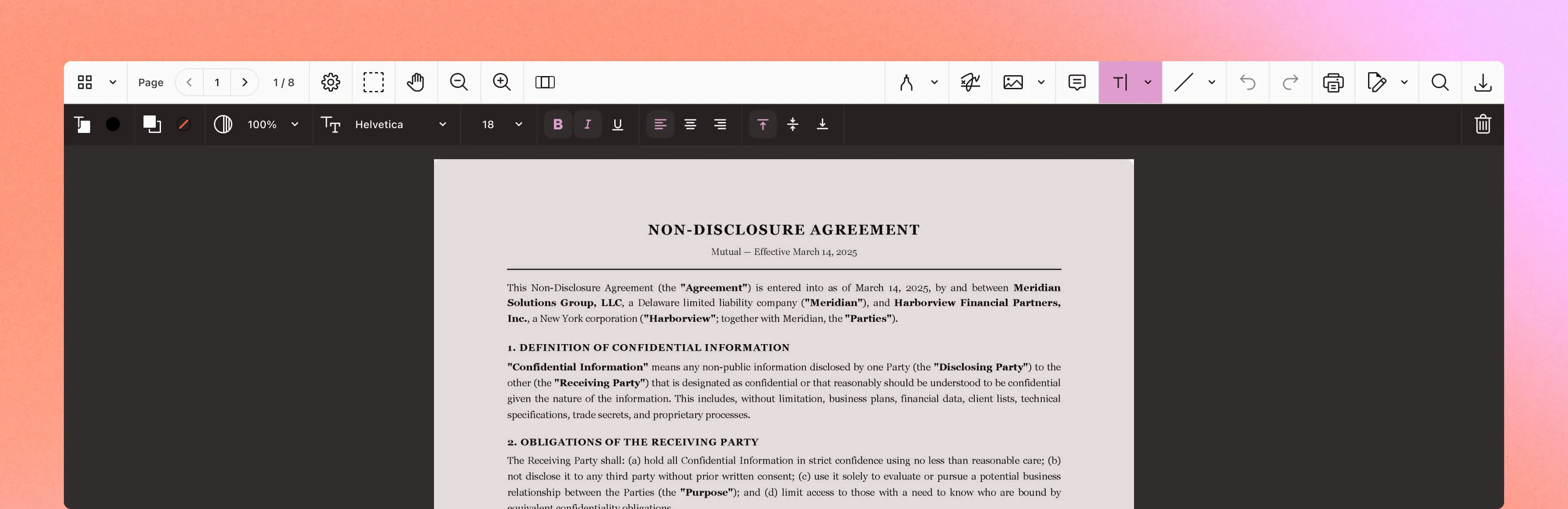
View the source
Open PDFs, Office documents, and images in your app.
Read on any screen
Use Reader View to reflow document text for smaller screens.
Find the detail
Search document text and highlight matching passages.
Mark the passage
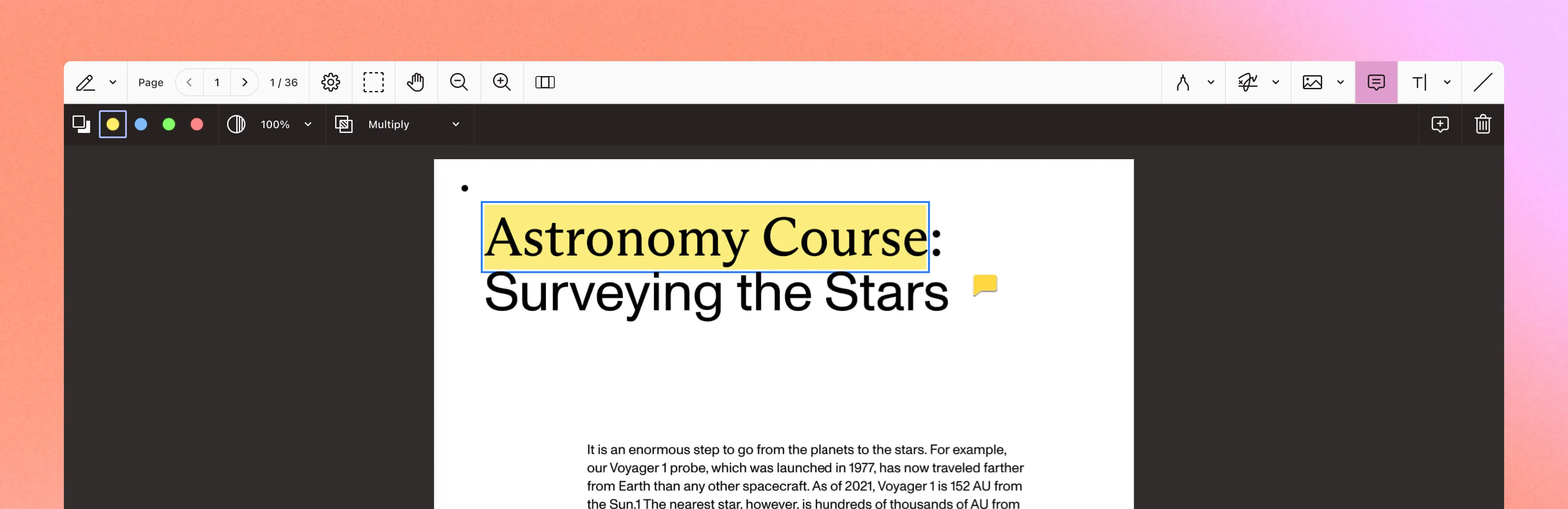
Add highlights, notes, ink, stamps, and shapes.
Keep feedback in context
Discuss a passage through comments and replies on its annotation.
Move the markup
Import and export annotations using Instant JSON or XFDF.
Fill PDF forms
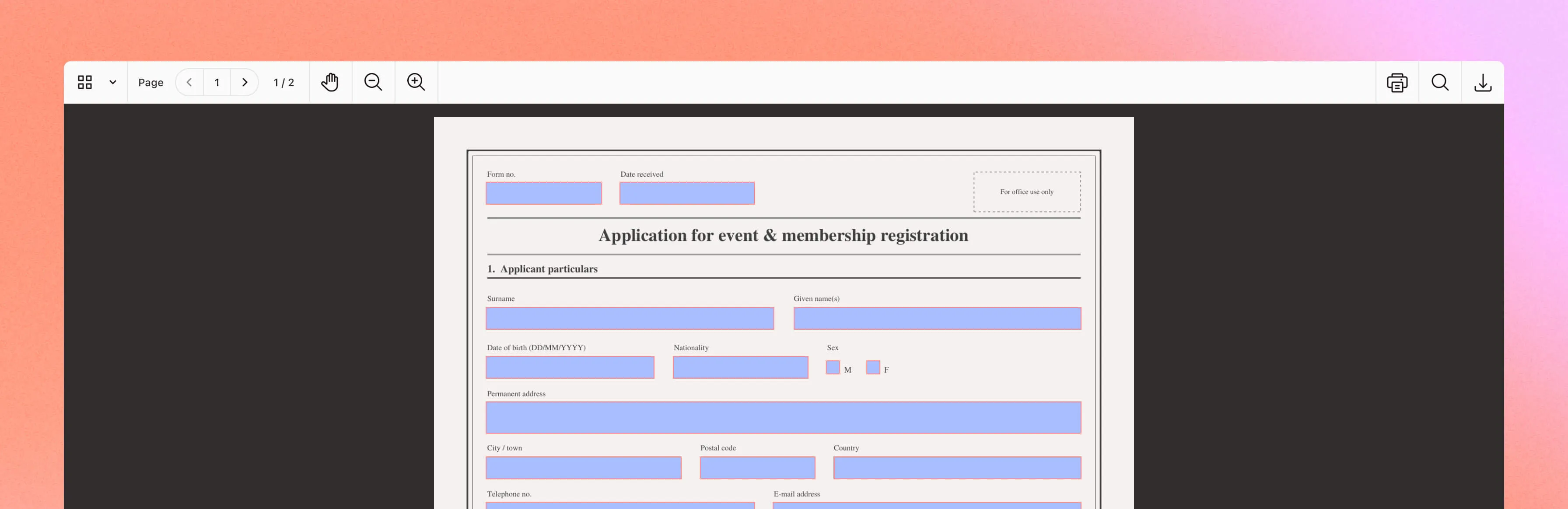
Enter and update field values inside the document.
Choose the fields
Use text fields, checkboxes, dropdowns, and signature fields.
Create forms visually
Add and arrange fillable fields with Form Creator.
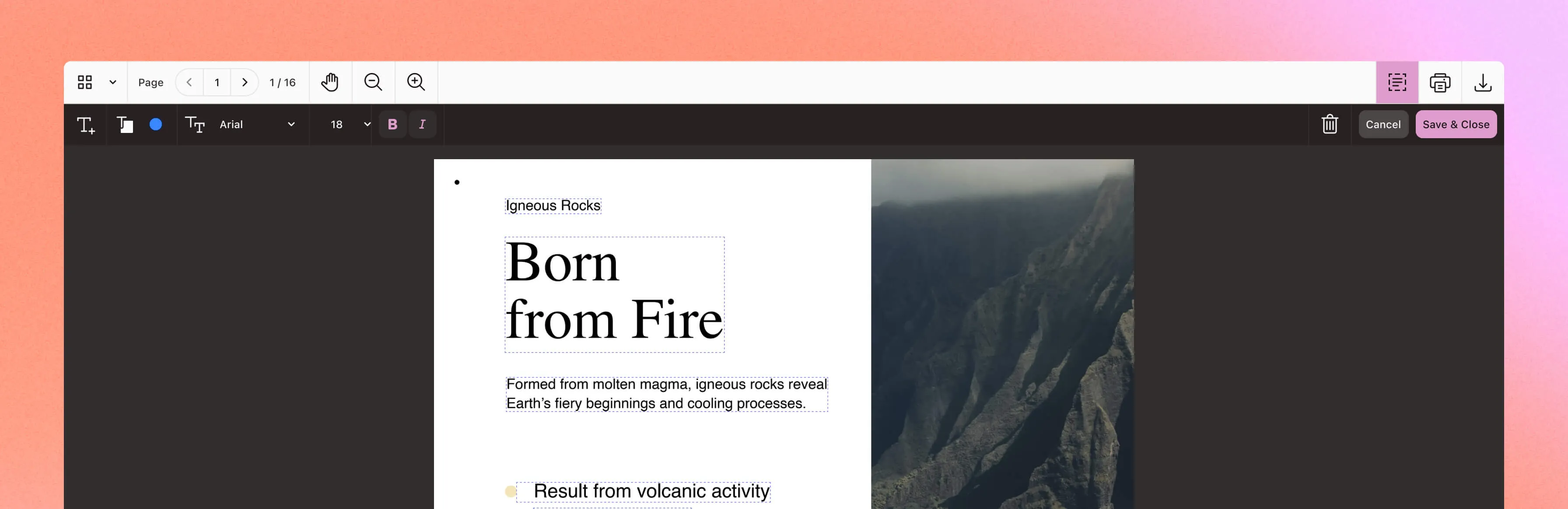
Edit PDF text
Correct wording and formatting with Content Editor.
Arrange pages
Reorder, rotate, add, or remove pages with Document Editor.
Author documents
Edit paragraphs, tables, and images with Document Authoring.
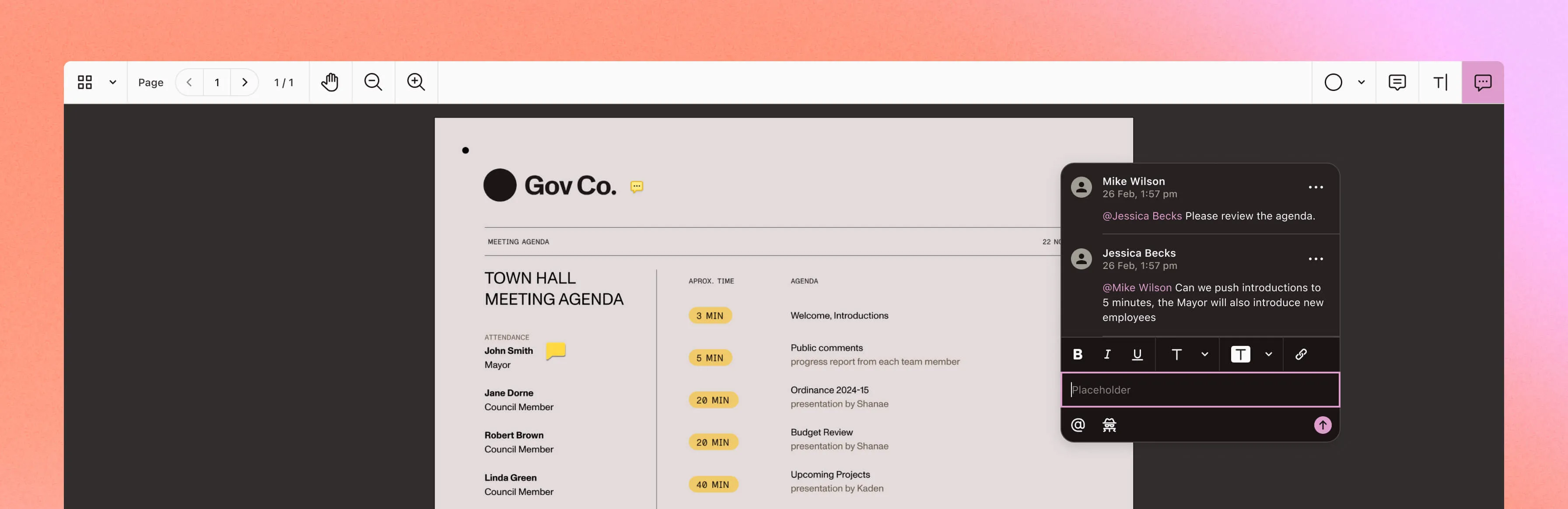
Sync annotations
Share annotations and comments through Instant and Document Engine.
Set permissions
Control document access and annotation editing for each participant.
Discuss the document
Keep replies attached to the passage or markup being discussed.
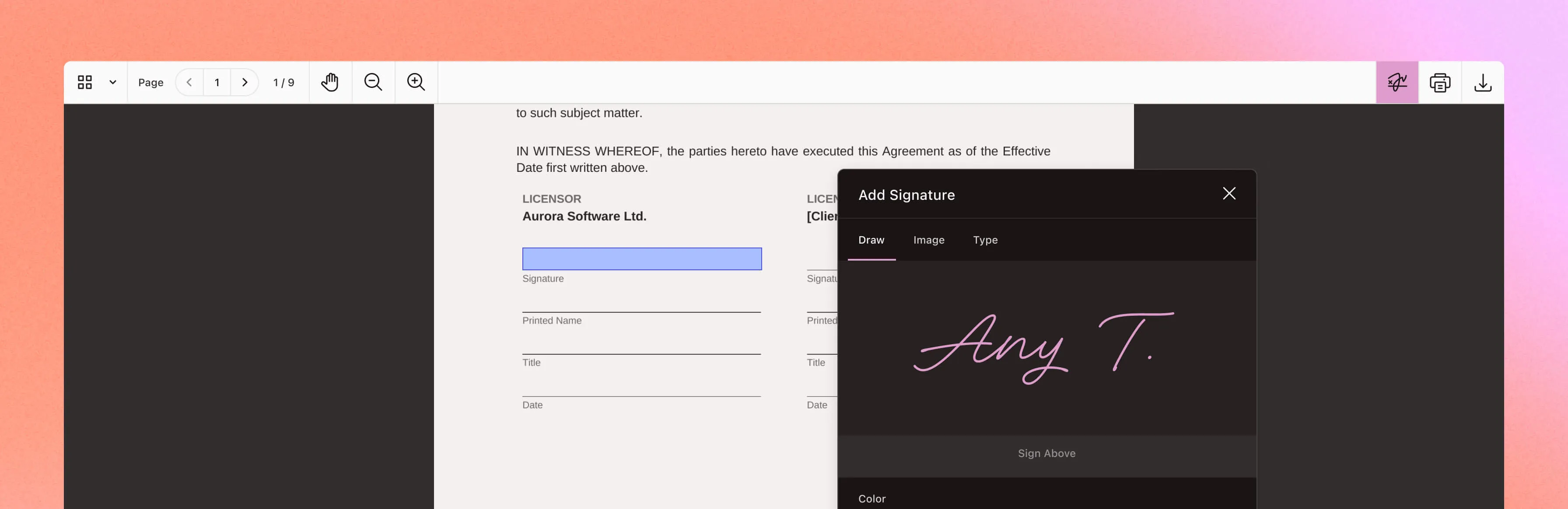
Capture a signature
Draw, type, or upload an electronic signature.
Sign in context
Place a signature on the page or in a signature field.
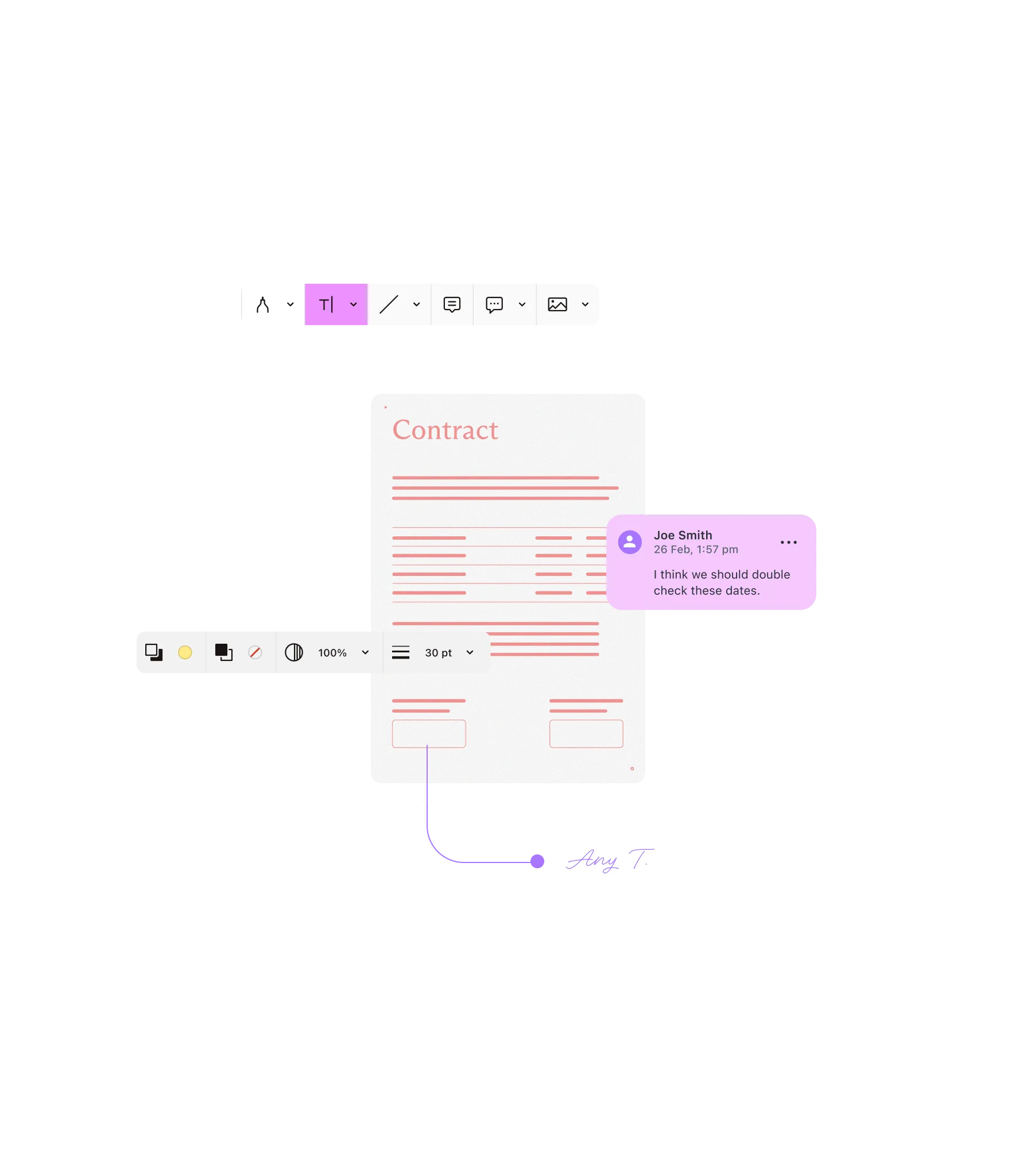
Add cryptographic proof
Use Digital Signatures for certificate-based PDF signing.
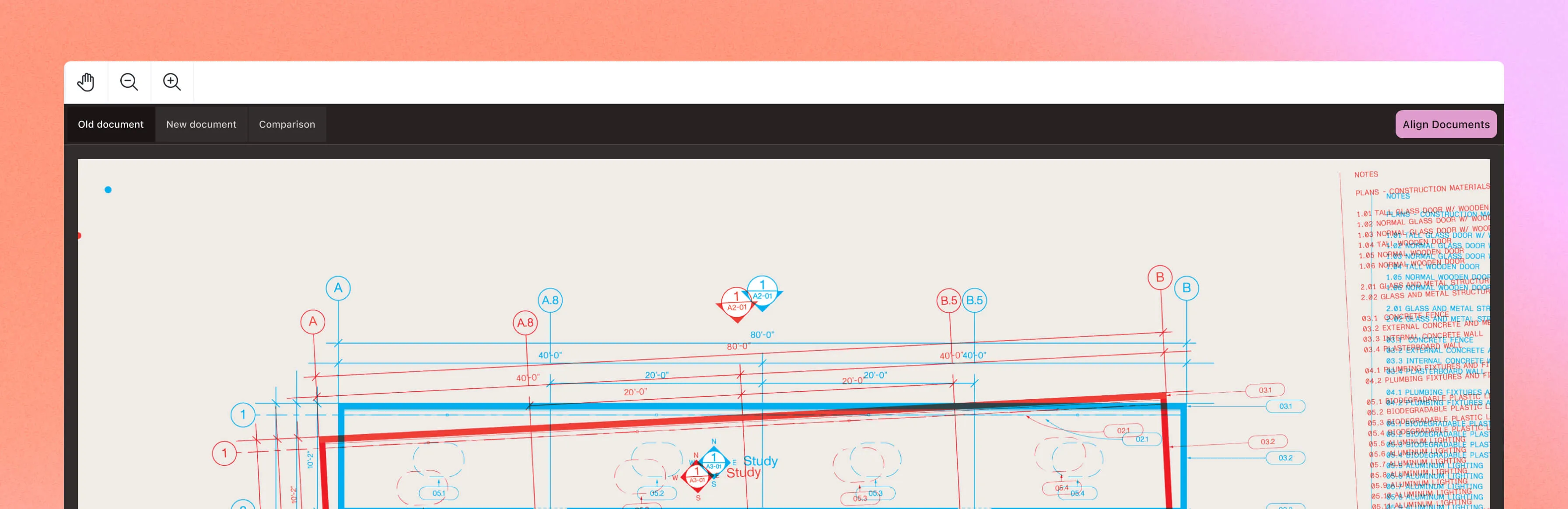
Find text changes
Compare text by character or word with Text Comparison.
Compare visually
Overlay PDFs to inspect layout and drawing changes.
Align the pages
Use automatic or manual alignment in Document Comparison.
- 3,000+ organizations worldwide
- 15 percent of Global 500 companies
- 1B+ document interactions a year
- SOC 2 Type 2 audited
- GDPR and CSA compliant
Frequently asked questions
Can people start a task and supply context?
Yes. Document Authoring AI exposes document tools for tasks requested in your app. Workflow Automation’s agentic approval accepts policy documents and free-text policies for approval analysis.
Does every agent edit need human approval?
No. Your app chooses the Document Authoring mode: Apply edits directly in Edit mode, record suggestions in Review mode, or block writes in View mode.
Do corrections automatically improve an agent?
Review events expose revision and comment IDs and operation metadata. Your app must capture the content and context, evaluate proposed improvements, and decide what to deploy. The events don’t automatically train or update an agent.
What can collaborators share?
Instant synchronizes annotations and comments through Document Engine. This is separate from simultaneous editing of document text. The viewing, markup, forms, and signing tools also work in workflows without agents.
Which signing capability do I need?
Use Electronic Signatures for drawn, typed, or uploaded signatures. Use Digital Signatures for certificate-based PDF signing and verification. Choose the product and configuration for your signing requirements.