Search
Construction plan coordination
Keep field work tied to current plans
Connect drawings, revisions, and inspection findings inside your construction workflow. Give construction agents the document context behind the next field decision.
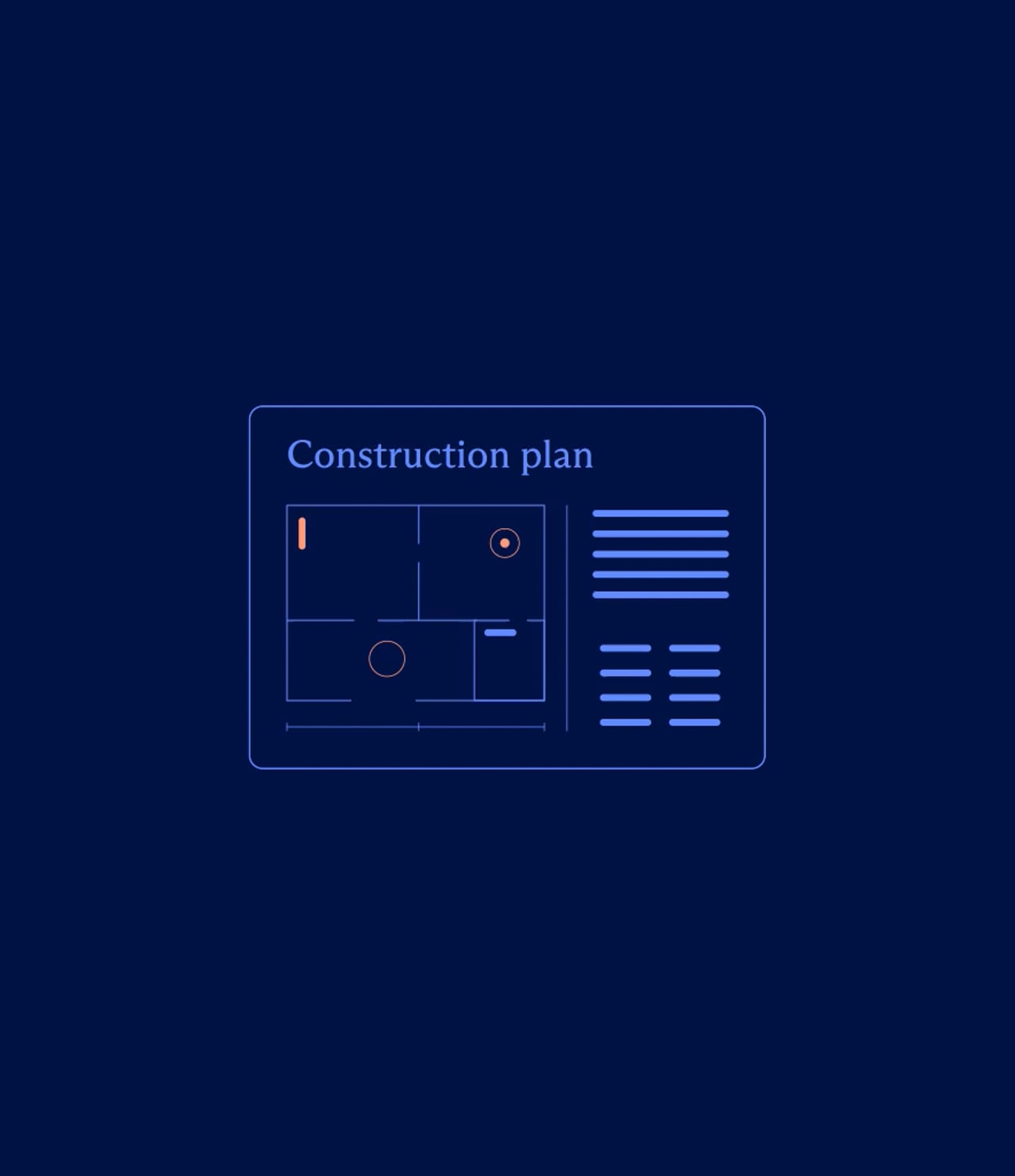
The workflow
From drawing context to field action
Give an agent source-linked document information to prepare a task or explain a change. Keep the drawing available when someone needs to inspect, correct, or finish the work.
- 1
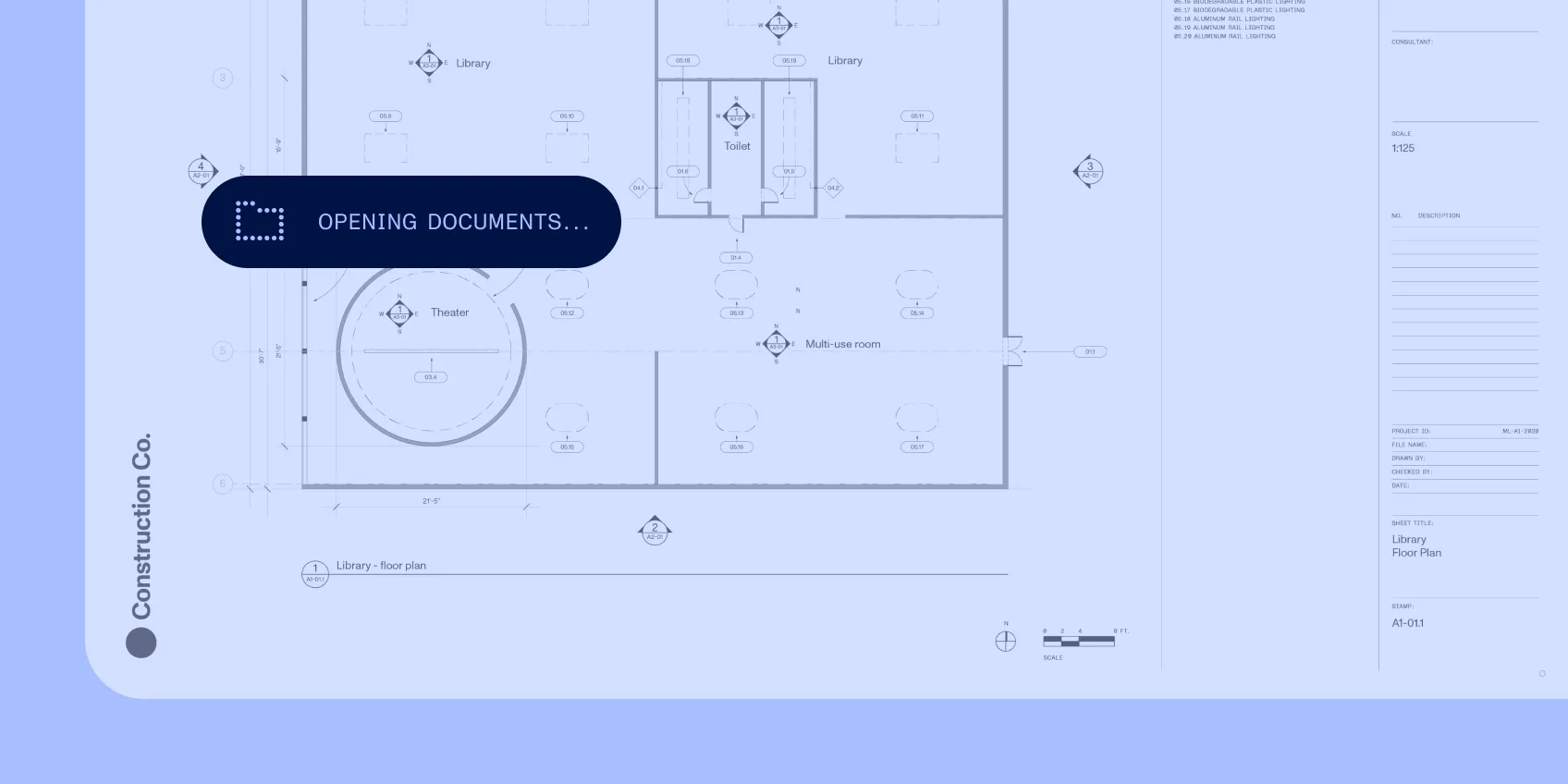
Find the relevant detail
Open the plan, specification, or inspection record beside the task.
- 2
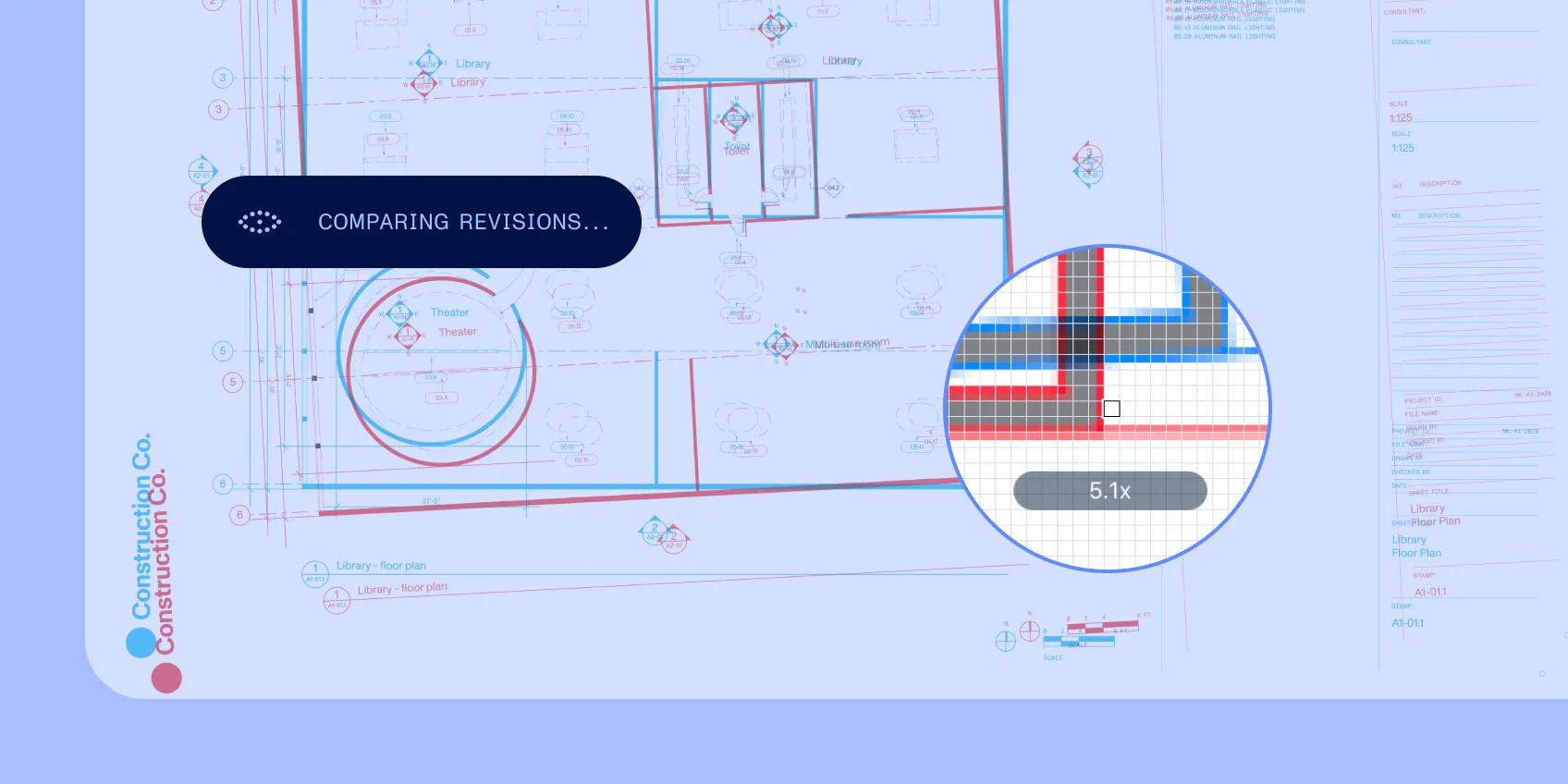
Work through the change
Compare revisions and carry the relevant notes into the current drawing.
- 3
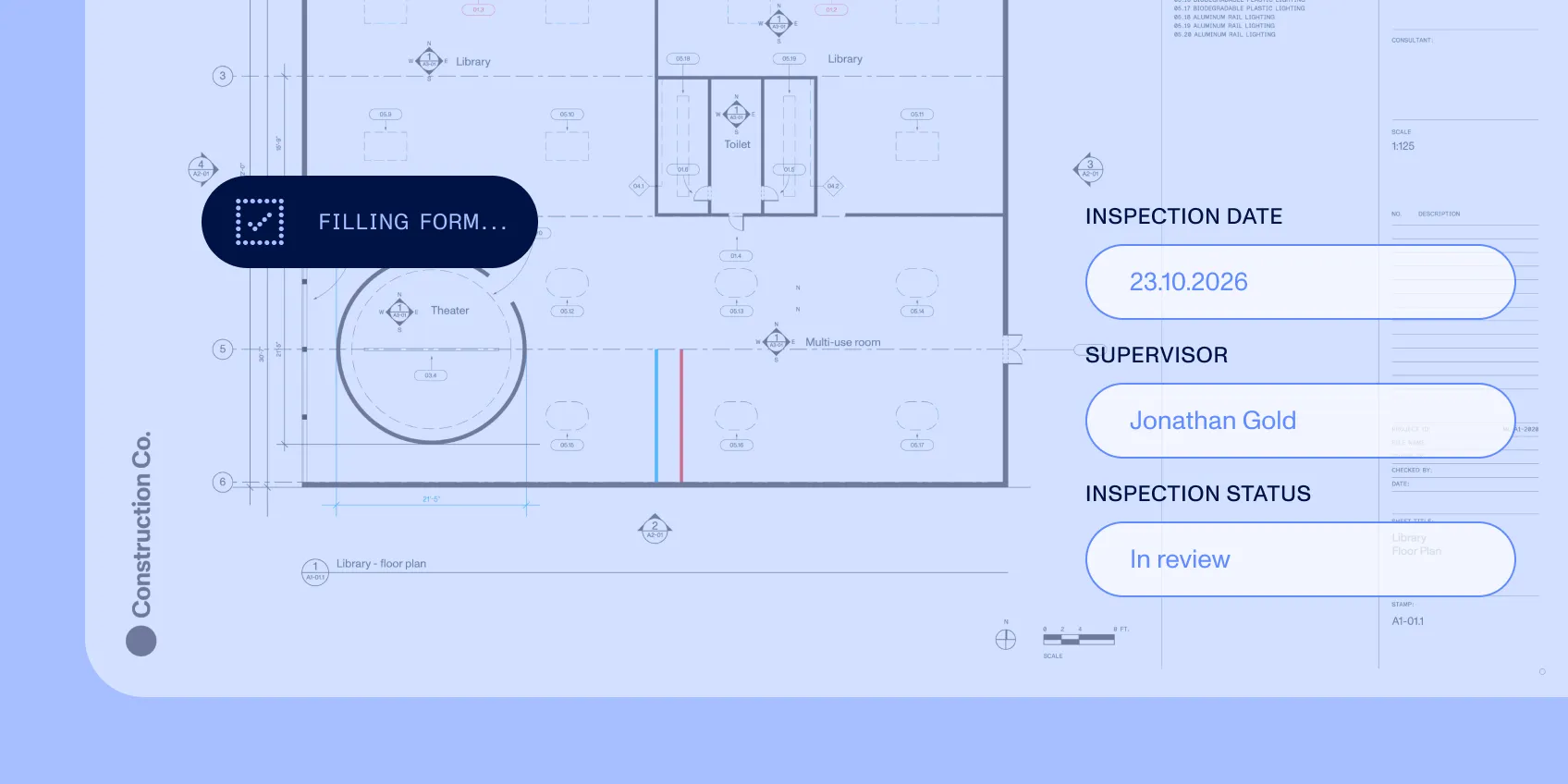
Complete the field record
Mark a finding, fill the inspection form, and capture sign-off in the same application.
Specification
Controls
Make changes inspectable
Text and visual comparison expose document differences. Annotations keep findings on the page. Source references connect extracted values to their document locations. Define which revision a task uses and which exceptions require attention before a field action proceeds.
Implementation
Fit the system your teams use
Embed document work with web or mobile SDKs. Use server-side document processing where the workflow needs it. Start with representative drawings, revision histories, and inspection packets; evaluate large-plan behavior on the devices your teams actually carry.