Search
Spend approvals
Move supported spend requests to authorized decisions
Connect invoices, bids, and supporting records to the rules behind a spending decision. Give agents a defined path from submission to an authorized decision.

The workflow
Two workflows, one clear decision trail
Use agents to prepare source-linked packet details and identify missing inputs. Let explicit rules determine where the request goes next.
- 1
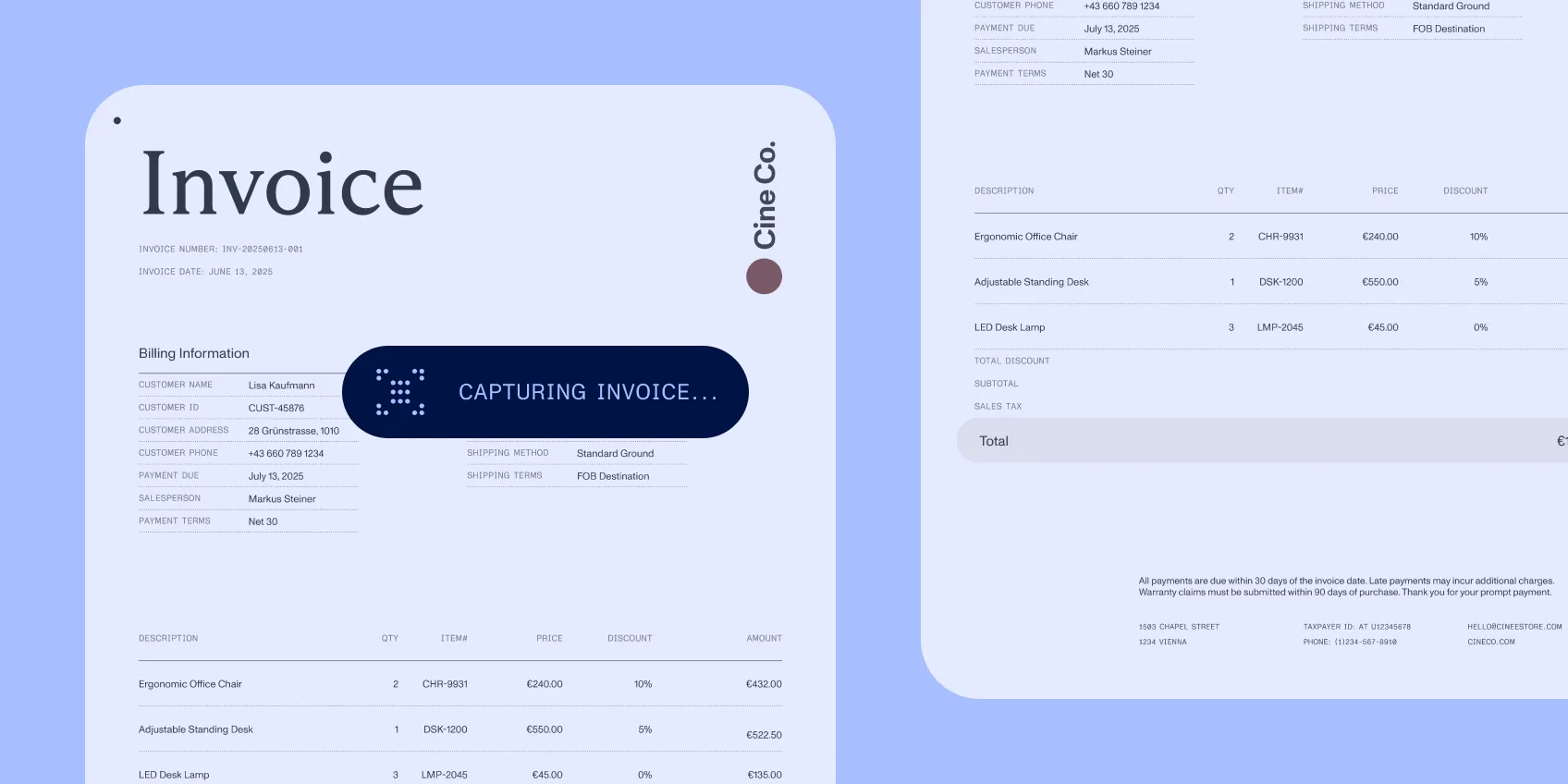
Invoice approvals
Capture the invoice, assign coding, collect the required decision, and return missing information to its owner.
- 2
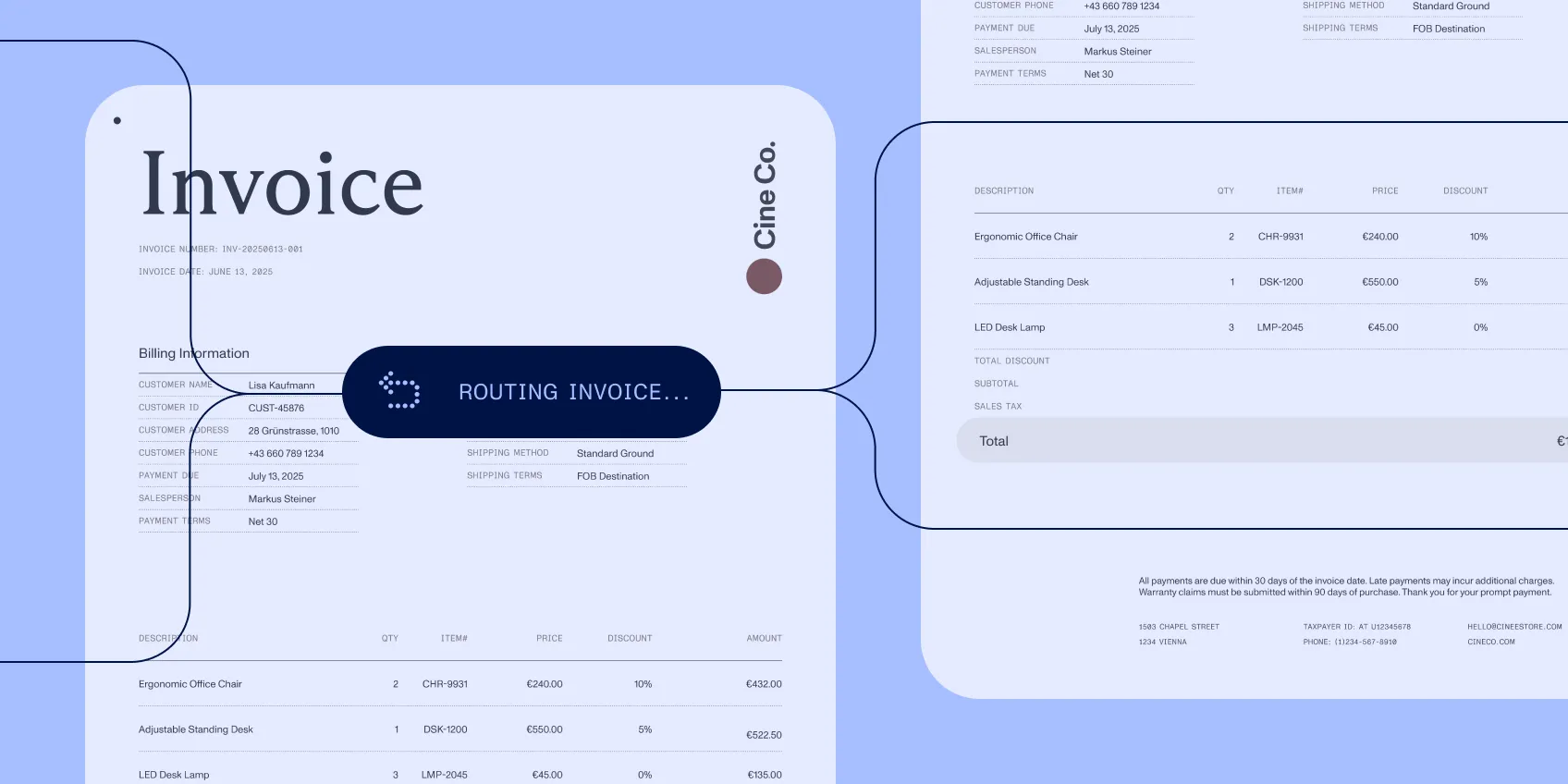
Capital requests
Bring bids and project context into a request. Then route it according to the applicable authority.
- 3
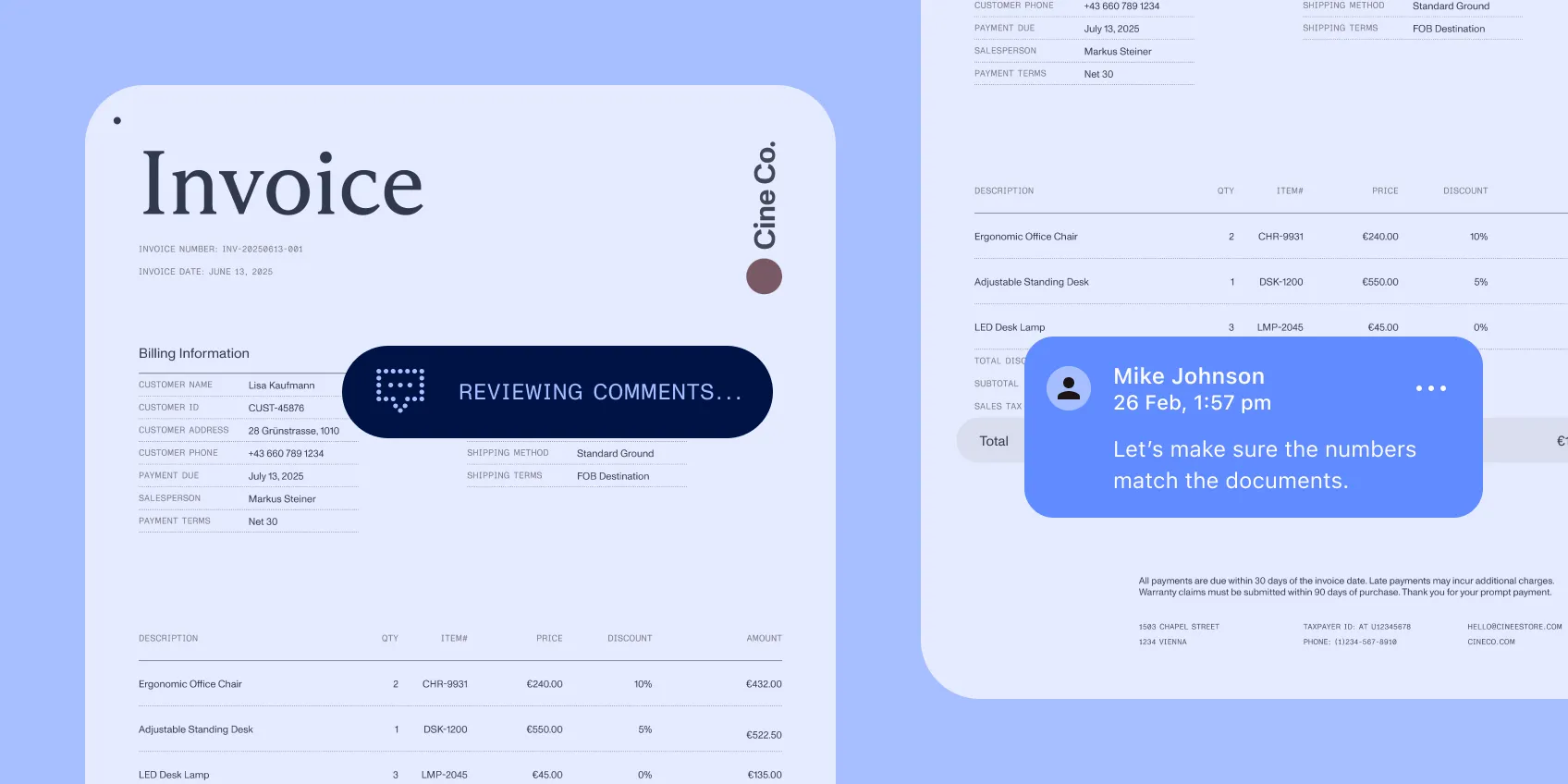
Exception resolution
Keep the packet, comments, and status visible when a request needs another document or decision.
Specification
Controls
Put the decision rules in the workflow
Workflow Automation routes tasks using form data, status, and approval choices. Structured extraction provides document fields with source references. Configure required information, amount thresholds, and approval conditions, and preserve the supporting record through returns and resubmission.
Implementation
Connect the systems that own the spend
Start with an invoice or CapEx process and its finance system handoffs. Use Workflow Automation for configured routing; add document processing and embedded interaction where the packet needs them. Scope downstream updates and authority boundaries with the teams responsible for those systems.