Search
Searchable records
Make document history usable when decisions need it
Turn scanned and fragmented records into searchable context. Connect that history to the applications and agents answering questions, preparing audits, and supporting the next service decision.

The workflow
Recover the context in the collection
Build agent retrieval around the source record. Use extracted information to prepare an answer or next action, with a route back to the original page when context is missing.
- 1
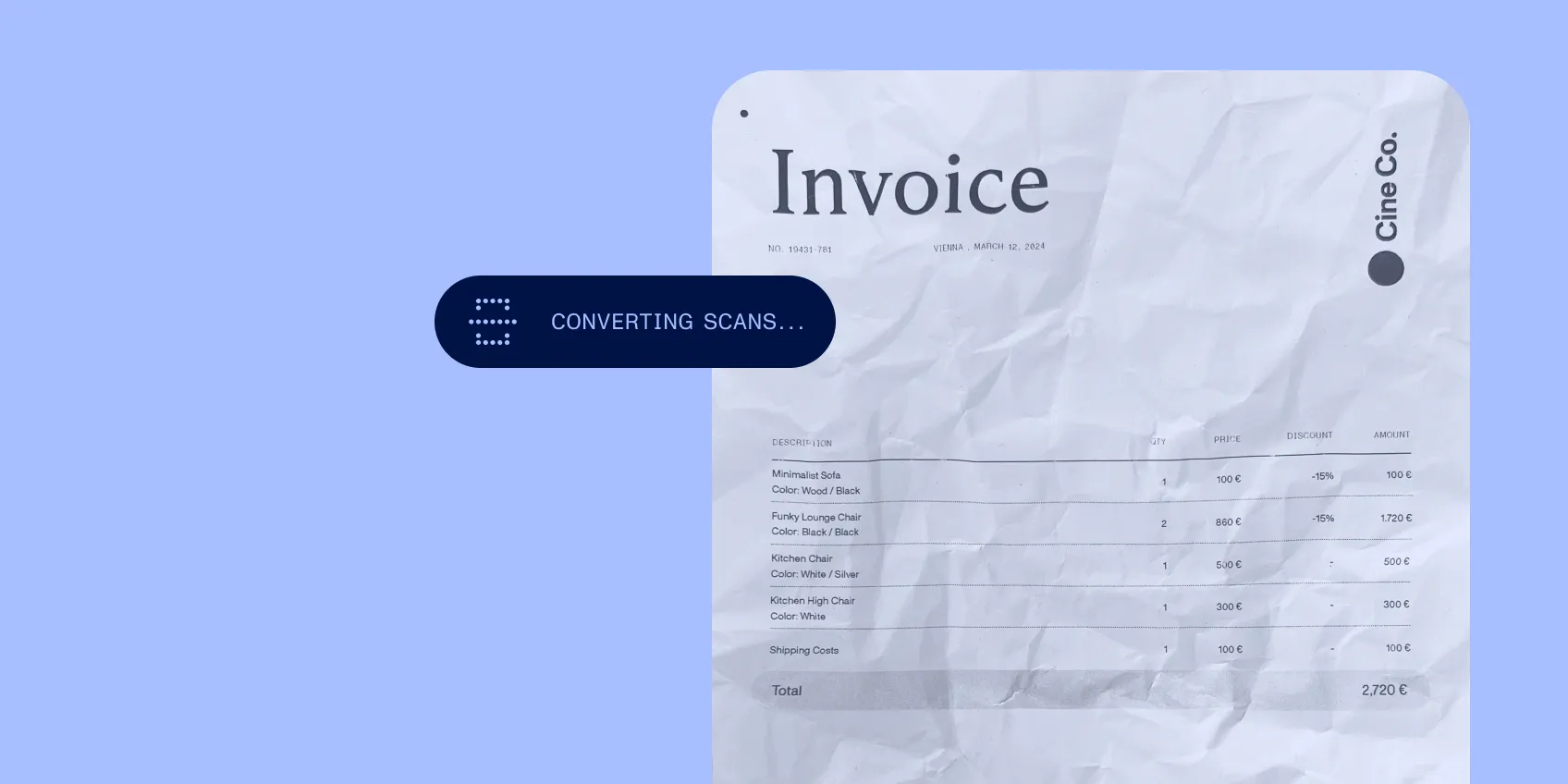
Prepare the records
Convert scans and mixed formats into documents the workflow can use.
- 2
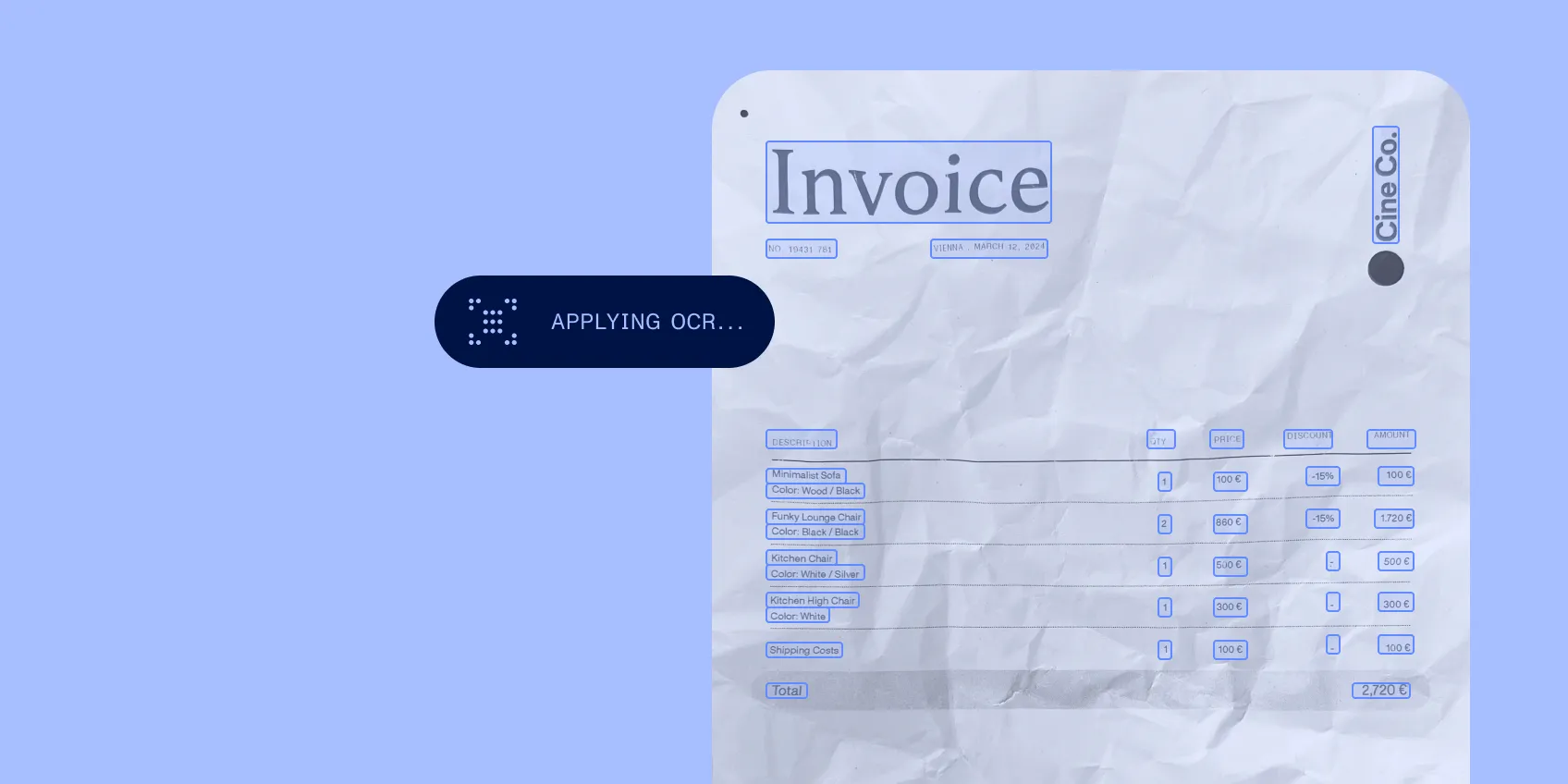
Make the content searchable
Apply OCR and carry record identifiers and filing context into your information system.
- 3
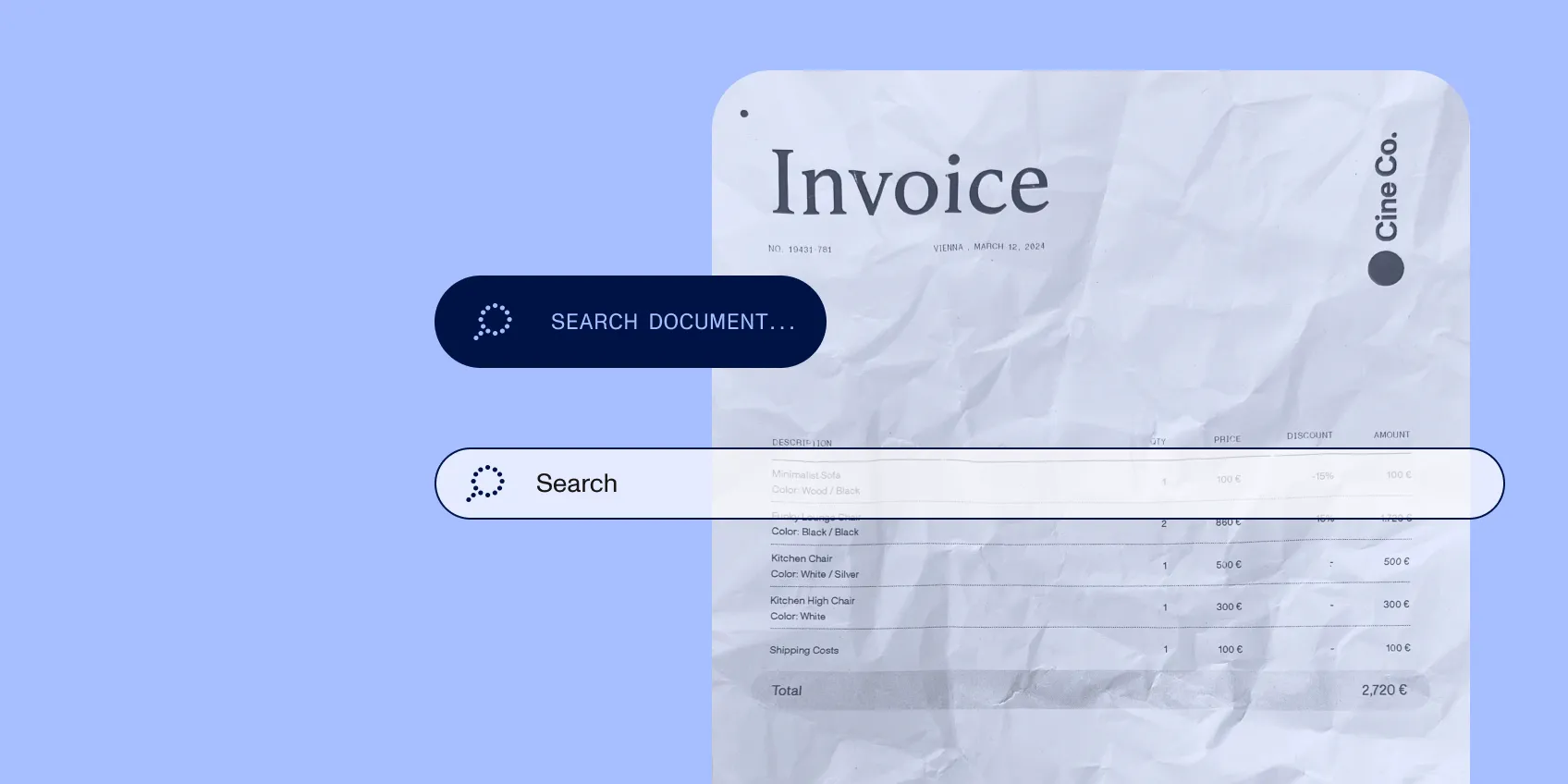
Return to the evidence
Open the relevant document when an audit question, service request, or agent task needs support.
Specification
Controls
Keep retrieval accountable
Source references connect extracted values to document locations. Define required identifiers and record-completeness checks before publishing information to the next system. Retain the source alongside the processed record, and route unreadable or incomplete inputs for attention.
Implementation
Fit the document estate
Start with representative scans, formats, folder structures, and access requirements. Select OCR and conversion products for the processing environment, and then connect them to the repository or application that owns the records. Evaluate PDF/A separately where long-term preservation is required.