Generation
Generate the agreement from your data before it goes out for signature.
PDF SIGNING
A drawn signature shows agreement, not who signed or whether the file changed. Collect signatures where the work happens, and add certificate-based proof when it matters.
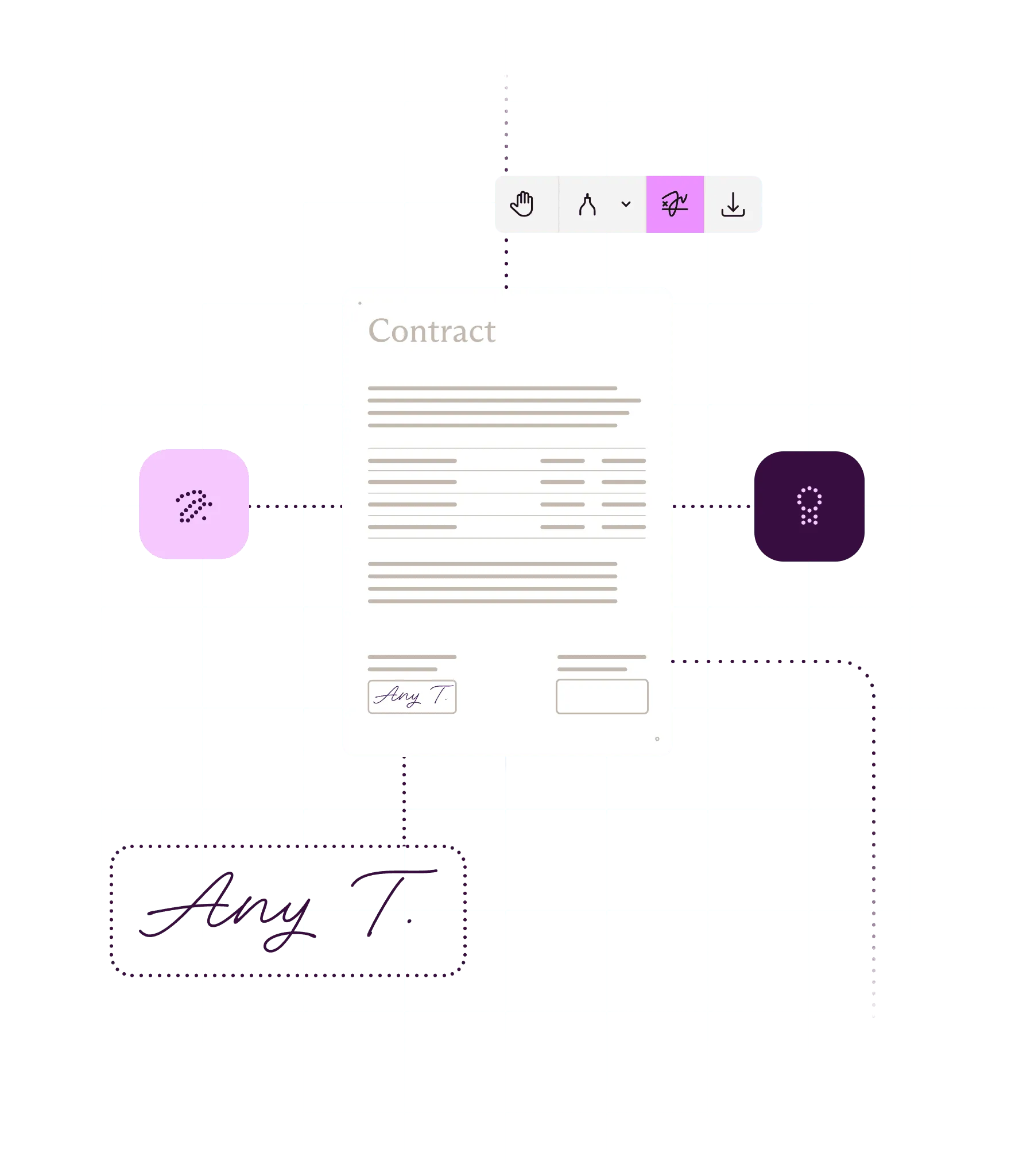
What you can do
Prepare documents for signing
Place signatures, initials, and date fields, and set who signs in what order before anyone signs.
Collect the signature you need
Capture a drawn, typed, or uploaded signature, or apply a certificate-based digital signature. Or both.
Prove the document hasn’t changed
Add trusted timestamps and revocation data so signatures still validate after certificates expire.
Sign at volume or inside a process
Sign on a server with no person in the loop, or make signing a tracked step in an approval.
Ways to build
In your app or backend
Nutrient SDKs add a signing UI, digital signatures, and validation to apps. The .NET, Java, and Python SDKs also sign on the backend. Flutter and React Native offer electronic signatures only.
On a server: Self-hosted or Nutrient-hosted
Document Engine signs headlessly and passes the signing step to your own service, so private keys can stay in your HSM.
Through a hosted API or an AI agent
Nutrient APIs apply a PAdES B-LT digital signature in one call, with nothing to deploy. Nutrient MCP gives AI agents the same signing tool.
Inside Salesforce
Nutrient Documents for Salesforce sends documents for signature from the record and adds the signed PDF back to it.
Inside approval workflows
Nutrient Workflow makes signing a step in an approval process, routed in order or in parallel and recorded in the audit trail.
How it works
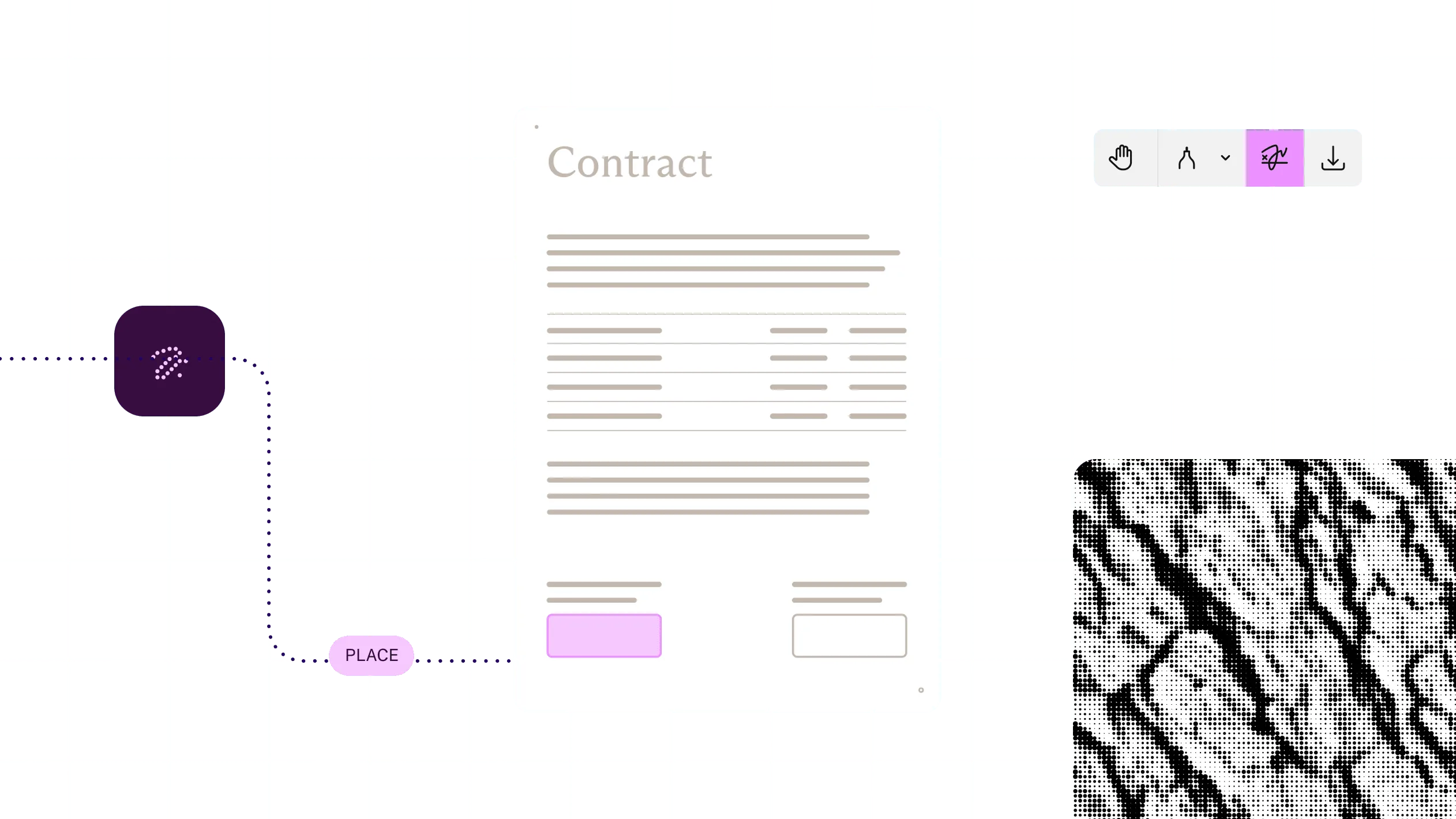
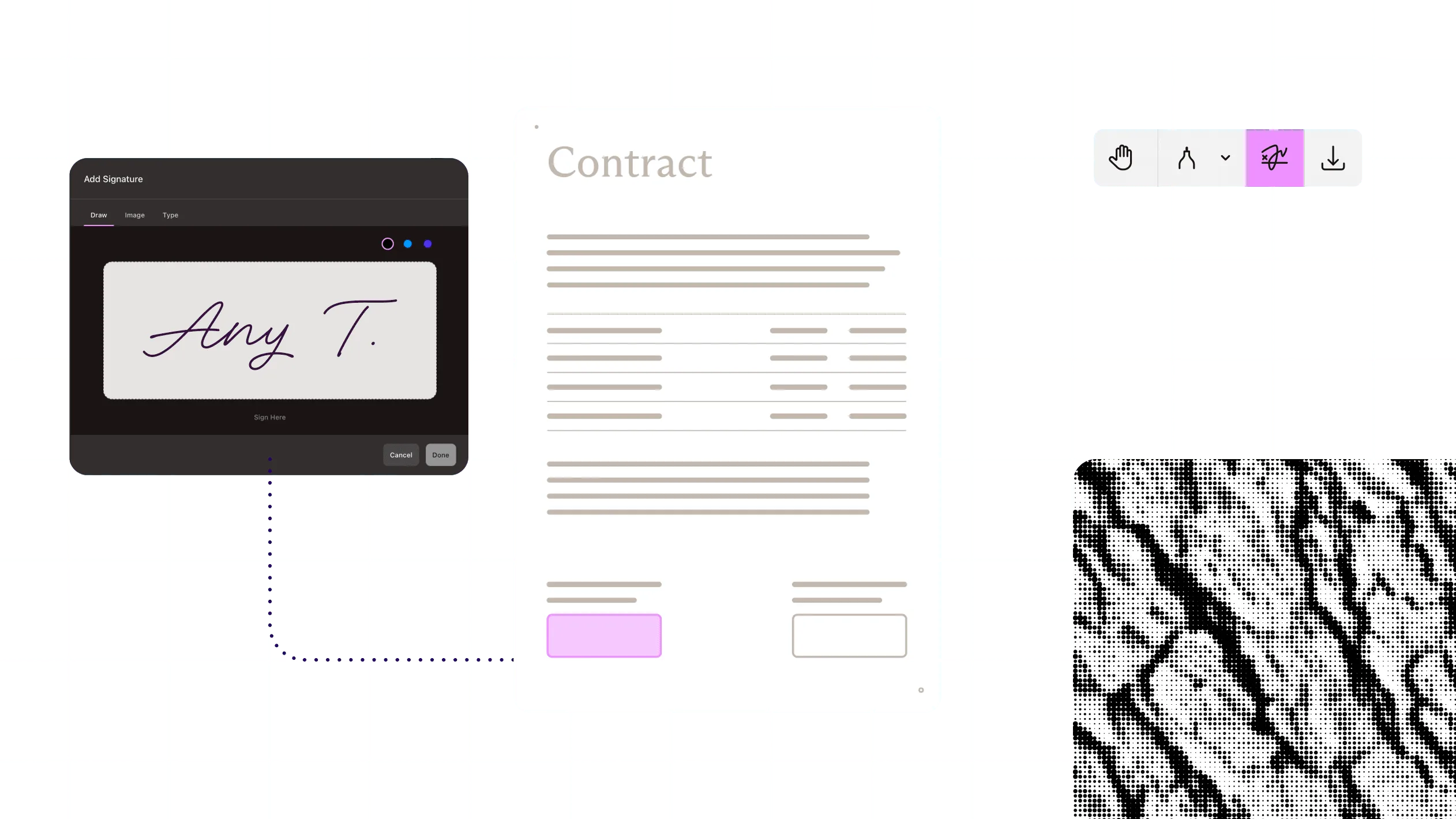
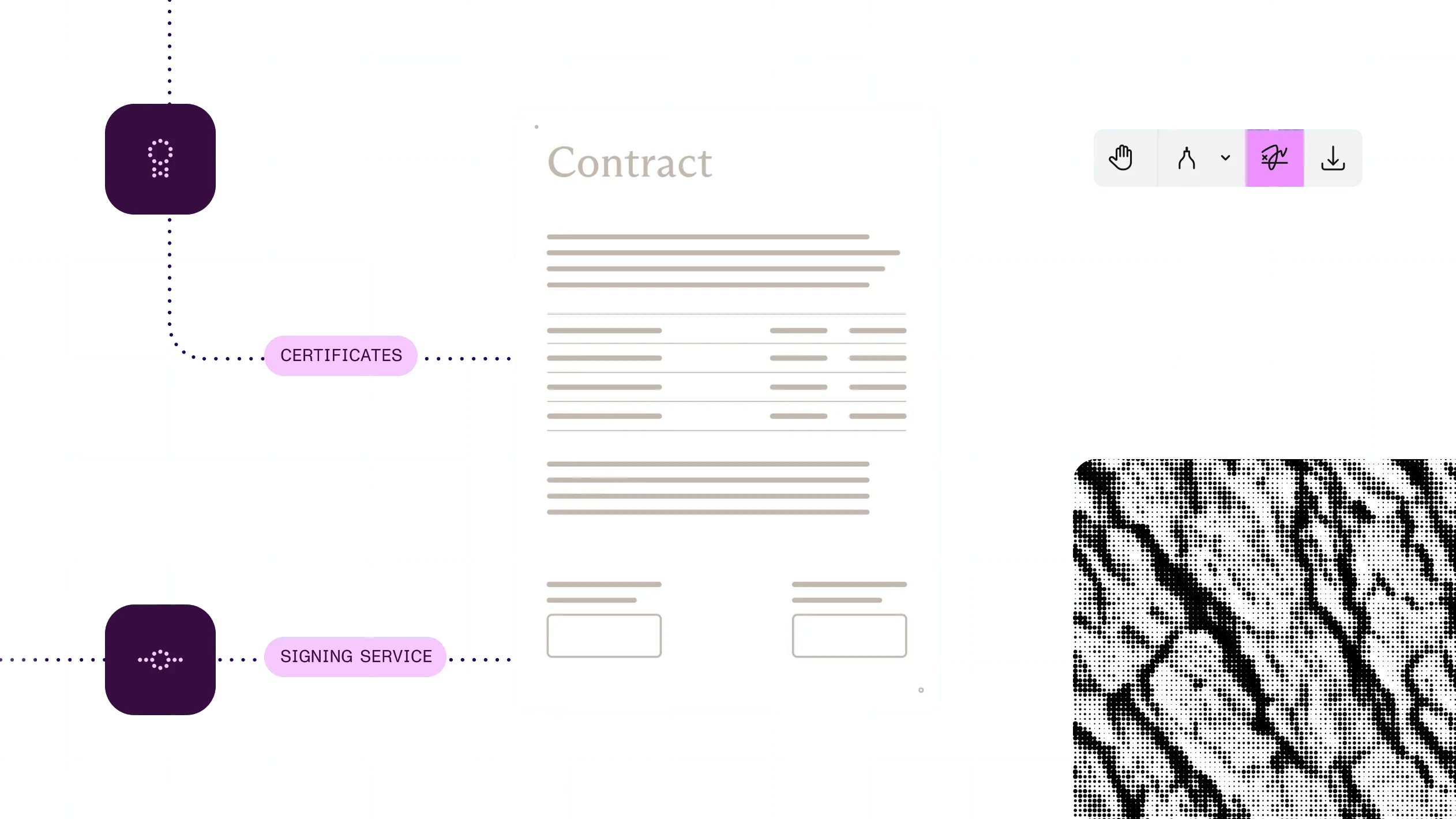
1
Add a visible or invisible signature field, or let people sign anywhere on the page.
2
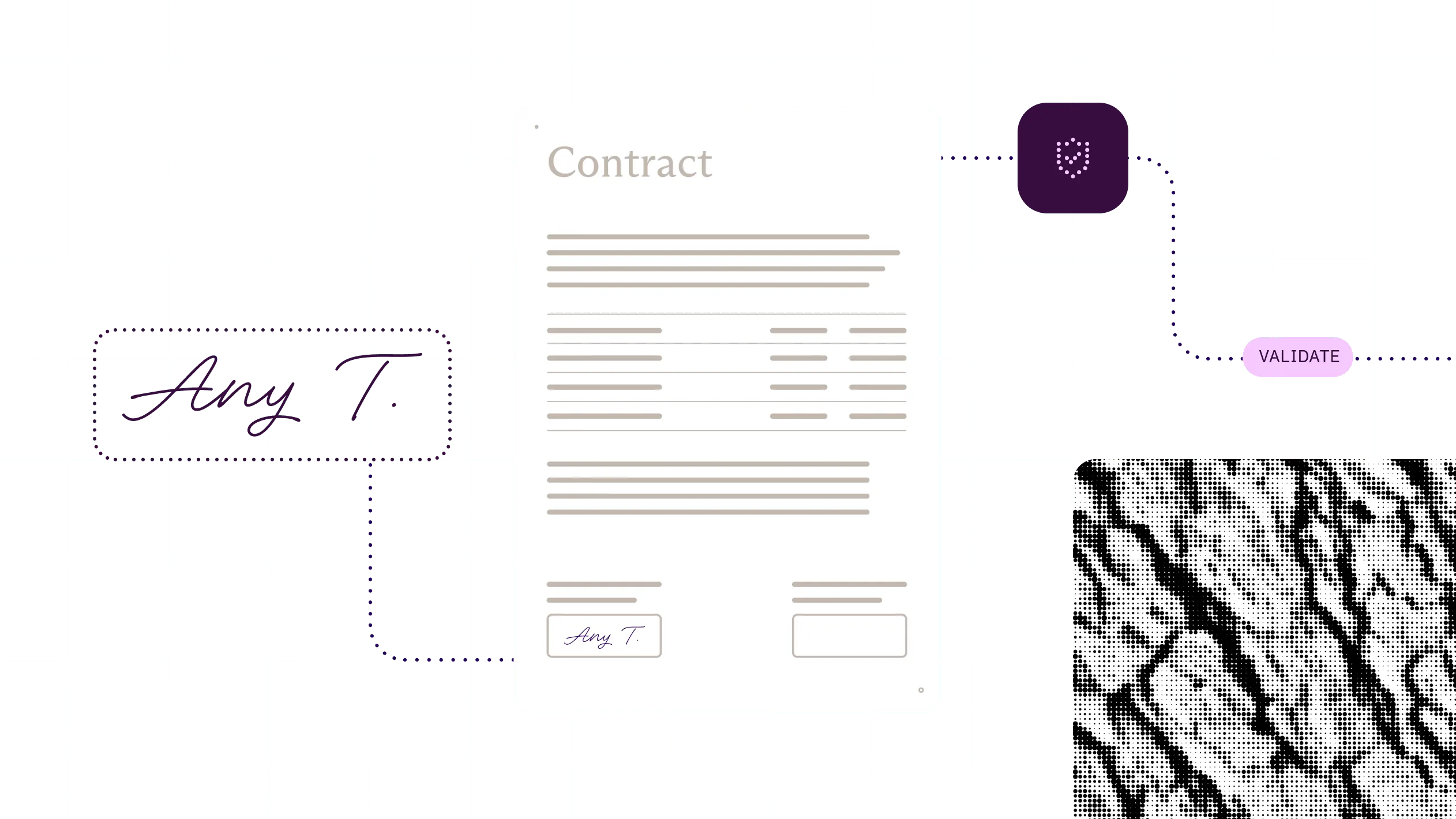
People draw, type, or upload a signature in the viewer. That records their intent.
3
Apply a digital signature from a certificate, a hardware security module, or a signing service.
4
Check the signature against trusted roots and show whether the document changed after signing.
At a glance
Nutrient signing applies signatures to PDF documents and keeps them verifiable after signing. It takes a document plus a signer’s mark or an X.509 certificate and returns a signed PDF. That can be an electronic signature that records intent, a certificate-based digital signature that proves identity and exposes later changes, or both.
Inputs
A PDF plus a drawn, typed, or image signature; or an X.509 certificate whose private key can stay in an HSM or signing service.
Outputs
A signed PDF with visible or invisible signatures, each saved as its own revision, and a validation status when the file opens.
Standards
PAdES and CMS signatures with RSA or ECDSA and SHA-2, RFC 3161 timestamps, and long-term validation up to PAdES B-LT, with B-LTA in the .NET SDK.
Runs on
Web, iOS, Android, MAUI, Flutter, and React Native apps; .NET, Java, and Python backends; your own servers; Salesforce; or Nutrient’s cloud.
Delivered through
Nutrient SDKs, Document Engine, Nutrient APIs, Nutrient MCP, Nutrient Documents for Salesforce, and Workflow.
A signature is the last step, not the whole job. Generate the agreement and get it approved. Then collect signatures where people already work.
Sending an agreement for signature
ExampleNext: Archive the signed agreement
Why Nutrient
A signature looks finished the moment it’s applied. The test comes later: The certificate has expired, the file has been forwarded twice, and someone asks whether it changed.
Intent or proof, per document
Use electronic signatures where intent is enough and digital signatures where identity and tamper evidence matter. Mix both in one document. Digital signing isn’t in the Flutter or React Native SDK APIs.
Still verifiable years later
Timestamps and embedded revocation data keep signatures checkable after certificates expire, so audits don’t depend on servers that are gone. Available up to PAdES B-LT, with B-LTA in the .NET SDK.
Keys stay where you put them
Sign through an HSM or a signing service, so private keys don’t have to leave it. Available in the SDKs and Document Engine. The .NET SDK also signs with PKCS#11 devices and smart cards.
No detour to another platform
Sign in your app, backend, Salesforce, or approval step. Agreements don’t wait on a handoff. Salesforce signing runs on Nutrient’s cloud and returns the signed PDF to the record.
PDF signing applies a signature to a PDF document. With Nutrient, that’s an electronic signature that captures intent, a certificate-based digital signature that proves who signed and shows whether the file changed afterward, or both. It’s available in SDKs, Document Engine, a hosted API, Salesforce, and Workflow, and through MCP.
An electronic signature is a mark — drawn, typed, or uploaded — that shows someone agreed. A digital signature uses an X.509 certificate to bind the signer’s identity to the document, so any later change breaks the signature. Nutrient supports both, separately or together.
Provide a certificate and its private key, choose a visible or invisible signature, and sign. In the SDKs and Document Engine, the key can stay in an HSM or signing service. With the hosted API, one request applies a PAdES B-LT signature, with no signing server to run.
Yes, with long-term validation. Nutrient embeds a trusted timestamp plus the certificate chain and revocation data in the PDF, so the signature can still be validated from the file itself. Most routes sign up to PAdES B-LT. The .NET SDK also creates B-LTA signatures.
It depends on the route. The SDKs and self-hosted Document Engine sign in your own environment, and keys can stay in your HSM or signing service. The hosted API and Salesforce signing process documents on Nutrient’s cloud. When Web SDK signs through the hosted API, only the document hash leaves the browser.
Not on their own. Legal effect depends on the whole workflow, including how signers are identified, how consent is recorded, and what evidence you keep. It also depends on the jurisdiction. Nutrient provides standards-based PAdES signatures and timestamps to support that evidence. Check requirements with your legal team.
Add signature fields next to other form fields so people know where to sign.
Generate the agreement from your data before it goes out for signature.
Archive the signed PDF in a format built for long-term storage.