Search
PDF VIEWER
View PDFs and Office files in your app
Show PDFs, Office files, and images in web and mobile apps, Salesforce, or your workflow. No downloads, no switching apps.
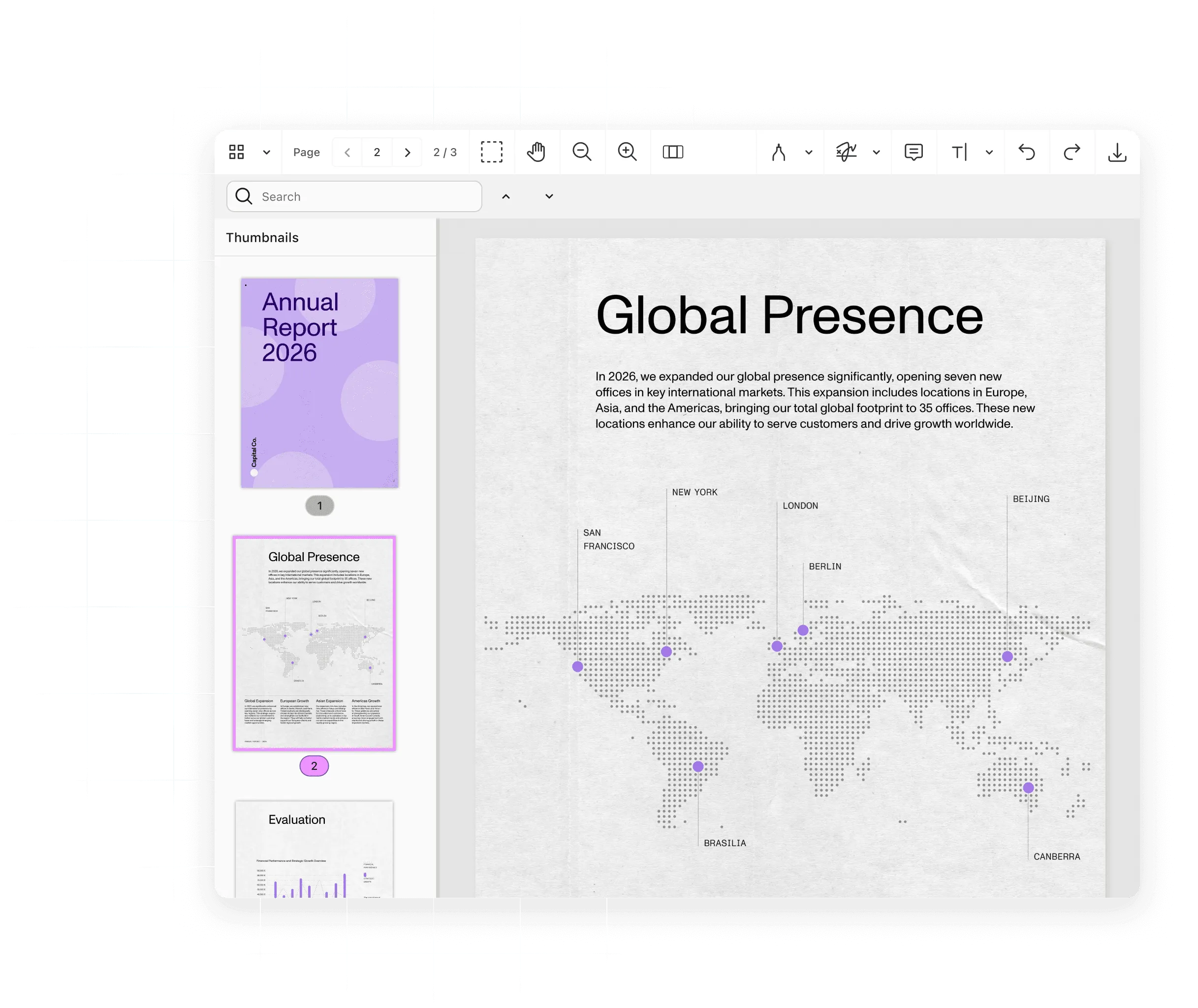
What you can do
What you can do with a PDF viewer
Open
Open PDFs, Office files, and images
Open Word, Excel, and PowerPoint files and images without Microsoft Office or plugins installed.
Stream
Show the first page of large files fast
Stream pages on demand so people start reading before the whole file arrives, even on slow networks.
Navigate
Search and navigate long documents
Search the text; jump by outline, thumbnail, or bookmark; and switch to Reader View on iOS and Android.
Customize
Customize the viewer UI
Restyle, replace, or hide any part of the web viewer, and control printing, downloading, and permissions.
Ways to build
Embed a PDF viewer where you need it
In your app
Nutrient SDKs render documents in the browser or on the device, with no backend required.
Web iOS and Android Flutter and React Native MAUI Web
On a server: Self-hosted or Nutrient-hosted
Document Engine streams pages so large files open fast and the PDF stays on your server. It also synchronizes annotations and enforces permissions.
Self-hosted Nutrient-hosted Page streaming Document Engine viewer
Through a hosted API
The Viewer API runs the web viewer with no infrastructure to host. Nutrient stores and streams documents, or your app keeps them.
Managed documents App-provided documents Viewer API docs
Inside Salesforce
Nutrient Documents for Salesforce opens PDFs, Office files, and images on Salesforce records, without downloading copies.
Inside approval workflows
Nutrient Workflow previews attached files inside a request, so approvers can check the document before they act.
Try it in code
Load a Word file into Web SDK and it renders in the browser, with no server and no Microsoft Office. Point it at your own file to try it.
NutrientViewer.load({ container: "#pspdfkit", document: "source.docx", licenseKey: "YOUR_LICENSE_KEY"});How it works
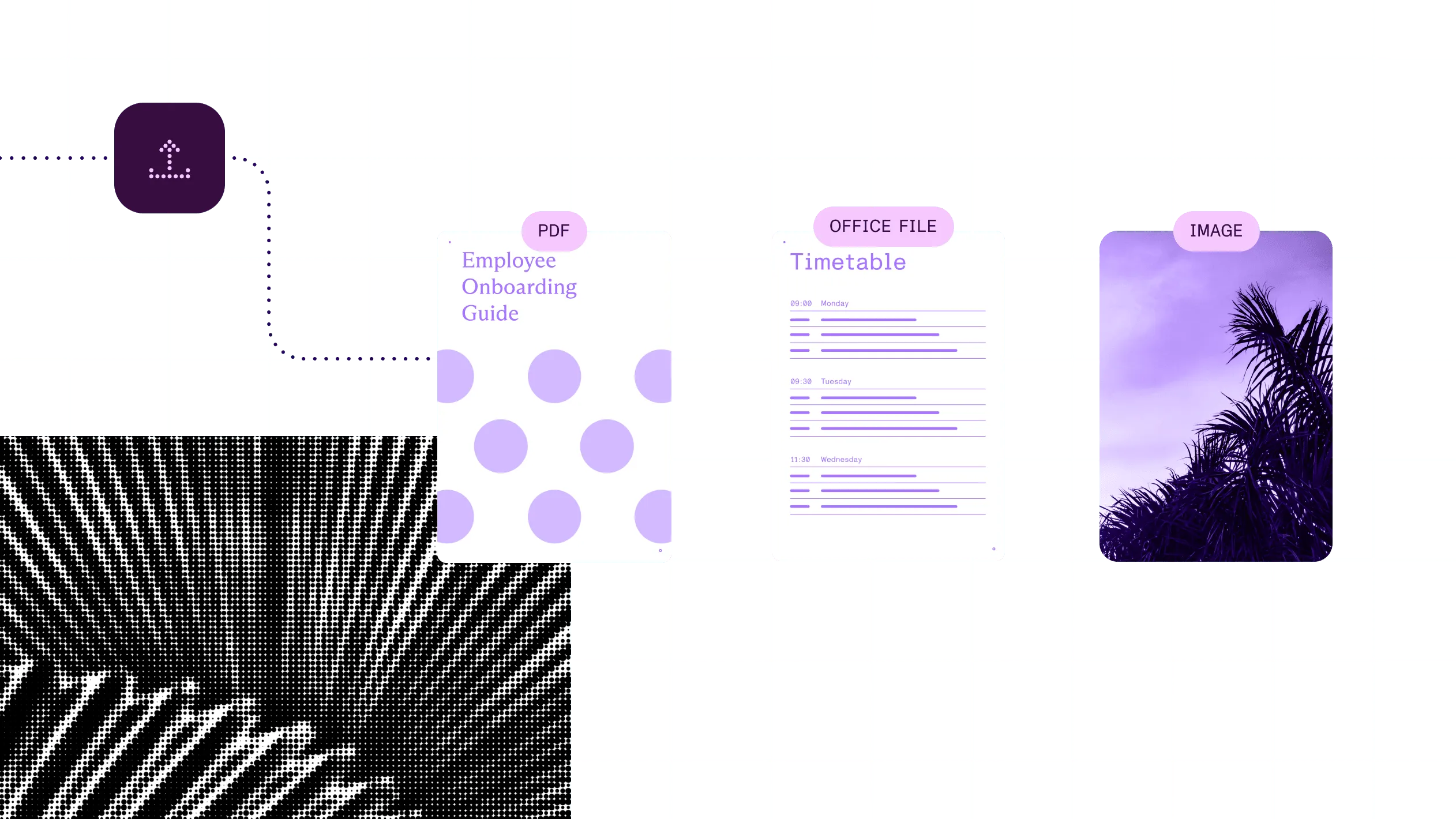
Open a Word file in the browser, no Office installed
1
Load the document
Pass a PDF, Office file, or image to the viewer in a single load call.
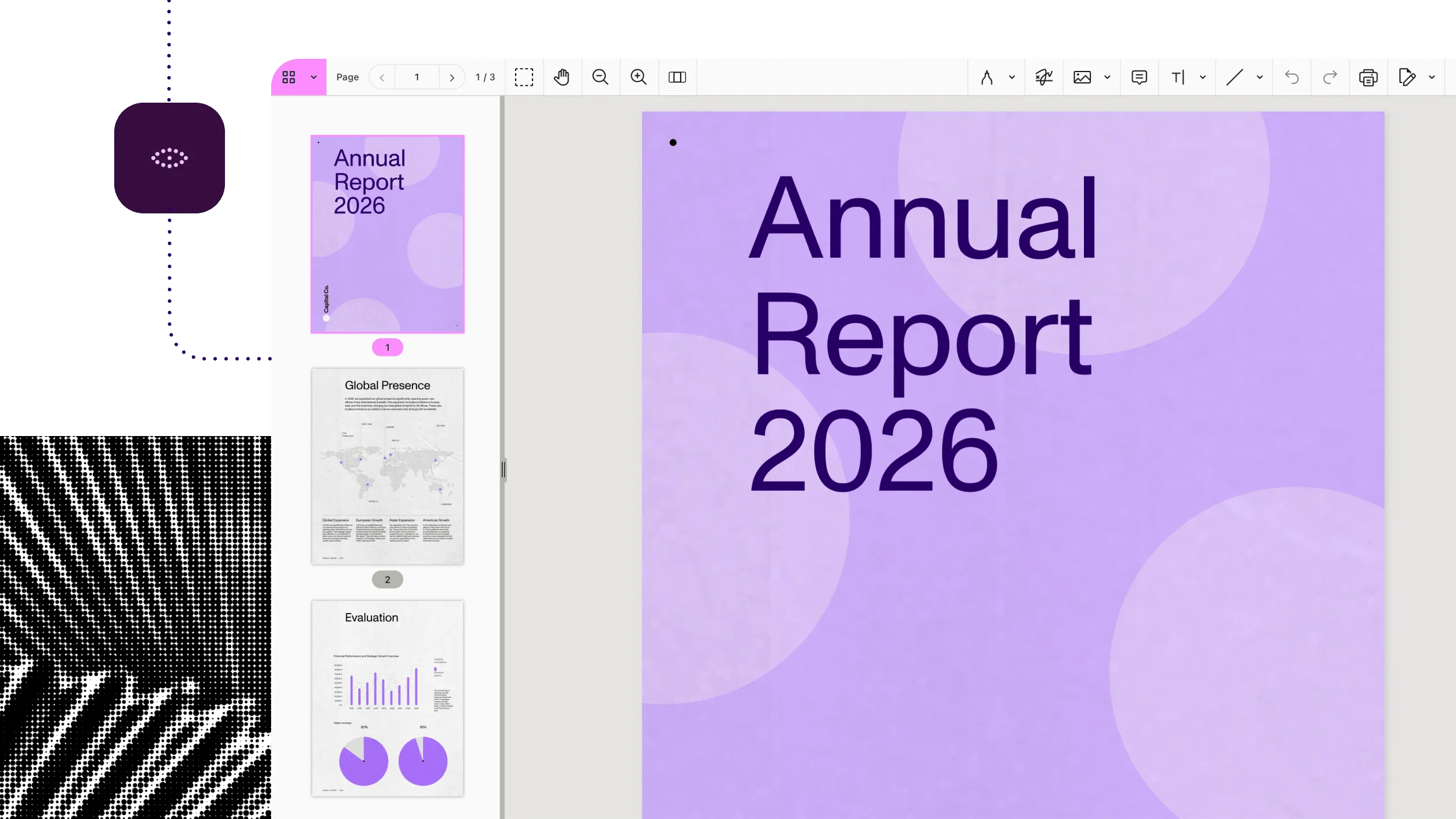
2
Render it where you choose
Render in the browser or on the device, or stream pages from Document Engine or the Viewer API.
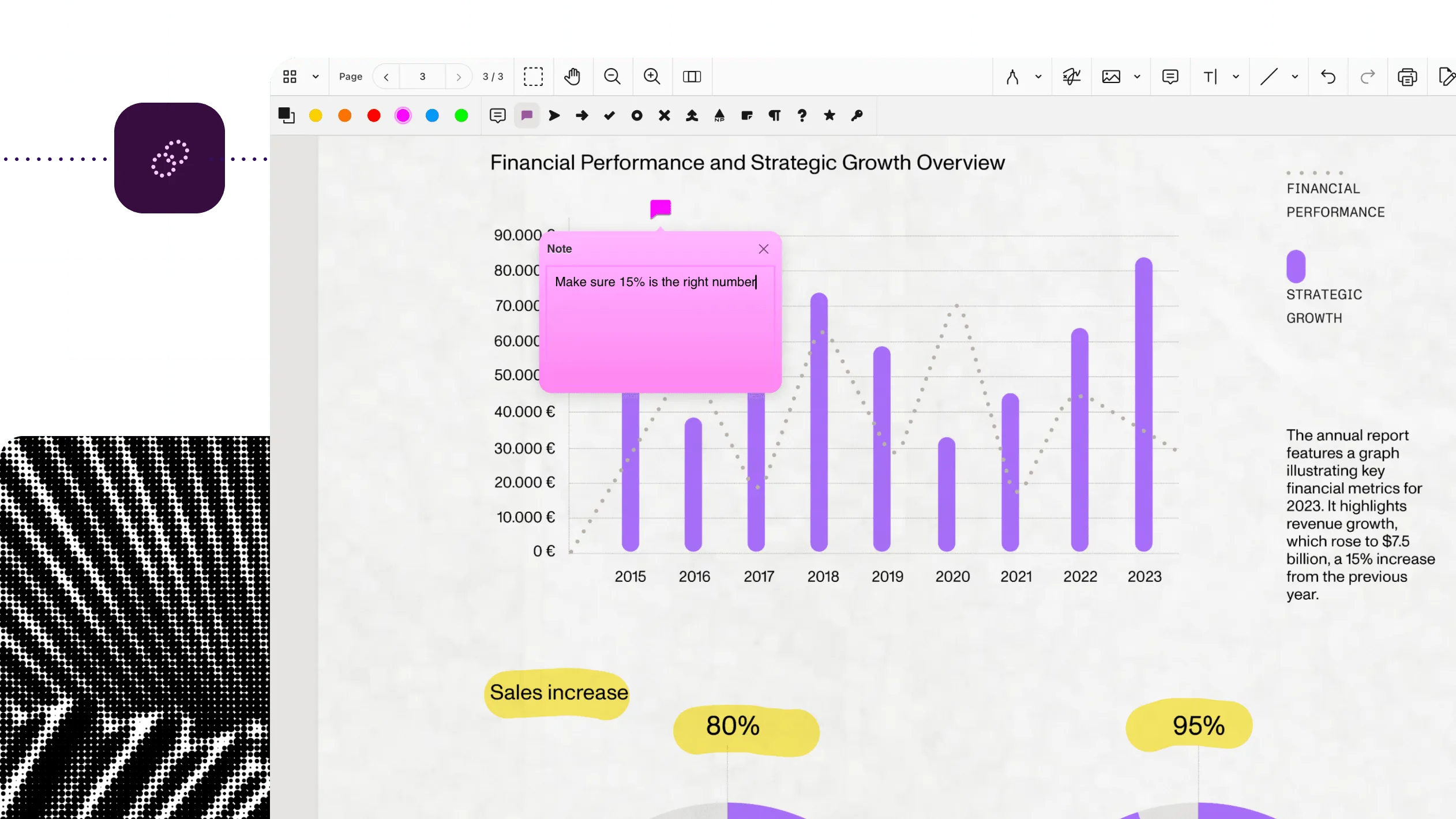
3
Let people work in it
Search, navigate, and zoom. Add annotation, forms, or add signing on the same viewer when the workflow needs them.
At a glance
The specs behind the document viewer
Nutrient viewing opens documents inside an app, a business system, or a workflow, so people can read, search, and move through them without downloading a file or switching tools. It takes a PDF — and on most routes, an Office file or image — and displays it in a viewer with page navigation, zoom, and search.
Inputs
PDF and PDF/A on every route. Word, Excel, PowerPoint, PNG, JPEG, and TIFF on Web SDK, MAUI, Document Engine, and the Viewer API. iOS and Android apps open Office files through Document Engine.
Outputs
A read-only view of the document. The file itself doesn’t change.
Runs on
The browser (WebAssembly); iOS, Android, and MAUI devices; your own servers; or Nutrient’s cloud.
Delivered through
Nutrient SDKs (web, mobile, and .NET), Document Engine, the Viewer API, Salesforce and Microsoft 365 integrations, and Workflow.
Where it fits
Document viewing in the document workflow
Every review ends with a person looking at the real document. Prepare the files, route each one to the right reviewer, and show it accurately inside the app they already use.
Reviewing case files on a legal matter
ExamplePrepare
Convert and OCR incoming case files so every document opens and searches the same way.
Legal document workflows
Work through source documents inside the systems where matter work happens.
See the offeringBoard preparation and decisions
Keep board papers, revisions, and preparation notes connected to the decision.
See the offeringFlight-document readiness
Put operational documents, reference material, and completed forms within reach in the aviation app.
See the offeringWhy Nutrient
A viewer that holds up on real documents
Viewing is the first feature people touch. When it fails, everyone notices.
PDFs, Office files, and images in one viewer
Open Word, Excel, and PowerPoint files without Microsoft Office, so no one downloads a file just to read it. Office and image viewing need license components. On iOS and Android, Office files open through Document Engine.
Choose where documents render
Render in the browser, on the device, on your servers, or in Nutrient’s cloud. With Document Engine, the PDF never reaches the browser. Server-side page streaming needs Document Engine or the Viewer API.
Customize the UI or run without one
Restyle or replace any part of the web viewer, or hide it and drive the viewer from code. It looks like your product, not ours. Headless control is a Web SDK feature.
Add annotation, forms, and signing later
Annotation, forms, signing, and redaction build on the same viewer, with no second integration.
- 3,000+ organizations worldwide
- 15 percent of Global 500 companies
- 1B+ document interactions a year
- SOC 2 Type 2 audited
- GDPR and CSA compliant
Frequently asked questions
What is a PDF viewer SDK?
It’s a component developers embed so people can open and read documents inside an app instead of downloading them. Nutrient’s viewer opens PDFs and, on most routes, Office files and images. It’s available in web, mobile, and .NET SDKs; Document Engine; the Viewer API; Salesforce; Microsoft 365; and Workflow.
Which file types can the viewer open?
PDF and PDF/A everywhere. Web SDK, MAUI, Document Engine, and the Viewer API also open Word, Excel, and PowerPoint files, and PNG, JPEG, and TIFF images, with no Microsoft Office installed. In iOS and Android apps, including Flutter and React Native, Office files open through Document Engine, which converts them to PDF first.
Do I need a server to view documents?
No. Web SDK runs fully in the browser, and the mobile SDKs render on the device. A server is optional: Document Engine or the Viewer API streams pages for faster first pages on large files. It also adds synchronization and permissions.
Where do my documents go?
It depends on the route. With standalone Web SDK and the mobile SDKs, documents stay in the browser or on the device. With self-hosted Document Engine, they stay on your servers. Managed Document Engine and the Viewer API run in Nutrient’s cloud. With the Viewer API, your app can also keep documents and send only a credential.
Can I customize the viewer or hide its UI?
Yes. In Web SDK, you can restyle, replace, or hide any part of the interface, or run with no UI and drive the viewer from code. The mobile SDKs offer customizable toolbars and page modes. The Salesforce, Microsoft 365, and Workflow viewers use their own interface.
Does viewing change my file?
No. Viewing shows the document as it is. Document Engine converts Office files to PDF when you upload them, and documents stored by the Viewer API stay stored until you delete them, so plan storage and deletion on those routes.