PDF/A archiving
Archive searchable scans as PDF/A for long-term records.
PDF OCR
A scanned page is only a picture of text. Add a text layer so people can search and copy it and software can read it. The page looks the same.
What you can do
Clean up the scan
Straighten pages and remove noise, lines, and punch holes, so the text reads well. Available in the .NET SDK.
Make scans searchable
Add a text layer so people can search, select, and copy text and the page still looks the same.
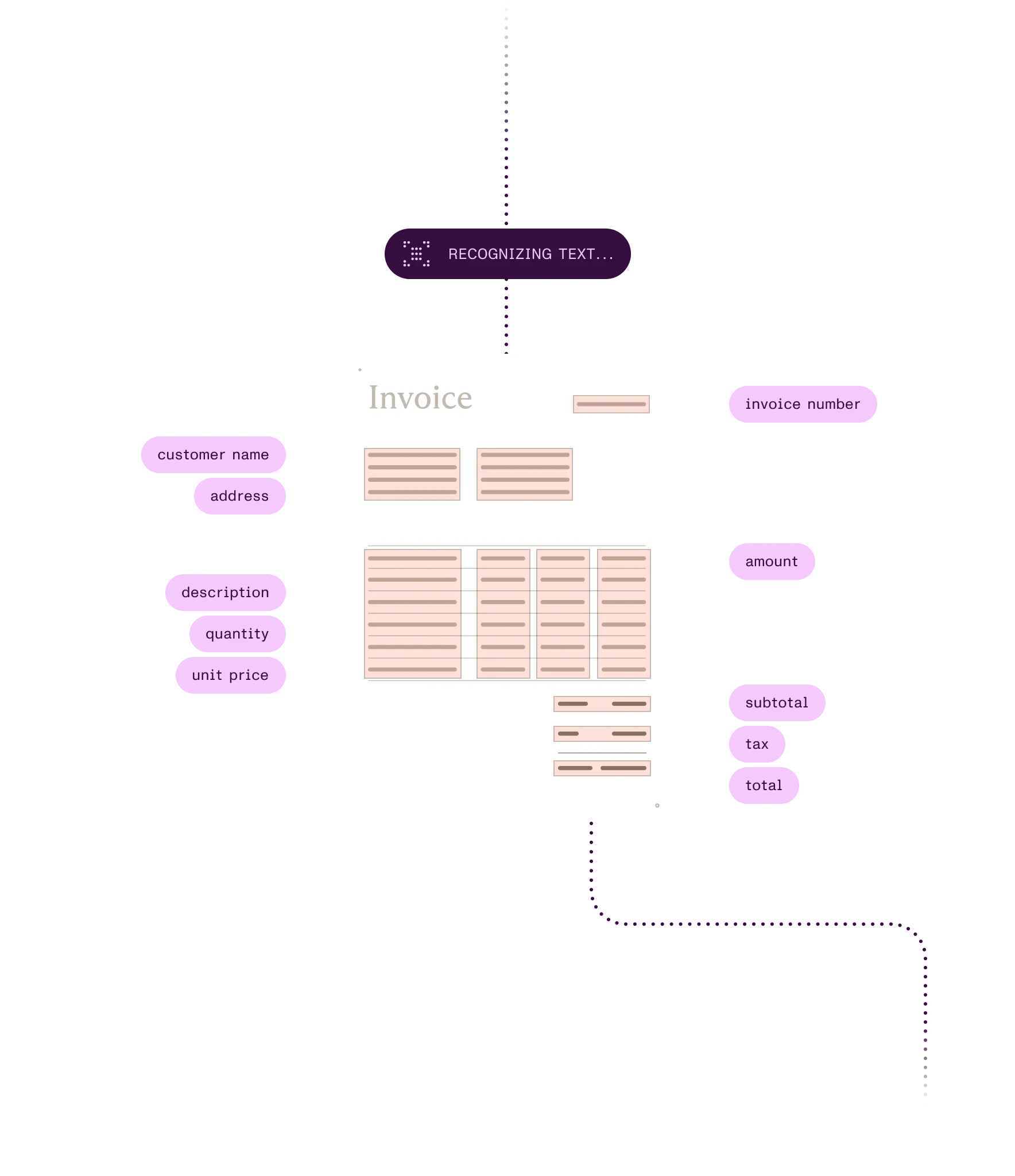
Read checks, forms, IDs, and barcodes
Read check lines, filled-in boxes, passport zones, and barcodes from scanned pages in the .NET SDK.
Make whole archives searchable
Find the files nobody can search yet and run OCR on them in bulk, on a schedule.
Ways to build
In your app or backend
Nutrient SDKs run OCR on a device in iOS and Android apps and on your servers in .NET, Java, and Python. The .NET SDK also reads checks, IDs, and barcodes.
On a server: Self-hosted or Nutrient-hosted
Document Engine runs OCR on upload, on stored documents, or in one API call. Web SDK calls it to make an open document searchable.
Through a hosted API
Nutrient APIs turn scans and page images into a searchable PDF in 80+ languages. There’s nothing to deploy.
In SharePoint and Microsoft 365
Document Searchability finds files nobody can search and runs OCR on them in place, on a schedule. Document Converter adds OCR steps to Power Automate flows (Enterprise tier online).
From an AI agent
Nutrient MCP lets an AI agent run OCR on a scan as part of a task. OCR runs in Nutrient’s cloud; there’s nothing to install.
Recognize English text on scanned pages so it can be searched and selected. Web SDK runs OCR through Document Engine, and the hosted API returns a searchable PDF.
await instance.applyOperations([ { type: "performOcr", language: "english", pageIndexes: "all" }]);curl -X POST https://api.nutrient.io/processor/ocr \ -H "Authorization: Bearer your_api_key_here" \ -o result.pdf \ --fail \ -F file=@page1.jpg \ -F data='{ "language": "english" }'How it works
1
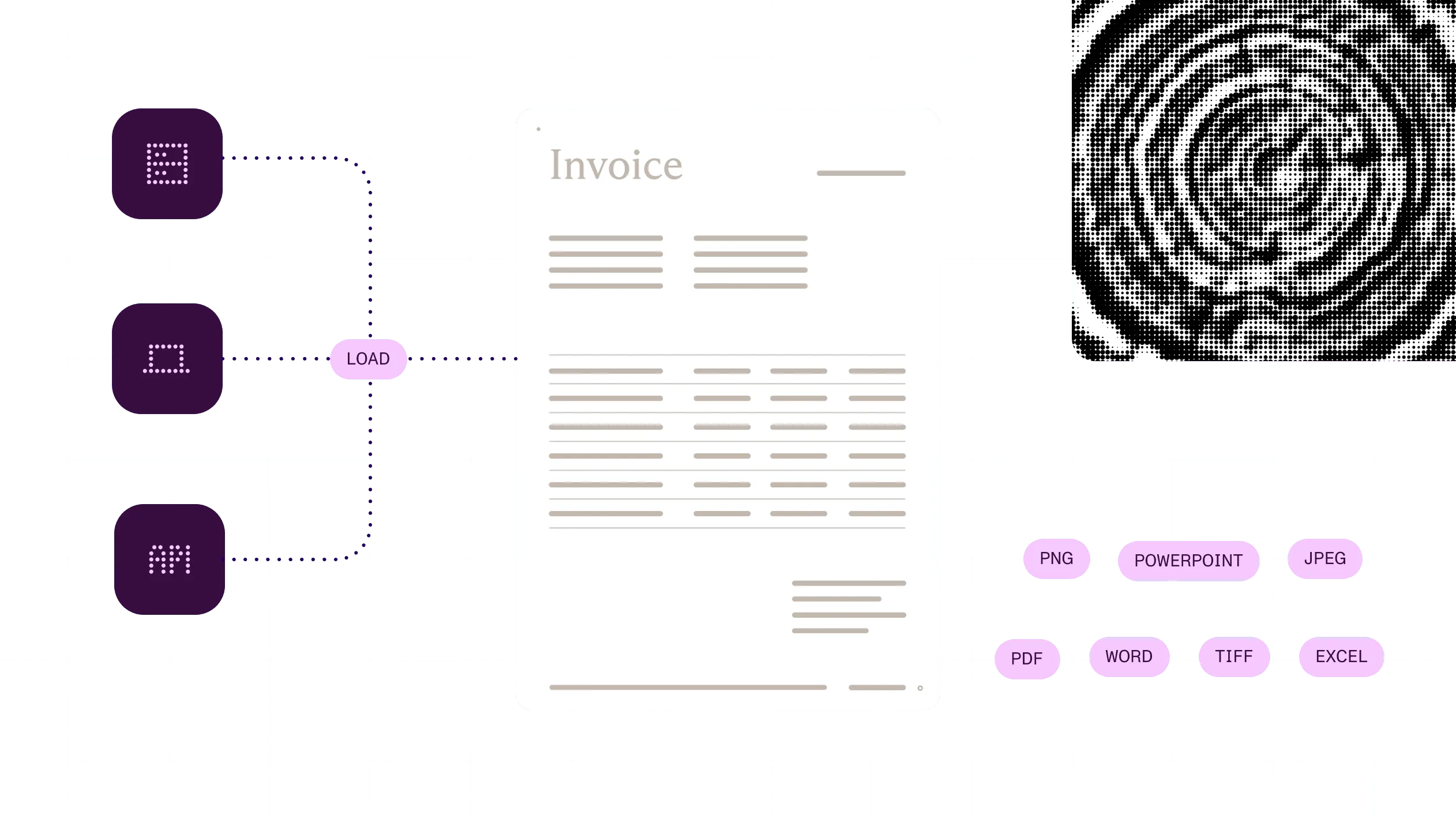
Open a scanned PDF or image on a device or on your server, or send it in an API call.
2
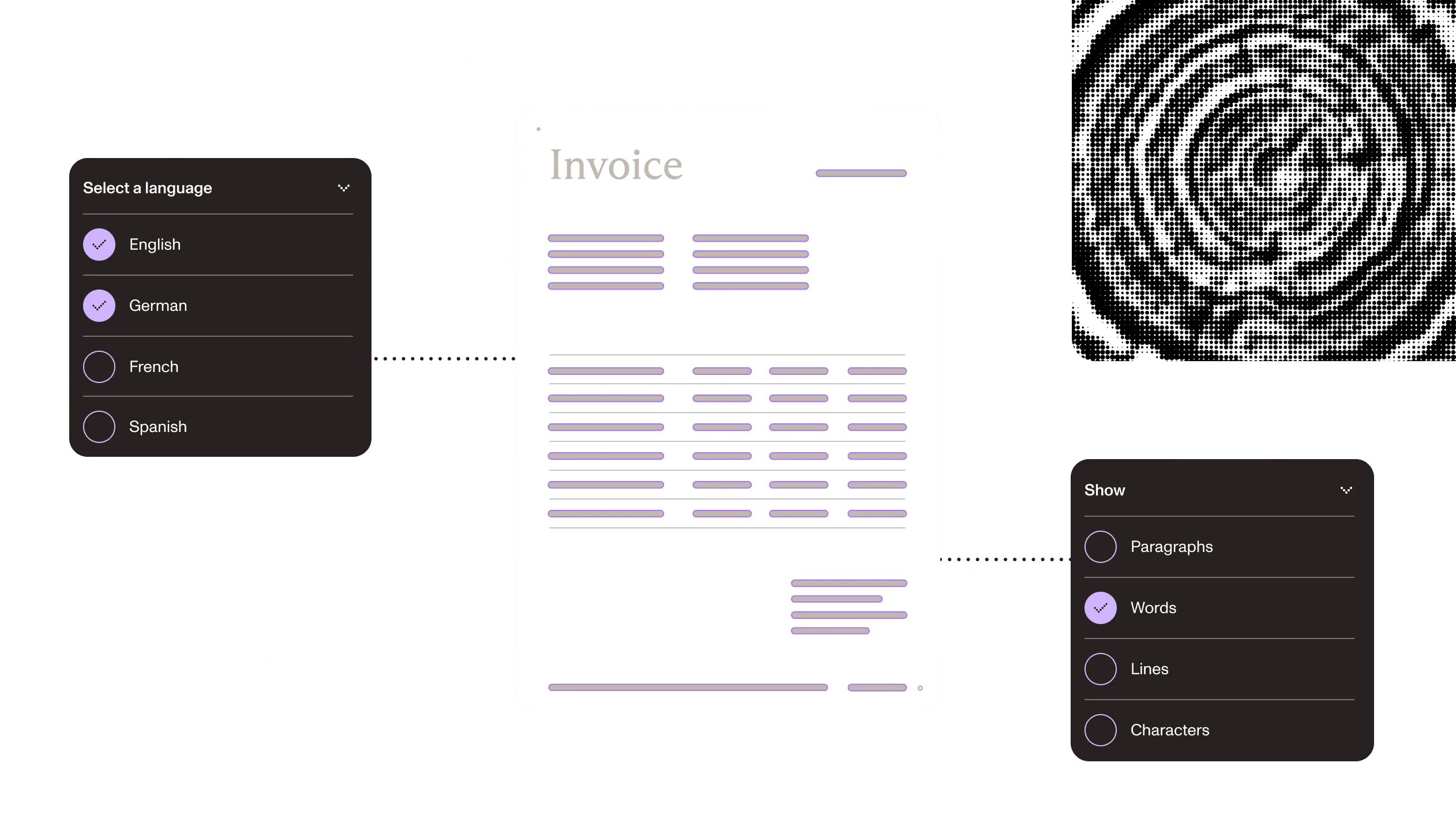
Choose the languages on the page and the pages to process so recognition matches the text.
3
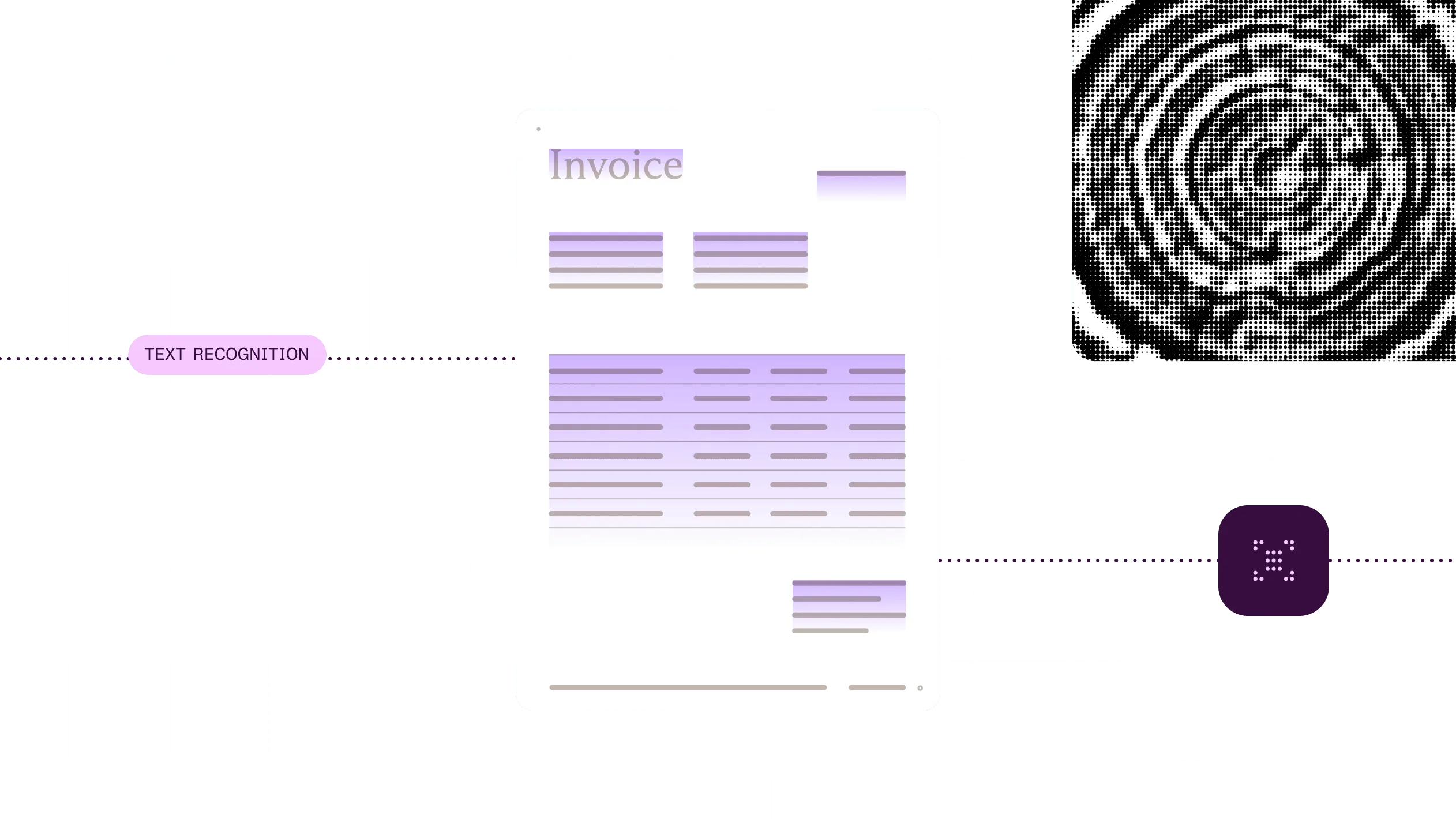
OCR reads each page and adds an invisible text layer in the same position as the printed words.
4
Search, select, and copy the text, or pass the file on to extraction, redaction, or archiving.
At a glance
Nutrient OCR turns scanned pages and images into text that people and software can search, copy, and use. It reads printed text in many languages and returns a searchable PDF, the recognized text, or both. Some routes also read check lines (MICR), filled-in marks (OMR), passport zones (MRZ), and barcodes.
Inputs
Scanned PDFs and images such as TIFF, PNG, and JPEG. Some routes accept more file types. Recommended scan quality: 200 to 300 DPI.
Outputs
A searchable PDF on most routes, with PDF/A on some. Recognized text in the .NET, Java, and Python SDKs; the Data Extraction API; and MCP.
Reads
Printed text on every route. Check lines (MICR), filled-in marks (OMR), passport zones (MRZ), and barcodes in the .NET SDK. Handwriting only in the Data Extraction API and Document Automation Server’s Cloud OCR module.
Languages
Varies by route: 21 on iOS and Android, 10 bundled and 100+ with language packs in the .NET SDK, 100+ on Document Engine, and 80+ on the hosted OCR API.
Runs on
The device (iOS and Android), your own servers, Microsoft 365, or Nutrient’s cloud.
Delivered through
Nutrient SDKs (iOS, Android, Web with Document Engine, .NET, Java, and Python), Document Engine, Nutrient APIs, Document Automation Server, Document Searchability, Document Converter for Microsoft 365, and Nutrient MCP.
A scanned page is a picture until something reads it. Make the text searchable, file each record by what it says, and send the unclear ones to a person.
Making a scanned records archive searchable
ExampleAct
Pull the details each record is filed under and route the ones that can’t be read or matched.
Next: Archive the searchable records
Searchable records
Turn scanned and fragmented records into searchable context for audits, questions, and service decisions.
See the offeringWhy Nutrient
Real scans are skewed, faint, or in more than one language, and some have a check or barcode on the same page. OCR has to read all of it.
Fix the image before reading it
The .NET SDK straightens and cleans scans first, so fewer pages need manual fixes. Available in the .NET SDK.
Checks, forms, and barcodes in one pipeline
Check lines, form marks, passport zones, and barcodes are read with the text, so one tool handles the scan. Available in the .NET SDK.
Run it where the documents are
Run OCR on a device, on your servers, or through a hosted API. You decide where pages go. Languages and features differ by route. On-device OCR is in the iOS and Android SDKs.
OCR is the start, not the end
The same platform takes the text on to search, extraction, redaction, and archiving.
OCR (optical character recognition) turns scanned pages and images into text that people can search and software can use. Nutrient OCR adds a text layer on most routes, so the page looks the same but its text can be searched and copied. It’s available in mobile and server SDKs, Document Engine, Microsoft 365 tools, a hosted API, and MCP.
Run OCR on it. OCR adds a text layer and leaves the page image as it was, so people can search, select, and copy the text. With Nutrient, run it on the device in iOS and Android apps, on your own servers, in SharePoint jobs, or through a hosted API.
It depends on the route. The iOS and Android SDKs read 21 languages. The .NET SDK reads 10 out of the box and 100+ with language packs. The hosted OCR API reads 80+, and Document Engine and the Data Extraction API read more than 100.
Yes, in the .NET SDK. It reads MICR lines on checks, filled-in boxes on paper forms (OMR), the machine-readable zone on passports and ID cards (MRZ), and 1D and 2D barcodes. The Python and Java SDKs and the Data Extraction API also return decoded barcodes.
Classic OCR reads printed text. The hosted Data Extraction API reads printed-style handwriting in understand mode and cursive in agentic mode, and Document Automation Server’s Cloud OCR module reads handwriting in English. On other routes, test with your own documents first.
It depends on the route. On iOS and Android, OCR runs on the device. The server SDKs, self-hosted Document Engine, Document Automation Server, and Document Searchability run on your own servers. Document Automation Server’s optional Cloud OCR module sends pages to Microsoft or Google. The hosted APIs and MCP run in Nutrient’s cloud, where retention depends on your plan.
Pull fields and tables out of the text OCR reads.
Find and permanently remove sensitive content in scans once the text is recognized.
Archive searchable scans as PDF/A for long-term records.