Generation
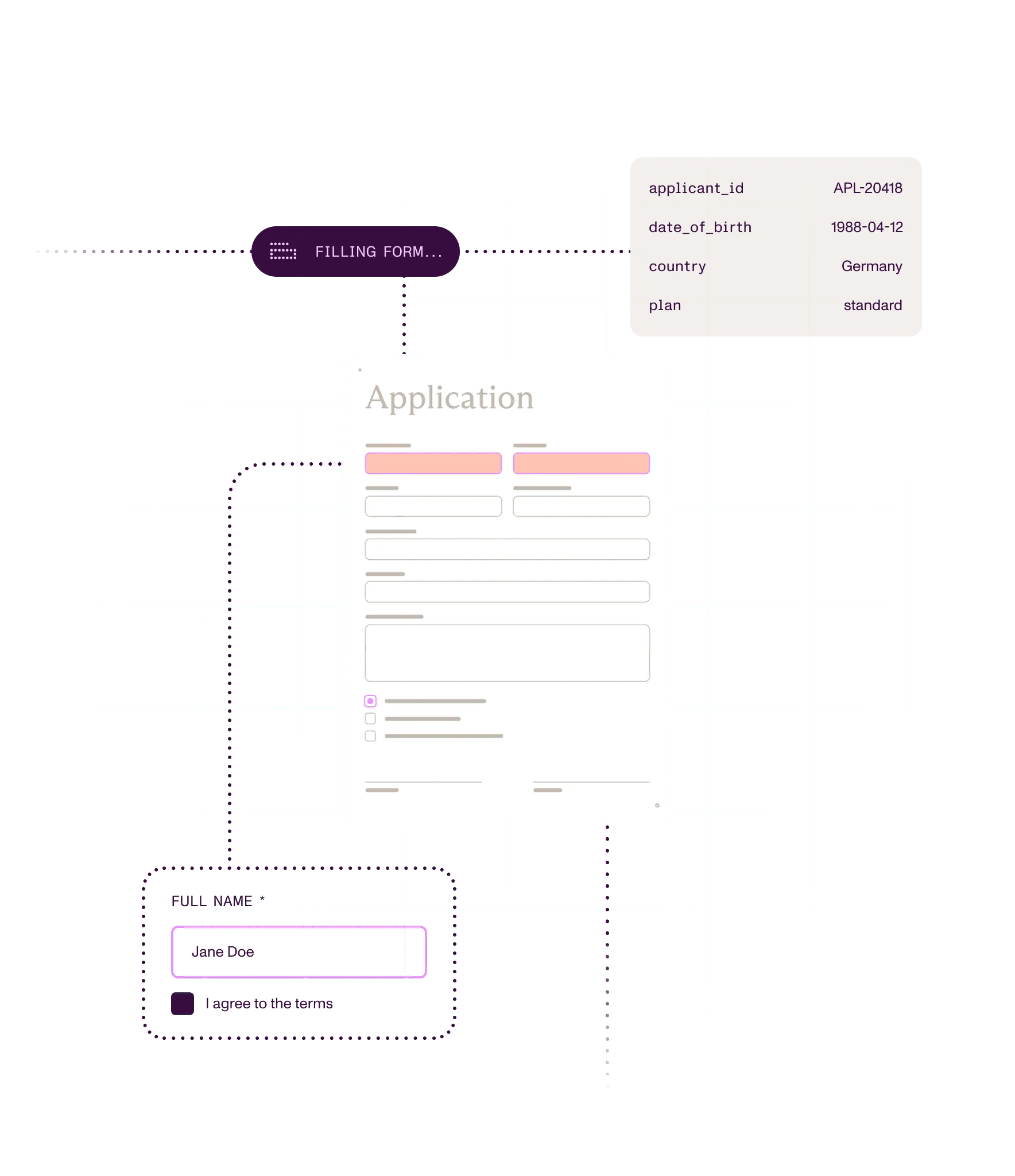
Generate the document with the values you already know filled in.
PDF FORMS
Prefill forms, let people finish them in your app or workflow, and send the values on as data. Nothing gets typed twice.
What you can do
Build fillable forms
Add fields to an existing PDF, detect them on scans, or design a web intake form.
Prefill what you already know
Fill fields from your database or JSON, so people only enter what’s missing.
Catch errors before submission
Validate entries, run calculations, and lock confirmed fields before anything is submitted.
Export the data or lock the form
Send values to the next system as data, or flatten the form so it can’t change.
Ways to build
In your app
Nutrient SDKs let people fill PDF forms in web and mobile apps. Build forms in the UI or in code, depending on the platform.
In your backend code
Nutrient SDKs create, fill, read, and flatten forms in backend jobs. The .NET SDK also detects fields on scans locally.
On a server: Self-hosted or Nutrient-hosted
Document Engine creates, fills, and flattens forms by API. It keeps form state on your servers and sets per-user permissions.
Through a hosted API
Nutrient APIs fill fields from Instant JSON or XFDF and flatten the result in one call. There’s nothing to deploy.
Inside approval processes
Nutrient Workflow builds web intake forms with rules and calculations. Each submission drives routing and approvals.
Set field values from code after the document loads. This works in standalone Web SDK and with Document Engine.
await instance.setFormFieldValues({ name: "Jane Doe", acceptedTerms: ["Yes"], preferredContact: "email"});How it works
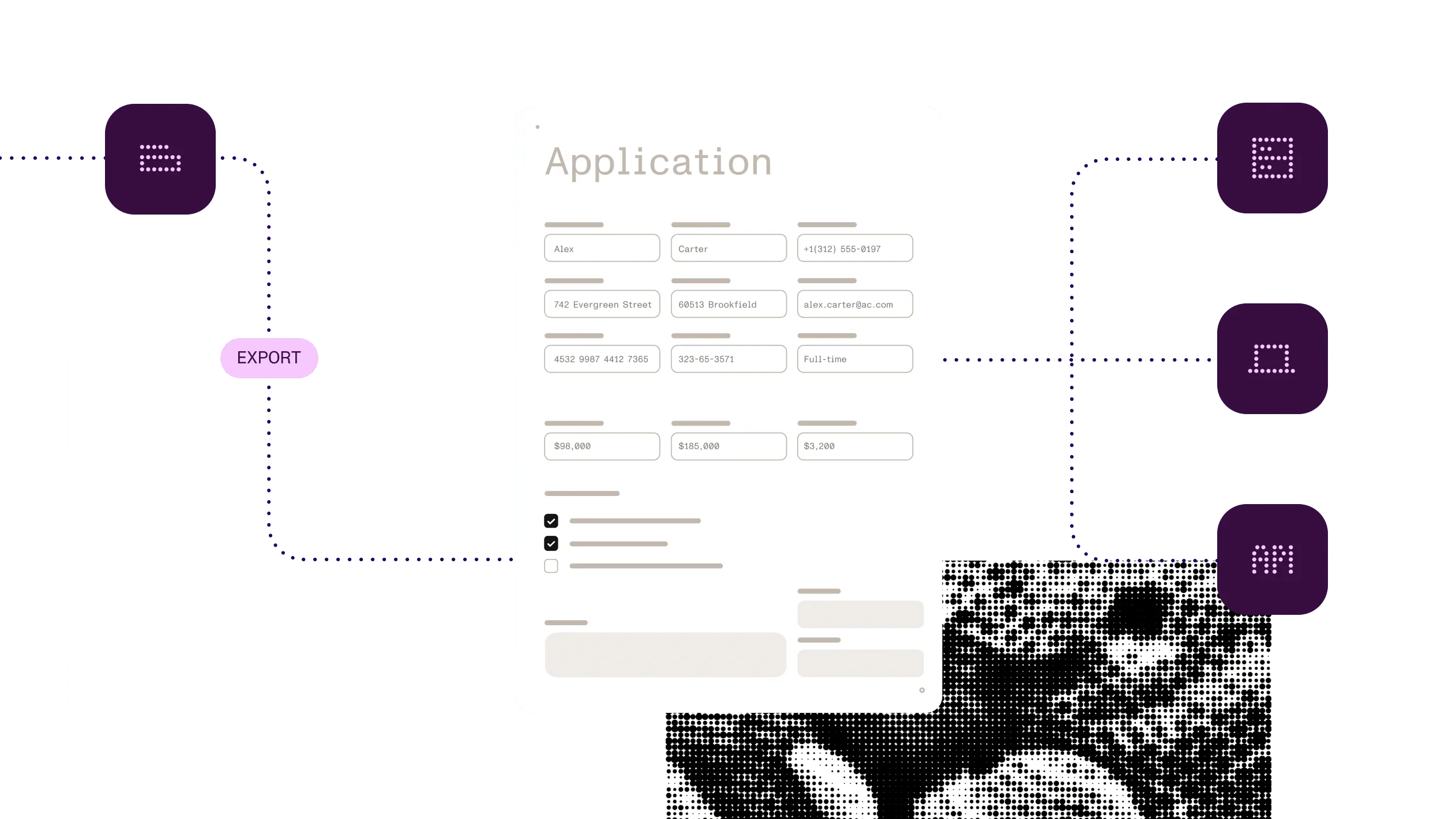
1
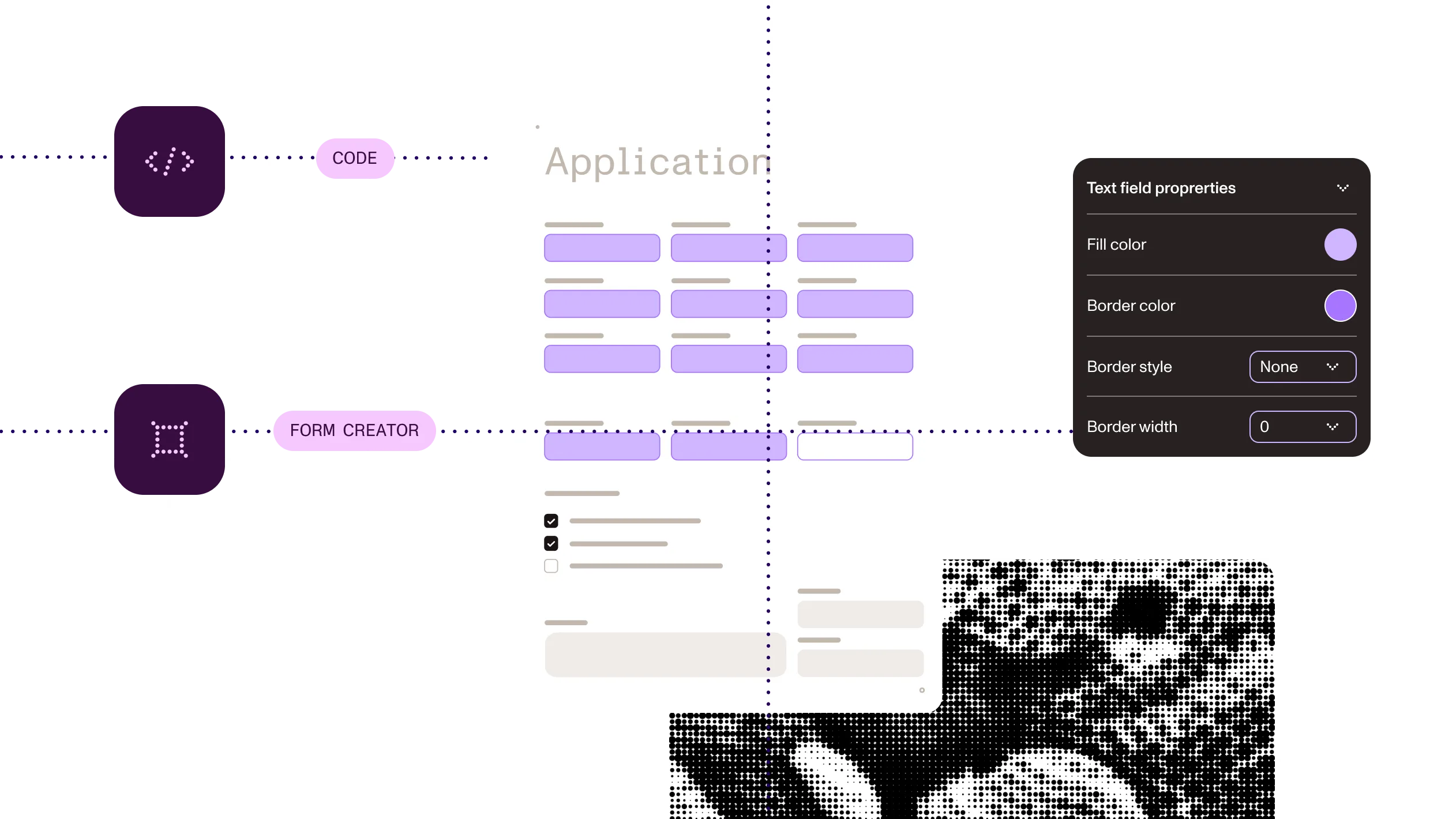
Place fields with the Form Creator UI, or define them in code.
2
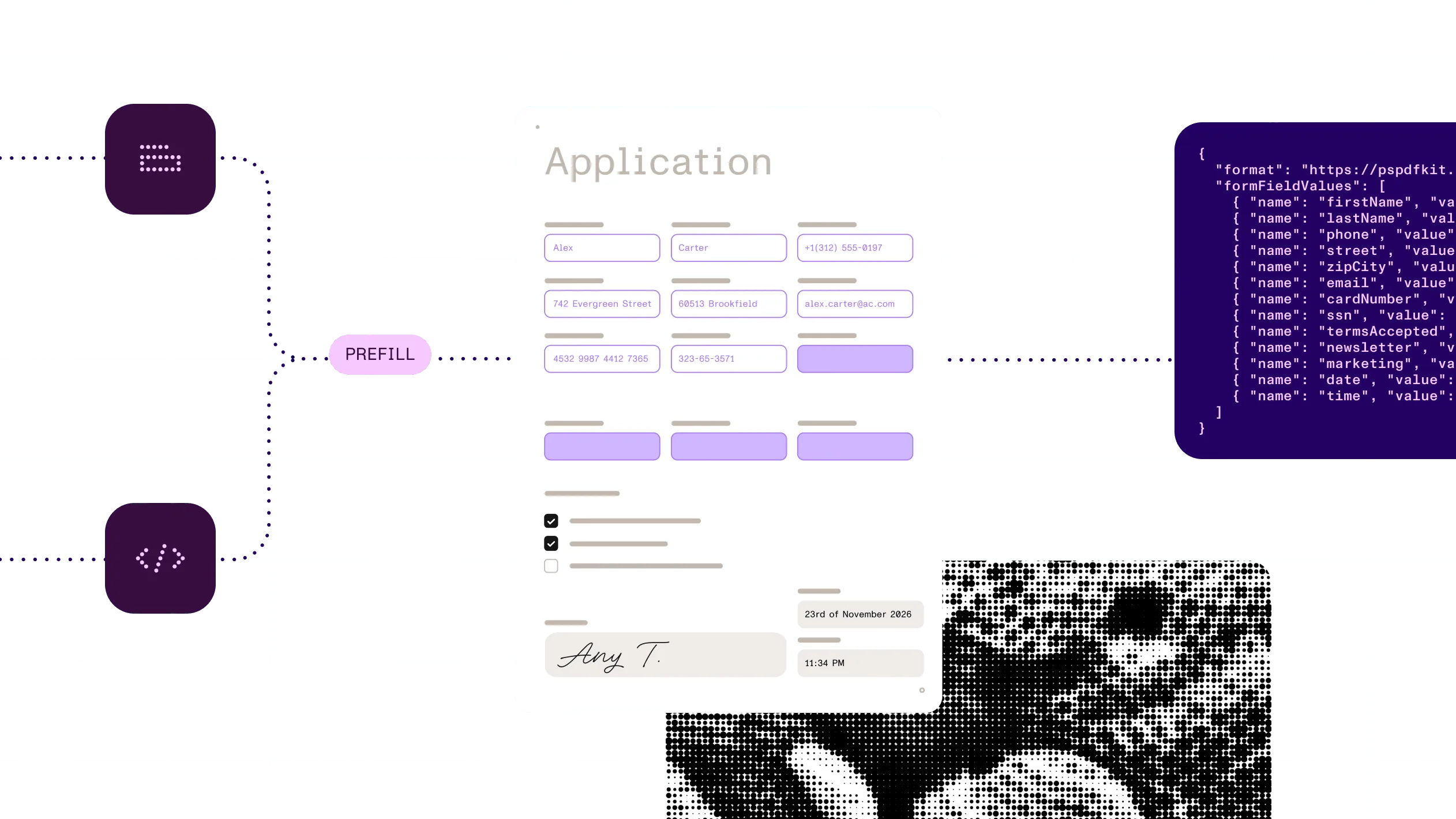
Set values from Instant JSON, XFDF, or your database when the document opens.
3
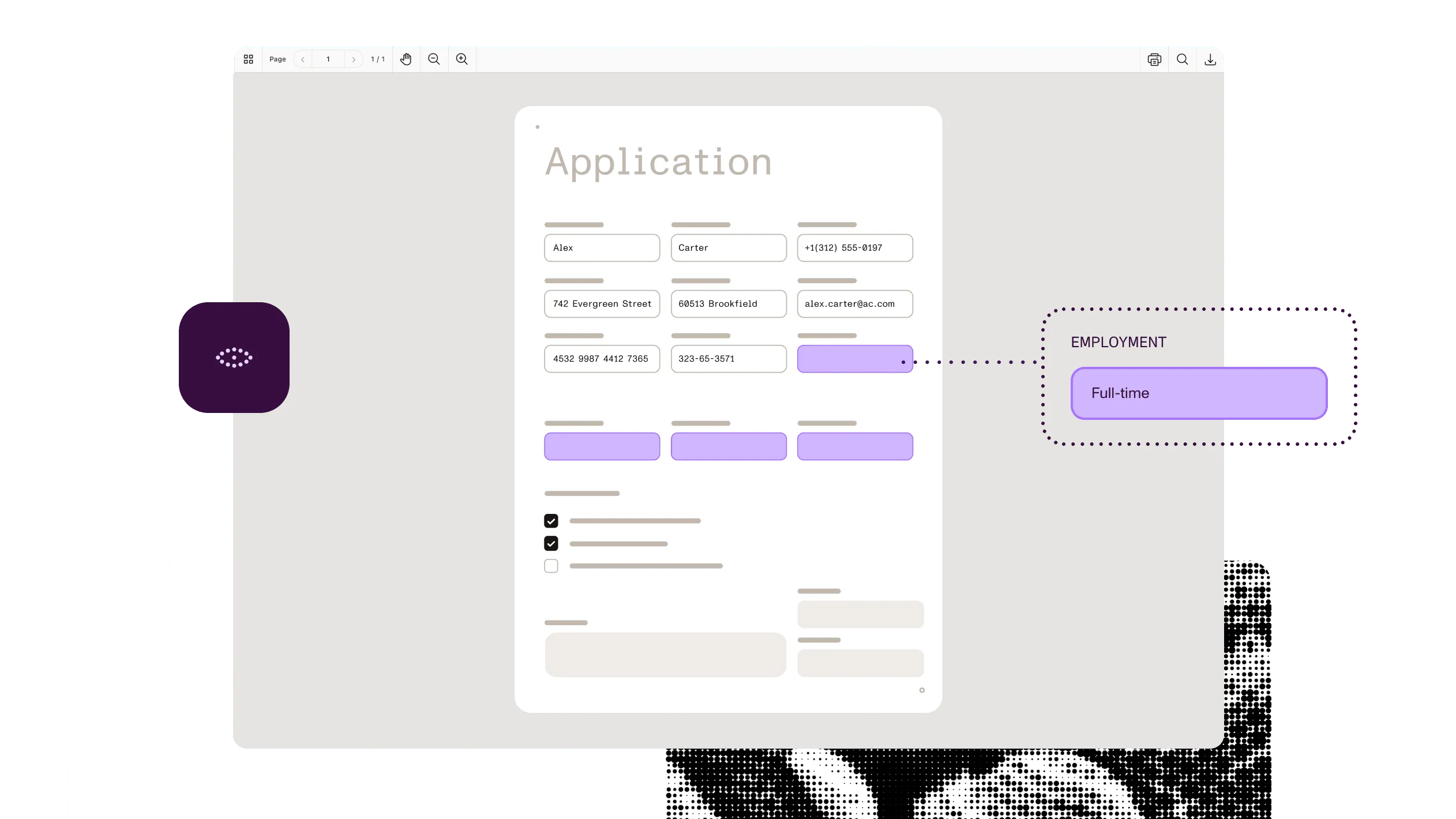
People fill fields in the viewer. Validation and calculations run where the platform supports them.
4
Export the values to your backend, or flatten them into the page so they can’t change.
At a glance
Nutrient forms let people fill in documents and processes and turn what they enter into data. It takes a PDF form, a document to make fillable, or a process that needs input, and returns the completed form, the values as structured data, or a flattened PDF that can no longer be edited.
Inputs
PDF forms (AcroForms), flat PDFs to make fillable, and form data as Instant JSON, XFDF, or values from code. Scans, images, and Office files for field detection in the .NET SDK.
Outputs
A filled PDF, form data as Instant JSON or XFDF, a flattened PDF, or submitted Workflow form data.
Field types
Text, checkbox, radio button, push button, list box, combo box, and signature fields.
Standards
AcroForms. XFA forms aren’t supported; convert them to AcroForms first.
Runs on
Browser, iOS, Android, cross-platform frameworks, your own servers, or Nutrient’s cloud.
Delivered through
Nutrient SDKs (web, mobile, and backend), Document Engine, Nutrient APIs, Microsoft 365 and Salesforce integrations, and Workflow.
A form is only finished when it’s complete and correct. Prefill what you know, catch what’s missing, and let applicants finish and sign in one place.
Completing a financial application
ExampleFinancial application completion
Map accepted values to the right form fields, keep their source references, and route missing signature tasks.
See the offeringConstruction plan coordination
Mark a finding, fill the inspection form, and capture signoff in the same application.
See the offeringWhy Nutrient
A form isn’t finished when the last field is filled. It’s finished when the data reaches the next system and the final version is locked.
Prefill and export as data
Fill fields from a database or JSON, and read values back as Instant JSON or XFDF. Nothing gets retyped, so nothing gets mistyped. Available in the SDKs, Document Engine, and the hosted API.
Turn scans into fillable forms
Detect text, checkbox, and signature fields on scanned PDFs and add real form fields, so no one draws them by hand. Available in the .NET SDK. Radio buttons aren’t detected.
Lock the final version
Flatten filled forms so the values become part of the page and can’t be edited after signoff. Available in the SDKs, Document Engine, and the hosted API.
Feed forms into approvals
Build web intake forms that route straight to approvals and signatures, so requests arrive complete. Workflow forms are web forms, not PDFs.
A fillable PDF form has interactive fields — such as text boxes, checkboxes, and dropdowns — that people or code can fill in. Nutrient works with AcroForms, the standard PDF form type.
Add fields with the Form Creator UI in Web SDK; in code with the iOS, Android, .NET, Java, or Python SDKs; or through the form creator API. For scanned or flat PDFs, the .NET SDK detects text, checkbox, and signature fields and adds them for you.
Yes. Pass values as Instant JSON or XFDF, or set them in code, in the SDKs, on Document Engine, or through the hosted API. Export filled values in the same formats to send them on.
Standard AcroForm PDF forms, with text, checkbox, radio button, push button, list box, combo box, and signature fields. XFA forms aren’t supported; convert them to AcroForms first. Workflow forms are web forms built in its own designer, not PDFs.
It depends on the route. In the SDKs, self-hosted Document Engine, and DocuVieware, form data stays on the device or your own servers. The hosted APIs and Managed Document Engine run in Nutrient’s cloud. Workflow AI features send form content to the AI provider you connect.
Until a form is flattened, yes: Values stay editable and can be exported or replaced. Flattening writes the values into the page so they can’t be edited. Keep the unflattened file if you may need to change answers later.
Pull values from source documents to prefill form fields.
Collect signatures in signature fields once the form is complete.
Generate the document with the values you already know filled in.