
NUTRIENT DOCUMENTS FOR SALESFORCE — LEGAL
Salesforce legal document automation
More time for the work only legal teams can do. Stop context-switching between Salesforce, Word, and DocuSign. Templates auto-populate from your matter data, edits stay in one place, and signatures tie back to your record — cutting manual work out of every legal workflow. Built for in-house teams, law firms, and legal ops managing contracts and agreements in Salesforce.
Arthur Cox
Paul, Weiss
Gowling WLG
UBS
IBM
Arthur Cox
Paul, Weiss
Gowling WLG
UBS
IBM
Generate faster
Auto-populate contracts with live Salesforce data in one click — no copy-pasting into templates, no rekeying deal terms. From click to ready-to-sign in minutes.
Review smarter
Mark up and edit contracts without leaving Salesforce — real-time collaboration, no offline Word documents, no stale versions floating across email.
Redact safely
Permanently black out privileged content without exporting to a separate tool — redactions stay tied to your record, with a complete audit trail.
Sign instantly
Route documents for signature without a separate platform — every signer action lands back on the Salesforce record, fully logged and auditable.
See how it works
See how legal teams generate, review, redact, and sign legal documents inside Salesforce — without ever leaving Salesforce records.
CONTRACT GENERATION
Generate contracts and legal documents from Salesforce data
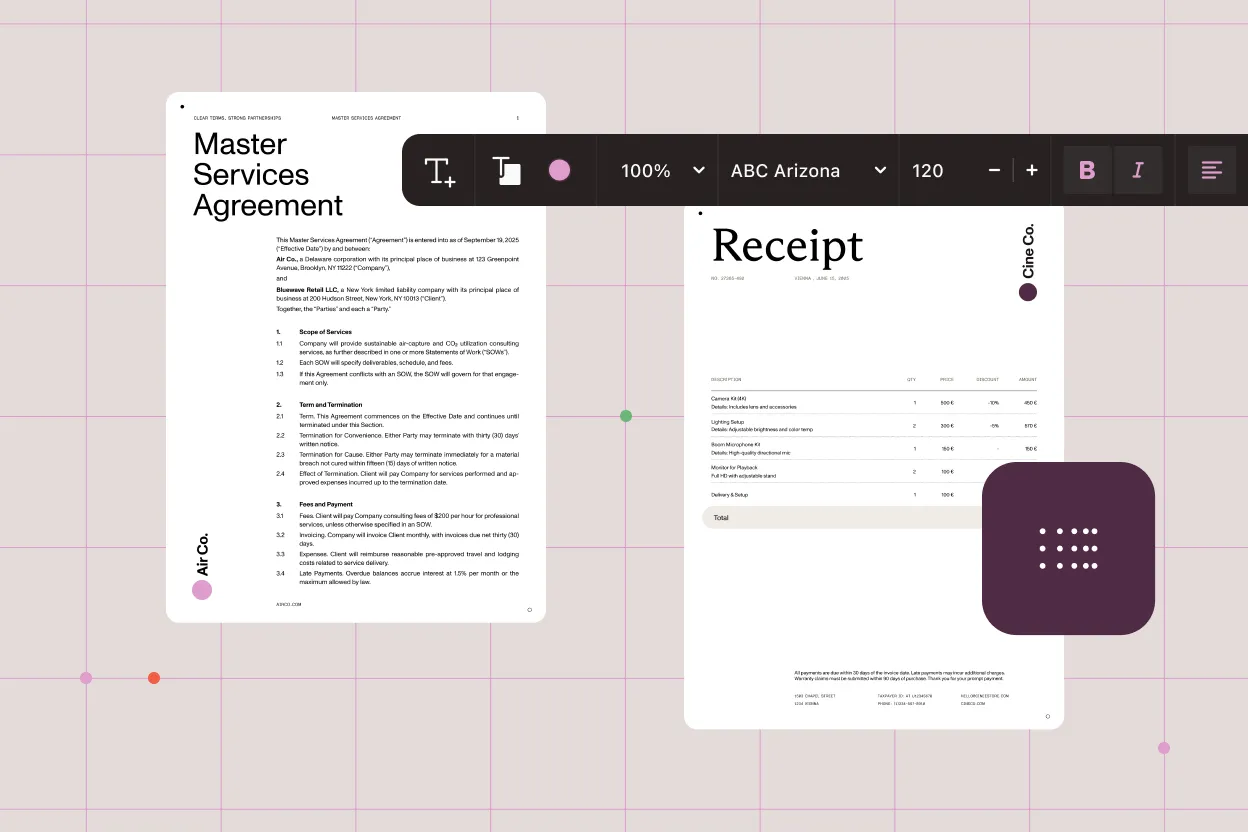
Generate legal documents in minutes, not hours. Create once, reuse forever — templates automatically pull in client, deal, and matter data from Salesforce, and then adapt to your specific situation (jurisdiction, deal type, approval stage) without manual tweaking. One click from the record, ready to review or send.
Templates for every matter type
Template library for NDAs, client agreements, service agreements, and engagement letters — manage one source of truth instead of Word document chaos.
Live Salesforce data — no reentry
Auto-populate client names, deal terms, and matter details — no copy-pasting into templates, no typos.
Conditional clauses and dynamic sections
Documents adapt to deal specifics — include jurisdiction-specific language or approval conditions based on Salesforce data, with no manual editing.
One-click generation from any record
Generate from any Salesforce record (Opportunity, Account, Case) without leaving Salesforce — embedded in your workflow, not a separate tool.
DOCUMENT REVIEW AND REDACTION
Review, redact, and finalize privileged documents in Salesforce
Mark up, edit, and redact privileged content inside Salesforce — never in a separate tool. Built for in-house legal, litigation support, and document review attorneys handling sensitive documents tied to Salesforce records.
Edit text and content in context
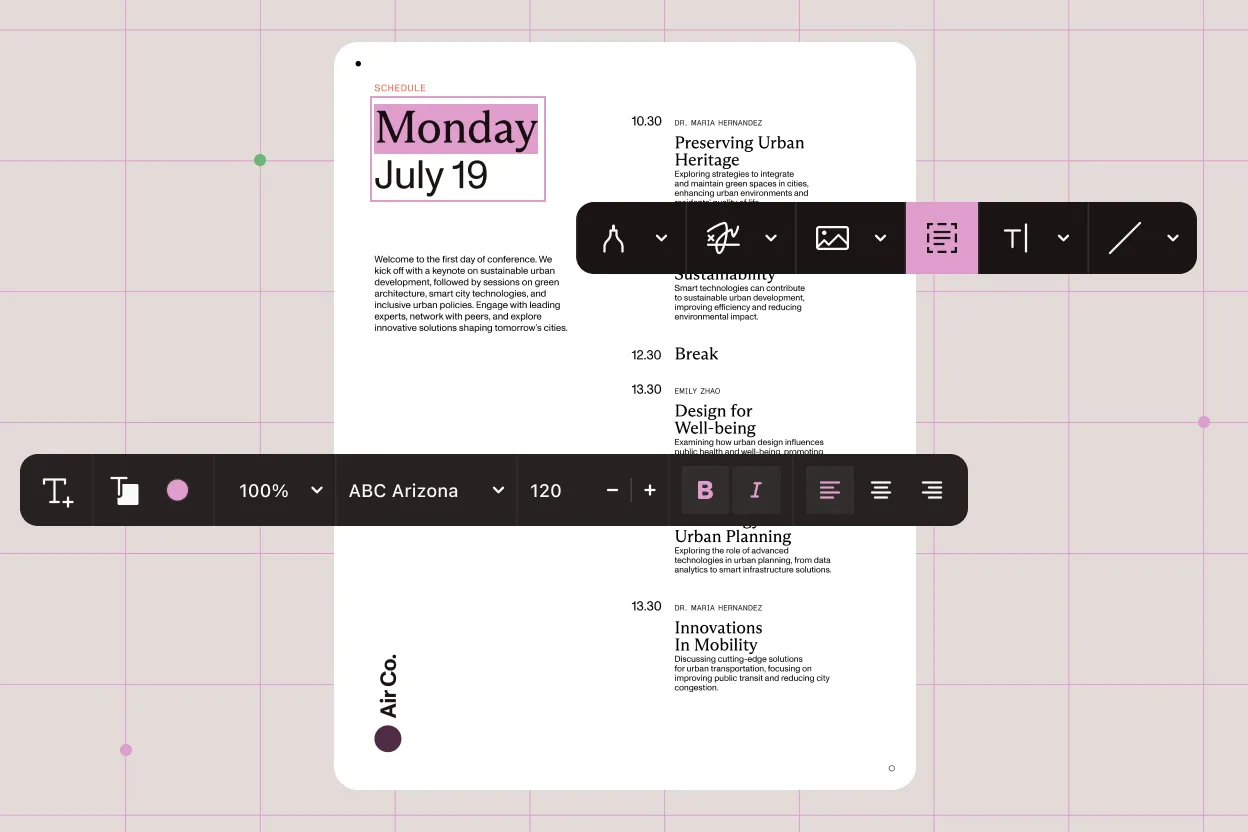
Edit text in-record without leaving Salesforce. No Word files emailed back and forth, no stale versions, no shadow copies — all edits are timestamped and tied to the legal matter.
Structural document changes
Restructure documents on the fly — reorder pages, crop unnecessary sections, remove outdated language — during review, so documents match your exact approval before they move forward.
Comments and markup for collaboration
Collaborate in real time without email threads. Lawyers mark up and comment directly on documents in Salesforce, and feedback is visible to reviewers and tracked on the record, so no feedback gets lost in inbox threads.
Secure redaction
Redact and keep compliance intact. Permanently black out privileged content without exporting — redactions stay tied to the record, nothing leaks to shadow files, and you have an audit trail.
ESIGNATURES
Collect legally binding signatures without leaving Salesforce
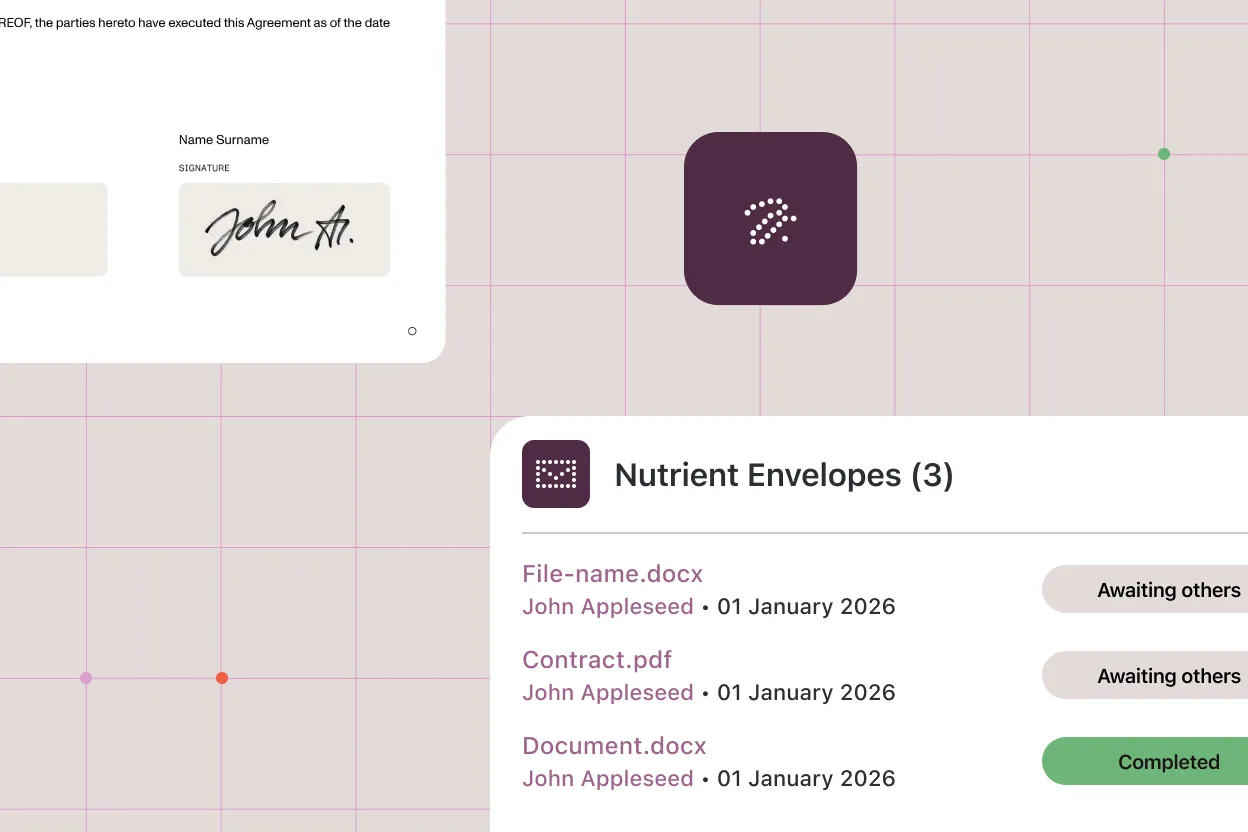
Prepare envelopes, assign recipients, place signature fields, and track signing status back on the Salesforce record. No separate signing platform, no broken audit trail. Keep Salesforce eSignature workflows connected from document generation to signed agreement.
Envelope setup in Salesforce
Route for signature without leaving Salesforce. Set signing order, recipient roles, and reminder emails from the same place you generated a document — one workflow from draft to fully executed.
Signature and form field placement
Place signature fields, text fields, checkboxes, and form elements directly on a document before sending.
Status tracking on the record
Watch signatures land without ping-ponging email. See who signed, when, and from which device — all tracked on the record, so you know exactly where every agreement stands.
Reminders and workflow controls
Set reminders and configure signing workflows to keep approval processes moving without manual follow-up.
Why legal teams choose Nutrient
A Salesforce-native document solution built for legal workflows — from the first template to a signed agreement. Designed for law firms, in-house legal departments, and enterprise legal ops teams that manage legal work in Salesforce.
No external tools required
Every step of the legal document workflow — generation, review, and signing — stays inside Salesforce. No exports, no uploads, no switching platforms.
Access control aligned with Salesforce
Your existing Salesforce permissions just work. Administrators don’t manage a separate access layer — template usage and document visibility follow your Salesforce security, so access control is one system, not two.
Consistent documents at scale
Reusable templates mean every contract, NDA, and agreement is generated from the same source — reducing errors and formatting inconsistencies.
Governed templates at scale
Admins create and lock templates, and business users generate documents — no one can create offbrand or non-compliant variations, so every contract is consistent.
Lighter than a CLM, tighter than Word plus DocuSign
For in-house legal teams not ready for — or already past — a multimonth CLM rollout. The Salesforce-native document layer your CLM doesn’t reach.
See it in action
Book a demo and see how legal teams generate, review, redact, and sign documents inside Salesforce.
- Generate faster
- Review smarter
- Redact safely
- Sign instantly
By submitting this form, you agree to Nutrient’s Privacy Policy and Terms of Service.
Frequently asked questions
How does Salesforce legal document automation work?
Salesforce legal document automation connects template management, document generation, review, and signing into one workflow inside Salesforce. Legal teams create reusable templates tied to Salesforce record types, generate contracts and agreements from live data, review and annotate documents in Salesforce, and collect eSignatures — all without leaving the platform or reentering information.
Is this a contract lifecycle management (CLM) tool?
No. Nutrient Documents for Salesforce is the document layer — generation, review, redaction, and eSignatures inside Salesforce. It sits before, beside, or after a full CLM, wherever the work actually happens. Lighter than a CLM rollout. Tighter than Word plus DocuSign.
Can we automate contract generation from Salesforce for legal teams?
Yes. Templates can pull data from any Salesforce object — Opportunity, Account, Contact, Case, or related records. Legal teams can generate NDAs, client agreements, service contracts, and engagement letters in one click from any record page, with conditional clauses and dynamic sections adapting to the underlying Salesforce data. This supports Salesforce contract automation for repeatable legal workflows.
Can legal teams review and edit contracts in Salesforce?
Yes. Nutrient Documents for Salesforce includes a document editor that supports content editing, page-level structural changes, and annotation tools — all inside Salesforce. Legal teams can review, redline, and finalize contracts before sharing or routing them for signature, without needing a separate desktop editor.
Can we redact privileged content inside Salesforce?
Yes. Nutrient Documents for Salesforce includes secure redaction tools that let legal teams permanently black out privileged content inside the document, with redactions tied to the Salesforce record. Built for litigation support, in-house legal handling sensitive matters, and document review attorneys — no exporting to a separate tool.
Are eSignatures collected through Salesforce legally binding?
Yes. Nutrient Documents for Salesforce supports legally binding electronic signatures. Signers receive a secure link to complete the required signature and form fields, and the signed document is saved back to the Salesforce record automatically with status tracking throughout the process. These Nutrient eSignatures help keep signing workflows tied to Salesforce records.
How are legal document templates managed in Salesforce?
Templates are managed in the Template Manager inside Nutrient Documents for Salesforce, available from the App Launcher. Teams can create new templates in Salesforce or import existing Word files. Admin-controlled permissions determine which users can create or modify templates, keeping document outputs governed across the organization.
Who is this built for?
In-house legal teams, law firms running Salesforce CRM with Salesforce-native legal apps (such as Litify), legal ops teams standardizing templates at scale, and litigation support handling document review and redaction.