Salesforce eSignature and digital signatures — managed natively in your organization
Collect legally binding signatures, monitor progress, and get reminders to ensure approvals stay on track. Prepare envelopes, assign recipients, place signature and form fields, and manage the full signing workflow without leaving Salesforce.
Microsoft
Honeywell
NASA
NHS
Bloomberg
CoBank
Microsoft
Honeywell
NASA
NHS
Bloomberg
CoBank
Facilitate digital signing workflows within Salesforce
Keep signing workflows connected to the records and business processes that already drive your work.
Track progress in context
Monitor signing status and envelope progress alongside the Salesforce data your teams already rely on.
Keep approvals moving
Use reminders and workflow controls to reduce delays and keep signature-dependent processes on track.
See how it works
Support digital signing workflows across your Salesforce processes
Support digital signatures as part of record-based workflows for sales, service, and operations teams.
Salesforce-connected signing workflows
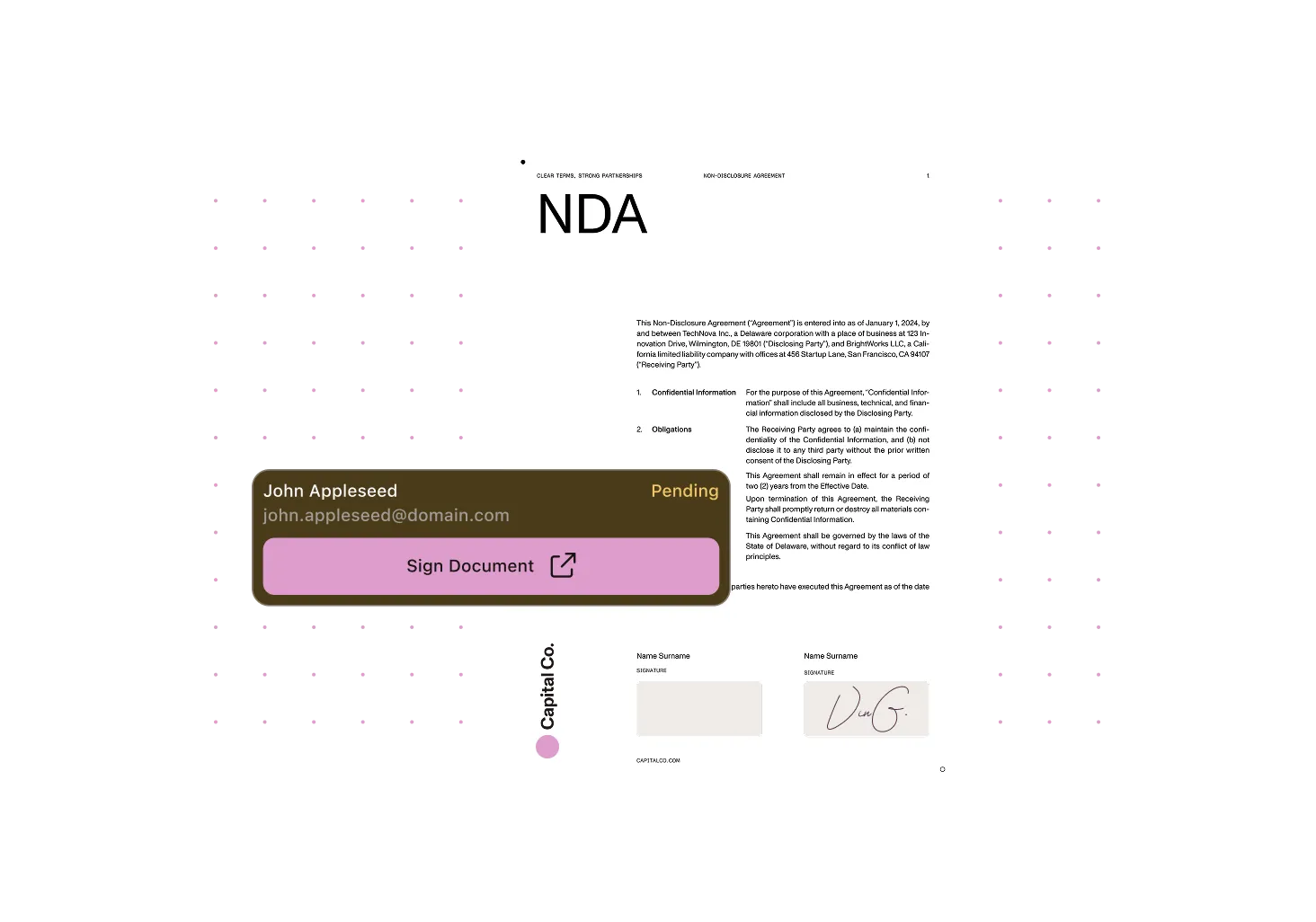
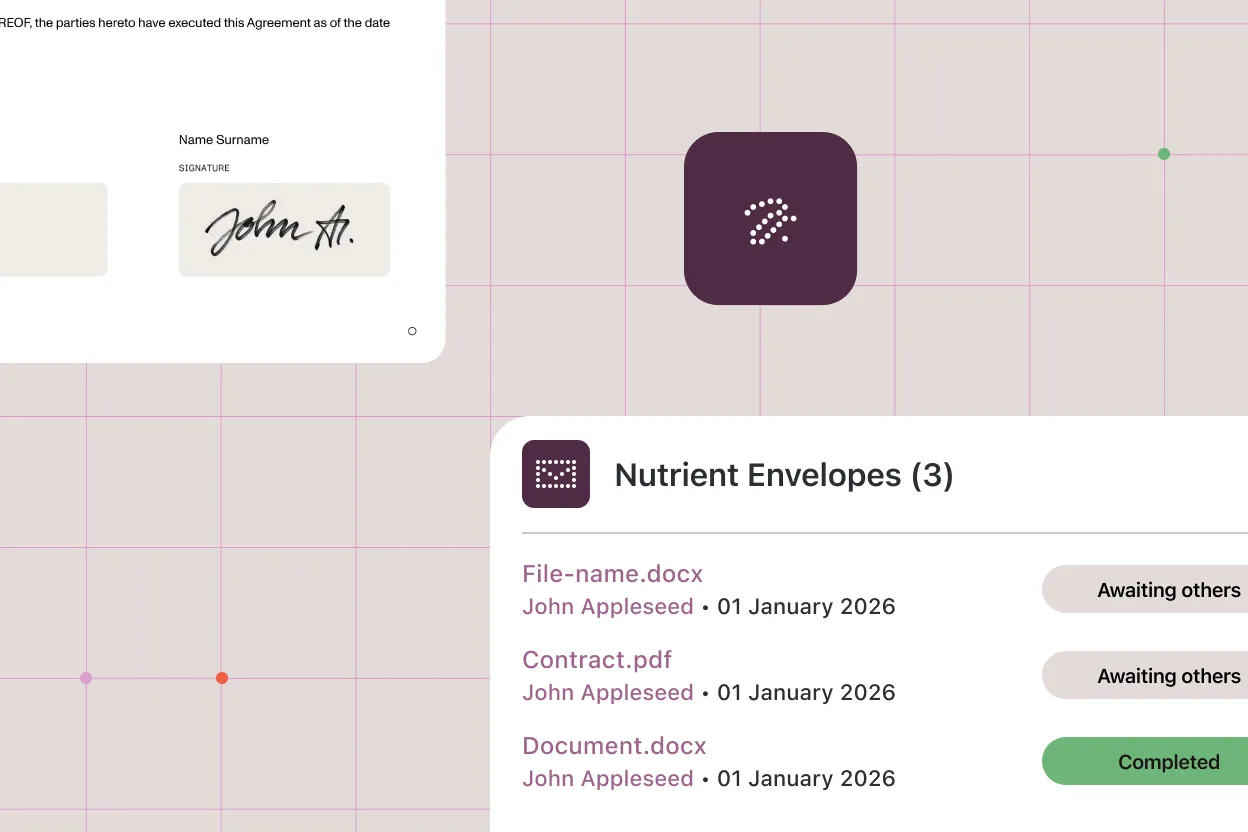
Configure signers, set reminders, and track digital signature and eSignature statuses — all from within the Salesforce record. Everything your team manages stays natively inside Salesforce.
Reminder and sender controls
Configure senders and reminders to keep digital signature workflows moving.
Envelope visibility
Track envelope status and signing progress without losing business context.
Form viewing and filling
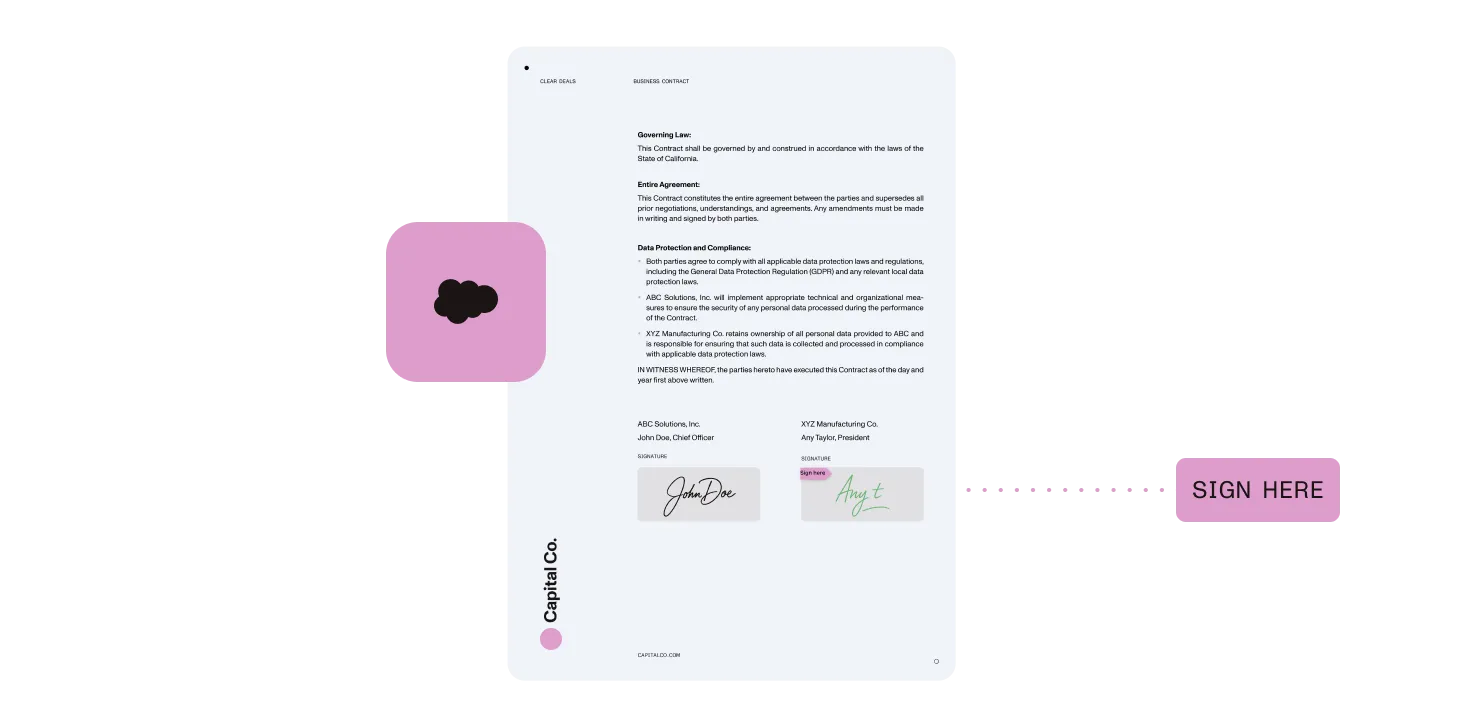
View forms in Salesforce documents, place form elements as part of signing workflows, and support form filling during signing.
Powered by Nutrient Documents for Salesforce
Prepare, manage, and track digital signing workflows in a Salesforce-native experience.
Other use cases
Why Nutrient
Nutrient helps teams bring digital signature workflows into Salesforce without disconnecting them from records, users, and approvals.
Fully native experience
Keep digital signatures tied to the same records and business processes your teams already use.
Better visibility
Track signing progress and envelope status in context.
One solution for document workflows
Bring document generation, editing, and signing closer together in a more consistent Salesforce experience.
Built for business processes
Support approval-heavy workflows across sales, service, and operations teams.
Frequently asked questions
Can Nutrient support digital signatures in Salesforce?
Yes. Nutrient Documents for Salesforce supports digital signing workflows for Salesforce documents.
How does the signing workflow work in Salesforce?
The entire signing workflow is managed inside Salesforce. You configure senders, prepare documents for signing, assign recipients, place signature fields, set reminders, and view real-time envelope statuses — all from within your Salesforce records. Signers receive a secure link by email to complete the signature; once signed, the document and audit trail are stored back in Salesforce automatically.
Can signing workflows stay connected to Salesforce records?
Yes. Signing workflows are designed to stay closely connected to Salesforce records, users, and approvals.
What kinds of documents can be signed?
Common examples include contracts, approval documents, customer-facing forms, and other Salesforce-driven business documents.
Who can sign documents?
Digital signing workflows can support both internal and external signers.
Bring digital signature workflows into Salesforce
See how Nutrient helps teams manage digital signing without disconnecting documents from records and approvals.