Redact sensitive data from Salesforce documents without exporting
Every time a document leaves Salesforce to be redacted in an external tool, you create a compliance gap. Nutrient Documents for Salesforce lets teams redact text and document areas permanently inside Salesforce — with redactions staying tied to the record and nothing leaking to shadow files.
Microsoft
Honeywell
NASA
NHS
Bloomberg
CoBank
Microsoft
Honeywell
NASA
NHS
Bloomberg
CoBank
Content is gone, not just hidden
Redaction permanently removes the underlying content from a document — so sensitive data can’t be recovered by inspecting or modifying the file.
Remove multiple instances in one step
Search for a term, select the instances you want to remove, and click Apply Redactions — all selected occurrences are gone without repeating the action for each one.
No exports, no compliance gaps
Redact directly inside Salesforce — no sending documents to external tools that sit outside your governance, permissions, and audit controls.
Redaction stays tied to the record
Redact without exporting — everything stays inside Salesforce, connected to the record it belongs to, with nothing leaking to shadow files.
See Salesforce document redaction in action
Redact text, images, and document areas inside Salesforce
Select content, apply permanent redaction, and keep everything tied to your Salesforce records — without sending documents outside your org.
Text redaction
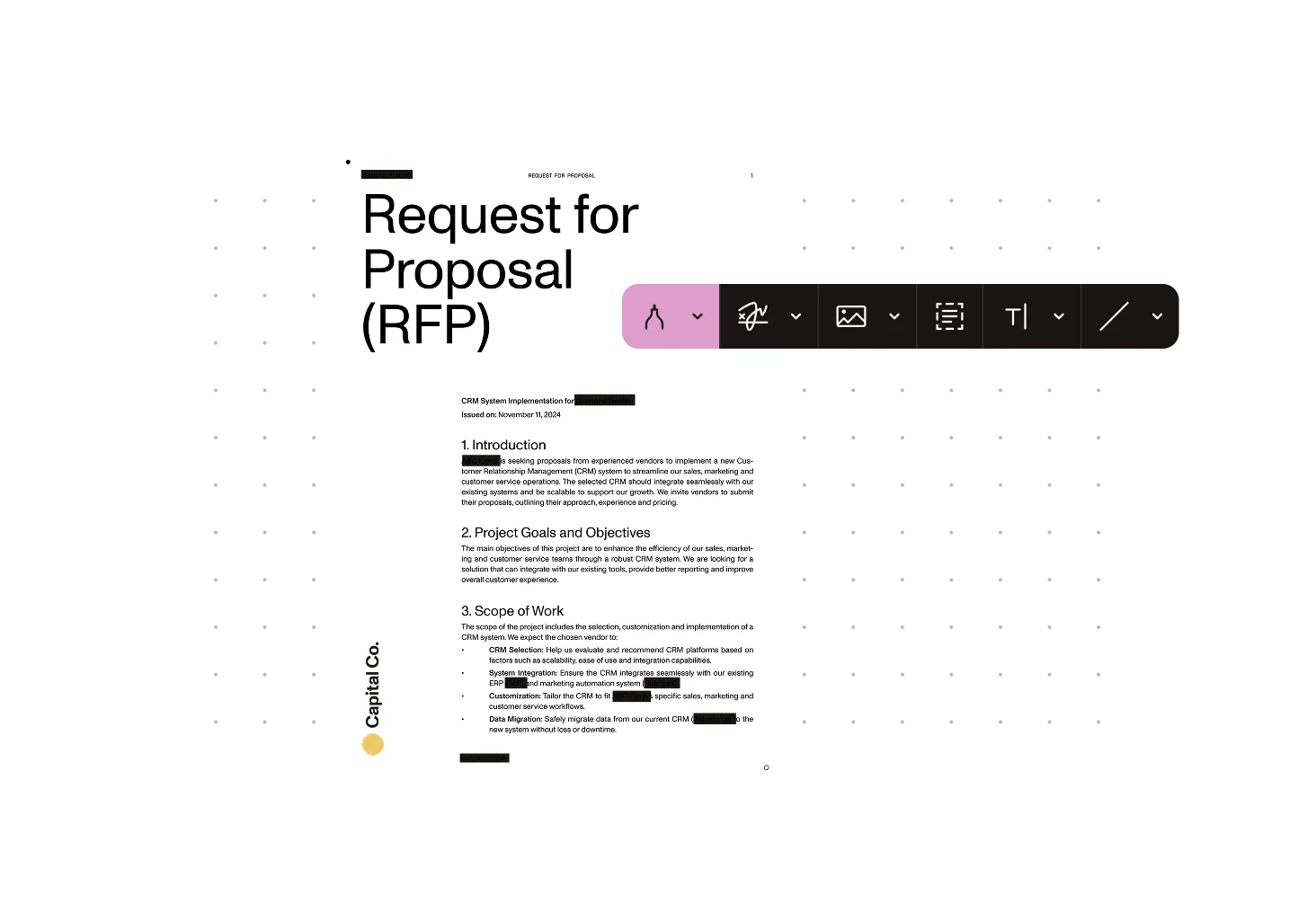
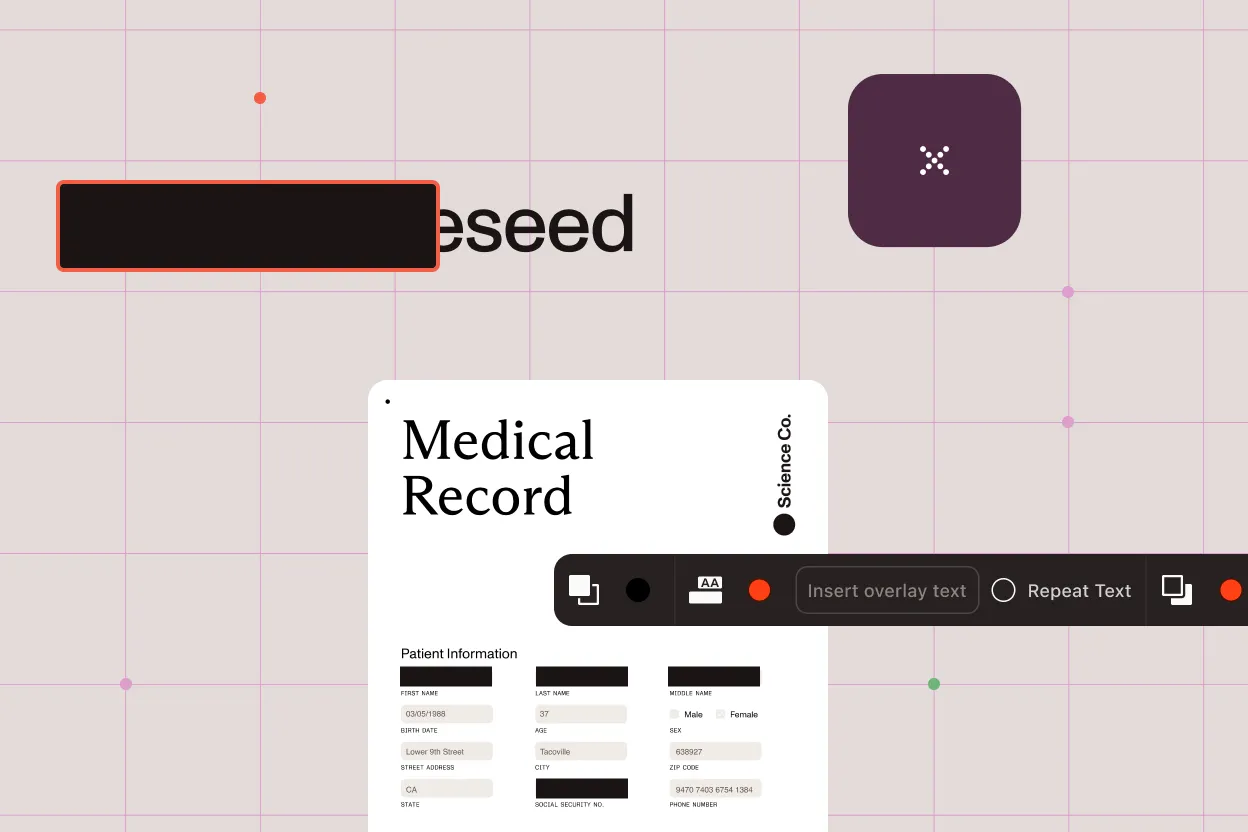
Select any text in a PDF document and apply a permanent redaction. The underlying content is removed — not just covered — so it cannot be recovered from the file.
Area redaction
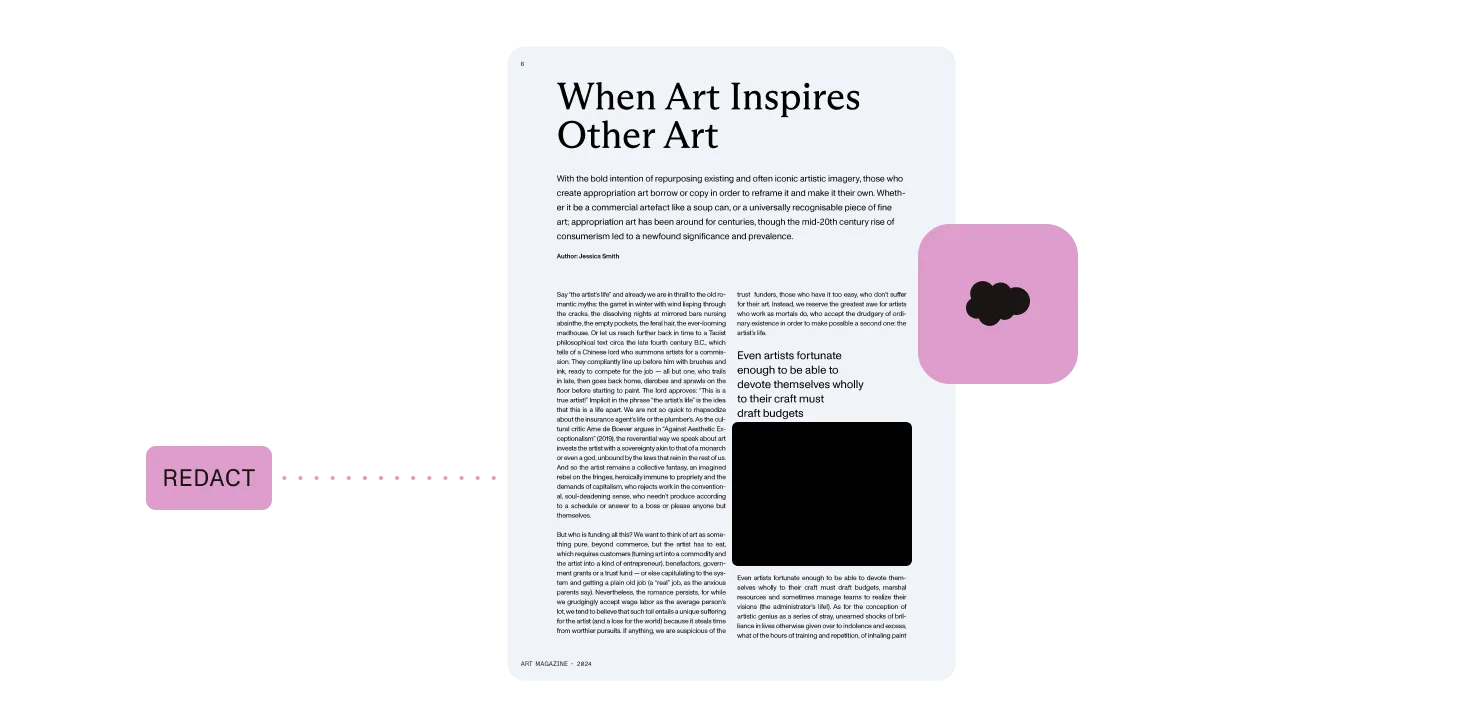
Draw a region over any part of a document — text, images, or mixed content — and redact it permanently. Useful for redacting content that can’t be selected as text.
Search, select, and apply in one flow
Search for a term across a document, select the instances you want to redact, and click Apply Redactions — all selected occurrences are permanently removed in one step.
Stays tied to the record, nothing in shadow files
Redaction stays connected to the Salesforce record it belongs to — nothing leaks to shadow files outside your org.
Powered by Nutrient Documents for Salesforce
Redact sensitive content from PDF documents natively in Salesforce — connected to your records, users, and compliance workflows.
Other use cases
Why Nutrient
Nutrient Documents for Salesforce gives teams a secure, auditable way to redact sensitive content from PDF documents without ever leaving their org.
Permanent removal, not a visual layer
Redaction removes the underlying content from a document entirely — so sensitive data can’t be uncovered by removing a layer or inspecting the file structure.
Stays inside your Salesforce org
Redact directly inside Salesforce without sending documents to external tools. Redactions stay tied to the record, and nothing leaks to shadow files outside your org.
Supports data protection requirements
Permanently remove sensitive content before documents are shared — without sending them outside Salesforce or creating copies that sit outside your governance controls.
Works for any team handling sensitive data
Legal, compliance, HR, sales ops — any team that shares documents containing sensitive information can redact inside Salesforce without a separate tool or workflow.
Frequently asked questions
What is document redaction in Salesforce?
Document redaction in Salesforce is the process of permanently removing sensitive text and content from PDF documents directly within your Salesforce org. Nutrient Documents for Salesforce lets teams redact text and document areas without exporting to a separate tool — with redactions staying tied to the Salesforce record, and nothing leaking to shadow files.
How do I redact a document in Salesforce?
With Nutrient Documents for Salesforce, you can select any text and apply a permanent redaction, or draw a region over any area of the document to redact images or mixed content. You can also search for a term across the document, select the instances you want to remove, and click Apply Redactions to remove all selected occurrences at once.
Is redaction permanent?
Yes. Nutrient permanently removes the underlying content from the document — so the information cannot be recovered. This is different from adding a black overlay on top, which can sometimes be removed to reveal the original content.
Does Salesforce redaction support data protection compliance?
Yes. Nutrient Documents for Salesforce permanently removes sensitive content from PDF documents inside Salesforce, with redactions tied to the record, and nothing leaking to shadow files outside your org.
Can I preview redactions before applying them?
Yes. You can mark content for redaction and review what will be removed before applying permanently — so you can verify nothing is removed by mistake.
What file formats are supported?
Nutrient Documents for Salesforce supports redaction on PDF documents. Redacted documents can be saved back to Salesforce as PDFs.
What is the best Salesforce document redaction tool?
Nutrient Documents for Salesforce lets teams permanently redact text and document areas from PDFs natively inside Salesforce — no external tools, no documents leaving your org. Search for a term, select the instances to redact, and apply them all at once. Common use cases include redacting PII before sharing legal documents, removing confidential terms from contracts, and preparing records for regulatory review.
Stop sharing documents that still contain sensitive data
See how teams use Nutrient to redact PDFs permanently inside Salesforce — without exports and without shadow files.