Collaboration
Add comments, replies, and real-time syncing so reviewers work on the same marks.
PDF ANNOTATION
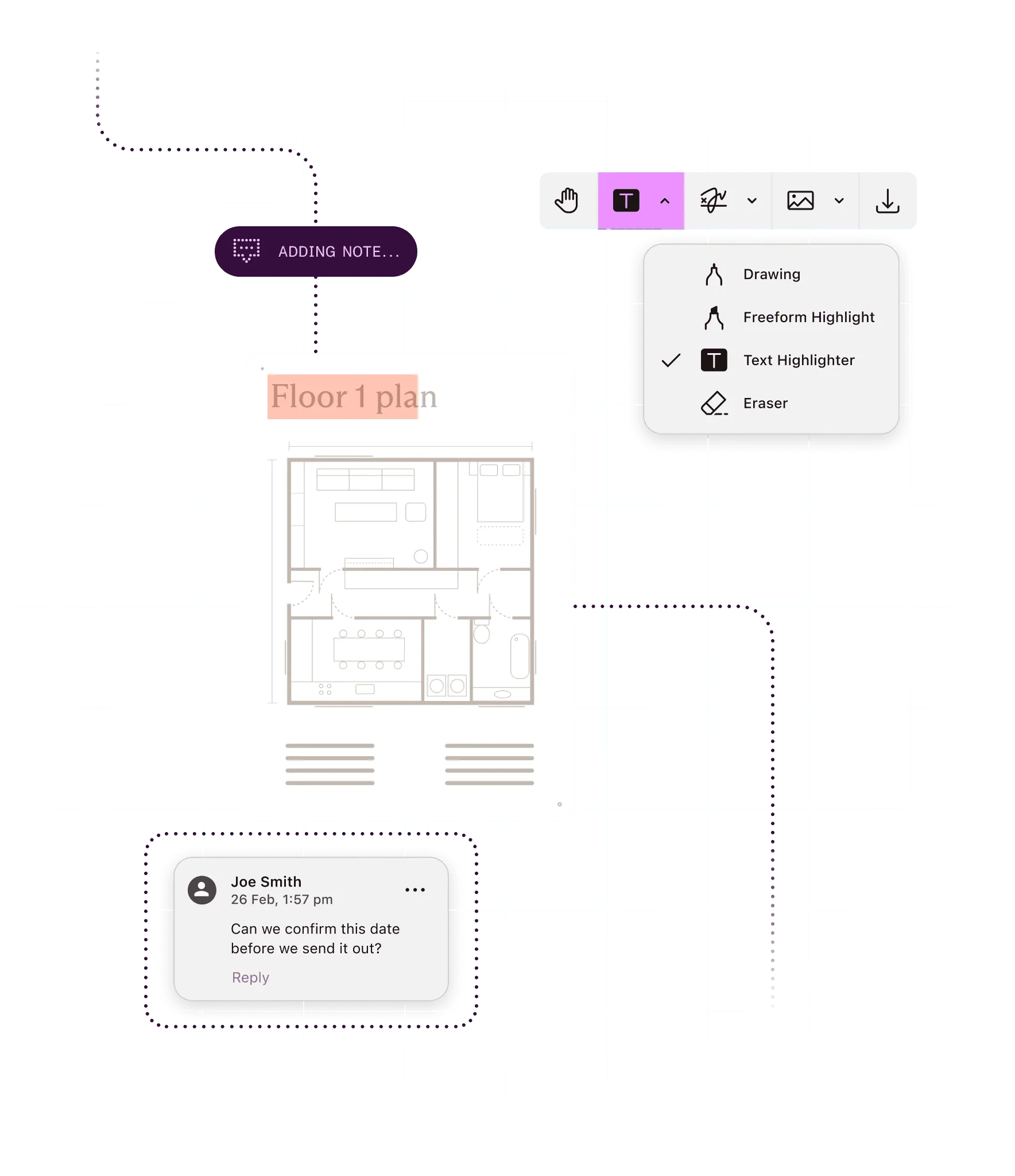
Highlight, draw, stamp, and measure right on the page, in your app or in SharePoint. Reviewers point at the exact spot instead of describing it.
What you can do
Mark up the page
Highlight text, draw, and add shapes, notes, free text, and stamps, styled to fit your app.
Measure drawings to scale
Calibrate the scale. Then measure distance, perimeter, and area on plans and drawings.
Move marks between systems
Import and export annotations as XFDF or Instant JSON, so marks travel between apps and storage.
Lock in the final version
Flatten annotations into the page when review is done — all at once, or only the marks you choose.
Ways to build
In your app
Nutrient SDKs give people a markup toolbar in web and mobile apps, and let backend code add annotations in batch jobs.
On a server: Self-hosted or Nutrient-hosted
Document Engine stores annotations on your servers for Web SDK sessions, and creates, imports, exports, and flattens them by API.
Through a hosted API
Nutrient APIs apply XFDF or Instant JSON annotations to a PDF and flatten them in one call. The Viewer API stores annotations for the documents it hosts.
Inside Microsoft 365
Nutrient Document Editor lets people highlight, draw, stamp, and measure PDFs in SharePoint and then save them back to the library.
Inside approval workflows
Nutrient Workflow lets requesters mark up attached files in a request, and approvers can annotate or sign them before they act.
Save annotations to your server whenever someone changes them.
instance.addEventListener("annotations.didSave", async () => { const instantJSON = await instance.exportInstantJSON(); // This saves the Instant JSON to your server, which in turn stores it in a database. await fetch("https://your-server.example.com/instant-json", { method: "POST", headers: { "Content-Type": "application/json" }, body: JSON.stringify(instantJSON) });});instance.addEventListener("annotations.didSave", async () => { const xfdf = await instance.exportXFDF(); // This saves the XFDF payload to your server, which in turn stores it in a database. await fetch("https://your-server.example.com/xfdf", { method: "POST", body: xfdf });});How it works


1
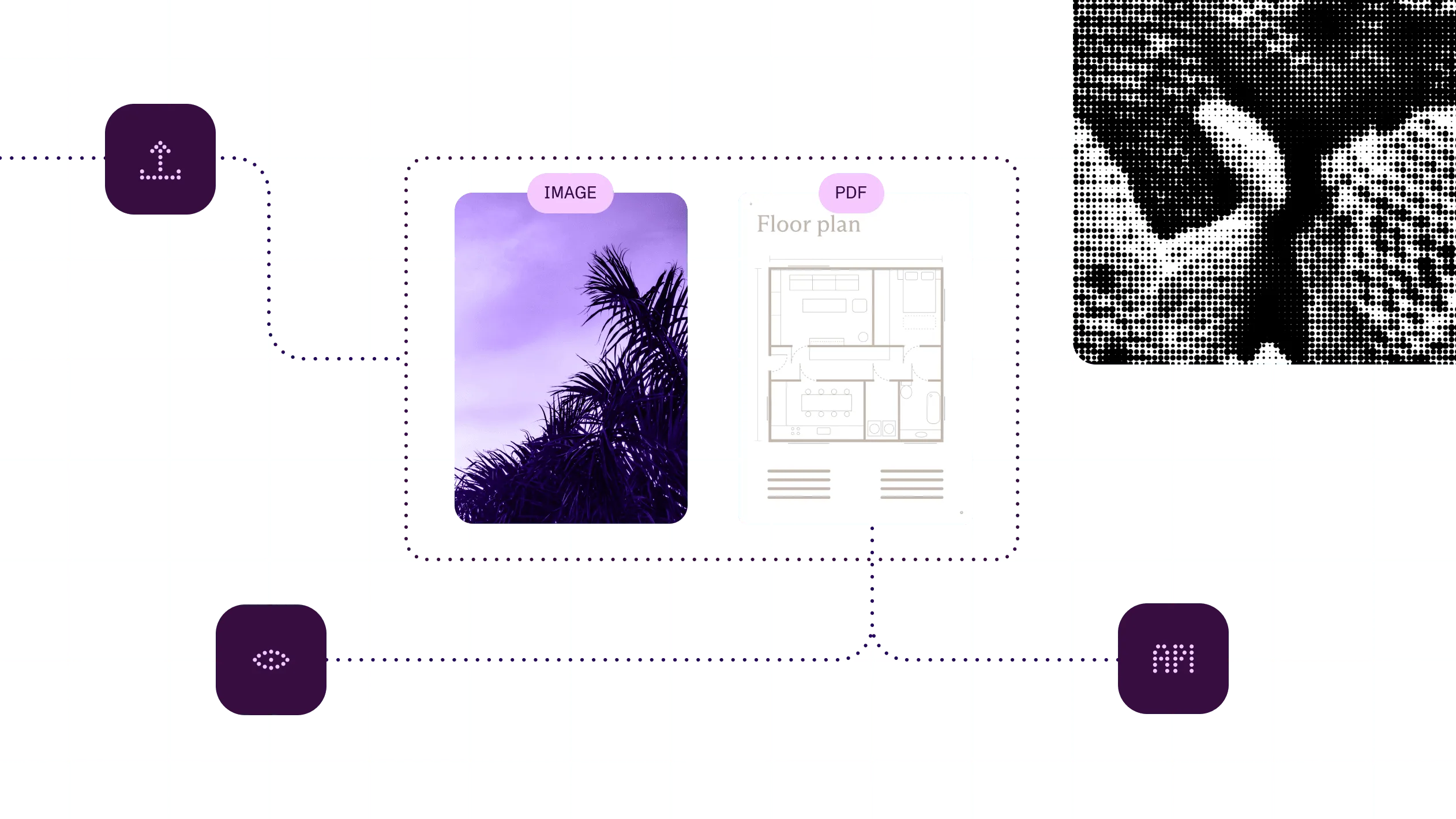
Load a PDF in the viewer, or send it to the API with annotation data.
2
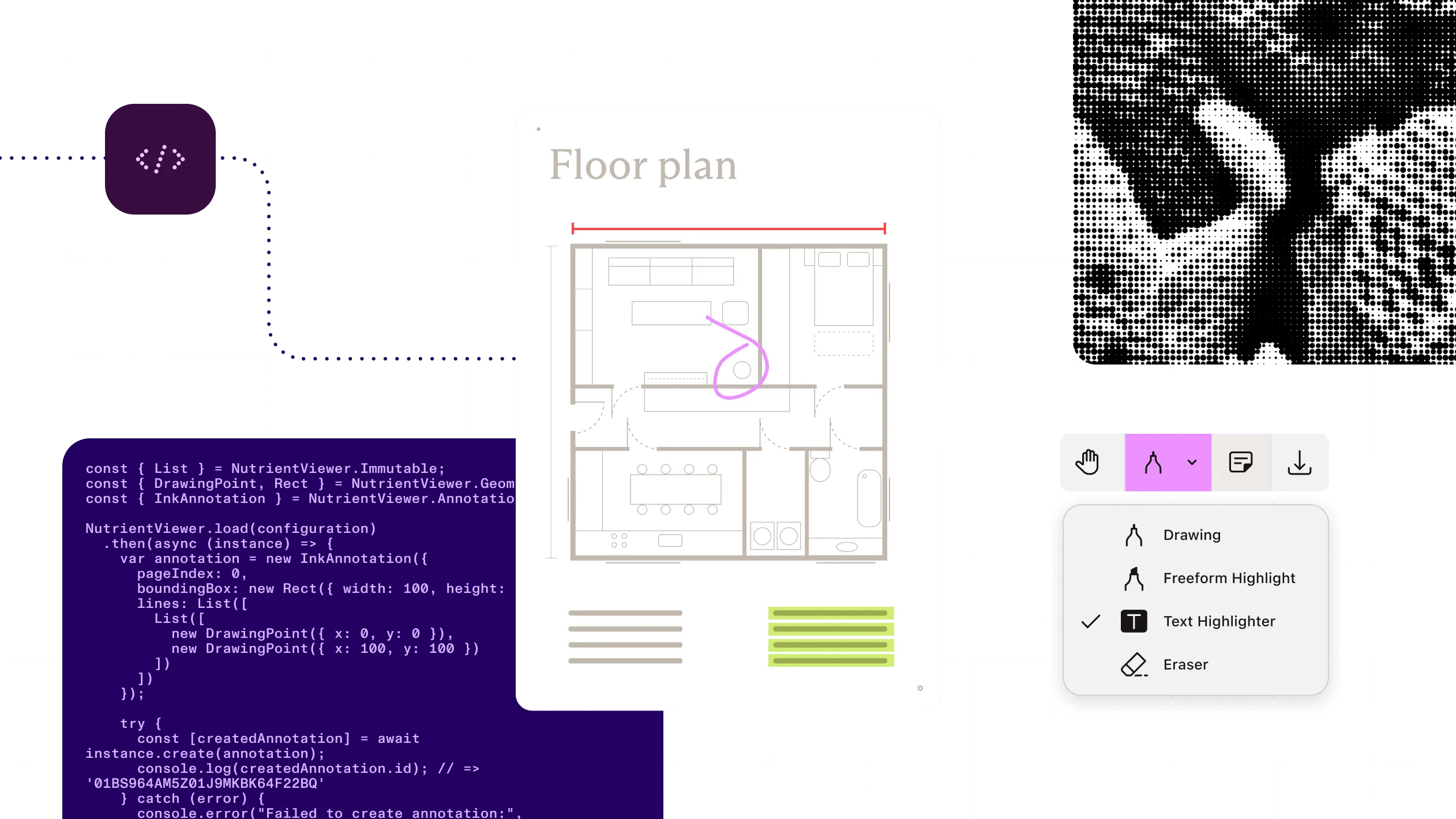
Pick a tool from the annotation toolbar, or create annotations in code.
3
Lock or hide specific marks, and set tool presets so each team sees the tools it needs.
4
Save annotations in the PDF or your backend, export them as XFDF or Instant JSON, or flatten them.
At a glance
Nutrient annotations add markup to PDF documents: highlights, ink, shapes, notes, free text, stamps, links, and measurements. Marks are saved as standard PDF annotations, so they stay editable until someone flattens them into the page. People add them in a viewer. Code adds, imports, exports, and flattens them across many documents.
Inputs
PDFs, plus Office files and images once a route opens them as PDF. Existing annotations as XFDF or Instant JSON.
Outputs
The PDF with annotations saved in it, annotations exported as XFDF or Instant JSON, or a flattened PDF. Export and flattening vary by route.
Annotation types
15+ types, including text markup, ink, shapes, free text, notes, stamps, images, and links. iOS and Android add file, sound, and video. Lists vary by platform.
Measurements
Distance, perimeter, and area, with scale calibration. Measurement Tools component in the app SDKs; built into Document Editor in SharePoint.
Standards
Standard PDF annotation types, which other PDF readers, such as Adobe Acrobat, can show. XFDF for exchange with other PDF tools.
Runs on
Browser, iOS, Android, cross-platform frameworks, your own servers, Nutrient’s cloud, or Microsoft 365.
Delivered through
Nutrient SDKs (web, mobile, and backend), Document Engine, Nutrient APIs, Microsoft 365, Salesforce, Workflow, and AI Assistant.
Plans change, and every change needs a note someone can act on. Get the drawings in, route them to the right trades, and let everyone mark them up in context.
Coordinating construction drawings
ExampleConstruction
Mark up and measure drawings across web and mobile, and carry annotations onto revised plans.
See the offeringEdTech
Keep student drawings, highlights, and annotations on the relevant page inside the learning platform.
See the offeringWhy Nutrient
A mark made on an iPad has to show up in the browser, survive an export, and end up fixed in the final PDF.
One set of marks across your stack
Annotations are standard PDF objects, so a mark made on a phone shows up in the browser. Available annotation types differ by platform.
Measure on the drawing
Calibrate the scale. Then check distance, perimeter, and area on the drawing itself, not by hand. The Measurement Tools component is in the app SDKs, and measurement is built into Document Editor in SharePoint.
Marks that move, then lock
Import and export XFDF or Instant JSON. Then flatten the marks into the page when review is done. The hosted API imports and flattens but doesn’t export. Java and Python add annotations only.
Review where the document lives
Mark up in your app, in SharePoint, or in a Workflow approval step, so the feedback stays with the file. Microsoft 365 guides cover SharePoint.
PDF annotation adds markup to a page, such as highlights, ink, shapes, notes, stamps, and measurements. Nutrient saves marks as standard PDF annotations, so they stay editable until they’re flattened. It’s available in the Nutrient SDKs, Document Engine, hosted APIs, Microsoft 365, Salesforce, Workflow, and AI Assistant.
Nutrient supports more than 15 annotation types, including text markup, ink, lines and shapes, free text and callouts, notes, stamps, images, and links. The exact list varies by platform. iOS and Android also handle file attachments, sound, and video. The Web SDK may ignore or flatten sound, video, and 3D annotations on import.
Yes. Nutrient measures distance, perimeter, and area on drawings once you calibrate the scale. Measurement is part of the Measurement Tools component in the Web and mobile SDKs, and it’s built into Document Editor in SharePoint.
Where Nutrient stores annotations depends on the route. With the standalone Web SDK, your app decides where they’re kept. With Document Engine, they’re stored on your own servers. With the Viewer API, Nutrient stores them for the documents it hosts. Annotations can also be saved into the PDF itself.
Yes. Nutrient annotations stay editable until they’re flattened. In the app SDKs, people can edit, delete, and undo marks, and you can lock specific marks as read-only. Flattening turns annotations into page content, so keep an unflattened copy if you may need to edit them later.
Yes. Most Nutrient routes import and export annotations as XFDF or Instant JSON. XFDF is the standard exchange format that Adobe Acrobat and other PDF tools use, and Instant JSON is Nutrient’s own format. The hosted API imports both and flattens, but it doesn’t export.
Add comments, replies, and real-time syncing so reviewers work on the same marks.
Open the document people mark up, on web, mobile, and desktop.
Sign the document once review is done and the marks are flattened.