Search
Service request fulfillment
Turn service requests into completed work
Give service agents the request, supporting documents, and routing context to move work forward. Connect intake, service ownership, and completion on Nutrient.

The workflow
Carry context through the handoff
Use an agent to prepare a work order from the submitted context or assemble the documents for a service task. Route missing evidence or an unapproved change to the responsible owner. Keep corrections with the request for evaluation before changing instructions.
- 1
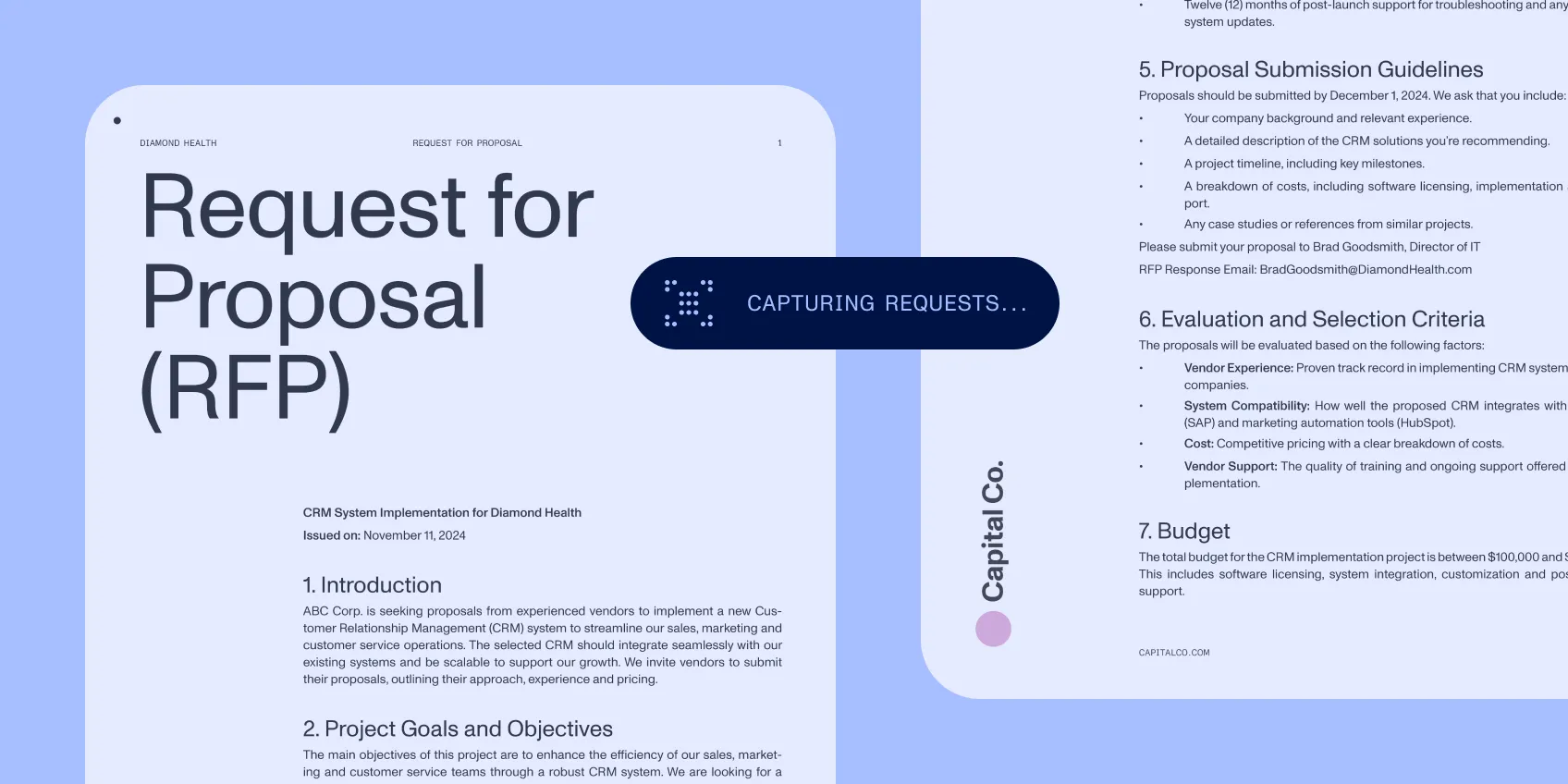
Capture the request
Bring the service need, requester details, and supporting files into one record.
- 2
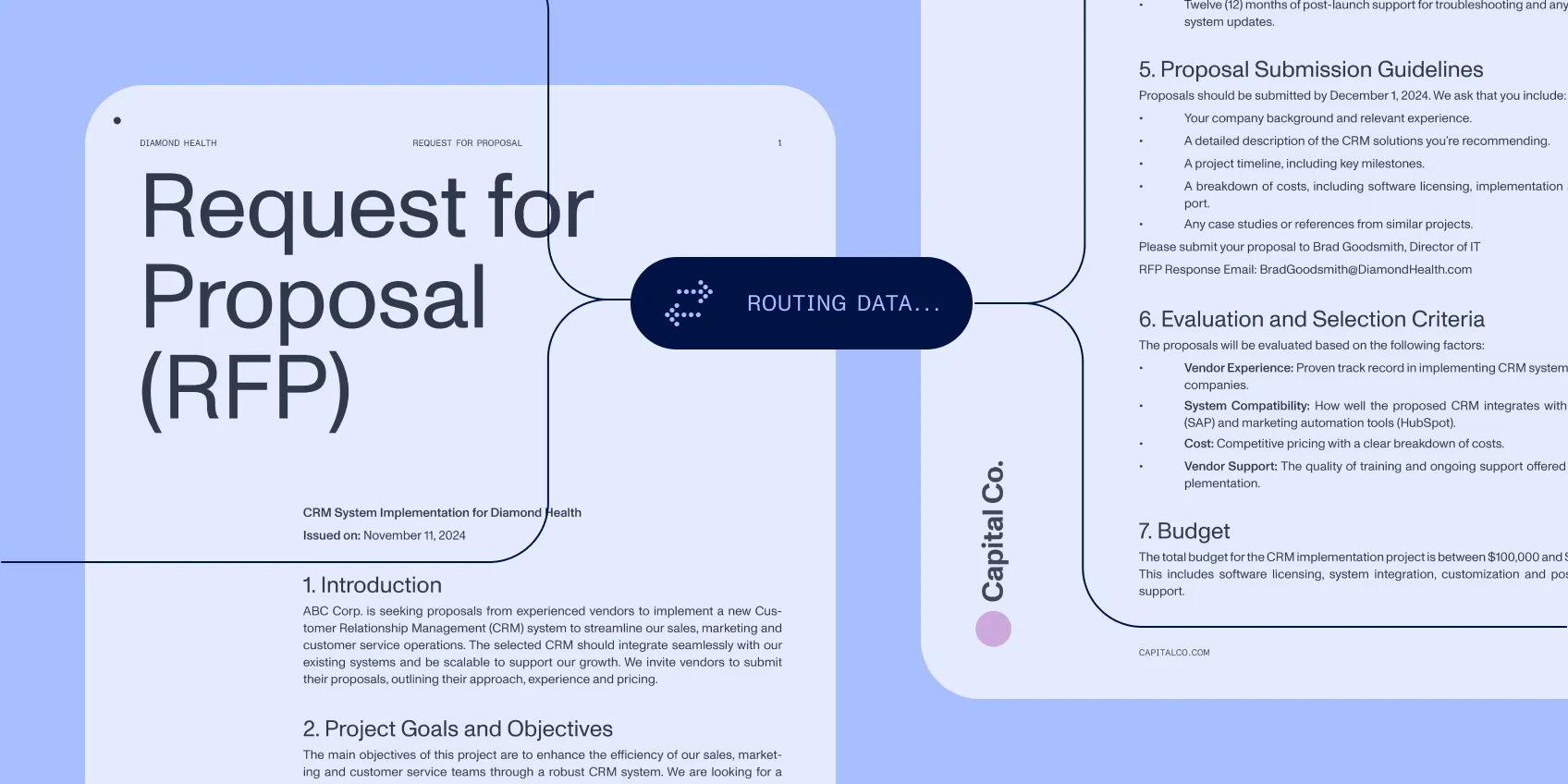
Assign the next action
Route by the service, request data, and the decisions required before work starts.
- 3
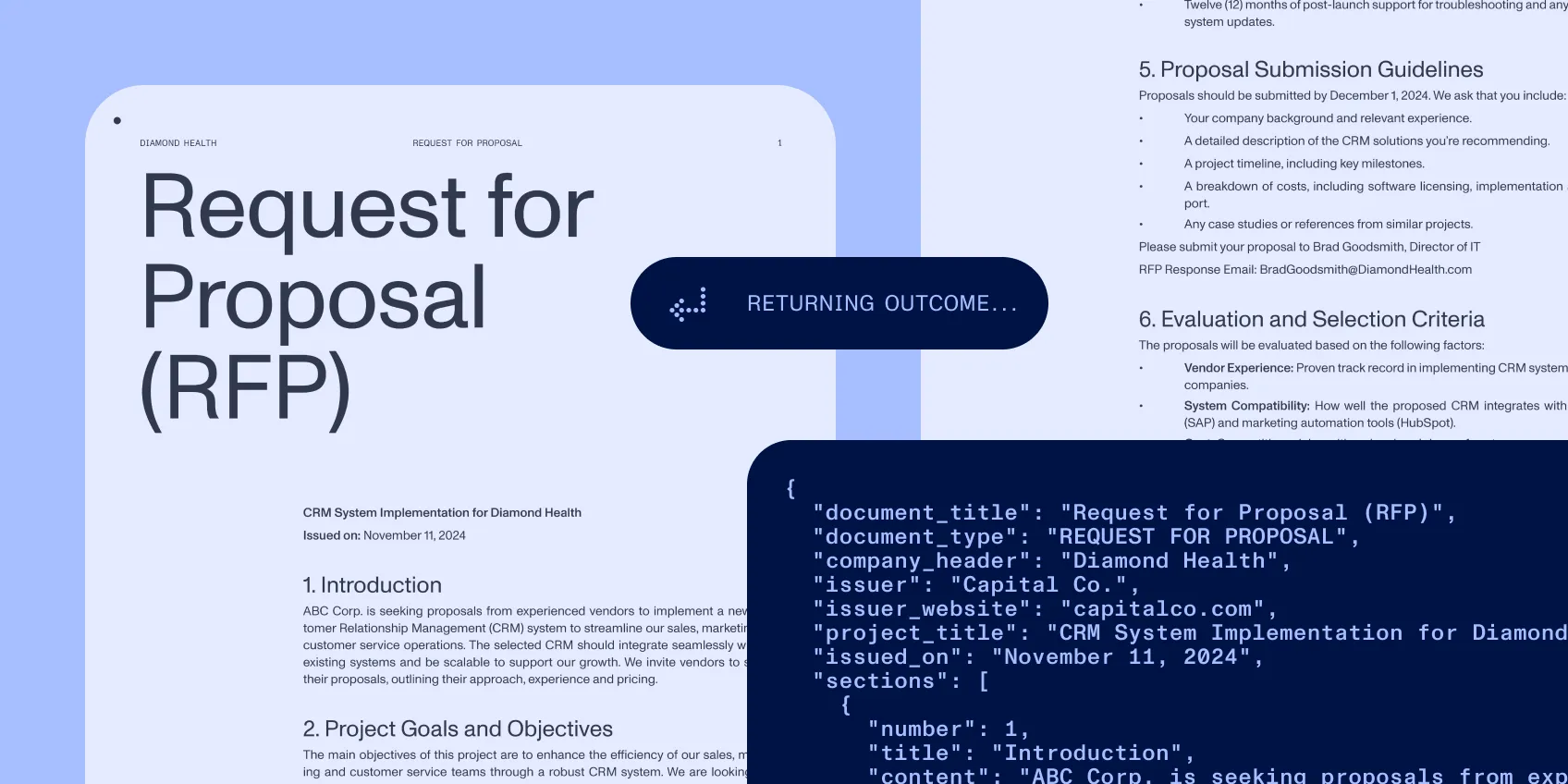
Close the loop
Record completion and return the outcome to the requester with the relevant document or response.
Specification
Controls
Make the next step explicit
Workflow Automation start rules use task status, form data, and approval choices. Configure which conditions advance a request and which send it back for information. Request details, discussions, and flow views preserve the context for follow-up. Open supporting attachments when a service task needs inspection or an edit.
Implementation
Fit the service system you have
Connect configured workflows to the directory, service system, and document store that own your records. Use document extraction where supporting files contain the information the next task needs. Scope each integration and the actions it may take.