PDF/A archiving
Keep the final PDF readable and conformant for the long term.
DOCUMENT CONVERSION
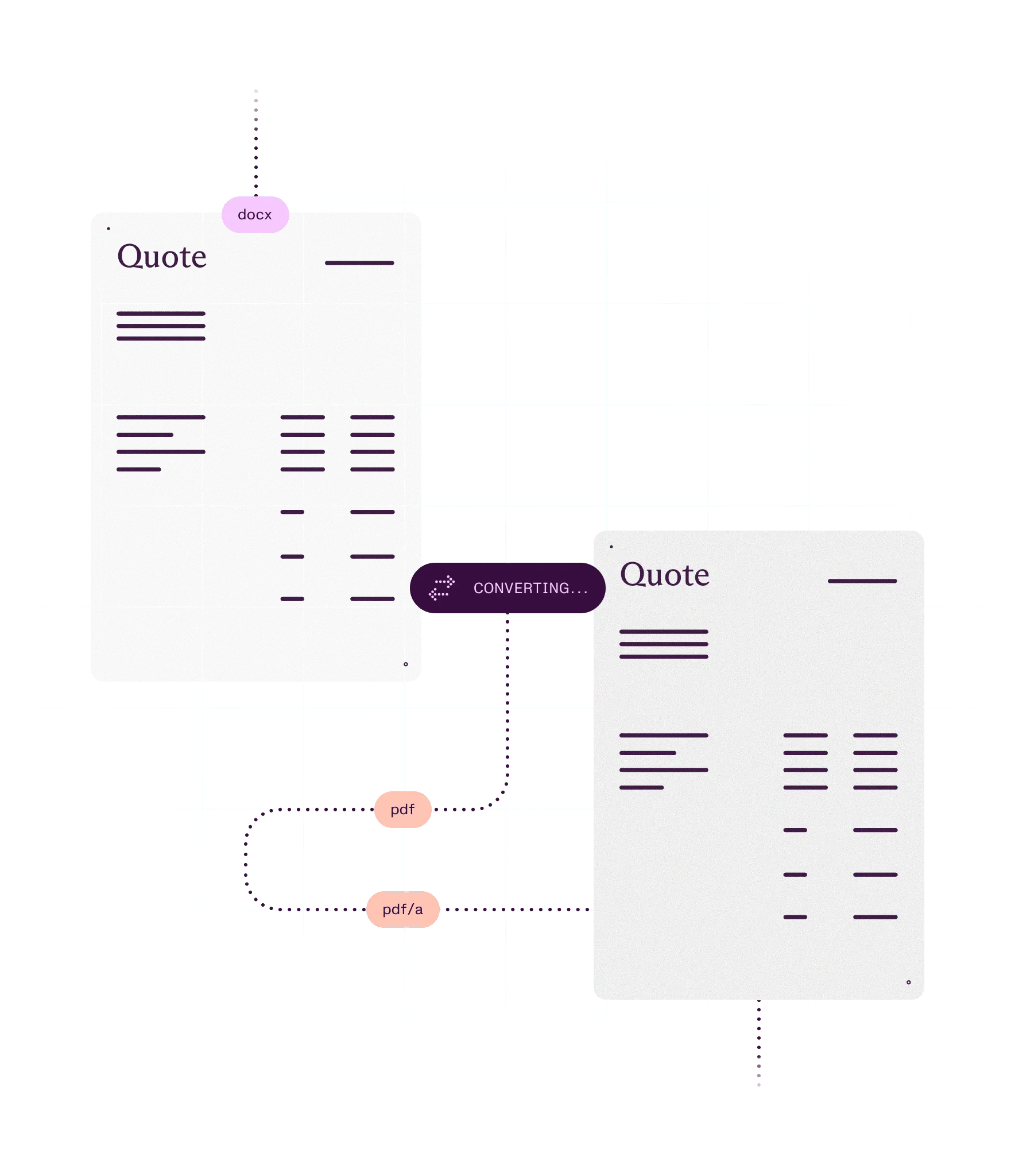
Turn Office files, images, HTML, and email into PDFs, and PDFs back into files people can edit. The next step starts with the right document.
What you can do
Turn incoming files into PDFs
Convert Office files, images, HTML, email, and CAD drawings to PDF, so every document starts the same way.
Get an editable file back
Convert a PDF to Word, Excel, or PowerPoint when someone needs to change it.
Hand documents to other systems
Turn PDFs into HTML, Markdown, or images for webpages, search, AI pipelines, and previews.
Convert inside workflows and at volume
Run conversion in code, scheduled jobs, or flows, so nobody converts files by hand.
Ways to build
In your app
Nutrient SDKs convert Office files to PDF, and PDFs back to Office, in the browser with no server. .NET, Java, and Python add HTML, email, and CAD.
On a server: Self-hosted or Nutrient-hosted
Document Engine converts Office files, HTML, images, email, and CAD to PDF, and PDFs back to Office, on your servers or hosted by Nutrient. It also converts Office files for mobile apps.
Through a hosted API
Nutrient APIs convert Office files, images, HTML, email, and Markdown to PDF, and PDFs to Office, HTML, or images, in one call. There’s nothing to deploy.
From an AI agent
Nutrient MCP gives AI agents tools to convert Office files to PDF and turn documents into Markdown, through Nutrient’s hosted MCP server.
In Microsoft 365
Nutrient Document Converter turns Word, Excel, email, CAD, and other files into PDF in Power Automate, SharePoint, and Nintex, without code.
Convert a Word file to PDF in the browser, or with one API call.
NutrientViewer.load({ container: "#pspdfkit", document: "source.docx", licenseKey: "YOUR_LICENSE_KEY"}).then((instance) => { instance.exportPDF();});curl -X POST https://api.nutrient.io/build \ -H "Authorization: Bearer your_api_key_here" \ -F 'document=@document.docx' \ -F 'instructions={ "parts": [ { "file": "document" } ] }' \ --fail \ -o result.pdfHow it works
1
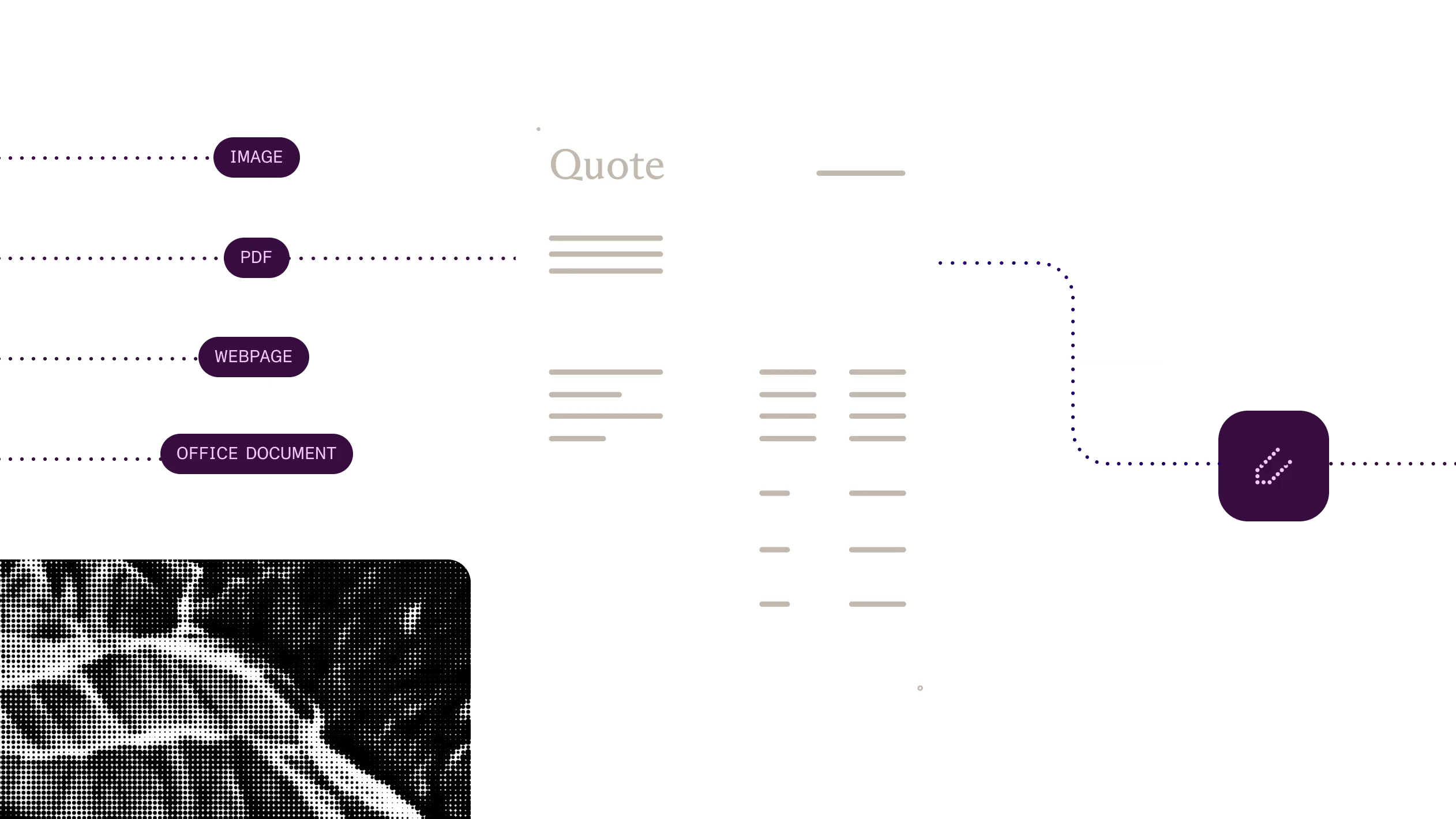
Load an Office file, image, webpage, or email, or a PDF someone needs to edit.
2
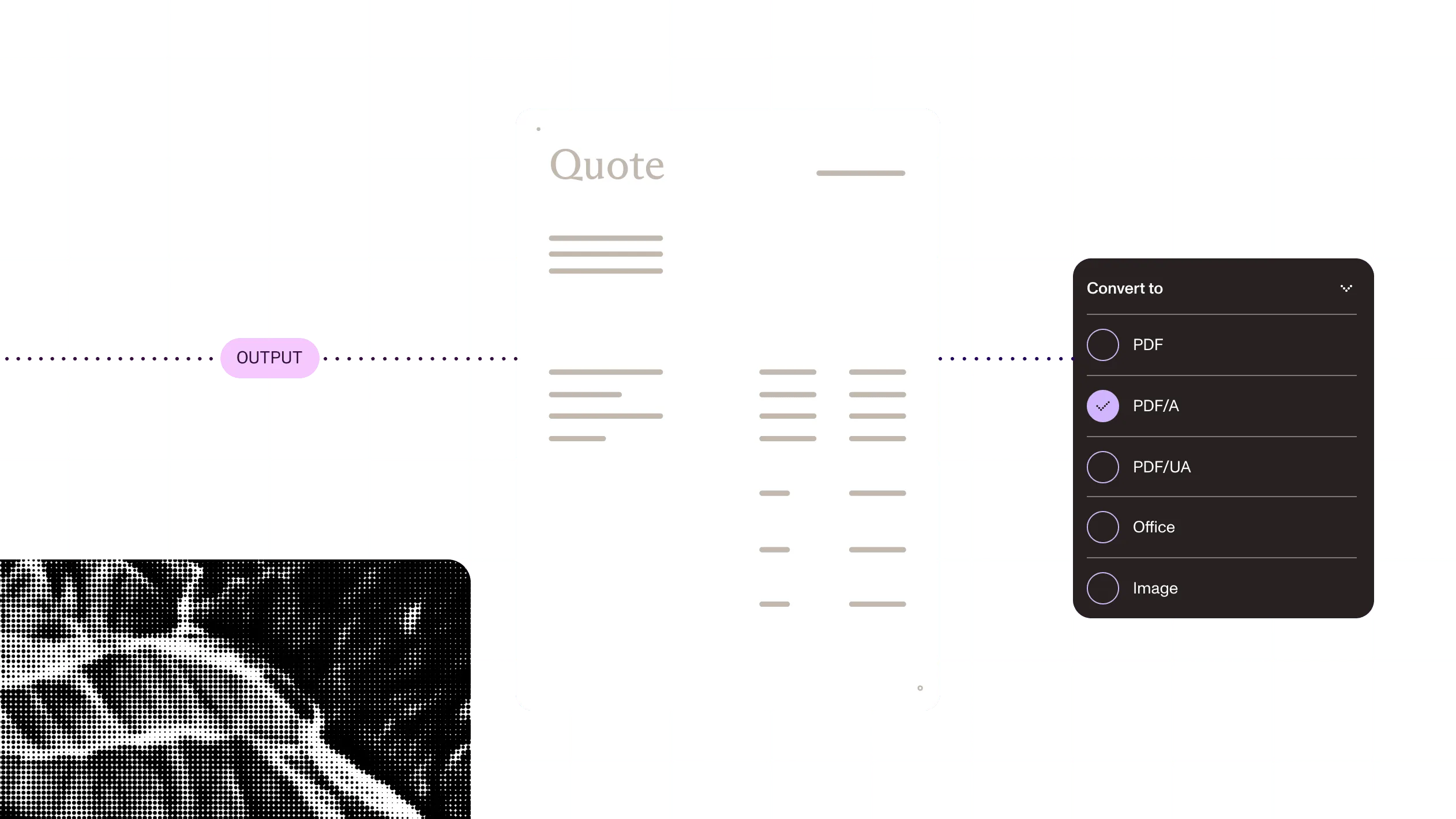
Pick PDF, an Office format, HTML, Markdown, or an image, and supply fonts the source uses.
3
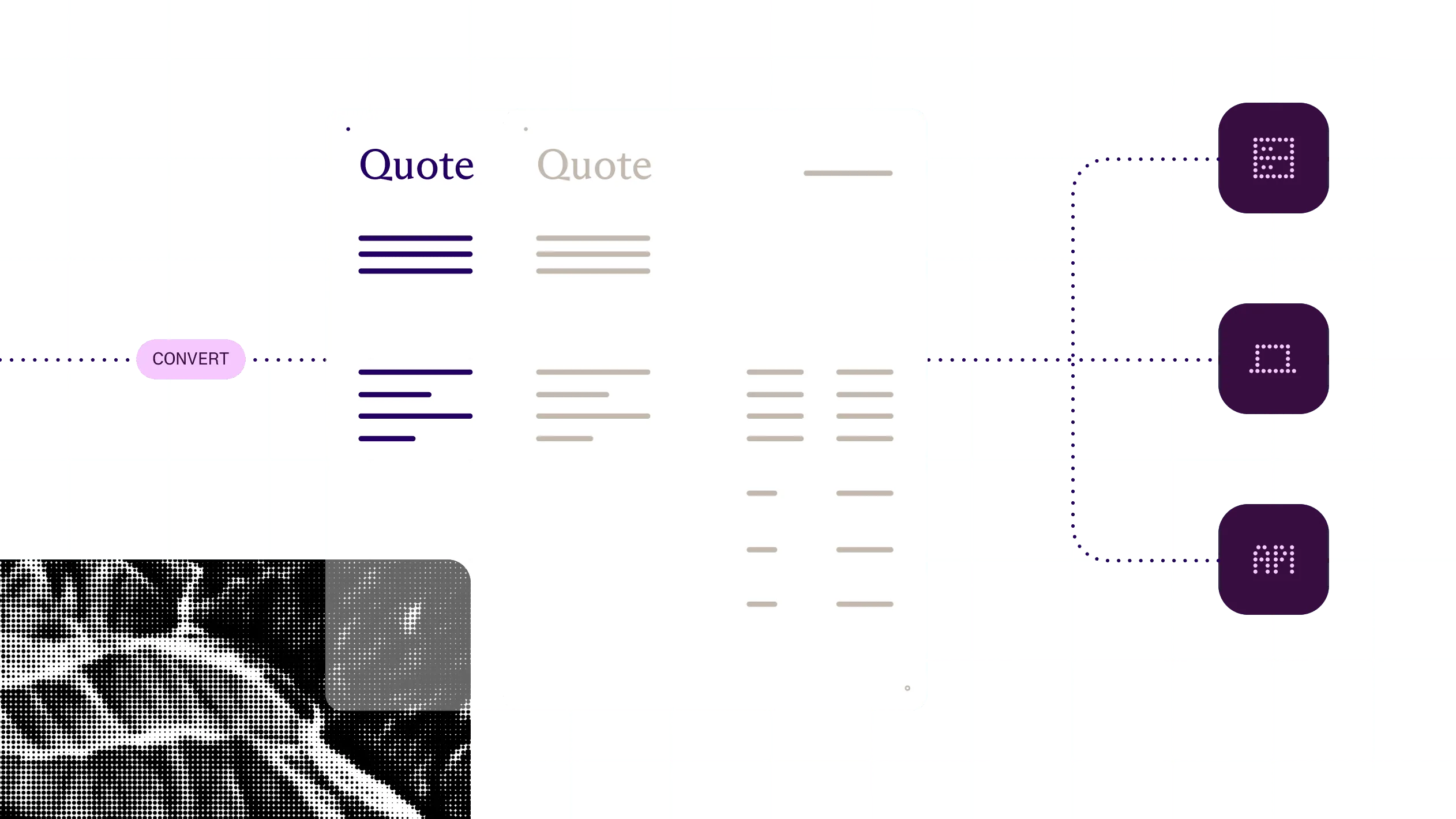
Run it in the browser, on your own server, or through the API, with or without a viewer.
4
Pass the result to OCR, extraction, redaction, archiving, or a person for review.
At a glance
Nutrient conversion turns a document into the format the next step needs. It takes Office files, images, HTML, email, and CAD drawings and returns a PDF, or takes a PDF and returns Word, Excel, PowerPoint, HTML, Markdown, or images, keeping text, tables, and layout as close to the original as the target format allows.
Inputs
Word, Excel, and PowerPoint (including legacy and OpenDocument formats), images, HTML, email (EML, MSG), CAD (DWG, DXF), Markdown, and text. Formats vary by route.
Outputs
PDF. From a PDF: DOCX, XLSX, PPTX, HTML, Markdown, and PNG, JPEG, WebP, or TIFF images. Outputs vary by route.
Dependencies
No Microsoft Office or LibreOffice in the Web, MAUI, Node.js, and .NET SDKs; Document Engine; or the hosted API. HTML conversion in .NET, Java, and Python uses headless Chrome.
Runs on
The browser, desktop and mobile apps, your own servers, Nutrient’s cloud, or Microsoft 365.
Delivered through
Nutrient SDKs, Document Engine, Nutrient APIs, Nutrient MCP, Document Converter (Microsoft 365 and Nintex), and Document Automation Server.
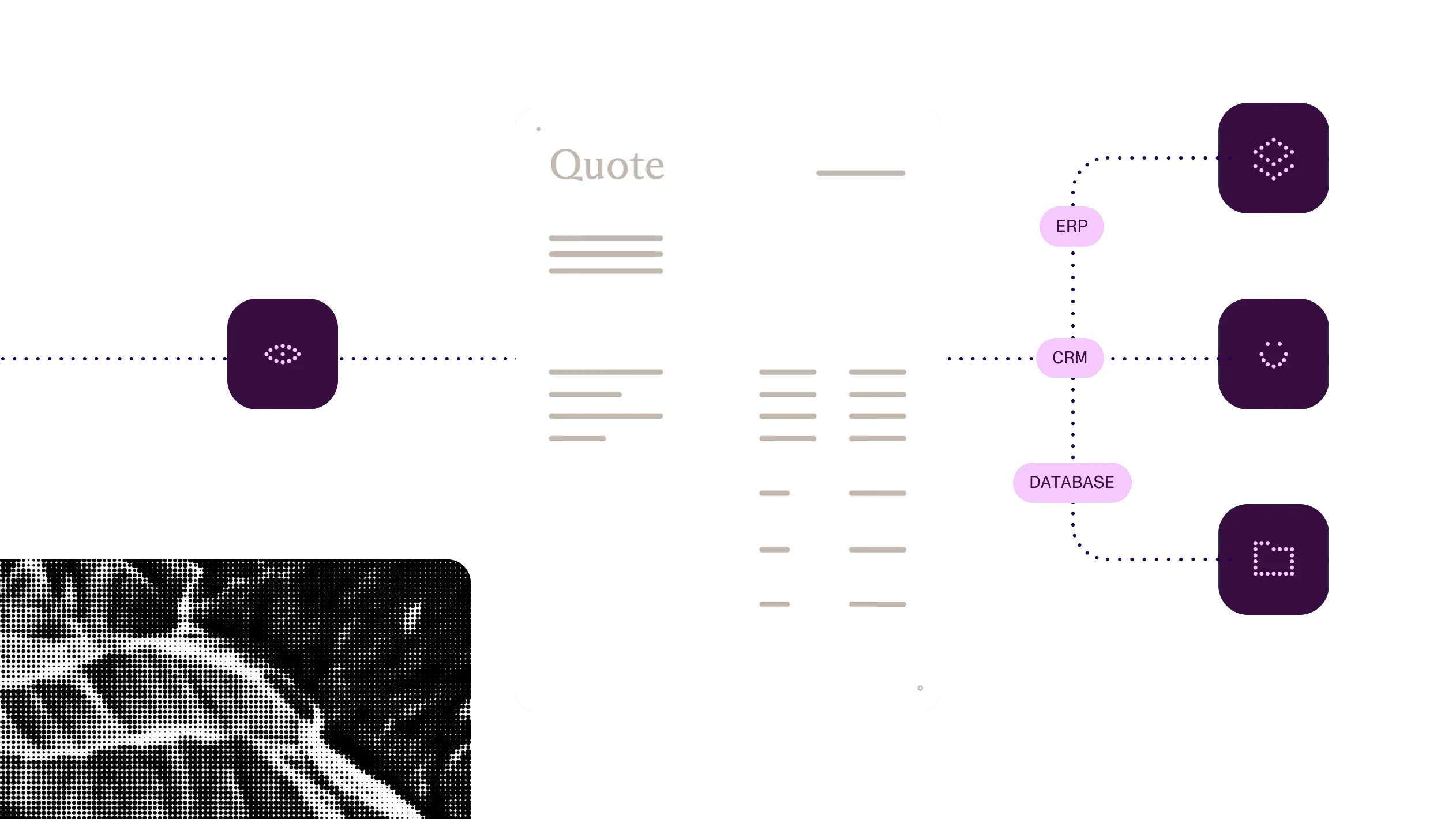
Suppliers send whatever they have. Convert it all to one format, check what’s missing, and let your team finish the review in one place.
Collecting supplier documents in mixed formats
ExamplePrepare
Convert Word files, spreadsheets, and photos into PDF so every document can be processed the same way.
Act
Pull the details activation depends on — like tax IDs — and route incomplete packets back.
Searchable records
Convert scans and mixed formats into consistent, searchable documents before records are stored or audited.
See the offeringWhy Nutrient
Conversion fails quietly: a table split across pages, an email attachment left out, a font swap that moves every line break. Someone finds it later and fixes it by hand.
No Office install to run
Most routes convert with Nutrient’s own engine, so there are no Office or LibreOffice servers to license, patch, and scale. Available in the Web, MAUI, Node.js, and .NET SDKs, Document Engine, and the hosted API. Document Converter Services and Document Automation Server’s ToPDF step use Microsoft Office.
Both directions
Turn a PDF back into Word, Excel, or PowerPoint so nobody retypes it. Not available in the Node.js, MAUI, or mobile SDKs, or Document Converter online.
Email and CAD, not only Office
Convert Office files, images, HTML, email, and CAD drawings to PDF, so mixed uploads go through one converter. CAD is DWG and DXF. Email and CAD vary by route.
Convert where the file lives
Convert in the browser so files stay on the device, on your servers, or through the API with nothing to deploy. Hosted API data handling depends on your plan.
Document conversion turns a file into the format the next step needs, such as Word to PDF or PDF to Excel. Nutrient converts Office files, images, HTML, email, and CAD drawings to PDF, and PDFs to Word, Excel, PowerPoint, HTML, Markdown, and images.
No. Nutrient’s Web, MAUI, Node.js, and .NET SDKs; Document Engine; and the hosted API convert with Nutrient’s own engine, so no Microsoft Office or LibreOffice is needed. HTML conversion in the .NET, Java, and Python SDKs uses headless Chrome. Document Converter Services uses Microsoft Office by default.
Yes. Nutrient converts PDFs to DOCX, XLSX, and PPTX with the Web SDK in the browser; the .NET, Java, and Python SDKs; Document Engine; Document Automation Server; and the hosted API. Document Converter online doesn’t convert PDF to Office.
Nutrient converts Office documents, images, HTML, email, CAD drawings, Markdown, and text to PDF, and PDFs to Office, HTML, Markdown, and images. Supported formats vary by route, so check the file type guide for the one you use.
Nutrient conversion keeps text, tables, and layout as close to the original as the target format allows. Fonts the converter can’t access are replaced unless you supply the font files. Test with your most complex documents.
No. Nutrient Web SDK converts in the browser, and the server SDKs and Document Engine run on your own servers. With the hosted API, data handling depends on your plan. Where retention isn’t enabled, files are deleted within 24 hours.
Make converted scans and images searchable before anything reads them.
Pull structured data from documents once they’re in a consistent format.
Keep the final PDF readable and conformant for the long term.