C# barcode scanner: How to scan and read 1D barcodes and QR codes

Table of contents
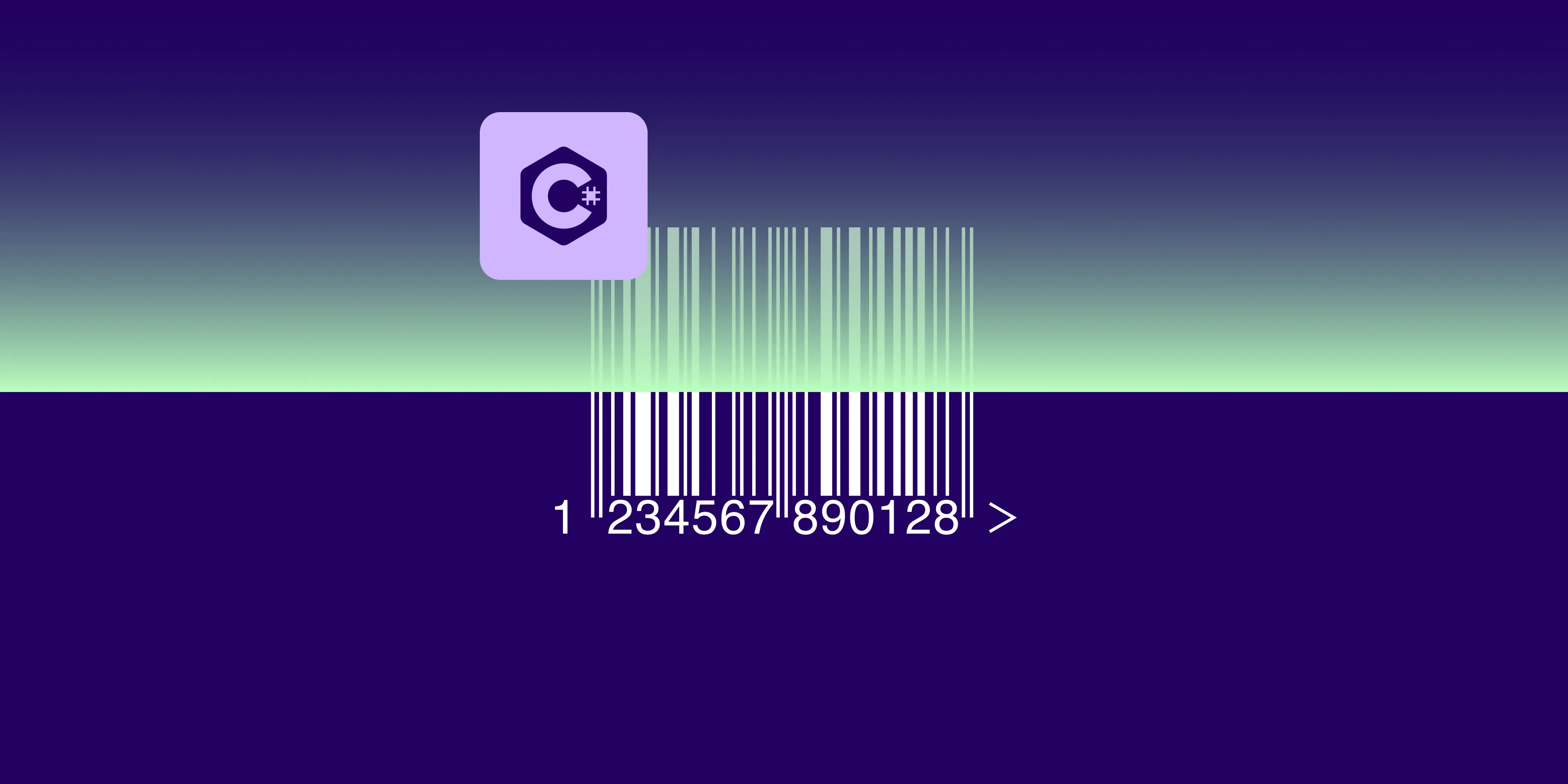
Nutrient .NET SDK (formerly GdPicture.NET) reads every common 1D barcode format and six 2D formats from images and PDFs in C#. The 2D formats include QR, Data Matrix, and PDF417. The workflow has four steps. Install the GdPicture.API(opens in a new tab) NuGet package, load an image, scan it with the reader for the chosen format, and read each detected value by index. Format-specific readers follow the same scan, count, and read-by-index pattern.
Barcode scanning in C# usually means one of two jobs. The first is pulling product or shipment identifiers out of linear barcodes for inventory and logistics pipelines. The second is decoding QR codes and other 2D symbologies that carry URLs, IDs, or structured payloads. This tutorial covers both jobs, from images and PDF pages, with Nutrient .NET SDK. It’s a single barcode reader API that handles every common format without training data or per-format configuration.
Which barcode formats can a C# barcode scanner read?
The SDK recognizes common one-dimensional (linear) barcode formats, including:
- Code 128
- Code 39
- UPC-A and UPC-E
- EAN-13 and EAN-8
- Code 93
- Interleaved 2 of 5
It also reads the following two-dimensional formats:
- Aztec Code
- Data Matrix
- MaxiCode
- Micro QR
- PDF417
- QR
Each symbology family has its own reader on the GdPictureImaging class, and all of them follow the same scan → count → read-by-index pattern shown below.
Setup
Install the .NET SDK version 8 or later. Then create a console project and add the SDK package:
dotnet new console -n BarcodeScannercd BarcodeScannerdotnet add package GdPicture.APIReplace the contents of Program.cs with the setup below. Then append one scanning example from this tutorial. Replace YOUR_LICENSE_KEY with a valid demo or commercial key. See the downloads guide for licensing details.
using GdPicture14;
if (args.Length != 1){    throw new ArgumentException("Usage: dotnet run -- <path-to-input-file>");}
LicenseManager licence = new LicenseManager();if (!licence.RegisterKEY("YOUR_LICENSE_KEY")){    throw new InvalidOperationException("Set a valid Nutrient .NET SDK license key.");}
Run the project with the path to your barcode image. Quote paths that contain spaces:
dotnet run -- "source.png"Use an image containing 1D barcodes for the first example, a QR-code image for the QR example, or a PDF for the PDF example. Relative paths resolve from the project directory. Each example prints the decoded values, reports zero detections, or throws an error if processing fails.
Read 1D barcodes from an image
The workflow loads an image, runs a barcode scan, counts the detections, and reads each value by index:
using GdPictureImaging gdpictureImaging = new GdPictureImaging();int imageID = gdpictureImaging.CreateGdPictureImageFromFile(args[0]);try{ GdPictureStatus status = gdpictureImaging.GetStat(); if (status != GdPictureStatus.OK || imageID == 0) { throw new InvalidOperationException($"Could not load the image: {status}"); } status = gdpictureImaging.Barcode1DReaderDoScan(imageID); if (status != GdPictureStatus.OK) { throw new InvalidOperationException($"Barcode scan failed: {status}"); } int barcodeCount = gdpictureImaging.Barcode1DReaderGetBarcodeCount(); if (barcodeCount == 0) { Console.WriteLine("No barcodes detected."); } for (int i = 1; i <= barcodeCount; i++) { Console.WriteLine($"Barcode {i}: {gdpictureImaging.Barcode1DReaderGetBarcodeValue(i)}"); }}finally{ gdpictureImaging.Barcode1DReaderClear(); if (imageID != 0) { gdpictureImaging.ReleaseGdPictureImage(imageID); }}Keep two details in mind:
- Barcode indexes are 1-based. The loop runs from
1tobarcodeCount, andBarcode1DReaderGetBarcodeValue(1)returns the first result. A0-based loop silently skips the last barcode and asks for one that doesn’t exist. - One scan handles multiple barcodes. A packing slip or label sheet with several barcodes needs a single
Barcode1DReaderDoScancall. The count and index API exposes every detection.
The 1D barcode guide covers this workflow in more depth.
Read QR codes from an image
QR codes use the same pattern with the BarcodeQRReader methods:
using GdPictureImaging imaging = new GdPictureImaging();int imageId = imaging.CreateGdPictureImageFromFile(args[0]);try{ GdPictureStatus status = imaging.GetStat(); if (status != GdPictureStatus.OK || imageId == 0) { throw new InvalidOperationException($"Could not load the QR code image: {status}"); } status = imaging.BarcodeQRReaderDoScan(imageId); if (status != GdPictureStatus.OK) { throw new InvalidOperationException($"QR scan failed: {status}"); } int barcodesCount = imaging.BarcodeQRReaderGetBarcodeCount(); if (barcodesCount == 0) { Console.WriteLine("No QR codes detected."); } for (int i = 1; i <= barcodesCount; i++) { Console.WriteLine(imaging.BarcodeQRReaderGetBarcodeValue(i)); }}finally{ imaging.BarcodeQRReaderClear(); if (imageId != 0) { imaging.ReleaseGdPictureImage(imageId); }}The decoded value is whatever the QR code carries — a URL, an identifier, or free text — ready for downstream routing logic. See the QR code guide for the full walkthrough.
Read other 2D formats
Every other 2D symbology follows the identical scan → count → read pattern; only the method prefix changes:
| Format | Scan method | Count/value methods |
|---|---|---|
| Aztec Code | BarcodeAztecReaderDoScan | BarcodeAztecReaderGetBarcodeCount / ...GetBarcodeValue |
| Data Matrix | BarcodeDataMatrixReaderDoScan | BarcodeDataMatrixReaderGetBarcodeCount / ...GetBarcodeValue |
| MaxiCode | BarcodeMaxiCodeReaderDoScan | BarcodeMaxiCodeReaderGetBarcodeCount / ...GetBarcodeValue |
| Micro QR | BarcodeMicroQRReaderDoScan | BarcodeMicroQRReaderGetBarcodeCount / ...GetBarcodeValue |
| PDF417 | BarcodePDF417ReaderDoScan | BarcodePDF417ReaderGetBarcodeCount / ...GetBarcodeValue |
Swap the prefix into the 1D example above, and the rest of the code is unchanged. See the guides for Aztec Code, Data Matrix, MaxiCode, Micro QR, and PDF417; the barcode read/scan index lists them all.
Read barcodes from a PDF
The barcode readers operate on images, so scanning a PDF takes two steps. Render the page to an image with GdPicturePDF. Then pass the resulting image ID to the same reader methods:
using GdPicturePDF gdpicturePDF = new GdPicturePDF();using GdPictureImaging gdpictureImaging = new GdPictureImaging();GdPictureStatus status = gdpicturePDF.LoadFromFile(args[0]);if (status != GdPictureStatus.OK){ throw new InvalidOperationException($"Could not load the PDF: {status}");}status = gdpicturePDF.SelectPage(1);if (status != GdPictureStatus.OK){ throw new InvalidOperationException($"Could not select the PDF page: {status}");}// Request 200 DPI; pages containing a single full-page image retain its original DPI.int rasterPageID = gdpicturePDF.RenderPageToGdPictureImageEx(200, true);try{ status = gdpicturePDF.GetStat(); if (status != GdPictureStatus.OK || rasterPageID == 0) { throw new InvalidOperationException($"Could not render the PDF page: {status}"); } status = gdpictureImaging.Barcode1DReaderDoScan(rasterPageID); if (status != GdPictureStatus.OK) { throw new InvalidOperationException($"Barcode scan failed: {status}"); } int barcodeCount = gdpictureImaging.Barcode1DReaderGetBarcodeCount(); if (barcodeCount == 0) { Console.WriteLine("No barcodes detected on this page."); } for (int i = 1; i <= barcodeCount; i++) { Console.WriteLine(gdpictureImaging.Barcode1DReaderGetBarcodeValue(i)); }}finally{ gdpictureImaging.Barcode1DReaderClear(); if (rasterPageID != 0) { gdpictureImaging.ReleaseGdPictureImage(rasterPageID); }}Pass a PDF path when running this example, such as dotnet run -- "source.pdf". RenderPageToGdPictureImageEx preserves the original resolution of a single image covering the page. Use RenderPageToGdPictureImage if you need to resample those pages to the requested dots per inch (DPI).
To sweep a multipage document, loop SelectPage from 1 to GetPageCount() and repeat the render-and-scan step per page, including its status checks and finally cleanup. Any other reader from the table above works the same way. To look for QR codes on the rendered page, replace the Barcode1DReader prefix with BarcodeQRReader in all four calls: scan, count, value, and clear.
Production notes
- Release resources explicitly. Call
...ReaderClear()after processing results andReleaseGdPictureImage(imageID)when you finish with the image. Both appear in the examples above. In batch pipelines, skipping these leaks native resources. - Handle failures separately from zero detections. The examples check load and scan statuses before reading results. In batch processing, catch errors per file and record the failure before continuing with the next input.
- Generation is also available. The same SDK also generates barcodes. See the barcode generation guides when the pipeline needs to write labels, not just read them.
Conclusion
A C# barcode scanner with Nutrient .NET SDK follows a short sequence. Load the image, call the reader for the symbology, loop the results by 1-based index, and release the resources. The same GdPictureImaging class covers every common 1D and 2D format, and the read/scan guides document each one.
To try it on a real label and document mix, download the SDK and run the examples above with a demo key.
Download Nutrient .NET SDK
FAQ
It reads common one-dimensional (linear) formats, including Code 128, Code 39, UPC-A/UPC-E, EAN-13/EAN-8, Code 93, and Interleaved 2 of 5. It also reads six two-dimensional formats: Aztec Code, Data Matrix, MaxiCode, Micro QR, PDF417, and QR.
Yes. A single ...ReaderDoScan call can detect multiple barcodes of that symbology in the image. Resolution, contrast, damage, and occlusion affect which barcodes are detected. ...ReaderGetBarcodeCount() returns how many were found, and ...ReaderGetBarcodeValue(i) reads each one by 1-based index.
Yes. Render each PDF page to an image with GdPicturePDF.RenderPageToGdPictureImageEx. Then pass the resulting image ID to the barcode reader. The “Read barcodes from a PDF” section above shows the complete workflow, and looping SelectPage over GetPageCount() covers multipage documents.
No. Barcode recognition decodes the symbology’s encoding directly. Optical character recognition (OCR) enters the picture when you must read the value from human-readable text printed near the barcode. See barcode OCR vs. traditional barcode scanners for when each applies.
The SDK includes barcode writers alongside the readers, covering the same 1D and 2D formats. The barcode generation guides show the per-format APIs.