Barcode OCR vs. traditional barcode scanners: What’s the difference?

Table of contents
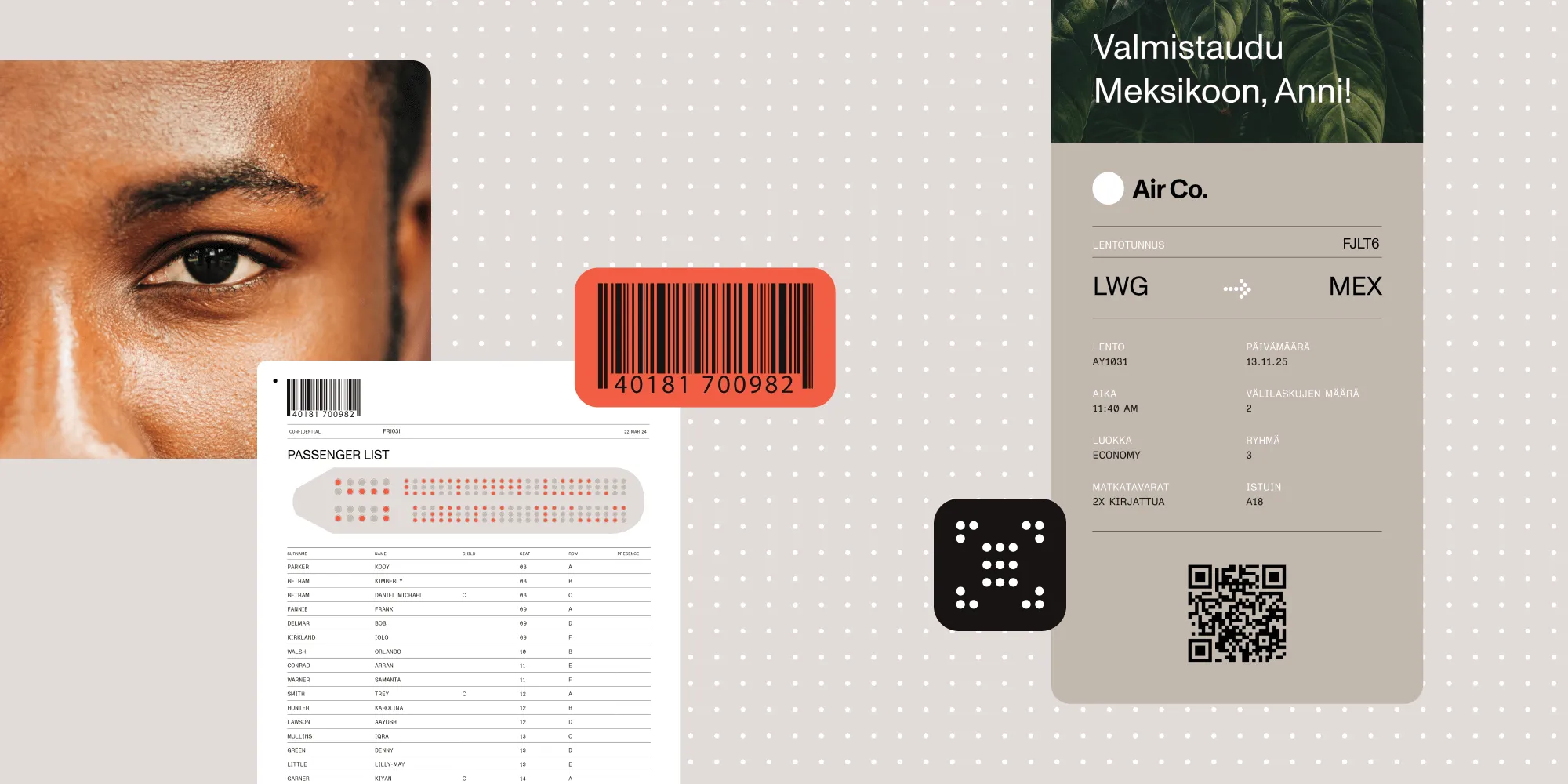
Barcode decoding reads the data encoded in barcode symbols. Optical character recognition (OCR) separately reads printed text, such as the number beneath a barcode. Document workflows may use either or both. Nutrient .NET SDK provides barcode recognition APIs for supported 1D and 2D formats in images and document-processing pipelines.
Barcode workflows can read physical labels with hardware scanners or decode symbols already captured in digital files. The choice depends on where the input exists and how the result enters your application.
What are barcodes and why are they important?
Barcodes are machine-readable symbols that encode data for fast identification and tracking. Used across nearly every industry, they provide a reliable way to streamline tasks like inventory tracking, order fulfillment, and document classification.
Barcodes fall into two primary categories:
- 1D (linear) barcodes — Including Code 128, Code 39, EAN, and UPC. These store information in a single horizontal line.
- 2D barcodes — Including QR codes, PDF417, Data Matrix, and Aztec Code. These can hold significantly more data in both vertical and horizontal dimensions.
What is barcode OCR?
Barcode OCR commonly describes reading barcodes from document images. Technically, barcode decoding recognizes a symbology and decodes its encoded value; OCR recognizes printed characters. You can combine the two operations when a workflow needs both a barcode value and nearby text, but OCR isn’t required to decode the barcode.
A document workflow can combine barcode recognition with these separate processing steps:
- Recognition of barcode regions from scanned images or PDFs
- Preprocessing to correct skewed, low-resolution, or noisy images
- Decoding of various 1D and 2D barcode formats
- Extraction of barcode values alongside surrounding textual content for deeper context
This approach suits high-volume, automated document workflows that must extract barcode data, such as IDs, tracking numbers, or form references, and act on it programmatically.
Barcode OCR with Nutrient
Nutrient .NET SDK provides barcode decoding for supported 1D and 2D formats. Developers can use it with image inputs and document-rendering steps and then add OCR separately when surrounding text is needed.
Designed for high-performance workflows, the SDK offers:
- Barcode recognition for supported formats, with preprocessing available for difficult images
- Batch processing of image and document files
- Integration into C# and .NET applications for automation
With Nutrient .NET SDK, teams can build scalable, barcode-aware systems for document indexing, data extraction, and digital process automation. Read the full barcode OCR guide to get started, or follow the step-by-step C# barcode scanner tutorial for complete 1D and QR code examples.
Barcode recognition also runs in the cloud. For teams that would rather not self-host, the Data Extraction API reads barcode data over REST. It also reads the text and tables on the same page.
C# example — Recognizing 1D barcodes
This example decodes 1D barcode symbols from an image. It doesn’t perform OCR on surrounding text.
Use a .NET 8 or later console project with the GdPicture.API package installed, as described in the C# tutorial setup. Replace Program.cs with the following code and set YOUR_LICENSE_KEY to a valid demo or commercial key. Run it with dotnet run -- "source.png", replacing the path with your barcode image:
using GdPicture14;
if (args.Length != 1){    throw new ArgumentException("Usage: dotnet run -- <path-to-input-file>");}
LicenseManager licence = new LicenseManager();if (!licence.RegisterKEY("YOUR_LICENSE_KEY")){    throw new InvalidOperationException("Set a valid Nutrient .NET SDK license key.");}
using GdPictureImaging gdpictureImaging = new GdPictureImaging();int imageID = gdpictureImaging.CreateGdPictureImageFromFile(args[0]);try{    GdPictureStatus status = gdpictureImaging.GetStat();    if (status != GdPictureStatus.OK || imageID == 0)    {        throw new InvalidOperationException($"Could not load the image: {status}");    }    status = gdpictureImaging.Barcode1DReaderDoScan(imageID);    if (status != GdPictureStatus.OK)    {        throw new InvalidOperationException($"Barcode scan failed: {status}");    }    int barcodeCount = gdpictureImaging.Barcode1DReaderGetBarcodeCount();    if (barcodeCount == 0)    {        Console.WriteLine("No barcodes detected.");    }    for (int i = 1; i <= barcodeCount; i++)    {        Console.WriteLine($"Barcode {i}: {gdpictureImaging.Barcode1DReaderGetBarcodeValue(i)}");    }}finally{    gdpictureImaging.Barcode1DReaderClear();    if (imageID != 0)    {        gdpictureImaging.ReleaseGdPictureImage(imageID);    }}
What are traditional barcode scanners?
Traditional barcode scanners are hardware devices — usually handheld or mounted — that use laser or imaging sensors to read printed barcodes. These tools have long been used in:
- Retail checkout systems
- Warehouse management
- Shipping and receiving
- Asset tracking
Handheld scanners are typically operated by a person. Fixed industrial imagers also automate scanning on conveyors and production lines. Their input is a physical label in view of a sensor; a document SDK processes an existing digital file.
Key differences: Barcode OCR vs. traditional barcode scanners
| Feature | Barcode OCR | Traditional barcode scanners |
|---|---|---|
| Technology | Software barcode decoding | Hardware device (laser/imager) |
| Input | Digital files, images, PDFs | Physical labels or tags |
| Operation | Automated file batches | Handheld or automated mounted capture |
| Workflow | Processes documents inside applications | Captures physical labels in retail, logistics, or production |
| Flexibility | Results depend on image quality and supported symbologies | Results depend on label quality, optics, and supported symbologies |
| Use case | Digital automation and classification | Point-of-sale, inventory lookup |
| Cost | Licensing, compute, integration, and maintenance | Hardware, integration, and maintenance |
How does barcode OCR work?
Behind the scenes, barcode OCR typically includes:
- Image preprocessing — Deskewing, binarization, removing background noise
- Region detection — Locating barcode zones using pattern analysis or AI
- Symbology recognition — Identifying the barcode type (QR, PDF417, etc.)
- Decoding — Extracting and returning encoded values
Nutrient encapsulates these steps in barcode recognition APIs, so developers and operations teams can add barcode intelligence to any workflow.
Industry-specific benefits of barcode OCR
Barcode OCR is widely applicable across industries that handle large volumes of documents and require precise data capture. With Nutrient .NET SDK, organizations can automate the extraction of barcode data for faster processing and improved accuracy.
- Healthcare — Extract patient IDs from barcoded wristbands, lab reports, and forms to streamline electronic health record (EHR) indexing and reduce errors.
- Finance — Automate data capture from barcoded tax documents, pay stubs, and account forms to minimize manual entry.
- Manufacturing — Digitize and classify barcoded records for parts tracking, batch control, and regulatory compliance.
- Legal — Index barcoded case files and court documents to support secure archiving and fast retrieval.
- Education — Track student exams, records, and IDs with QR or 1D codes for efficient sorting and record linking.
Choosing the right approach: Barcode OCR vs. traditional scanners
The right barcode solution depends on the nature of your workflow, the format of your inputs, and the level of automation your organization requires.
When to use traditional barcode scanners
Handheld barcode scanners suit workflows involving physical goods and direct operator interaction, such as:
- Point-of-sale systems in retail
- Inventory tracking in warehouses
- Mobile scanning in field operations
For automated physical-item scanning, evaluate fixed industrial imagers as well as handheld devices.
When to use barcode OCR with Nutrient
Barcode OCR suits organizations that work primarily with digital or scanned documents and want to automate data extraction and document workflows. You should consider Nutrient .NET SDK for barcode OCR if:
- Your input sources are scanned PDFs, TIFFs, or image files
- You need to extract barcode data from forms, labels, or documents at scale
- You’re building or integrating digital workflows that require speed, precision, and automation
Barcode OCR eliminates manual barcode handling and enables high-volume, programmatic recognition.
Conclusion
Software barcode recognition is useful when barcodes already appear in digital documents. With Nutrient .NET SDK, developers can:
- Process documents more efficiently
- Improve accuracy when working with scanned or degraded images
- Automate high-volume workflows at scale
- Integrate barcode recognition into existing systems and infrastructure
This approach suits teams that work with digital documents and need programmatic access to barcode data.
Ready to automate your barcode workflows?
FAQ
Nutrient .NET SDK provides image preprocessing and barcode recognition tools, but damaged or low-resolution symbols may still be unreadable. Test deskewing, denoising, and binarization on representative scans, and route missing or unexpected values for review.
Software barcode recognition can process batches of document files without an operator scanning each label. Throughput depends on file size, page resolution, barcode types, hardware, and concurrency. Benchmark representative documents before estimating capacity; fixed industrial hardware scanners can also automate physical-item scanning.
Nutrient .NET SDK supports a wide range of both 1D and 2D barcode formats. These include Code 128, Code 39, EAN-13, UPC-A, Interleaved 2 of 5, QR code, PDF417, Data Matrix, Aztec Code, MaxiCode, and Micro QR code. The SDK can detect and decode multiple barcode types on a single page, making it suitable for diverse use cases across industries.
Yes. Barcode OCR is frequently used to enable intelligent automation workflows. With Nutrient .NET SDK, developers can implement barcode-based document splitting, such as separating documents at barcode markers. They can also classify content types based on decoded values and extract metadata for indexing or routing. These features are especially valuable in high-volume scanning environments like logistics, finance, and government processing centers.
Absolutely. The .NET SDK can scan an image or document and detect multiple barcodes of the same or different types. It can extract each barcode’s position, symbology, and value. This supports processing documents with several identifiers, such as shipping labels with tracking numbers, routing codes, and product IDs.