Generate PDFs in C# with Nutrient .NET SDK. Follow examples for fillable forms, paginated order tables, and image conversion, with setup and error checks.
Read moreBlog Filters
Category Filter
Filter by Category
SDK
All Categories
AI
API
Cloud
Company
Customer Stories
Design
Development
Digital Signatures
Insights
Integrations
Learning
Low-Code
News
Performance
Productivity
Products
Releases
SDK
Security
Solutions
Tutorials
Web
Workflow
Workflow Automation
visionOS
Filter by Tags
Featured Post
Generate PDFs in C# with Nutrient .NET SDK. Follow examples for fillable forms, paginated order tables, and image conversion, with setup and error checks.
Read moreFeatured Post
Generate PDFs in C# with Nutrient .NET SDK. Follow examples for fillable forms, paginated order tables, and image conversion, with setup and error checks.
Read moreFeatured Post
Generate PDFs in C# with Nutrient .NET SDK. Follow examples for fillable forms, paginated order tables, and image conversion, with setup and error checks.
Read moreFeatured Post
Generate PDFs in C# with Nutrient .NET SDK. Follow examples for fillable forms, paginated order tables, and image conversion, with setup and error checks.
Read moreFeatured Post
Build a C# barcode scanner with Nutrient .NET SDK: Read 1D barcodes, QR codes, and other 2D formats from images, with complete code examples.
Read more
Featured Post

Control what an AI agent can access and do to a document with Nutrient AI Assistant: Reusable agent configurations, scoped delegation, and access rules.
Read more
Featured Post
Control what an AI agent can access and do to a document with Nutrient AI Assistant: Reusable agent configurations, scoped delegation, and access rules.
Read moreFeatured Post
A step-by-step tutorial explaining how to build a PowerPoint (PPT and PPTX) viewer using JavaScript with the Nutrient SDK.
Read more
Featured Post
A step-by-step tutorial explaining how to build a PowerPoint (PPT and PPTX) viewer using JavaScript with the Nutrient SDK.
Read moreFeatured Post
A step-by-step tutorial explaining how to build a PowerPoint (PPT and PPTX) viewer using JavaScript with the Nutrient SDK.
Read moreFeatured Post

Use JavaScript in PDF form fields to set values, control visibility, validate input, and calculate totals. Learn where scripts run and how to test reader support.
Read more
Featured Post
Use JavaScript in PDF form fields to set values, control visibility, validate input, and calculate totals. Learn where scripts run and how to test reader support.
Read moreFeatured Post
Use JavaScript in PDF form fields to set values, control visibility, validate input, and calculate totals. Learn where scripts run and how to test reader support.
Read moreFeatured Post
Display existing PDF.js highlight annotations with JavaScript overlays. Then create and export new highlights with Nutrient Web SDK.
Read more
Featured Post
Display existing PDF.js highlight annotations with JavaScript overlays. Then create and export new highlights with Nutrient Web SDK.
Read moreFeatured Post
Convert HTML to PDF in React with jsPDF and html2pdf.js. Follow working examples for custom fonts, multipage reports, styled snapshots, and table exports.
Read more
Featured Post
Plan an Apryse WebViewer to Nutrient Web SDK migration: Retain XFDF or adopt Instant JSON, replace collaboration, and validate the viewer before cutover.
Read more
Featured Post
Convert HTML to PDF in Python with WeasyPrint. Follow examples for page breaks, headers, Django, and Jinja2, and compare local rendering with a hosted API.
Read more
Featured Post
Convert HTML to PDF in Python with WeasyPrint. Follow examples for page breaks, headers, Django, and Jinja2, and compare local rendering with a hosted API.
Read moreFeatured Post
Convert HTML to PDF in Python with WeasyPrint. Follow examples for page breaks, headers, Django, and Jinja2, and compare local rendering with a hosted API.
Read moreFeatured Post
Convert HTML to PDF in Python with WeasyPrint. Follow examples for page breaks, headers, Django, and Jinja2, and compare local rendering with a hosted API.
Read moreFeatured Post
Compare DOCX-to-PDF conversion approaches in Node.js. Technical analysis of libreoffice-convert vs. Nutrient SDK with production considerations and complete code examples.
Read more
Featured Post
Compare DOCX-to-PDF conversion approaches in Node.js. Technical analysis of libreoffice-convert vs. Nutrient SDK with production considerations and complete code examples.
Read moreFeatured Post

Build a React PDF viewer using pdfjs-dist and Next.js — worker setup, first-page canvas rendering, effect cleanup, and fixes for common loading errors.
Read more
Featured Post

How Page reviews 50,000-page VA case files on Nutrient’s Web PDF SDK.
Read more
Featured Post
Use the ng2-pdf-viewer library to display PDFs in Angular — setup, rendering, and viewer controls, with a Nutrient Web SDK comparison for annotations and forms.
Read more
Featured Post
Use the ng2-pdf-viewer library to display PDFs in Angular — setup, rendering, and viewer controls, with a Nutrient Web SDK comparison for annotations and forms.
Read moreFeatured Post
Convert HTML to PDF with html2pdf.js using a complete browser example. Set page breaks, margins, and image quality, and fix blank exports and missing images.
Read more
Featured Post
Document Authoring 1.20 adds revision APIs, transaction reports, and participant roles to help applications record and verify AI-assisted document changes.
Read more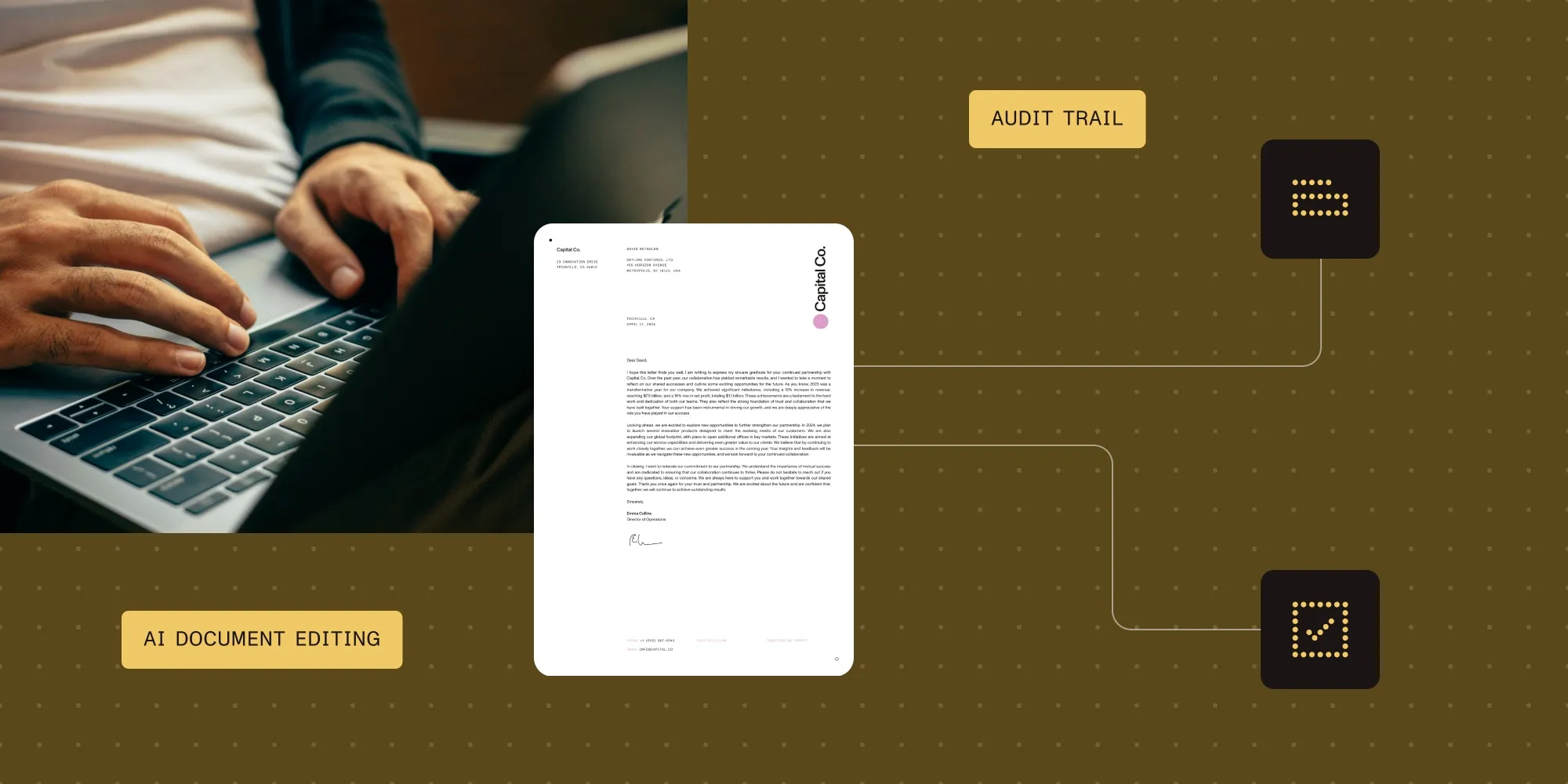
Featured Post
Document Authoring 1.20 adds revision APIs, transaction reports, and participant roles to help applications record and verify AI-assisted document changes.
Read moreFeatured Post

Learn PDF file structure and object types, including dictionaries, streams, indirect references, cross-reference tables, and how startxref locates objects.
Read more
Featured Post
Compare LlamaIndex vs. LangGraph for agentic orchestration, including control flow, state, persistence, human review, deployment, and best-fit use cases.
Read more
Featured Post
Compare LlamaIndex vs. LangGraph for agentic orchestration, including control flow, state, persistence, human review, deployment, and best-fit use cases.
Read moreFeatured Post
Learn the key differences between barcode OCR and traditional barcode scanners. Discover how Nutrient .NET SDK enables smarter, automated barcode processing.
Read more
Featured Post
Automate document redaction with Nutrient SDK’s APIs and libraries. Remove marked sensitive data at scale and build review into your privacy workflows.
Read more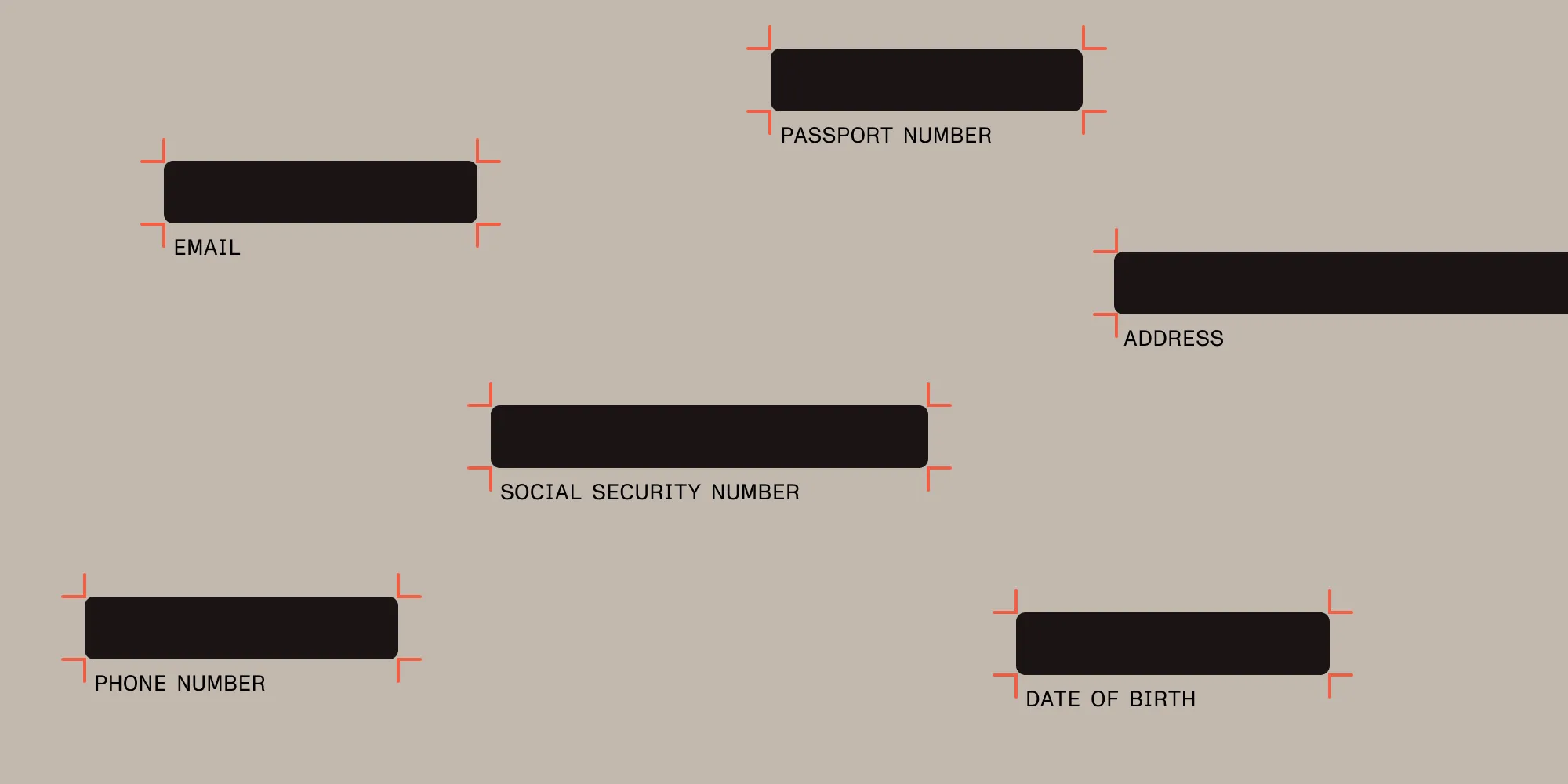
Featured Post
Automate document redaction with Nutrient SDK’s APIs and libraries. Remove marked sensitive data at scale and build review into your privacy workflows.
Read moreFeatured Post
Use pytesseract and Tesseract OCR to extract text from images in Python — full setup, image_to_string() examples, PSM modes, preprocessing, and accuracy fixes.
Read more
Featured Post

Check whether a PDF is valid with structural diagnostics, PDF/A validation, and SDK checks. Learn why encryption and viewer errors don’t always mean corruption.
Read more
Featured Post
Check whether a PDF is valid with structural diagnostics, PDF/A validation, and SDK checks. Learn why encryption and viewer errors don’t always mean corruption.
Read moreFeatured Post
Check whether a PDF is valid with structural diagnostics, PDF/A validation, and SDK checks. Learn why encryption and viewer errors don’t always mean corruption.
Read moreFeatured Post
Evaluate Nutrient SDK as an OpenText Brava! alternative for document viewing, annotations, redaction, and CAD workflows. Plan formats, licensing, and migration.
Read more
Featured Post
Nutrient’s Java, Python, and .NET SDKs, plus Document Engine, can now validate whether a PDF actually meets the PDF/UA accessibility standard, and prove it.
Read more
Featured Post
Nutrient’s Java, Python, and .NET SDKs, plus Document Engine, can now validate whether a PDF actually meets the PDF/UA accessibility standard, and prove it.
Read moreFeatured Post

Compare six PDF generator APIs by input format, template editing, billing model, and workflow support. Choose a service for invoices, reports, and forms.
Read more
Featured Post
A linearized PDF can display page one before the full file downloads. What “create linearized PDF” means, how to check a file, and how to create one.
Read more
Featured Post
What is document processing — and AI document processing? How AI extracts, classifies, and validates data from documents, with benefits, use cases, and tools.
Read more
Featured Post
Nutrient’s CEO debunks PDFium security myths and explains why teams choose our maintained PDFium fork for demanding document workflows in 2026.
Read more
Featured Post
Nutrient’s CEO debunks PDFium security myths and explains why teams choose our maintained PDFium fork for demanding document workflows in 2026.
Read moreFeatured Post

The engineering story behind Nutrient Flutter SDK’s bindings architecture: from hand-written platform channels to Pigeon to generated JNI/FFI bindings, the decisions we locked down first, and the bugs that surfaced once the method channel was gone.
Read more
Featured Post
Use the Nutrient Data Extraction SDK in Python and Java to extract structured data from scanned documents. Execute table extraction, equation recognition, and layout analysis with local AI models.
Read more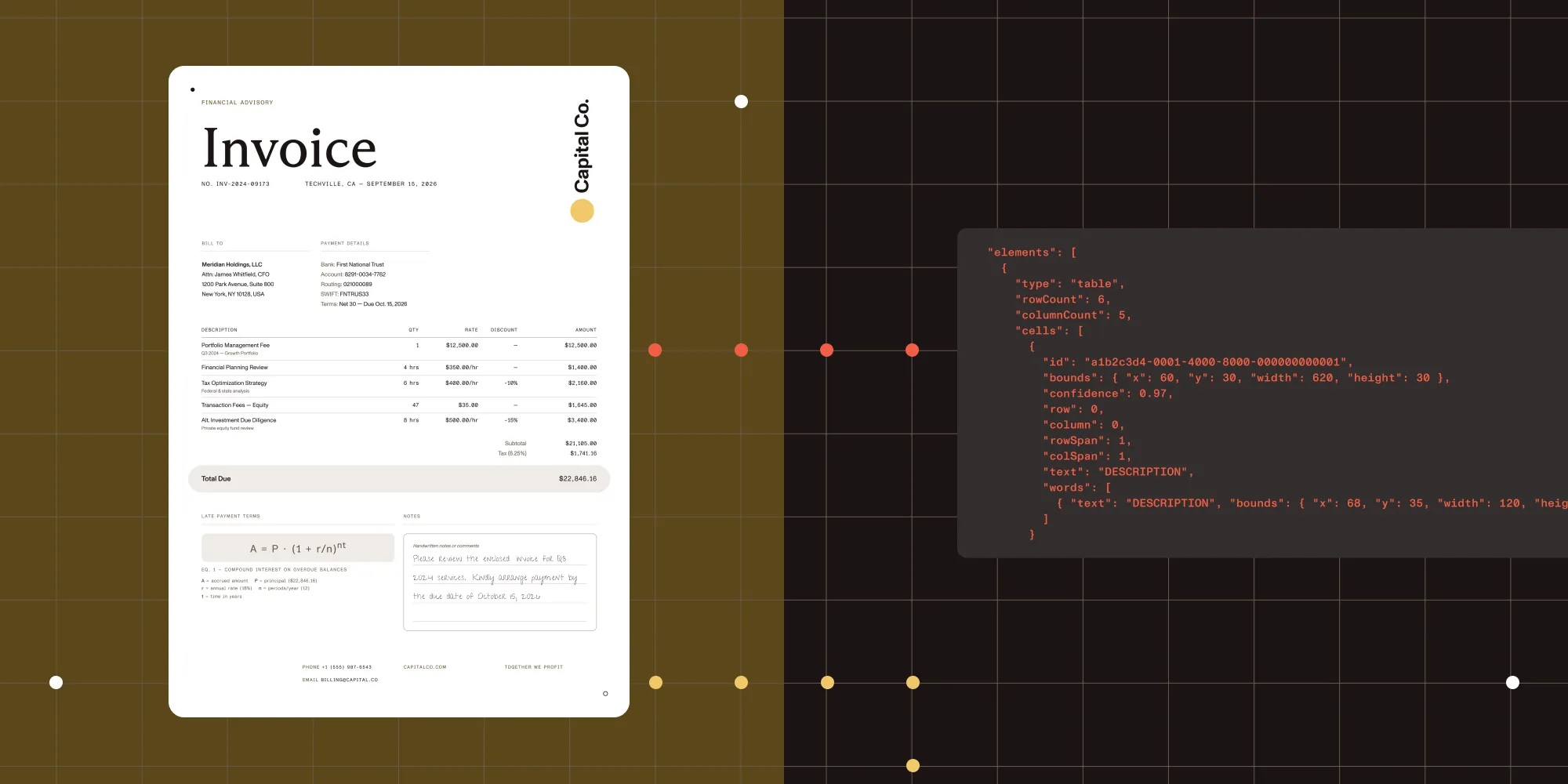
Featured Post
Intelligent document processing vs. OCR, and when to use traditional OCR, document AI, or a hybrid pipeline. A decision framework for developers and architects.
Read more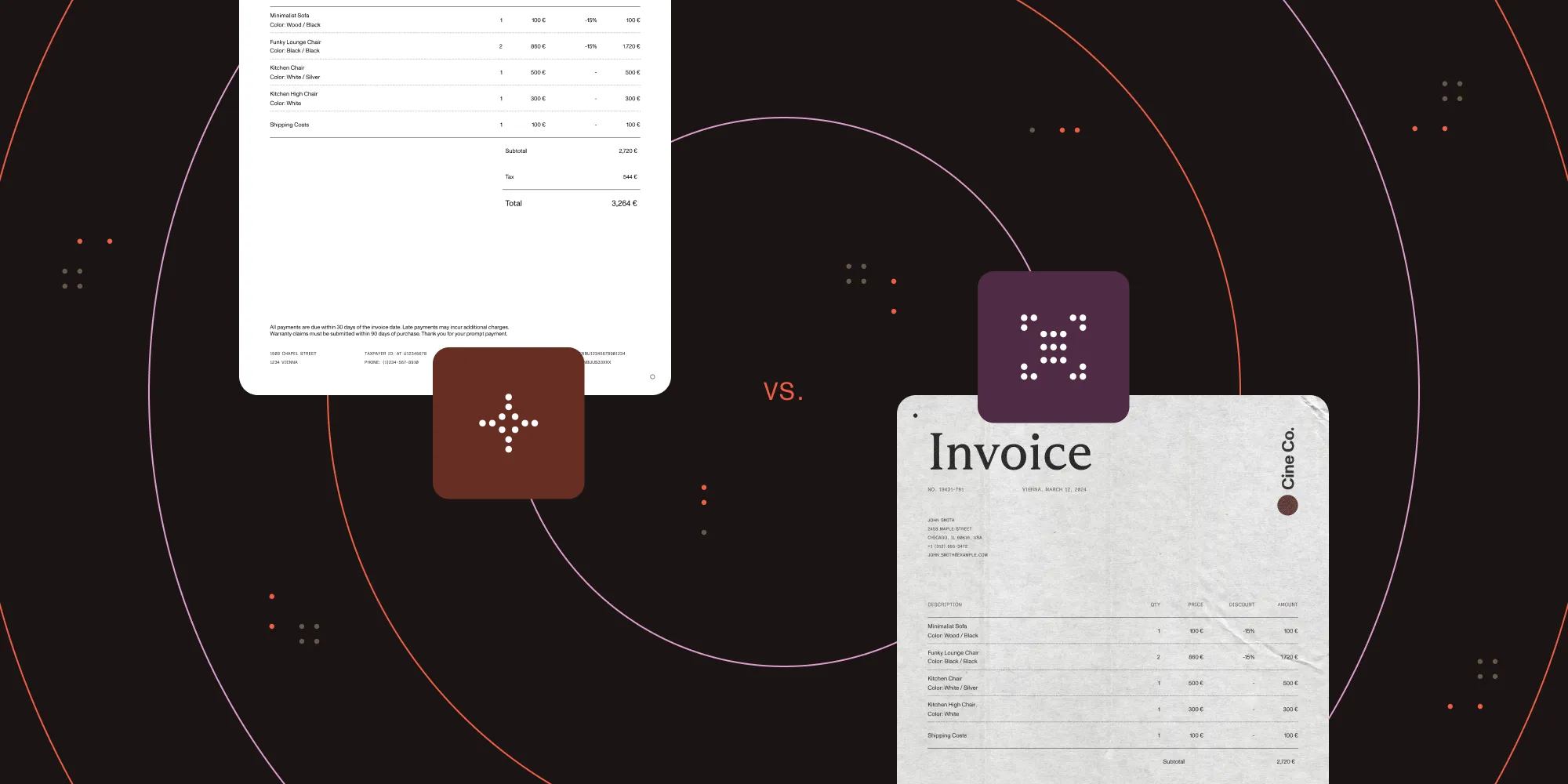
Featured Post
Nutrient Flutter SDK 6.0 promotes the bindings API to the recommended surface for new apps, driving each platform’s native SDK directly through JNI, FFI, and JS interop instead of a method channel.
Read more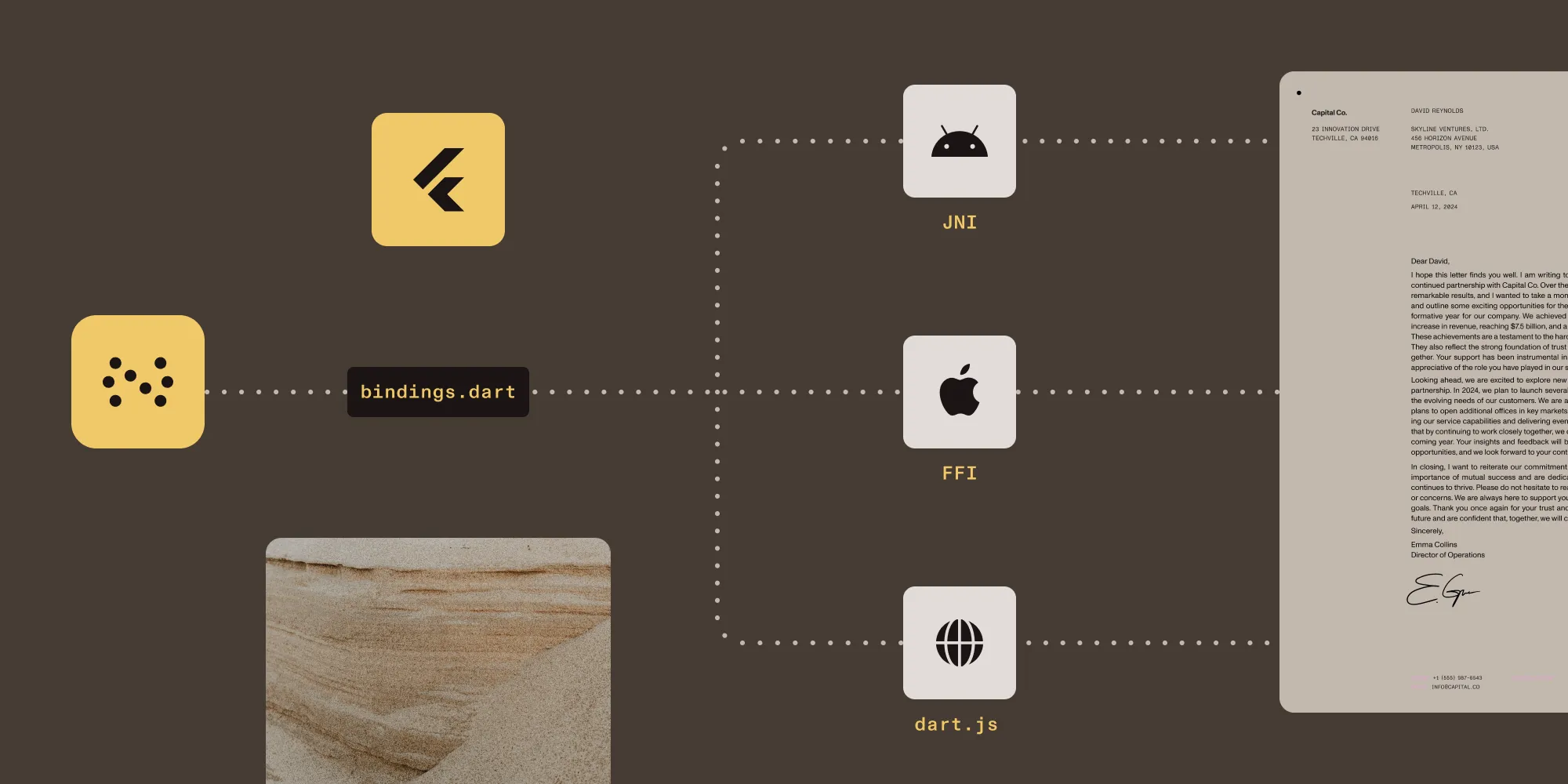
Featured Post

How we made heavy PDF pages render faster on Android: progressive rendering that shows a page as it parses, gating that lets the visible page win the render lock, and a Perfetto trace setup to prove it.
Read more
Featured Post
How we made heavy PDF pages render faster on Android: progressive rendering that shows a page as it parses, gating that lets the visible page win the render lock, and a Perfetto trace setup to prove it.
Read moreFeatured Post
How we made heavy PDF pages render faster on Android: progressive rendering that shows a page as it parses, gating that lets the visible page win the render lock, and a Perfetto trace setup to prove it.
Read moreFeatured Post
How we made heavy PDF pages render faster on Android: progressive rendering that shows a page as it parses, gating that lets the visible page win the render lock, and a Perfetto trace setup to prove it.
Read moreFeatured Post
Build a Node.js PDF editor with pdf-lib: Read and write files, add text, embed images, and merge pages. Includes a pdf-lib vs. Nutrient API comparison.
Read more
Featured Post
Build a collaborative React PDF editor with Nutrient Web SDK, Document Engine, Instant sync, secure JWT authentication, and user permissions.
Read more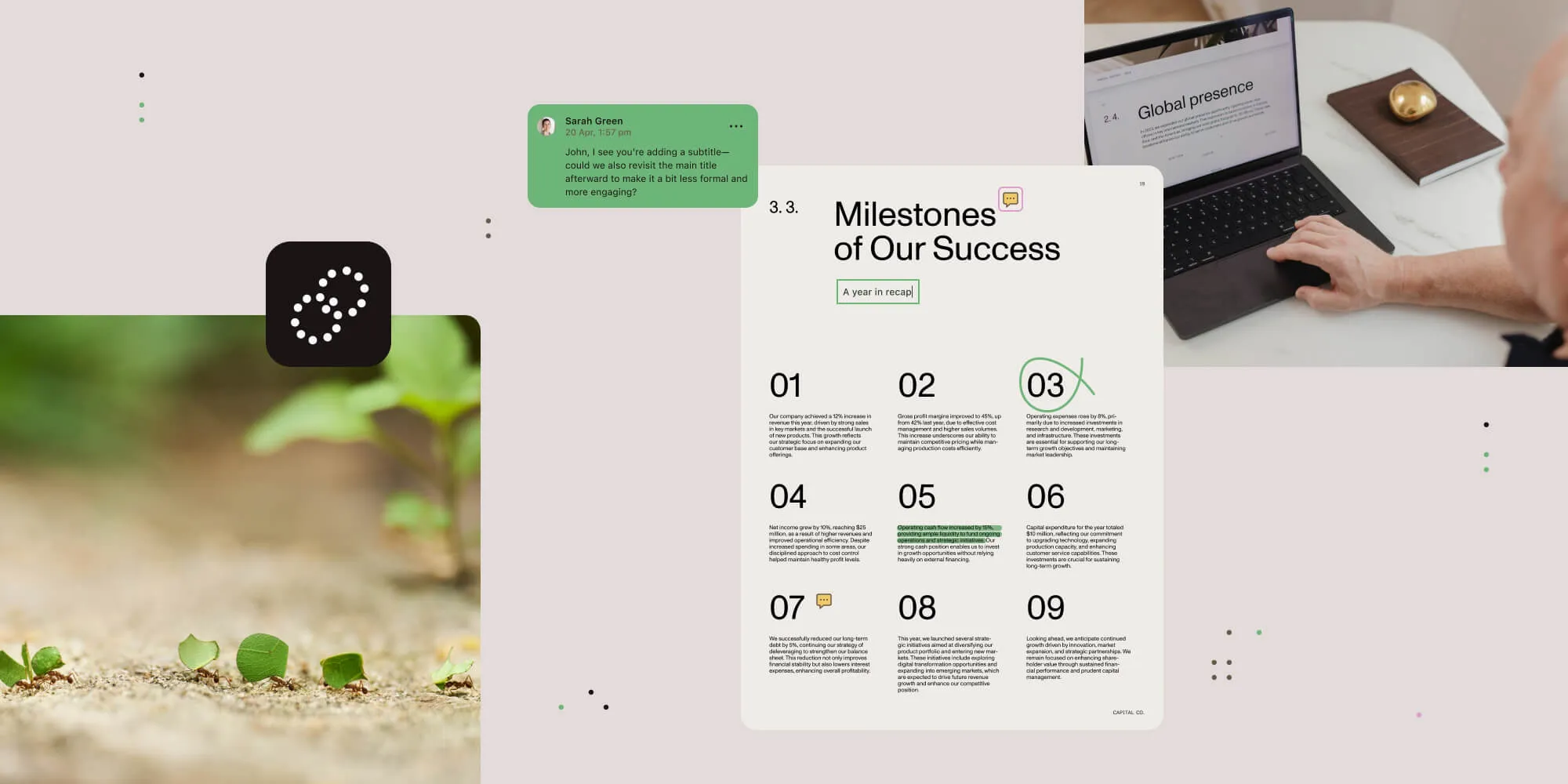
Featured Post
Build a Vue 3 Word viewer for DOC and DOCX files with Vite, the Composition API, and Nutrient Web SDK’s in-browser Office conversion.
Read more
Featured Post
Learn the pros and cons of building vs. buying a PDF SDK. Understand the cost, time, and resource implications to make the best decision for your project.
Read more
Featured Post
Learn the pros and cons of building vs. buying a PDF SDK. Understand the cost, time, and resource implications to make the best decision for your project.
Read moreFeatured Post
Learn how to add digital signatures to PDFs using React and Nutrient Web SDK (formerly PSPDFKit for Web), including certificate generation, PKCS#7 signing, and client-side workflows.
Read more
Featured Post
Learn two reliable ways to convert HTML to PDF in C#: with the open source wkhtmltopdf tool and the enterprise-ready Nutrient API. Includes installation steps, C# code examples, and integration tips.
Read more
Featured Post

Learn how to use pdf-lib for PDF page manipulation in Node.js. This tutorial covers extracting pages, merging multiple PDFs, removing specific pages, and trimming documents for processing.
Read more
Featured Post
PDF/UA compliance explained: How it relates to WCAG, Section 508, ADA, and the EU Accessibility Act; common remediation issues; and how to build repeatable accessible PDF workflows with auto-tagging.
Read more
Featured Post
A checklist for enterprise teams evaluating PDF SDKs on security, compliance, and risk — covering SOC 2, HIPAA, eIDAS, ESIGN, PDF/A, and redaction.
Read more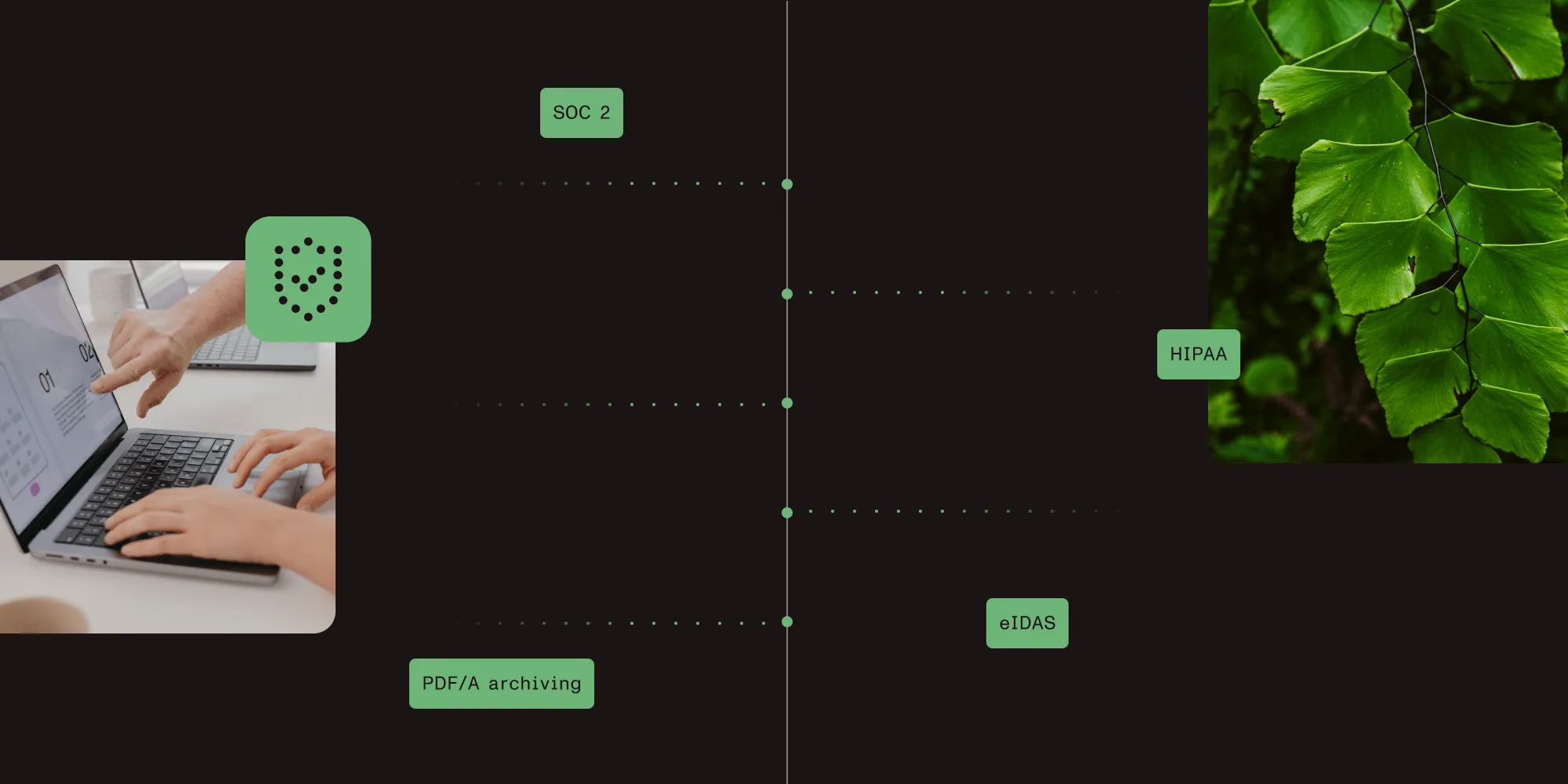
Featured Post

Discover the best C++ IDEs and text editors of 2026. Learn the pros and cons of each tool, from Visual Studio to Vim, and find the right fit for your development needs.
Read more
Featured Post
Discover the best C++ IDEs and text editors of 2026. Learn the pros and cons of each tool, from Visual Studio to Vim, and find the right fit for your development needs.
Read moreFeatured Post
A step-by-step tutorial explaining how to build an Excel (XLS and XLSX) viewer using React with the Nutrient SDK.
Read more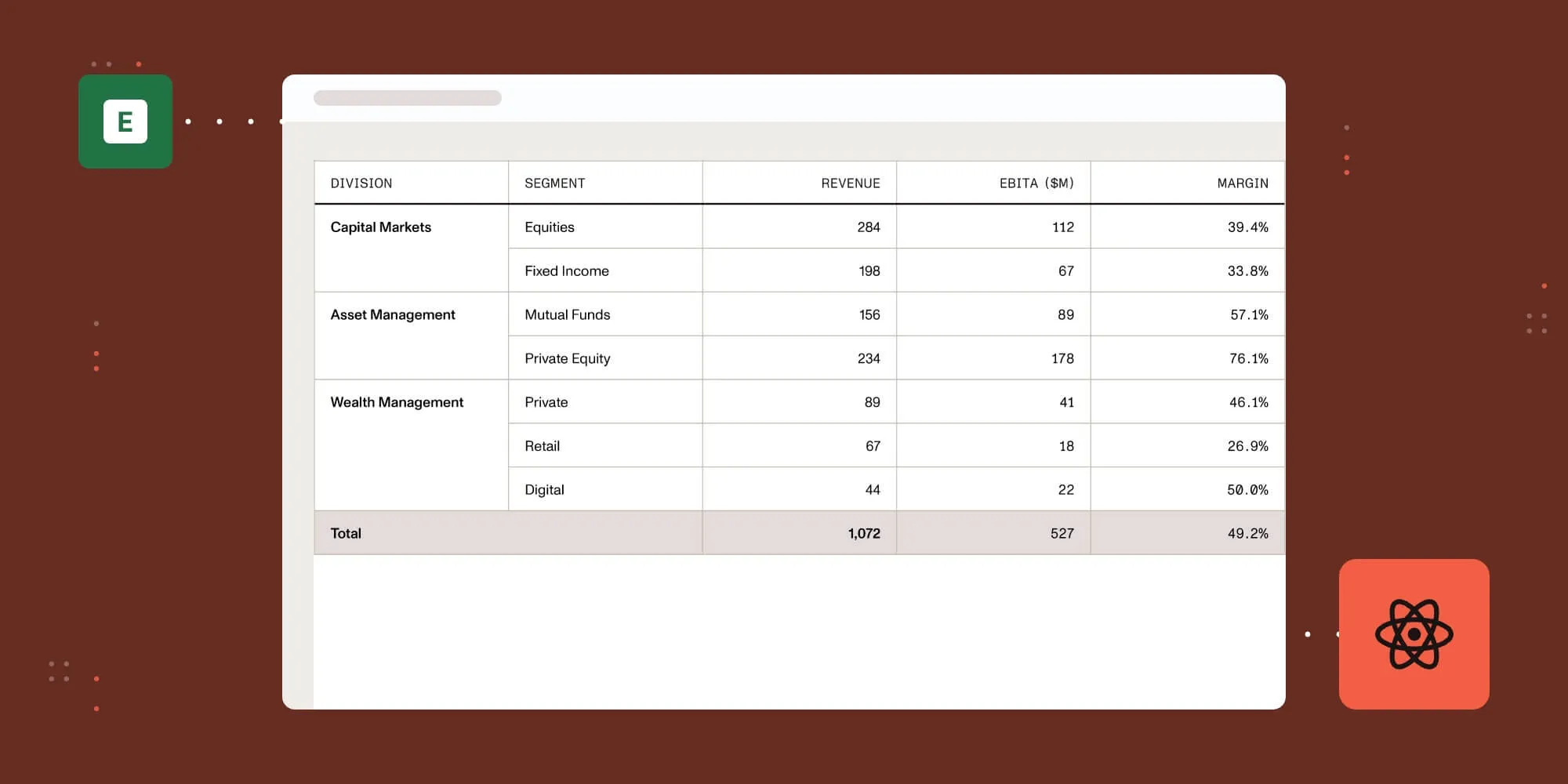
Featured Post
Compare React, Vue, and Angular document viewer options. Covers PDF viewer setup, SDK evaluation criteria, and a feature comparison table.
Read more
Featured Post
Learn the react-pdf library step by step: Render PDFs in React with zoom, thumbnails, outline navigation, error handling, and TypeScript. Includes a Nutrient SDK comparison.
Read more
Featured Post
A developer’s guide to adding PDF viewing, annotations, forms, and signing — and picking the right Nutrient SDK: iOS, Android, RN, Flutter, or MAUI.
Read more
Featured Post
A step-by-step guide to building a TypeScript image viewer for the web with Nutrient — view, annotate, and edit JPG, PNG, and TIFF files in the browser.
Read more
Featured Post
We open sourced a CLI tool that benchmarks how effectively AI coding agents use SDKs, helping developers prepare for a world where AI writes most software.
Read more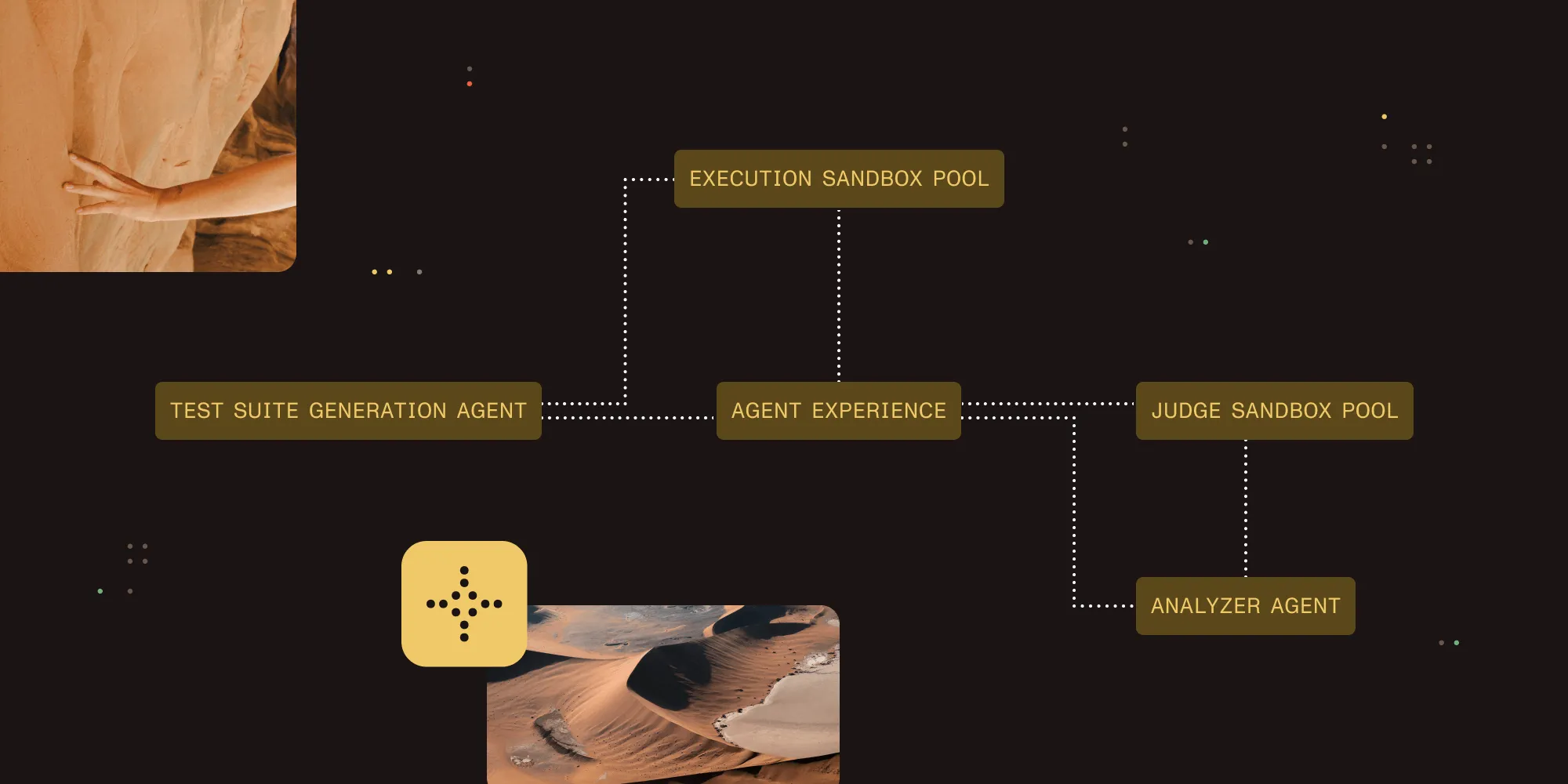
Featured Post
Learn how to build a cross-platform .NET MAUI PDF viewer with the native Nutrient MAUI SDK, running on Android, iOS, macOS, and Windows from one codebase.
Read more
Featured Post
Answers to the most common setup and licensing questions we get about DocuVieware to help you integrate faster and more smoothly.
Read more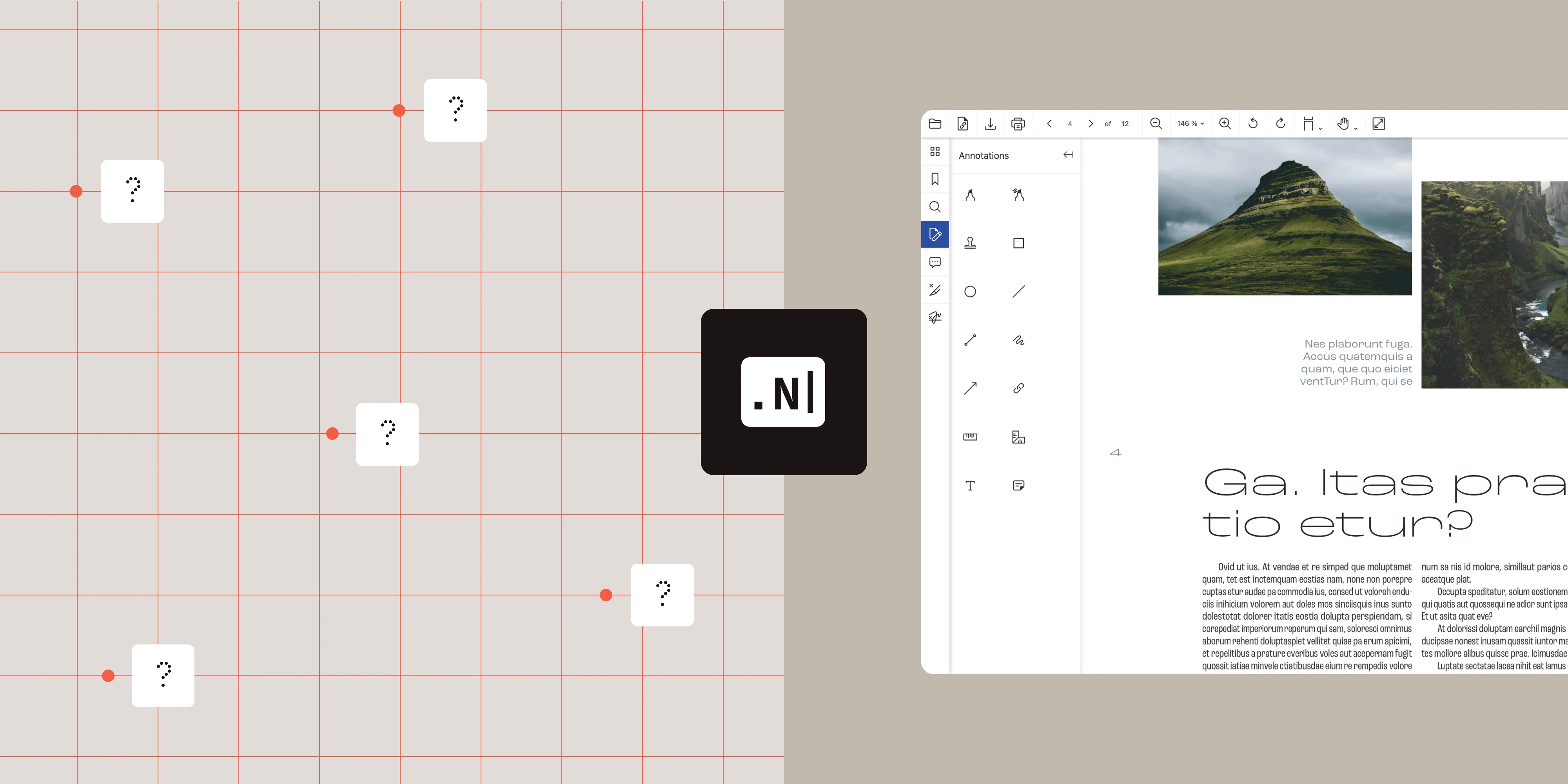
Featured Post
Convert PDF to Word in C# using Nutrient .NET SDK. Complete code examples for C# and VB.NET, plus handling for tables, fonts, and scanned documents.
Read more
Featured Post
Nutrient expands its AI Assistant with an agentic document editing engine that autonomously plans and executes multistep workflows — extraction, redaction, form filling — directly inside your application.
Read more
Featured Post
Learn what document generation is, how it works, and how to implement it with Nutrient SDK. Includes JavaScript and C# code examples, plus real-world use cases.
Read more
Featured Post
Learn how to run Elixir applications in Docker containers to simplify development and deployment environments for Phoenix applications. Includes Dockerfile, docker-compose, and Postgres setup.
Read more
Featured Post

Build simple and flexible integration tests for Nutrient Instant using a custom abstraction layer on top of OkHttp’s MockWebServer. Includes Kotlin code examples.
Read more
Featured Post
Learn how to fill PDF forms in SharePoint Online using Nutrient Web SDK. This tutorial covers XFDF and Instant JSON methods for programmatic form filling.
Read more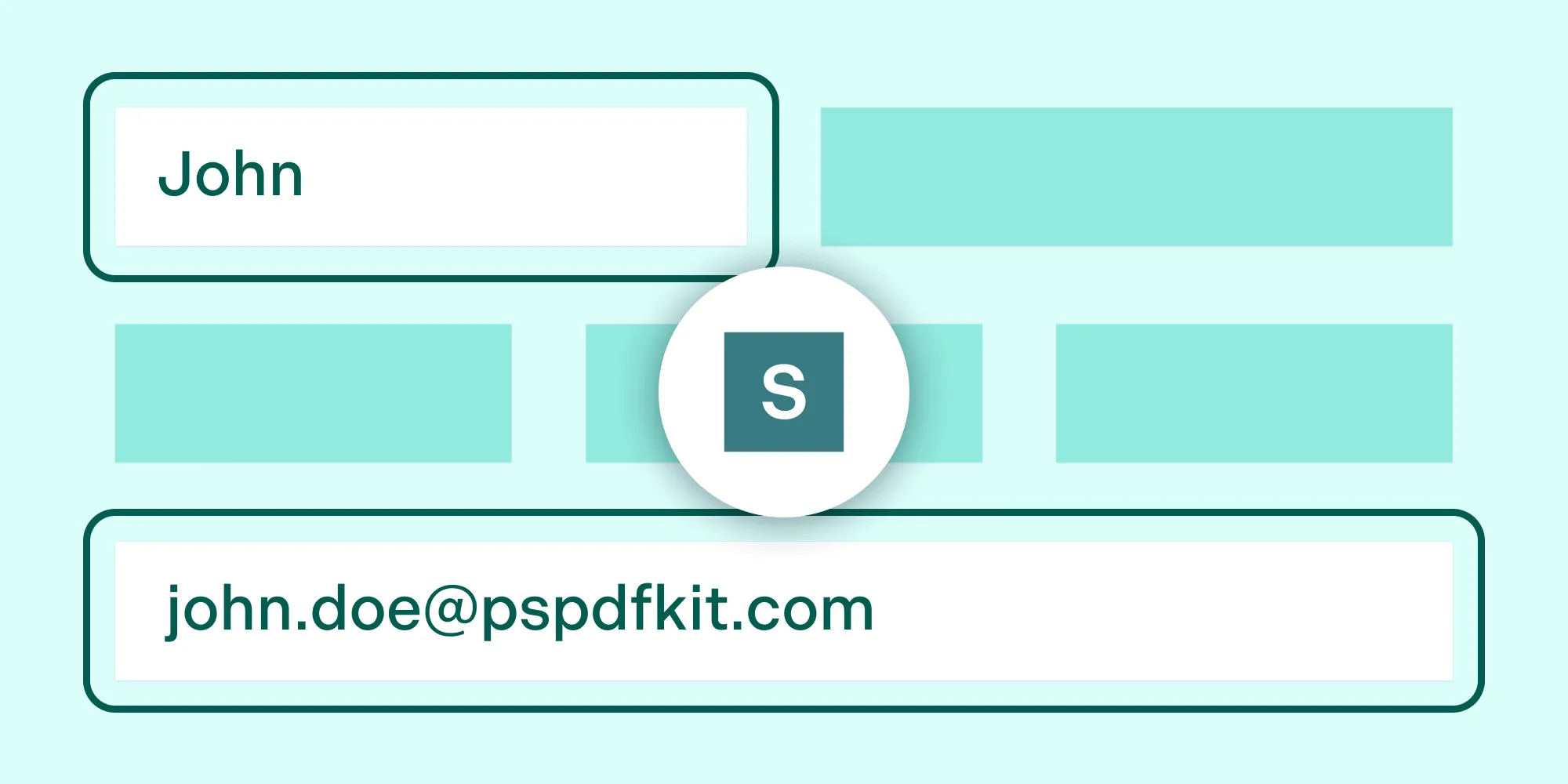
Featured Post
Learn how to identify, isolate, and report browser bugs. This guide covers testing across browsers, creating minimal test cases, and filing effective bug reports.
Read more
Featured Post
Learn how to convert HTML to PNG images using wkhtmltoimage and Laravel with this step-by-step tutorial. Includes complete code examples and best practices.
Read more
Featured Post
Build an HTML5 Excel viewer with Nutrient Web SDK. Open and display XLS/XLSX spreadsheets directly in the browser with client-side processing — no server or MS Office required.
Read more
Featured Post
A step-by-step tutorial explaining how to build a jQuery (PPT / PPTX) PowerPoint viewer using Nutrient Web SDK.
Read more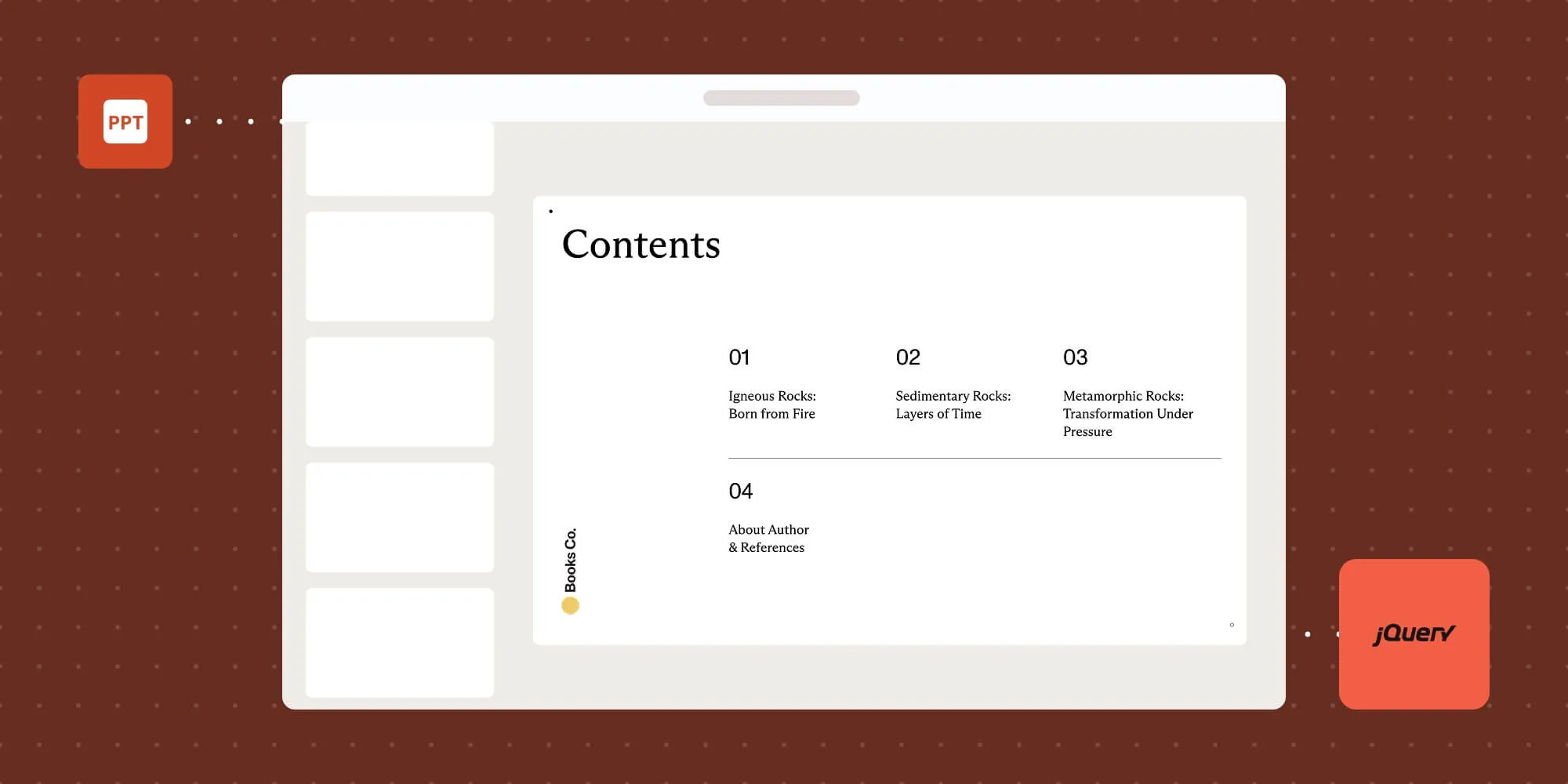
Featured Post
Build a PHP image viewer with Nutrient Web SDK. View JPEG, PNG, and TIFF files in the browser with annotations, editing, and signing capabilities.
Read more
Featured Post
Learn how to build a Cordova PDF viewer for iOS and Android. Compare the File Opener Plugin for basic viewing with Nutrient for advanced features.
Read more
Featured Post

Learn how to render custom watermarks on PDF pages using Next.js and Nutrient Web SDK. Use the renderPageCallback API to draw text and graphics.
Read more
Featured Post
A step-by-step tutorial explaining how to build a Salesforce PDF viewer with Nutrient.
Read more
Featured Post
Safari introduces some of the hardest PDF rendering and UI bugs to test. Here’s how AI can assist manual and exploratory testers by automating documentation, performance tracking, and duplicate detection.
Read more
Featured Post

One year into our rebrand, we gathered in Munich to focus on AI, team bonding, and celebrating how far we’ve come together.
Read more
Featured Post
One year into our rebrand, we gathered in Munich to focus on AI, team bonding, and celebrating how far we’ve come together.
Read moreFeatured Post

Discover how Warp’s MCP integration with Nutrient DWS Processor API transforms PDF datasheets into structured data for AI-powered development, eliminating manual datasheet parsing.
Read more
Featured Post

A hands-on exploration of iOS 26’s interactive snippet intents, detailing the learnings and patterns required to create seamless, multistep user experiences outside of an app.
Read more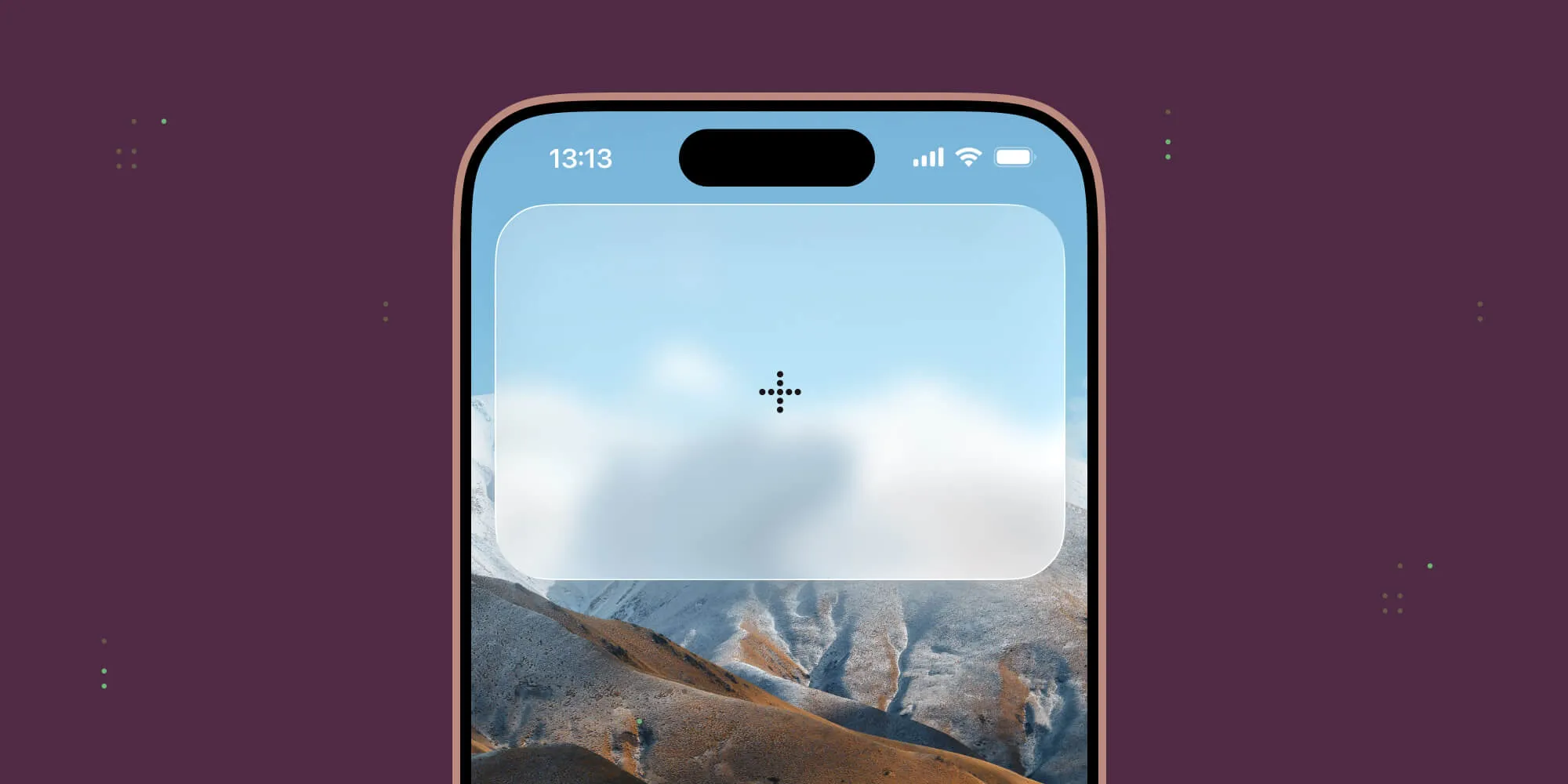
Featured Post

A comprehensive guide to integrating Nutrient’s `DocumentView` with Jetpack Compose for modern Android UIs.
Read more
Featured Post
Build an HTML5 PowerPoint viewer with Nutrient Web SDK. Open and display PPT/PPTX presentations directly in the browser with client-side processing — no server or MS Office required.
Read more
Featured Post
Learn the key differences between Docker import/export and load/save commands in this beginner-friendly guide.
Read more
Featured Post

A guide on how to deal with fatal errors in Android in general, and with our SDK in particular.
Read more
Featured Post
Learn how to build a Svelte PDF viewer with Nutrient. Explore step-by-step integration, performance optimization, and key features like annotations, form filling, and digital signatures.
Read more
Featured Post
Learn how to convert DWG and DXF CAD files to PDF using Nutrient .NET SDK, REST APIs, and Power Automate. Preserve layers, fonts, and 3D views with high-fidelity output — includes code samples and integration tips.
Read more
Featured Post
Discover the engineering journey of Irina Alexandru, a backend .NET developer at Nutrient. From early coding challenges to mastering DevOps and React, learn how she embraces innovation, teamwork, and problem-solving in a dynamic tech environment.
Read more
Featured Post
Discover the engineering journey of Irina Alexandru, a backend .NET developer at Nutrient. From early coding challenges to mastering DevOps and React, learn how she embraces innovation, teamwork, and problem-solving in a dynamic tech environment.
Read moreFeatured Post
Peter Naur's concept of programming as theory building becomes even more crucial in the age of AI coding assistants, and this blog post argues that maintaining robust mental models is essential when working with tools that generate code for us. It offers practical strategies for developers to integrate AI assistance while preserving the deep understanding that Naur recognized as the true essence of programming.
Read more
Featured Post
Learn to summarize PDF documents efficiently using machine learning and natural language processing techniques like BART in Python.
Read more
Featured Post

Discover how Nutrient crafted a unique audio brand that brings our identity to life through sound. Learn how music, sound design, and emotional storytelling create a cohesive, immersive brand experience across every touchpoint.
Read more
Featured Post
Learn how to build an image viewer using Blazor WebAssembly and Nutrient Web SDK. This tutorial walks you through integrating JavaScript interop to render and display image files in-browser.
Read more
Featured Post
Learn how to build an image viewer using Blazor WebAssembly and Nutrient Web SDK. This tutorial walks you through integrating JavaScript interop to render and display image files in-browser.
Read moreFeatured Post
Digital signatures and electronic signatures have unique definitions and uses for signing digital documents.
Read more
Featured Post
Learn how to automate PDF and document workflows without code using the new Zapier integration for Nutrient Document Web Services API.
Read more
Featured Post

Nutrient Workflow Automation now features AI Data Extraction, a new addition that transfers PDF data into automated workflows.
Read more
Featured Post
Nutrient Low-Code workflows for enterprise documents are poised to revolutionize the way companies and teams do business.
Read more
Featured Post
Nutrient Low-Code workflows for enterprise documents are poised to revolutionize the way companies and teams do business.
Read moreFeatured Post
Nutrient Low-Code workflows for enterprise documents are poised to revolutionize the way companies and teams do business.
Read moreFeatured Post
Nutrient Low-Code workflows for enterprise documents are poised to revolutionize the way companies and teams do business.
Read moreFeatured Post
Nutrient Low-Code workflows for enterprise documents are poised to revolutionize the way companies and teams do business.
Read moreFeatured Post
Learn how to automatically convert Word documents (DOC, DOCX) into JPG, PNG, or TIFF images using Zapier and the Nutrient Document Web Services API.
Read more
Featured Post
This DEV Community article surveys five leading React PDF viewer libraries — including Nutrient, featured as a premium PDF SDK with a full suite of document features — to help developers choose the right tool based on project requirements and feature complexity. The piece evaluates options ranging from free, open source solutions to commercial offerings, weighing factors like rendering quality, annotation support, and ease of integration.
Read moreFeatured Post

Discover how Nutrient developed a unique Engineering Career Framework to foster individual growth and organizational success, offering insights and practical tips for building your own career development system.
Read more
Featured Post
This blog post describes how to deal with dependent pull requests on GitHub, as well as the git concepts you need to master to understand them.
Read more
Featured Post
Learn how to create a modern desktop PDF viewer using Electron and the PDF.js library
Read more
Featured Post


Insights on preparing an icon set for optimal use in design software, specifically in Figma.
Read more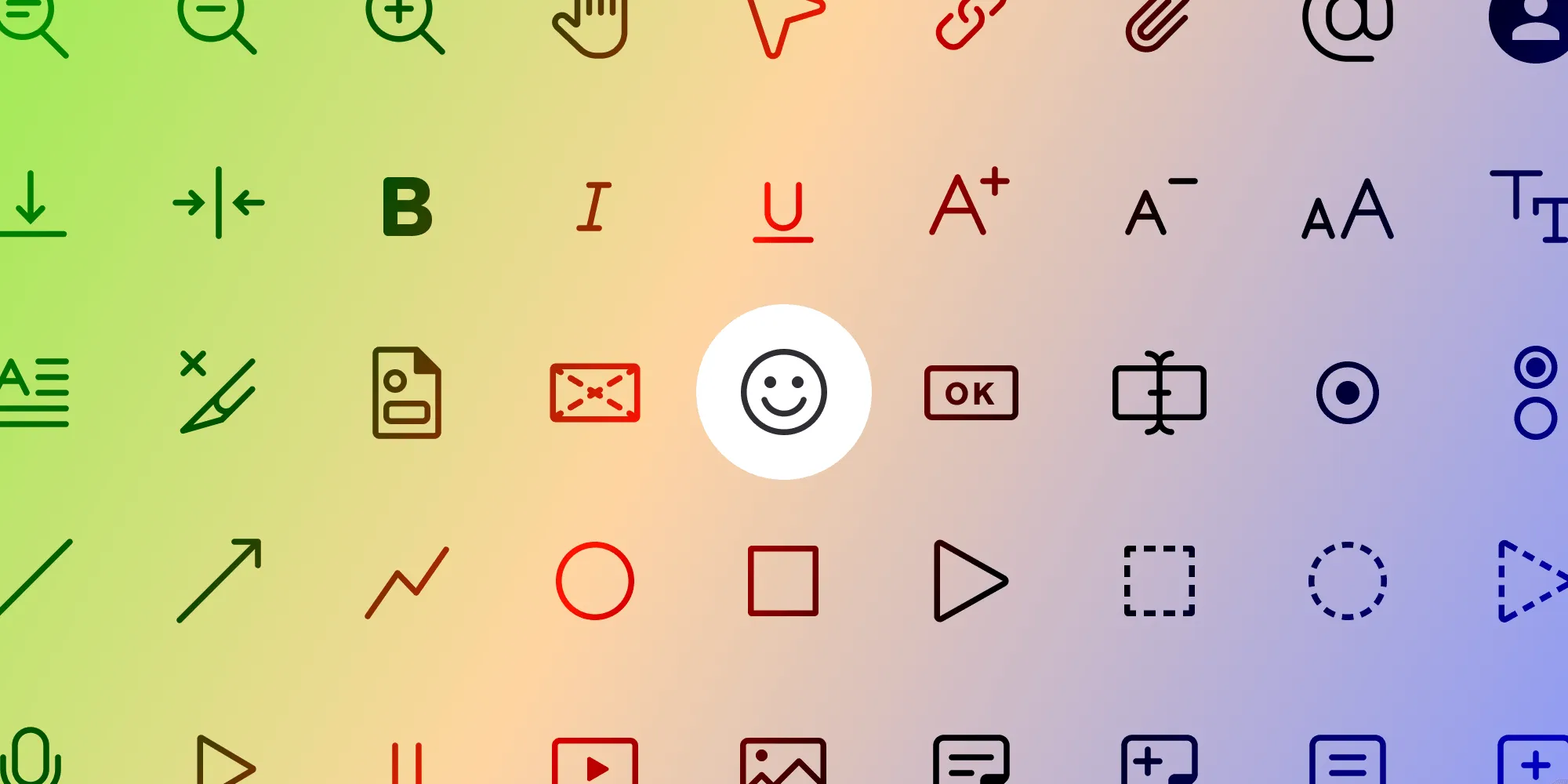
Featured Post
Dive into our journey of adding visionOS ornament support to our PDF SDK. Discover how we overcame hurdles in displaying UIKit popovers from SwiftUI ornaments and the nuances of visionOS ornaments.
Read more
Featured Post
How to add custom fonts to HTML and use PDF Generation to create documents.
Read more
Featured Post
Discover new stamps UI, electronic signatures, and Office exports in PSPDFKit for Web 2024.3 for improved productivity and user experience.
Read more
Featured Post
Explore Nutrient iOS SDK 13.3, featuring long-term validation for digital signatures and support for visionOS.
Read more
Featured Post

A step-by-step tutorial explaining how to share large data from UWP to WebView2.
Read more
Featured Post

Read about an engineer's journey using SwiftUI for creating intuitive iOS UI components, enhancing the app development experience.
Read more
Featured Post
Discover the enhanced features of PSPDFKit 3 for Windows, including faster performance, customization options, and new undo/redo functionality.
Read more
Featured Post
This blog explains how to build a PDF viewer using Express.js, PDF.js, and the EJS templating engine.
Read more
Featured Post
How to convert a Word document to PDF on Android.
Read more
Featured Post
Unlock seamless PDF editing and viewing in SharePoint, Teams, and OneDrive with our no-code integration solutions.
Read more
Featured Post
What I learned while working on cross-platform mobile frameworks.
Read more
Featured Post
With Xcode 12, Apple improved the XCFramework format, which unlocks great new capabilities.
Read more
Featured Post
Examining new developments in the PWA landscape that affect mobile and desktop browsers.
Read more
Featured Post
A look at the android.support.test.filters library and what it provides you with.
Read more
Featured Post
A tutorial on how to add advanced PDF features to your Elm app using PSPDFKit for Web
Read more
Featured Post
This post surveys the Ruby landscape in 2018 to evaluate the current state-of-the-art of generating PDFs with Ruby.
Read more