Building an audit trail for AI-edited documents

Table of contents
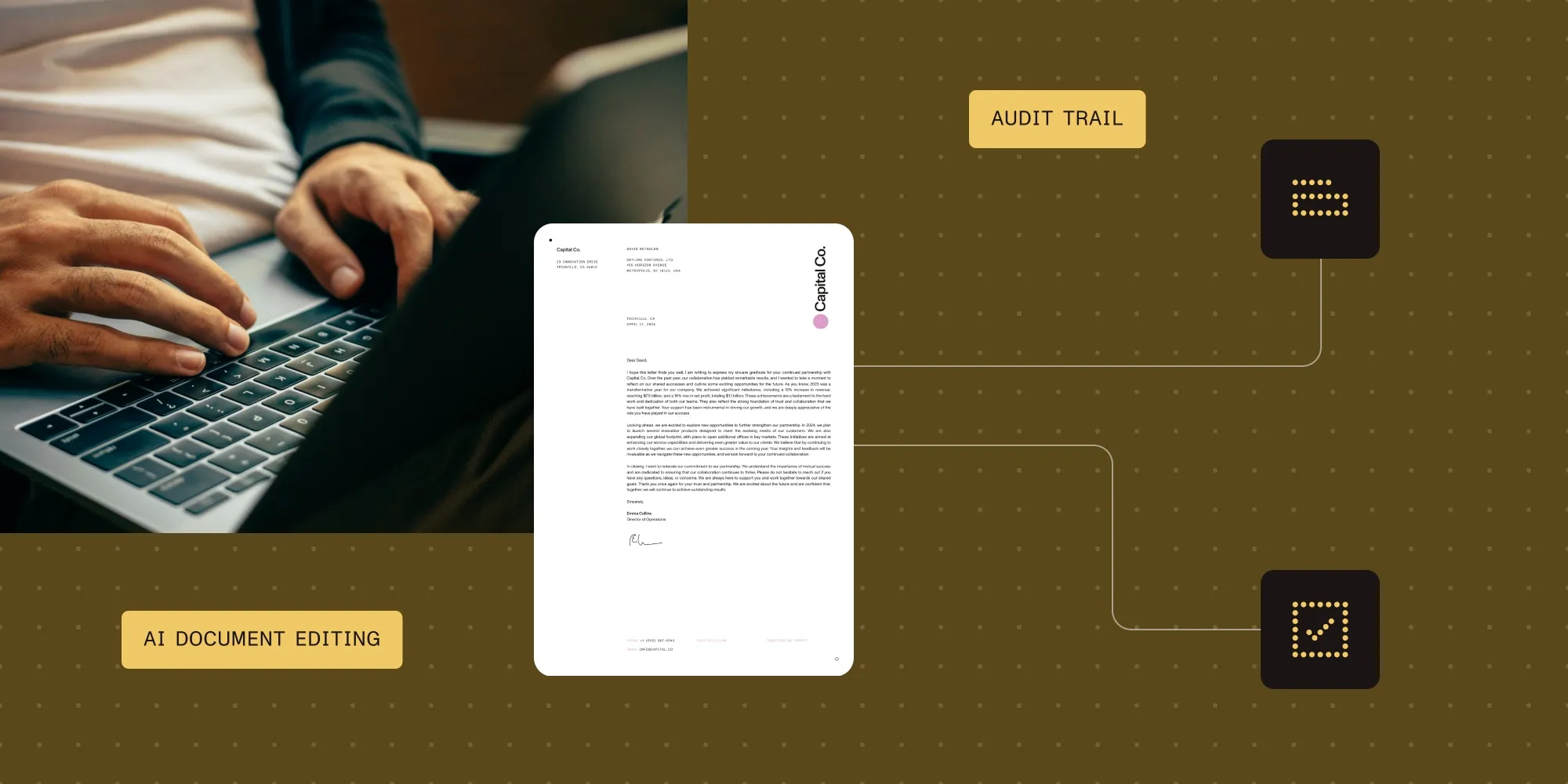
- Document Authoring 1.20 lets applications query, accept, and reject tracked changes through the API; generate transaction reports with document hashes; and control editing permissions with participant roles.
- Each transaction report includes hashes of the document before and after the transaction, plus metadata about the changes. Applications can use the hashes to check whether a saved document matches the reported state.
- Reports are unsigned, and author names are supplied by the host application. The host application must authenticate users and securely retain the reports and associated document versions.
Explore Nutrient Document Authoring
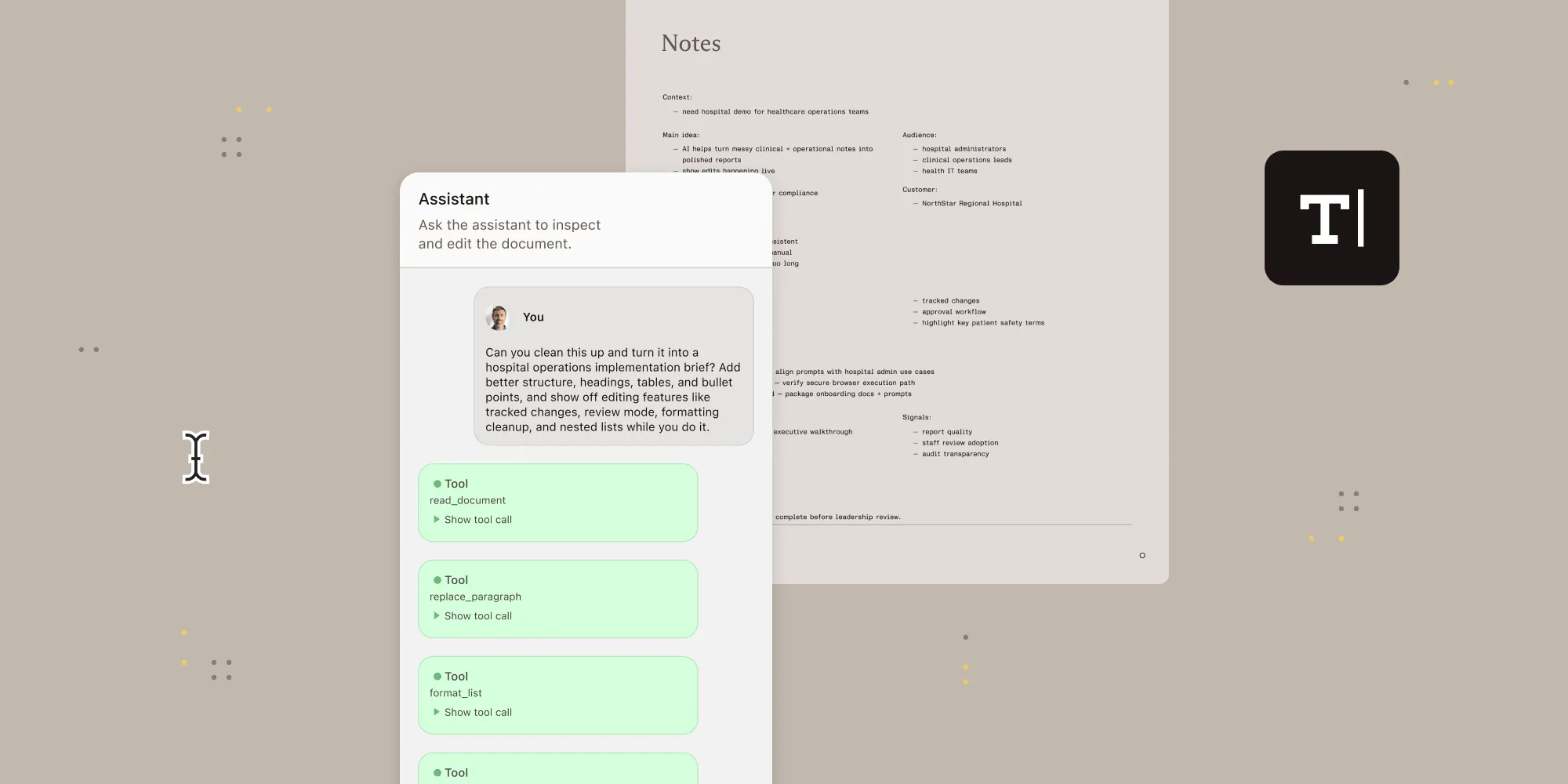
Nutrient Document Authoring enables AI models to propose edits to a document, landing them as tracked changes with comments explaining each one. In Review mode, a human reviewer accepts or rejects those changes with that context in hand. But inspecting the decision later takes more than the tracked change itself: An application also needs to record the outcome, tie it to an authenticated user, and retain the document state it applied to.
Document Authoring 1.20 adds three capabilities on top of the existing tracked-changes model: Document access can be scoped to roles instead of an all-or-nothing editor, a transaction can produce a report with hashes to check whether a saved document matches its recorded state, and revisions become queryable and decidable through the API.
Separate proposed edits from approval
Tracked changes already answer “what changed,” but not whether the person who accepted a change was allowed to. Every reviewer with access to a document could accept or reject any revision in it. That works for a two-person workflow. It works less well once contract redlining, discharge-summary drafting, or RFP assembly all run through the same editor, sometimes with an AI agent proposing half the changes.
Participant roles fix the “who” side. Loading a document now takes a participant, made up of an author label and a role of owner, reviewer, or reader:
const document = await system.loadDocument(input, { participant: { author: 'Dana Reviewer', role: 'reviewer' },});An owner edits content and can accept or reject revisions. A reviewer can propose tracked changes and comments and withdraw their own pending suggestions, but they can’t approve revisions. A reader can’t change the document at all. These permissions apply to editor clicks and programmatic transactions alike, so a script that opens a document as a reviewer is held to the same limit a human reviewer would be. A programmatic transaction made as a reviewer must also include a review.author value matching the participant’s author label.
In the interactive editor, a second, independent check applies. canPerformTrackedChange is a callback the host supplies when creating the editor, and it can deny a specific create, accept, or reject operation for reasons the role system doesn’t know about: a legal hold on one clause, or a reviewer who’s recused from one specific contract. It only governs edits made through the editor UI; a programmatic transaction, like the script above, doesn’t call it. Both checks have to pass wherever both apply.
One caveat, straight from the permissions guide: The participant author is a label the host application supplies. It isn’t authentication, and Document Authoring doesn’t verify it. Proving a name is who it claims to be is the application’s job. Bind it to an authenticated user before the label means anything in an audit.
A digest isn’t a signature
The second gap is about content rather than identity: proving a document is exactly what a transaction claims it produced without rediffing the whole file by eye.
transactionWithReport() is an opt-in variant of the same transaction API Document Authoring has always used. It returns the callback’s result alongside a report: a beforeDigest and afterDigest (SHA-256 hashes of the document’s canonical JSON representation), plus a typed list of every revision, comment, and direct edit the transaction touched:
const { result, report } = await document.transactionWithReport(async ({ draft }) => { const paragraph = draft.body().content().addParagraph(); paragraph.asTextView().setText('Applied redline.'); return { commit: true, result: { summary: 'Applied redline' } };});Hash the same canonical export independently later, and a mismatch against report.afterDigest means the document changed after the fact. Nothing about the check depends on visual inspection.
That’s as far as the guarantee goes, and the transaction reports guide is explicit about the boundary: A transaction report is unsigned. The digest verifies what the document contains, but not who produced it or whether they were allowed to. That’s what the participant role is for.
Revisions, queried like data instead of clicked one at a time
The third addition is what makes the other two practical at volume. Revisions can now be listed, filtered, and decided through the API instead of only through the tracked-changes UI:
await document.transaction(async ({ draft }) => { const revisions = draft.revisions(); const insertions = revisions.all({ author, type: 'insertion' }); return { commit: true, result: revisions.accept({ ids: insertions.map((r) => r.id) }) };});RevisionCollection.all() queries revisions by author or type instead of scrolling through the review pane by hand. Accept or reject the matching set in one call — by ID, by author, or by a text range — inside the same transaction that can also produce a verifiable report.
Withdrawal works differently: It’s an item-level operation, one revision at a time, and only the revision’s own author can withdraw it.
Review events report activity to anything watching from outside the editor: lifecycle events for attempted, completed, and denied operations in the interactive UI, and committed-change events (revision.accepted, comment.resolved, and the rest) for both editor input and programmatic transactions. That’s the difference between an audit trail someone has to go looking for and one a compliance system can watch continuously.
Why this is the right layer to build now
None of this is a new editing surface. Document Authoring AI already lets a model draft a redline against a compliance playbook and apply it as a tracked change with a comment explaining the fix. What 1.20 adds is the layer underneath it: a record that has to hold up in legal, healthcare, and financial workflows long after everyone who touched the document has moved on to the next contract.
The three additions don’t replace what shipped before — they compose: Gate the whole thing behind a participant role, wrap the decision in a transaction that reports a verifiable hash, and query revisions by author.
Getting started
Programmatic tracked changes, transaction reports, review permissions, and review events each have their own guide, with full code:
- Programmatic tracked changes — List, filter, accept, reject, and withdraw revisions through the API.
- Transaction reports — Generate and verify a before-and-after document digest.
- Review permissions — Assign participant roles and restrict editor-originated decisions.
- Review events — Observe tracked-change and comment activity from outside the editor.
For a working AI-editing pipeline that already lands changes as tracked changes with reasoning comments, see building an AI legal assistant and AI contract redlining against a compliance playbook. The 1.20 audit layer sits directly underneath both.
Get started with Nutrient Document Authoring
FAQ
No. A transaction report is unsigned. Its digest verifies the document’s content, not the identity of who produced it. The participant author label is metadata the host application supplies; proving it belongs to a specific person means binding it to an authenticated user in the application, which isn’t something Document Authoring does on its own.
canPerformTrackedChange?No. They’re independent checks that both have to pass. A participant role (owner, reviewer, reader) is a document-wide policy that also applies to programmatic transactions. canPerformTrackedChange is an editor-only callback for finer-grained, host-defined rules (a legal hold, a recusal) that a role alone can’t express.
Yes. draft.revisions() lists pending revisions in document order and can be filtered by author or type. Matching revisions can be accepted or rejected in one call, inside the same transaction that can also produce a verifiable report. Withdrawing a revision is a separate, one-at-a-time operation, and only its own author can withdraw it.
No. Tracked changes, comments, and the Edit, Review, and View editor modes are unchanged. 1.20 adds API-level auditability and access control on top of that existing review surface. It doesn’t add a second one.