




How to build a Flutter PDF viewer with flutter_pdfview
Build a Flutter PDF viewer step by step with flutter_pdfview — covering setup, zooming, scrolling, and page navigation, plus when to reach for Nutrient.

View, annotate, sign, fill forms, redact, and query documents with AI — all from one Dart package. Our Flutter PDF viewer SDK runs on iOS, Android, and web with no native code.
CROSS-PLATFORM CAPABILITIES
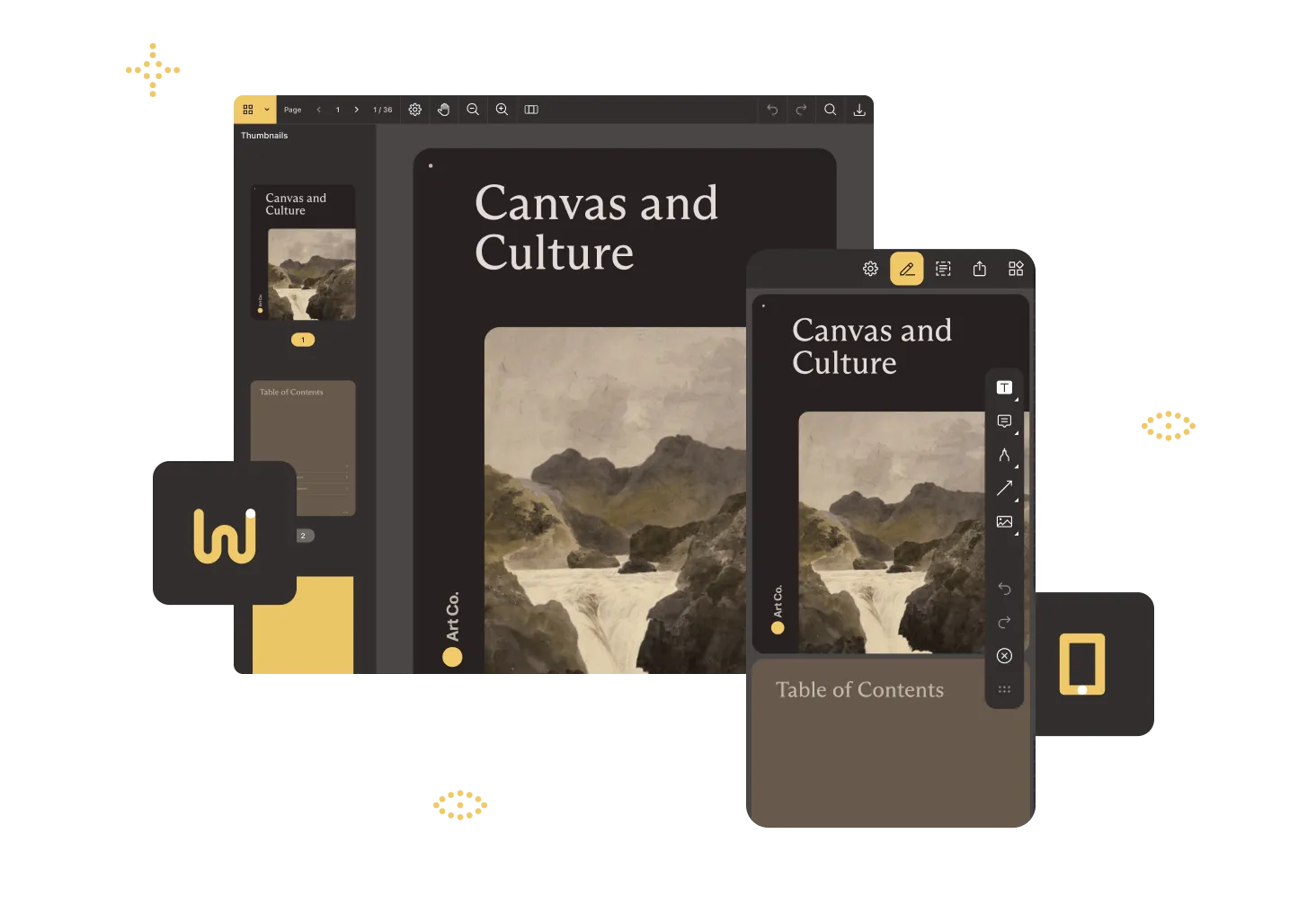
Add our Flutter PDF package to your project, place a viewer widget in your layout, and render PDFs — no platform channels or native code required.
Support 17+ annotation types, form filling, signatures, redaction, and programmatic edits with the same Dart API.
One codebase powers identical PDF workflows on iOS, Android, and the web, backed by the same high-fidelity rendering engine.
Plug in Nutrient’s AI Assistant for instant summaries, redactions, translation, and natural language search.
New native SDK capabilities reach Flutter as soon as they ship in the native SDK, with no Nutrient bridge release to wait for. Nutrient Flutter SDK 6 calls each platform’s native SDK directly, using JNI on Android, FFI on iOS, and JS interop on the web.
| PDF documents | Image documents |
|---|---|
pdf | pdf jpeg jpg tiff tif |
FLUTTER PDF SDK
Download PDF Viewer — our free app for iOS, macOS, and Android — and experience high-fidelity viewing and markup powered by the same engine you’ll use in Flutter.
Nutrient Flutter SDK is a modular Dart package you can add in minutes and grow with over time — one codebase delivers the same PDF and AI components on iOS, Android, web, and desktop.
Instantly render large PDFs, add markups and annotations, and sync changes online when collaborating on documents.
Add, reorder, or rewrite pages and view PDF forms.
Apply tamper‑proof eSignatures and scrub sensitive data before release.
Ask a document anything, translate or classify content, and more.
FLUTTER PDF Viewer SDK
Add Nutrient Flutter SDK, drop in this snippet, and launch a full-featured viewer.
import 'package:flutter/material.dart';import 'package:nutrient_flutter/bindings.dart';
Future<void> main() async { WidgetsFlutterBinding.ensureInitialized();
// Add your license keys to remove the trial watermark. await Nutrient.initialize();
runApp(const MyApp());}
class MyApp extends StatelessWidget { const MyApp({super.key});
@override Widget build(BuildContext context) { return const MaterialApp( home: Scaffold( body: NutrientDocumentView(documentPath: 'assets/Document.pdf'), ), ); }}Nutrient SDKs and Cloud APIs add full document lifecycle support to any platform, tech stack, or infrastructure in minutes. The same technology meets Fortune 500 requirements while helping startups ship fast.
Clean documentation, drop-in code, and MCP hooks for both hands-on developers and AI agents.
Web, mobile, desktop, server, or Nutrient Cloud — with no lock-in.
SOC 2 Type 2 and WCAG 2.2-compliant workflows with PDF/UA-accessible documents.
Built-in document AI with support for leading LLMs and their private implementations.
Build a Flutter PDF viewer step by step with flutter_pdfview — covering setup, zooming, scrolling, and page navigation, plus when to reach for Nutrient.
In this tutorial, you'll learn how to convert an image to a PDF in Flutter

This posts covers how to load a PDF document from a remote URL into the Nutrient viewer.

PROVEN AT SCALE
Integrated the Nutrient PDF SDK to deliver high‑fidelity previews and editing in its mobile apps, shipping customer‑requested features to 115,000 organizations months ahead of schedule.
Renders multipage PDFs and signature tags with Nutrient, keeping 200 million users in 188 countries moving at the speed of eSignature.
Empowers 34,000 pilots to view, annotate, and sign 90‑page flight releases on iPad using Nutrient iOS SDK, saving minutes — and money — on every flight.
FREE TRIAL
Start building with our Flutter SDK in minutes — no payment information required.
A Flutter PDF SDK is a toolkit that empowers developers to embed PDF viewing, editing, and management features directly into Flutter applications. This enables seamless handling of PDF documents across iOS, Android, and web platforms from a single codebase. Think of it like a Swiss Army knife for PDFs within your Flutter app.
Selecting the ideal Flutter PDF SDK is akin to choosing the perfect coffee blend — it should suit your taste and energize your project. Consider these factors:
Opting for Nutrient (formerly PSPDFKit) brings a handful of advantages:
While open source options — like flutter_pdf view and pdf_render — offer basic functionality, they may lack advanced features, dedicated support, and regular updates. Nutrient’s SDK provides a robust, enterprise-grade solution with continuous improvements and professional assistance, ensuring your app remains cutting-edge and reliable.
Embed PDF editing and annotation into your Flutter app with a single, cross-platform SDK.
A Flutter PDF SDK is a software development kit that enables developers to integrate PDF viewing, editing, and management capabilities into Flutter applications. It allows for the creation, modification, and rendering of PDF documents within both iOS and Android platforms from a single codebase.
Yes. The Nutrient Flutter PDF SDK is designed for cross-platform compatibility, allowing developers to deploy PDF functionality seamlessly on both iOS and Android devices from a single Flutter codebase.
Absolutely. The SDK enables offline access to PDF documents, allowing users to view and interact with PDFs without an active internet connection.
Yes. The SDK provides extensive customization options for the PDF viewer’s user interface, enabling developers to tailor the appearance and functionality to align with their application’s design and user experience requirements.
The Nutrient Flutter PDF SDK is optimized for performance, ensuring smooth loading and navigation, even with large PDF files. Features like lazy loading and efficient memory management contribute to handling extensive documents effectively.
While the SDK offers robust annotation and editing tools, implementing real-time collaboration requires additional backend support to manage concurrent user interactions. Developers can integrate this functionality depending upon their application’s architecture and requirements.
Add the Nutrient Flutter package to your pubspec.yaml, run flutter pub get, and then initialize the SDK
and drop the viewer widget into your layout — no platform
channels or native code required. The same Dart API renders PDFs
on iOS, Android, and web. See the Flutter guides for a full walkthrough, or copy the snippet above to render your
first PDF in minutes.
The Nutrient Flutter PDF SDK runs on iOS, Android, and the web from a single Dart codebase, backed by the same high-fidelity rendering engine. Starting with version 6, it also talks to each platform’s native SDK directly (JNI on Android, FFI on iOS, JS interop on the web), so new native capabilities reach Flutter without waiting for a manual bridge update. Platform adapters expose the underlying native objects for advanced customization when needed.
Yes. Nutrient Flutter SDK supports 17+ annotation types, including ink, highlight, stamps, free text, shapes, and measurements, plus full form filling, electronic signatures, digital signatures, and redaction — all from the same Dart API. Annotations are stored in standard PDF form so they roundtrip with Acrobat, Preview, and other major viewers. See the Flutter PDF annotation SDK page for the full annotation feature set.
Yes. Nutrient Flutter SDK includes programmatic PDF editing — add, reorder, rotate, and rewrite pages; edit text and images via the Content Editor; and create new PDFs from images or templates. See Flutter PDF editing for the full capability set.
Yes. Nutrient AI Assistant for Flutter adds in-app summarization, translation, redaction suggestions, and natural-language search across PDFs. It works with the leading LLM providers and supports private deployments, so users get document intelligence without leaving your Flutter app. Learn more on the AI Assistant overview.
Yes. The Nutrient Flutter PDF SDK ships with a free trial that includes the viewer, annotation tools, signing, redaction, and AI Assistant — no payment information required. Start your trial or contact Sales to discuss a production license and volume pricing.