Add PDFs to any mobile app: A framework-by-framework guide

Table of contents
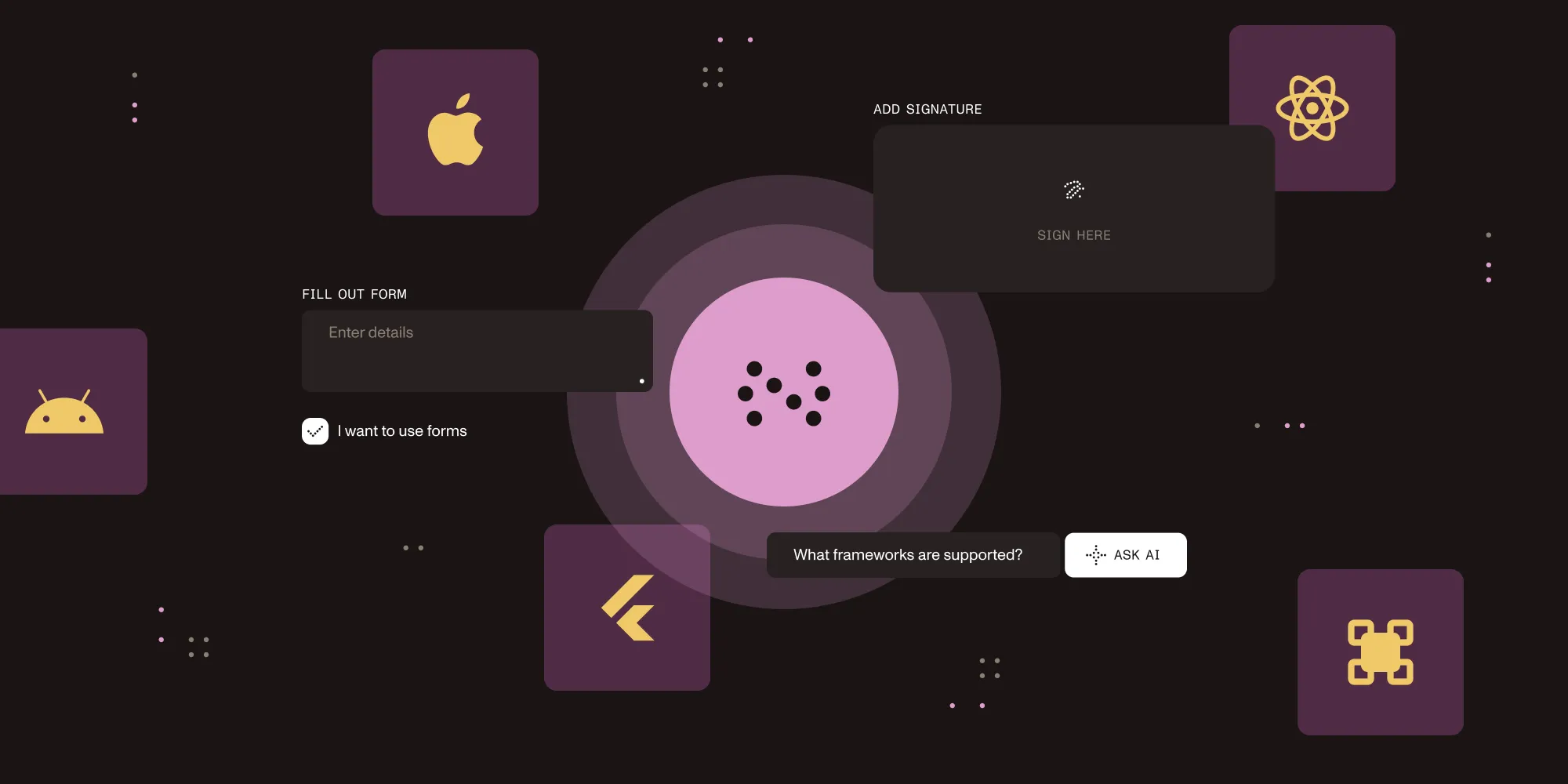
Whatever framework your mobile app is built in — Swift/Objective-C, Kotlin/Java, React Native, Flutter, or .NET MAUI — there’s a Nutrient SDK that adds PDF viewing, annotations, forms, digital signatures, and an AI Assistant for document Q&A and summarization, with a consistent API and a drop-in UI. This guide walks through each one and points you to the right starting place. For the full product picture, start with the mobile SDK overview.
Adding PDF capabilities to a mobile app from scratch — rendering, text selection, annotations, form filling, digital signatures — takes months of engineering. Open source libraries cover some of it (usually viewing or generation), and a commercial SDK gives you the whole stack out of the box. If you go the SDK route, the question isn’t really which features — Nutrient ships the same core feature set on every platform — it’s which SDK matches the framework you already build in.
This guide answers that framework by framework: what each SDK supports, how to get started, and where to go deeper. If you’d rather compare from the product side first, see the mobile SDK overview.
Choose your framework
| Platform | Language | iOS | Android | Offline | Forms | Signatures | AI |
|---|---|---|---|---|---|---|---|
| iOS SDK | Swift/Objective-C | ✅ | — | ✅ | ✅ | ✅ | ✅ |
| Android SDK | Kotlin/Java | — | ✅ | ✅ | ✅ | ✅ | ✅ |
| React Native SDK | JavaScript | ✅ | ✅ | ✅ | ✅ | ✅ | ✅ |
| Flutter SDK | Dart | ✅ | ✅ | ✅ | ✅ | ✅ | ✅ |
| .NET MAUI SDK | C# | ✅ | ✅ | ✅ | ✅ | ✅ | ✅ |
What every Nutrient mobile SDK includes
Across all five platforms, you get the same core feature set, so the capabilities don’t change when you switch frameworks:
- On-device PDF rendering with smooth scrolling and zoom
- 17 annotation types — highlights, notes, ink, stamps, shapes — with import and export
- Fillable PDF forms with data export
- Electronic and digital signatures
- A document editor to reorder, rotate, insert, and delete pages
- Full-text search
- An AI Assistant for document Q&A and summarization (requires a backend and an LLM provider)
- Offline operation for viewing, annotation, forms, and signing — no network required
The sections below focus on what’s distinctive about each platform’s integration and how to get your first PDF onscreen. Every SDK ships with sample apps and regular updates.
iOS PDF SDK
Nutrient’s iOS PDF SDK is built for Swift and Objective-C apps on iPhone and iPad. It integrates with both UIKit and SwiftUI, and it ships with a default UI you can extend or replace entirely.
Install via Swift Package Manager or CocoaPods, then present a document:
# Swift Package Manager# Add https://github.com/PSPDFKit/PSPDFKit-SP to your Xcode projectimport PSPDFKitimport PSPDFKitUI
let document = Document(url: documentURL)let pdfController = PDFViewController(document: document)// Wrap in a `UINavigationController` to show the built-in toolbar.present(UINavigationController(rootViewController: pdfController), animated: true)For a full setup walkthrough, see our blog on how to edit PDFs in an iOS application using a PDF library.
Android PDF SDK
Nutrient’s Android PDF SDK targets Kotlin and Java apps, with Jetpack Compose and XML layout support and a ready-to-use PdfActivity.
Add the dependency to your build.gradle, and then show a document:
dependencies { implementation("io.nutrient:nutrient:11.7.0")}val config = PdfActivityConfiguration.Builder(context).build()PdfActivity.showDocument(context, documentUri, config)For a complete guide, see our blog about how to build an Android PDF viewer.
React Native PDF SDK
Nutrient’s React Native PDF SDK shares PDF logic across iOS and Android from a single JavaScript codebase — with Expo compatibility — while native modules handle rendering on each platform for fully native performance:
npm install @nutrient-sdk/react-nativecd ios && pod installimport NutrientView from '@nutrient-sdk/react-native';
export default function App() { return ( <NutrientView document="path/to/document.pdf" style={{ flex: 1 }} /> );}For a full setup guide, see our blog on how to build a React Native PDF viewer.
Flutter PDF SDK
Nutrient’s Flutter PDF SDK is a single Dart package that renders natively on each platform and uniquely adds web alongside iOS and Android:
dependencies: nutrient_flutter: ^5.5.1import 'package:nutrient_flutter/nutrient_flutter.dart';
await Nutrient.present('path/to/document.pdf');For a full tutorial, see our blog on how to create and edit PDFs in Flutter.
.NET MAUI PDF SDK
Nutrient’s .NET MAUI PDF SDK is the widest-reaching of the five — one C# codebase that targets Android, iOS, macOS, and Windows, including desktop.
Declare the PDFView control in XAML:
<pspdfkit:PDFView x:Name="PDFView" />Then load a document through its controller in the code-behind:
var config = PDFView.Controller.CreateViewerConfiguration();await PDFView.Controller.LoadDocumentAsync("document.pdf", config);For a complete guide, see our walkthrough on how to build a .NET MAUI PDF viewer.
Open source vs. a commercial SDK
Every platform has open source PDF options: Apple’s PDFKit on iOS; PdfRenderer and AndroidPdfViewer on Android; flutter_pdfview and pdf/printing on Flutter; react-native-pdf on React Native; QuestPDF and PDFsharp on .NET. They handle viewing or generation well and are a fine fit for read-only or simple use cases.
Where they stop is everything after viewing: annotation editing, form filling, electronic and digital signatures, redaction, and a configurable UI. Each platform guide linked above compares its open source options in detail. Nutrient fills that gap with the same editing and UI layer across every framework, plus commercial support.
Which Nutrient SDK should you use?
Choose an SDK based on your team’s stack and target platforms:
- Native iOS only — Use the iOS SDK. It delivers the best performance and deepest UIKit/SwiftUI integration.
- Native Android only — Use the Android SDK. It includes full Jetpack Compose support and a native Kotlin API.
- iOS and Android from one codebase (JavaScript team) — Use the React Native SDK. It shares logic across both platforms with native rendering under the hood.
- iOS, Android, and web from one codebase (Dart team) — Use the Flutter SDK. One package covers all three targets.
- iOS, Android, macOS, and Windows from one codebase (.NET team) — Use .NET MAUI SDK. It’s the best choice if you’re already in the .NET ecosystem.
Because every SDK ships the same core features, switching frameworks later doesn’t mean giving any of them up. For a side-by-side look at platform support and capabilities, see the mobile SDK overview.
Conclusion
Whichever framework you build in, there’s a Nutrient SDK that adds full PDF capabilities with a consistent feature set and production-ready defaults — a native iOS app, a cross-platform Flutter or React Native project, or a .NET MAUI app all start from the same place.
Browse the mobile SDK overview for the full picture, start a free trial to test any SDK, or contact Sales to discuss licensing.
FAQ
A mobile PDF SDK is a software library that you integrate into an iOS or Android app to add PDF capabilities — viewing, annotation, form filling, and digital signatures — without building those features from scratch. Nutrient offers native SDKs for iOS, Android, React Native, Flutter, and .NET MAUI.
Nutrient offers mobile PDF SDKs for iOS (Swift/Objective-C), Android (Kotlin/Java), React Native (JavaScript), Flutter (Dart), and .NET MAUI (C#). All SDKs include PDF viewing, annotations, forms, digital signatures, and an AI Assistant for document Q&A and summarization.
Yes. All Nutrient mobile SDKs render PDFs on-device and work fully offline. No network connection is required for viewing, annotating, or signing documents.
Install the @nutrient-sdk/react-native package, run pod install for iOS, and add the NutrientView component to your screen. See the React Native PDF viewer guide for a complete walkthrough.
Yes. All Nutrient mobile SDKs support both electronic signatures (drawn or typed) and cryptographic digital signatures with certificate validation across iOS, Android, React Native, Flutter, and .NET MAUI.
Nutrient offers a free trial so you can test the SDK before committing. Production use requires a commercial license. Start your free trial or contact Sales for pricing.