Governing what AI Assistant agents can do to a document

Table of contents
- Nutrient AI Assistant embeds a document-aware AI agent in an application that can answer questions about a document. In Nutrient Web SDK’s editing mode, it can also edit the document directly. AI Assistant 2.4.0 adds three ways to control and prove what that agent is allowed to do.
- Saved agents turn an agent’s configuration into a reusable, versioned resource on the server instead of a payload resent on every request.
- Subagents let one agent delegate part of a task to a narrower, separately scoped agent, instead of one agent’s toolset growing without limit.
- Two JSON Web Token (JWT) claims restrict which documents, layers, and saved agents a given request can even reach.
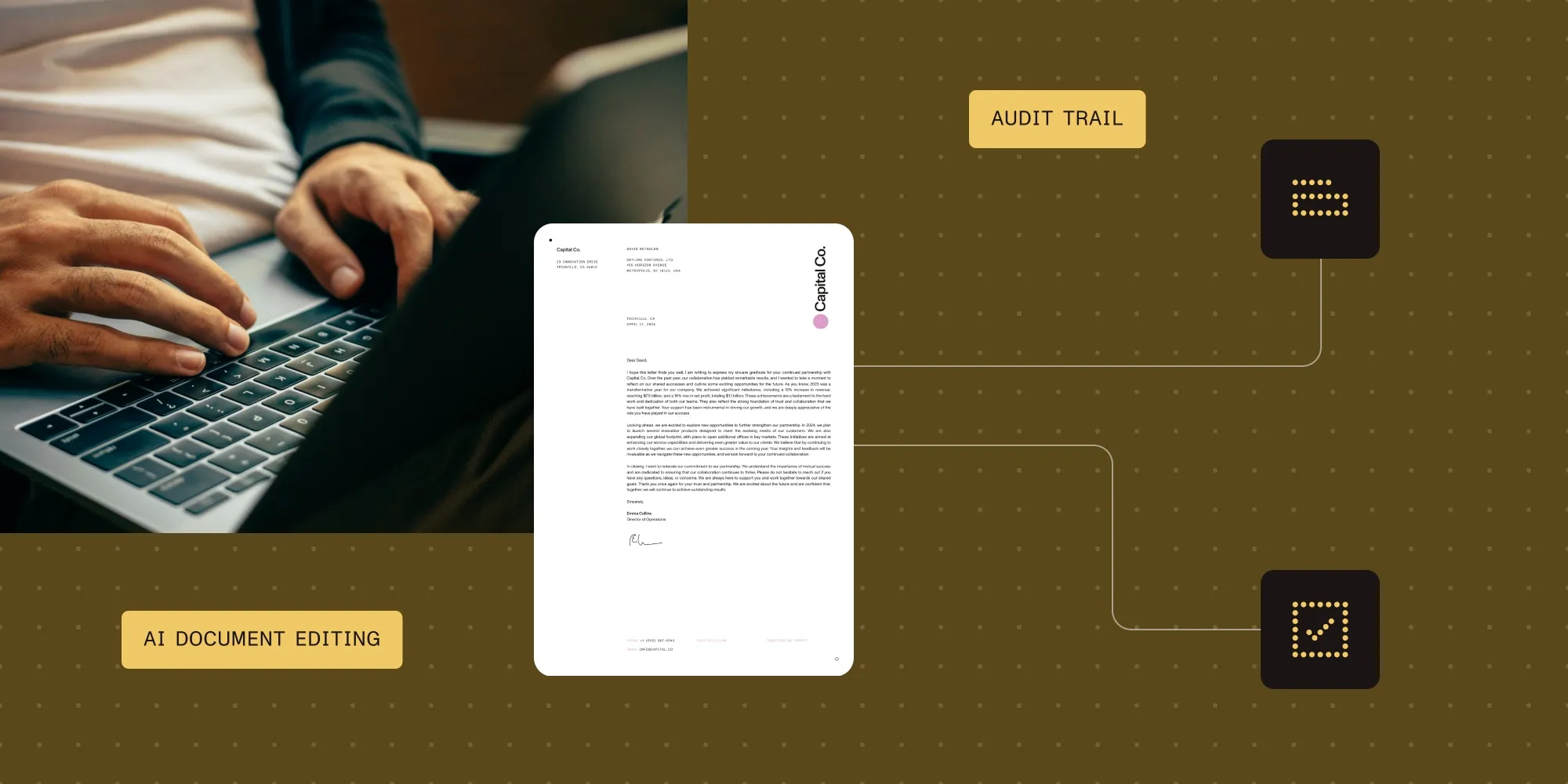
- A security or compliance team can now see which agent configuration touched a document, what it was allowed to access, and whether that’s still true. Before, the answer was “check the code that called it.”
Explore Nutrient AI Assistant
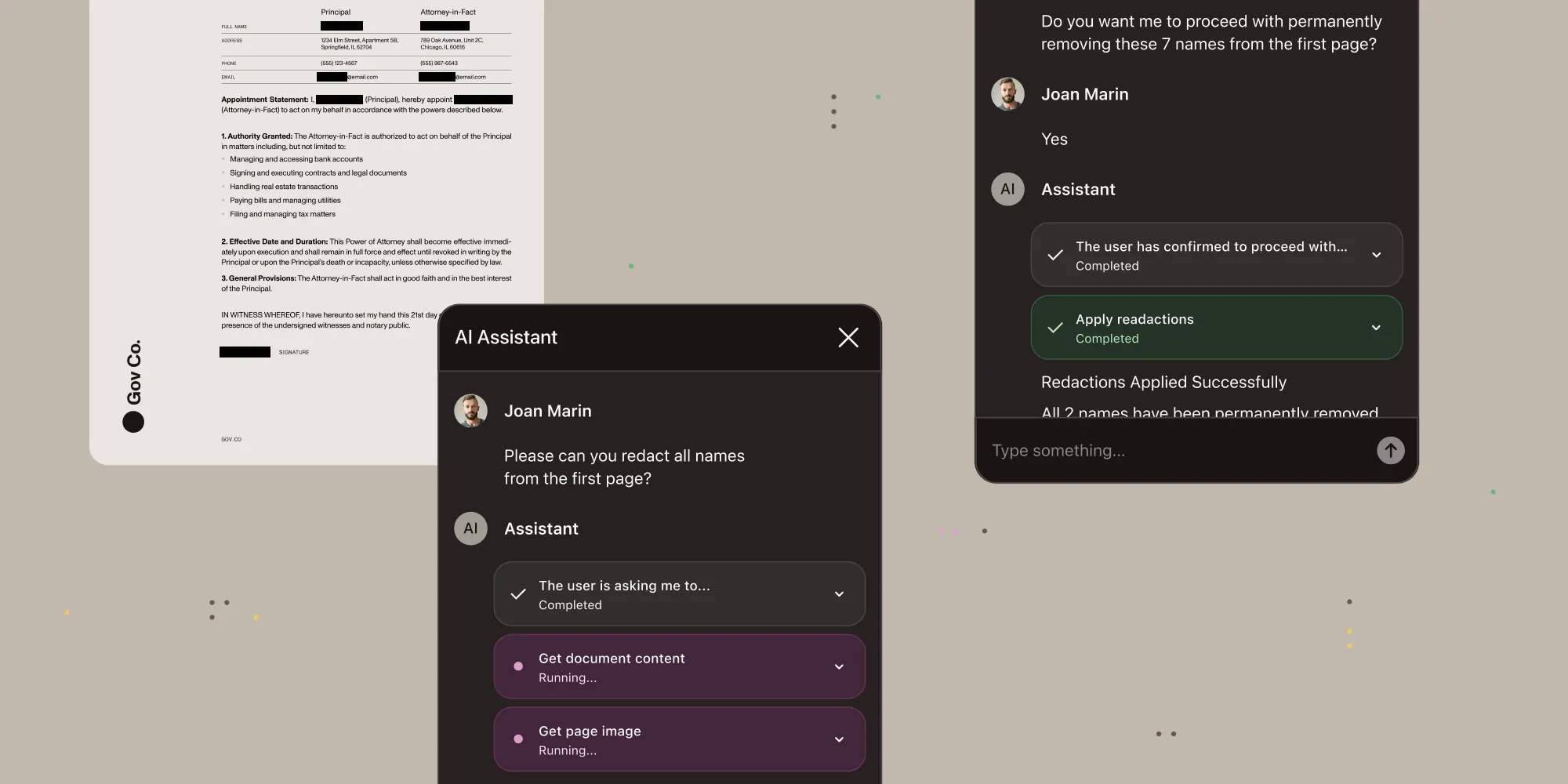
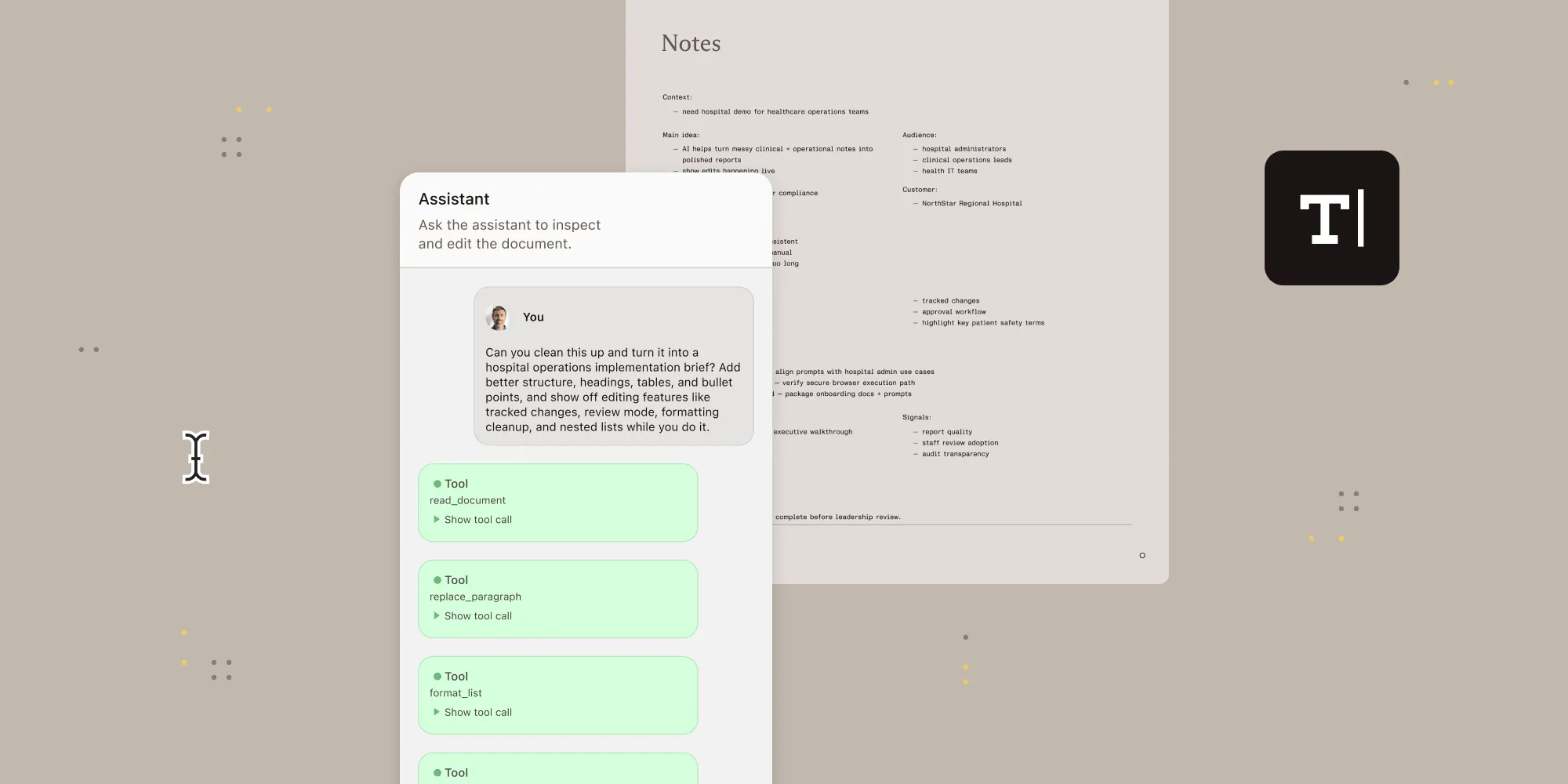
Under the hood, AI Assistant connects a large language model to a document. In a chat-style, read-only mode, end users can ask it questions across Web, iOS, Android, and Nutrient’s other SDK-based viewers. In Nutrient Web SDK’s editing mode, an agent goes further: Describe an edit in plain language, and it makes the edit directly. It can fill a form, redact a clause, or add an annotation. Every one of these capabilities runs as a configured “agent.” An agent is a system prompt, a set of tools the model can call, and rules for which calls need a human’s approval first.
An agent’s tool-calling and delegation decisions are the least predictable part of the system, because they’re the model’s judgment call, not fixed application code. More autonomy is only worth granting with a clear answer to who configured the agent, what it’s allowed to touch, and whether that configuration changed. That echoes the case Nutrient’s CTO made in May that autonomy and accountability should scale together. A January post, introducing agentic document editing, listed workflow templates among the areas it was exploring next: “preconfigured agent behaviors for common use cases.”
AI Assistant 2.4.0 delivers on that in three parts. Saved agents make a preconfigured behavior a real, reusable resource. Subagents give delegation a boundary instead of letting one agent’s scope grow indefinitely. And a pair of JWT claims decide which documents and which saved agents a request can reach in the first place. Studio is a new built-in screen for configuring and testing an agent. It’s where a saved agent gets created, edited, and versioned without writing JSON by hand.
What this looks like end to end
Take a contract-review tool as an example. Someone configures a contract-review saved agent once: a legal-analyst prompt, with reads allowed by default and any edit held for approval. Every reviewer’s session points at that one versioned resource from then on.
When a reviewer opens a specific contract, the application doesn’t hand the agent access to the whole deployment. Instead, it issues a JWT scoped with allowed_documents to that one document. On Document Engine, Nutrient’s self-hosted document server, that scoping goes one level deeper, down to the reviewer’s own layer. Two people marking up the same contract never see each other’s edits. An agents claim grants run and read on contract-review alone — whatever else lives in the saved-agent catalog, this token can’t reach it.
Inside the run, when contract-review needs to cross-reference a clause, it delegates that lookup to a researcher subagent. The subagent can only read, never write, and it’s restricted to a single Model Context Protocol (MCP) server instead of the reviewer’s full toolset. The main agent gets back an answer, not a transcript of how the subagent got there. When contract-review is ready to act on its findings, filling a field or flagging a clause for redaction, that write pauses for the reviewer’s approval. That follows the approval policy the saved agent defines.
Those are the three pieces working as one workflow. Every reviewer points to a versioned configuration, and a narrower delegate can’t write. The token can’t reach past the one document, one layer, and one saved agent it was actually issued for. The rest of this post is that same workflow, one layer down.
A saved agent is a resource, not a prompt
An integration selects a built-in agent with agentId: chat, agentic, or base. It can layer a custom configuration on top by sending agentConfiguration on every request. That works, but the configuration lives only in application code. There’s nothing to point to when someone asks which version of the contract-review agent ran last Tuesday, or what its instructions actually said.
Saved agents fix that by moving the configuration onto the server, where it has an ID and a version history. The following request creates one:
curl -X POST "$BACKEND_URL/inference/api/v2/agents" \ -H "Authorization: Bearer $JWT" \ -H "Content-Type: application/json" \ -d '{ "agent_id": "contract-review", "context": { "systemPromptTemplate": "You are a legal document analyst. Cite the clause number for every finding.", "toolApproval": { "defaults": { "default": "allow", "write": "ask" } } } }'toolApproval is the setting that decides which of the agent’s actions need a human to confirm before they run. Here, anything the agent reads is automatic, but anything it writes to the document pauses for approval. The client selects the saved agent exactly like a built-in preset:
PSPDFKit.load({ aiAssistant: { sessionId: 'session123', jwt: 'your-jwt-token', backendUrl: 'http://localhost:4000', agentId: 'contract-review', },});Every update creates a new version and makes it current, so an earlier configuration can be inspected or restored instead of overwritten silently. That replaces “some code somewhere sends this prompt” with “here’s exactly what version of the contract-review agent was live on any given day.”
Delegation with a fence around it
A single agent whose tools, prompt, and scope keep expanding is the specific risk named above. Past a certain point, nobody can reason about what it might do. Subagents are the alternative. A subagent is a named, separately configured agent with its own narrower instructions and limits. The main agent can hand it part of a task:
{ "subagents": [ { "name": "researcher", "description": "Searches documents. Cannot modify them.", "mcps": [{ "transport": "inmemory", "name": "nutrient-ai-assistant" }], "toolApproval": { "defaults": { "default": "deny", "read": "allow" } } } ]}This hands research off to a subagent named researcher. Its toolApproval denies everything but reads, and mcps narrows it to one MCP server instead of the main agent’s full toolset. MCP is a standard way of exposing a defined set of tools to an AI model.
A subagent inherits every field it doesn’t declare. Declaring a field replaces the inherited value rather than merging with it, so researcher has only the listed MCP server and approval policy. That holds regardless of the main agent’s permissions. The isolation runs deeper than tool access: The main agent only ever sees the subagent’s final answer, not its intermediate steps.
An inline subagent can’t declare subagents of its own, though a saved agent it references can. That’s how a bounded delegation tree gets built instead of an unbounded one. References nest up to five levels deep, with up to 64 subagents in a single run.
Scoping access before a tool ever runs
Saved agents and subagents govern what happens once a request is already running. Two JWT claims decide whether it should be running at all.
allowed_documents limits a token to specific documents and, in Document Engine mode, to specific layers of those documents. A layer is a distinct set of changes, such as annotations or form fields, stored alongside the same underlying document. Independent reviewers can each work in a separate layer without seeing each other’s edits.
The claim resolves like this:
- An entry with no layer authorizes only that document’s default layer. Any other layer of that document is rejected unless the layer itself is also listed.
- The literal string
"any"grants access to every document. - An empty array (
[]) grants access to none; omitting the claim entirely behaves like"any".
The agents claim does the same for saved agents themselves. create is a standing, collection-wide grant, while access maps specific agent_id values to read, run, update, and delete. These don’t imply each other: A token with run access to contract-review still can’t list its version history unless read is granted too. Built-in presets stay readable and runnable regardless of this claim; they just can’t be created, updated, or deleted.
The agents claim is strictly validated: An unrecognized property, an unsupported action, or a value of the wrong type doesn’t get silently ignored. Validation rejects the token with a 401.
Why this matters beyond the API
None of the three additions change what a model decides to do with a document. They change what’s true about the request before the model ever sees it, and that’s where the real payoff sits.
For a developer, it means an agent’s configuration, its delegation, and its access are now the same kind of resource as the document itself. Each is versioned, addressable, and scoped, instead of implicit in application code. For a security or compliance reviewer, it’s the difference between a demo and something a production review will actually sign off on. The reviewer gets a written answer on file, not a promise to go check the code.
Getting started
- AI Assistant developer guides — The full guide index, including setup, model providers, and viewer integration.
- Agents — Select a built-in agent or create and version a saved one.
- Subagents — Configure delegation, inheritance, and tool scoping.
- Generate a JWT — The full claim reference for
allowed_documentsandagents.
Get started with Nutrient AI Assistant
FAQ
AI Assistant is a Nutrient SDK capability that embeds a document-aware AI agent in an application. It can answer questions about a document in a read-only chat mode, available across Web, iOS, and Android. In Nutrient Web SDK’s editing mode, it can also make edits directly, such as filling a form or redacting a clause.
agentConfiguration?No. agentConfiguration still works for a one-off configuration sent from the client on a single session. A saved agent is for a configuration used repeatedly. Create it once on the server, and select it with agentId the same way a client selects a built-in preset.
An inline subagent can’t declare subagents of its own. A subagent that references a saved agent can, because the saved agent may itself have saved subagents. References nest up to five levels deep, with up to 64 subagents in a single run.
document_ids claim still supported?It’s deprecated in favor of allowed_documents. Omitted or empty values behave the same way in both claims. A token that carries both document_ids and allowed_documents is rejected with a 401.
run access to a saved agent also grant read access?No. read, run, update, and delete are independent grants in the agents claim’s access map. A token needs each action listed for every saved agent it should reach, unless the "*" action grants them all.