Automated PII removal with Nutrient API

Table of contents
Quick start — Sign up for Nutrient DWS Processor API(opens in a new tab) → Get an API key → Choose AI-powered (/ai/redact) or regex-based (/build) redaction → Receive a redacted document in seconds.
Free tier — Every account includes 200 free credits per month to prototype and test.
What you’ll learn — PII taxonomy, compliance considerations (GDPR and HIPAA), and end-to-end examples for both AI and regex methods.
Most organizations still redact manually or use basic regex. Both break on real documents, including scans, mixed layouts, and anything beyond plain text.
For example, regex catches 123-45-6789 but misses SSN: 123 45 6789. Manual reviewers create removable overlays and miss repeated mentions. Neither provides context awareness or audit trails for compliance.
PII taxonomy for automated detection
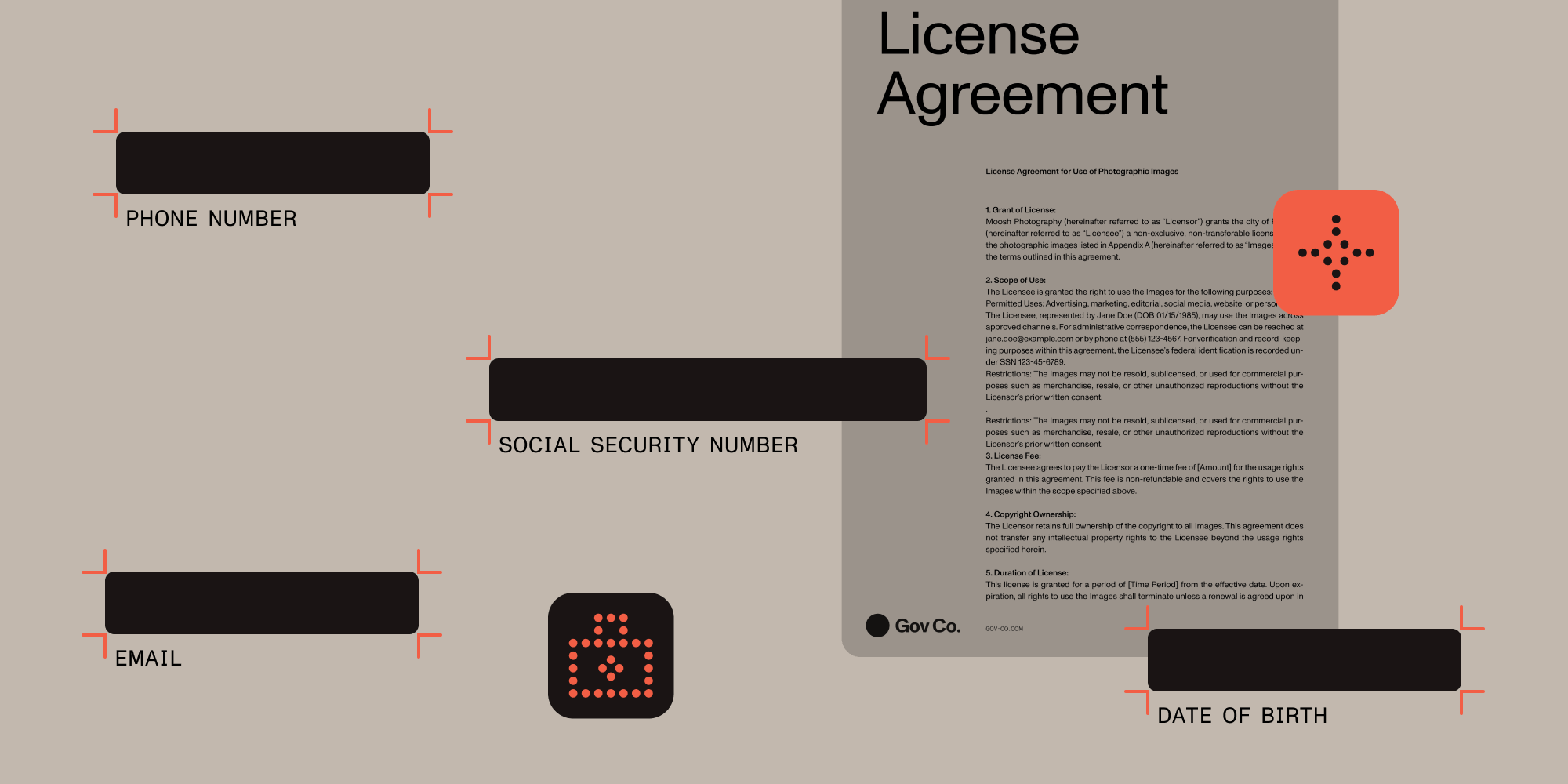
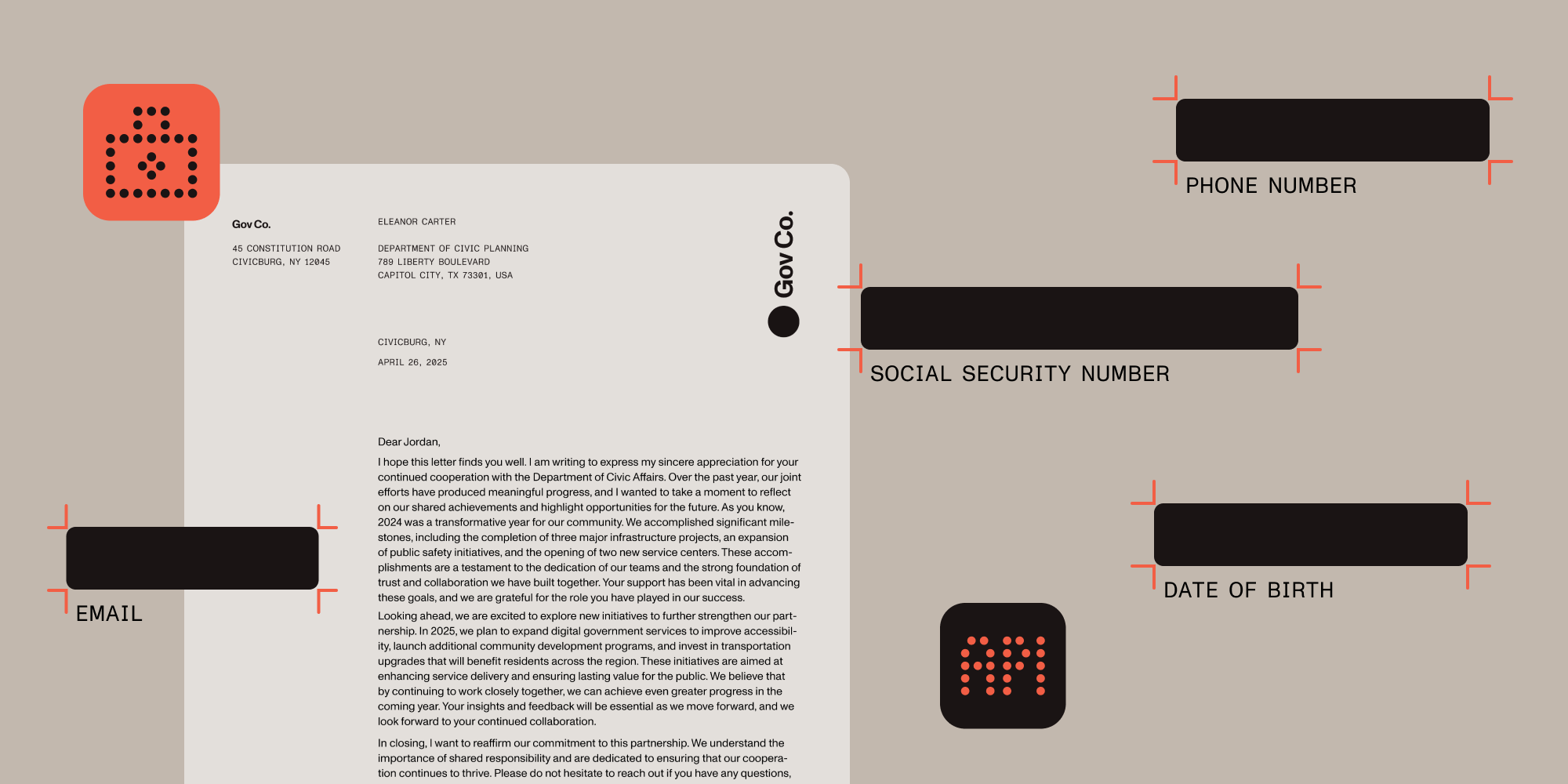
Personally identifiable information (PII) falls into four categories:
Direct identifiers
- Full names and aliases
- Government ID numbers (SSN, passport, driver’s license)
- Biometric data
- Account numbers
Quasi-identifiers
- Dates of birth
- Geographic locations
- Phone numbers
- Email addresses
Sensitive personal data (GDPR Article 9(opens in a new tab))
- Health information
- Financial records
- Political opinions
- Religious beliefs
Contextual PII
- Employee ID numbers
- Customer reference codes
- Internal project names
Systems need to know when 123-456-7890 is a phone number versus a product code, or when John Smith refers to a person versus a street.
Comparing redaction approaches
| Method | How it works | Best use cases | Limitations |
|---|---|---|---|
| Manual markup | Human reviewers locate/cover sensitive text | Small document volumes, highly sensitive content requiring human judgment | Time-consuming, inconsistent across reviewers, overlay redactions can leave text selectable |
| Regex patterns | Static patterns for well-formed tokens | Well-structured documents, known data formats, deterministic compliance requirements | Requires pattern maintenance for format variations, limited context awareness |
| Basic ML classifiers | Snippet-level models without layout context | Simple classification tasks, limited entity types | Poor at multipage context, hard to tune for diverse documents |
| AI-powered redaction | Context-aware entity recognition | Diverse document types, complex layouts, contextual PII detection | Higher cost per page, requires confidence threshold tuning |
Example: A legal document contains “Contact Sarah Johnson at 555-0123 regarding the Johnson account (#12345).”
- Regex flags the phone number but misses “Johnson account” as PII.
- Manual review catches both but overlooks “Sarah Johnson” in the footer.
- Context-aware redaction identifies all three instances.
GDPR and HIPAA compliance contexts
Automated redaction must comply with data protection regulations that govern how PII is processed, stored, and deleted. Here’s how to align your implementation with GDPR and HIPAA requirements.
GDPR requirements for automated processing
Under GDPR Article 6(opens in a new tab), automated PII processing requires a lawful basis (e.g. legitimate interests, contractual necessity, or legal obligation). Core principles in Article 5(opens in a new tab) apply:
- Data minimization — Only process data necessary for redaction
- Purpose limitation — Use extracted PII only for redaction, not analytics
- Storage limitation — Delete source documents immediately after processing
- Accuracy — Maintain audit logs of redaction decisions
- Accountability — Demonstrate compliance through technical and organizational measures
HIPAA technical safeguards
Under HIPAA, healthcare organizations processing protected health information (PHI) must implement:
- Access controls — API authentication and role-based access
- Audit controls — Comprehensive logging of all redaction activities
- Integrity — Cryptographic verification of redaction completeness
- Person authentication — Strong API key management
- Transmission security — TLS for all API communications
Both frameworks require proof of system effectiveness through confidence scores and audit logs.
This guide provides technical implementation details and is not legal advice. Consult your legal counsel for specific compliance requirements in your jurisdiction and use case.
Prerequisites
Before implementing automated PII redaction, you’ll need:
- A valid Nutrient API account with credits (sign up here(opens in a new tab))
- Basic understanding of REST APIs
- Python 3.7+ or cURL for testing
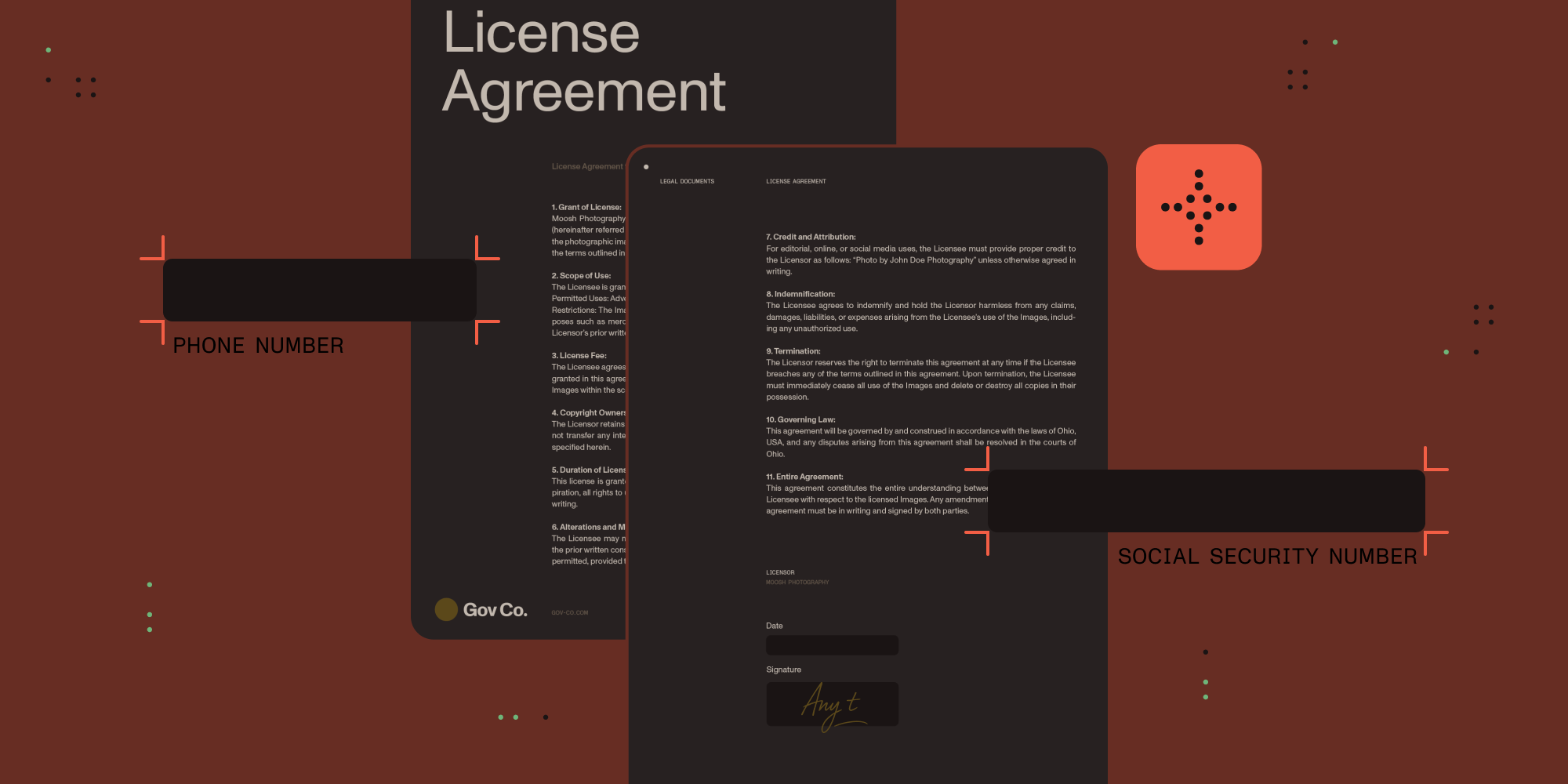
- PDF documents for testing redaction (you can use this example document containing various PII types)
How Nutrient handles redaction: AI and regex methods
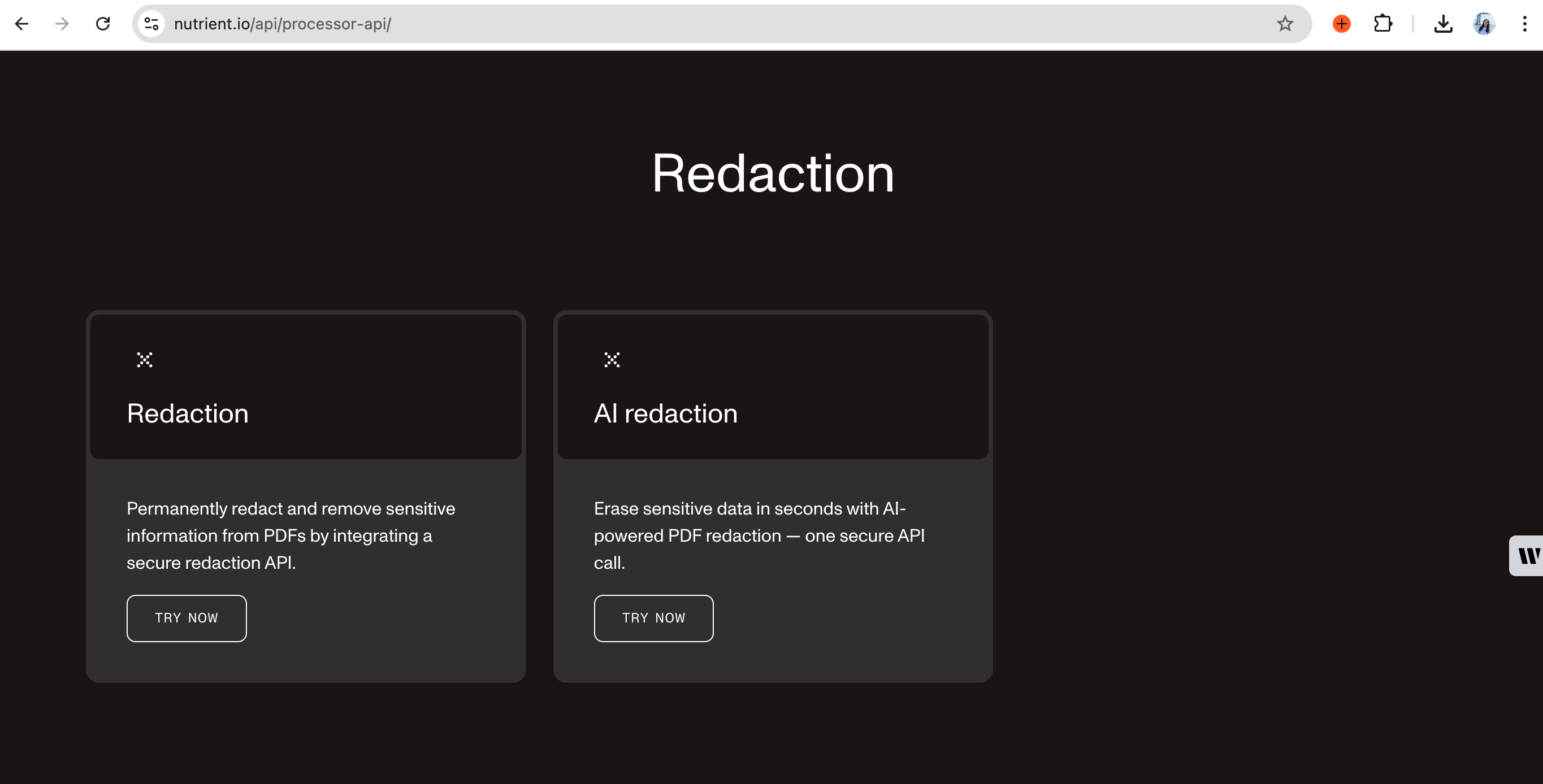
Nutrient provides two redaction methods to meet different requirements.
AI-powered redaction API
The AI-powered redaction API uses LLMs to identify PII through semantic analysis. While regex looks for patterns, AI understands meaning.
How AI redaction works
Semantic understanding — The AI sees “Routing No. 987654321” and knows it’s banking data, even with unusual formatting. It distinguishes “123-456-7890” as a phone number versus a product code and “John Smith” as a person versus a street name.
Multi-modal processing — Text and scanned images are processed in a single pass. The AI can extract and redact PII from:
- Native PDF text
- Scanned documents (OCR processing)
- Mixed layouts with text and images
- Tables and complex document structures
Confidence scoring — Each detection gets a probability score, enabling you to:
- Set confidence thresholds for automatic redaction
- Stage borderline hits for human review
- Fine-tune precision and recall without code changes
Key features
- Context-aware detection — Distinguishes “Johnson” as a person versus a street name based on surrounding context
- Entity recognition — Personal data, payment information, medical terms, custom entities, and contextual PII
- Compliance support — GDPR, HIPAA, and SOC 2 with comprehensive audit trails
- API integration — Compatible with existing platforms and automation tools
- Zero infrastructure — No servers, containers, or model updates to manage
Processing workflow
- Stream — PDF is loaded into memory (never stored persistently)
- Analyze — AI model performs semantic analysis of content and context
- Score — Each potential PII detection receives a confidence score
- Stage or apply — Based on configuration, redactions are staged for review or applied automatically
- Return — Permanently redacted PDF with no recoverable content underneath black boxes
A 10-page contract that took 15 minutes to redact manually now takes 20 seconds. For more information, refer to our technical guide on how AI redaction sets a new document security baseline.
Regex-based redaction API
For rule-based redaction, Nutrient’s regex API removes content matching specific patterns.
Features
- Pattern-based redaction — Find and redact using regex, keywords, or custom criteria
- Preset pattern detection — Built-in patterns for email addresses, phone numbers, URLs, and other common PII formats
- Custom regex support — Build search rules for industry-specific formats
- Two-step process — Create redaction annotations first, and then apply them for permanent removal
Both APIs delete documents immediately after processing. All communications use HTTPS encryption.
API setup
To get your API credentials:
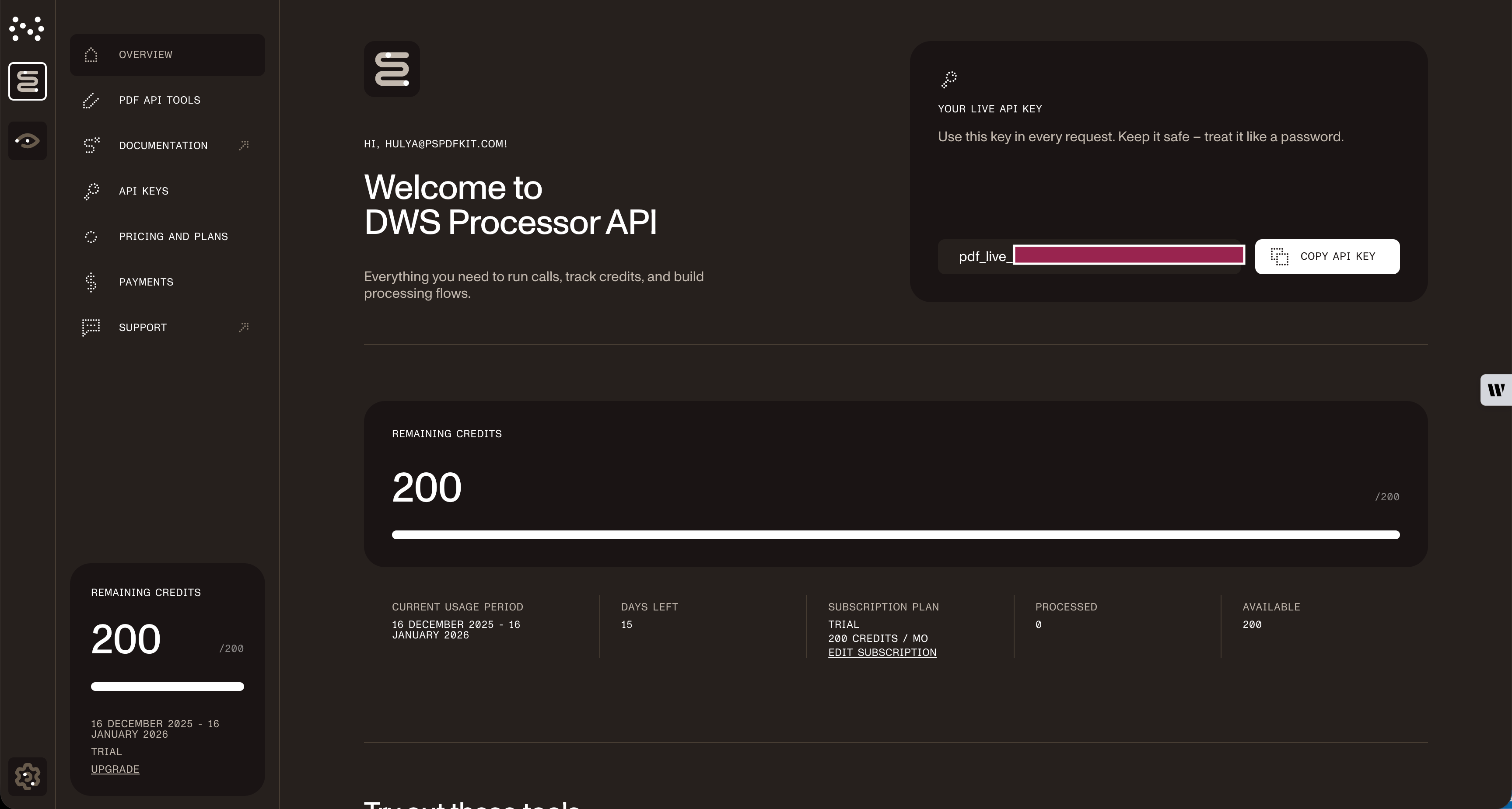
- Sign up for a free account at https://dashboard.nutrient.io/sign_up/?product=processor(opens in a new tab).
- Navigate to the API keys section in your dashboard.
- Note your usage limits — You get 200 free credits monthly.
Code path A: AI-powered PII detection and redaction
Here’s how to implement AI-powered PII detection and redaction.
Basic redaction with cURL
# Simple PII redactioncurl -X POST https://api.nutrient.io/ai/redact \ -H "Authorization: Bearer {NUTRIENT_API_KEY}" \ -o result.pdf \ --fail \ -F file1=@redaction.pdf \ -F data='{ "documents": [ { "documentId": "file1" } ], "criteria": "All personally identifiable information", "redaction_state": "stage" }'Stage vs. apply
Set how redactions are finalized via redaction_state:
"stage"→ creates reviewable annotations (text remains selectable)"apply"→ permanently removes the underlying content (burn-in)
Here’s the minimal payload change needed:
{ "documents": [{"documentId": "file1"}], "criteria": "All personally identifiable information", "redaction_state": "stage" // Review first (non-destructive).}{ "documents": [{"documentId": "file1"}], "criteria": "All personally identifiable information", "redaction_state": "apply" // burn-in (permanent)}Tip: Start with
"stage"to validate results, and then switch to"apply"for production.
Python implementation
import requestsimport json
response = requests.request(  'POST',  'https://api.nutrient.io/ai/redact',  headers = {    'Authorization': 'Bearer {NUTRIENT_API_KEY}'  # Replace with your actual API key.  },  files = {    'file1': open('redaction.pdf', 'rb')  },  data = {    'data': json.dumps({      'documents': [        {          'documentId': 'file1'        }      ],      'criteria': 'All personally identifiable information',      "redaction_state": "stage" # or "apply" for permanent redaction    })  },  stream = True)
if response.ok:  with open('result.pdf', 'wb') as fd:    for chunk in response.iter_content(chunk_size=8096):      fd.write(chunk)else:  print(response.text)  exit()
Code path B: Regex-based redaction
For deterministic redaction, use the regex API with preset patterns or custom rules.
Basic redaction with Python
import requestsimport json
response = requests.request(  'POST',  'https://api.nutrient.io/build',  headers = {    'Authorization': 'Bearer {NUTRIENT_API_KEY}'  # Replace with your actual API key.  },  files = {    'document': open('redaction.pdf', 'rb')  },  data = {    'instructions': json.dumps({      'parts': [        {          'file': 'document'        }      ],      'actions': [        {          'type': 'createRedactions',          'strategy': 'text',          'strategyOptions': {            'text': 'acme',            'includeAnnotations': True,            'caseSensitive': False          }        },        {          'type': 'applyRedactions' # createRedactions only for review        }      ]    })  },  stream = True)
if response.ok:  with open('result.pdf', 'wb') as fd:    for chunk in response.iter_content(chunk_size=8096):      fd.write(chunk)else:  print(response.text)  exit()
Stage vs. apply (regex “build” flow)
Regex and preset redaction is a two-step pipeline:
createRedactions→ marks regions (stage)applyRedactions→ burns in redactions (apply)
If you omit the applyRedactions step, you’ll only see visual boxes, and the underlying text will still be present.
For SDK-based implementations with built-in UI components, refer to our document redaction SDK guide. For broader automation patterns, explore dynamic document redaction workflows.
Troubleshooting
Common API errors:
401 Unauthorized— Check your API key in the Authorization header413 Payload Too Large— File exceeds 100 MB limit, consider splitting large documents429 Rate Limit Exceeded— Implement retry logic with exponential backoff422 Unprocessable Entity— Verify PDF is not password-protected or corrupted
FAQ
Sign up at dashboard.nutrient.io(opens in a new tab) and you’ll receive 200 free credits immediately. At 0.05 credits per page for AI redaction, that covers up to 4,000 pages per month; at one credit per document for regex-based redaction, that covers 200 documents. Credits renew monthly.
AI redaction costs 0.05 credits per page; regex-based redaction costs one credit per document. Once you use your monthly free credits, additional usage draws from your plan’s credit balance.
Use AI redaction (0.05 credits per page) when you need semantic understanding — the AI analyzes context to distinguish “Johnson” as a person vs. a street name, processes scanned documents with OCR, and handles mixed layouts. The LLM provides confidence scores for each detection, enabling you to set thresholds for automatic vs. manual review.
Use regex-based (one credit per document) for deterministic patterns in well-structured content where you need predictable rule-based matching. Both methods support permanent redaction and auditability.
AI redaction uses LLMs for semantic understanding. Your PDF streams into memory (never stored), the AI analyzes context — seeing “Routing No. 123456789” as banking data regardless of format — assigns confidence scores, and then returns permanently redacted PDFs where text is truly destroyed, not just hidden.
Unlike regex, it understands context: “123-456-7890” as a phone number vs. a product code, and “John Smith” as a person vs. a street name.
PDF is fully supported. Office files (Word, Excel, PowerPoint) can be converted to PDF first using Nutrient’s conversion APIs; conversion usage also consumes credits.
For complete format support and pricing details, see our API documentation.
Conclusion
If your documents are messy, scanned, or context-heavy, choose AI redaction; if they’re structured and predictable, choose regex and preset redaction. Either way, you get true removal (not overlays) plus the auditability compliance teams expect.
A simple rule for rollout: Start in "stage" to validate what gets flagged, and then switch to "apply" to burn it in for production.
Ship it this week
- Try it for free — Create an account(opens in a new tab) and you’ll get 200 monthly credits to test.
- Go AI first — Read the AI redaction API guide for guidance on scans and mixed layouts.
- Lock down patterns — Use the regex redaction API for deterministic rules.
Protect sensitive data, prove compliance, and reclaim engineering hours with a couple of API calls.