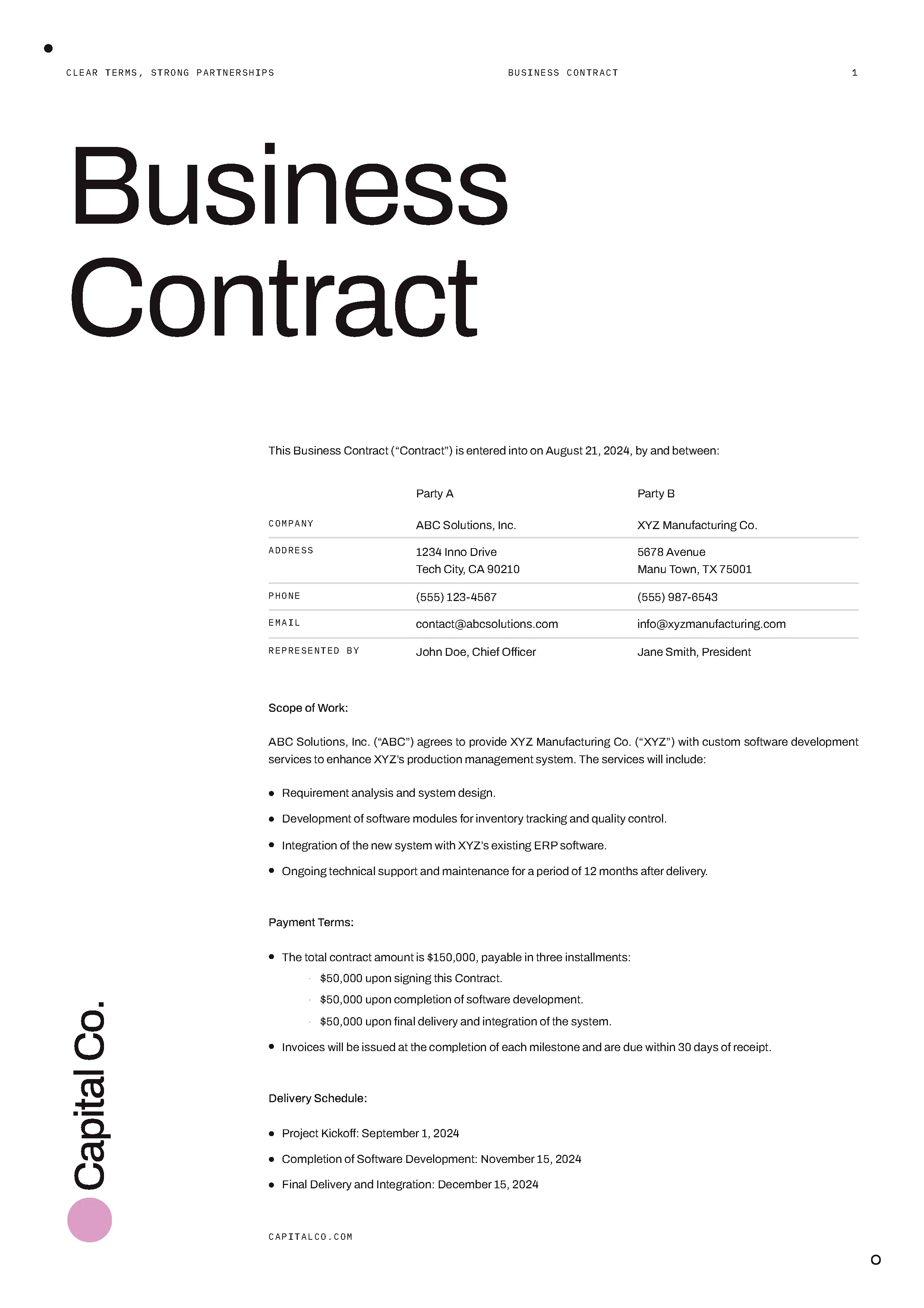
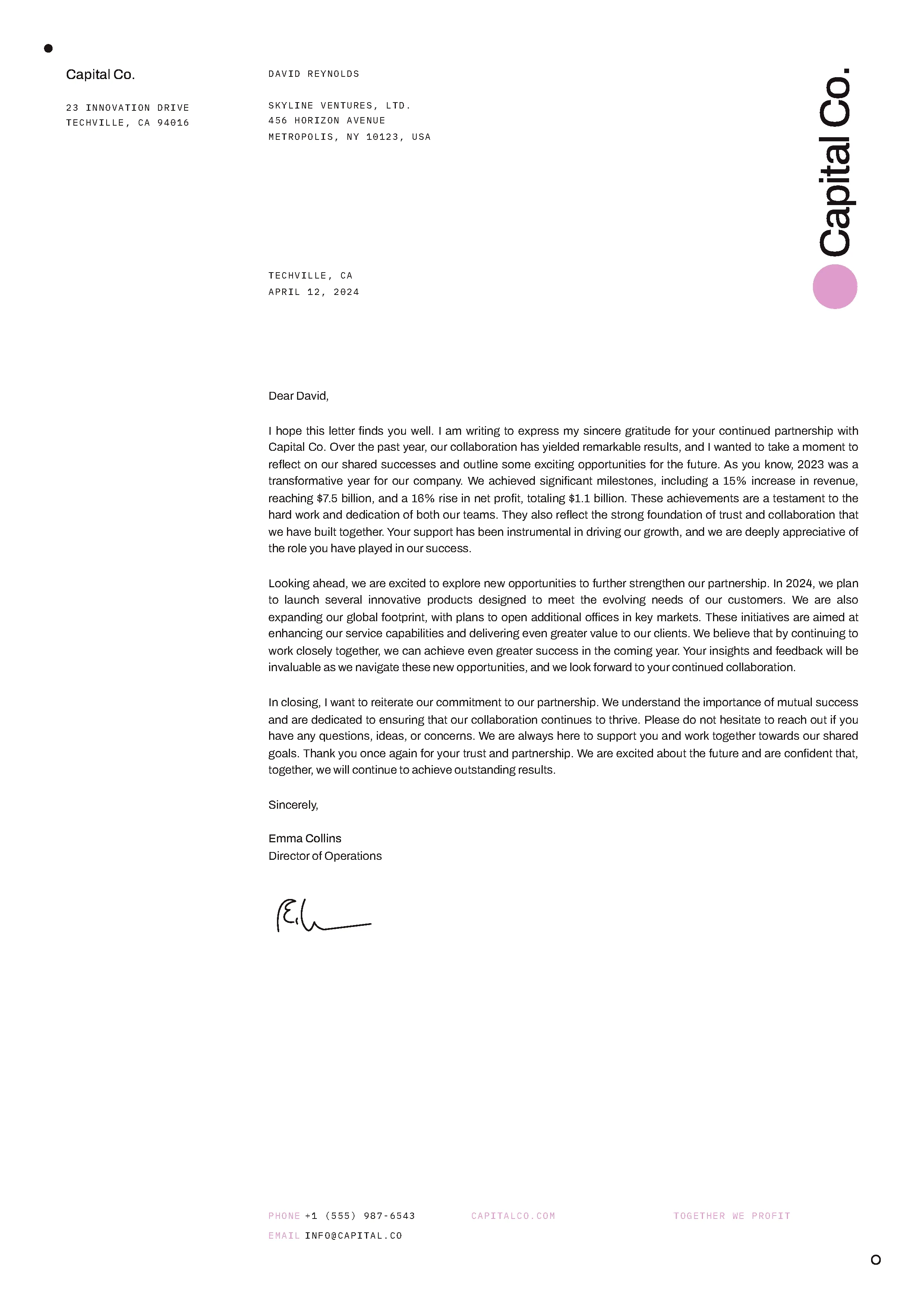
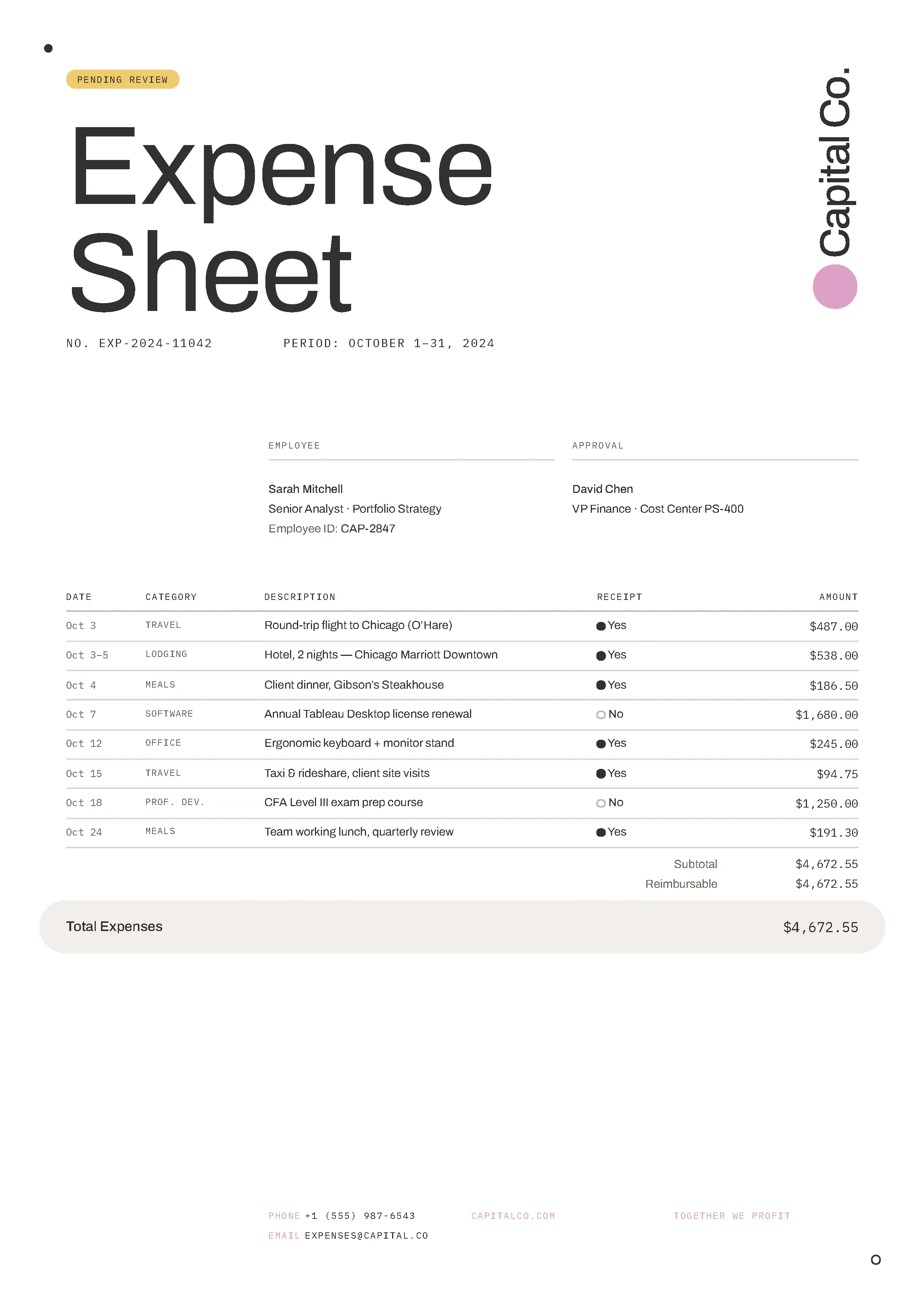
Nutrient’s PDF generator API converts HTML templates and structured data into production-ready PDFs via a single REST call. Use it for invoices, contracts, payslips, compliance reports, or any document an application generates at scale — without a PDF library, desktop software, or rendering server.
Preserve layout, styles, fonts, and responsive design to ensure your HTML content looks exactly as intended in PDF format.
Automatically convert HTML files in Google Drive to PDFs using our Zapier integration. It’s the fastest way to turn web content into documents without writing code.
Select a package that suits your needs according to the number of credits you wish to spend. Each API tool and action has a specific credit cost.
This example will create a PDF from the supplied index.html file and render it on an A4-sized page. For detailed information on how to structure your HTML files, along with all the available customization options, see guides.
Try it out in three steps
index.html to your project folder.result.pdf to see the output.curl -X POST https://api.nutrient.io/processor/generate_pdf \ -H "Authorization: Bearer your_api_key_here" \ -o result.pdf \ --fail \ -F html=@index.htmlcurl -X POST https://api.nutrient.io/processor/generate_pdf ^ -H "Authorization: Bearer your_api_key_here" ^ -o result.pdf ^ --fail ^ -F html=@index.htmlpackage com.example.pspdfkit;
import java.io.File;import java.io.IOException;import java.nio.file.FileSystems;import java.nio.file.Files;import java.nio.file.StandardCopyOption;
import org.json.JSONArray;import org.json.JSONObject;
import okhttp3.MediaType;import okhttp3.MultipartBody;import okhttp3.OkHttpClient;import okhttp3.Request;import okhttp3.RequestBody;import okhttp3.Response;
public final class PspdfkitApiExample { public static void main(final String[] args) throws IOException { final RequestBody body = new MultipartBody.Builder() .setType(MultipartBody.FORM) .addFormDataPart( "html", "index.html", RequestBody.create( MediaType.parse("text/html"), new File("index.html") ) ) .build();
final Request request = new Request.Builder() .url("https://api.nutrient.io/processor/generate_pdf") .method("POST", body) .addHeader("Authorization", "Bearer your_api_key_here") .build();
final OkHttpClient client = new OkHttpClient() .newBuilder() .build();
final Response response = client.newCall(request).execute();
if (response.isSuccessful()) { Files.copy( response.body().byteStream(), FileSystems.getDefault().getPath("result.pdf"), StandardCopyOption.REPLACE_EXISTING ); } else { // Handle the error throw new IOException(response.body().string()); } }}using System;using System.IO;using System.Net;using RestSharp;
namespace PspdfkitApiDemo{ class Program { static void Main(string[] args) { var client = new RestClient("https://api.nutrient.io/processor/generate_pdf");
var request = new RestRequest(Method.POST) .AddHeader("Authorization", "Bearer your_api_key_here") .AddFile("html", "index.html");
request.AdvancedResponseWriter = (responseStream, response) => { if (response.StatusCode == HttpStatusCode.OK) { using (responseStream) { using var outputFileWriter = File.OpenWrite("result.pdf"); responseStream.CopyTo(outputFileWriter); } } else { var responseStreamReader = new StreamReader(responseStream); Console.Write(responseStreamReader.ReadToEnd()); } };
client.Execute(request); } }}// This code requires Node.js. Do not run this code directly in a web browser.
const axios = require('axios')const FormData = require('form-data')const fs = require('fs')
const formData = new FormData()formData.append('html', fs.createReadStream('index.html'))
;(async () => { try { const response = await axios.post('https://api.nutrient.io/processor/generate_pdf', formData, { headers: formData.getHeaders({ 'Authorization': 'Bearer your_api_key_here' }), responseType: "stream" })
response.data.pipe(fs.createWriteStream("result.pdf")) } catch (e) { const errorString = await streamToString(e.response.data) console.log(errorString) }})()
function streamToString(stream) { const chunks = [] return new Promise((resolve, reject) => { stream.on("data", (chunk) => chunks.push(Buffer.from(chunk))) stream.on("error", (err) => reject(err)) stream.on("end", () => resolve(Buffer.concat(chunks).toString("utf8"))) })}import requestsimport json
response = requests.request( 'POST', 'https://api.nutrient.io/processor/generate_pdf', headers = { 'Authorization': 'Bearer your_api_key_here' }, files = { 'html': open('index.html', 'rb') }, stream = True)
if response.ok: with open('result.pdf', 'wb') as fd: for chunk in response.iter_content(chunk_size=8096): fd.write(chunk)else: print(response.text) exit()<?php
$FileHandle = fopen('result.pdf', 'w+');
$curl = curl_init();
curl_setopt_array($curl, array( CURLOPT_URL => 'https://api.nutrient.io/processor/generate_pdf', CURLOPT_CUSTOMREQUEST => 'POST', CURLOPT_RETURNTRANSFER => true, CURLOPT_ENCODING => '', CURLOPT_POSTFIELDS => array( 'html' => new CURLFILE('index.html') ), CURLOPT_HTTPHEADER => array( 'Authorization: Bearer your_api_key_here' ), CURLOPT_FILE => $FileHandle,));
$response = curl_exec($curl);
curl_close($curl);
fclose($FileHandle);POST https://api.nutrient.io/processor/generate_pdf HTTP/1.1Content-Type: multipart/form-data; boundary=--customboundaryAuthorization: Bearer your_api_key_here
--customboundaryContent-Disposition: form-data; name="html"; filename="index.html"Content-Type: text/html
(html data)--customboundary--curl -X POST https://api.nutrient.io/build \ -H "Authorization: Bearer your_api_key_here" \ -o result.pdf \ --fail \ -F index.html=@index.html \ -F instructions='{ "parts": [ { "html": "index.html" } ] }'curl -X POST https://api.nutrient.io/build ^ -H "Authorization: Bearer your_api_key_here" ^ -o result.pdf ^ --fail ^ -F index.html=@index.html ^ -F instructions="{\"parts\": [{\"html\": \"index.html\"}]}"package com.example.pspdfkit;
import java.io.File;import java.io.IOException;import java.nio.file.FileSystems;import java.nio.file.Files;import java.nio.file.StandardCopyOption;
import org.json.JSONArray;import org.json.JSONObject;
import okhttp3.MediaType;import okhttp3.MultipartBody;import okhttp3.OkHttpClient;import okhttp3.Request;import okhttp3.RequestBody;import okhttp3.Response;
public final class PspdfkitApiExample { public static void main(final String[] args) throws IOException { final RequestBody body = new MultipartBody.Builder() .setType(MultipartBody.FORM) .addFormDataPart( "index.html", "index.html", RequestBody.create( MediaType.parse("text/html"), new File("index.html") ) ) .addFormDataPart( "instructions", new JSONObject() .put("parts", new JSONArray() .put(new JSONObject() .put("html", "index.html") ) ).toString() ) .build();
final Request request = new Request.Builder() .url("https://api.nutrient.io/build") .method("POST", body) .addHeader("Authorization", "Bearer your_api_key_here") .build();
final OkHttpClient client = new OkHttpClient() .newBuilder() .build();
final Response response = client.newCall(request).execute();
if (response.isSuccessful()) { Files.copy( response.body().byteStream(), FileSystems.getDefault().getPath("result.pdf"), StandardCopyOption.REPLACE_EXISTING ); } else { // Handle the error throw new IOException(response.body().string()); } }}using System;using System.IO;using System.Net;using RestSharp;
namespace PspdfkitApiDemo{ class Program { static void Main(string[] args) { var client = new RestClient("https://api.nutrient.io/build");
var request = new RestRequest(Method.POST) .AddHeader("Authorization", "Bearer your_api_key_here") .AddFile("index.html", "index.html") .AddParameter("instructions", new JsonObject { ["parts"] = new JsonArray { new JsonObject { ["html"] = "index.html" } } }.ToString());
request.AdvancedResponseWriter = (responseStream, response) => { if (response.StatusCode == HttpStatusCode.OK) { using (responseStream) { using var outputFileWriter = File.OpenWrite("result.pdf"); responseStream.CopyTo(outputFileWriter); } } else { var responseStreamReader = new StreamReader(responseStream); Console.Write(responseStreamReader.ReadToEnd()); } };
client.Execute(request); } }}// This code requires Node.js. Do not run this code directly in a web browser.
const axios = require('axios')const FormData = require('form-data')const fs = require('fs')
const formData = new FormData()formData.append('instructions', JSON.stringify({ parts: [ { html: "index.html" } ]}))formData.append('index.html', fs.createReadStream('index.html'))
;(async () => { try { const response = await axios.post('https://api.nutrient.io/build', formData, { headers: formData.getHeaders({ 'Authorization': 'Bearer your_api_key_here' }), responseType: "stream" })
response.data.pipe(fs.createWriteStream("result.pdf")) } catch (e) { const errorString = await streamToString(e.response.data) console.log(errorString) }})()
function streamToString(stream) { const chunks = [] return new Promise((resolve, reject) => { stream.on("data", (chunk) => chunks.push(Buffer.from(chunk))) stream.on("error", (err) => reject(err)) stream.on("end", () => resolve(Buffer.concat(chunks).toString("utf8"))) })}import requestsimport json
response = requests.request( 'POST', 'https://api.nutrient.io/build', headers = { 'Authorization': 'Bearer your_api_key_here' }, files = { 'index.html': open('index.html', 'rb') }, data = { 'instructions': json.dumps({ 'parts': [ { 'html': 'index.html' } ] }) }, stream = True)
if response.ok: with open('result.pdf', 'wb') as fd: for chunk in response.iter_content(chunk_size=8096): fd.write(chunk)else: print(response.text) exit()<?php
$FileHandle = fopen('result.pdf', 'w+');
$curl = curl_init();
curl_setopt_array($curl, array( CURLOPT_URL => 'https://api.nutrient.io/build', CURLOPT_CUSTOMREQUEST => 'POST', CURLOPT_RETURNTRANSFER => true, CURLOPT_ENCODING => '', CURLOPT_POSTFIELDS => array( 'instructions' => '{ "parts": [ { "html": "index.html" } ] }', 'index.html' => new CURLFILE('index.html') ), CURLOPT_HTTPHEADER => array( 'Authorization: Bearer your_api_key_here' ), CURLOPT_FILE => $FileHandle,));
$response = curl_exec($curl);
curl_close($curl);
fclose($FileHandle);POST https://api.nutrient.io/build HTTP/1.1Content-Type: multipart/form-data; boundary=--customboundaryAuthorization: Bearer your_api_key_here
--customboundaryContent-Disposition: form-data; name="instructions"Content-Type: application/json
{ "parts": [ { "html": "index.html" } ]}--customboundaryContent-Disposition: form-data; name="index.html"; filename="index.html"Content-Type: text/html
(index.html data)--customboundary--Straightforward API for common PDF generation tasks. Perfect for most use cases.
FEATURES
Maximum flexibility and advanced features for complex workflows.
FEATURES
The application sends an HTML/CSS template with data placeholders to the API, which merges the data and returns a PDF. Rendering is pixel-perfect, with support for custom fonts and embedded images, so a template designed in HTML produces a matching PDF without a separate rendering pipeline.
Common workflows include finance (invoices, statements), HR (payslips, offer letters), healthcare (patient reports), and legal (contracts) — anywhere structured data needs to become a formatted, shareable document on demand.
A backend can run generation requests in parallel, making it practical to produce hundreds of invoices or reports in a single batch run rather than one request at a time.
What’s the difference
The PDF generator API creates PDFs from data or templates — there is no existing source file. The PDF converter API transforms an existing file from one format into another, such as Word into PDF. Building documents from application data calls for the generator; converting an uploaded file calls for the converter.
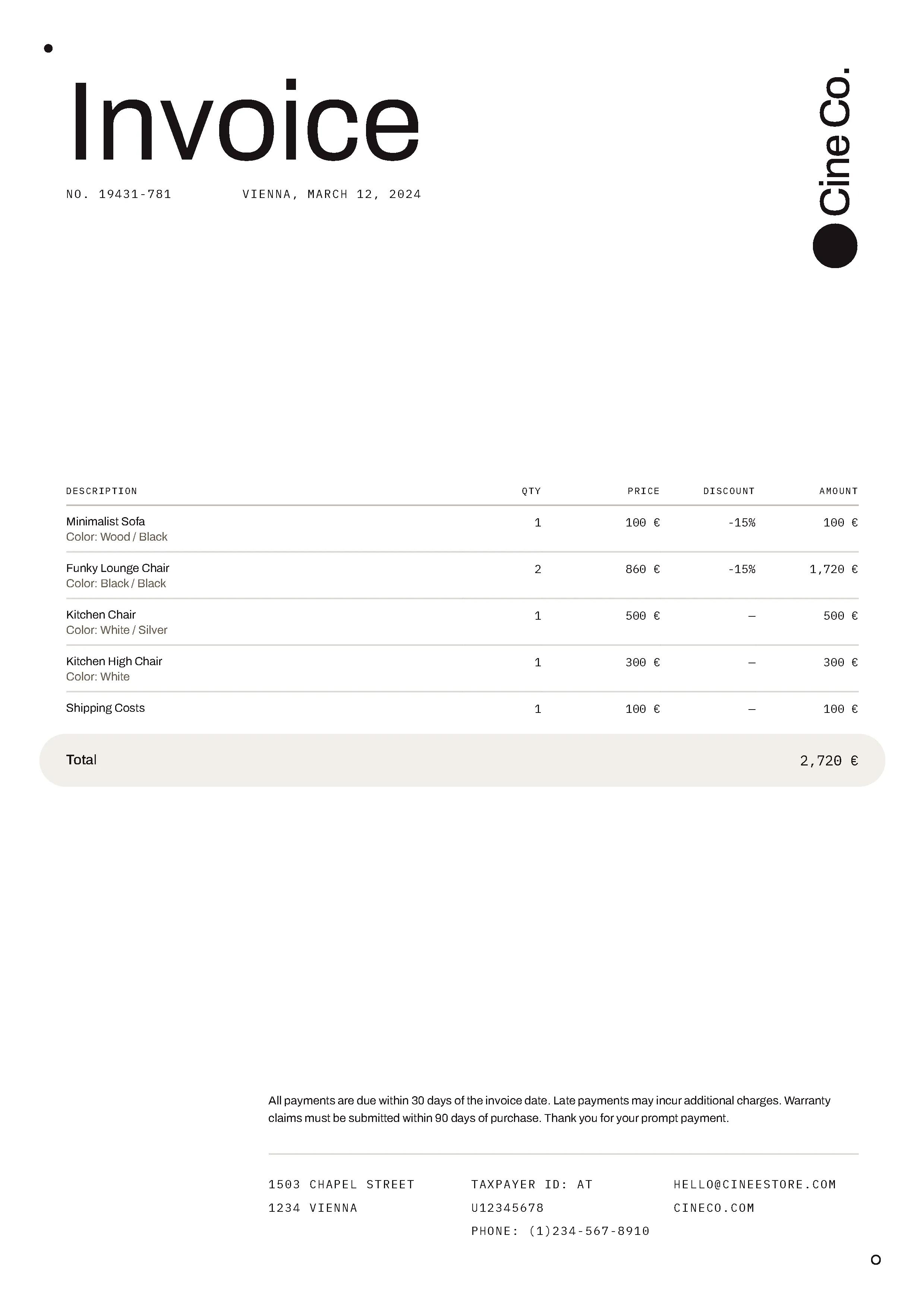
Go from a simple HTML file to a fully featured invoice, making use of all the functionality the PDF generator API provides.
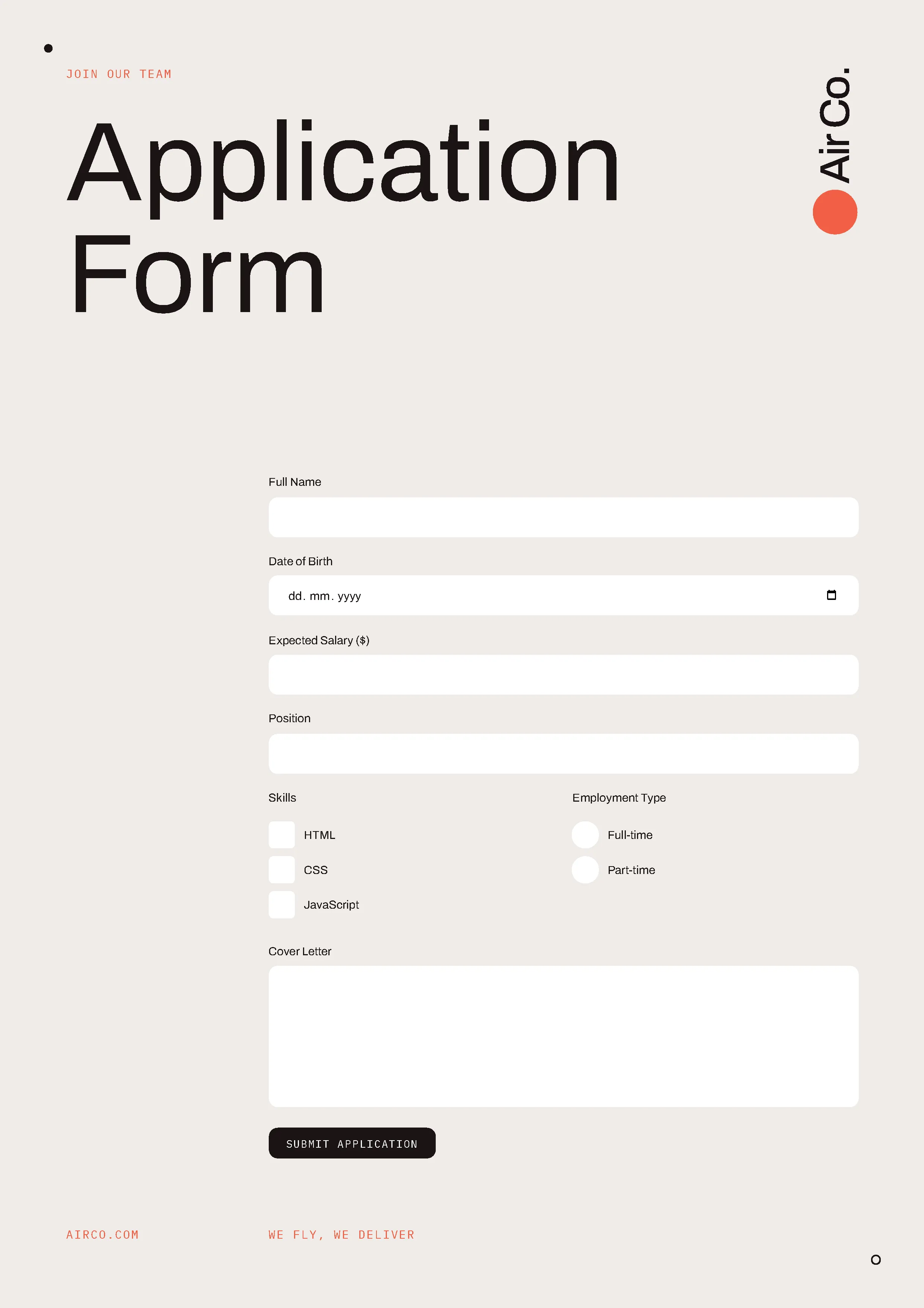
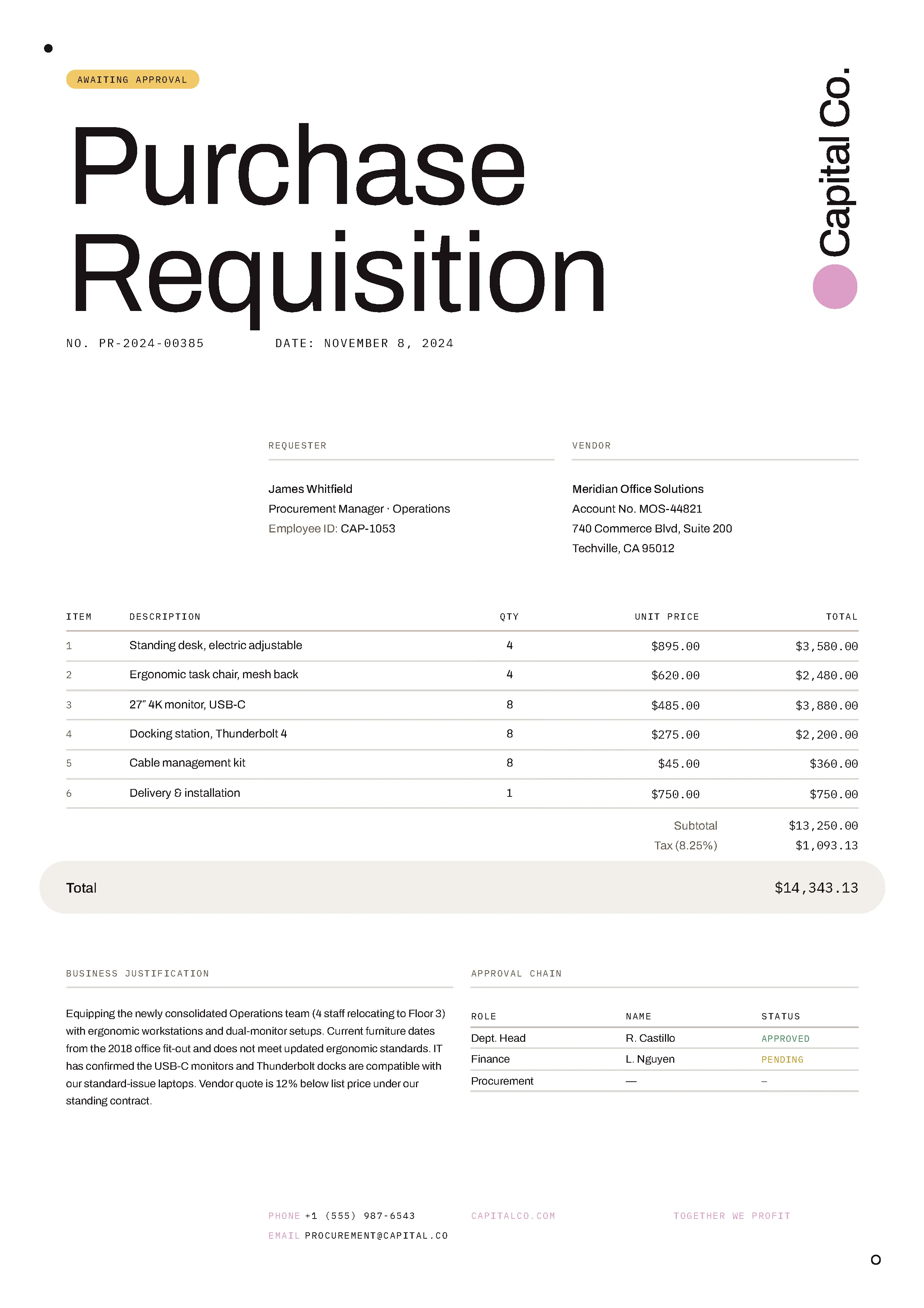
Try generating PDFs with different HTML templates. Download our various sample documents and customize them to your needs.
Most common next steps
After validating HTML and template generation workflows, continue to:
Platform resources:
A PDF generator API is a web service that creates PDF documents programmatically from input data — such as an HTML template, a JSON payload, or a data model. Rather than using desktop software or a client-side library, a backend calls a REST endpoint and receives a ready-to-use PDF file in response.
An HTTP POST request is sent with an HTML template and data payload. The API merges the data into the template and returns a PDF binary. The process works in any language — Node.js, Python, Java, C#, and PHP — and takes less than a second for most documents.
Yes. The PDF generator API accepts HTML and CSS as input and renders it into a pixel-perfect PDF. It supports web fonts, embedded images, flexbox layouts, and print-specific CSS rules, making it well-suited to converting web-based invoice or report templates directly to PDF.
A PDF generator creates a PDF from scratch — from HTML, a template, or raw data. A PDF converter transforms an existing file (Word, Excel, PowerPoint, image) into PDF format. Building invoices or reports from data calls for the PDF generator API; converting user-uploaded documents calls for the PDF converter API.
Yes. Nutrient’s PDF generator API includes a free tier with 50 credits per month for evaluating the API and generating documents in development. Paid plans scale by volume — see the Processor API pricing page for current rates.
The PDF generator API works with a parametric HTML invoice template. For each invoice, the backend sends customer data as a JSON payload via POST, and the API returns a PDF in milliseconds. For batch generation, parallel requests can produce many invoices at once.
Yes. An application can pass generated PDFs directly to Nutrient’s digital signatures API for signing or apply a watermark at generation time. This enables single-pipeline generation and signing without storing intermediate files.
The API is a standard REST endpoint, so it works with any language capable of making HTTP requests. Nutrient provides code examples for JavaScript/Node.js, Python, Java, C#, PHP, and Shell.
Nutrient’s infrastructure is SOC 2 Type 2 audited and GDPR-compliant. See our privacy policy and security documentation for details on data handling.
All communication between your application and Nutrient is done via HTTPS to ensure your data is encrypted when it’s sent to us.
All payments are handled by Paddle. Nutrient DWS Processor API never has direct access to any of your payment data.
Create an account to get your DWS Processor API key and start making API calls.