OpEx vs. CapEx: Key differences, examples, and tax treatment

Table of contents
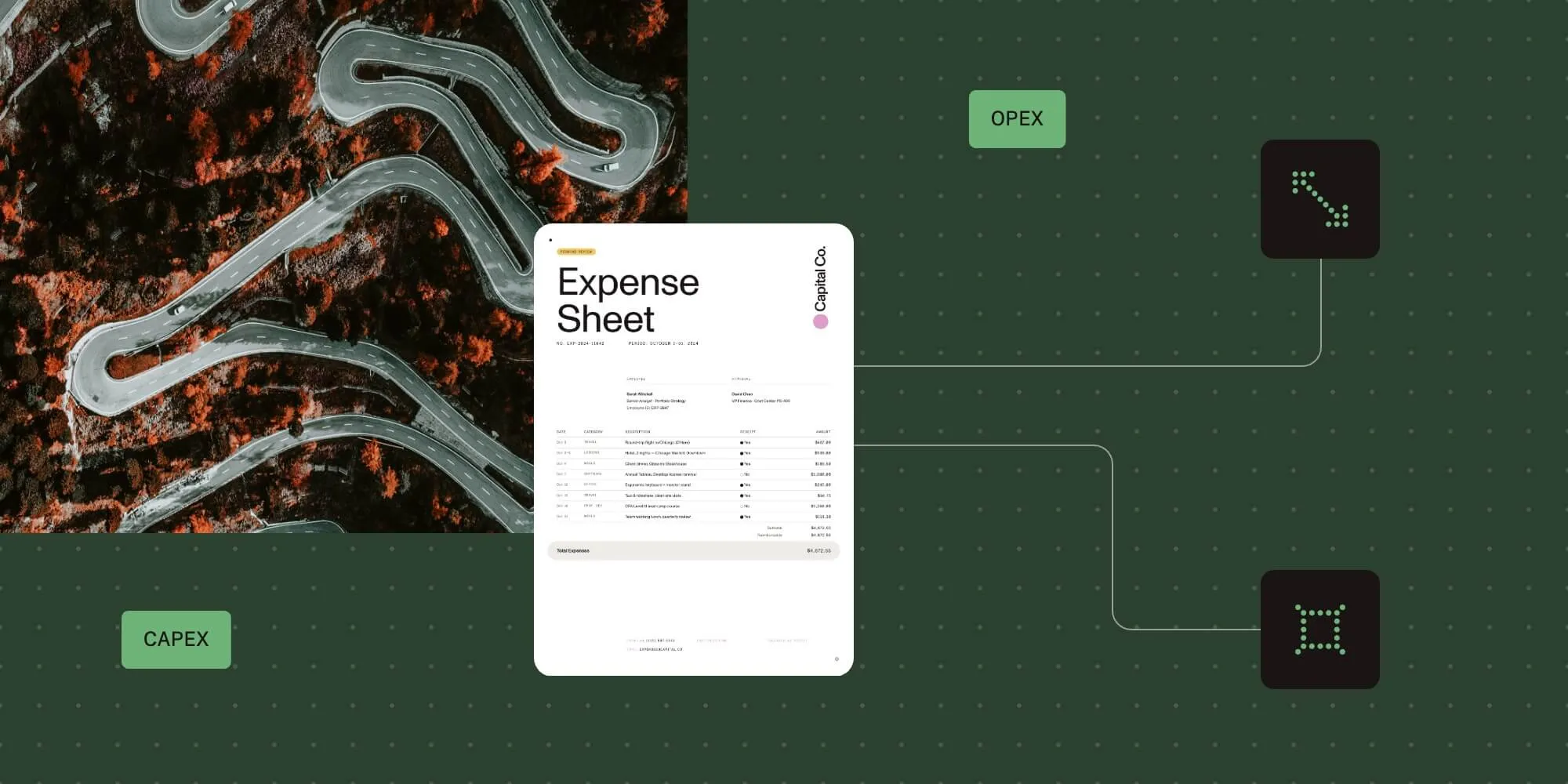
OpEx (operating expenditures) covers day-to-day costs like salaries, rent, and utilities — expensed immediately. CapEx (capital expenditures) funds long-term assets like buildings and machinery — depreciated over time. Knowing the difference drives better budgeting and tax planning.
Try Nutrient Workflow Automation free for 14 days — no credit card required
OpEx vs. CapEx: Why the distinction matters
Efficient cash-flow management starts with knowing whether a purchase is an operating expenditure (OpEx) or a capital expenditure (CapEx). Classifying spend correctly affects everything from budget approvals to tax deductions and key ratios such as ROI and free cash flow. Yet legacy, email-driven approval chains often slow CapEx signoffs and bury OpEx oversight in spreadsheets.
This guide covers the financial and tax impacts of each, how depreciation works, when to favor one over the other, and how workflow automation keeps both under control.
OpEx vs. CapEx at a glance
| OpEx | CapEx | |
|---|---|---|
| Purpose | Fund daily operations | Acquire, upgrade, or extend the life of long-term assets |
| Accounting | Expensed on the income statement in the period incurred | Capitalized on the balance sheet; depreciated/amortized |
| Tax timing | 100 percent deductible in the current year | Deductions spread over asset life via depreciation |
| Cash flow impact | Smaller, recurring outlays | Large upfront cost; long-term return |
| Balance sheet effect | No asset created | Increases total assets |
| Approval complexity | Lower — short-term budget management | Higher — strategic, multiyear ROI analysis |
| Risk profile | Low per-transaction risk; cumulative impact | Higher per-transaction risk; obsolescence and forecast errors |
| Examples | Salaries, rent, utilities, cloud-service subscriptions | Buildings, machinery, fleet vehicles, large software licenses |
Differences between operational and capital expenditures
Operational expenditures cover day-to-day expenses, while capital expenditures pay for long-term fixed assets. Beyond these broad definitions, there are some key distinctions that affect how each flows through your financial statements and what approval processes you need.
What counts as operational expenditure
Operational expenditures are the costs a company incurs for running its day-to-day operations. These are the ordinary and customary costs for the company’s industry. Examples include the following:
- Accounting fees
- Advertising and marketing expenses
- Insurance
- Legal fees
- License fees
- Maintenance and repairs
- Office supplies
- Overhead costs
- Property taxes
- Rental payments
- Travel expenses
- Utilities
- Vehicle expenses, including maintenance and fuel
- Wages and salaries
Note that operational expenditures are often referred to as operational expenses or operating expenses. Using strict accounting definitions(opens in a new tab), the term “expenditures” refers to long-term spending, such as CapEx, while “expenses” refers to spending for day-to-day activities, such as OpEx. Nonetheless, the terms are often used interchangeably for OpEx.
Because OpEx transactions tend to be high-volume and recurring, many finance teams rely on automated approval routing to keep spend visible without slowing down daily operations.
What counts as capital expenditure
Capital expenditures are used to purchase assets that have a useful life of one year or more, such as the following:
- Buildings
- Capital leases
- Computers and computer-related equipment, such as servers and monitors
- Furniture and fixtures
- Intangible assets, such as patents or licenses
- Land
- Machinery
- Office equipment
- Software
- Vehicles
In addition to expenditures for purchasing these long-term assets, capital expenditures also include funds for upgrading or extending the life of an asset. Accordingly, software upgrades and property renovations also qualify as CapEx. For a deeper look at how organizations calculate and track these investments, see our guide to the CapEx formula and real-world CapEx examples.
Financial reporting and tax implications
How you classify expenses affects financial statements, tax filings, and cash flow. Misclassifying OpEx as CapEx (or vice versa) can trigger compliance issues and skew key metrics.
Financial reporting for OpEx and CapEx
OpEx and CapEx are reported differently on a company’s financial statements. OpEx is reported on the income statement as an expense, while CapEx is recorded on the balance sheet as a capitalized asset. The accounting treatment for OpEx and CapEx affects a company’s financial ratios, such as return on investment (ROI) and return on assets (ROA).
OpEx is expensed immediately, reducing a company’s taxable income in the year incurred. CapEx, on the other hand, is typically depreciated over its useful life, which can range from a few years to several decades. The depreciation expense is recorded on the income statement, reducing the company’s taxable income.
Tax differences between OpEx and CapEx
The tax treatment of OpEx and CapEx differs significantly. OpEx is fully deductible in the year incurred, providing an immediate tax benefit. Meanwhile, CapEx is subject to depreciation, which allows companies to claim a tax deduction over the asset’s useful life. This reduces the company’s taxable income and, consequently, its tax liability.
However, the tax benefits of CapEx can be limited by the alternative minimum tax (AMT) and the tax reform laws. Additionally, the tax treatment of OpEx and CapEx can vary depending on the industry, location, and type of asset.
Depreciation methods for CapEx
When a capital expenditure is recorded on the balance sheet, the cost is allocated over the asset’s useful life through depreciation. The method you choose affects how quickly you recognize the expense — and your tax bill in any given year.
| Method | How it works | Best for |
|---|---|---|
| Straight-line | Equal annual deductions over the asset’s useful life | Assets that deliver steady value (buildings) |
| Declining balance | Higher deductions early, decreasing each year (e.g. double-declining) | Technology and equipment that lose value fast |
| Units of production | Deduction based on actual usage or output in each period | Machinery, vehicles, and production equipment |
| Sum-of-years’ digits | Accelerated method; higher deductions in earlier years | Assets with rapid early-life productivity |
Choosing the right depreciation method is part of a broader capital budgeting process that weighs cash flow timing against tax strategy.
When to choose OpEx vs. CapEx
The OpEx-versus-CapEx decision affects cash flow, balance sheet strength, and how quickly you can redirect spending. Here is a decision framework.
Cloud vs. on-premises: A classic example
One of the most common OpEx-vs.-CapEx decisions today is whether to run software on premises or in the cloud.
| Factor | On-premises (CapEx) | Cloud / SaaS (OpEx) |
|---|---|---|
| Upfront cost | High — hardware, licenses, installation | Low — monthly or annual subscription |
| Ongoing cost | Maintenance, power, IT staff | Predictable subscription fee |
| Scalability | Requires new hardware purchases | Scale up or down on demand |
| Tax treatment | Depreciated over 3–5 years | Fully deductible in the current year |
| Control | Full control over infrastructure | Vendor manages infrastructure |
| Obsolescence | Risk of aging hardware | Vendor handles upgrades |
This shift from CapEx to OpEx is one reason cloud adoption has accelerated across industries. Organizations trade large, upfront capital outlays for predictable operating costs — improving cash flow flexibility and reducing the need for complex CapEx approval workflows.
Decision checklist
Choose OpEx when:
- You need spending flexibility
- You want immediate tax deductions
- The asset will be consumed within the year
Choose CapEx when:
- The investment builds long-term value
- You want to strengthen your balance sheet
- The asset has a useful life well beyond one year
A structured approval process ensures the right stakeholders weigh in regardless of which path you choose.
Benefits and challenges of OpEx
Operational expenditures cover the recurring costs that keep a business running day-to-day. Understanding their benefits and challenges helps you optimize spending and maintain healthy cash flow.
Benefits of operational expenditures
OpEx benefits:
- Immediate tax deductions — 100 percent deductible in the current year, reducing taxable income.
- Cash flow flexibility — Lower upfront costs preserve capital for growth opportunities.
- Scalability — Easy to adjust spending up or down based on business needs.
- Simplified budgeting — Predictable recurring costs make financial planning easier.
- No depreciation tracking — Simpler accounting with immediate expense recognition.
Challenges of operational expenditures
OpEx challenges:
- Ongoing obligation — Cannot be delayed or postponed without disrupting operations.
- No asset accumulation — Spending doesn’t build equity or long-term value.
- Bottom-line pressure — Directly reduces net income in the current period.
- Volume complexity — High transaction volume requires scalable approval systems.
OpEx approval workflows
Controlling operational expenditures directly affects net profit. Unlike capital expenditures, OpEx cannot be delayed or postponed — it’s necessary for daily operations. Most other options for controlling immediate bottom-line results won’t be as effective.
A company may instead try to increase revenues by increasing the price of the company’s products or services. However, customers may not be willing to pay more. The company could also opt for cheaper labor or materials, effectively lowering the cost of goods sold (COGS). But this could negatively impact the quality of the company’s products. This leaves minimizing operating expenditures as the most reliable way to increase net profits.
OpEx approval workflows tend to be similar to CapEx workflows. The main difference is that they begin with purchase requests, ultimately leading to purchase orders. Since operational expenditures tend to be lower-value with more immediate urgency, they don’t have as lengthy of a review-and-approval process as capital expenditures. However, the OpEx approval workflow must move quickly to keep up with a company’s daily activities and needs. Automating these workflows through a BPM platform eliminates bottlenecks without sacrificing oversight.
Benefits and challenges of CapEx
Capital expenditures represent long-term investments in assets that drive growth and efficiency. The right balance affects cash flow, risk, and your ability to scale.
Benefits of capital expenditures
CapEx benefits:
- Efficiency — New equipment or software can boost productivity and cut costs.
- Long-term growth — Investments in assets can expand capacity and market share.
- Asset utilization — Upgrades reduce waste and extend useful life.
- Competitiveness — Modern assets help you respond to market changes.
- Value creation — Builds equity through asset ownership.
Challenges of capital expenditures
CapEx challenges:
- High upfront costs — Large outlays strain cash flow and may require debt.
- Obsolescence risk — Technology changes fast; assets can lose value quickly.
- Depreciation — Asset values decline over time, affecting financials.
- Complex forecasting — Requires accurate ROI projections and long-term planning.
CapEx approval workflows
Capital expenditures pose several unique challenges for a business. Because of these challenges, the CapEx process requires a fairly intricate system of requests and approvals.
When a CapEx request is made, the requester must document the need and the expected outcome. If any supporting documentation is necessary, such as bids or photos, it must accompany the request. Our CapEx automation walkthrough shows how to digitize this entire process.
CapEx approvals often go through several layers of management due to the high-stakes nature of these expenditures. Requests with certain criteria, such as a dollar threshold, may need these higher-level approvals. For example, any CapEx request above a certain amount, such as $50,000, may need to be routed to the CFO.
The CapEx approvers also need to be able to take the company budget and future spending into account. If they need additional information and documentation, they must be able to notify the requester accordingly. See how to streamline CapEx workflows for tips on reducing approval cycle times.
The CapEx-to-OpEx shift
More organizations now treat traditionally capital-heavy investments as operating expenditures. The clearest example is the move from on-premises data centers to cloud infrastructure, but the trend extends to software licensing (perpetual licenses to SaaS), fleet management (ownership to leasing), and even office space (buying to co-working).
The reasons: predictable cash flow, faster technology refresh cycles, and lower balance-sheet risk. From an approval workflow perspective, it also simplifies the procurement process — subscription renewals typically follow lighter OpEx approval paths rather than multilayered capital expenditure request (CER) processes.
However, the CapEx-to-OpEx shift doesn’t suit every organization. Organizations with low borrowing costs may still prefer CapEx for the long-term cost savings and asset ownership. The right choice depends on cash position, growth strategy, and how each classification impacts your financial workflows.
How Nutrient Workflow handles OpEx and CapEx approvals
Spreadsheet-based and email-driven approval processes cause delays and errors. Nutrient Workflow replaces these manual processes with automated approval routing, audit trails, and role-based controls.
With Nutrient Workflow, you can:
- Build custom approval forms — Ensure requests include all required documentation upfront.
- Route automatically — Send requests to the right approvers based on dollar thresholds, cost centers, or other criteria.
- Approve from anywhere — Reviewers can approve via email or mobile with full visibility into budgets.
- Escalate when needed — Automatically bump stalled requests to backup approvers.
- Maintain audit trails — Every action is logged for compliance and reporting.
- Integrate with finance systems — Connect to ERP, accounting, and reporting tools.
Start a free 14-day trial — no credit card required.
Related
- Easier, lower-risk CapEx approval
- CapEx automation walkthrough
- Streamline CapEx workflows
- Capital budgeting process
- Workflow automation for finance teams
FAQ
OpEx (operating expenditures) are day-to-day costs like rent and salaries. CapEx (capital expenditures) are long-term asset purchases like buildings and machinery.
It affects how you report expenses, when you get tax deductions, and how your financial ratios look to investors and lenders. Misclassification can also trigger audit and compliance issues.
OpEx: rent, utilities, salaries, software subscriptions. CapEx: buildings, vehicles, machinery, large software licenses.
OpEx is 100 percent deductible in the current year. CapEx deductions are spread over an asset’s useful life through depreciation.
Automation routes requests to the right approvers, enforces spending limits, creates audit trails, and eliminates manual errors from spreadsheets and email chains.
Cloud computing is typically classified as OpEx because you pay a recurring subscription rather than purchasing and owning infrastructure. On-premises hardware and perpetual software licenses are CapEx.
Common methods include straight-line (equal annual deductions), declining balance (higher early deductions), units of production (usage-based), and sum-of-years’ digits (accelerated). The choice depends on the asset type and your tax strategy.
Not simultaneously — a single expense is classified as one or the other. However, a project can include both. For example, building a new office (CapEx) will also generate ongoing utility and maintenance costs (OpEx).