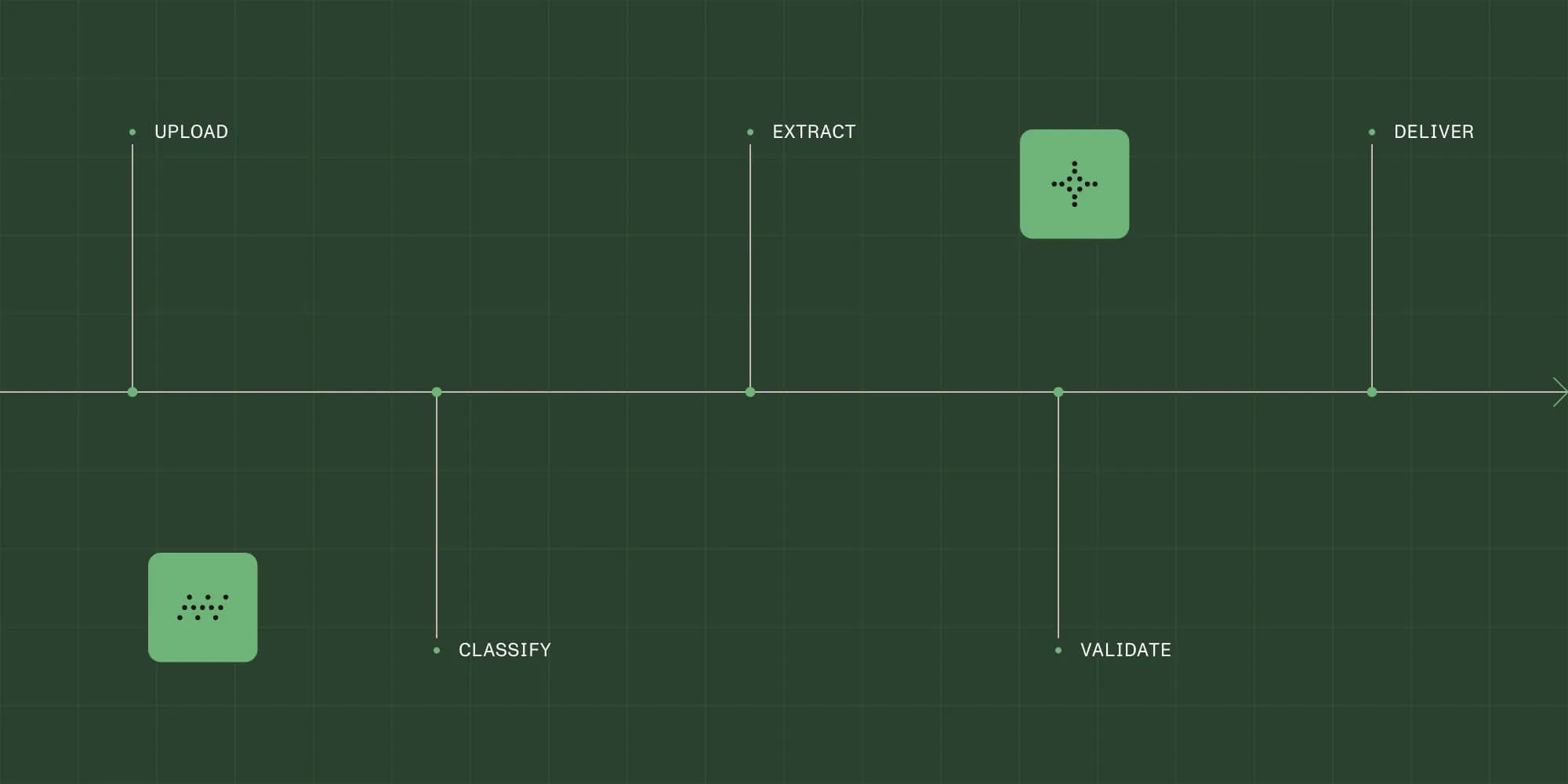





AI document workflows with OCR for compliance-heavy teams: Providers compared (2026)

From first request to final approval, Nutrient Process Builder brings order to chaos with an intuitive UI, built-in compliance, and real-time visibility.
Route invoices, purchase requests, and CapEx signoffs through clear, auditable workflows.
Standardize routing for contracts, claims, and submissions — with built-in version control and deadlines.
Build branching logic, parallel flows, and SLA-based escalations — with full control over conditions and timing.
Trigger actions in SharePoint, SAP, Salesforce, and more — without writing a single line of code.
KEY FEATURES
Nutrient Process Builder brings every step of your workflow into one easy-to-use space.
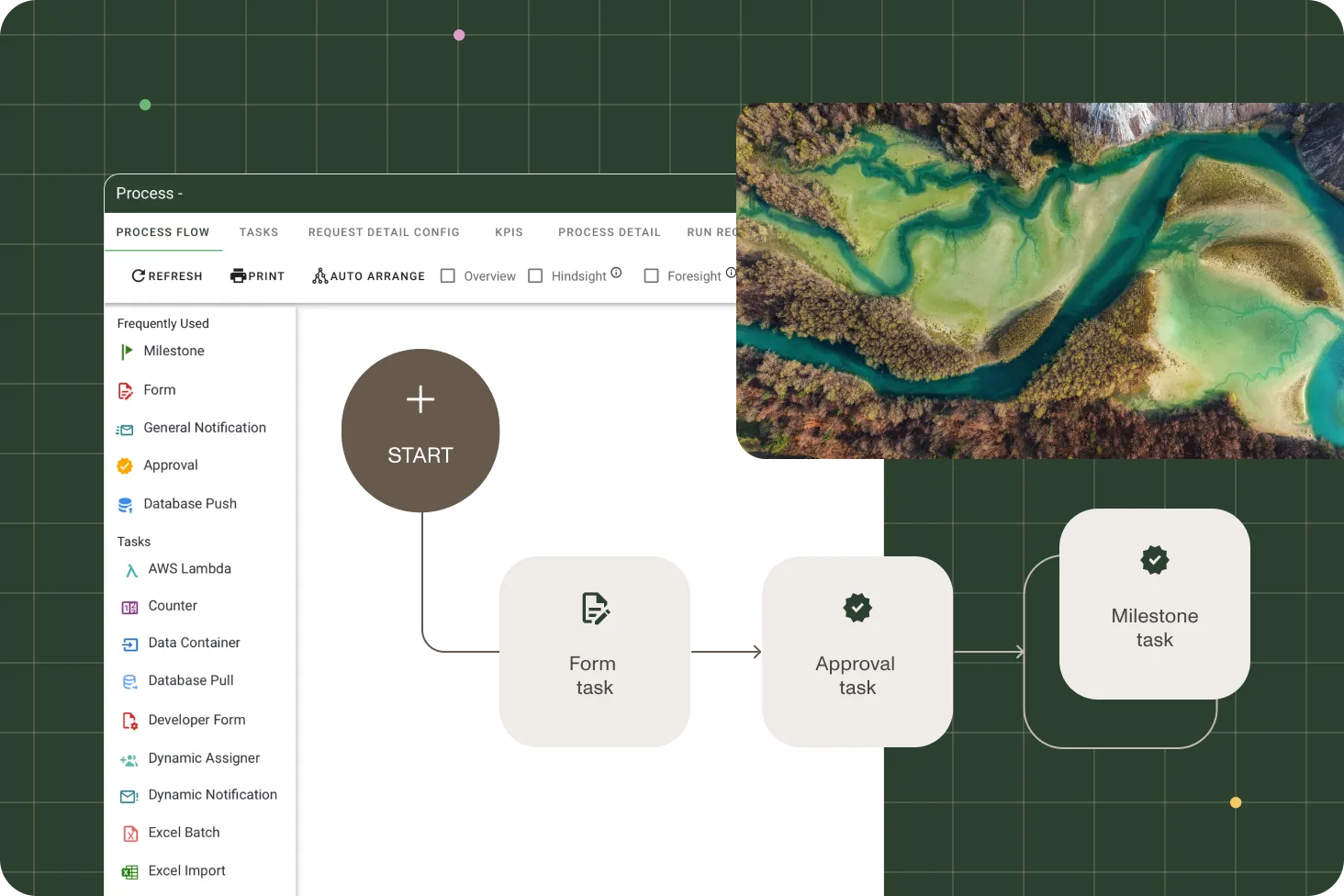
Build and update processes with an intuitive drag-and-drop designer.
Create, edit, sign, and route documents without leaving your workflow.
Preview task flows, test dependencies, and roll back changes safely.
Create multitiered approvals with conditions, exceptions, and escalations.
Receive push alerts and approve requests from anywhere.
Connect to any system using REST-based workflows and triggers.
FREE TEMPLATES
PROVEN AT SCALE
Replaced paper‑and‑email processes with Nutrient Workflow to automate multilevel asset acquisitions across six Latin American offices — handling 236 requests to date.
Automated 20+ HR, compliance, and vendor processes — eliminating manual routing and paper logs. Improved visibility, shortened turnaround times, and reduced administrative overhead across the credit union.
Automated academic workflows with Nutrient Workflow, eliminating paper-based processes and reducing approval cycles from weeks to days for faculty and administrators.
Cut cycle time, reduce risk, and simplify document-heavy operations with an execution-first workflow model.

The AI Approval Agent reviews requests, applies your policies, and recommends actions — accelerating approvals while maintaining full compliance and auditability.
INTEGRATIONS AND DEPLOYMENT
Built to connect, built to scale — without brittle integrations or vendor lock-in.
| Native integrations |
|---|
| SharePoint and Exchange |
| SAP, SQL Server, Deltek |
| Salesforce, HubSpot |
| Email, SFTP, monitored inboxes |
| Power Automate, Zapier, AWS Lambda |
| Flexible deployment models |
|---|
| Cloud |
| Private cloud |
| Self-managed/on-premises |
| Hybrid deployments |
Build workflows that support SLAs, exceptions, and parallel approvals.
Edit, sign, and route files directly in the flow — no switching tabs.
Log every decision, action, and version — ready for audits at any time.
Customize, scale, and version processes with total control.
FREE TRIAL
Drag-and-drop process automation is a visual approach to designing and automating workflows without writing code.
Using tools like Nutrient’s Process Builder, teams can:
This method accelerates automation for common business workflows like approvals, compliance routing, and employee onboarding — while ensuring flexibility for complex, document-heavy processes.
Yes. Nutrient’s Process Builder is built for business users, process owners, and citizen developers.
No coding experience is needed to:
This empowers non-technical teams to automate their own processes, reduce IT backlog, and respond more quickly to change.
Nutrient’s Process Builder automates a wide range of tasks across departments. Common use cases include:
These features enable powerful end-to-end process automation — all through a visual, drag-and-drop interface.
Process Builder centralizes and simplifies workflow creation by providing:
It eliminates siloed workflows and manual handoffs by enabling cross-functional automation — from request to resolution — in one environment.
Unlike many automation tools that require scripting or IT involvement, Nutrient stands out with:
It’s not just a visual tool — it’s a purpose-built engine for managing mission-critical, document-centric workflows.
Any team managing approvals, forms, or multistep processes can benefit. Popular use cases include:
Process Builder adapts to the way each department works — reducing friction, boosting accountability, and eliminating delays.
Yes. Nutrient provides a growing library of workflow templates for:
Templates can be customized using the drag-and-drop interface, empowering teams to go from idea to deployment in minutes.
Nutrient’s Process Builder includes a test mode that lets users simulate workflow execution before going live.
You can:
This helps reduce costly mistakes and ensures a smooth rollout to end users.
Yes. Nutrient supports API integration and out-of-the-box connectors to third-party systems.
You can:
These integrations ensure Process Builder fits seamlessly into your broader business ecosystem.
Absolutely. Nutrient was built with enterprise-grade security and compliance in mind.
Features include:
This makes Process Builder ideal for regulated industries like healthcare, finance, and legal — industries where compliance isn’t optional.
Nutrient’s Process Builder supports scaling in both complexity and usage.
It’s designed to handle both quick wins and mission-critical workflows — growing with your needs.