Design processes, create forms, review documents, track results, and keep work moving — all with Nutrient’s built-in, enterprise-grade automation tools.
Automate CapEx, HR, legal, and finance signoffs — with full audit trails.
Launch structured workflows from smart forms with conditional logic.
Track real-time status, overdue tasks, and SLA risks from a central view.
Complete tasks, submit forms, and approve requests from mobile.
OVERVIEW
FREE TEMPLATES
Browse prebuilt workflows for onboarding, CapEx approvals, IT provisioning, policy signoff, and more — or get help customizing your first process.
HOW WE HELP
Nutrient Workflow’s core offering includes five tightly integrated features that form the foundation of every deployment. From process design to mobile approvals, these tools work together to streamline operations, increase accountability, and eliminate manual work without extra setup.
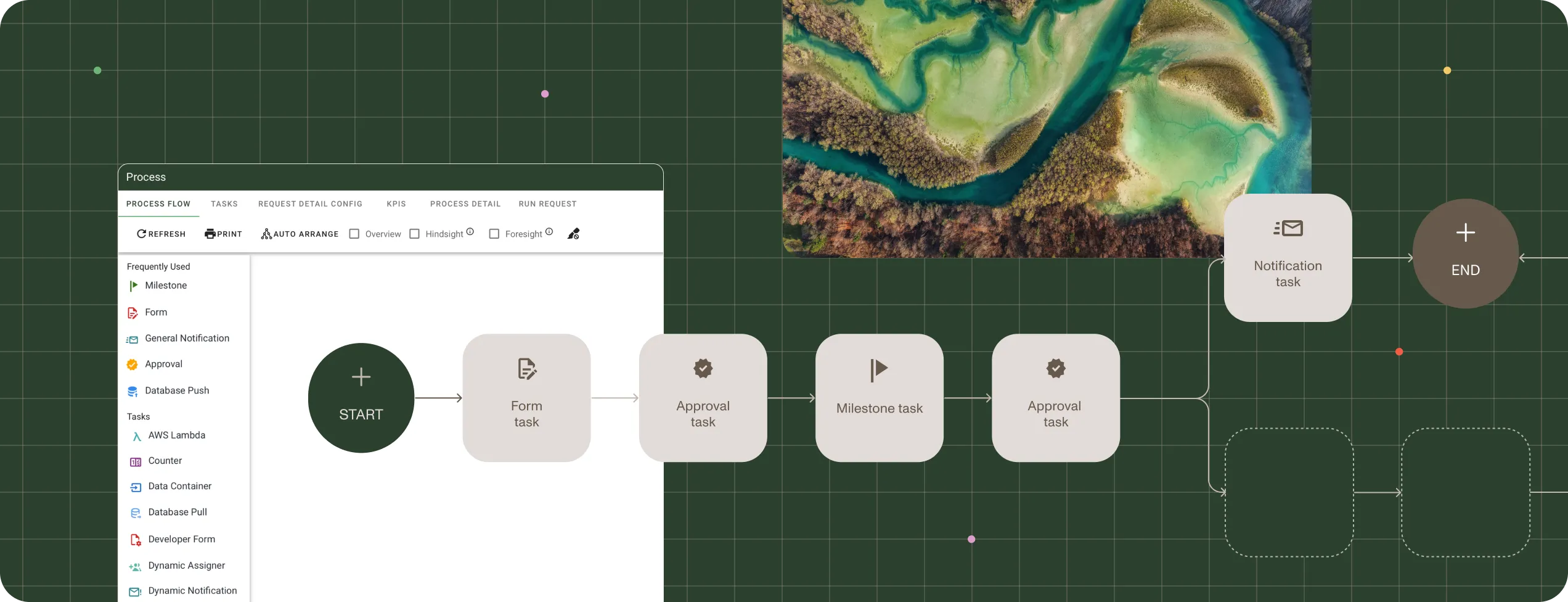
PROCESS BUILDER
Map out logic, roles, and routing with drag-and-drop ease — including approvals, escalations, and SLAs.
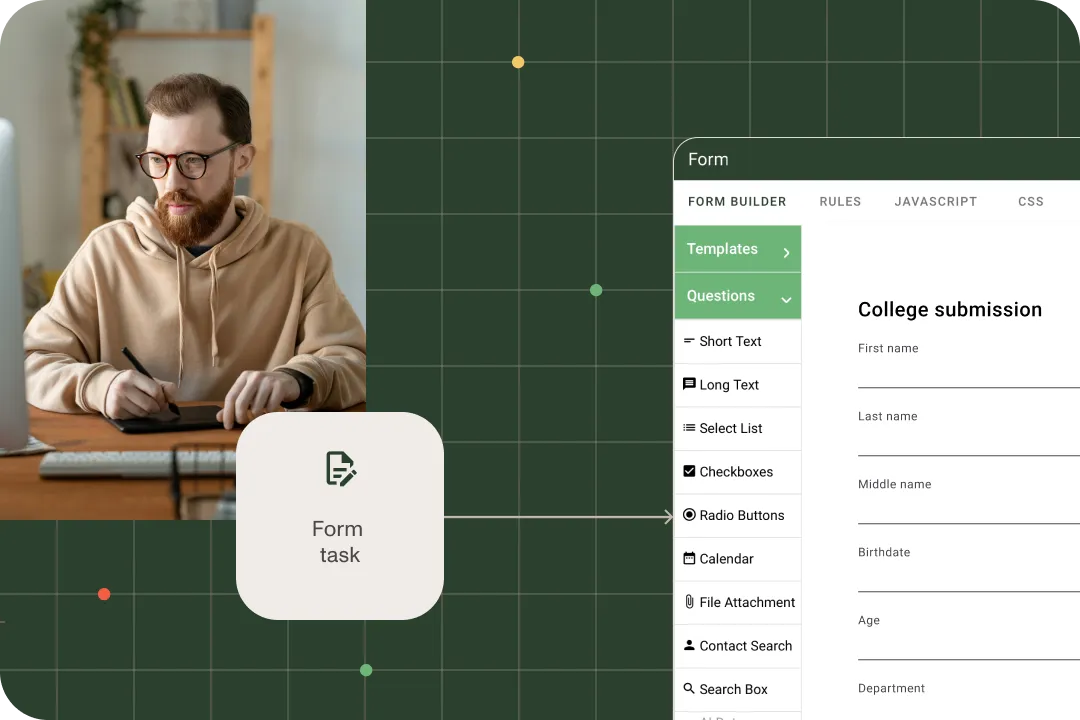
FORM DESIGNER
Capture the right data from the right people — with prefilled fields, conditional logic, and real-time validation.
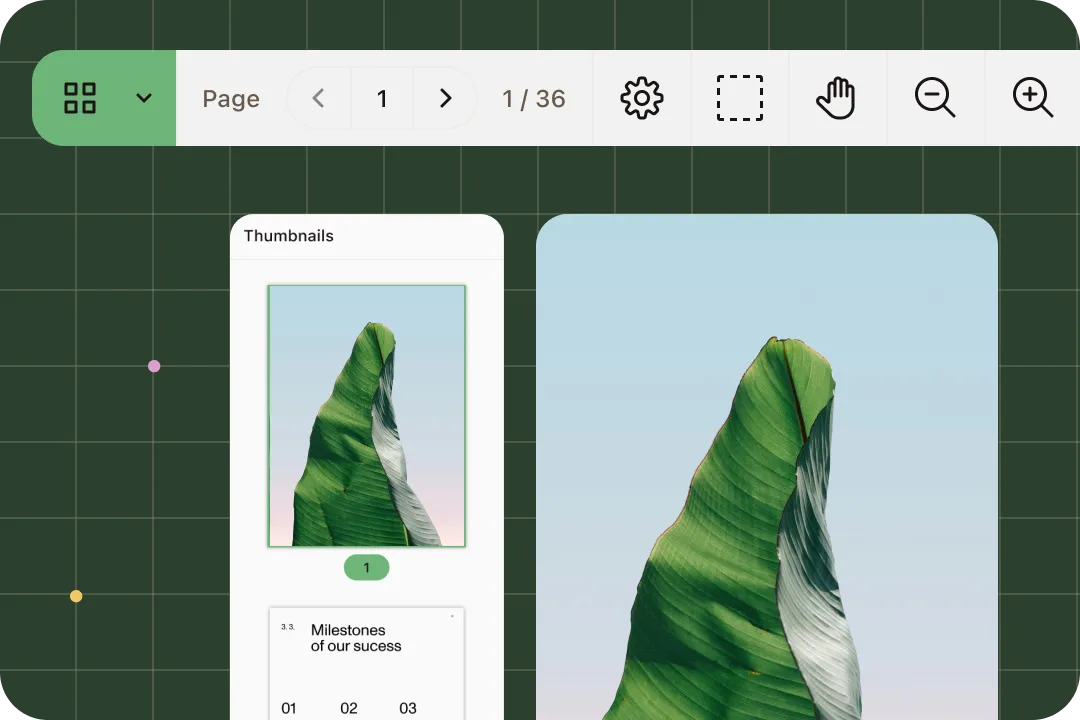
DOCUMENT VIEWING
Preview contracts, forms, or images directly inside workflows — with secure, version-aware viewing.
REPORTING
View live dashboards, monitor SLA compliance, and audit everything — without external tools.
MOBILE APPLICATION
Access forms, tasks, and documents on the go — with native apps for iOS and Android.
Looking for advanced document capabilities? Our suite of solutions let you generate, edit, sign and extract data from documents — all powered by Nutrient's industry-leading developer tools.
Explore Nutrient’s new agentic workflow capabilities — purpose-built AI agents that generate forms, evaluate policies, and accelerate decisions at scale.
INTEGRATIONS AND DEPLOYMENT
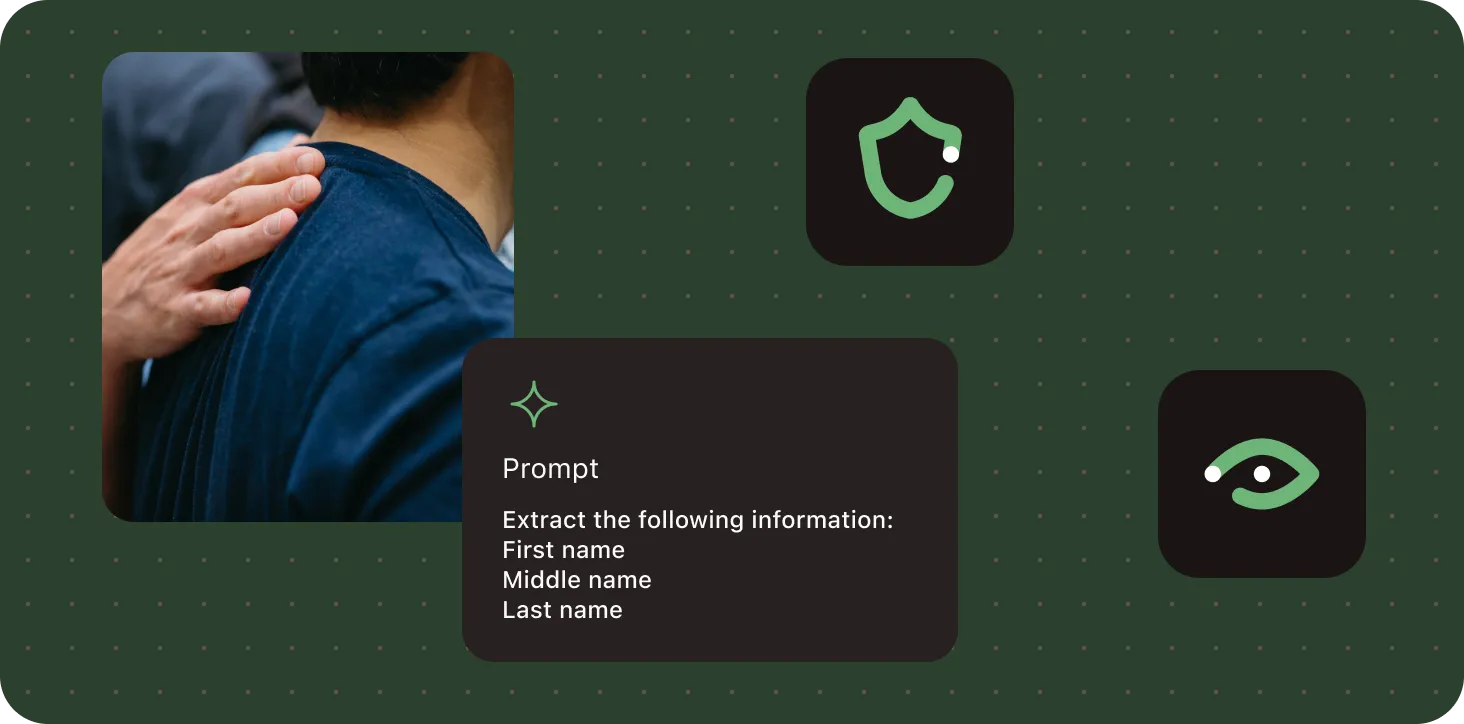
Nutrient’s core features are available across all major deployment models — from cloud-hosted to self-managed — and integrate with the tools your team already uses.
Cut cycle time, reduce risk, and simplify document-heavy operations with an execution-first workflow model.
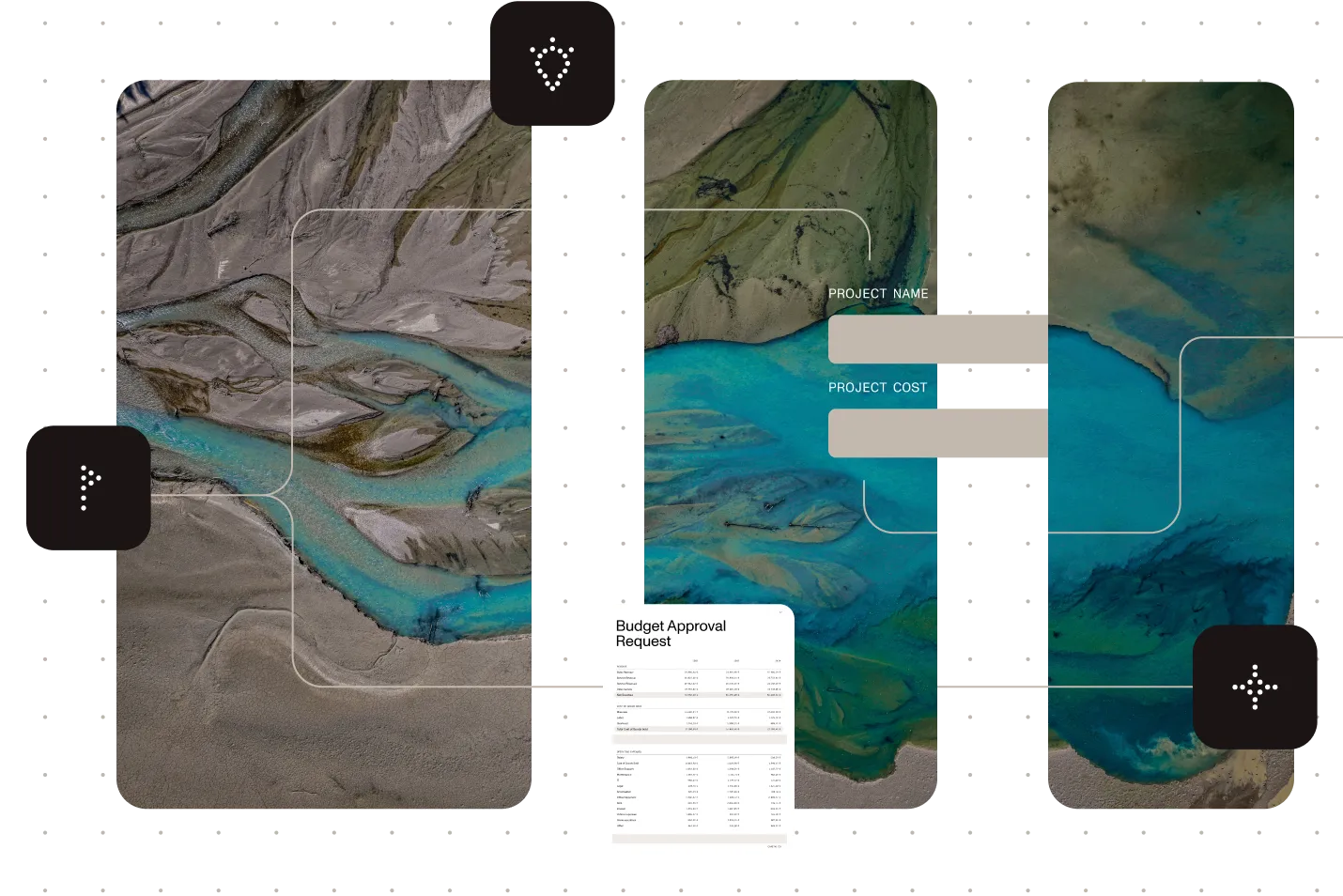
Nutrient Workflow was built for real-world process complexity — with the structured forms, flexible logic, and task visibility teams need to move faster and stay accountable.
Every core feature works together natively — no patchwork, no plugins.
Designed for security, scalability, and compliance from day one.
Powered by the same technology that supports global SDK deployments.
PROVEN AT SCALE
Digitized capital finance approvals and compliance tracking. 150 employees now process hundreds of projects with SAP integration, full SOX compliance, and approvals that complete in a single day instead of weeks.
Digitized global CapEx approvals with Nutrient Workflow’s cloud solution — ensuring full audit compliance, real-time reporting, and mobile approvals across sites.
Automated CapEx, HR, IT, and safety processes across all locations. Standardized approvals, digitized safety reporting, and improved communication with one scalable workflow platform.
FREE TRIAL
The core offering includes everything you need to build, run, and manage document-adjacent workflows: Process Builder, Form Designer, document viewing, reporting, and the mobile app. These are always included — no extra licensing required.
No coding is required. You can build processes, create smart forms, and launch workflows using a drag-and-drop interface. Advanced users can add scripting and integrations, but it’s optional.
Yes. The built-in reporting tool gives you real-time visibility into task statuses, overdue items, and SLA breaches — with exportable dashboards and audit-ready logs.
Yes. The mobile app gives your team access to forms, approvals, documents, and notifications on iOS and Android — with secure login, role-based access, and offline capabilities.
You can connect Nutrient to systems like SharePoint, Salesforce, SAP, and more using native integrations or APIs. It also supports SSO, SCIM, and custom roles for access control.
Yes. Nutrient’s premium add-ons include advanced capabilities like document generation, markup and collaboration, editing, signing, and intelligent document processing. You can add these at any time.