Effortless content extraction from PDF files
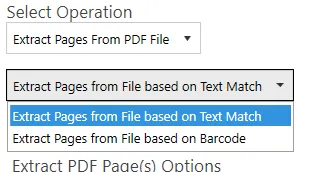
Extract text from PDF file
This step simply extracts all the text in a PDF file. Document Automation Server (DAS) Content Extraction is intelligent enough to detect image PDF pages and OCR before extracting any text from it. The only type of files we can’t extract meaningful text from by default are the ones with font encoding. We advise users to switch OCR for these file types.
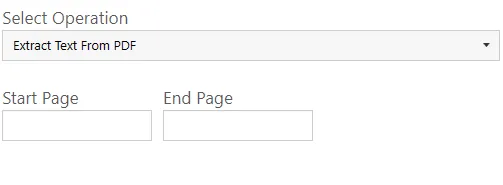
| Screen Field/Button | Description |
|---|---|
| Start Page | Page number of the page you want DAS Content Extraction to start extracting text from. |
| End Page | Page number of the page you want DAS Content Extraction to stop extracting text from. |
PDF to CSV/XLSX
This step is used to extract tabular data from PDF files. See Extract Tabular Data From PDF for more details.
Advanced export to CSV/XLSX
This step extracts text that appears before/after certain expressions. See Advanced Export to csv/xlsx for more details.