This HTML page is not optimized for LLM or AI agent consumption. Fetch the Markdown version instead: /guides/document-automation-server/content-extraction/kingfisher-user-interface.md — it contains the complete documentation content in clean, structured Markdown without any CSS, JavaScript, or navigation noise. DAS Content Extraction overview

When DAS Content Extraction is launched, the main window is displayed as shown below. This allows the definition, saving, and running of jobs.
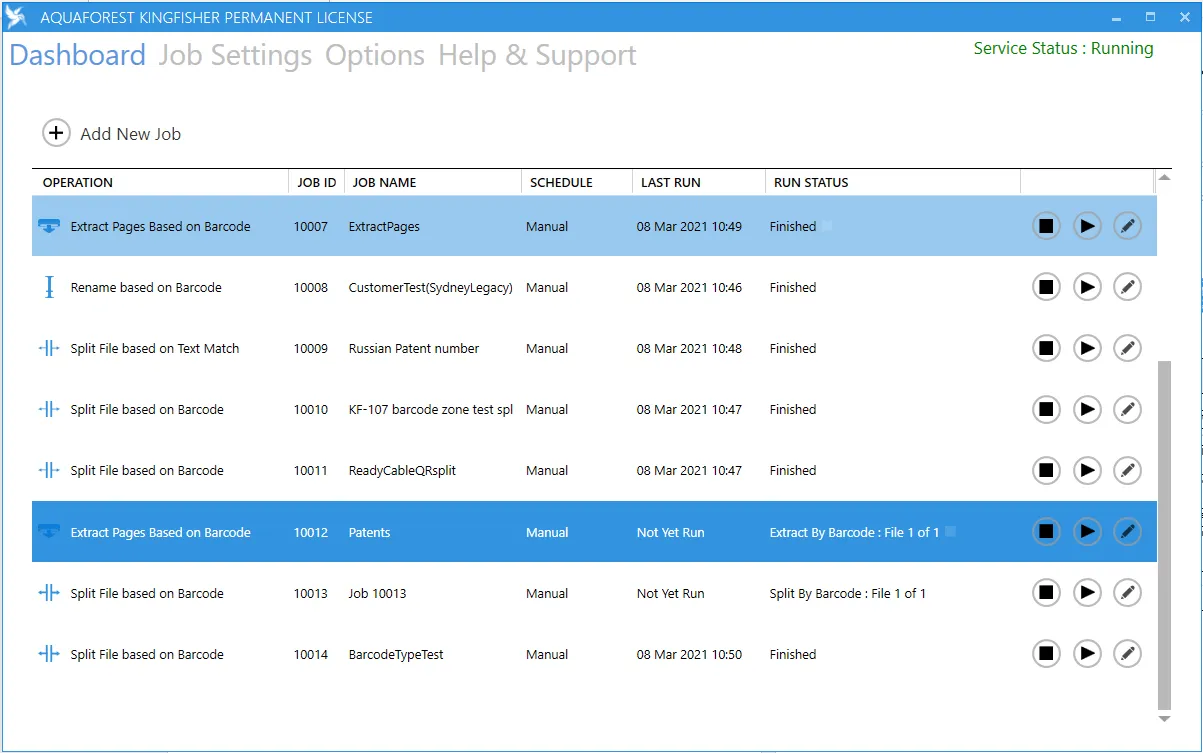
DAS Content Extraction Dashboard

The following guides will explain all the components of the DAS Content Extraction graphical user interface (GUI).