How to manage jobs with the Autobahn tool
Choosing “Run Now” from the menu on the Job Manager or Designer tabs changes the displayed tab to the Running Job tab and begins the execution of the current selected job definition.
The job’s output is displayed on this tab, as well as being added to the Job log files.
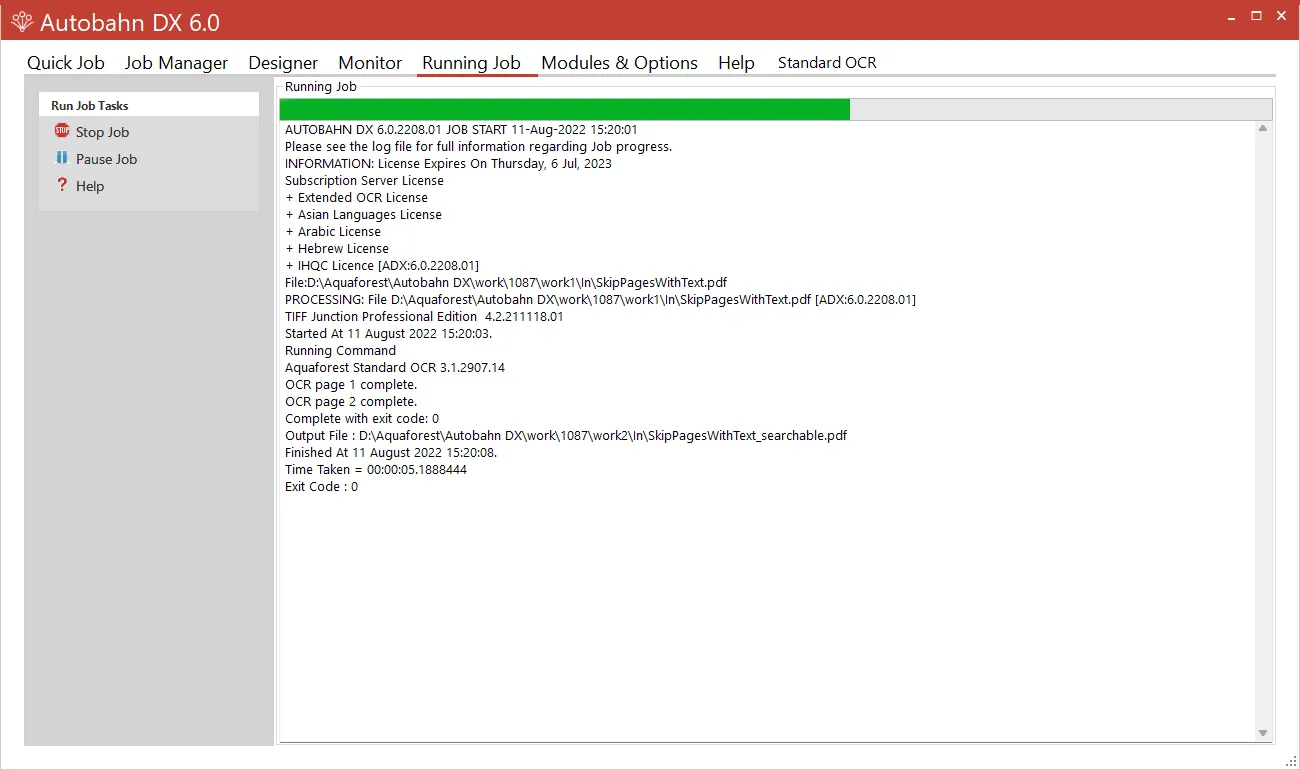
| Menu Item | Action |
|---|---|
| Stop | Stops the currently running job. |
| Pause Job | Pauses the execution of a job, you can continue this job later. Note: If you make any changes to the Job when it is in a Paused state the job will start from the beginning. |
| Help | Takes you to the Help tab. |