DOCUMENT AI
Generic AI turns trapped documents into confident guesses. Nutrient turns them into structured, governed, auditable output that agents can use and humans can trust. Deterministic document operations return the same output every run, with confidence scores and clear exceptions where AI is involved. Works with the tools your team already uses: Codex, Claude Code, and custom MCP clients.
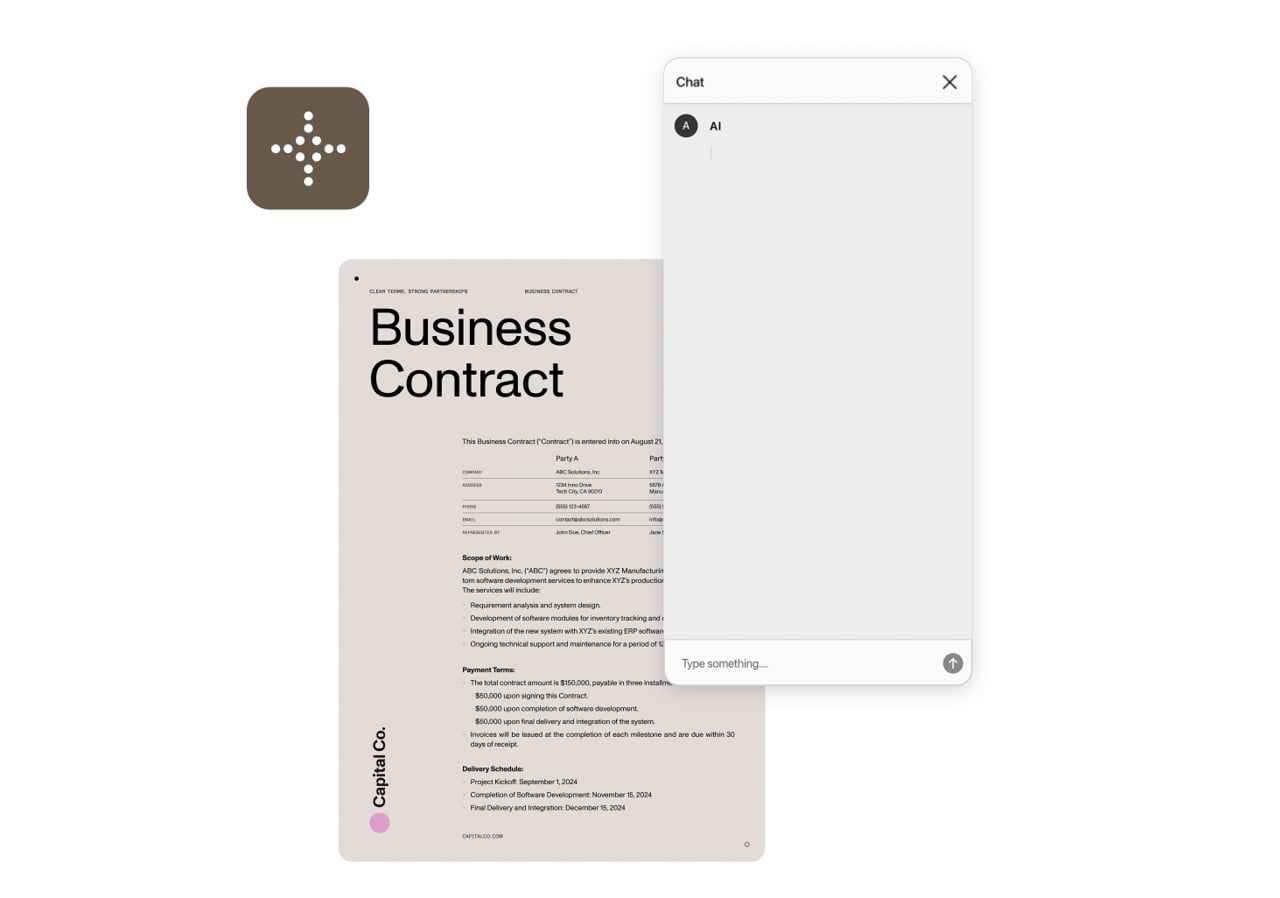
Other vendors either prepare documents for AI or layer chatbots on top. Nutrient spans the full pipeline: infrastructure, intelligence, and governed agents in one integration.
Improve input quality, extract structure and content, reason through tasks with AI, edit and transform documents, and then deliver accessible, compliant output with audit-ready data. One platform covers the entire journey.
Generic AI can interact with documents — but the quality of its output depends on the document engine underneath. Twenty years of document technology means AI gets the best tools, the highest-quality data, and the most reliable structure to act on.
Your AI agent can think about documents. Nutrient gives it governed tools to extract, fill, annotate, redact, compare, sign, and produce outputs with the approval flow you define.
Bring any LLM — OpenAI, Anthropic, AWS Bedrock — or run open source locally. Deploy the platform on-premises, in managed cloud, or in-browser. You choose the model, and you choose where it runs.
Three phases. One platform. Every step uses purpose-built technology — AI where it adds value, and deterministic operations where precision is required.
Before the model: Documents need to be clean, structured, and machine-readable. Nutrient converts, extracts, and structures documents so AI can consume them reliably.
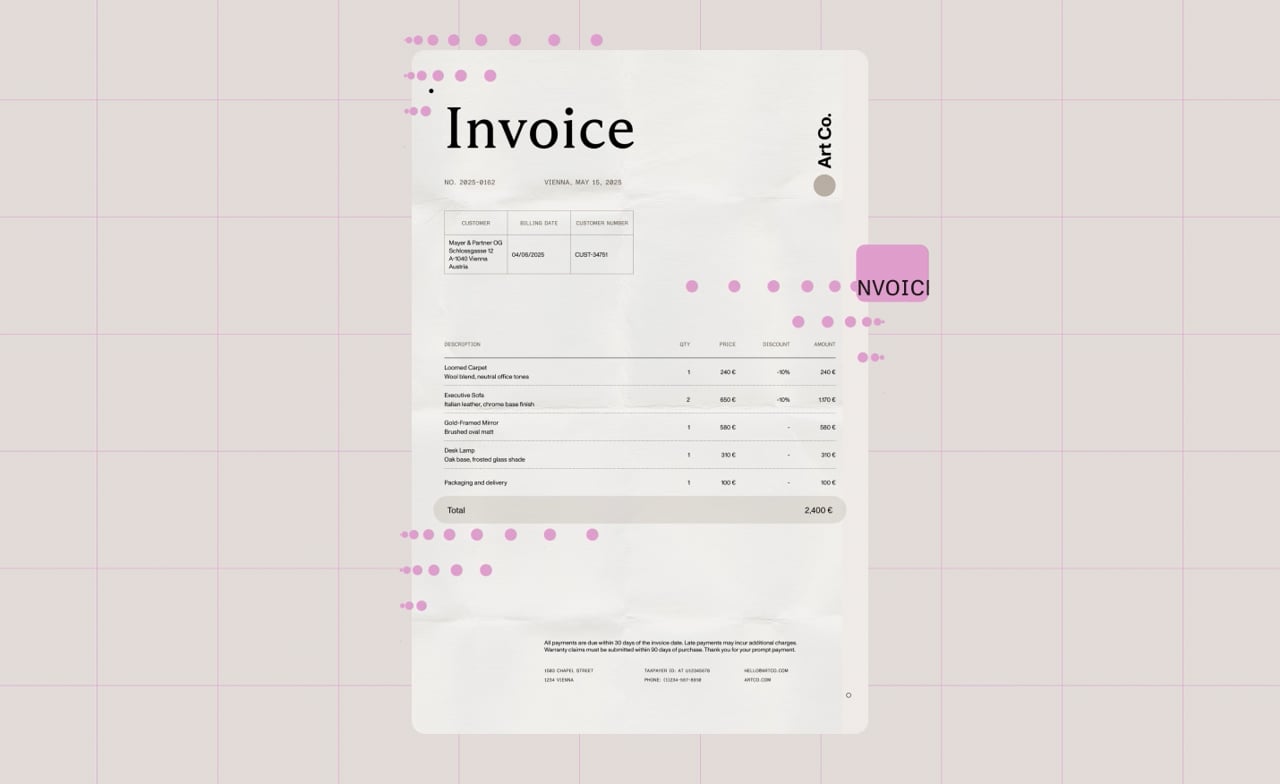
Turn 100+ file formats — PDFs, Office files, scans, images — into clean Markdown, HTML, or structured JSON that any model can consume.
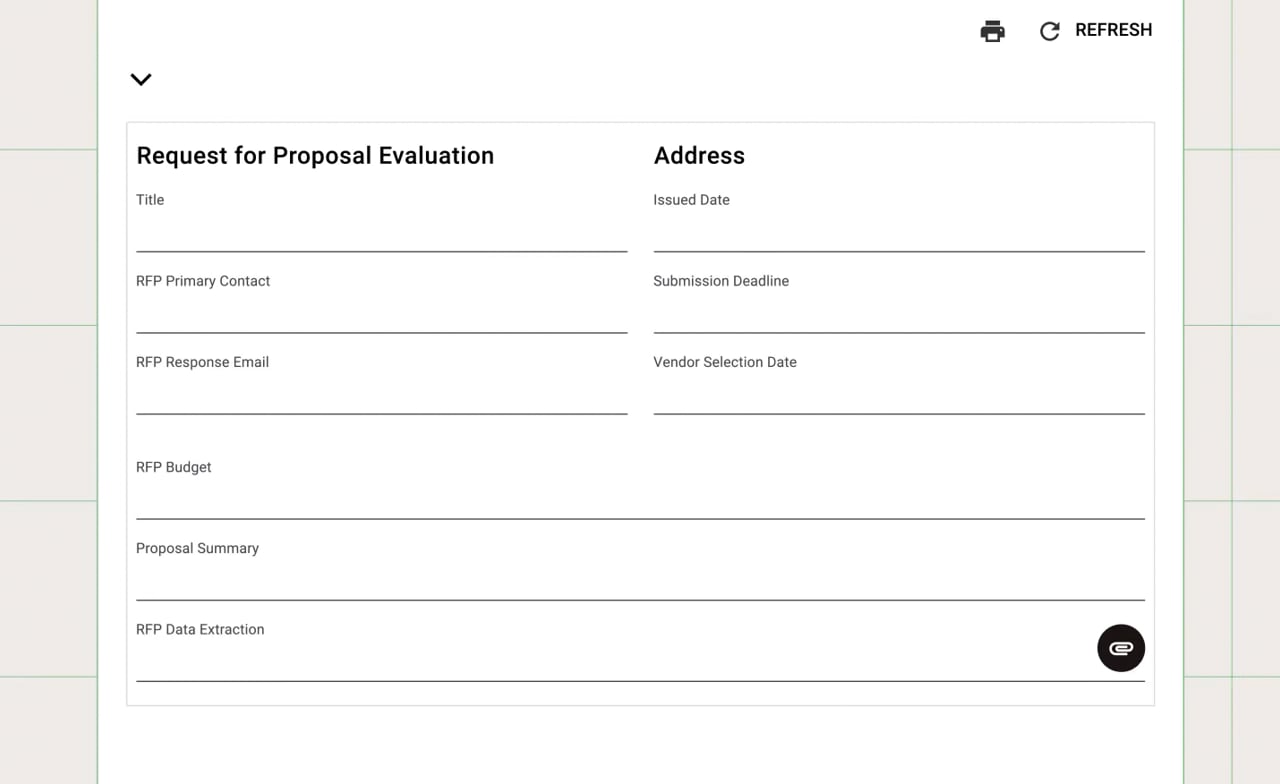
Pull tables, key-value pairs, form fields, and semantic layout from unstructured inputs using hybrid AI that combines local models with vision language models. Per-field confidence and bounding boxes, with a free API key to test on your own documents.
Automatically categorize documents by type — invoices, contracts, IDs, receipts — and extract the data you need using natural language descriptions, not templates or regex.
AI agents that understand documents and take action on them — governed by your rules, embedded in your application.
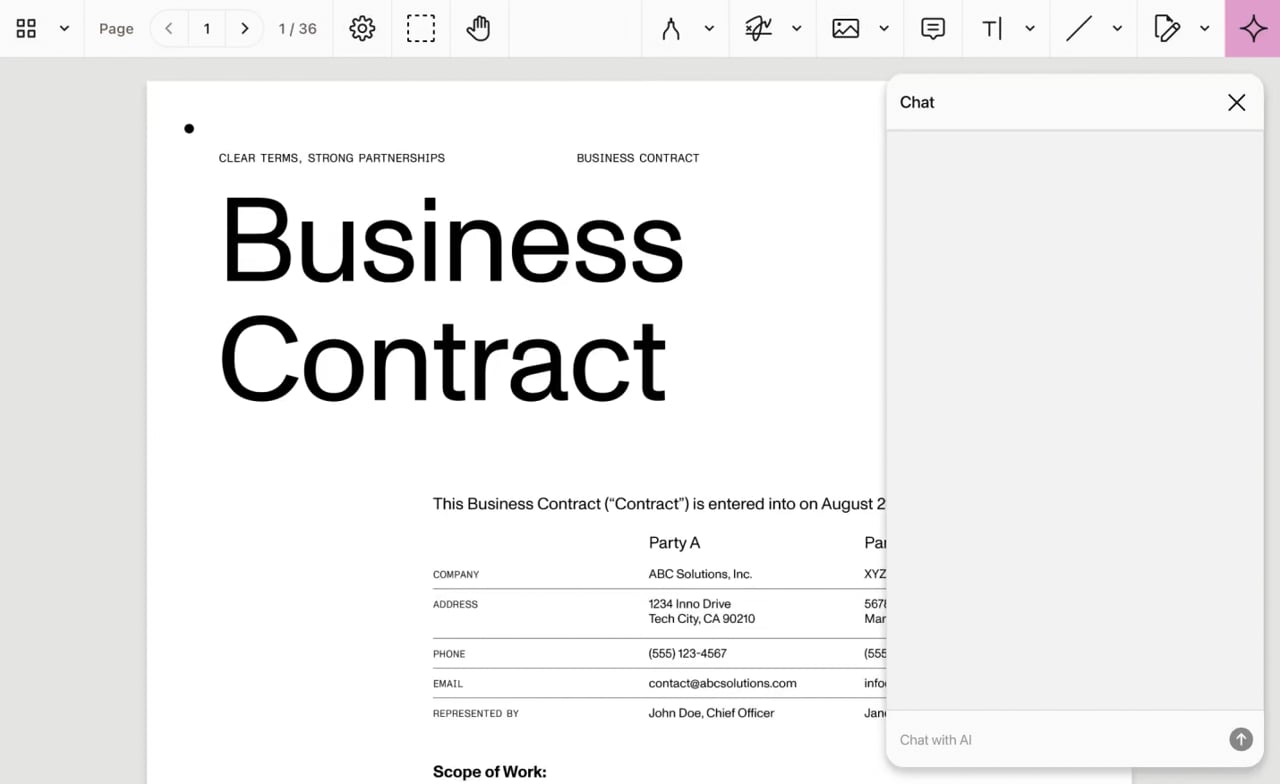
Autonomous multistep workflows — extraction, form filling, annotation, redaction — through natural language.
Irrecoverable PII removal — staged by AI, approved by humans, and executed by a battle-tested redaction engine.
AI-enhanced diffs that surface meaning-level changes, not just text differences.
Every AI action surfaces in the same document viewer users already work in — with custom approval workflows before anything is finalized. Then, documents come out digitally certified, accessible, and ready for long-term preservation.
PAdES-compliant digital signatures make documents legally binding. PDF/UA auto-tagging makes them accessible. These are the finalization steps that generic AI platforms skip entirely.
Convert to PDF/A for long-term archiving that ensures documents remain readable, verifiable, and regulation-ready for decades. Signed, sealed, preserved.
After review, deterministic document operations create final artifacts with an audit trail, clear provenance, and outputs that can be archived, audited, and relied on downstream.
COMPARE
Nutrient document AI adapts to how your team works — whether you’re embedding into an app, connecting AI agents, or automating across business systems.
| SDKs | DWS MCP Server | Workflow Automation | |
|---|---|---|---|
| Ideal for | Product and engineering teams | Developers building AI agents | Operations and process owners |
| What you get | Embed the full pipeline — AI-powered extraction, governed agents,
redaction, and compliant output — in any web, mobile, or desktop
app. | Give AI agents reliable document operations — convert, sign,
redact, extract — via natural language through MCP-compatible
clients. | AI-powered data extraction and document classification — drag and
drop, no code required. |
| Pipeline coverage | Structure + intelligence + output — full pipeline with AI
Assistant, document generation, and compliance output. | Agent-ready operations — deterministic document tools any AI
framework can call reliably. | Automated extraction and classification at scale — reduce errors,
rework, and manual effort. |
| |
Start with the integration layer that matches your stack — MCP for agent frameworks; governed enterprise agents for isolated, compliance-ready workflows; or the CLI for scripts, jobs, and CI.
Connect document operations to Claude, GPT, and other agent frameworks through a standard MCP interface. Let agents convert, extract, sign, redact, and generate documents through natural language without building custom glue code first.
Run Nutrient document operations inside isolated, governed agents that can only touch documents. Give agents access to extraction, OCR, conversion, redaction, and signing inside a compliance-ready runtime with full audit trails.
One binary, three commands: pdf-to-markdown, pdf-to-text, and query. Local extraction and search built for Claude Code, Codex, scripts, and CI, free for up to 1,000 documents a month. Your files never leave your machine.
DEPLOYMENT OPTIONS
The pipeline adapts to your infrastructure — not the other way around. Flexible deployment to fit your governance, latency, and scale requirements.
Embed document viewing, annotation, and editing directly in the frontend with no backend. Add AI capabilities by connecting to the AI Assistant backend service.
Run the full pipeline on your infrastructure. Keep sensitive documents and AI processing entirely within your perimeter.
The fastest path to production, with zero DevOps. Nutrient manages your environment with dedicated infrastructure and SLAs.
Quick scale without complexity. Simple setup, no infrastructure required.
Your documents, your models, your infrastructure. Nutrient keeps you in control.
Self-hosted LLMs keep sensitive documents entirely within your infrastructure. No data leaves your perimeter.
When using third-party models, Nutrient ensures your data is never used for training.
Nutrient never trains its core models on your documents. Your data stays yours.
SOC 2 Type 2 audited, and GDPR- and CSA-compliant — trusted by startups and Global 500 enterprises.
Check the extraction accuracy benchmarks and see how Nutrient compares to LLM-only extraction tools.
See Nutrient document AI in your application today, or talk to us about enterprise pricing and deployment.
Nutrient document AI is the complete document intelligence pipeline — from structured extraction, through governed AI agents to compliant output. It structures documents for AI (conversion, OCR, the Data Extraction API, AI Document Processing), embeds AI that acts on documents (AI Assistant with chat and editing agents, MCP Server), and produces compliant output (PDF/A archiving, PDF/UA accessibility, digital signatures, document generation). All of this is embedded in your application and under your control.
Most vendors do one of two things: prepare documents for AI (infrastructure only) or bolt chatbots onto documents (AI only). Nutrient spans the full pipeline:
Twenty years of document expertise makes the AI layer trustworthy. Any company can plug an LLM into a viewer. Making it reliable at enterprise scale requires deep domain knowledge.
AI Assistant includes two purpose-built agents embedded in our Web, iOS, Android, and React Native SDKs:
Both agents connect to the LLM provider of your choice — OpenAI, Anthropic, Azure, AWS Bedrock, or self-hosted models. To see human-in-the-loop review in a real rendered document, try the PDF editor for Claude.
The MCP Server gives any AI agent framework — Claude, GPT, LangGraph, or a custom one — sandboxed access to deterministic document operations through natural language: Hand the agent a prompt and get a compliant PDF back. It’s open source with a one-line install. See the MCP Server page for the full operation list, install steps, and security model.
Nutrient document AI supports any LLM provider:
You choose based on data residency, cost, latency, or existing cloud relationships. Swap providers with one line of configuration.
The pipeline handles 100+ file formats:
Yes. The Data Extraction API combines local AI models with vision language models to extract structured data from scanned documents, handwritten notes, and complex layouts — including tables with merged cells, multicolumn text, blueprints, and forms. OCR handles character recognition, while ICR adds layout understanding and semantic classification. Every extraction returns JSON with bounding boxes and confidence scores.
Nutrient is trusted by organizations across regulated, document-heavy industries:
Pricing depends on deployment model (cloud vs. self-hosted), scale (users, document volume), and which pipeline capabilities you need. AI Assistant connects to your own LLM provider — you pay Nutrient for the platform and your LLM provider for inference. A built-in cost calculator estimates per-document AI costs. For a personalized quote, contact our Sales team.




