Document workflow automation: How to digitize and scale document-driven processes

Table of contents

Document workflow automation is the practice of turning manual, document-driven processes — approvals, reviews, signoffs, data entry — into digital flows that route work, capture data, and complete tasks without manual handoffs. It’s the logical successor to business process management: Where BPM focused on getting the workflow right, document workflow automation assumes the process is understood and focuses on running it digitally, at scale, with less friction for everyone involved.
This guide explains what document workflow automation is, how it differs from generic workflow tools, the capabilities to look for, and how to make sure a system scales with your needs.
What is document workflow automation?
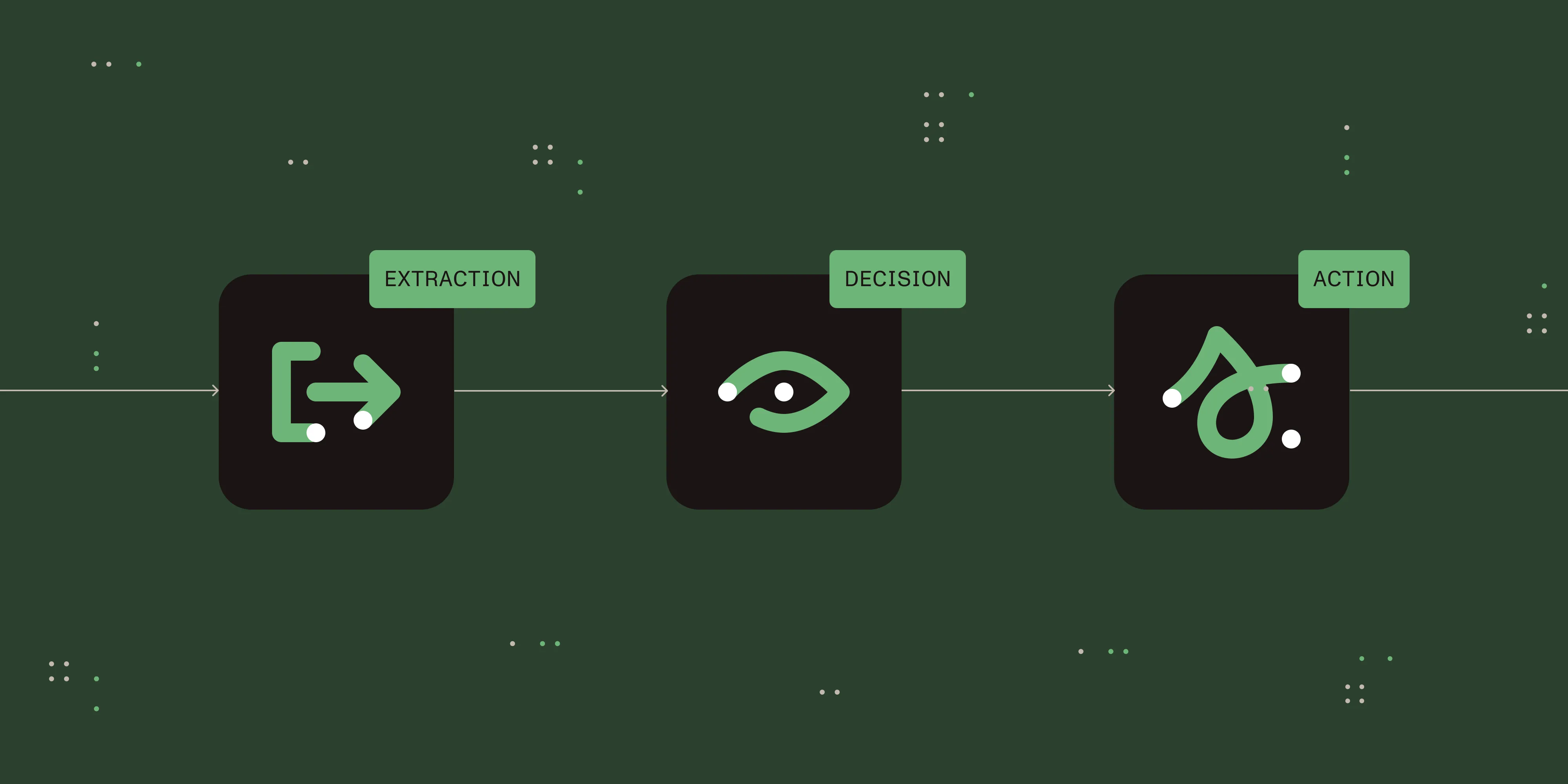
A document workflow is any business process where a document is the unit of work — a purchase requisition, a contract, an onboarding packet, an invoice. Automating it means the system, not a person, moves the document through each step: collecting input through forms, routing it to the right approver, capturing data from it, applying signatures, and notifying everyone of status along the way.
The “document” framing matters. Generic workflow tools route tasks and call it automation, but the work still happens outside the tool — someone opens the file, edits it, signs it, and reuploads it. Document-centric automation completes the work inside the document lifecycle, without those handoffs. (We cover that distinction in depth in why document-centric automation is different.)
The key benefits of document workflow automation
- Easy collaboration across teams, vendors, and customers
- Mobile-friendly interfaces for input and approvals
- Offloading repetitive tasks to automation
- Rapid issue response and fewer bottlenecks
- Triggered reminders and notifications so nothing stalls
- End-to-end transparency for every participant
So while business process management software focused on getting the workflow right, document workflow automation assumes the process has been optimized and instead focuses on running it digitally — making the overall experience more engaging, accurate, and effective.
Core capabilities to look for
A document workflow automation platform should cover the full lifecycle of a document, not just the routing around it:
- Forms and intake — A form designer that produces mobile-friendly forms to capture clean, structured input from the start.
- Process building — A visual process builder so business users can model routing, conditions, and approvals without code.
- Document generation — Document generation that assembles contracts, reports, and packets from templates and workflow data.
- Data capture — Intelligent document processing to extract and validate data from incoming documents instead of rekeying it.
- Signing — Built-in document signing so approvals and execution happen in the same flow.
- AI assistance — AI agents that handle classification, extraction, and routing decisions that used to need a human.
When these live in one platform, the document never leaves the workflow — which is what removes the handoffs that slow most processes down.
Scaling your document workflow automation
Companies approach workflow optimization from one of two directions — top-down or bottom-up.
Top-down is about understanding the bigger picture. There’s usually consensus on what all the workflow pieces look like, which ones matter most, and where to focus priority, with attention to how the pieces interlink in an overall solution.
Bottom-up focuses on small victories. This approach begins with a specific problem — usually a reasonably limited scope — and redesigns it. Once that solution is in place, the next workflow problem is addressed.
Regardless of approach, a document workflow system has to scale to fit your needs. That means:
- A cloud-based solution available around the clock to administrators and users.
- Flexibility in the number, size, and complexity of digital processes.
- Integration through an open API to connect to your other enterprise systems.
- Full-service implementation and support.
Not all systems scale equally. Discuss not just your current use cases with a vendor, but where you plan to go in the future.
Identifying areas for a better user experience
You may have already gone through a process review to find steps that are inefficient, error-prone, or due for a tune-up. To improve the experience in a digital environment, look closely at how users interact with the workflow:
- Alerts and reminders — Are users notified at the right time and frequency, with clear instructions?
- User context — Do users always know where they are in a workflow and what happens next?
- Online forms — Are forms clear and as brief as possible, with a layout that’s easy to move through?
- Screen size — Do forms and other elements work well on mobile, with actions as easy to take as on desktop?
- User flow — Have you documented and understood the journey for each type of user?
Nutrient Workflow’s approach to document workflow automation
Nutrient Workflow gives workflow designers and administrators full control of every element users see during a flow. This means:
- A powerful form designer that outputs mobile-friendly forms by default.
- A self-service user portal configured so users find what they need quickly.
- Full visibility for anyone involved in a workflow — whether a vendor submitting information for a new project or a student requesting classes for the next semester — into exactly where they are and what’s coming next.
- Integration with existing applications like ERP, CRM, HRIS, and accounting systems for holistic, enterprise-wide workflow.
Collaboration is built into every workflow. Whether two service representatives need to discuss a current request or a financial analyst needs to talk with a site manager about a potential purchase, conversations and documents can be shared at any time. The platform also works alongside robotic process automation (RPA) tools to capture inputs, interpret them, and act on them as if a person were performing the task.
Ready to see it in action? Explore Nutrient Workflow or learn what document processing looks like end to end.