Introducing Nutrient Data Extraction API: Turn complex documents into structured, reliable data for AI

Table of contents
Documents contain some of the most important data in a business. But too often, that data is trapped inside PDFs, scans, images, forms, invoices, statements, records, reports, and other hard-to-process files. Many document workflows still depend on manual review, retyping, copy-paste steps, brittle templates, or one-off scripts. These tedious approaches slow teams down and make it more difficult to build truly reliable workflows for automation and AI.
OCR makes scanned or image-based documents machine-readable, but extracting text is only the first step. Production-grade workflows need structured data. For audit and review, extracted text needs to be traceable back to the source document.
As organizations bring AI into document-heavy workflows, the challenge is no longer accessing intelligence. It’s making that intelligence reliable enough to act on.
That’s why we’re introducing Nutrient Data Extraction API. It turns complex documents into structured and auditable data for high-stakes workflows. It helps developers and agents parse documents, extract what matters, preserve source context, validate outputs, and deliver reliable data at scale.
Going beyond basic OCR
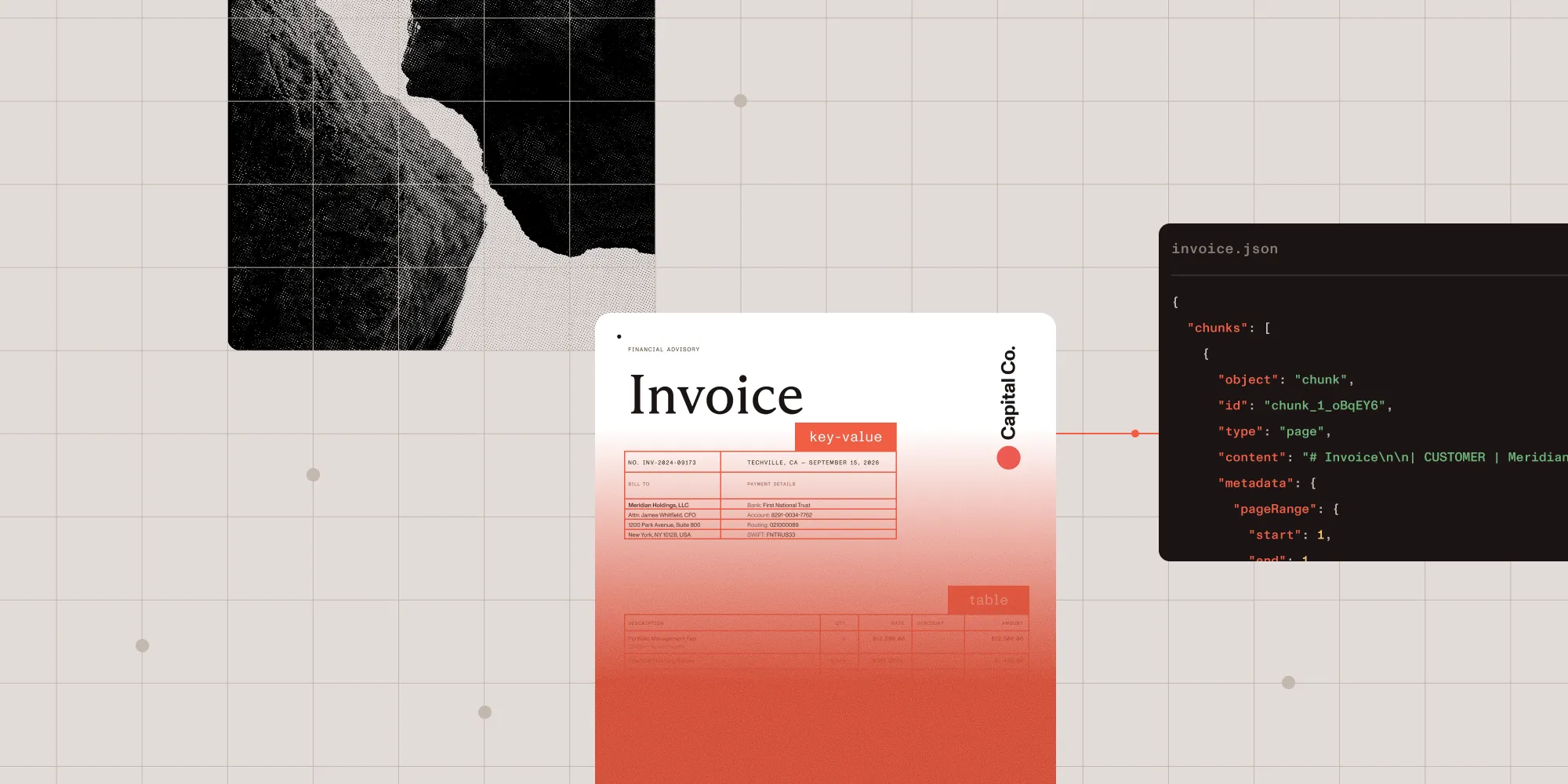
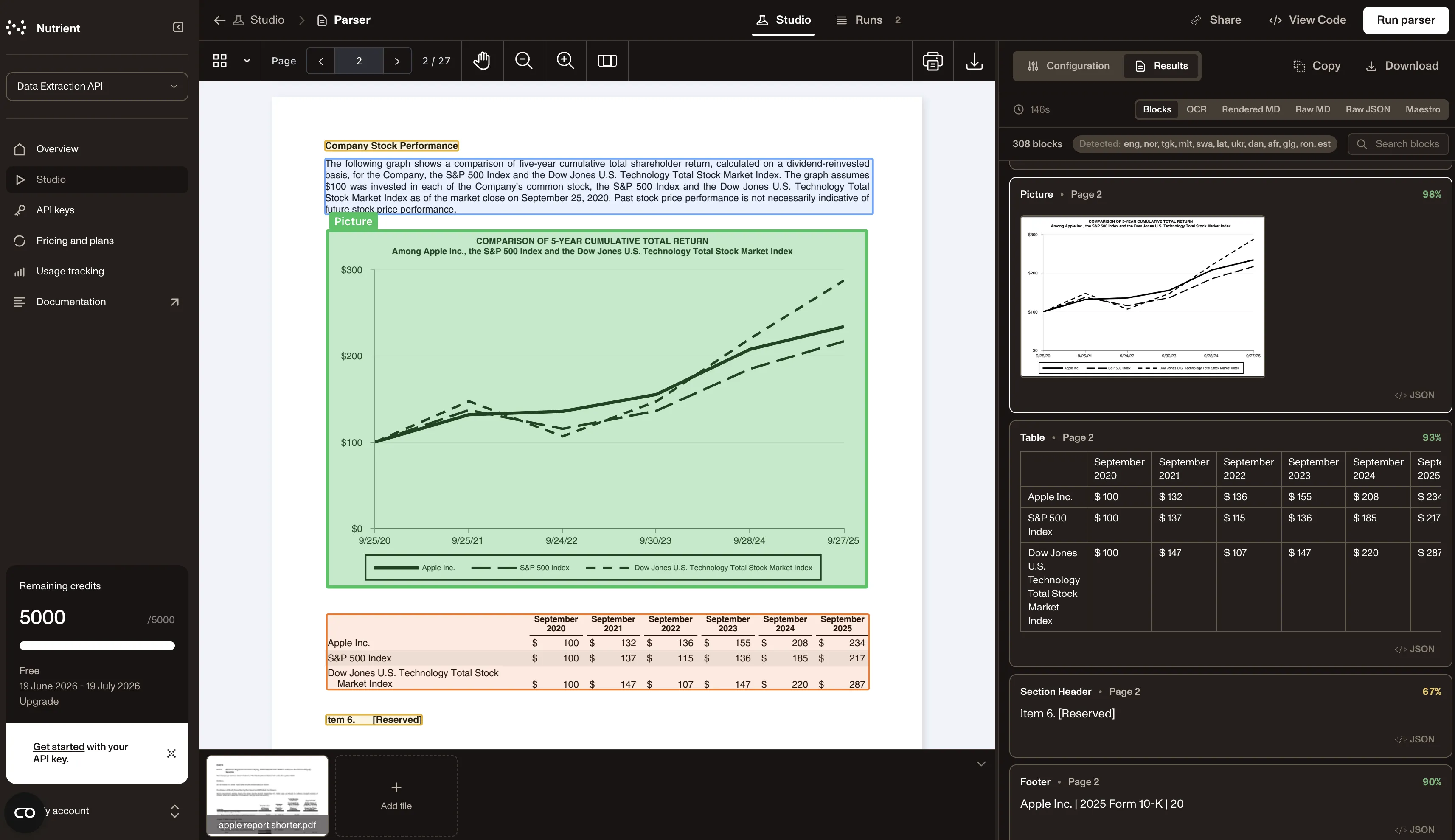
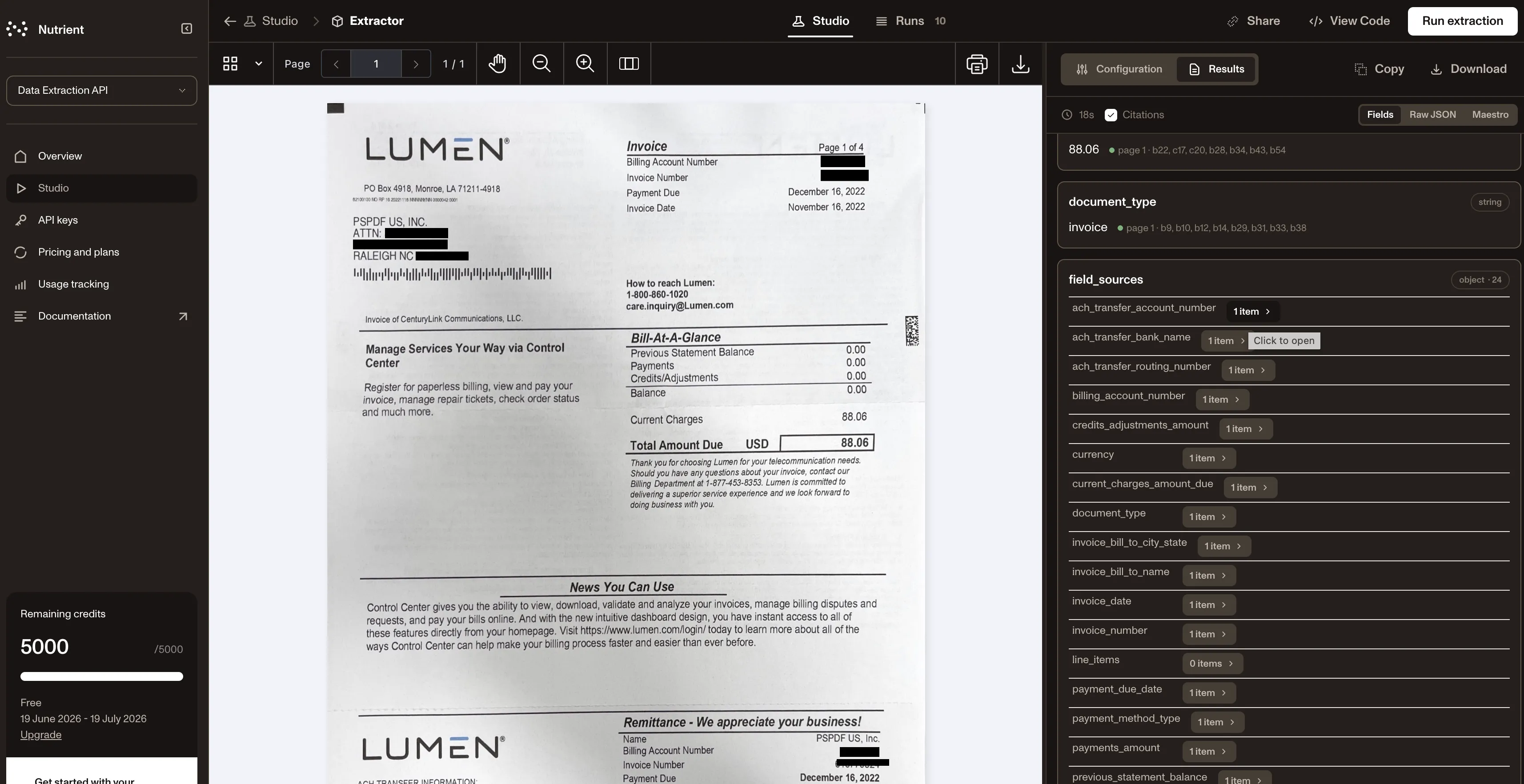
Nutrient Data Extraction API goes beyond basic OCR by providing confidence scores and linking extracted text back to its source location, which preserves layout information. The result is data that’s easier to validate, audit, and use downstream.
That means teams can work with documents that include:
- Scanned text
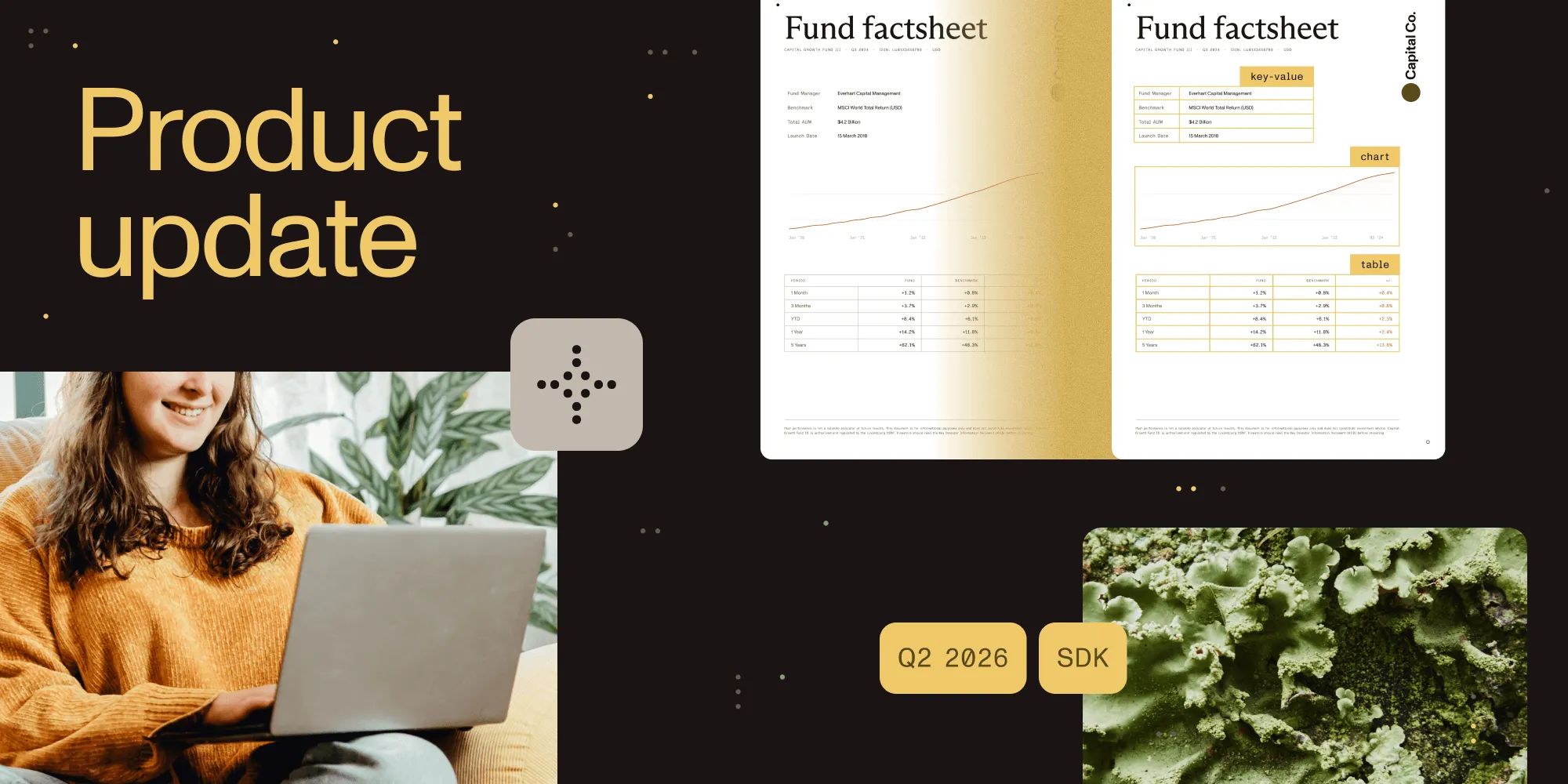
- Tables, forms, and key-value pairs
- Complex layouts
- Handwriting, formulas, checkboxes, and images
- Extracted values that need to be traced back to their source location in the document
Build deterministic document workflows for AI, automation, and human review
Use Nutrient Data Extraction API to support workflows such as document intake, form and field extraction, table extraction, invoice and statement processing, search indexing, compliance workflows, and human review. It’s designed for teams that need to build document extraction directly into their own products and workflows. That makes the API useful for:
- AI and data teams preparing documents for RAG, search, and knowledge systems
- Backend teams automating intake, classification, and processing workflows
- Product teams embedding document understanding into customer-facing applications
- Compliance and operations teams that need reviewable, traceable outputs
Choose the processing mode your workflow needs
Some documents only require fast text output. Others require OCR-based structure, layout-aware parsing, schema-driven extraction, or source-grounded outputs that can be reviewed and validated.
Data Extraction includes these APIs:
- Parse returns the full document content as clean, LLM-ready Markdown or JSON blocks.
- Extract pulls out specific fields — such as invoice number or total amount — that you define in a schema.
- Classify sorts a document into a caller-defined set of categories for routing documents before they’re parsed or extracted.
Choose between multiple processing modes to balance extraction depth, speed, and cost — depending on the document and desired outcome:
- Fast text mode — Choose it when you need low-cost text extraction from born-digital documents.
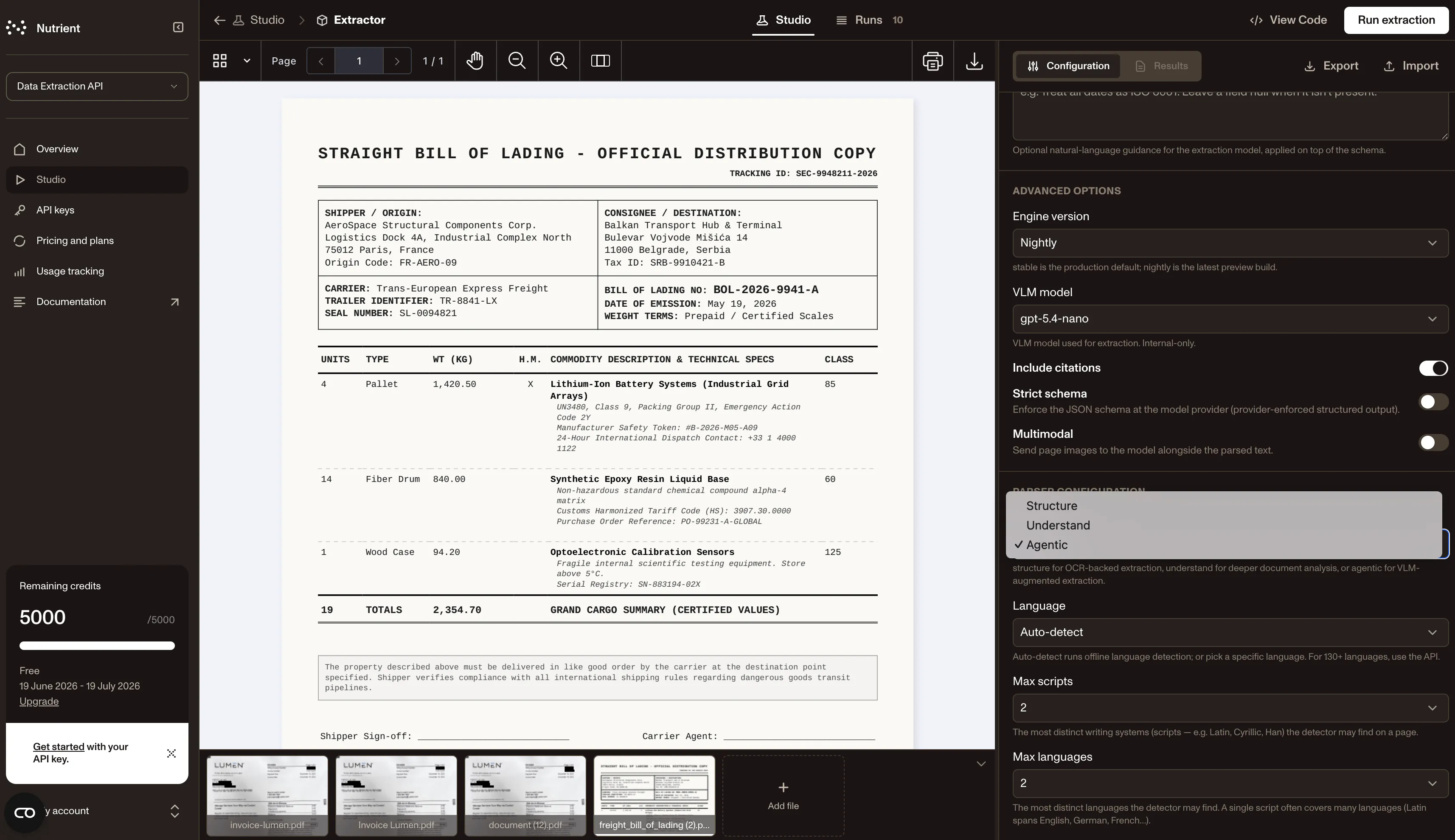
- Structure mode — Use it when you need OCR-based parsing for scanned or image-based documents, including layout, tables, key-value regions, bounds, confidence, and page context.
- Understand mode — Apply it when you need deeper parsing for complex layouts, handwriting, formulas, OCR correction, and richer document structure.
- Agentic mode — Use it when you need advanced reasoning, review, and recovery for more complex extraction workflows with AI-guided support.
This flexibility helps teams build document workflows that match the complexity of the files they process.
Designed for developers and production teams
Nutrient Data Extraction API is built for organizations that need to move quickly from evaluation to implementation.
To test the API and evaluate if it fits your needs, get started with Data Extraction API Studio(opens in a new tab), where you can see structured data extracted from your documents in your browser and define your extraction schema. After that, integrate extraction into your real workflow with the REST API, or see code examples in JavaScript, Python, Java, and PHP.
Documents in. Reliable data out.
Nutrient Data Extraction API gives teams an API-first way to move from trapped document data to structured, source-grounded outputs that can power automation, search, AI, compliance, and human review.
Try Nutrient Data Extraction API for free(opens in a new tab), or view the documentation. To see grounded extraction in action across real document types, explore the open source demo repository(opens in a new tab).