Nutrient SDK product updates for Q1 2026

Table of contents
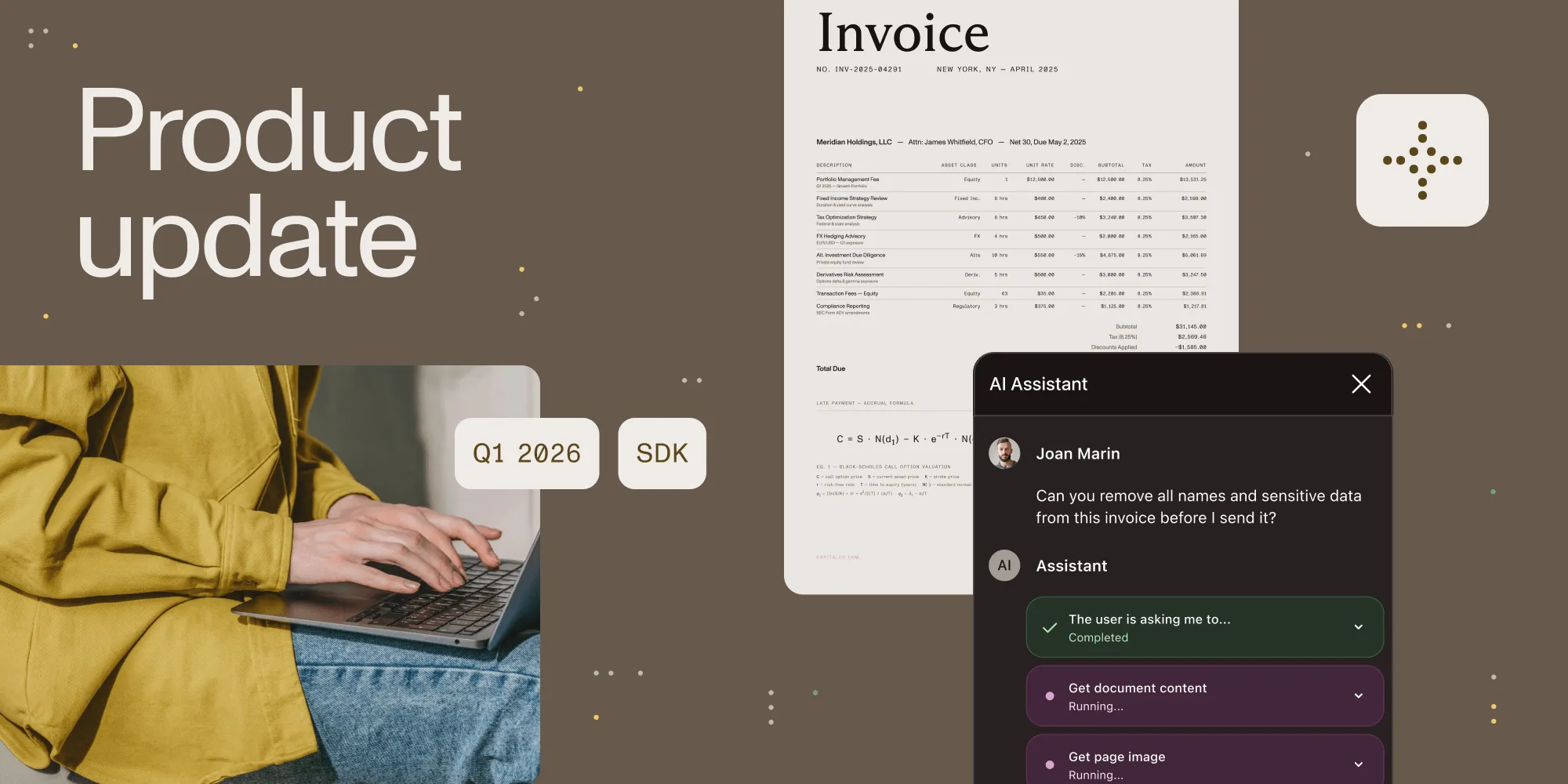
Document workflows have had a fragmentation problem for far too long. Instead of being thoughtfully designed, they’re often just accumulated over time. Optical character recognition (OCR) from one vendor, conversion from another, redaction bolted on later, signing handled elsewhere. Each integration makes sense in isolation, but together they create systems that are slow to build and brittle to maintain. In Q1, we focused on closing those gaps, so more of your document workflow can live in one place.
This quarter’s releases provide consolidation in the parts of the stack where teams feel the most friction. We expanded AI Assistant into a document editing agent designed to automate multistep document workflows inside the applications where people already work. We introduced a new Python SDK for end-to-end document processing, significantly advanced our Java SDK, and brought a powerful new AI data extraction solution directly into both. Across mobile, web, and the rest of the platform, we made the same bet: fewer moving parts, more built-in capability, and a better path from prototype to production.
AI Assistant moves from conversation to execution
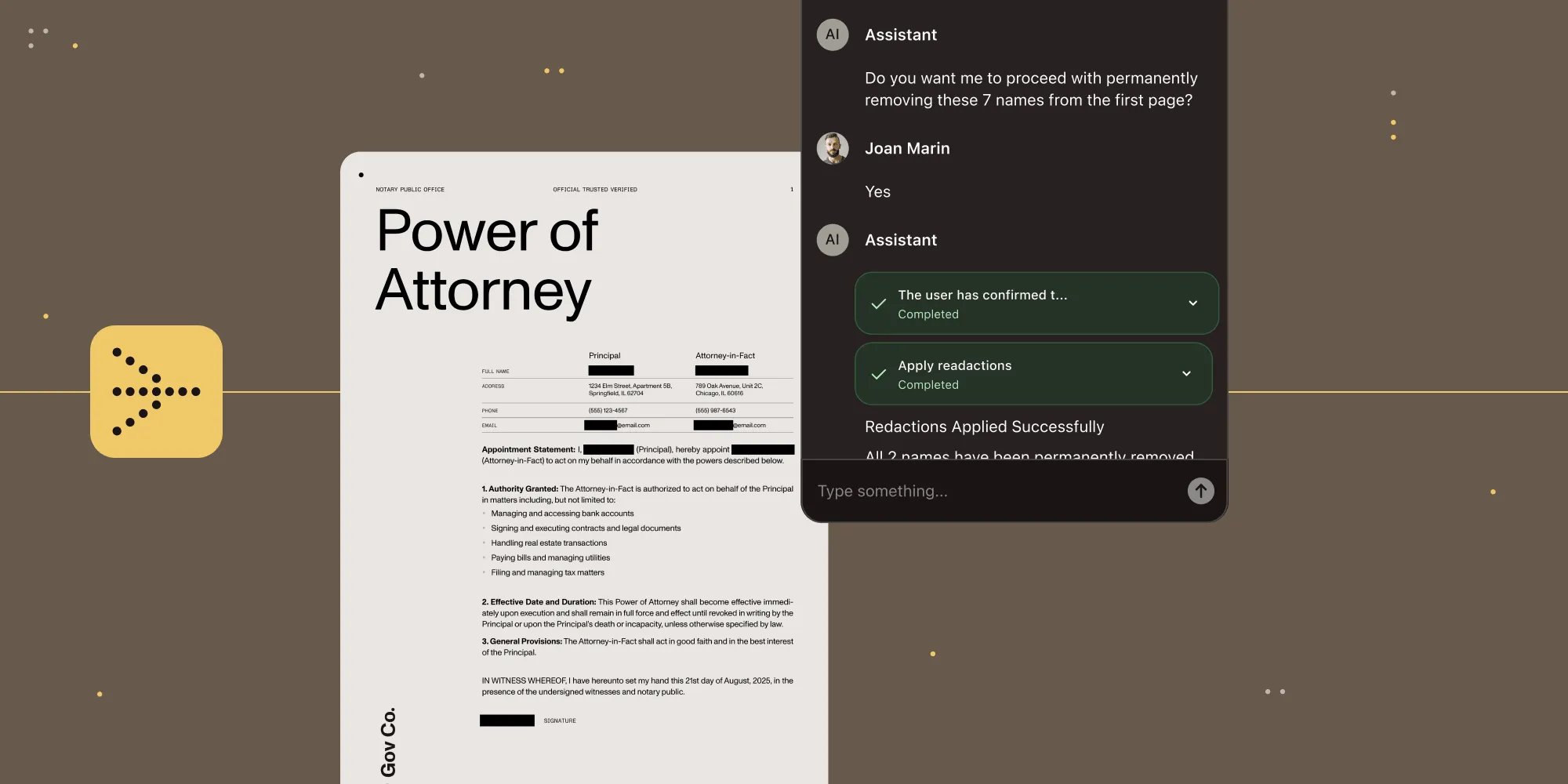
Nutrient has expanded AI Assistant with a document editing agent built to handle multistep work inside the application itself. The agent can plan, execute, and adapt as tasks unfold, using Nutrient’s purpose-built document tools for rendering, structure-aware extraction, form operations, annotation, and redaction.
The benefit for developers is straightforward: a simpler path to production-ready document automation. Instead of stitching together large language models (LLMs), parsing and rendering layers, tool orchestration, and governance controls, they can embed a prebuilt, policy-governed document agent from the start. Skills and approval policies let organizations define what the agent knows, how it operates, which actions can run autonomously, and which actions require review.
That’s what makes this more than a feature expansion. It brings AI deeper into document workflows, inside the products teams already build, with the control, review paths, and reliability those workflows require.
Python arrives as a full document-processing SDK
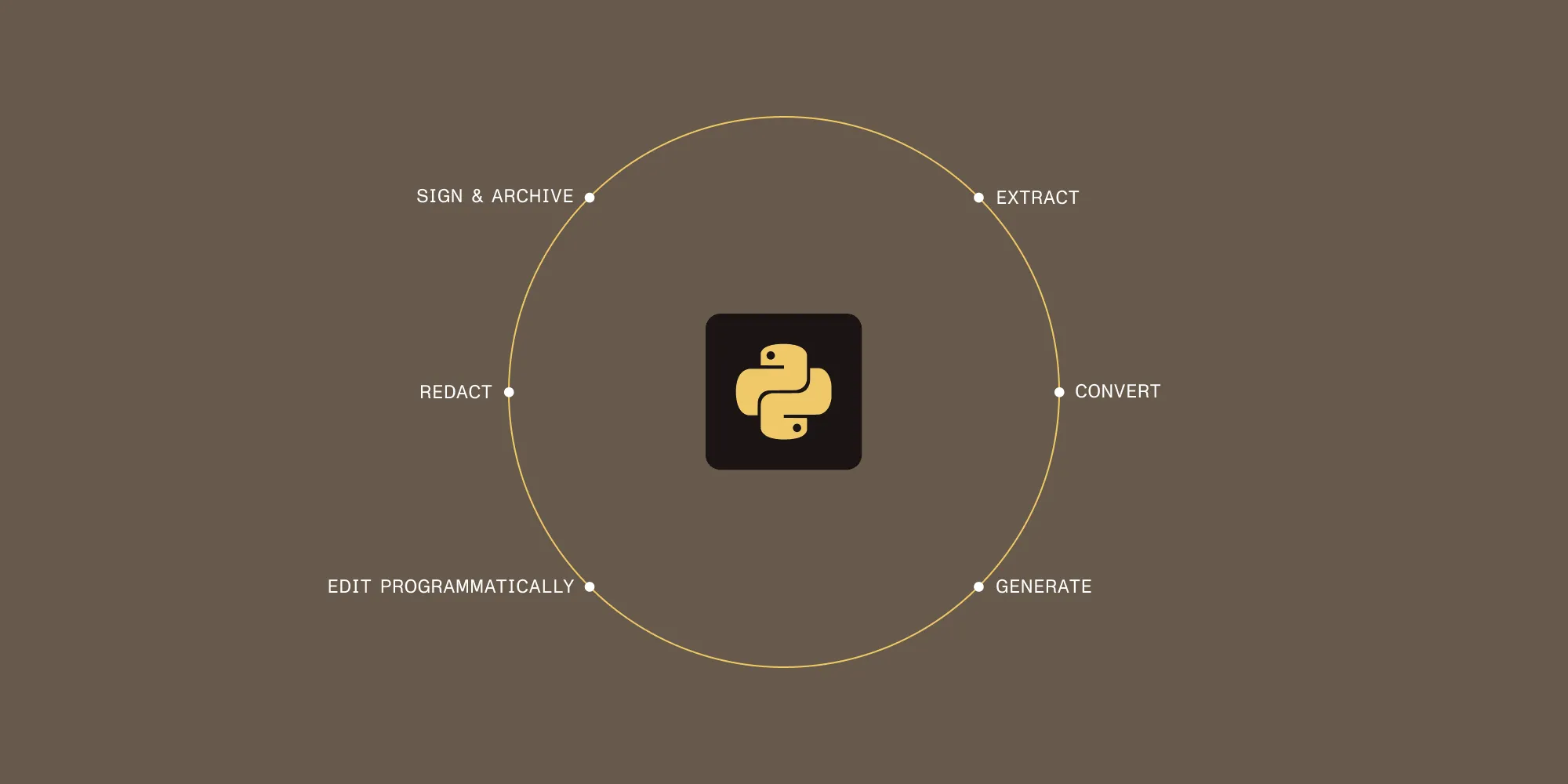
Python teams are often forced to assemble document workflows from separate components: one library for conversion, another for OCR, another for signing, another for redaction, and more code to hold everything together. The new Python SDK is designed to collapse that complexity into one dependency that covers the full document pipeline.
The Python SDK stands out not just for the range of capabilities it includes, but for how naturally it fits into Python backend development. It’s designed for the way Python teams already build, with clean APIs and familiar patterns that fit into Django, Flask, and FastAPI. Extraction, conversion, generation, signing, archiving, redaction, and programmatic editing are all part of the SDK. AI data extraction is built in as well, so OCR, intelligent character recognition (ICR), and vision language model (VLM)-enhanced ICR are available directly rather than through a separate platform decision.
That’s what makes the Python SDK more than a language expansion. It’s not just Nutrient support for Python, but a more complete approach to document processing — one that replaces fragmented tooling without asking teams to give up production readiness, security, or compliance capabilities along the way.
Java becomes a stronger center of the document pipeline
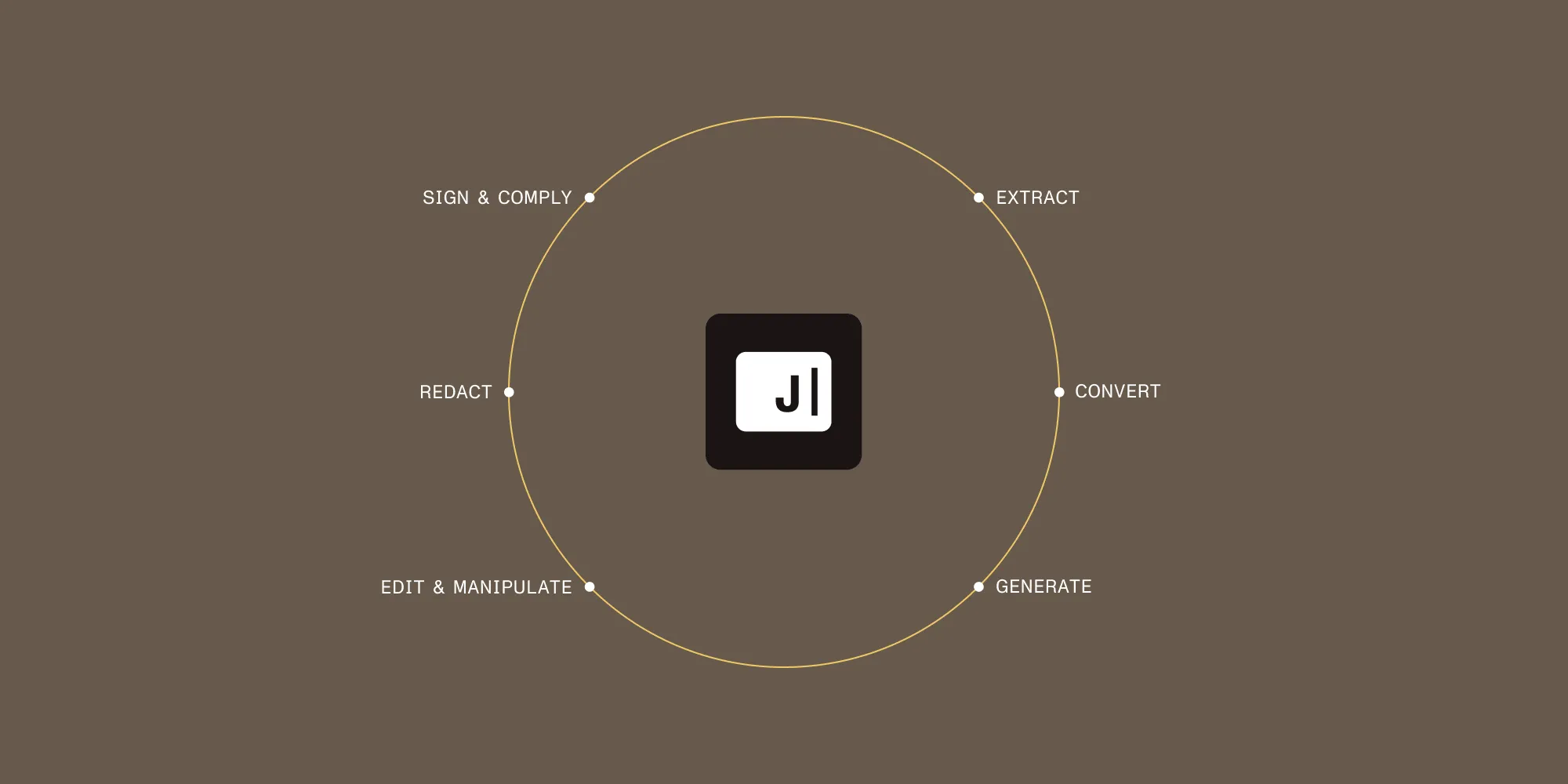
Java wasn’t a new arrival this quarter. Instead, the focus was on making Nutrient Java SDK a more complete foundation for document work: one SDK instead of a mix of servers, CLI tools, and libraries; a proven core shared with Nutrient Web SDK and Document Engine; AI data extraction built directly into the SDK; and a packaging model that fits how Java teams actually work — from Maven Central distribution and signed artifacts, to Java 17–25 support and strong Kotlin and Gradle compatibility.
The SDK covers the full backend document pipeline — extraction, conversion, generation, signing, encryption, archiving, redaction, and manipulation — while also being optimized for microservices and containers through multithreaded batch processing, low memory footprint, and no external dependencies.
Together, these updates make Java SDK a more complete foundation for document work. Instead of maintaining separate tools across the workflow, teams can handle the full pipeline in one SDK built for production environments.
The Data Extraction SDK brings structure to extraction while keeping deployment under customer control
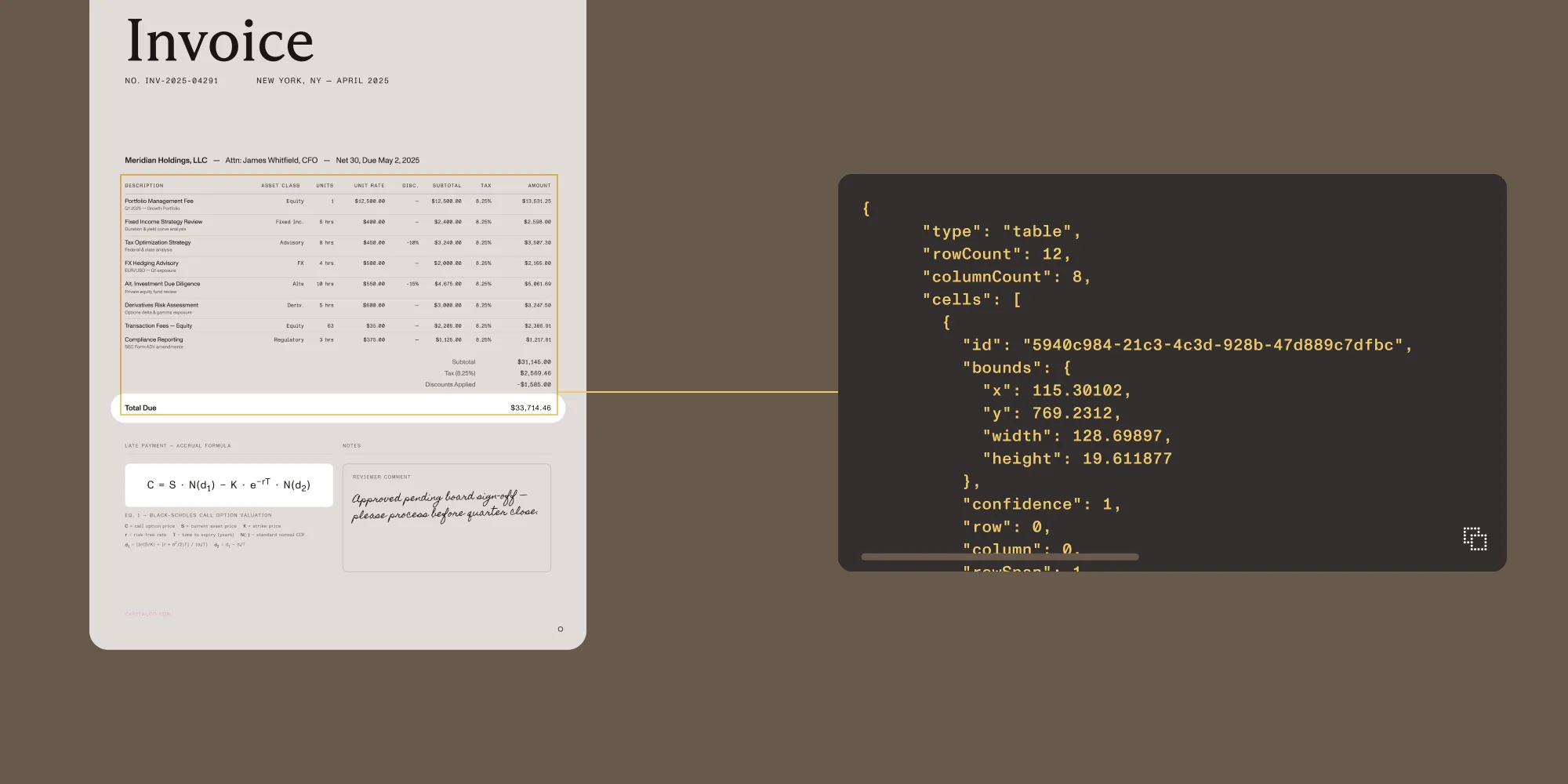
Traditional OCR is often only useful up to a point. It gives you text, but not much of the structure that makes documents meaningful in production workflows. The Data Extraction SDK is built around that gap. Rather than flattening documents into plain text, it preserves structure: tables stay tables, forms become key-value pairs, and extracted values remain tied to page coordinates. That makes the output far more usable for downstream systems and far easier to audit.
The three extraction modes reflect that layered approach. OCR handles fast local text extraction for high-volume indexing. ICR adds structured understanding for forms, tables, and reading order. VLM-enhanced ICR adds an optional AI pass for more complex or ambiguous layouts. Because all three are available directly inside the Python and Java SDKs, developers can adapt extraction to the document without adopting another service.
That matters even more in regulated or infrastructure-sensitive environments. The Data Extraction SDK keeps extraction local, supports air-gapped deployments, and returns bounding boxes on every extracted element for traceability and review. That makes it especially relevant in healthcare, financial services, legal, and government workflows, where structured extraction often needs to go hand in hand with deployment control and auditability.
PDF-to-Markdown makes AI workflows cleaner from the start
Another important addition this quarter is our new PDF-to-Markdown skill for Claude and Codex. Getting usable Markdown out of PDFs is often messier and more resource-intensive than it should be, which means more cleanup, noisier output, and more wasted context window before the real work even begins.
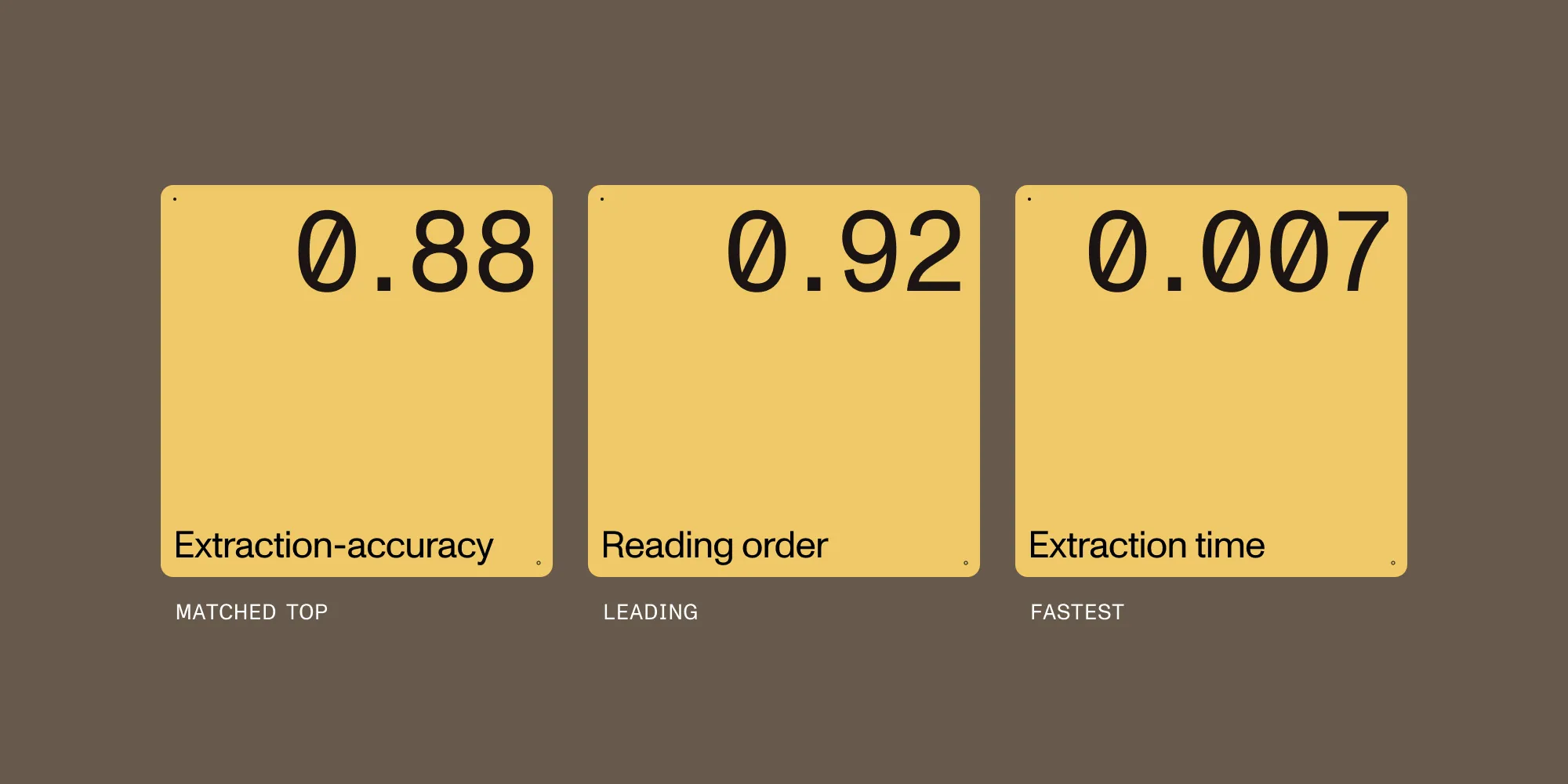
This skill is designed to simplify that first step. In our benchmarks, it matched the top extraction-accuracy score at 0.88, led on reading order at 0.92, and delivered the fastest extraction time shown at 0.007 seconds per page. Teams can use it in Claude Code, Codex, or as a standalone CLI, making it easy to fit into existing AI workflows.
Just as importantly, documents don’t need to be uploaded to Nutrient. PDFs stay inside the user’s own workflow, which makes the skill especially useful for teams that want cleaner AI-ready input without giving up control over how documents are handled.
Mobile SDKs: Faster rendering, stronger signing, and deeper native flexibility
Across mobile, the quarter’s updates deliver improved performance, reliability, and more capable document workflows.
On Android, that meant faster rendering, lighter memory usage, Compose-based modernization, stronger annotation workflows, and AI Assistant support for encrypted documents.
On iOS, the emphasis was on smoother signing, stronger PDF fidelity, and more secure AI workflows, including support for encrypted PDFs after unlock and a broader set of reliability improvements across editing and collaboration.
Flutter also moved forward, expanding both flexibility and native access through a headless document API and new platform adapter APIs.
Across both native SDKs and cross-platform development, these updates provide faster viewing, smoother editing, and more control over how document workflows are built into the app experience.
Web SDK, .NET, and the rest of the platform

Web SDK releases improved zooming speed, first-page rendering, PDF fidelity, accessibility, and annotation reliability, continuing to make the viewing and editing experience faster and more refined.
On the server side, Document Engine added broader document support and smarter processing, including TXT-to-PDF, Brotli support, PDF/UA auto-tagging, smarter OCR for mixed documents, Office template image substitution, and faster handling of large PDFs.
The same pattern continues across the rest of the platform. Our .NET SDK gained speed and memory improvements across key document workflows, React Native added deeper programmatic control, and Node.js expanded document support and processing capabilities. These may not be the biggest launches of the quarter, but they continue the same broader trend across the platform: faster performance, deeper workflow support, and a better experience across environments.
A quarter shaped by consolidation
The throughline across all the releases is the same: Document workflows shouldn’t require you to manage a different tool for every step. The expanded AI Assistant, the Python SDK, the advanced Java SDK, and the Data Extraction SDK are all bets on consolidation. You get more capability in fewer dependencies and more of the pipeline handled before you write a line of glue code. That’s the direction we’re headed, and we’re just getting started.