Nutrient SDK product updates for Q2 2026

Table of contents

- Nutrient Data Extraction API turns complex documents into structured, auditable data — Markdown or spatial JSON, with per-value confidence scores and source citations across four processing modes.
- Nutrient Web SDK is now headless: A complete slot system and a full public API mean the built-in UI can be customized, replaced entirely, or dropped so an agent drives the engine by API alone — and each release is verified to work for AI agents from the public types alone.
- Document Authoring AI adds LLM-driven editing that lands as tracked changes for human review — framework-neutral and bring-your-own-model.
- Workflow Automation adds AI governance and human-review controls.
Documents used to be something people opened, read, and edited by hand. Now they’re just as often touched by an agent — planning a task, calling an API, acting on the result — with no human at the screen. A document platform has to be both buildable and callable by agents and still built around clear, trustworthy interfaces for the moments a person needs to review, edit, or sign.
Nutrient’s Q2 releases were built for that reality, and they fall into four buckets: infrastructure agents can build on, tools that help agents discover and adopt that infrastructure, governance that keeps autonomous work auditable, and the human interfaces that still sit at the center of high-stakes document work. What ties them together is verifiable output. Every release adds some way to check the work — structured data, confidence scores, citations, tracked changes — so a result can be validated instead of taken on faith.
Structured, auditable data with Nutrient Data Extraction API
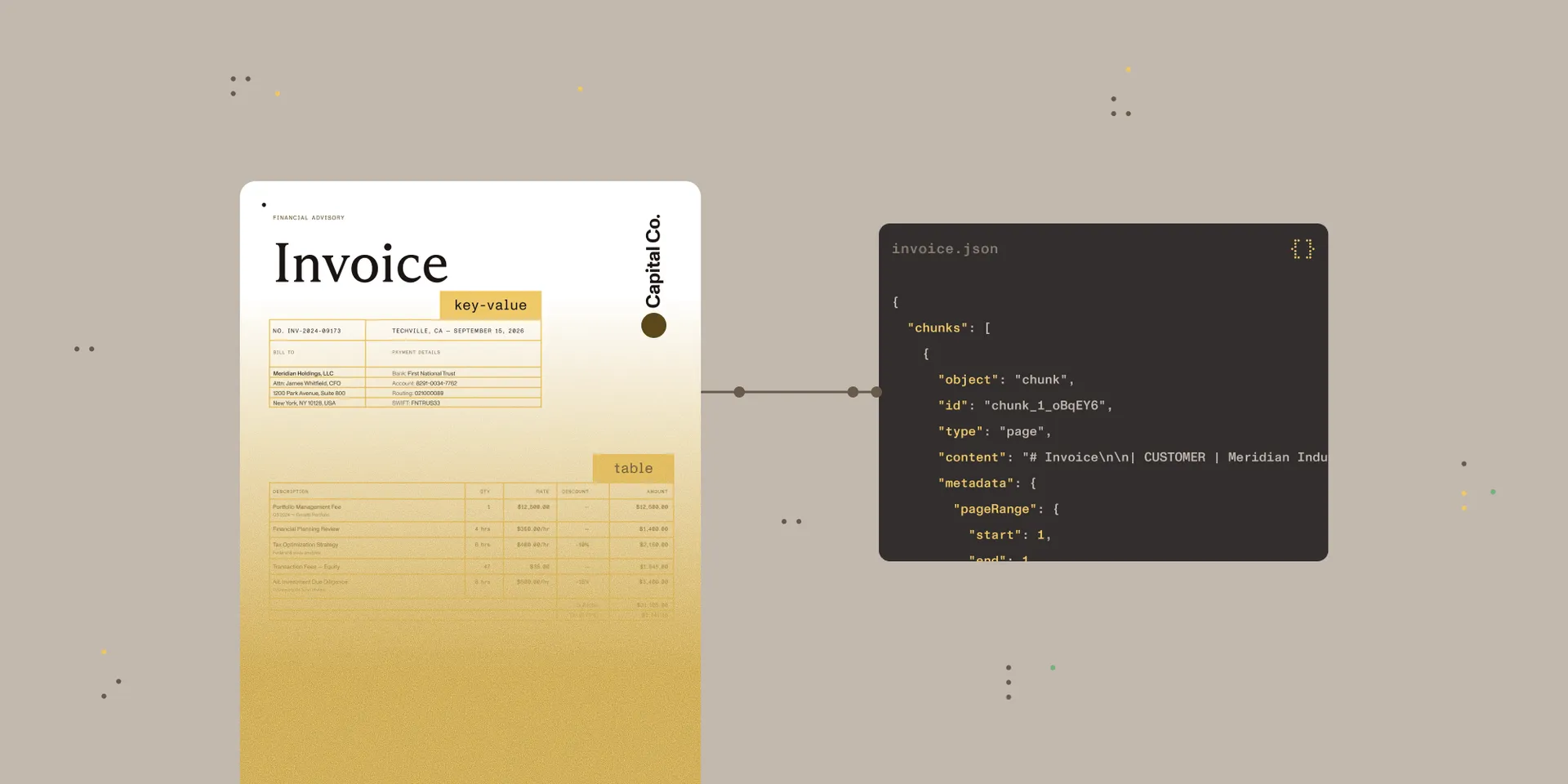
The most important data in a business is often trapped inside PDFs, scans, forms, and invoices, reachable today only through manual review or brittle templates. Optical character recognition (OCR) makes those documents machine-readable, but text alone is rarely enough for a production workflow. The new Nutrient Data Extraction API is built for work that goes beyond the capabilities of OCR: turning complex documents into structured data that stays traceable to its source.
It goes beyond flat text by attaching a confidence score to extracted values and linking each one back to a bounding box on the page, so downstream systems can validate and audit what came out. Four processing modes trade cost for depth: a fast text mode for born-digital files; a structure mode that adds OCR segmentation; an understand mode with AI-augmented layout analysis; and an agentic mode that adds a vision language model for degraded scans, complex layouts, and freeform handwriting. Output comes as clean Markdown for retrieval and LLM ingestion, or as spatial JSON with typed elements — paragraphs, tables, formulas, key-value regions, and more — each carrying coordinates and a confidence value.
For teams that need specific fields rather than a full parse, schema-defined extraction maps a document to a caller-supplied JSON Schema and returns each field with an optional citation and a grounding label, making low-confidence values easy to flag for human review. Extraction supports more than 100 OCR languages, and that same extraction capability is available, embedded in the Python and Java SDKs — introduced last quarter — for teams that need to keep their processing self-hosted. Testing is free in the browser-based Data Extraction API Studio(opens in a new tab), and the launch post covers the modes and output formats in more depth.
The Web SDK is now headless
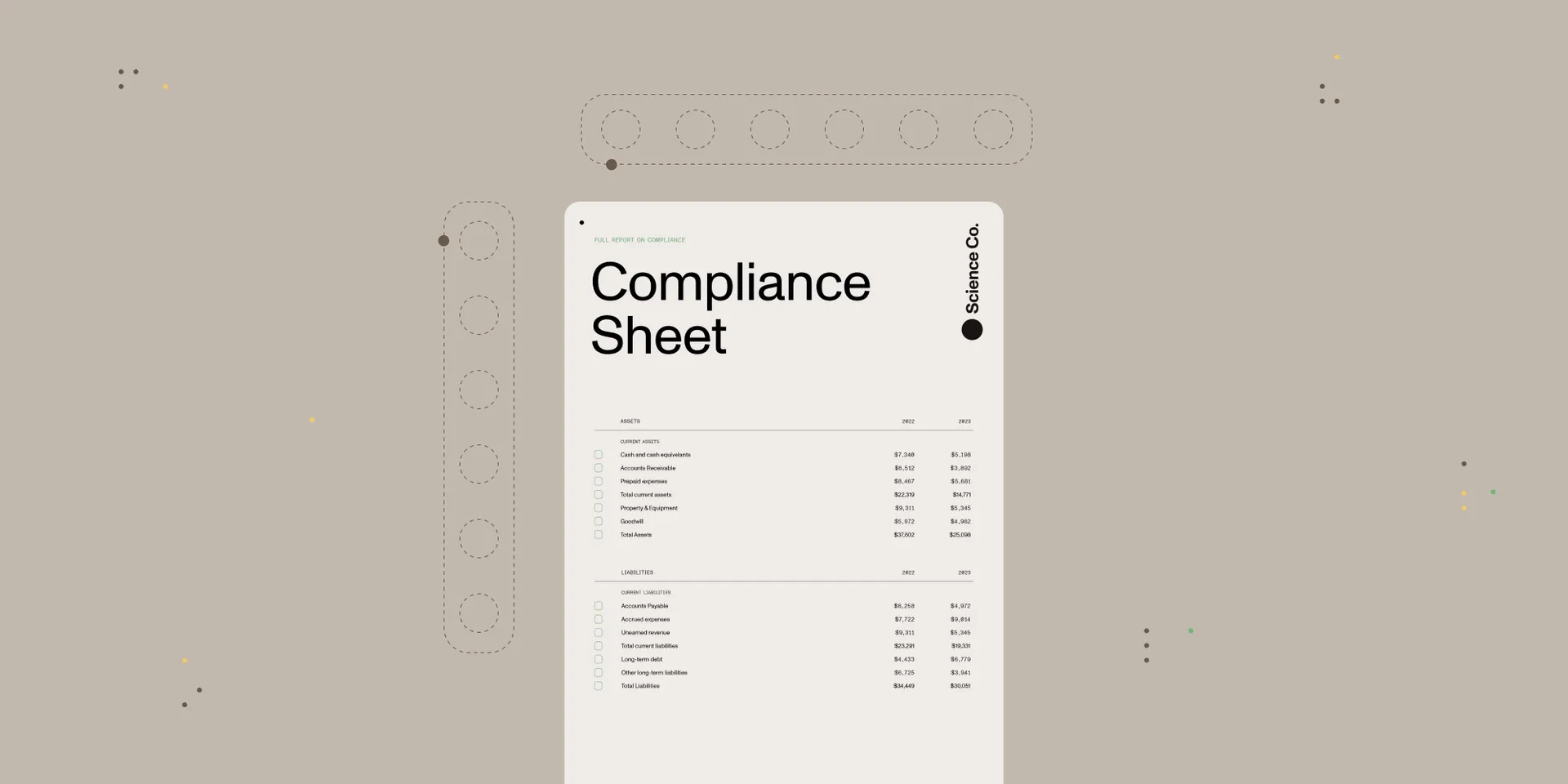
Most software has always assumed a person is looking at a screen, so the product was the interface. Agents break that assumption, because a toolbar means nothing to them. All they need is to know what’s possible and go do it. That’s why Nutrient Web SDK is now headless — the same proven capabilities, with no license change and no added cost. It offers two starting points: Customize the extensive built-in UI, or start from nothing and build a custom one for full design control. Agents skip both and just call the API directly.
Two pieces of work make that real. A complete slot system makes every part of the viewer addressable: toolbars, annotations, signatures, the content editor, comparison, measurements, search, and every modal and panel. Each slot can be hidden, partially customized, or fully replaced, and slot names and parameter shapes are a versioned public contract, so customizations don’t break silently on upgrade the way CSS overrides do. Alongside it, new programmatic namespaces for annotations (annotations.*) and the content editor let an application drive the engine entirely in code — the public API now covers every capability the viewer has, with no private methods. A single line, ui: { preset: "minimal" }, strips the interface to a bare canvas.
The result is an API an AI agent can actually use: Given only the public types and documentation, a large language model can complete real customer tasks. Nutrient verifies this on every release, so the guarantee holds as the SDK evolves. The quarter also brought linearized-by-default loading, rich stamp annotations with embedded images, cancellable loads via AbortSignal, a configurable loader UI, and support for connecting AI Assistant to external tools over HTTP Model Context Protocol (MCP) servers.
Meeting agents where they build
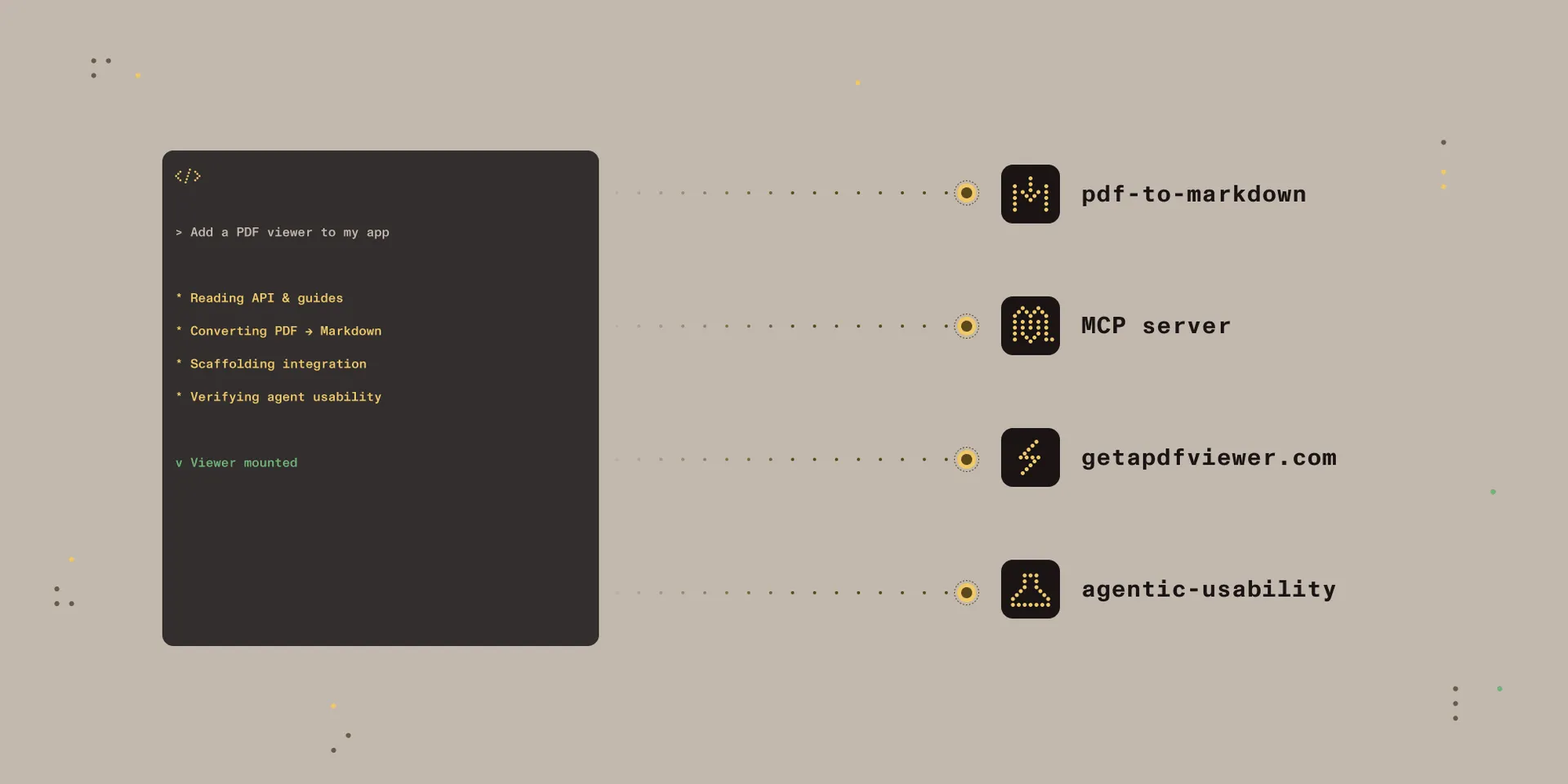
The way developers find and evaluate an SDK is shifting. More and more, the first one to show up isn’t a person browsing a product page. It’s an agent, reading documentation and scaffolding an integration on its own. If an agent can’t discover an SDK, read it, or call it reliably, it just moves on to whatever’s easier to pick up. This quarter, we shipped several releases about showing up where that work actually happens, and every one of them is free to try:
- pdf-to-markdown turns messy PDFs into clean, AI-ready Markdown without uploading documents to Nutrient — files stay in the user’s own workflow. In Nutrient’s benchmark, it tied for the top extraction-accuracy score at 0.88, led on reading order at 0.92, and posted the fastest extraction time at 0.007 seconds per page. It runs in Claude Code, Codex, or as a standalone CLI.
- agentic-usability is the open source tool behind the Web SDK’s agent-experience benchmark. It generates a test suite from an SDK’s source; runs each challenge in an isolated sandbox where the agent only sees public information; and scores API discovery, call correctness, and completeness.
- getapdfviewer.com(opens in a new tab) is an agent-assisted quick start that integrates the Web SDK into a project automatically.
- The Web SDK MCP server runs locally via
npxwith no API key, plugging the Web SDK knowledge base — API types, 500+ framework guides, 80+ code examples, and the changelog — into AI coding tools like Claude Code, Cursor, and VS Code.
Together, these updates make Nutrient easy to reach from inside an agent’s workflow — a fast first integration, real API knowledge on demand, clean document input, and a benchmark for measuring how well any of it holds up — which is what “consumable by agents” means in practice.
AI editing that stays auditable
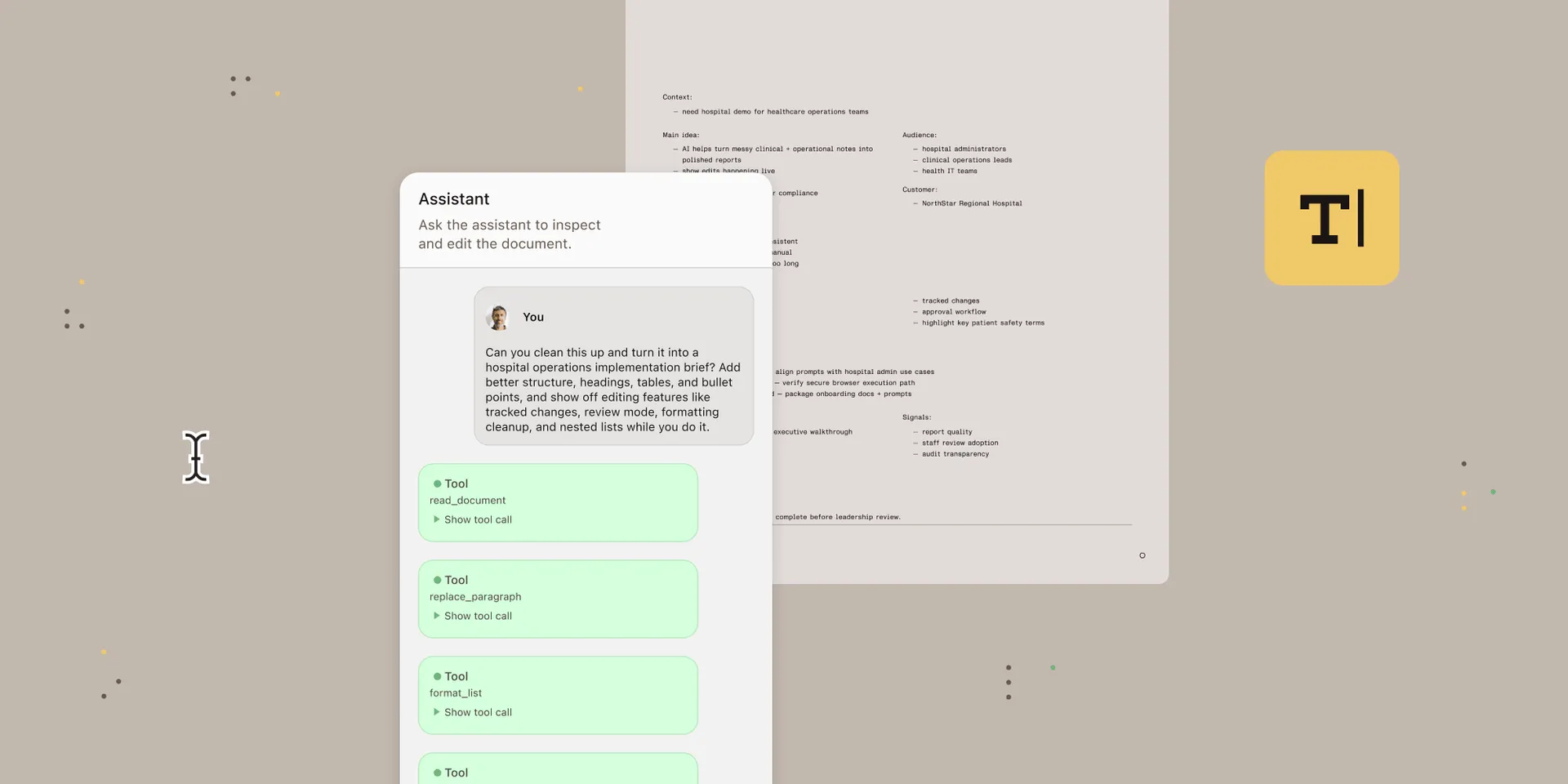
The hard part of adding AI to a document editor isn’t the model. It’s everything between a model that works with text and an editor that works with typed, identified elements. Document Authoring AI, the new opt-in capability in Nutrient Document Authoring SDK, closes that gap as a maintained part of the SDK rather than a one-off each team builds itself.
Three things ship in the box: structured tools that let the model read and edit by element ID rather than text position, a validation boundary that runs every write through the same transaction API the application uses so structure-breaking edits are rejected before they apply, and a review surface built on the editor’s existing tracked-changes UI. There are two integration paths — agentic tools for open-ended chat-style editing, and workflows for bounded one-shot tasks like proofreading or translation, which run faster because they skip the tool loop. The model never mutates the document directly; the server talks to the model, the browser owns the document, and in review mode, every AI edit lands as a tracked change a human accepts or rejects. Each edit can carry a comment explaining why it was made, turning an AI change into a defensible record for legal, clinical, and other regulated contexts.
It’s framework-neutral by design. Adapters for the Vercel AI SDK and LangChain ship in the package, and a JSON export covers Python, Go, Ruby, and any other non-TypeScript backend. Teams choose the model and hold the keys.
Governance and human review in Workflow Automation
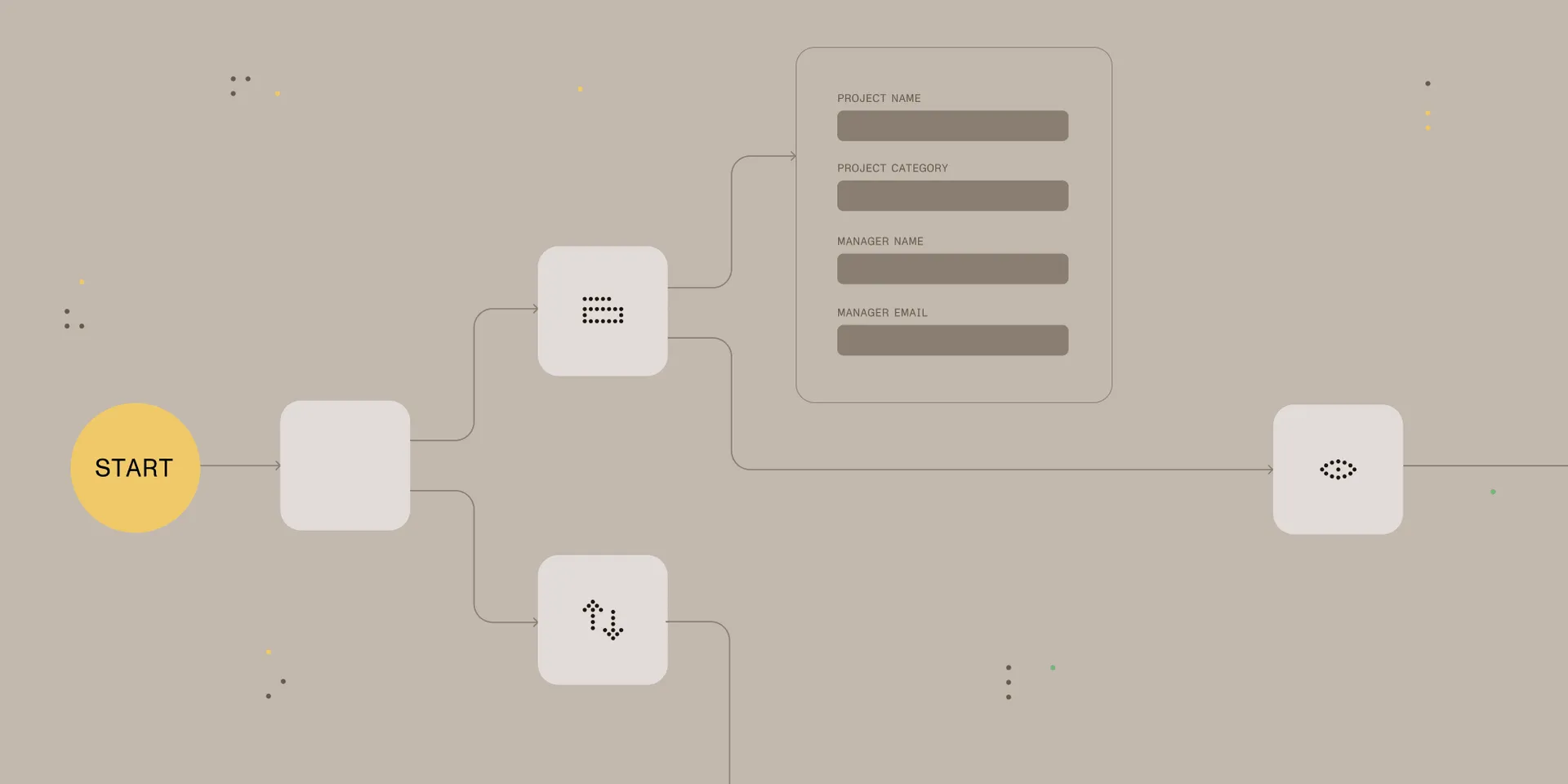
Governing what an agent is allowed to do — and keeping a person in the loop where it matters — is what makes autonomous document work trustworthy. Workflow Automation spent the quarter building that layer. A new AI Form Review agent gives requesters advisory feedback on policy compliance, field quality, and historical context before a submission goes for approval, flagging missing details and common causes of delay through a conversational sidebar. It’s informational only and never blocks a submission.
Control tightened around the AI itself. Access to the Workflow Assistant now follows the standard permission model, and a separate Choose AI Source permission governs which AI source a user may select. API keys moved onto the role-based permission model with a dedicated administrator interface, a usage report, and audit logs that record the key’s identity rather than a raw secret. For the human review step, document preview became dockable, enabling side-by-side validation of extracted data against the source file. The quarter also consolidated three legacy scheduling systems into one unified scheduler and added signed-JWT authentication for Web Service tasks, unblocking modern integrations such as Deltek Costpoint.
Underneath, AI Assistant 2.2 made the engine leaner and more controllable. Per-request model configuration, guarded by per-label and per-provider allowlists, lets an operator override the provider and model per call without persisting the change — another layer of control on top of the permissioning above.
A more capable document editor
Auditable AI editing depends on a capable editor underneath it — one with tracked changes and comments for AI writes to land in. Nutrient Document Authoring SDK advanced across the quarter to become that foundation. In-editor spellchecking arrived for English, French, and German, toggleable at runtime. A command palette made every editor action searchable and runnable, and new APIs read the current selection and insert content at the cursor in a chosen format.
The programmatic surface grew in step with the interface. A paragraph properties API now covers built-in styles, alignment, spacing, indentation, tab stops, borders, and shading, and comment threads and review-mode transactions became fully scriptable. On the authoring side, the editor gained shapes — text boxes and preset shapes, editable and importable, with a matching programmatic API. It also gained a full set of tab stops — with leaders, and decimal and bar types — editable from the ruler, draggable page-margin controls, and header and footer editing with first-page and odd-even variants. Import and export unified behind doc.export({ format }) and system.import(), deprecating the older format-specific calls. The unified API also expanded the supported format surface: RTF, ODT, Markdown, and plain text documents can now be imported, and RTF, ODT, and Markdown are available as export targets alongside PDF and DOCX.
Across mobile, .NET, and the rest of the platform
The same direction carried across the rest of the platform. On Android, progressive page rendering now draws pages incrementally, so large and complex pages appear faster, with a modernized Material 3 loading indicator. On iOS, background saving became the default for better responsiveness in complex documents, and the minimum deployment target moved to iOS 17 and macOS 14. Flutter extended NutrientInstantView with AI Assistant support and Instant Comments on both Android and iOS.
The .NET SDK added PowerPoint templating with placeholders, loops, conditionals, tables, and images, and it began emitting tagged PDFs directly during DOCX conversion for better accessibility. Earlier in the quarter, PDF/A generation ran about 92 percent faster, and PDF-to-Markdown conversion ran about 94 percent faster than the prior major version. These are smaller updates individually, but together they extend the same direction across every environment.
Built for agents, trusted by humans
The releases this quarter share one direction. Nutrient Data Extraction API and the fully API-driven Web SDK give agents infrastructure to call and build on. Document Authoring AI and the governance work in Workflow Automation make autonomous document work auditable, with a human able to review every consequential change. The Document Authoring editor and the platform SDKs keep the interfaces and the scale that high-stakes work depends on. Structured data, confidence, citations, and tracked changes run through all of it, so an enterprise can rely on the output rather than trust that it merely looks right.
See the deterministic document platform in action: Start with Nutrient Data Extraction API, or talk to the team to map these releases to a specific workflow.