What is OCR invoice processing?

Table of contents
OCR invoice processing uses optical character recognition (OCR) to read an invoice — scanned, photographed, or PDF — and turn it into structured data. The output is values a system can act on: vendor name, invoice number, line items, totals, and due date, rather than a page of characters someone still has to read.
OCR by itself only does the first half of that job. It converts an image of text into machine-readable characters, but it doesn’t know that one string is the invoice number and another is the total. Field extraction, a separate stage built on top of OCR, is what handles that, and it’s usually what people mean when they say “OCR invoice processing” in practice.
How the pipeline works
A complete pipeline runs five stages, in order:
- Capture — The invoice arrives as a scan, a photo, a PDF attachment, or an email. Quality varies widely at this stage: A vendor’s own PDF is usually clean, while a photo of a paper invoice from a phone rarely is.
- OCR — The engine reads the characters on the page. A born-digital PDF leaves OCR little to do, because the text layer is already machine-readable. For a scan or photo, accuracy depends on resolution, skew, and contrast.
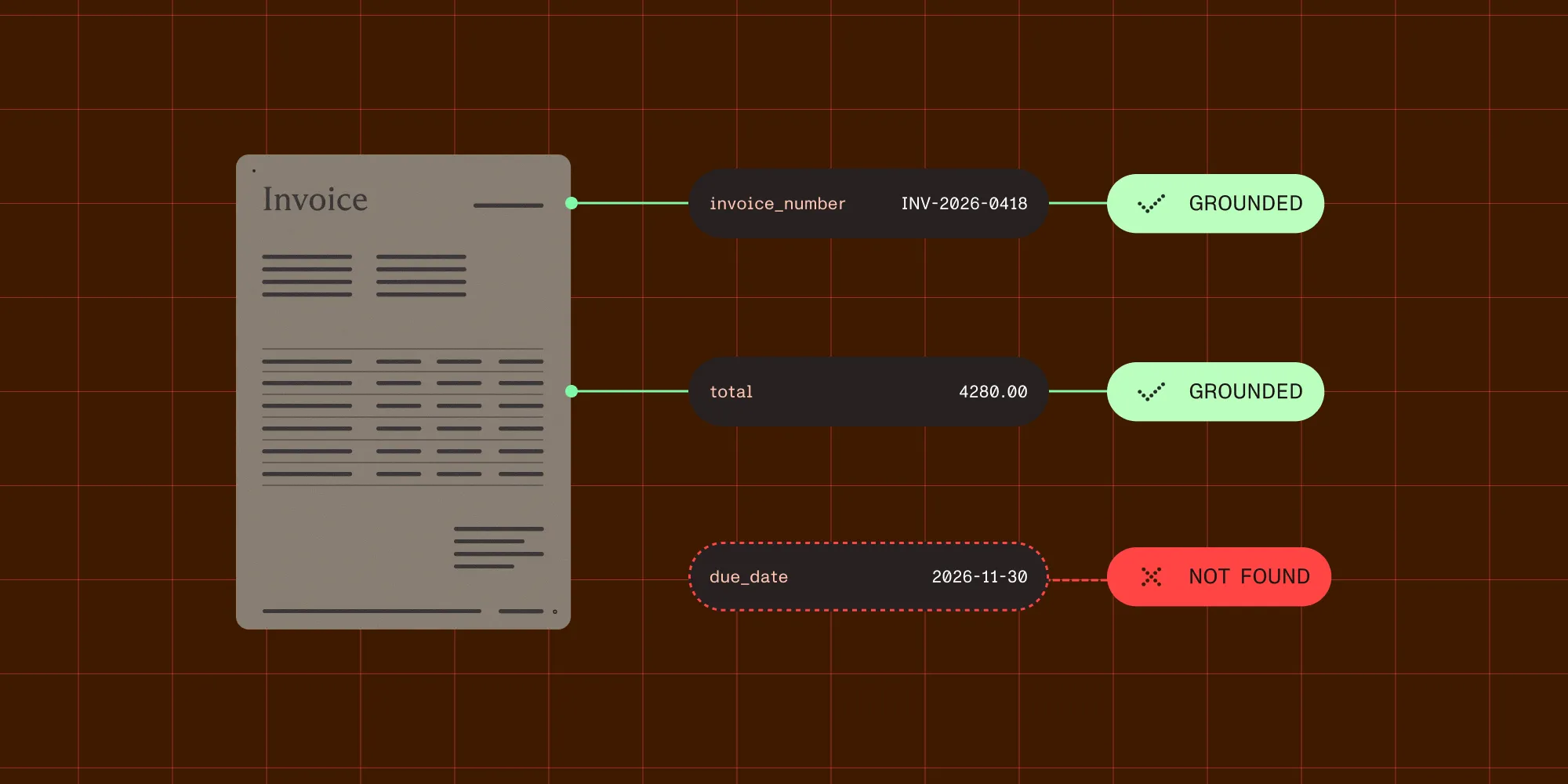
- Field extraction — Specific values are pulled out of the recognized text: invoice number, vendor, line items, total, due date, currency. This is where the output stops being text and starts being data. Each value should be grounded to the specific page it was read from, and each amount should carry the currency it was denominated in, not just the digits.
- Validation — Extracted values are checked before anything downstream trusts them. Totals should reconcile with line items. Dates should parse. Currency codes should exist. Fields the system isn’t confident about should be flagged rather than passed through silently.
- Export — Validated data moves into accounts payable, an ERP, or an accounting system, in whatever format that system expects.
Basic implementations tend to skip validation and export formatting, and that’s where most of the operational cost in accounts payable lives. A wrong total that reaches an ERP unreviewed costs far more than one that gets flagged.
Where accuracy breaks down
Three cases account for most failures in OCR invoice processing, and they fail at different stages of the pipeline.
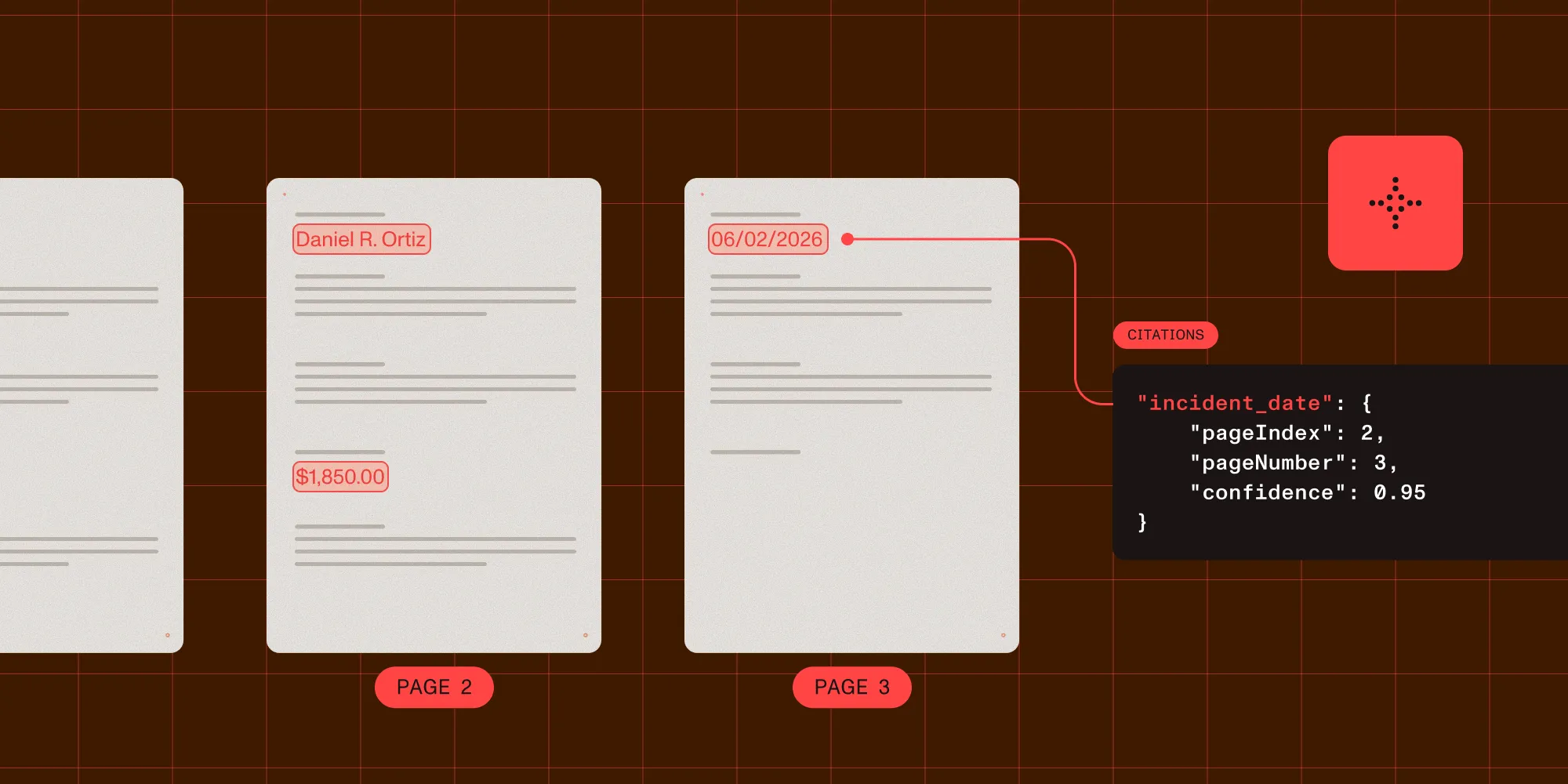
Multipage invoices. The evidence for a single field can be split across pages: the amount on one page, the currency it’s denominated in on another. A system that reads a field once and assumes it lives on a single page will miss this. Every value needs to be grounded to the page it came from, not to the document as a whole.
Foreign currency. A total of “1,234.56” is meaningless without knowing whether it’s USD, EUR, or GBP. The currency is often printed once, in a header or footer, rather than next to every amount. An extraction pipeline has to resolve it to a standard ISO 4217 code and associate that code with the right amount, not just capture the number.
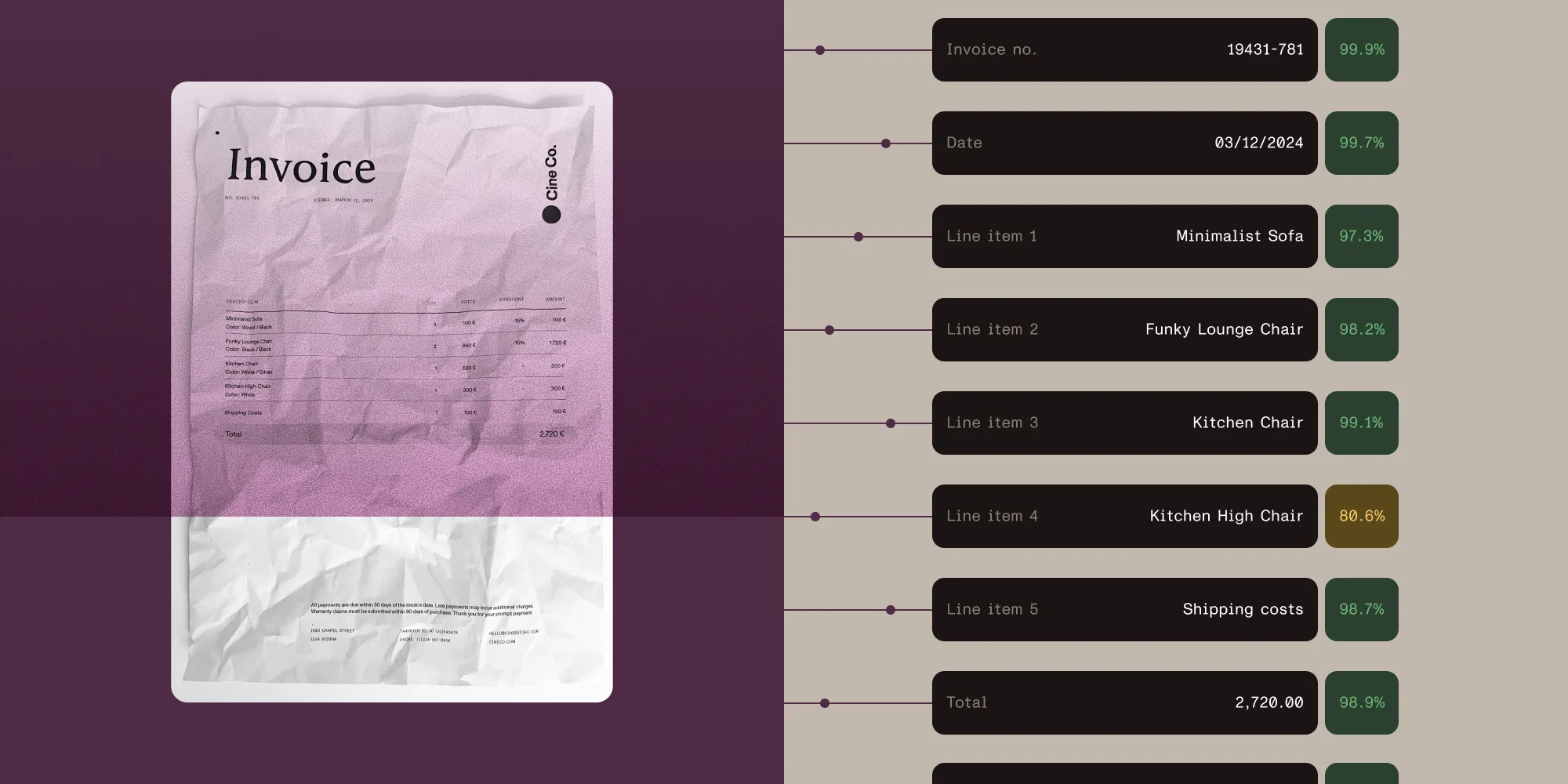
Poor scans. A faxed or badly photographed invoice degrades OCR accuracy, and that degradation should show up in the output. A field read from a blurry scan shouldn’t carry the same confidence score as one read from a clean PDF. A pipeline that reports both as equally certain hides the signal that would have caught the error.
Accuracy problems in OCR invoice processing are rarely about OCR failing to read a character. They come from a downstream system trusting a value with no way to check where it came from or how certain the read was.
Where an API fits
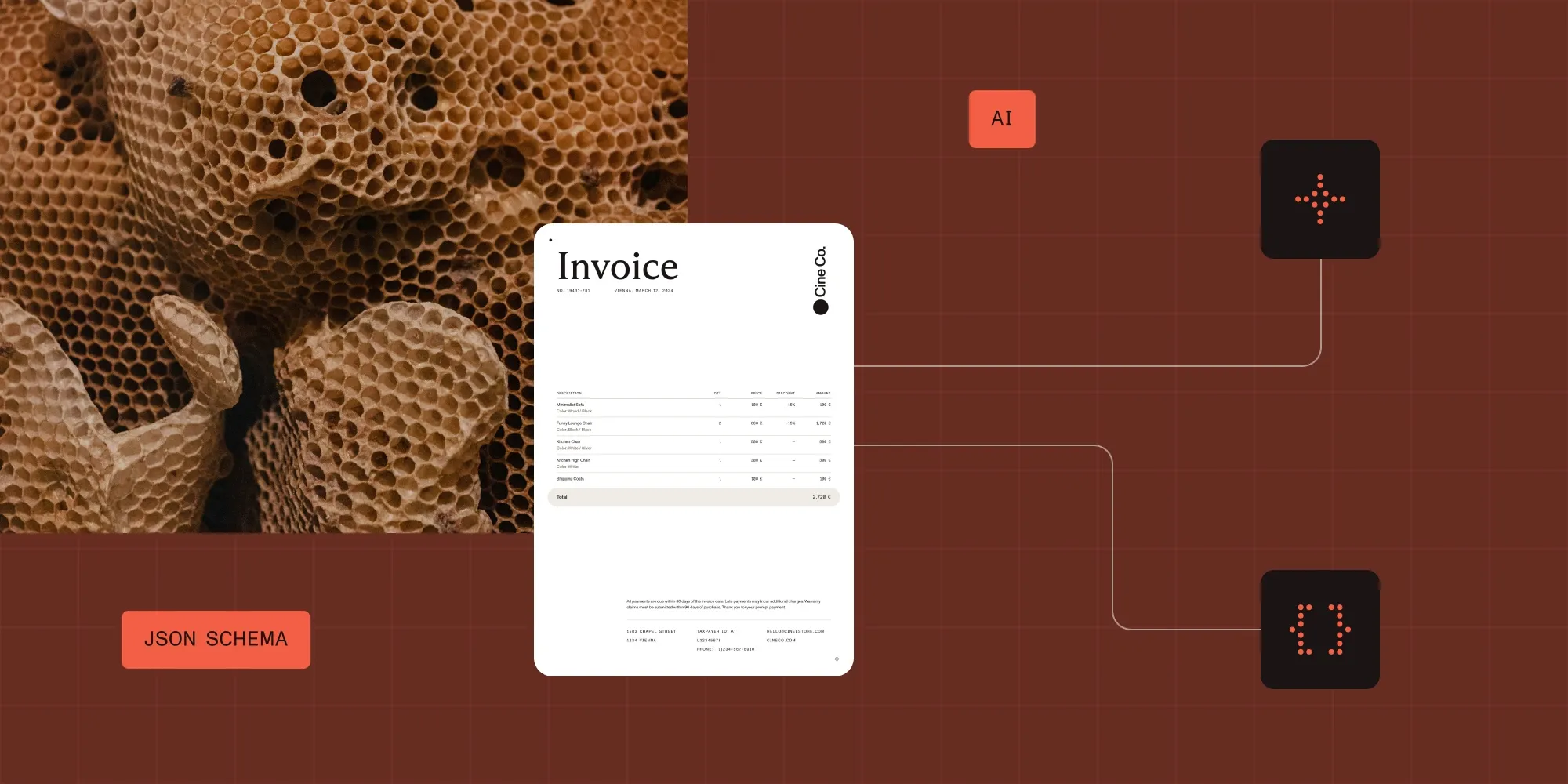
None of the five stages above require a person to touch every invoice. A data extraction API runs OCR and extracts named fields against a schema. Each value comes back with a confidence score, a match label describing how it was found, and the page and coordinates it was read from.
Those signals are what make the validation stage automatable. A field with an exact match and high confidence can post straight into an ERP. A field with a low score or an approximate match routes to a person by rule, not by spot-checking every invoice by hand.
The multicurrency and multipage cases above are handled explicitly. A currency code and the amount it applies to are extracted and cited independently, so both can be checked against their own source regions, even when they sit on different pages.
Extraction is one piece of an invoice workflow. Matching, coding, and ERP sync sit around it. For the fuller pipeline, see the invoice data extraction API page.
FAQ
OCR invoice processing uses optical character recognition to read a scanned, photographed, or PDF invoice and extract structured fields — vendor, invoice number, line items, totals, and due date — rather than leaving the invoice as unstructured text.
No. OCR converts an image of text into characters. Invoice data extraction is a separate stage built on top of OCR that identifies which characters form which field. A pipeline can run OCR without extracting fields, but field extraction depends on OCR having run first.
Accuracy depends on the input more than the engine. A born-digital PDF is read almost perfectly. A scanned or photographed invoice introduces errors from resolution, skew, and contrast, and that uncertainty should be visible as a per-field confidence score rather than hidden in a clean-looking result.
Yes, if the pipeline resolves currency to a standard code and associates it with the correct amount. The currency is often printed once, separately from the amounts it applies to, so this takes more than reading digits off the page.
Related reading
- Invoice data extraction API — Schema, output formats, and example invoice workflows
- What is intelligent data extraction? — Match types, confidence scores, and source citations explained
- Citations and confidence — The full citation object returned for every extracted field
- Accuracy benchmarks — 200 PDFs with hand-annotated ground truth, rescored on every release