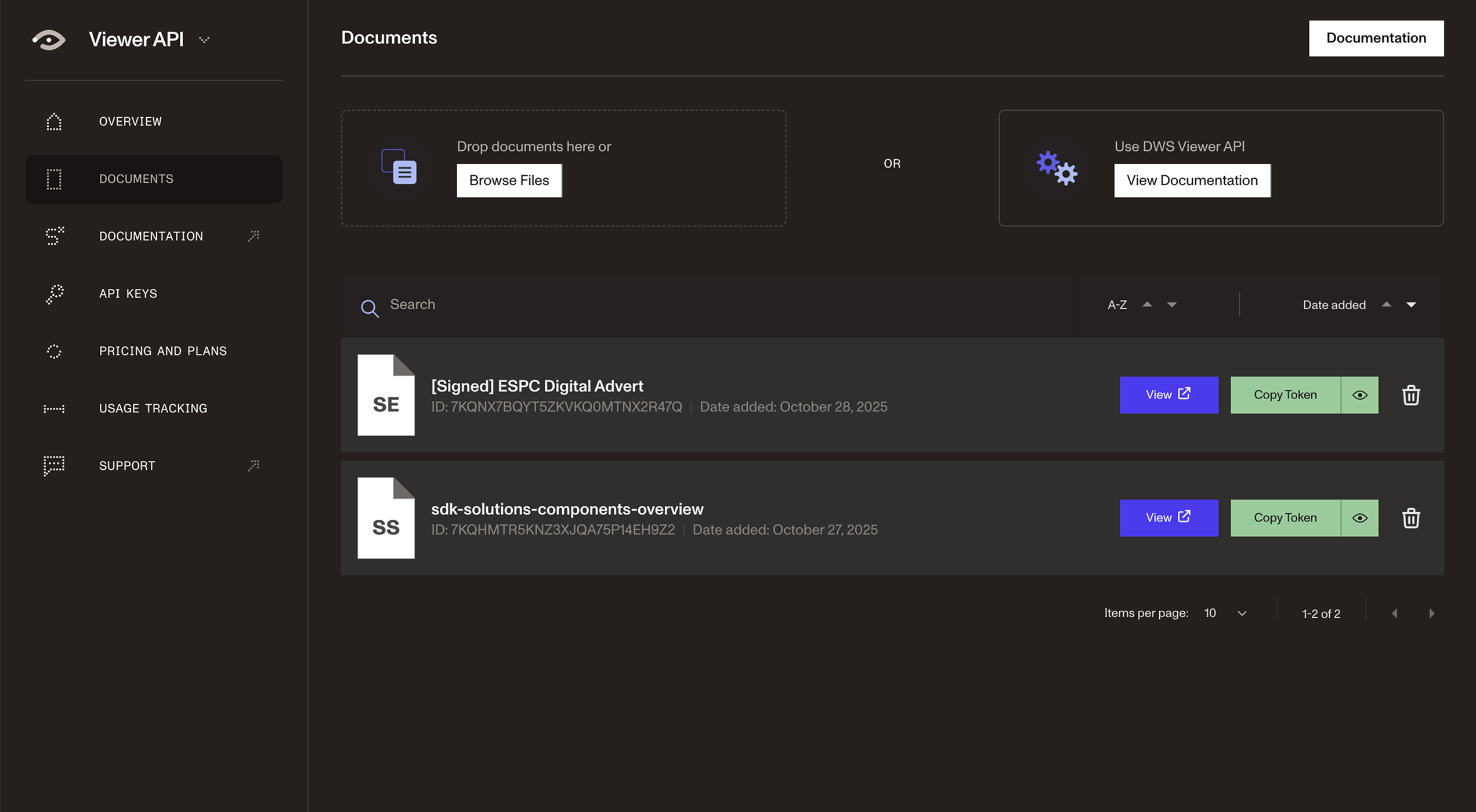
DWS Viewer API is a cloud-based deployment option that enables you to render PDFs, Office files, and images securely in the browser with backend performance. Add annotations, edit, fill forms, and collaborate in real time — no infrastructure required.
Stream rendering from the cloud for faster load times, smoother UX, and zero infrastructure lag — even with large documents and images.
Deploy the Web SDK in minutes — now with cloud-powered features once exclusive to our self-hosted engine.
Add new PDF functionality to your application quickly with the use of a token. No infrastructure setup or maintenance required.
Keep documents in the cloud and off local devices, reducing risk of exfiltration or misuse.
Easily integrate DWS Viewer API with your project in any programming language.
Add document viewing, editing, signing, redaction, and collaboration to your app with Nutrient DWS Viewer API.
Upload a document and embed it in your web app to view PDFs, Office files, and PNG, JPG, and TIFF documents.
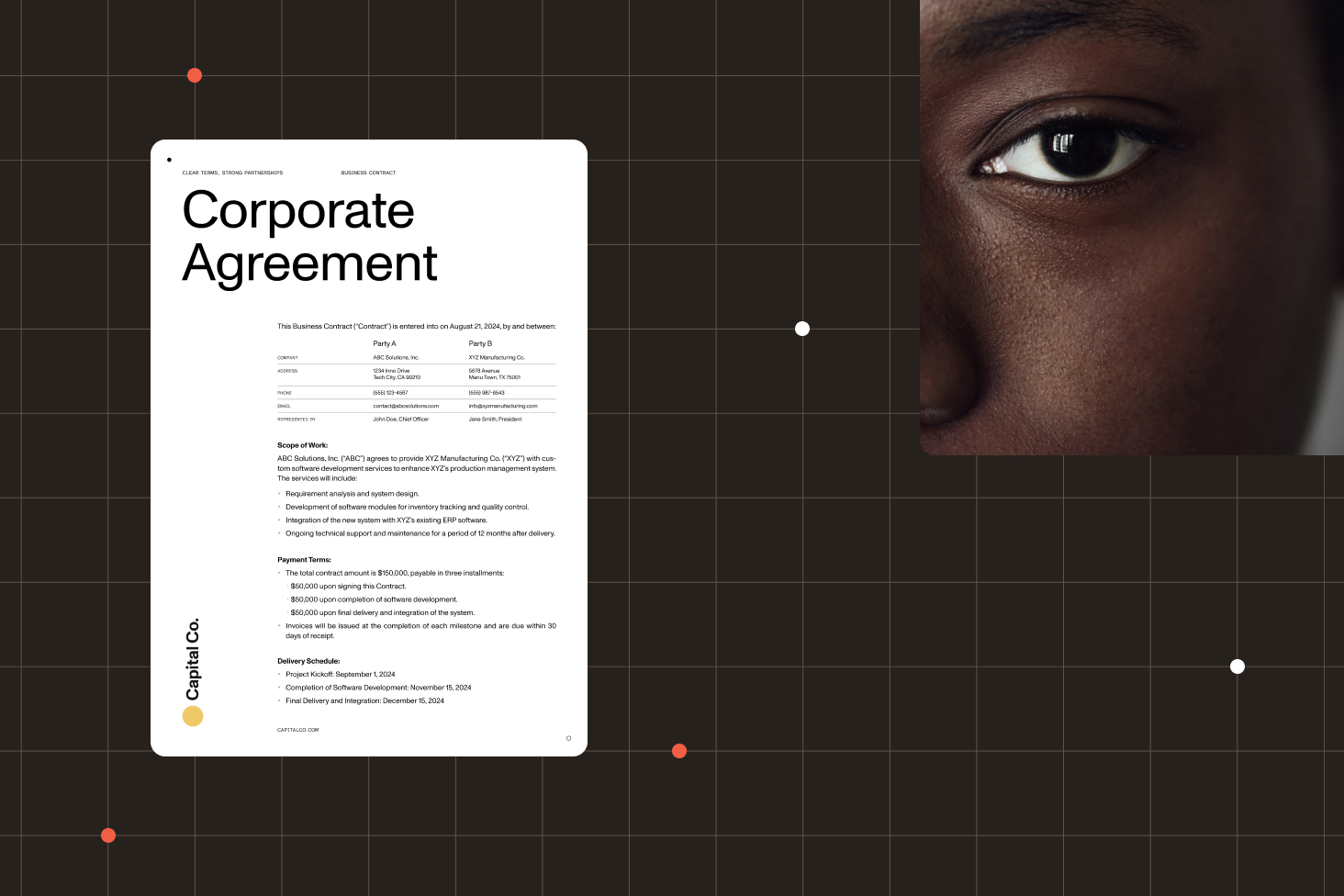
Provide users with a convenient way to view and fill out PDF forms with native controls.
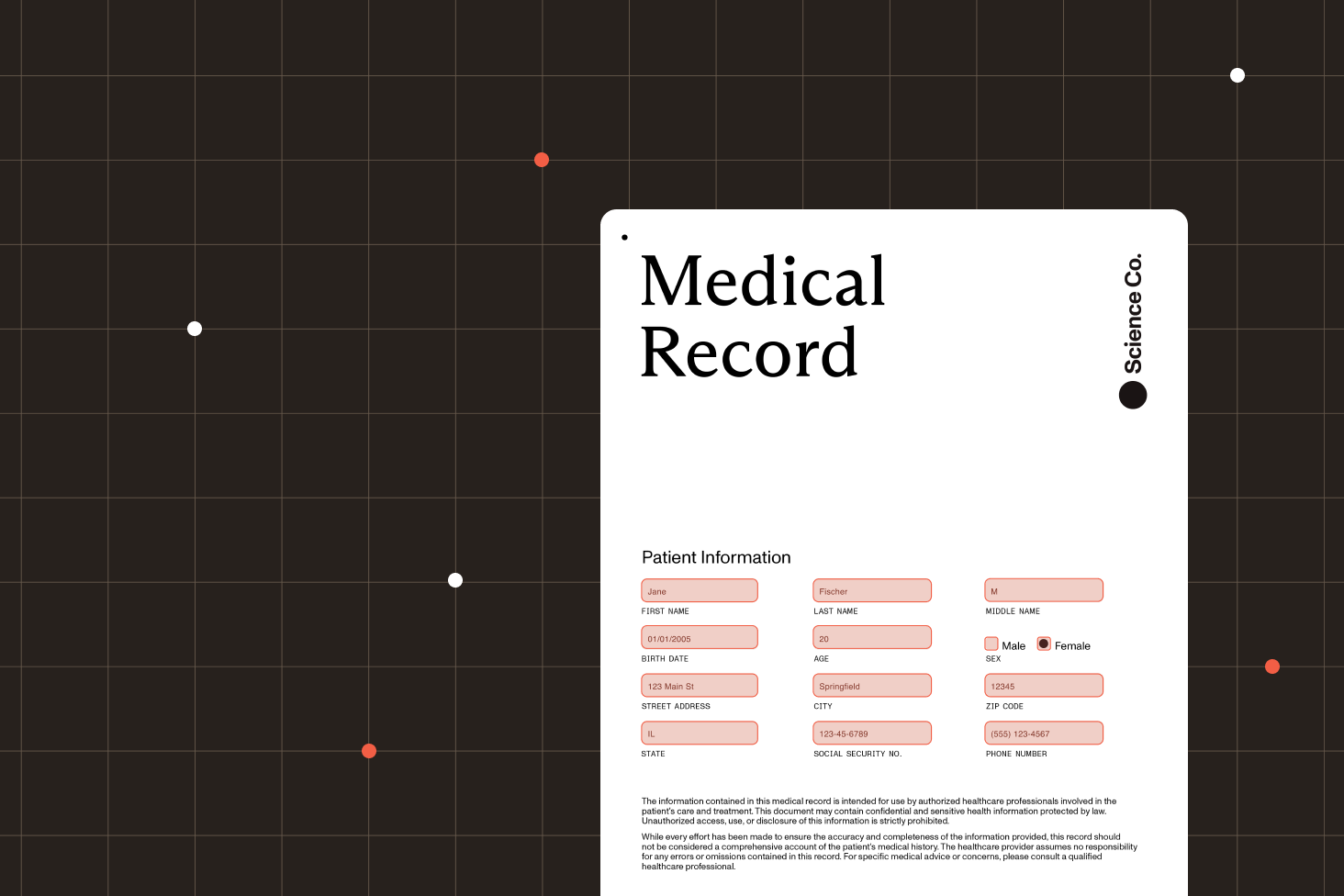
Use the various annotation tools to highlight or underline text, add notes or shape annotations, and more.
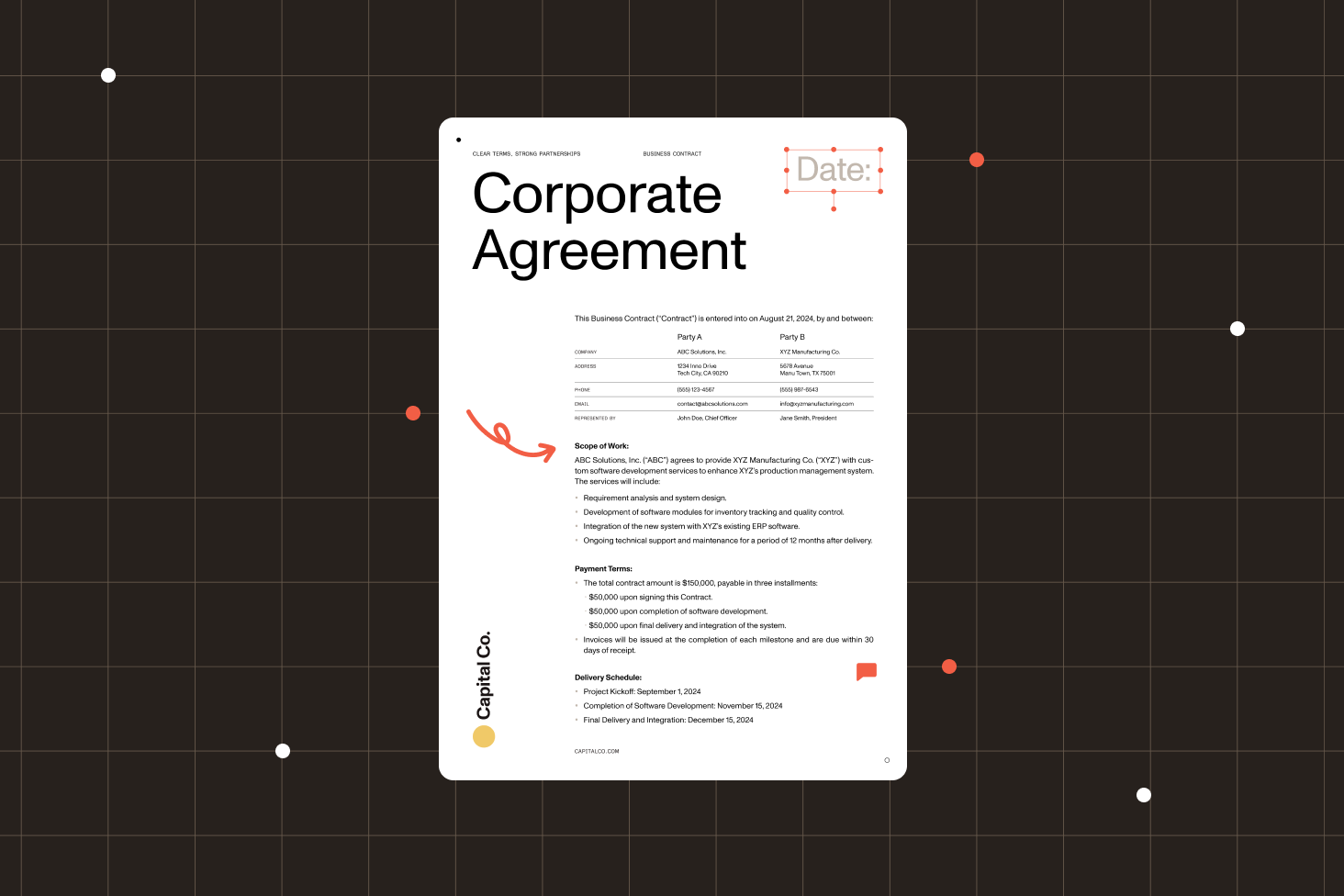
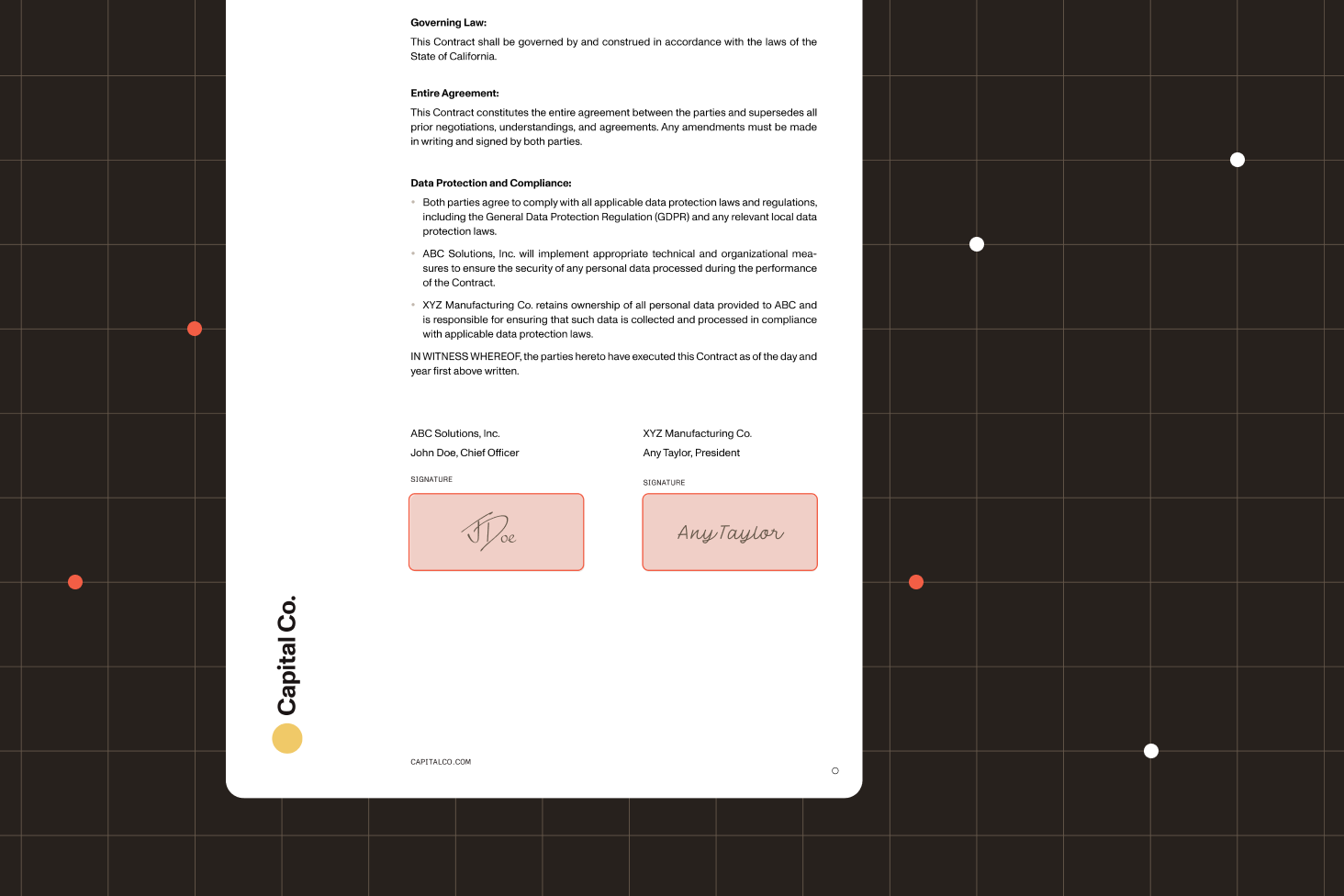
Add electronic signatures to let your users sign digital documents using drawn, typed, or image signatures.
Use the power of Instant to let multiple users comment and annotate on the same document in real time.

Security isn’t a feature — it’s the foundation.
Uploaded files are stored and hosted in the cloud and can be viewed and worked on in the browser. This means files can be kept in a central location, which eliminates the need for users to download files to their local machines.
DWS Viewer API gives you full control over who has access to and what can be done on a document through configurable tokens, while the dashboard helps you keep track of all your documents.
With DWS Viewer API, your data remains secure. We encrypt data both at rest in our infrastructure and in transit by enforcing HTTPS. We also support opening and editing password-protected documents.
Most common next steps
After evaluating the API, continue to:
Nutrient DWS Viewer API is a cloud-based PDF viewer API that enables you to embed fully interactive document viewing experiences directly into your web applications. It supports viewing PDFs, Microsoft Office files (Word, Excel, PowerPoint), and images (PNG, JPG, TIFF) with advanced features like annotations, form filling, electronic signatures, and real-time collaboration — all without requiring any backend infrastructure setup.
DWS Viewer API is a comprehensive PDF viewer API that enables you to embed rich document experiences in your web applications. Key features include high-fidelity rendering of PDFs, Office files, and images; interactive annotations (highlighting, notes, shapes); form viewing and filling with native controls; electronic and digital signatures; real-time multiuser collaboration; configurable document permissions; and support for password-protected documents. All processing happens in the cloud with secure streaming and encryption.
Pricing is subscription-based, with different tiers depending on your usage needs. You pay monthly or yearly for a specific allocation of viewer sessions, document uploads, storage, and document limits. Annual plans save you 10 percent compared to monthly billing. View our detailed pricing FAQ for more information.
Yes! We offer a free tier to help you get started. You can test all our features at no cost. Note that commercial use on the free tier is restricted for enterprises with more than 20 employees or greater than $1 million in annual revenue. You can upgrade to a paid plan anytime as your needs grow.
Integration is straightforward and takes just minutes. Simply obtain your API key from our dashboard, upload the document, add the Viewer SDK to your web application with a few lines of code, and pass in a session token. The API works with all major JavaScript frameworks, including React, Angular, Vue, Svelte, and Next.js. Our comprehensive documentation provides step-by-step guides and code samples to get you started quickly.
DWS Viewer API supports a wide range of formats, including PDF documents (.pdf), Microsoft Office files (.doc, .docx, .ppt, .pptx, .xls, .xlsx), and image formats (.png, .jpg, .jpeg, .tiff). All documents are rendered with high fidelity in the cloud, ensuring consistent viewing across all browsers and devices without requiring users to install any plugins.
Yes! DWS Viewer API includes built-in real-time collaboration features. Multiple users can view, annotate, and comment on the same document simultaneously. Changes appear instantly for all participants without page refreshes. Each user can see who else is viewing the document, reply to comments in real time, and work together seamlessly — perfect for document review workflows, contract negotiations, and collaborative editing.
DWS Viewer API provides a comprehensive suite of annotation tools, including text highlighting, underlining, and strikethrough; freehand drawing and shapes (rectangles, circles, lines, arrows); sticky notes and text comments; stamps, images and custom stamps; and measurement tools for technical drawings. All annotations are fully customizable, support threaded replies, and can be configured with different permission levels to control who can view, edit, or delete them.
Absolutely. DWS Viewer API fully supports interactive PDF form filling with native browser controls, making it easy for users to complete forms directly in the browser. The API also includes electronic signature capabilities: Users can draw signatures with a mouse or touchscreen, type their signature, or upload an image. For added security and compliance, the API supports digital signatures with certificate-based authentication to ensure document integrity and signer verification.
Our cloud-based architecture delivers instant performance gains by offloading document processing to powerful cloud servers instead of relying on users’ devices. Documents are optimized and streamed to browsers, enabling fast initial page loads, even for large files. This means users with older computers or mobile devices experience the same smooth performance as those with high-end hardware. Additionally, cloud rendering reduces the JavaScript bundle size of your web application, improving overall page load times.
Security is built into every layer of DWS Viewer API. We’re SOC 2 Type 2-audited and GDPR-compliant. All documents are encrypted in transit using HTTPS and at rest using industry-standard encryption. You maintain complete control with configurable access tokens that determine who can view documents and what actions they can perform. The API supports password-protected PDFs, permission-based controls (view-only, annotation, editing), and automatic document cleanup.
No infrastructure setup is required! DWS Viewer API is fully cloud-hosted and managed by Nutrient. You don’t need to worry about servers, scaling, updates, security patches, or maintenance. We handle all of that for you. Simply integrate the SDK into your web application, and our cloud infrastructure automatically scales to handle your traffic — whether you have 10 users or 10,000. This lets your team focus on building your core product instead of managing document viewing infrastructure.
DWS Viewer API provides a free plan so you can start building immediately without entering payment information. This gives you full access to trial all features, including document viewing, annotations, forms, signatures, and real-time collaboration. For pricing details, visit our pricing page or contact our Sales team for custom enterprise plans.
DWS Viewer API works across all modern web browsers, including Chrome, Firefox, Safari, Edge, and mobile browsers on iOS and Android. The viewer is fully responsive and optimized for desktop, tablet, and mobile devices, automatically adapting its interface to provide the best experience for each screen size. No browser plugins or extensions are required — everything works seamlessly using standard web technologies.
Yes. DWS Viewer API is highly customizable. You can configure which toolbar buttons and features are visible, customize colors and themes to match your brand identity, add custom buttons and workflows, create custom overlays and UI elements, and control the default layout and viewing modes. Our flexible API gives you complete control over the user interface while maintaining a consistent, professional document viewing experience.
DWS Viewer API is optimized for fast load times through several techniques: cloud-based document optimization and streaming, progressive rendering that displays the first page while loading the rest, efficient caching to speed up repeated views, and minimal JavaScript bundle size to reduce initial page load. Unlike some PDF viewer libraries that require downloading the entire document before display, our streaming approach enables users to start viewing documents almost instantly, even for large multipage files.
DWS Viewer API requires an internet connection, as it’s a cloud-based service that streams documents from our servers. This architecture provides benefits like instant performance, zero infrastructure setup, automatic updates, and consistent behavior across all devices. If your use case requires offline functionality, consider Nutrient Web SDK, which includes a fully client-side PDF viewer that works offline using WebAssembly technology.
The Viewer API automatically handles multipage documents efficiently through smart rendering and lazy loading. Only visible pages are rendered initially, with adjacent pages preloaded in the background. As users scroll, pages are rendered on-demand for smooth navigation. The API also supports virtualized scrolling for documents with thousands of pages, ensuring consistent performance regardless of document size. Users can navigate via thumbnails, page numbers, or bookmarks for quick access to specific sections.
DWS Viewer API is a fully cloud-hosted solution that streams documents from our servers — ideal for fast integration without any backend setup. Nutrient Web SDK is a client-side library that runs entirely in the browser using WebAssembly, providing offline capabilities and greater control over data privacy. The Viewer API is perfect for SaaS applications and quick integrations, while the Web SDK is ideal for applications requiring offline access or those with strict data residency requirements. Many customers use both: the Viewer API for general use and the Web SDK for specific offline scenarios.
Start building with DWS Viewer API in minutes — no payment information required.