Task automation: How to automate document workflows and repetitive tasks (2026)

Table of contents
- What task automation is and the technologies behind it (AI, RPA, and ML)
- Six real examples of document workflow automation — invoice processing, contract review, compliance signoff, and more
- How to automate routing, approvals, data extraction, and signing with Nutrient Workflow Automation
Task automation software uses AI, robotic process automation (RPA), and machine learning to handle repetitive work and connect different parts of a workflow. Organizations that automate routine tasks reduce manual effort and speed up processes.

What does it mean to automate tasks?
Task automation uses software to handle repetitive tasks and multistep workflows. By automating data entry, notifications, and approvals, businesses eliminate manual work and free up staff for higher-value activities.
Key enabling technologies
Modern workflow automation relies on several complementary technologies.
AI-driven automation
Artificial intelligence (AI) — particularly natural language processing (NLP) and computer vision — enables your automation platform to:
- Interpret unstructured data (e.g. parse invoices, emails, or scanned documents)
- Make smart decisions via predictive models (e.g. route a high-risk claim to a senior analyst)
- Continuously improve through feedback loops, reducing manual exceptions over time
Robotic process automation (RPA)
Robotic process automation (RPA) deploys software “robots” that mimic user interactions with applications when no APIs exist. Examples include:
- Screen scraping to extract data from legacy UIs
- Automating routine clicks and keystrokes (e.g. copying data between systems)
- Scaling quickly by converting manual, repetitive sequences into bot-driven tasks
Machine learning
Machine learning (ML) applies statistical models within your workflows to:
- Detect anomalies (e.g. flag unusual transactions before they slip through)
- Classify content automatically (e.g. auto-tag support tickets by topic or priority)
- Forecast outcomes (e.g. predict next month’s workload and trigger capacity-adjusting tasks)
Automation integrations and APIs
Robust integrations and APIs tie everything together, ensuring data flows seamlessly. Examples of these include:
- Prebuilt connectors for popular SaaS and enterprise apps (Salesforce, SAP, Microsoft 365, Slack, etc.)
- Custom API orchestration for in-house or niche systems
- Event-driven triggers that launch workflows the instant a data change or message arrives
Together, these technologies let organizations automate a wide range of tasks — from simple notifications to complex decision workflows.
Types of tasks you can automate
Organizations can automate tasks across daily operations, monthly processes, and data management.
Daily and weekly tasks
Everyday tasks are prime candidates for workflow automation tools:
- Data entry — Automate input into systems to save time and reduce errors.
- Notification sending — Automatically send updates, reminders, or alerts.
- Information retrieval — Fetch and compile data from multiple sources in seconds.
- Task reminders — Trigger automated reminders so nothing slips through the cracks.
- Report generation — Generate and distribute reports without human intervention.
Recurring monthly tasks
Monthly processes follow scheduled patterns, which are tasks that are ideal for RPA:
- Bill payments — Automate recurring payments to avoid late fees.
- Invoicing — Generate and send invoices automatically.
- Payroll processing — Calculate and disburse salaries accurately and on time.
Data management tasks
Data-centric tasks benefit from AI-driven automation and ML:
- Data collection and entry — Automate ingestion into databases or spreadsheets.
- Data processing — Process large volumes quickly and accurately.
- Data analysis — Generate insights and dashboards with no manual effort.
Document workflow automation: The highest-value task to automate
Most task automation guides focus on simple triggers, e.g. “when X happens, do Y.” Send a Slack notification when a form is submitted. Move a card when a status changes. Create a calendar event when an email arrives.
These are useful, but they automate only single steps. The tasks worth automating first are the ones that involve documents — because document workflows combine multiple automation challenges at once. A single document may need routing, data extraction, review, sequential approvals, signing, and archiving with a full audit trail.
Document workflow automation handles this entire chain. Instead of automating one simple trigger, you’re automating a multistep process where the document moves through review, decision, and signoff — with every step tracked and every action logged.
Why document workflows are hard to automate with generic tools
Generic task automation tools (Zapier, Make, and Power Automate) work well for simple triggers and data movement between apps. But they hit a wall with document workflows because:
The document is the work, not just the trigger. A reviewer doesn’t just click “approve” — they need to read a document, annotate specific sections, suggest edits, and make a judgment call. Generic automation tools can move a file from one folder to another, but they can’t enable the review process itself.
Routing depends on document content. An invoice for $500 follows a different path than one for $50,000. A contract with non-standard terms needs legal review; one with standard terms doesn’t. The routing logic depends on data inside the document, not just metadata.
Version control is critical. When multiple people review and edit a document, the system needs to track which version each person reviewed, what changes were made, and whether the final approver saw the latest version. Email-based “automation” fails here completely.
Signing is the last mile. After all the routing, review, and approval, someone needs to formally sign the document. If that requires switching to a separate eSignature tool, you’ve automated 90 percent of the workflow but left the last 10 percent manual.
Task automation examples for document workflows
Here are six patterns where document automation saves the most time.
Example 1: Invoice processing automation
Manual version:
- Invoice arrives as email attachment
- Someone downloads it
- Manually enters vendor, amount, PO number into a spreadsheet
- Forwards to the right approver based on the amount
- Approver emails back “approved”
- AP schedules payment
- Files the invoice somewhere
Automated version:
- Invoice arrives
- AI Data Extraction automatically pulls vendor name, amount, line items, PO number from the PDF
- System matches to purchase order
- Routes to the correct approver based on amount thresholds
- Approver reviews invoice with one click
- Payment scheduled automatically
- Invoice archived with full audit trail
Time saved: That’s 15–20 minutes per invoice reduced to two minutes of approver review time. For a company processing 500 invoices per month, that’s more than 100 hours saved.
Example 2: Contract review and approval
Manual version:
- Sales sends a contract via email
- Legal downloads, reviews in Word, emails back comments
- Sales makes changes, resends
- Legal reviews again
- Approved contract emailed to customer
- Customer prints, signs, scans, emails back
- Final version filed
Automated version:
- Sales submits contract to workflow
- Auto-routes to legal based on deal value and contract type
- Legal annotates directly within the workflow
- Sales revises within the same system
- Legal approves
- Contract auto-sent to customer with built-in signing
- Signed document filed automatically
Time saved: Typical contract cycle drops from 2–3 weeks to 3–5 days.
Example 3: Policy update and compliance signoff
Manual version:
- Compliance team updates a policy document
- Emails it to all department heads
- Department heads are supposed to read it and confirm
- Someone tracks responses in a spreadsheet
- Three months later, two departments still haven’t confirmed
Automated version:
- Updated policy enters workflow
- Auto-distributes to all required reviewers
- Each reviewer reads and acknowledges within the workflow
- SLA timers auto-remind after five days
- Escalate to the reviewer’s manager after 10 days
- Compliance dashboard shows real-time acknowledgment status
- Full audit trail for regulators
Example 4: Employee onboarding document collection
Manual version:
- HR sends new hire a list of documents to submit (ID, tax forms, signed offer letter)
- New hire emails them back piecemeal
- HR manually checks what’s been received
- Follows up for missing items
- Files everything in the employee record
Automated version:
- Onboarding workflow sends document requests to new hire
- New hire uploads each document directly
- System validates completeness
- Missing documents trigger automatic reminders
- HR dashboard shows completion status for all new hires
- Documents auto-filed to employee record
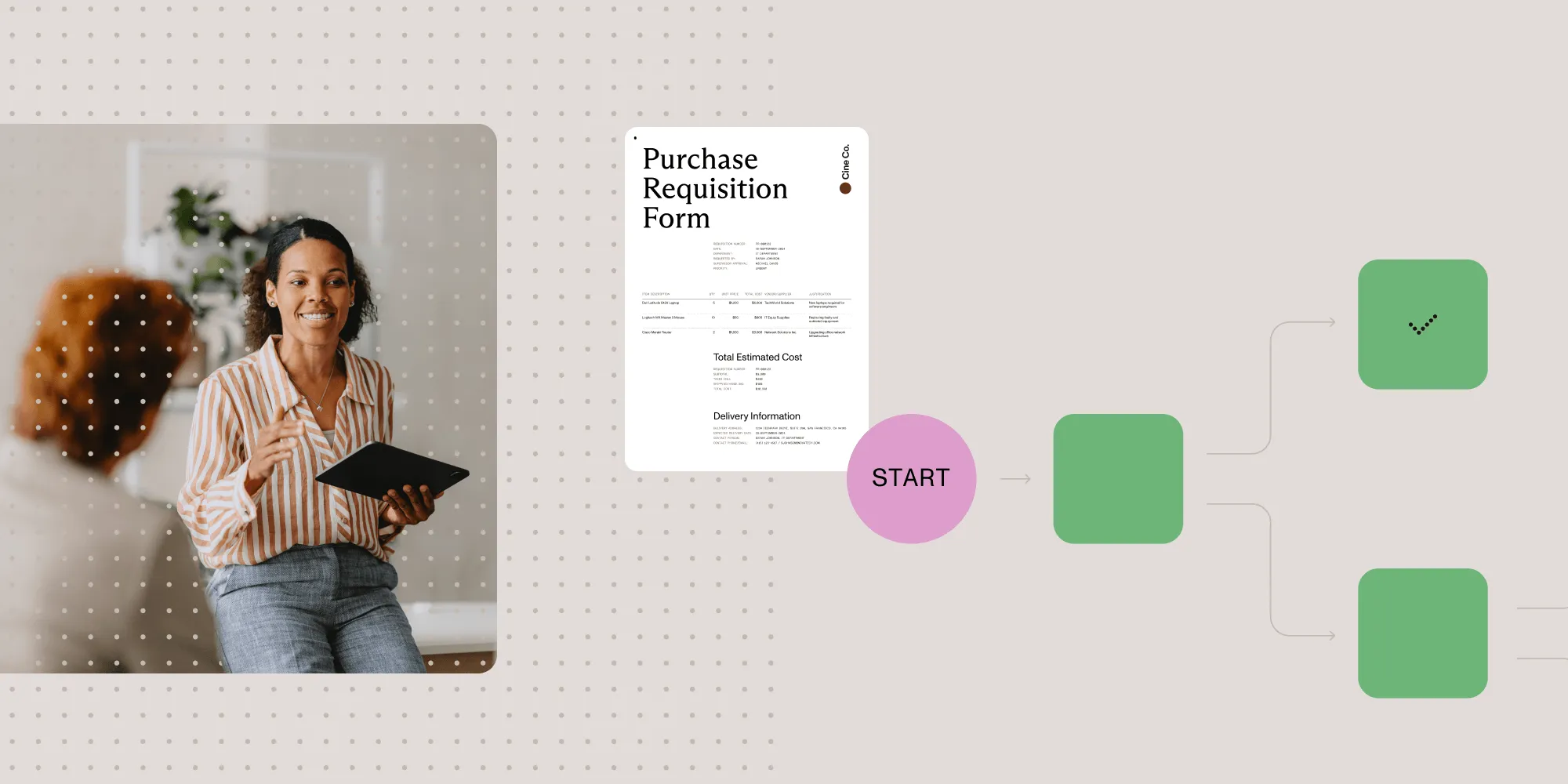
Example 5: Purchase requisition to PO
Manual version:
- Employee fills out a purchase request form
- Emails to manager
- Manager forwards to finance
- Finance checks budget
- Emails back approval
- Procurement creates a purchase order
- Sends to vendor
Automated version:
- Employee submits digital requisition
- Auto-classifies by amount and department
- Routes through threshold-based approval chain
- AI extracts vendor details from attached quotes
- Approved request auto-generates purchase order
- PO sent to vendor
- Budget updated automatically
For a detailed look at this pattern, see our requisition form guide.
Example 6: Vendor qualification document review
Manual version:
- Vendor submits certifications, insurance, and references via email
- Procurement reviews
- Forwards relevant documents to legal and compliance separately
- Each reviewer emails back their assessment
- Someone consolidates the feedback
- Vendor approved or rejected
Automated version:
- Vendor submits documents through intake form
- AI extracts certification dates, insurance limits, and key terms
- Auto-routes: compliance reviews certifications, legal reviews terms (in parallel)
- All reviews collected
- Vendor auto-approved if all pass
- Auto-rejected with specific reasons if any fail
- Vendor notified either way
For more on vendor intake, see our intake form guide.
Software to automate tasks
Task automation tools vary based on complexity and use case. Simple integrations — like sending a Slack(opens in a new tab) notification when a social media post mentions your company — work well with tools like Zapier(opens in a new tab).
For more complex workflows like complaint handling or capital expenditure requests, you need a platform with robust integration capabilities. These tools let you build visual workflows that handle branching logic and multistep approvals.
Automated workflows streamline form approvals, employee onboarding, and other multistep processes — reducing errors and freeing teams for higher-value work.
Building automated task workflows
Modern task automation software uses drag-and-drop interfaces to arrange tasks into workflows. You connect task types — forms, approvals, assignments, system triggers, data retrieval, and emails — in the order they need to execute.
Most platforms include prebuilt task types that can run sequentially or in parallel, with no coding required.
Business rules
A workflow engine (sometimes called a business rules engine) is an application that runs within a task automation system and makes decisions automatically based on preset rules. These decisions usually involve deciding how a task should be accomplished, who should do it, how to know when it’s completed, and what needs to be done next.
For instance, you might have a task that’s part of the process for onboarding new hires. The task is ensuring a new hire is correctly entered into the payroll system. Here are some potential questions:
- How should the task be accomplished? — Selecting the proper salary classification for the new hire
- Who should do it? — The HR administrator for the new hire’s region
- How will we know the task is completed? — When the salary classification is selected and submitted
- What needs to be done next? — The salary classification must be reviewed and approved by the HR director
This task could be automated in several ways:
- As the new hire is entered into the system, the salary classification is automatically added based on the title or other data.
- The task could be automatically assigned to the proper HR administrator based on the new hire’s office location.
- A new task could automatically be assigned to the HR director upon submission.
- If the selected salary classification is inappropriate for the title and department, it could automatically come back to the HR administrator for adjustment.
Task collaboration
Automation handles routine work, but people still step in for exceptions and decisions. Workflow tools often include built-in chat, comments, and alerts so stakeholders can resolve issues and coordinate transitions.
Benefits when you automate tasks
- Reduced manual work — Eliminate repetitive data entry and handoffs
- Fewer errors — Remove human mistakes from routine processes
- Policy compliance — Enforce rules automatically
- Better visibility — Track every task in real time
- Happier employees — Free staff for meaningful work
- Faster approvals — Cut cycle times with automatic routing
Common challenges when automating tasks
| Challenge/pitfall | Why it happens | Potential solution |
|---|---|---|
| Unclear or incomplete process definition | Automating a poorly documented workflow propagates errors and hidden steps into your automated workflow. | Map and standardize processes first (use swim lanes or a RACI matrix); run pilot tests and walk through every branch before full rollout. |
| Poor data quality and inconsistent formats | Automation engines choke on malformed, missing, or inconsistent input data (dates, codes, free text). | Build in data validation rules (e.g. required fields, regex checks); leverage ML-powered anomaly detection to flag outliers before they enter the pipeline. |
| Integration complexity | Connecting to legacy systems or custom in-house apps may require brittle UI scraping or fragile scripts. | Prefer prebuilt connectors or middleware when available; use APIs or microservices for robust, versioned integration points. |
| Over-automation (“set and forget”) | Once deployed, workflows may drift out of alignment with business changes, creating “shadow processes.” | Include human checkpoints and exception-handling routes; schedule regular audits of automated workflows and exception logs. |
| Change management resistance | Users feel threatened by bots replacing their tasks or are unsure how to handle exceptions and escalations. | Communicate clear ROI and pain-point relief; provide in-app guidance, quick-reference cheatsheets, and targeted training sessions. |
| Unmanaged exceptions and error handling | When an unexpected condition arises, the automation may fail silently or produce incorrect outputs. | Design explicit exception paths (e.g. “if X fails, notify Y and pause”); log all errors centrally, and send real-time alerts to a support queue. |
| Security and compliance gaps | Automated scripts with broad permissions can expose data or bypass audit controls. | Use role-based access controls for bots; maintain an audit trail of all automated actions; encrypt sensitive data in transit and at rest. |
| Scalability and performance bottlenecks | Workflows that run fine at small scale may time out or starve resources under heavy load. | Implement rate limiting and queuing mechanisms; monitor performance metrics (latency, throughput), and autoscale your execution environment. |
| Lack of monitoring and visibility | Without dashboards, you can’t see where tasks are backing up or if SLAs are at risk. | Build real-time dashboards and SLA alerts into your automated workflow management platform; use KPIs like “tasks completed per hour,” “error rate,” and “average exception turnaround.” |
| Underestimating total cost of ownership (TCO) | Licensing, maintenance, and development overheads pile up after initial deployment. | Model TCO, including support, updates, and infrastructure; start with a small proof of concept, and then expand incrementally to control costs. |
How to automate document tasks with Nutrient Workflow Automation
Nutrient Workflow Automation is built for the document-centric automation patterns above. Unlike generic automation tools that move data between apps, Nutrient handles the entire chain, from intake through signing and archiving.
AI Data Extraction
Nutrient’s AI reads documents (invoices, contracts, certificates, and forms) and automatically extracts structured data — vendor names, amounts, dates, line items, and contract terms — and maps them to workflow fields. This means:
- Invoices get classified and routed based on their actual amount, not a manually entered field
- Contracts route to legal based on extracted terms, not someone’s judgment about whether the terms are “standard”
- Certifications are validated against expiration dates extracted from the document itself
This removes manual data entry and the classification mistakes that send documents to the wrong approver.
Visual Process Builder
Design document workflows by dragging steps onto a visual canvas. Configure conditional routing (if amount > $10K, add finance approval), parallel branches (legal and compliance review simultaneously), escalation timers (auto-remind after 48 hours), and revision loops (return to author if changes requested). What you build on the canvas is what runs — no separate implementation step.
Document review and annotation
Reviewers open, read, and annotate documents directly inside the workflow. They can highlight text, add comments anchored to specific sections, and compare versions. No downloading, no emailing marked-up PDFs, no “which version did you review?” confusion.
Built-in signing
When a workflow step requires a signature, it happens in the same system. The reviewer who just approved the document signs it in the next step — no export to a separate eSignature tool, no reupload, no second round of emails. This removes the gap between approval and signature that stretches a three-day process to two weeks.
Form designer with Document Authoring
Build intake forms for each workflow with conditional fields, file uploads, and calculated values. File attachment questions support Document Authoring — users can edit DOCX files directly within the workflow, so document creation and review happen in one place.
Mobile approvals
The Nutrient Workflow mobile app (iOS and Android) sends push notifications when a document needs attention. Approvers can review and approve from their phone, keeping document workflows moving even when people aren’t at their desks.
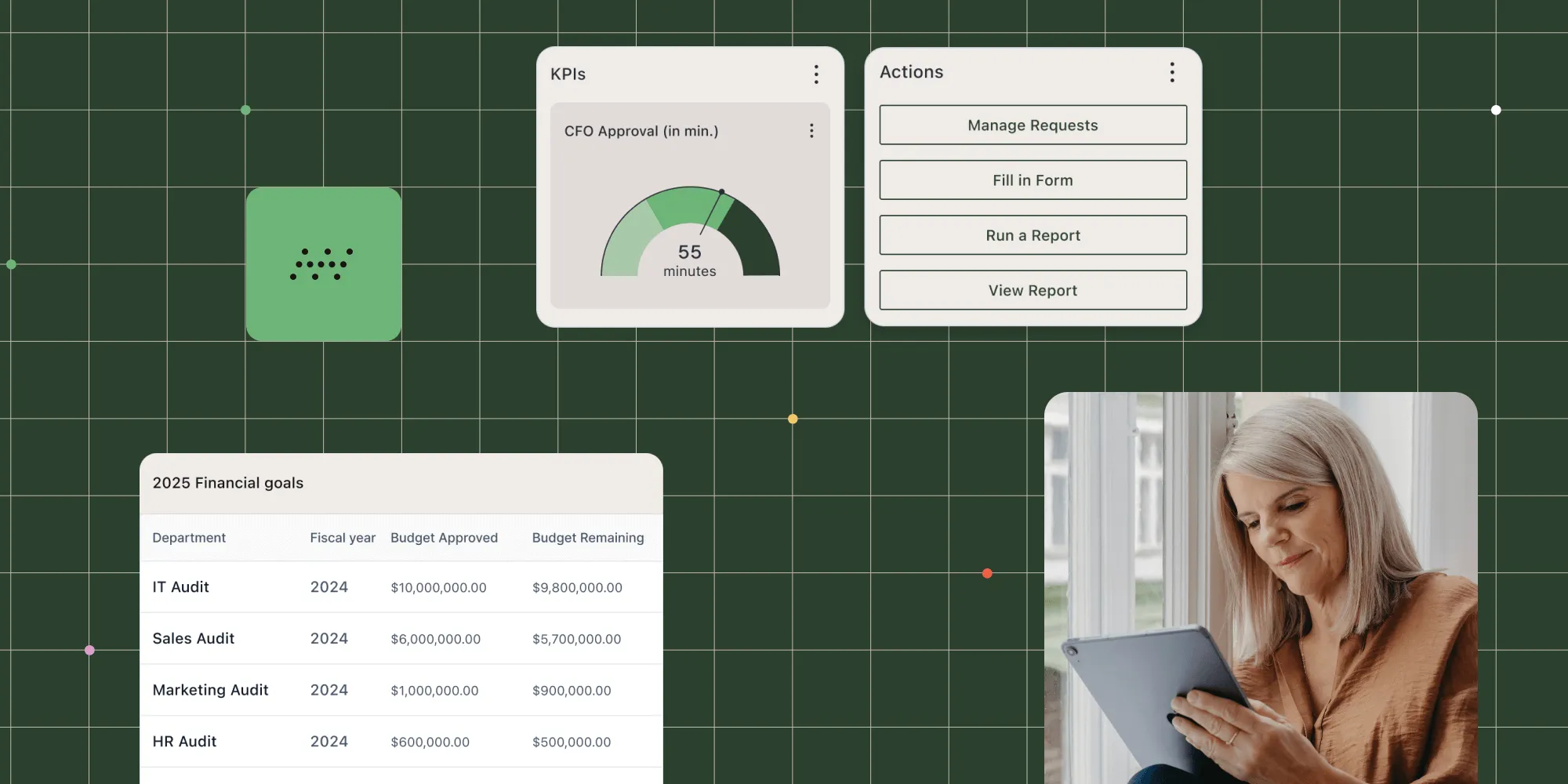
Dashboards and analytics
Track average cycle time, bottleneck steps, SLA compliance, and throughput by workflow type. The Ask AI assistant provides contextual help for administrators managing automation across their organization.
→ Automate your document workflows with Nutrient
Choosing the right task automation approach
Not every task needs the same level of automation. Refer to the following framework.
Simple triggers (Zapier, Make, and Power Automate): Use for if-this-then-that automation. “When a form is submitted, send a Slack message.” “When a file is uploaded to Drive, notify the team.” No document interaction needed.
Document workflow automation (Nutrient): Use when the task involves document review, multistep approvals, data extraction from documents, conditional routing based on document content, or signing. These workflows require a platform that understands documents, not just triggers.
Custom code: Use when your automation requirements are highly specific, involve complex integrations, or need to process documents at scale via API. Nutrient’s Document Web Services API handles programmatic document processing for these cases.
Organizations that run document workflows through simple trigger tools typically end up with a fragile mix of Zapier zaps, email rules, and spreadsheet trackers that nobody can maintain.
Key takeaways
Task automation ranges from simple triggers to complex document workflows. The tasks worth automating first are the ones involving documents — because they combine routing, review, data extraction, approval, and signing in a single process.
Generic task automation tools handle simple triggers well but fall short on document workflows. For processes where people need to read, annotate, extract data from, approve, and sign documents, you need a platform built for document-centric automation.
Ready to automate your document tasks? Try Nutrient Workflow Automation →
FAQ
Nutrient Workflow automates approval routing, form submissions, notifications, data entry, employee onboarding, expense requests, and any multistep process with defined rules.
Nutrient Workflow provides a drag-and-drop builder, automatic routing based on business rules, real-time tracking, and integrations with ERP, CRM, and accounting systems — all without coding.
Start with high-volume, rule-based tasks that consume manual effort or cause frequent errors — like invoice approvals, data entry, or notification sending. Quick results make it easier to justify automating more processes.
Yes. Nutrient Workflow connects with ERP systems, CRMs, accounting software, and other business applications through APIs and prebuilt connectors.
Most customers have their first automated workflow live within a few weeks. The Nutrient Workflow team provides support during setup.