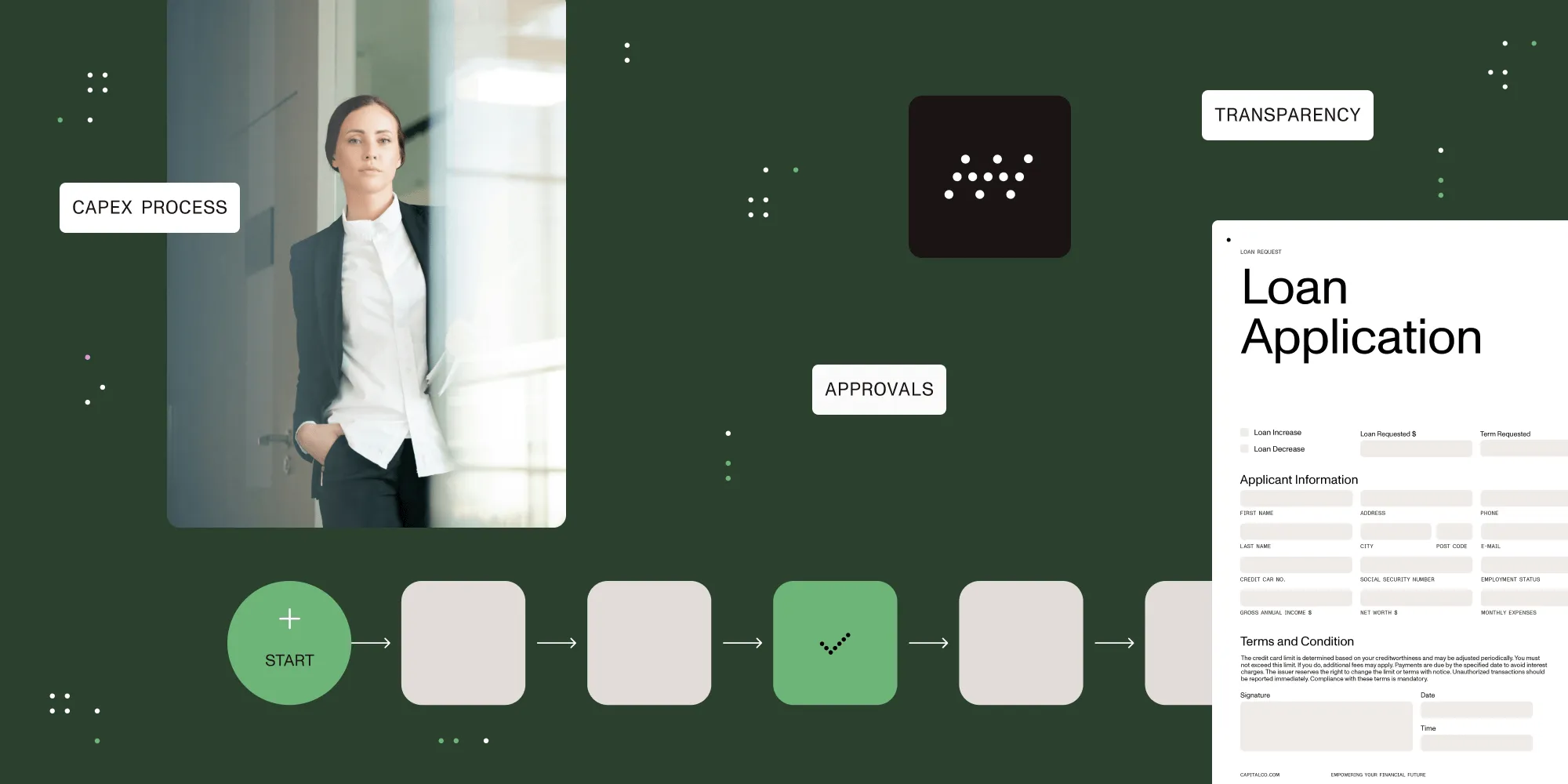
Efficient approval software with workflow management for streamlined processes

Table of contents
Nutrient Workflow is an approval process software platform that helps organizations reduce operational costs and improve employee satisfaction by providing request and approval process definition, approval workflow automation, and process visibility. Nutrient Workflow streamlines the approval process across all business areas, including IT, HR, finance, sales, and marketing.
Some examples of approval processes our customers automate:
- Capital expense approvals
- Leave of absence approvals
- IT project requests
- Pricing discount requests
- New hire requests
- Logo and branding approvals
- New product requests
- Document approvals
- Contract review approvals
Efficiency is just the start!
Automating your approval processes does more than just make things faster and easier.
Approval audit trails
Nutrient Workflow captures a complete, auditable history of every approval, including:
- Who submitted the approval request
- What was requested
- When it was submitted
- When it was approved
- Who approved it
- All communication back and forth
- All metadata
If your company is subject to internal or external audits, all approval information is now at the auditor’s fingertips. No more scrambling to find emails or documents; all the information you need is held within Nutrient Workflow’s approval software.

Nutrient Workflow makes creating an approval process easy by automating it and then deploying it to users.
Delegate and escalate approvals
When an approver is unavailable due to vacation, sickness, travel, or other reasons, administrators can designate an alternate approver to handle approvals temporarily. If a request sits for a designated amount of time, it can be escalated to a person you choose to ensure it’s taken care of.
Continuous improvement
Our reporting tools enable administrators to identify workflow bottlenecks and address service-level issues. By recognizing these, administrators can change the process as new information is learned.
Go mobile
Approvals can be made from any computer or mobile device. Approve or reject a request from an email link or our mobile-friendly portal. It couldn’t be easier.
See how Nutrient Workflow approvals work

Main components of a scalable approval management system
Some approval processes are straightforward and require software that enables you to build a form, assign an approver, and send a simple notification. However, depending on the scale and complexity of your approval processes, many steps, people, and resources — as well as a complex matrix of business rules — may be involved. Your approval system needs to scale to your most complex request yet keep things simple enough for business users to build a straightforward approval workflow when required.
The following section explains the main components of a genuinely scalable approval management platform to help you better understand what to look for when selecting a system.
Approval forms
The approval process always starts with a form and, in some cases, attachments. What web form(s) must be filled out for your approval requests, and what do they look like today? When a platform can mimic existing interfaces in use today (be they paper, Excel, or data entry screens), the transition to new technology goes much more smoothly. Are the data entry screens/forms dynamic — i.e. if Bob says this purchase will cost more than $100,000, display these four additional questions or include this justification/attachment section?
Dynamic forms simplify initial data entry, conforming to what the user needs to see based on the request specifics. This improves the user experience and helps ensure only the necessary information is required.
Approval sequence
Not all approval rules are simply a user submitting a request and a manager saying yes or no. In the real world, an approval process could be parallel instead of sequential, meaning several approval workflows are kicked off simultaneously.
Sometimes, there may be a group of approvers rather than an individual approver. In this case, does everyone have to approve it, or can just one person in a group approve it? The system needs to accommodate both scenarios.
Also, in some approval processes, additional forms may need to be filled out by the approver(s) at that level, who will then need to route based on answers in those forms. For instance, Bob in sales requests that a new marketing campaign be developed. His manager, Stacy, approves it and then provides additional information for the marketing team separately.
High-value workflows, such as project approvals, may have complex approvals, and perhaps several levels of approval are needed. Or maybe the approver changes dynamically based on variables that can differ with each request. Variables like project type, region, department/division, amount, or nearly any designated field within your form(s) can direct the following sequence of events/tasks.
An approval matrix
The path of approval can be different based on a variety of factors. These factors can be fed into an approval matrix that simplifies change management if internal personnel move into different roles, leave the company, or change their responsibilities.
Change the personnel in one place (in the approval matrix), and all future requests will route to the new approver(s). Approval matrices can become exponentially complex if an organization is large and spread out across multiple worldwide locations, but without a centralized approval matrix, managing change becomes extremely difficult.
Notifications
According to your internal policies and procedures, the information that must be passed to approvers and other personnel can vary as the approval moves from step to step within the workflow. For instance, does the first-level approver need information different from that of the final approver when making a decision? In addition, do their tangential stakeholders need a simple “FYI” notification with no action?
For instance, in an order process, a warehouse manager needs to know a part has been requested and then confirm the part has been ordered; you might want to notify sales that the part has been ordered as well.
Process branching and looping
Despite a user’s best efforts, there are times when an approval request is missing information or contains invalid information. So, what happens when something within the request is wrong or when it needs to be sent back for more information or additional approvals? Your workflow system needs the flexibility to accommodate when everything isn’t perfect.
When a project request is submitted incorrectly, does it automatically cycle back to the project manager, or can the first-level approver be given the ability to make simple edits (notifying the requester automatically) so the request can continue? This kind of flexibility in the process can drastically improve cycle times.
Backup approvers/delegation
In critical, time-sensitive approval processes — for instance, requesting equipment following a breakdown — how would you handle an approval if the main approver is unavailable? Delays in fulfilling specific approval requests can cost an organization time, money, and customers. In addition, you may need different approvers based on their time zone. In these situations, delegating backup approvers is a necessity.
Timeouts/escalation
For various reasons, an approver may neglect to review and decide on a particular approval request in the expected amount of time. So what happens if an approval decision has been sitting too long? Should it escalate? Does the approver need another reminder? How are critical participants made aware of these delays?
The software should be able to set and manage how delays are handled by setting “timeouts” for specific parts of a process. These timeouts set the maximum threshold for an action to be taken and ensure critical approvals are handled efficiently. For instance, perhaps the first-level approver is given three days to decide; at this point, an alert is sent to their manager that there’s a delay. After another 24 hours, their manager is designated as the new approver.
Auditing
Some approval processes require stringent record-keeping and audit trails. This could be to comply with regulatory oversight or to adhere to organizational protocol. Having a complete history also makes for quick work in future investigations.
By default, each action within an approval workflow is time and date stamped with who did what and when. This self-generating audit information is also available for more advanced reporting.
Mobility and user experience
User experience is key to adoption when a new process is introduced. Is the platform easy to understand for end users? Even the most feature-rich solution will fail if your users don’t embrace it. Keeping forms focused by using dynamic behavior (prepopulated fields, hiding irrelevant questions, etc.) and question-level help can go a long way toward making users feel comfortable.
In addition, including references to documentation and videos for each task can ensure they understand the process.
Finally, consider how users will interact with your platform. Are they reviewing from a tablet or phone? Is the platform interface still user-friendly if an executive wants to review a request from their Android device or iPhone? Even better, it enables them to click an email link to approve or reject a request.
Integration
Depending on the approval process, integration may be required with existing systems, including CRM, ERP, finance, and HRIS. For instance, once an expense request is approved, you may want to update your finance system with the amount. The approval system should allow integration with these systems via an open API.
Why is Nutrient Workflow the best approval software solution for my business?
Nutrient Workflow enables non-technical business users to quickly build approval forms and routing workflows with a drag-and-drop interface. Users can:
- Assign a backup approver in case the primary approver is unavailable.
- Configure alerts to keep an approval request moving forward.
- Create group approvals with advanced features like requiring group consensus.
- Use logic and branching without a programming degree.
- Design approval matrices to ensure the right person is making decisions at the right time.
Interested in automating your approval workflow?
Start your transformation today:
- Explore workflow solutions tailored to your industry
- Contact our workflow specialists for custom implementation guidance
- Learn more about workflow automation with our comprehensive guides
FAQ
Nutrient Workflow is a software solution designed to automate and streamline approval processes across organizations, enhancing efficiency and visibility.
It automates approval workflows, tracks progress, and ensures accountability with audit trails, helping businesses save time and reduce errors.
Yes. Nutrient Workflow is accessible on mobile devices, enabling users to approve or reject requests directly from emails or a mobile portal.
Yes. It supports dynamic approval sequences, multiple levels of approval, and custom workflows for both simple and complex processes.
Yes. It provides reporting tools to identify bottlenecks, improve workflows, and continuously optimize approval processes.