Compliance workflow automation: Why built-in compliance is table stakes

Table of contents

- Bolt-on compliance creates gaps: incomplete audit trails, version confusion, and reactive audit prep — all of which put organizations at risk when scrutiny arrives.
- Built-in compliance automation embeds audit trails, defensible records, role-based controls, and policy enforcement into every workflow step, not as an add-on but as a property of the process.
- For regulated industries, compliance by design isn’t a feature upgrade. It’s table stakes.
The audit notice arrives. Your team has three days to produce documentation for a review that spanned six months. Someone starts pulling records from the workflow system. Someone else checks the shared drive. A third person searches their email for approval threads.
That’s bolt-on compliance. And in regulated industries, it’s not just inefficient. It’s a liability.
Built-in compliance automation changes the equation. When audit trails, defensible records, role-based access controls, and policy enforcement are embedded in the workflow itself, compliance isn’t something you reconstruct. It’s something you produce on demand.
What is compliance automation?
Compliance automation is the use of workflow technology to enforce regulatory requirements and document decisions, as well as generate audit-ready records automatically — as part of the process, not after it.
The distinction matters. Most organizations have some form of workflow automation in place. They have approval chains, notification systems, and document storage. What they often lack is a system that makes compliance defensible at the moment a decision is made, not when a regulator asks for proof.
That’s the difference between compliance management as a practice and compliance automation as a capability. One is something your team does. The other is something your platform does for you.
A compliance workflow automation system doesn’t replace your compliance function. Rather, it eliminates the manual documentation burden that consumes your team’s time, so it can focus on judgment and oversight rather than record reconstruction.
Why bolt-on compliance creates risk
Most organizations approach compliance the same way they approach security: They layer it on at the end. A workflow tool handles routing and approvals. A separate system stores documents. A compliance team reconstructs the audit trail when needed.
This works, until it doesn’t.
Bolt-on compliance creates three predictable gaps that compound as regulatory requirements tighten.
Incomplete audit trails. When documents leave the workflow to be edited, signed, or stored in a separate system, the chain of custody breaks. A decision may be logged in the workflow platform, but the document that represents that decision lives somewhere else. The two records don’t always align.
Version confusion. When a contract, claim form, or policy document passes through multiple tools across its lifecycle, determining which version was approved and when becomes a manual exercise. Final_APPROVED_v3.docx isn’t a compliance record.
Reactive audit prep. When compliance is tracked manually, audit preparation becomes a reconstruction project. Teams spend days pulling records from multiple systems, hoping the assembled picture is complete enough to be defensible.
The exposure here is real. In regulated industries, incomplete documentation leads to regulatory findings, delayed approvals, and legal disputes. As audit frequency increases and requirements tighten, the tolerance for “we had to reconstruct that from our email archive” is shrinking.
The core problem: Compliance can’t be reconstructed after the fact. It has to be preserved as it happens.
The four pillars of built-in compliance
Built-in compliance automation doesn’t add a compliance layer on top of a workflow. It makes compliance a property of the workflow itself. Four capabilities make that possible.
Audit trails
An audit trail is a continuous, immutable record of every action taken in a process: who approved what, when, and with what evidence, along with what changed between versions.
Effective audit trails in a compliance workflow capture:
- Every approval and rejection, with the reviewer’s identity and timestamp
- Every document version, with tracked changes visible
- Every escalation, exception, and reassignment
- Every access event, showing who viewed what and when
When an audit trail is embedded in the workflow, you don’t reconstruct the record. You print it. That’s the difference between audit logging as a feature and audit trails as a compliance control.
The distinction between an audit trail and an audit log matters here. An audit log records system events. An audit trail records decision events — the who, what, when, and why of every action that moved a process forward. In regulated environments, the trail is what matters.
Defensible records
A defensible record is more than a stored document. It’s a document with complete context: the approval history, the version in effect at the moment of decision, the signatures collected, and the compliance controls applied.
Compliance management systems that treat documents as file attachments can’t produce defensible records, because the record and the document are in different places. Built-in compliance keeps them together. The document, its history, and its approvals are a single, unified record.
When a regulator or auditor asks for proof, a defensible record answers the question completely, with no assembly required.
Role-based access controls
In regulated environments, who can see what matters as much as what gets done. Role-based access controls enforce data governance at the process level, not just the system level.
In a compliance-first workflow:
- Sensitive documents are visible only to authorized reviewers
- Approvals require the appropriate role, not just any authenticated user
- Escalation paths enforce chain-of-custody requirements automatically
- Access events are logged, not assumed
This is the difference between security as a configuration setting and compliance controls as a workflow property. Role-based access control in a compliance workflow isn’t an IT checkbox. It’s a governance mechanism that’s active in every step of the process.
Policy enforcement
Policy enforcement means the process itself checks compliance requirements, not a compliance team reviewing outputs after the fact.
In practice, that means:
- Approval thresholds enforced automatically based on request values or document types
- Required fields validated before a submission can proceed
- Retention rules applied at the moment of archival
- Exception flags raised when a process deviates from the defined compliance workflow
When policy enforcement is built in, compliance becomes proactive rather than reactive. Violations are caught at the point they would occur, not discovered in a post-hoc audit.
How to implement compliance automation
Implementing compliance automation isn’t about replacing your compliance team. It’s about giving that team a system that handles documentation automatically, so they can focus on judgment and oversight rather than record reconstruction.
A practical approach:
Start with your highest-risk processes. Not every workflow carries the same compliance exposure. Identify the processes where incomplete documentation creates the most risk: contracts, claims, capital expenditure approvals, vendor agreements, and regulatory submissions. Start with the process most likely to generate a regulatory finding if something goes wrong.
Map the document lifecycle. For each process, trace how a document moves from intake to archival. Where does it leave the system? Where is it edited offline? Where do signatures happen? Each of those exits is a compliance gap in your current workflow.
Choose a platform that embeds compliance, not one that adds it. Ask vendors directly: “Where does the document actually get completed?” If the answer involves exporting to another tool, that’s a bolt-on architecture. Compliance documentation should happen inside the workflow, not alongside it.
Define your policy rules before automating. Automation amplifies whatever process you put into it. If your approval thresholds, escalation rules, and retention requirements aren’t clearly defined, automating will make the gaps faster and more systematic. Document the compliance requirements first, and then build the workflow around them.
Ensure your audit trail is exportable. Audit trails embedded in a closed system are only useful if you can produce them on demand, in the format your regulators expect. Your compliance workflow software should generate formatted audit documentation without requiring manual extraction or reformatting.
Test your compliance documentation before you need it. Run a simulated audit on a completed workflow. Can you produce a complete, formatted record of every decision and document action? If not, identify the gaps before a regulator does.
Compliance automation for regulated industries
Compliance requirements vary by sector, but the underlying challenge is consistent: Organizations need to prove that the right people made the right decisions with the right documentation at the right time. Here’s how compliance workflow automation applies across four regulated industries.
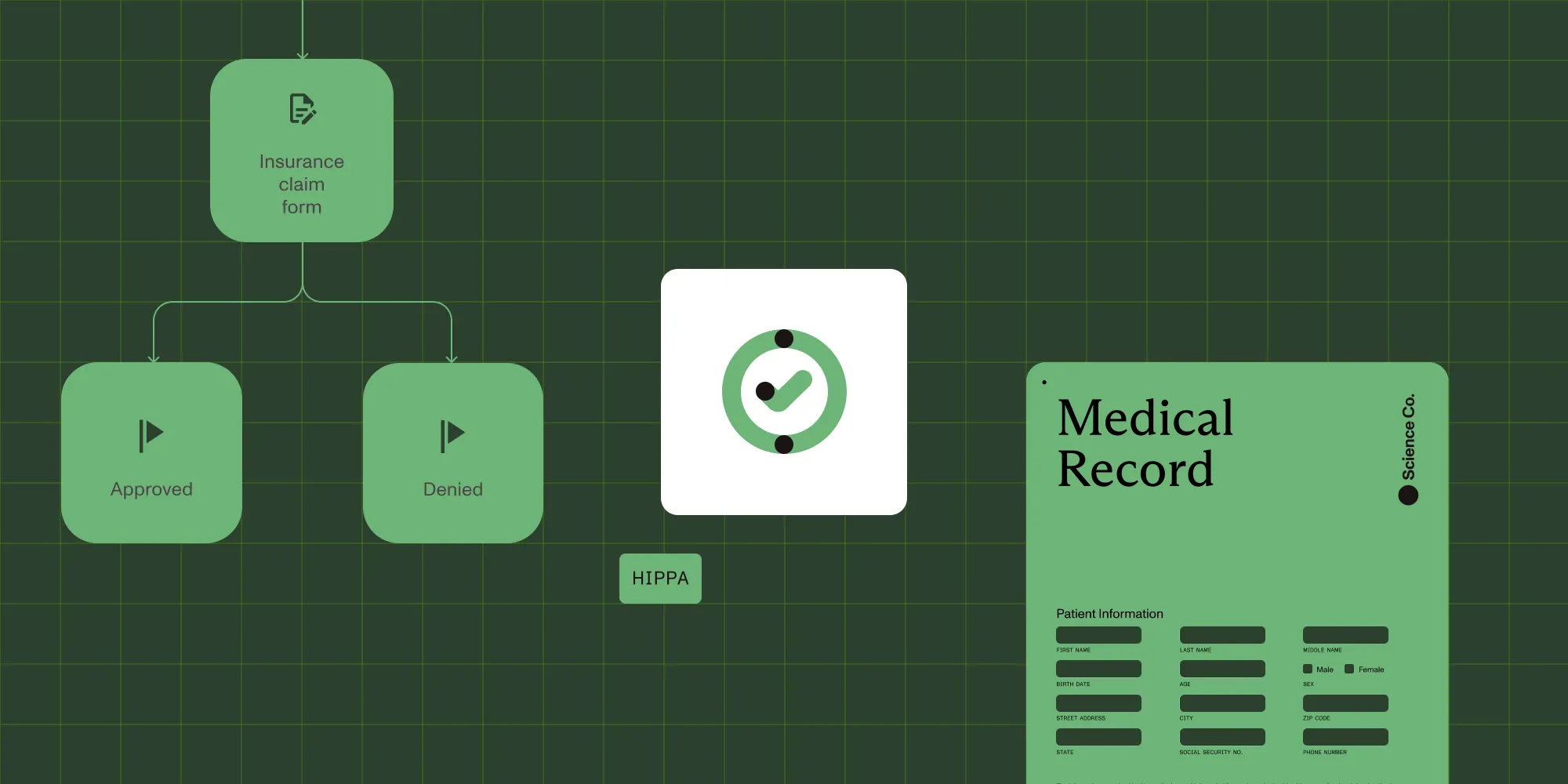
Healthcare — Compliance automation here addresses HIPAA requirements for access controls, audit logging, and documentation of care and administrative decisions. A claims workflow with embedded audit trails and role-based access eliminates the manual documentation burden for compliance teams. When a CMS audit or state review arrives, the audit trail is already organized, not assembled from scattered records across three systems.
Finance — In financial services, regulatory compliance covers SOX documentation requirements, approval authority controls for capital expenditures, and audit trail requirements for transactions. The question regulators ask most often — “Who approved this, and what did they see when they approved it?” — is answerable on demand when the audit trail is embedded in the approval workflow rather than reconstructed from email threads.
Government — Compliance workflows here must satisfy FISMA, FedRAMP, and GovCon documentation standards, often in hybrid or on-premises deployment environments with strict data residency requirements. Compliance-first workflow platforms that support those deployment models natively remove the need for custom integrations and bolt-on security configurations to meet government compliance requirements.
Legal — Compliance automation in legal operations addresses version control in contract management, signature authentication, and retention policy enforcement across agreements and regulatory submissions. When those compliance controls are built into the workflow, legal teams spend less time managing compliance documentation and more time on the substantive work.
In each of these sectors, the common thread is the same: Compliance built into the workflow is defensible. Compliance reconstructed from scattered records is not. And the difference between those two outcomes becomes most visible when regulatory scrutiny arrives.
Compliance automation best practices
Whether you’re implementing compliance automation for the first time or improving an existing compliance management system, these practices consistently separate effective programs from fragile ones.
Treat the audit trail as a primary output, not a secondary record. The compliance audit trail should carry the same importance as the document itself. Design workflows so the audit record is complete before the process closes, not generated separately after the fact.
Don’t automate a broken process. Automation amplifies whatever is already in the process. If approval authorities are unclear or retention rules are inconsistently applied, compliance automation will make those inconsistencies faster and more systematic. Fix the process definition first. Then build the compliance workflow around it.
Build for your worst-case audit scenario. The most useful test of a compliance workflow is to ask: “If a regulator asked for everything related to this decision tomorrow, what would we produce, and how long would it take?” If the answer requires more than a report export, the workflow needs work.
Use role-based controls as a governance mechanism, not just a security feature. In regulated environments, access controls are compliance controls. Ensure role-based access rules are maintained as part of the compliance management process with the same rigor as approval thresholds and retention policies.
Review exception handling as carefully as the happy path. Compliance failures often occur at exceptions: an approval that was skipped, a document that bypassed standard routing, or a signature collected outside the system. Build exception handling and escalation paths that preserve the audit trail even when a process deviates from the standard compliance workflow.
Treat compliance reporting as an operational capability. The ability to generate on-demand compliance reports — by process, by time period, and by approver — is as important as the controls themselves. Compliance automation tools that make reporting difficult create a gap between the controls you’ve built and the proof you can produce.
Built-in compliance is the new baseline
Compliance used to be something organizations managed alongside their operations. A compliance team reviewed what the business had already done. Documentation was assembled after decisions were made. Audits were events that required preparation.
That model doesn’t scale. As regulatory requirements tighten and audit frequency increases, the cost of reactive compliance — in time, operational disruption, and risk — is too high for document-heavy organizations to absorb.
Compliance automation shifts the model. When audit trails, defensible records, role-based controls, and policy enforcement are embedded in the workflow, compliance becomes a property of the process, not a function reviewing its outputs.
Proactive compliance isn’t a competitive differentiator anymore. In regulated industries, it’s the baseline expectation. Organizations that still rely on manual reconstruction are operating with a compliance gap that grows more expensive every audit cycle.
Built-in compliance closes that gap — not with more oversight, but with a better workflow.
Ready to see compliance automation in action? Download “The execution gap” to see how built-in compliance applies to your operations, or book a Workflow diagnostic with our team.