Understanding the standardization process: How to standardize processes

Table of contents
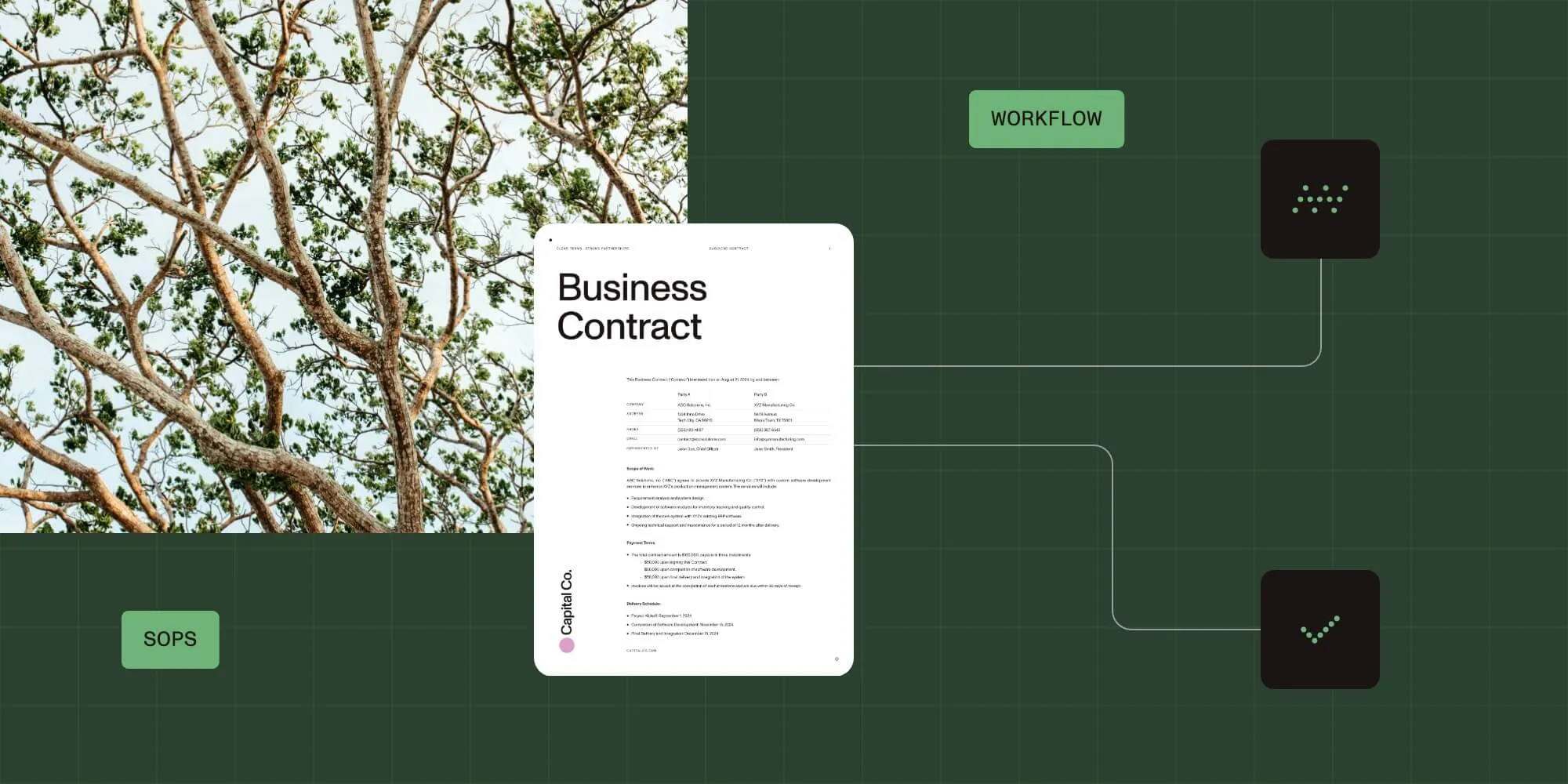
Process standardization creates consistent procedures for organizational tasks. Key steps: analyze current practices, identify best methods, develop SOPs, implement across teams, and monitor results. Benefits include reduced errors, improved efficiency, and better compliance. Nutrient Workflow provides tools to automate and enforce standardized processes.
Process standardization refers to establishing consistent procedures for performing specific organizational tasks. It involves analyzing how teams approach similar challenges and defining an optimal solution to implement across the organization.
Standardized processes, also known as standard operating procedures (SOPs), eliminate redundancies, strengthen quality control, and reduce risks. They improve efficiency, minimize waste, and enhance customer satisfaction through consistent quality, streamlined operations, and reduced costs.
Why is process standardization important?
A lack of process standardization can result in:
- Increased errors and mistakes
- Longer cycle times
- Inconsistent results
- Negative impacts on profitability
- Employee dissatisfaction
- Poor customer service
By implementing standardized procedures, businesses can mitigate these issues and ensure everyone is aligned on best practices.
How do I standardize processes?
Standardizing a process means creating a consistent, repeatable method for completing tasks or achieving specific outcomes. This approach improves efficiency, reduces errors, and ensures alignment across teams. Follow these key steps to standardize processes:
- Analyze current practices — Examine how tasks are currently performed across teams to identify inconsistencies.
- Identify best practices — Determine the most effective methods and tools used to achieve desired outcomes.
- Develop standard operating procedures (SOPs) — Document the optimal process in detail, ensuring it’s clear and actionable.
- Implement across teams — Roll out the standardized process and provide necessary training to employees.
- Monitor and adjust — Continuously evaluate the process to identify areas for improvement and adapt to changing needs.
Why SOPs are essential in standardization
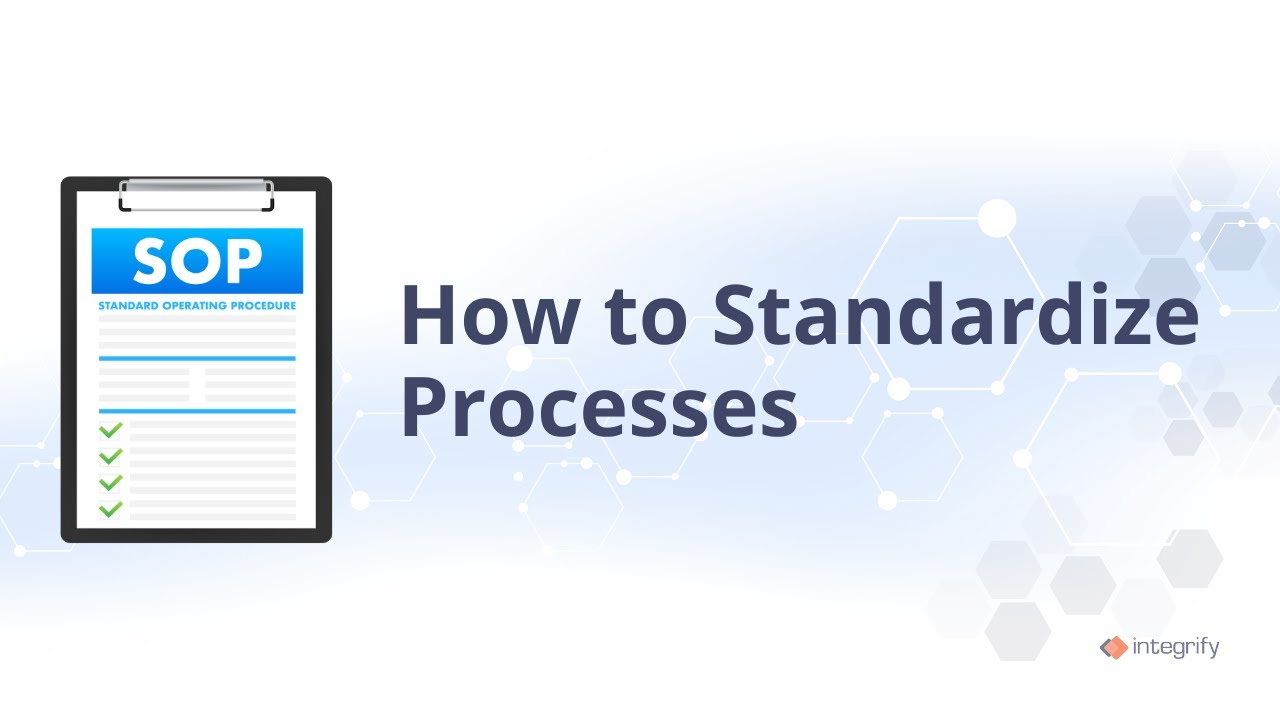
Creating standard operating procedures (SOPs) is a critical first step in process standardization. SOPs improve operational efficiency by ensuring tasks are completed consistently and accurately. When SOPs are integrated into automated workflows, they make work more accessible, faster, and less prone to errors.
Key components of an SOP
Every SOP should include the following elements:
- Purpose — Clearly define the objective of the procedure.
- Step-by-step instructions — Detail the steps required to complete the procedure.
- Roles and responsibilities — Specify who is responsible for performing each step.
- Trigger conditions — Describe the situations or conditions that require the procedure to be followed.
- Expected outcomes — Outline the results of successfully executing the procedure.
- Supporting materials — Include any notes, tables, drawings, or visuals that clarify the process.
Some other standardization activities include:
- Process mapping
- Identifying repetitive tasks
- Setting task priorities
- Identifying stakeholders
To learn more about business process standardization, read our business process management guide.
Standardizing your processes means less disruption, greater efficiency, and increased assurance that the business complies with all legal and regulatory requirements. Companies now have an excellent alternative for reducing reliance on human compliance with SOPs: workflow automation.
Types of business process standardization
Business process standardization can be categorized into several types, each focusing on a different aspect of organizational operations:
Document standardization
Establishes uniformity in the creation, formatting, organization, and management of documents. This ensures all documents are consistent, easily understandable, and accessible.
Workflow standardization
Defines the sequence of tasks in a process, ensuring all employees follow the same steps. This promotes consistency and efficiency across the organization.
Communication standardization
Sets reporting structures, escalation paths, and protocols for information sharing. This ensures information flows smoothly and reaches the right stakeholders at the right time.
Resource standardization
Focuses on the allocation, utilization, and management of resources. This optimizes resource use and reduces waste.
Policy standardization
Establishes guidelines and rules governing organizational behavior, decision-making, and operations. This ensures everyone adheres to the same standards.
Performance metric standardization
Introduces uniform criteria for measuring and evaluating performance at various levels — individual, team, or organizational. This promotes transparency and accountability.
Customer service standardization
Ensures customers receive a consistent, high-quality experience across all interactions. This enhances customer satisfaction and loyalty.
Benefits of process standardization
- Improved customer and employee service
- Higher productivity
- Process improvement
- More efficient operations
- Improved transparency
- Easier reporting
Evaluate the effectiveness of standardized processes
Once you’ve standardized your processes and procedures, you can begin to evaluate how effective they are. Set a timeline for an effectiveness review based on how often the process is used. For instance, if it’s a frequently used process, you might only need a few months to gather statistically significant data.
Collect data on process performance
Most process tools provide reports, KPIs, charts, and dashboards that you can use to measure the effectiveness of your processes. For example, you might want to know if the turnaround time on a process section has improved with the changes. You can set a KPI to monitor how quickly steps are transitioning. Or you might want to know if the overall turnaround time of the process has improved.
Analyze data to identify areas for improvement
Once you collect the data that matters to you, identify any bottlenecks, missed hand-offs, common errors, etc. These analyses should be done transparently with all process stakeholders, discussed for context, and used to put together an improvement plan. This might mean changes in task assignments, changes to forms used, additional notifications, reminders, escalations, etc.
Make changes to procedures as needed
Now that the areas for improvement are identified and an agreed-upon plan is ready, it’s time to implement the changes and set another checkin time. Once again, you’ll review effectiveness and iterate as needed.
Examples of processes to standardize
Organizations can standardize almost any repeatable workflow, but some processes benefit more than others. Below are common examples where consistency, compliance, and efficiency are especially important.
Client intake
The client intake process sets the foundation for the client-vendor relationship. Client and project information collected here gets used throughout the engagement lifecycle. Many organizations still rely on manual intake forms, emails, phone calls, and scattered file storage.
With automation, client intake forms and routing are standardized and executed correctly every time. Complex intake processes involving multiple forms, approvals, and routing steps become manageable. Nutrient Workflow provides a scalable platform for building forms, processes, and portals for client intake and other workflow needs.
Hiring
The new hire management workflow is often inefficient and manual. Without standardizing this process, there is no efficient way to notify relevant staff immediately and track task completion. Duties could include ordering supplies, performing background checks, and choosing benefits. Many tasks go unattended — not through user fault, but due to lack of transparency. See how HR workflow automation addresses these challenges.
Using an automated new hire process tracker, Nutrient Workflow reduces status update calls for HR and field managers, cuts approval time from weeks to days (sometimes hours), and eliminates errors in the process.
Employee onboarding
With remote work increasingly common, a structured employee onboarding process] matters more than ever. According to CareerBuilder(opens in a new tab), more than 30 percent of employers lack a structured onboarding process. This first interaction sets expectations for the employee relationship.
Onboarding software provides a standardized, company-approved approach that makes it easier for hiring managers to work with new hires. Customized portals include intake forms and automated workflows that route information across the organization. Learn more about employee onboarding automation.
Employee offboarding
The employee offboarding process provides a systematic way to manage employee departures while reducing organizational risk. Many organizations handle offboarding through loose, manual processes like phone calls, emails, or in-person meetings. One poorly managed offboarding can cause disruption and financial loss.
Automating offboarding ensures all steps are completed consistently, reducing errors and oversights. It also protects sensitive data and maintains regulatory compliance by securing and properly disposing of employee access and records.
Credentialing/training
Credentialing requires candidates to submit certifications, licenses, or educational certificates before hiring. Most organizations handle this manually, with back-and-forth emails asking candidates to send documents or bring paper copies on their first day. Manual collection risks misplaced or lost documents.
With automation, candidates attach certificates before their hiring process proceeds. You maintain a documented audit trail for each hire, accessible at any time.
How Nutrient Workflow helps companies standardize and automate processes
Nutrient Workflow enables you to design automated processes that match your department or organization’s work. Key features for standardization include:
- Process Builder — Design workflows visually with drag-and-drop tools, defining each step, approval, and routing rule.
- Form Designer — Create standardized intake forms that capture consistent data across all requests.
- Reporting — Track process performance with dashboards and KPIs to identify bottlenecks.
- Document solutions — Generate, route, and manage documents within your workflows.
These tools ensure activities required to complete tasks are performed consistently across your organization.
Learn more about process automation
Nutrient Workflow offers flexible automation solutions for any area of your organization. Watch the two-minute demo below, or schedule a live demonstration to see how Nutrient Workflow fits your business.

FAQ
Process standardization involves creating consistent, repeatable methods for completing tasks, ensuring efficiency and reducing errors.
Workflow automation platforms provide a framework for defining tasks, data points, and workflows. They establish a standard set of coordinated steps accessible to everyone in an organization. Automation ensures employees follow the correct procedures once a process begins and offers clear, visual explanations of how processes work.
We have an article about writing process documentation with helpful resources to guide you.
SOPs provide detailed instructions for completing specific tasks, ensuring consistency, and minimizing errors in business operations.
Standardizing processes improves efficiency, reduces errors, and ensures tasks are performed consistently, leading to better outcomes and customer satisfaction.
You can evaluate the effectiveness of standardized processes by collecting and analyzing data such as performance metrics, turnaround times, and error rates.